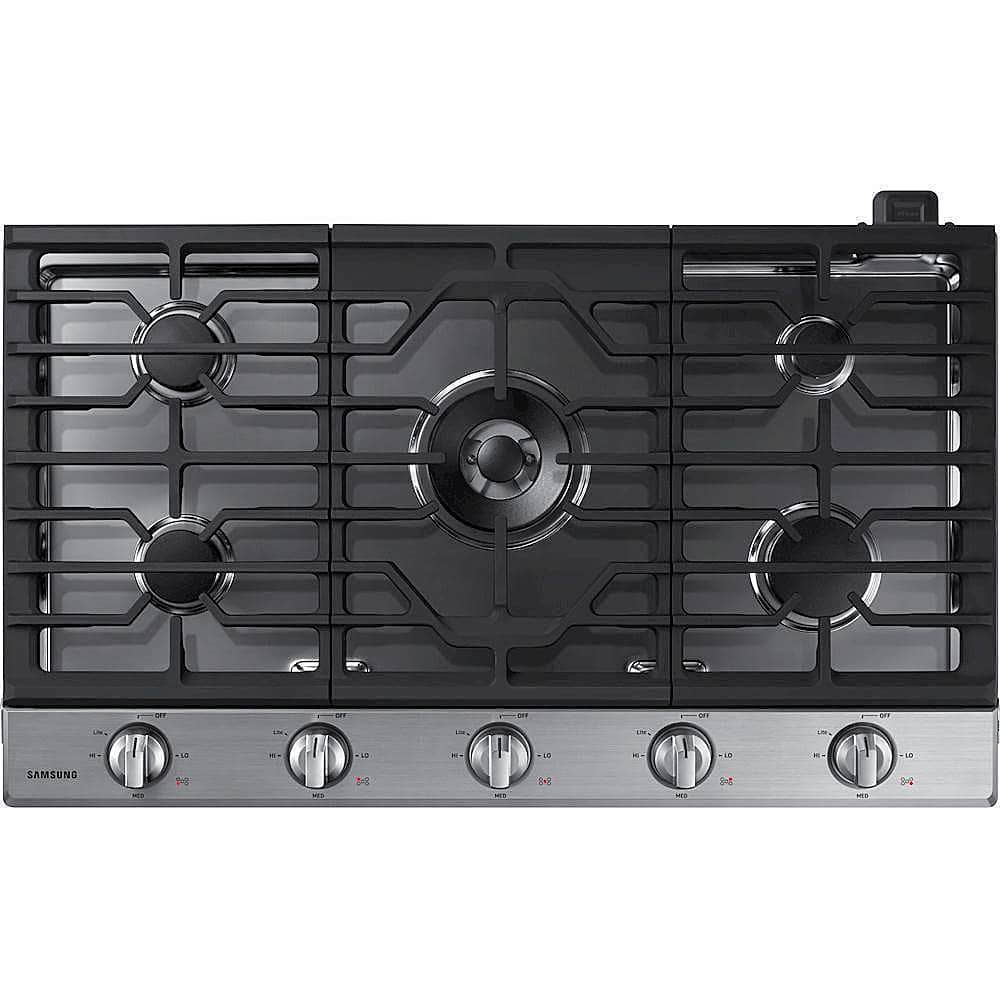
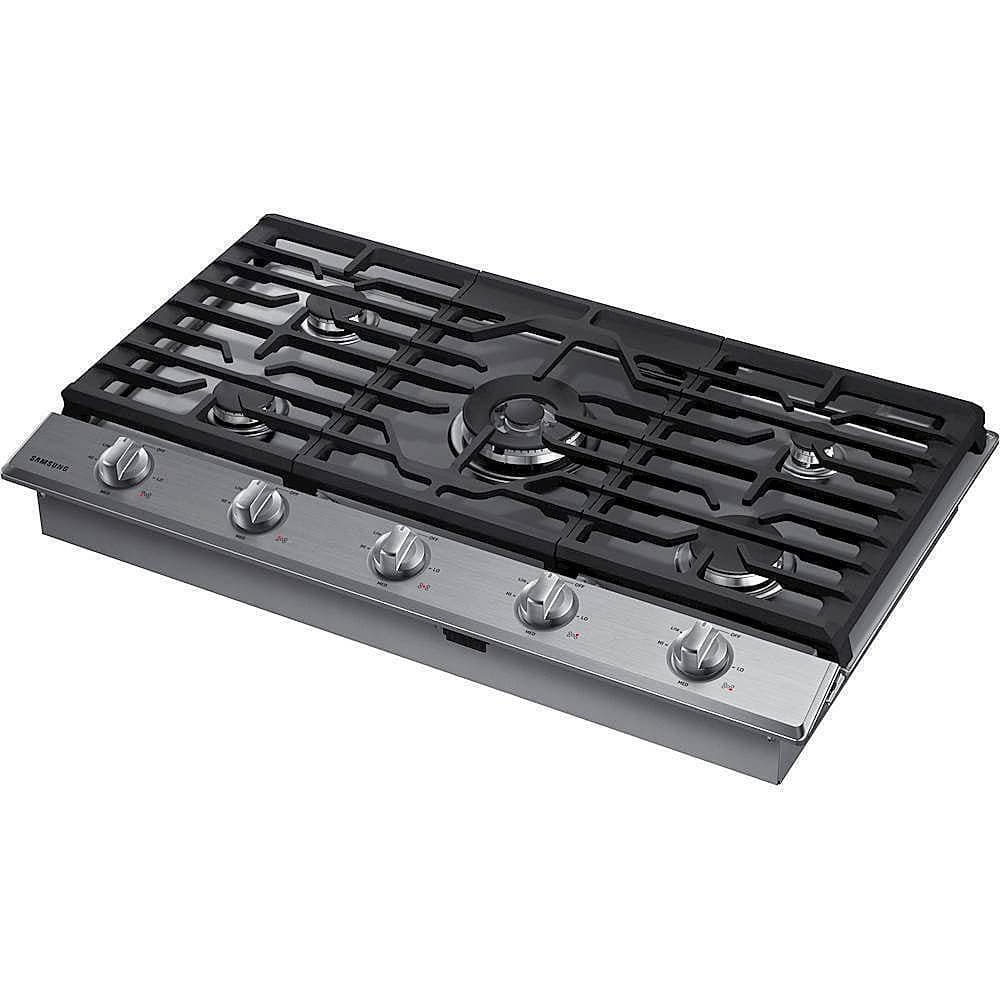
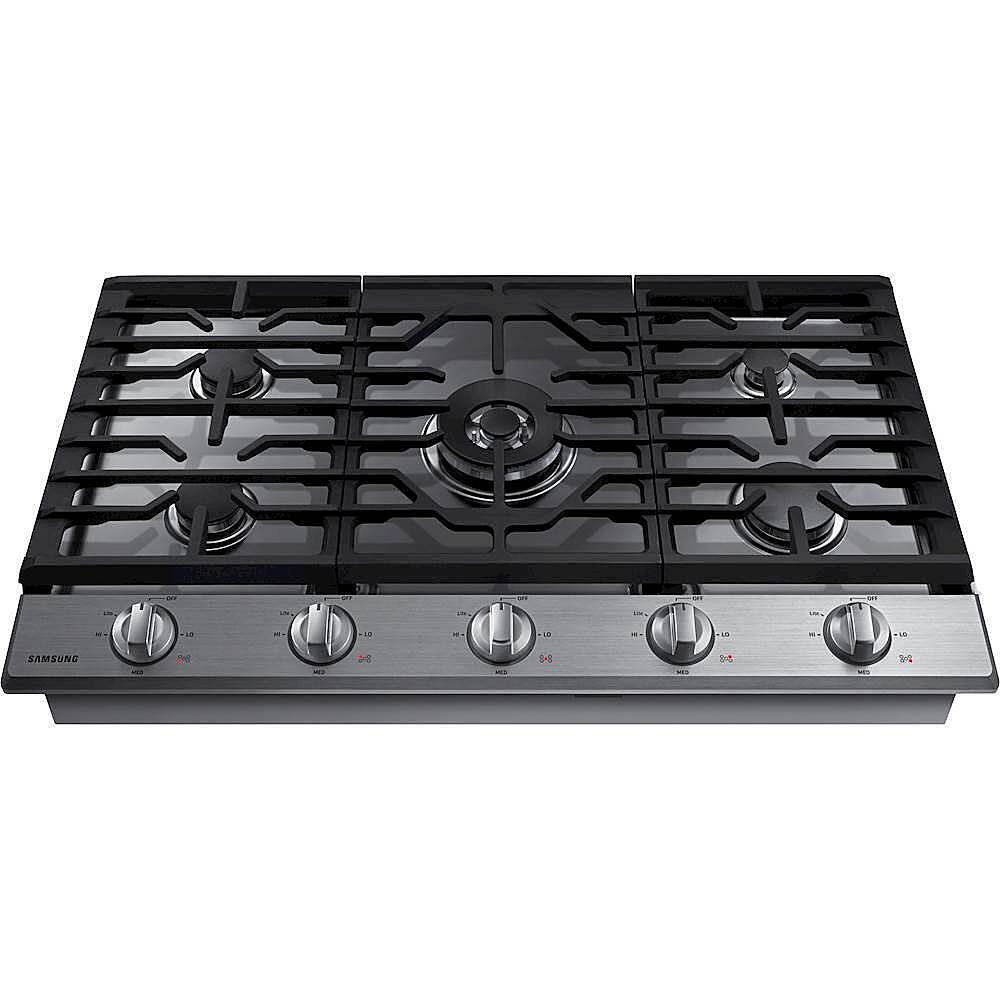
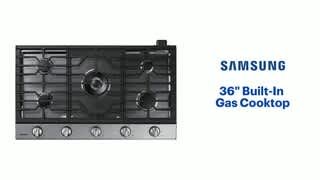
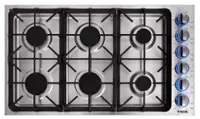
A:AnswerHi there Tahoe! I've got just what you need. This link (https://bit.ly/3in0HlY) will take you to the installation manual for this model. Page 16 has detailed instructions on how to install the gas line, including images of the connection location. ^Jecca
A:AnswerGreetings!
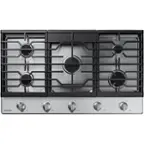
Thank you for reaching out and we hope you are in good health. We are glad that you are interested in Samsung Home Appliance Built-in Gas Cooktop with Wifi.
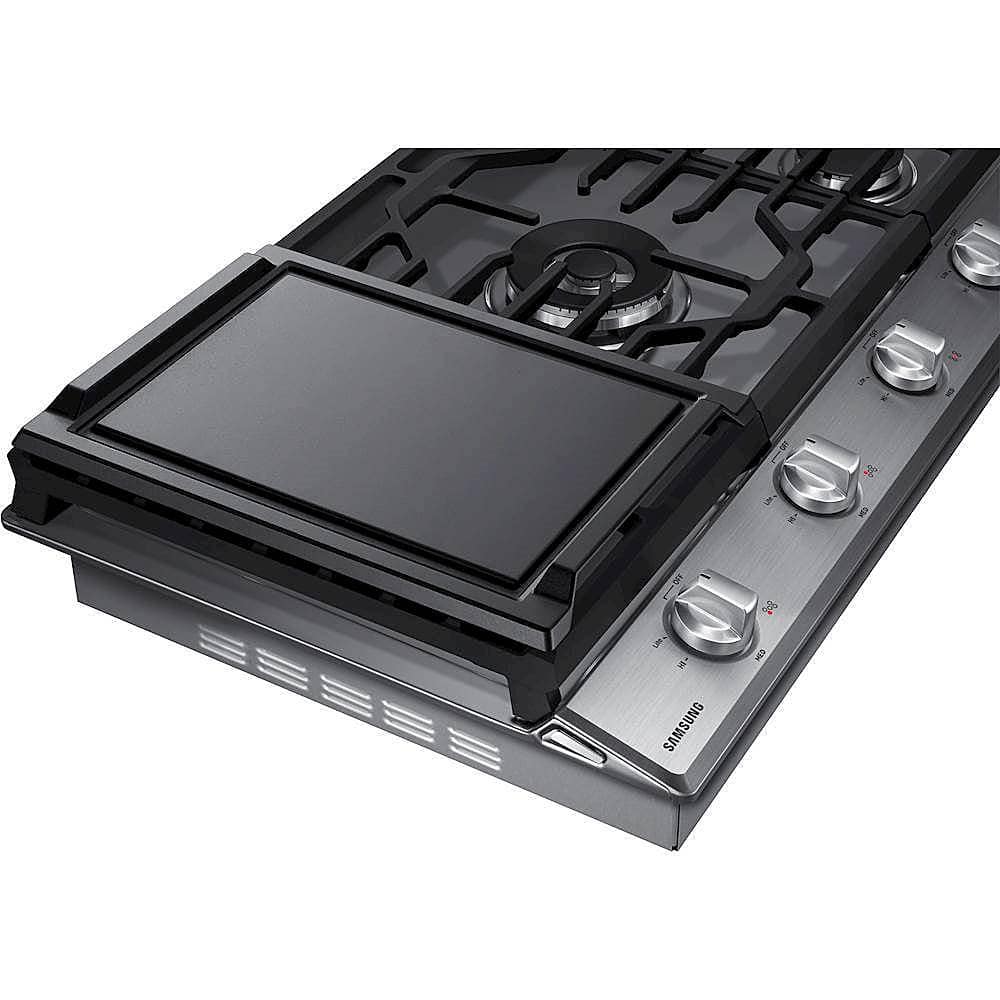
The home appliance does come with an aluminum griddle.
I have included below the link for the user manual to learn more about what is included. Please click the link and turn to page 12.
https://downloadcenter.samsung.com/content/UM/201904/20190417142957109/NA30N6555TG_DG68-01089A-02_EN-MES-CFR.pdf
Please feel free to communicate with us through the channels below if you have additional questions.
1. Facebook Messenger: http://m.me/samsungsupport
2. Twitter: https://twitter.com/messages/compose?recipient_id=18768513
3. Samsung Community: https://us.community.samsung.com/t5/Samsung-Community/ct-p/us
Your reference number: 1144219615
Leo
A:AnswerPam, here is a helpful link to the user manual (https://bit.ly/2K7W8dR) on page 12 to support your concerns on what is included with the cooktop. We thank you for being a part of Samsung! ^Lena
A:AnswerIts not really that thick. I see maybe a skinny one at normal hieght, or one thats a bit lower working, but typical size/level might not. Sorry not a good answer. I say check measurements, I downloaded the manuel it gave all the deminsions.
A:AnswerI had the same question, sad that Samsung answered this incorrectly. The manual even has a procedure to remove the module. This is from the manual:
Smart Connect module can/must be detached before installation of the cooktop in
folowing cases:
• The consumer doesn’t need to Smart connect function.
• Installation is not possible because the Smart Connect module protrudes against
the rear wall of the countertop.
• The downdraft hood is installed and protrudes against the Smart Connect
module.
The Cover must be installed in place of Smart connect module if Smart connect
module has been removed. Please read following instructions on how to detach
Smart connect module.
A:AnswerHi TedKoby! I recommend reaching out to our dedicated SmartThings team at 866-813-2404. They can answer all your questions about supported devices and features the SmartThings app offers. ^Jecca
A:AnswerI'm so glad you asked! I have this link (https://bit.ly/3no32gN) to a helpful guide with everything you need to know about cookware with your cooktop. ^Jecca