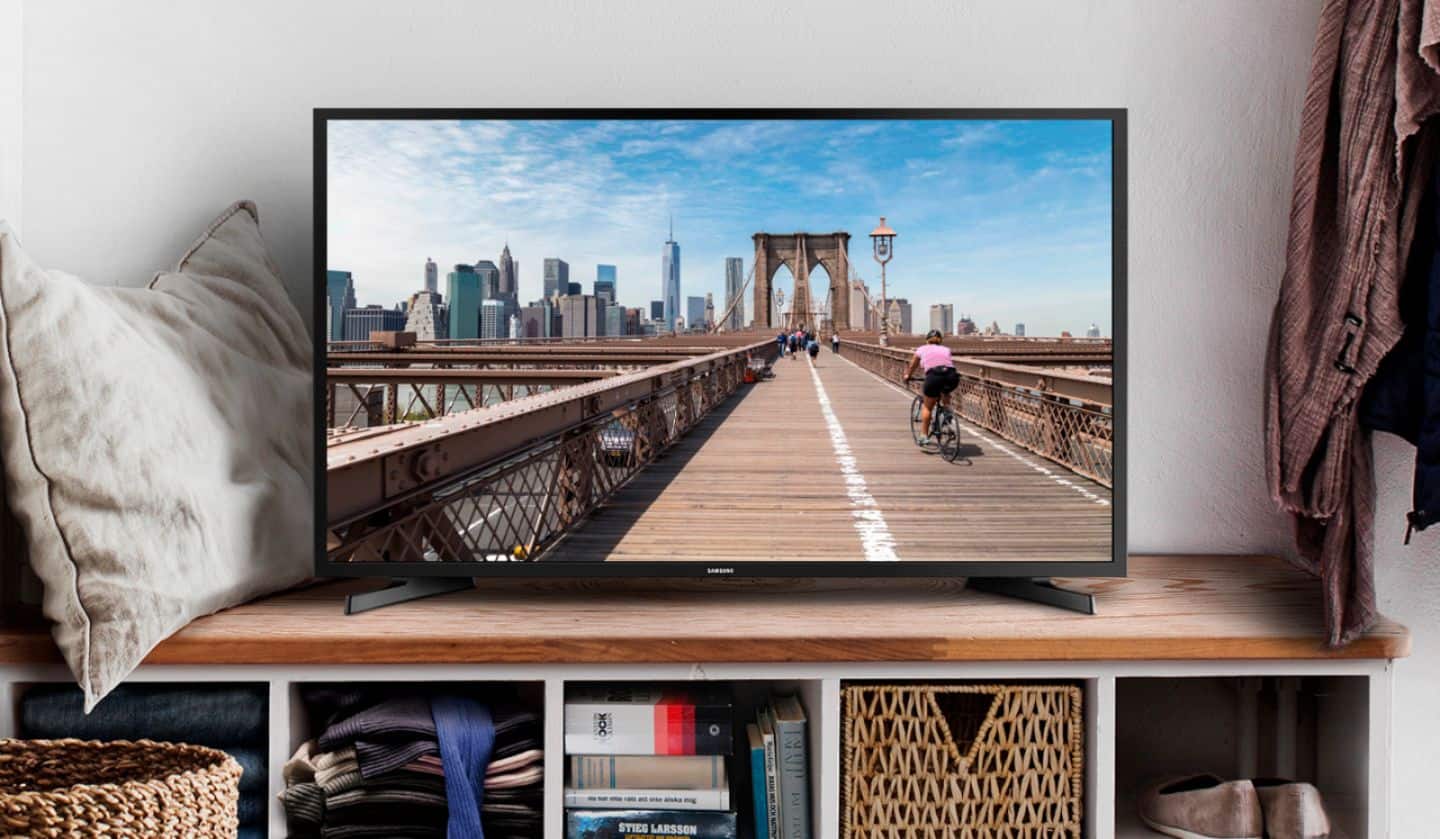
A:AnswerIt has inputs that will take the yellow red and white cables that will work with older equipment...then you just select that one from the source button on the remote
A:AnswerNope. The TV has Samsung tv plus, Netflix, prime video, disney+, Apple TV, HBO max, peacock, YouTube Hulu, and tubi already installed. All you need to do is sign into your accounts for each.
A:AnswerEasier to google these two words. However, first is about how the light is distributed on the screen. It's a good thing. Tizen is Samsung own operating system comparable to windows or Safari etc. Also you get lots of free channels with Samsung smart TV's.
A:AnswerYes. Most universal remotes will work with this TV, and we have AT&T TV with their Android TV box because we had it for our previous TV that was not a Smart TV. That remote works great with it, and it is backlit. May be overkill, but it will do the trick.
A:AnswerAs I recall the size is 200X200, but the screws were much larger than my previous mount so I had to buy new ones rather than buy an completely new mount. The screws are the M8 size, much larger than the old TV I replaced. I then had to put the plate into a vise and drill out the holes so the larger M8 screws would fit. Saved a lot on an install price. The TV is solidly attached. Wal-Mart has a connection kit for around $8.00 that includes dozens of screws for this purpose. Eight bucks compared to a completely new unit at $100 was a good investment. As far as spacers, the Wal-Mart kit had quite a few included, it’s up to you as to how many you think are needed. Plus it includes a bubble level to get it just right.
A:AnswerYes. There are L/R audio inputs and RGB inputs on the back. The G input is can be used with the older yellow input if you are using only 1 input cable. You can also use an RCA-->HDMI converter (https://www.bestbuy.com/site/insignia-rca-to-hdmi-converter-black/6134312.p?skuId=6134312) for easier connections.
A:AnswerThis TV is not bluetooth enabled. It also doesn't have a headphone jack nor other analog audio outputs so you won't even be able to use a bluetooth transmitter.