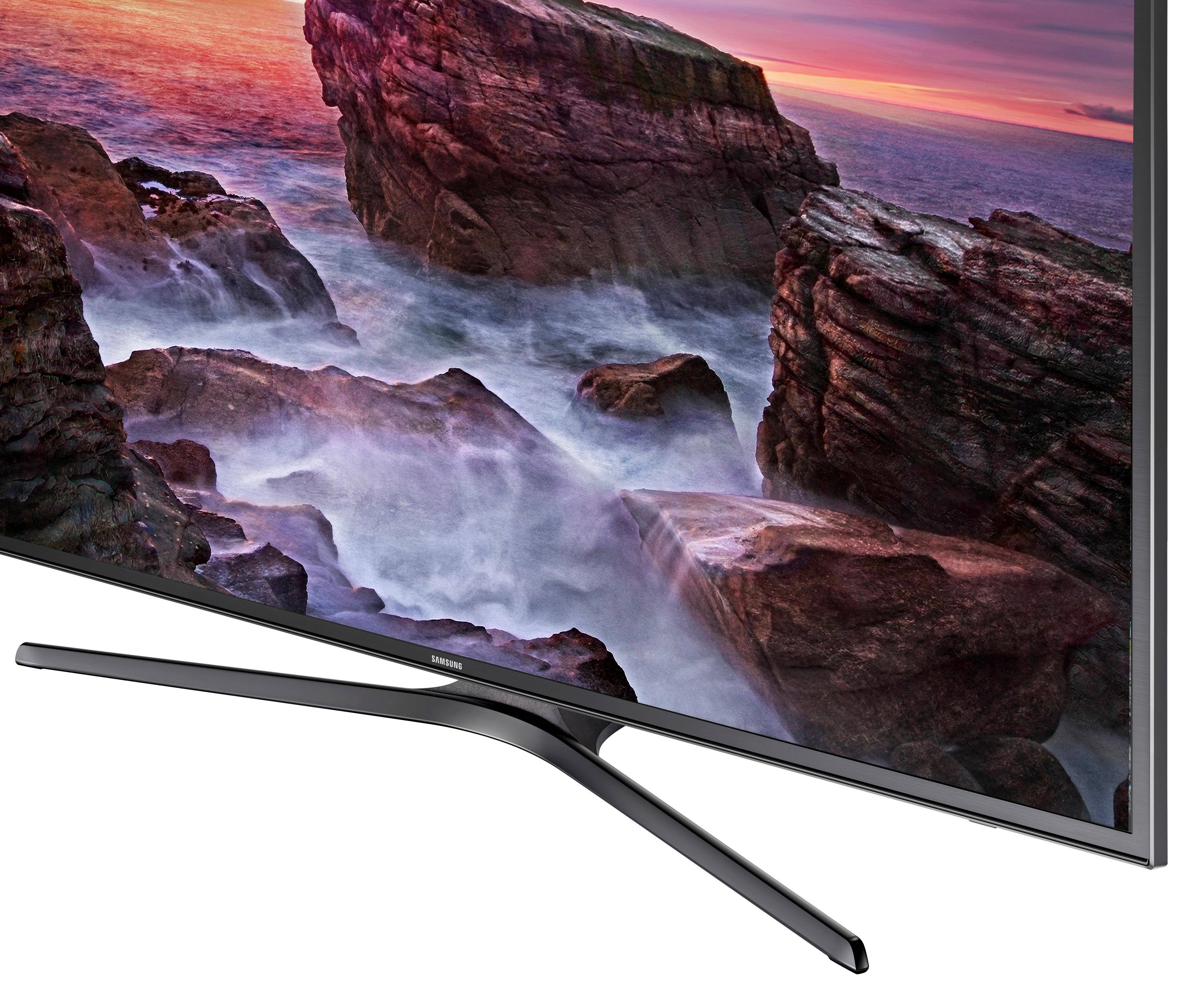
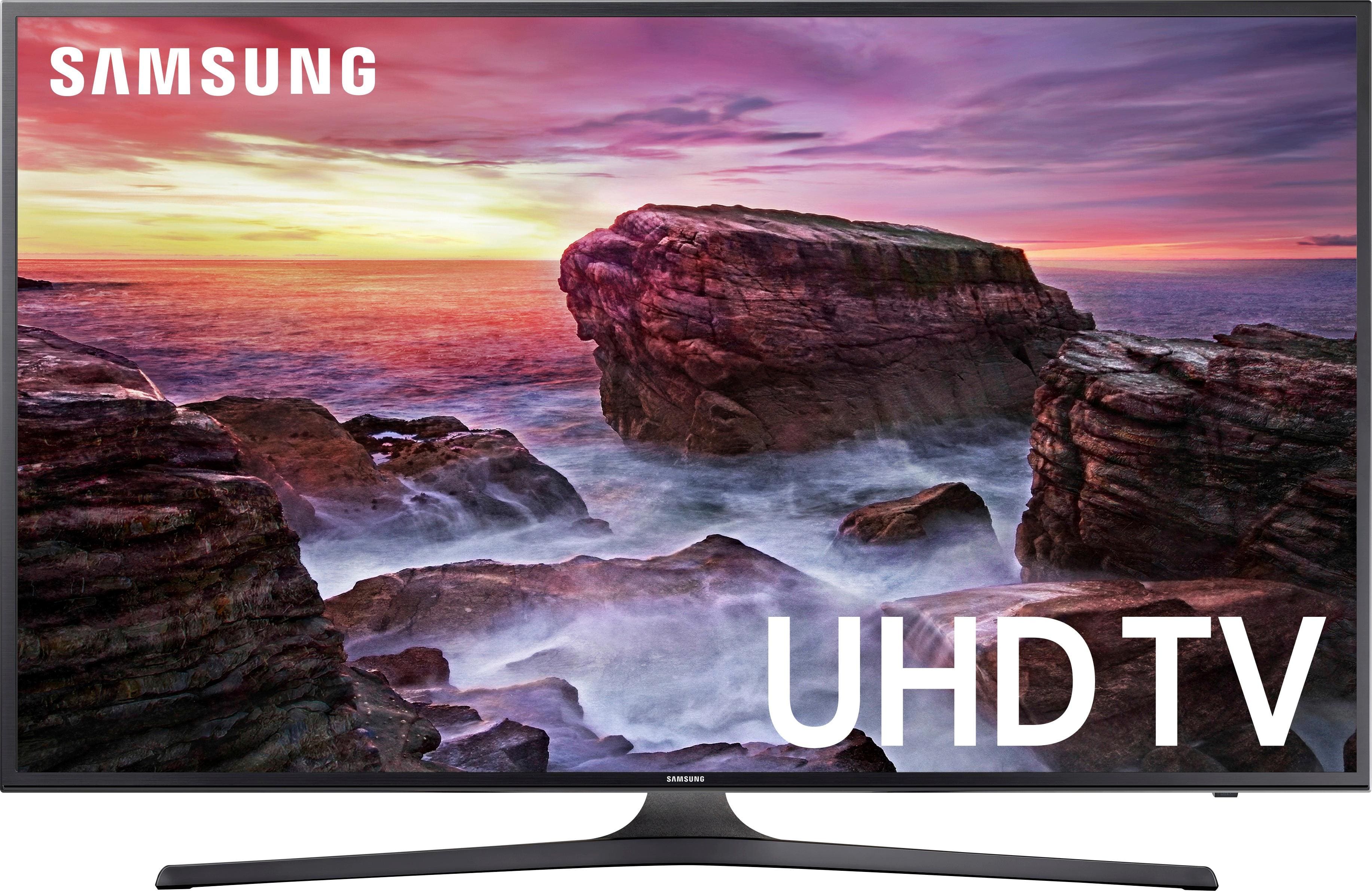
A:AnswerThe set has a built in ambient display setting that can be turned off. It adjusts the picture relative to the amount of light in the room. This feature is explained in the instruction manual or you can click on the e-manual button on the remote.
A:AnswerAbsolutely not. The first response to this question is incorrect. You cannot pair your phone to this TV. Smart View otherwise known as Smart Casting or simply casting is NOT available on this model - despite what the Samsung, Best Buy and other websites say. I just called Samsung's technical support about it. Initially - they told me the same thing - that Smart View was available - but then they remote connected to my TV and realize all the information they have on file is incorrect. Even the e-guide or e-manual loaded on this TV is incorrect / appears to be for a different, better model. Very frustrating. Smart View / Casting was one of the primary reasons I chose this model.
A:AnswerYes, you can connect your phone to this tv. Using the Samsung app downloaded to your phone or just choosing to screen mirror from your phone/tablet
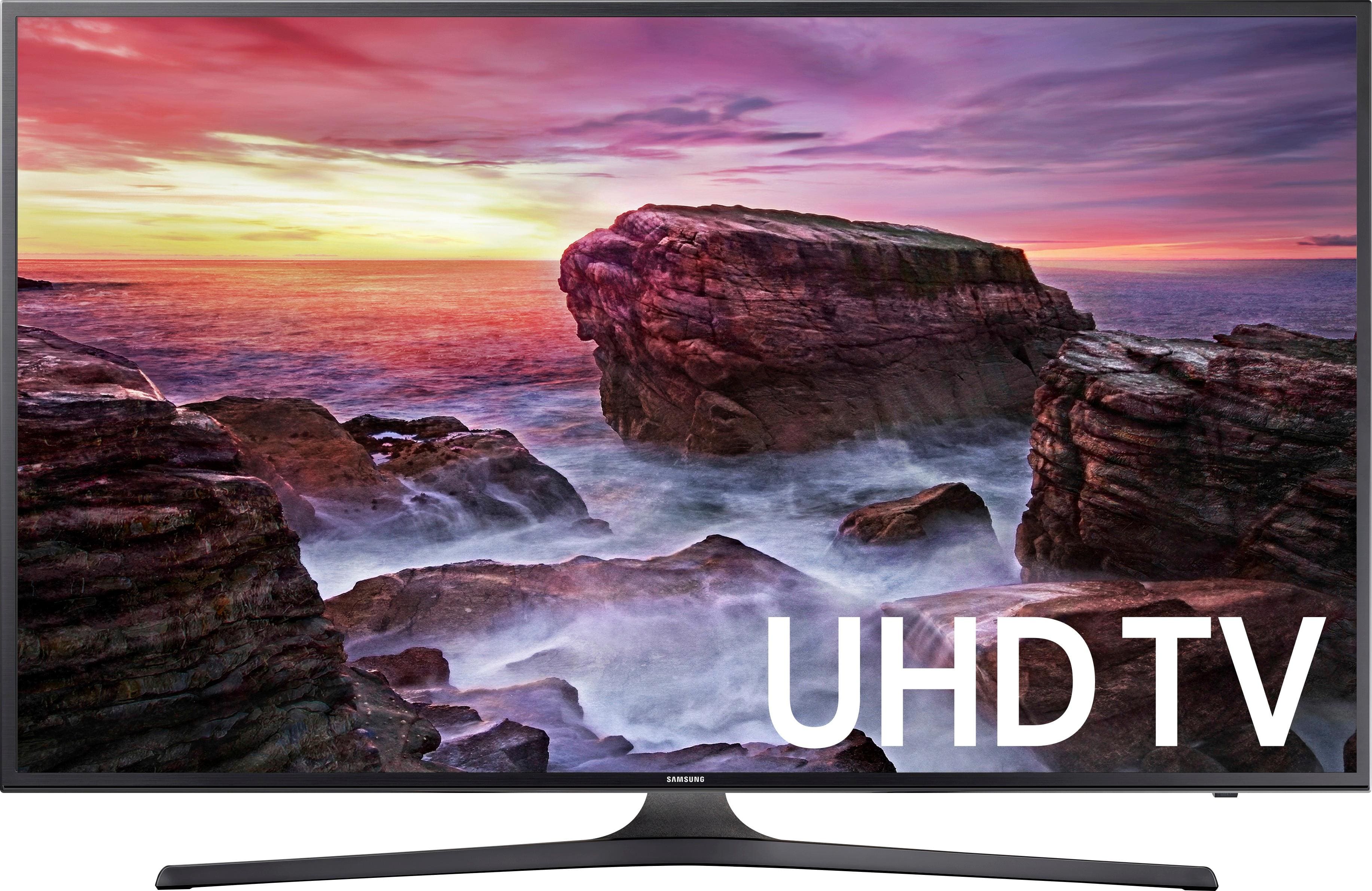
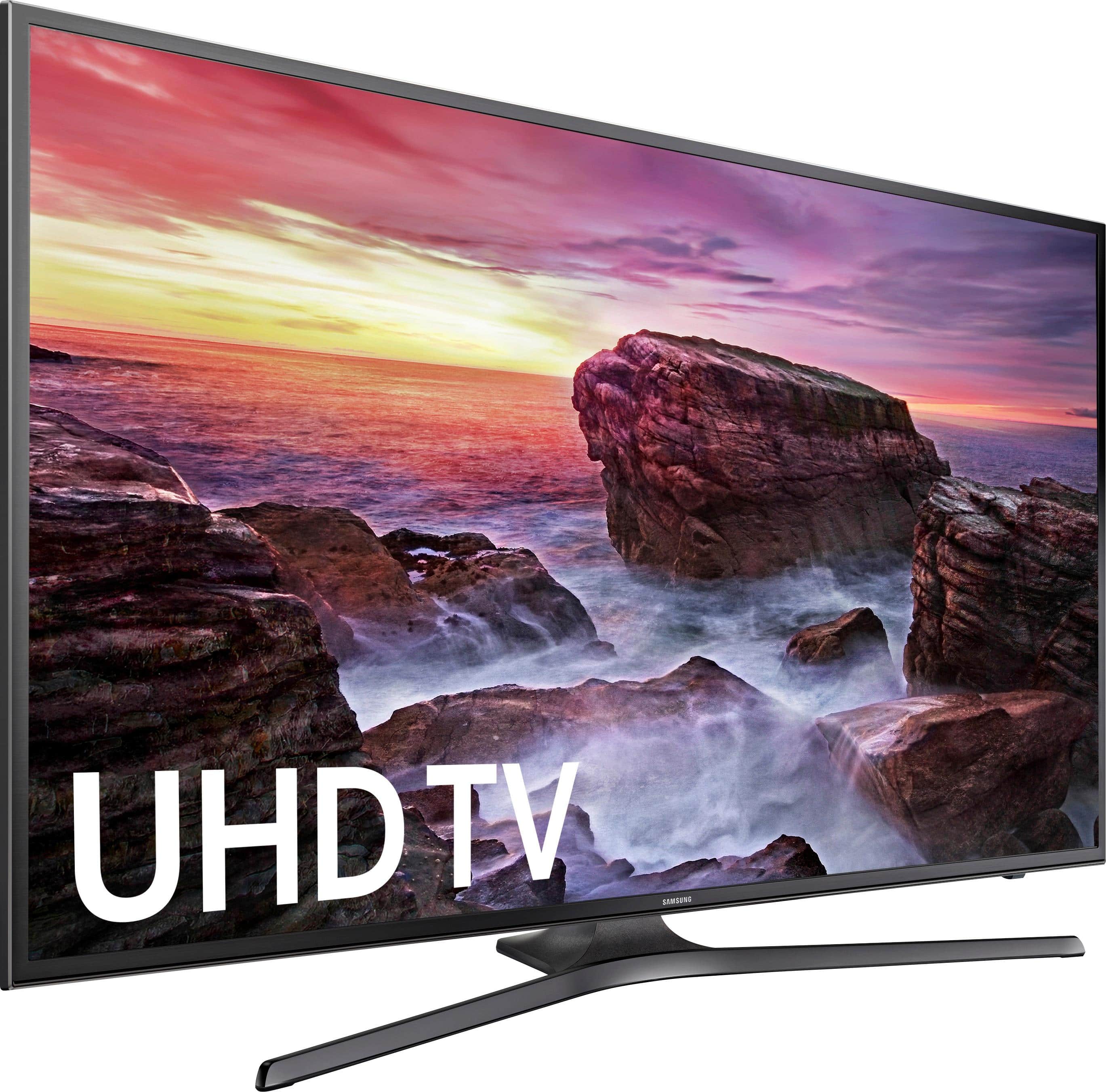
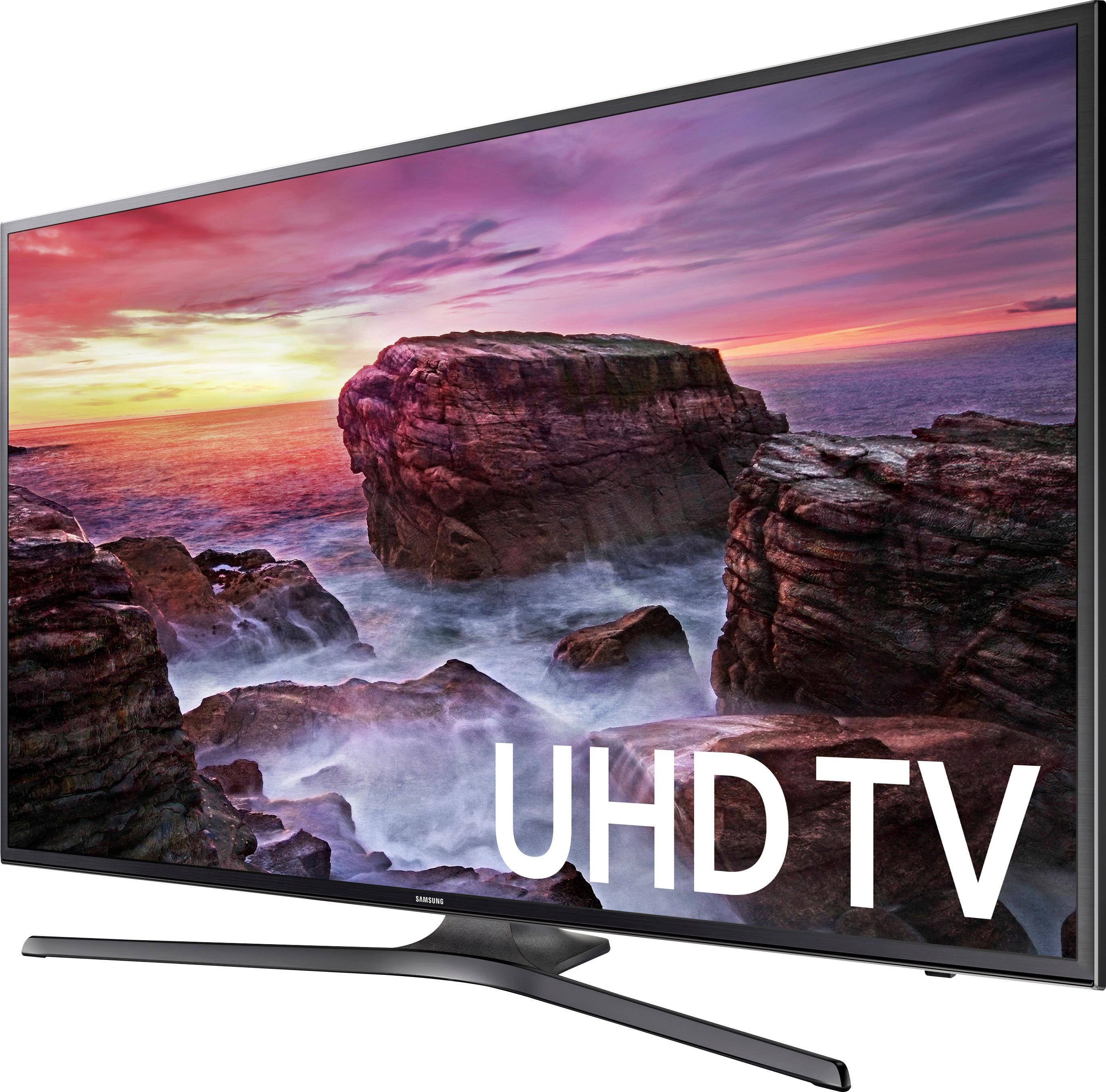
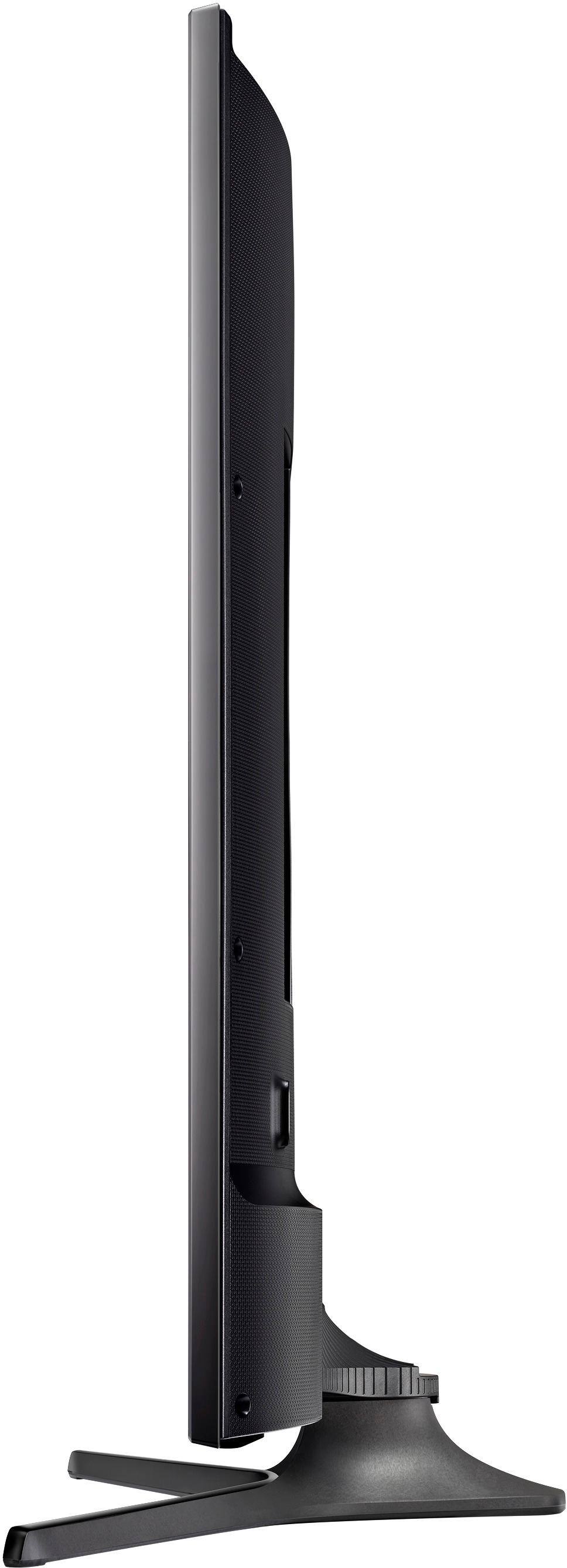
A:AnswerThe package includes the following items:
Owner's manual
Samsung 40" Class - LED - MU6290 Series - 2160p - Smart - 4K Ultra HD TV with HDR
Samsung TM1240A remote control
Stand
A:AnswerNo. Comcast DVR will only work with Comcast remote. However, you can program Comcast remote to turn TV on and off. This way to do Comcast remote will do it all for you. You can put the TV remote away in a safe place in cast you need in the future.