A:AnswerHenryD, the TU8000 does not support 2 pairs of headphones simultaneously; however, you can use both TV and Bluetooth device audio simultaneously on the TU8000. When this function is active, you can set the volume of the Bluetooth headphones higher than the volume of the TV speaker. First, make sure your Bluetooth headphones are paired. Press HOME on your TU8000 remote. Then go to Settings > General > Accessibility > Multi-output Audio. Find the device you'd like to pair. ^Gina
A:AnswerHi yon, the TU8000 is Bluetooth enabled. Refer to your headset's user manual for how to pair. Once paired to the TV, press HOME on the TU8000 remote. Then go to Settings > Sound > Sound Output > Bluetooth Speaker List. Choose the device you wish to use for sound output. ^Gina
A:AnswerMarco, you can easily connect headphones to the TU8000 as long as they are Bluetooth enabled. Refer to your headphone's user manual for how to pair. Once paired to the TV, press HOME on the TU8000 remote. Then go to Settings > Sound > Sound Output > Bluetooth Speaker List. Choose the headphones you wish to use for sound output. ^Gina
A:AnswerVinx, you can turn off the Voice Guide settings under Accessibility. Home > Settings > General > Accessibility > Voice Guide Settings. Turn off the Voice Guide Settings from there. ^Gina

A:AnswerHi Lucy, here are the instructions on how to redeem your Free 30-Day HBO Max Trial: https://www.bestbuy.com/site/clp-movies-music/hbo-max/pcmcat1589908102346.c?id=pcmcat1589908102346 If you have any issues, please contact Best Buy. ^Gina
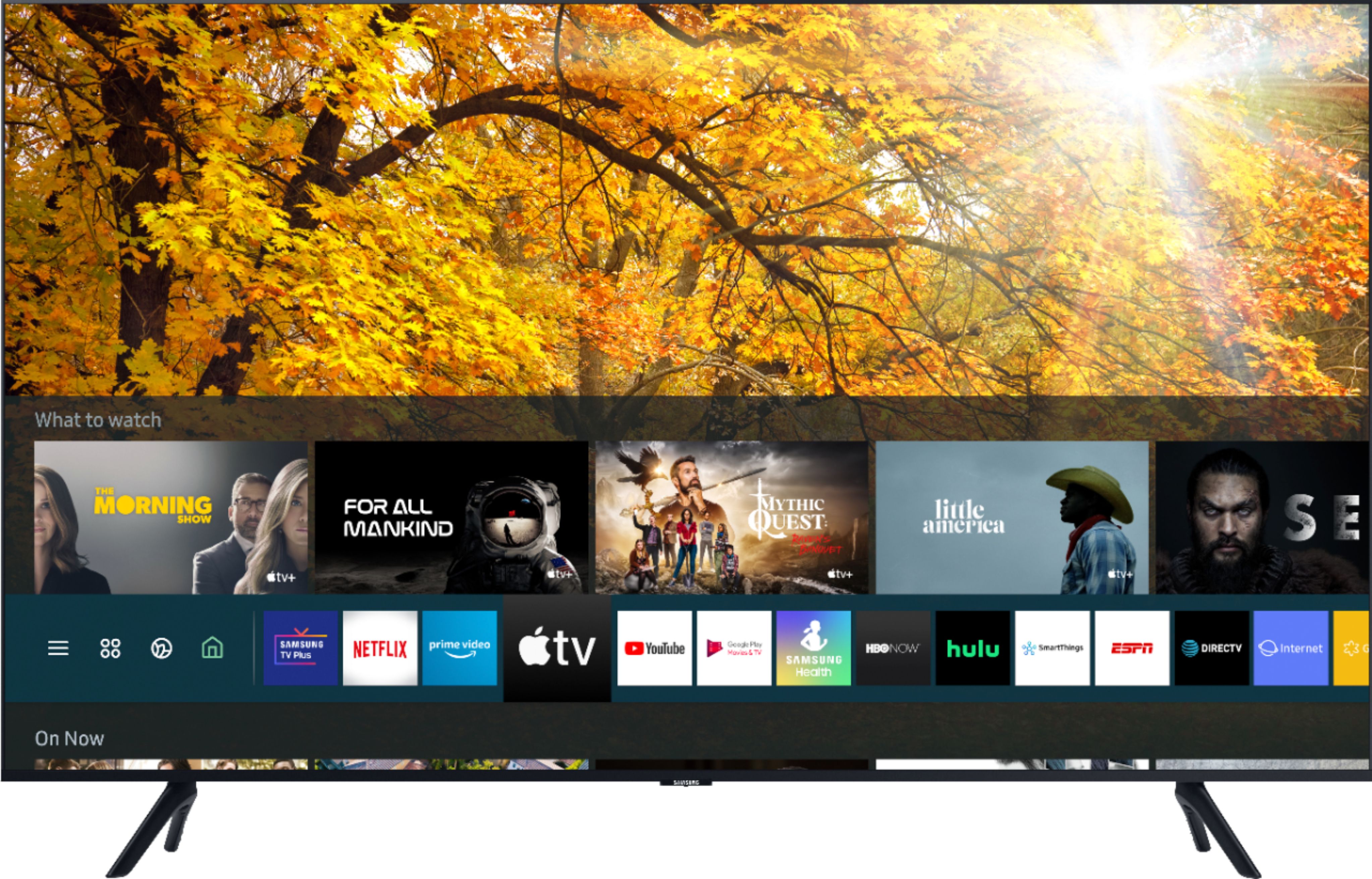
A:AnswerJenJames, you can utilize your Cable provider's remote to control your programs you are viewing from your cable box. To utilize Apps or your TV's other smart features, you will need to use your Samsung OneRemote that is included with your TV. ^Gina
A:AnswerHi Amy - Yes. the TV does have a tuner for live TV. However, depeding on your location you may need an additional antenna. Here are some choices at bestbuy.com https://www.bestbuy.com/site/searchpage.jsp?st=antenna&_dyncharset=UTF-8&_dynSessConf=&id=pcat17071&type=page&sc=Global&cp=1&nrp=&sp=&qp=&list=n&af=true&iht=y&usc=All+Categories&ks=960&keys=keys ^Cris
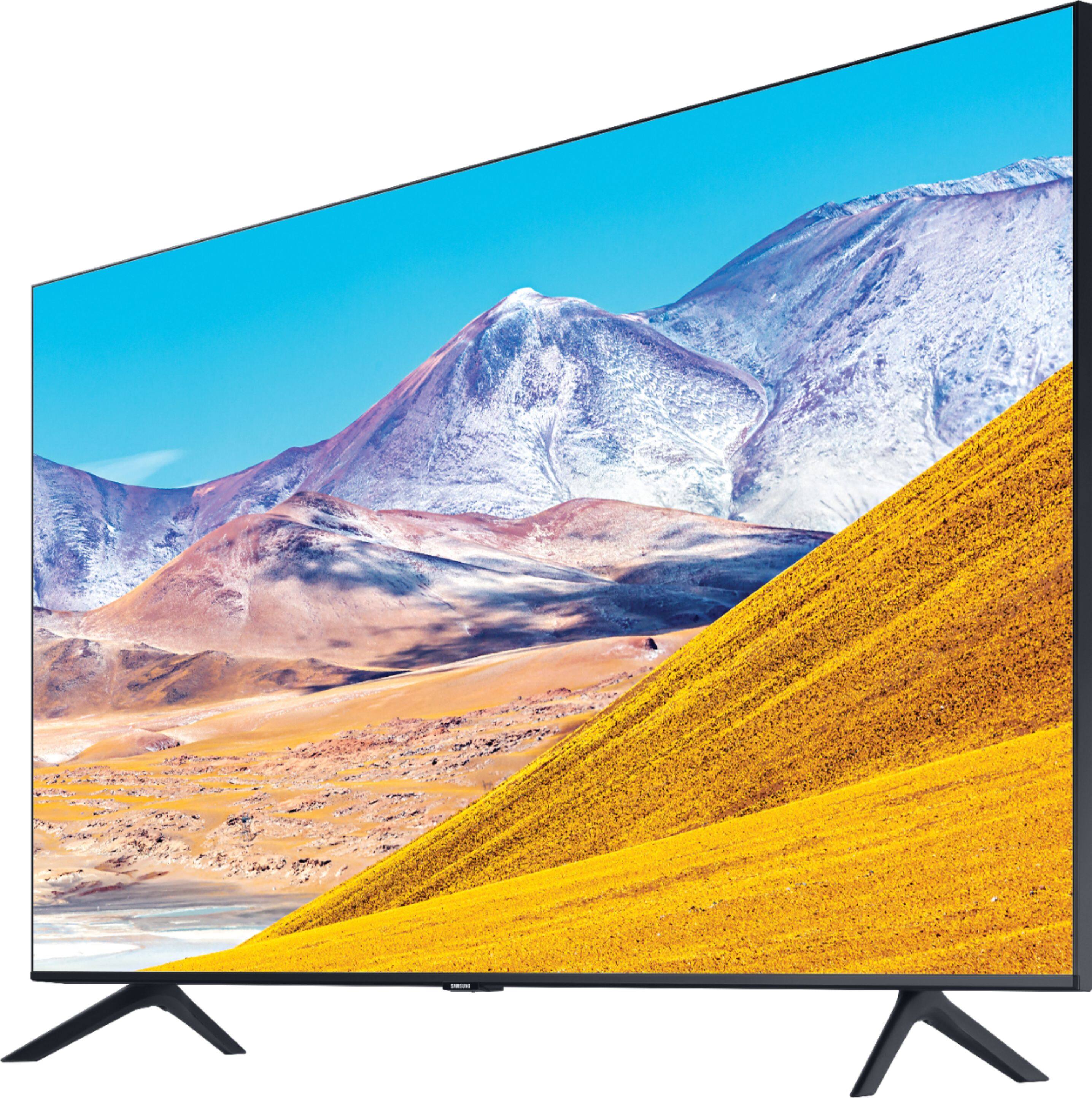
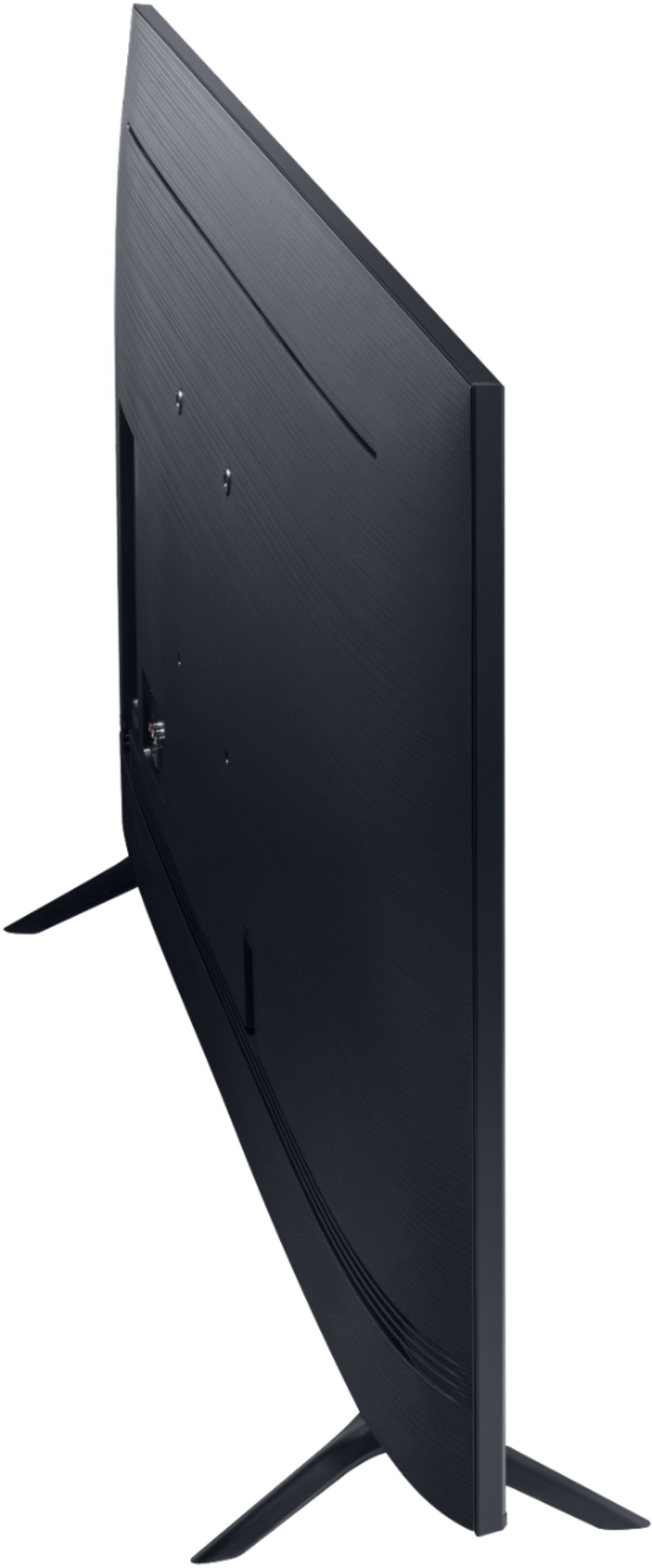
A:AnswerNicki, you can mount the 43TU8000 with any wall mount with a VESA Standard of 200mm x 200mm. Check out some compatible wall mounts at Best Buy: https://www.bestbuy.com/site/searchpage.jsp?_dyncharset=UTF-8&id=pcat17071&iht=y&keys=keys&ks=960&list=n&qp=tvmountsize_facet%3DTV%20Size%20Compatibility~40%20-%2054%22&sc=Global&st=wall%20mount&type=page&usc=All%20Categories ^Gina
A:AnswerBooKoo, you can utilize your Cox remote to control channels and features in Cox programs only. To access other Smart TV functions such as your TV's built-in App Store, you will need to use your Samsung OneRemote. If you wanted to utilize only one remote, you can control your Cox cable with our OneRemote, which automatically detects and controls all compatible connected devices. ^Gina
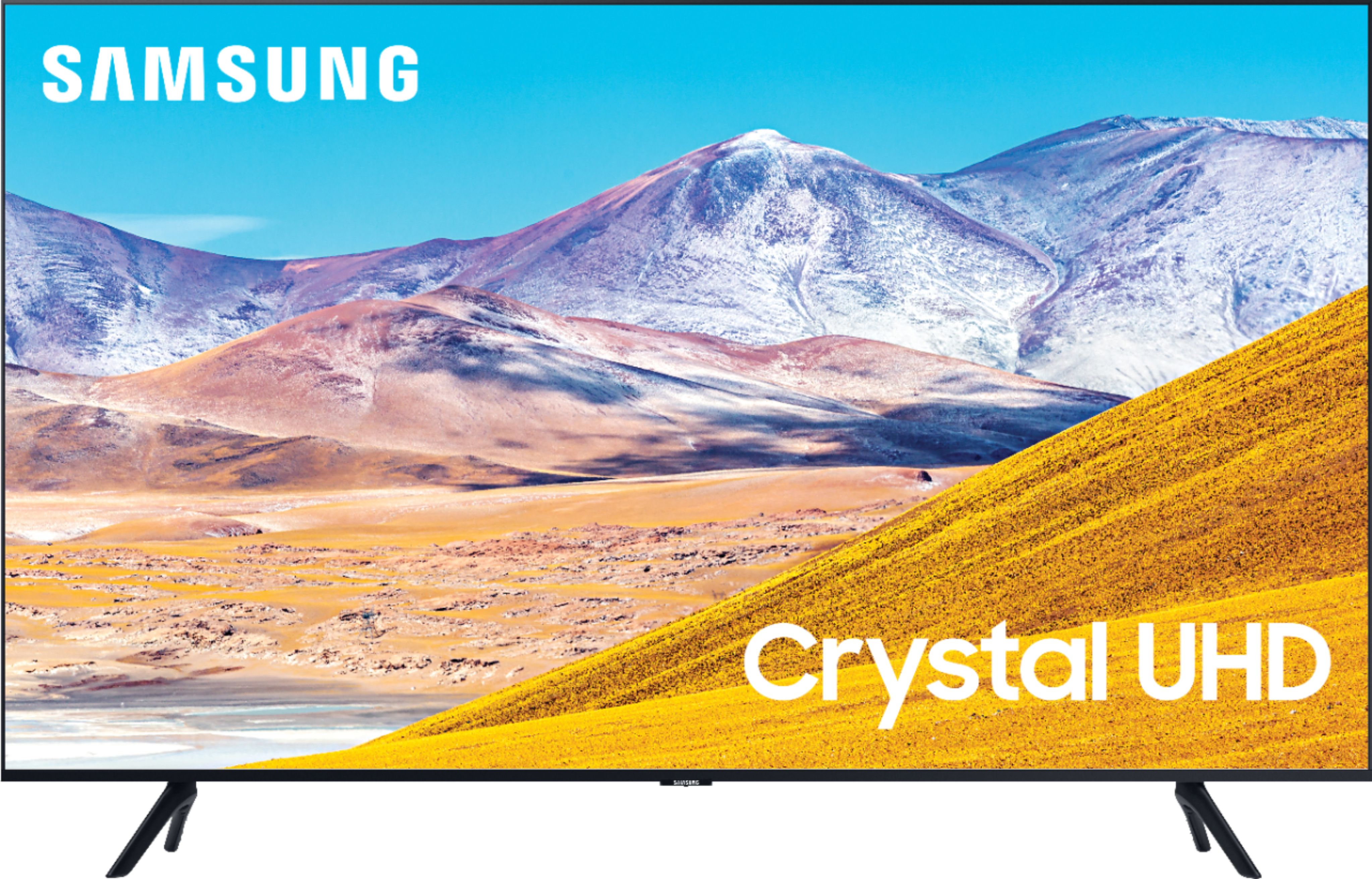
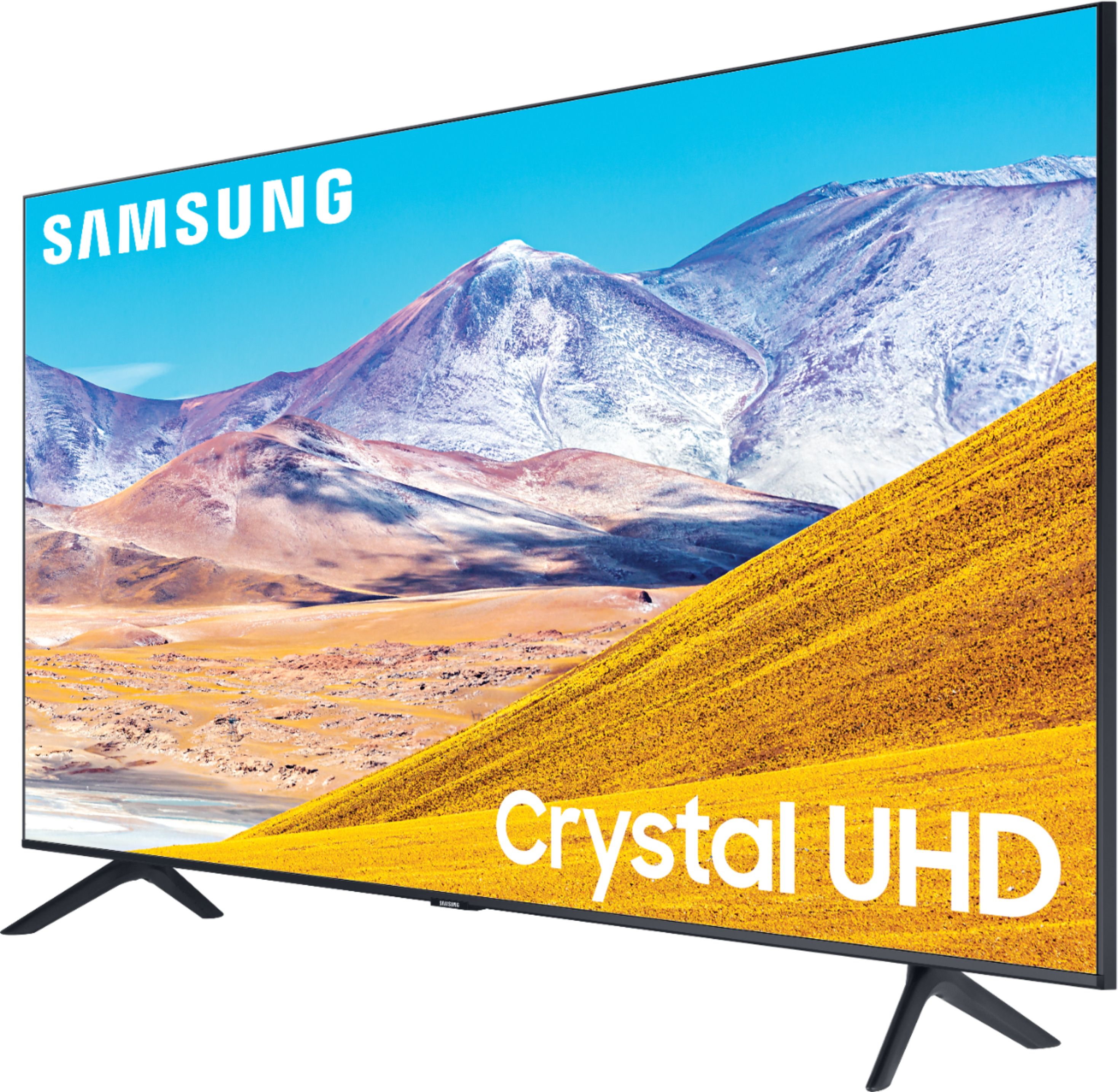
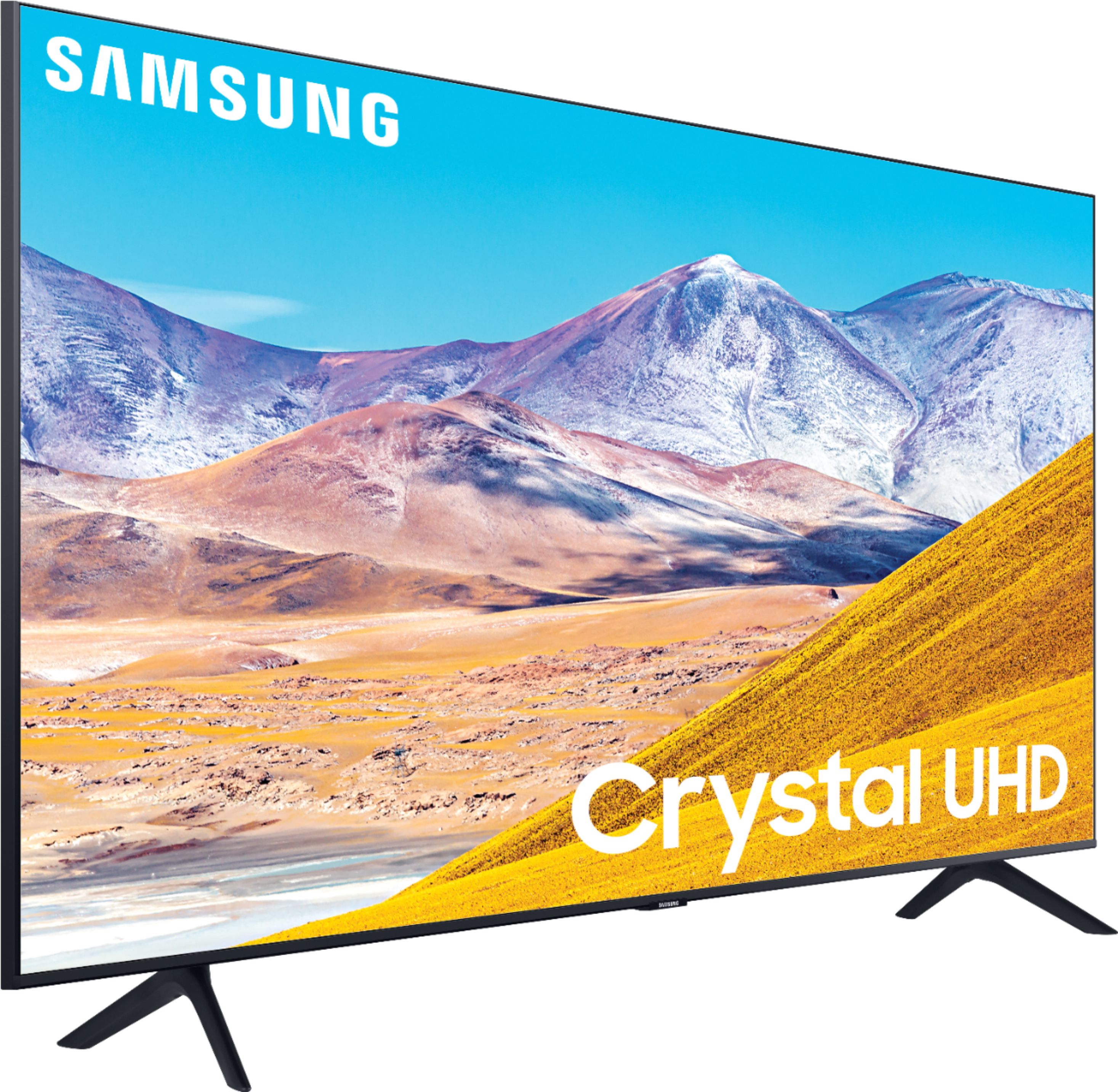
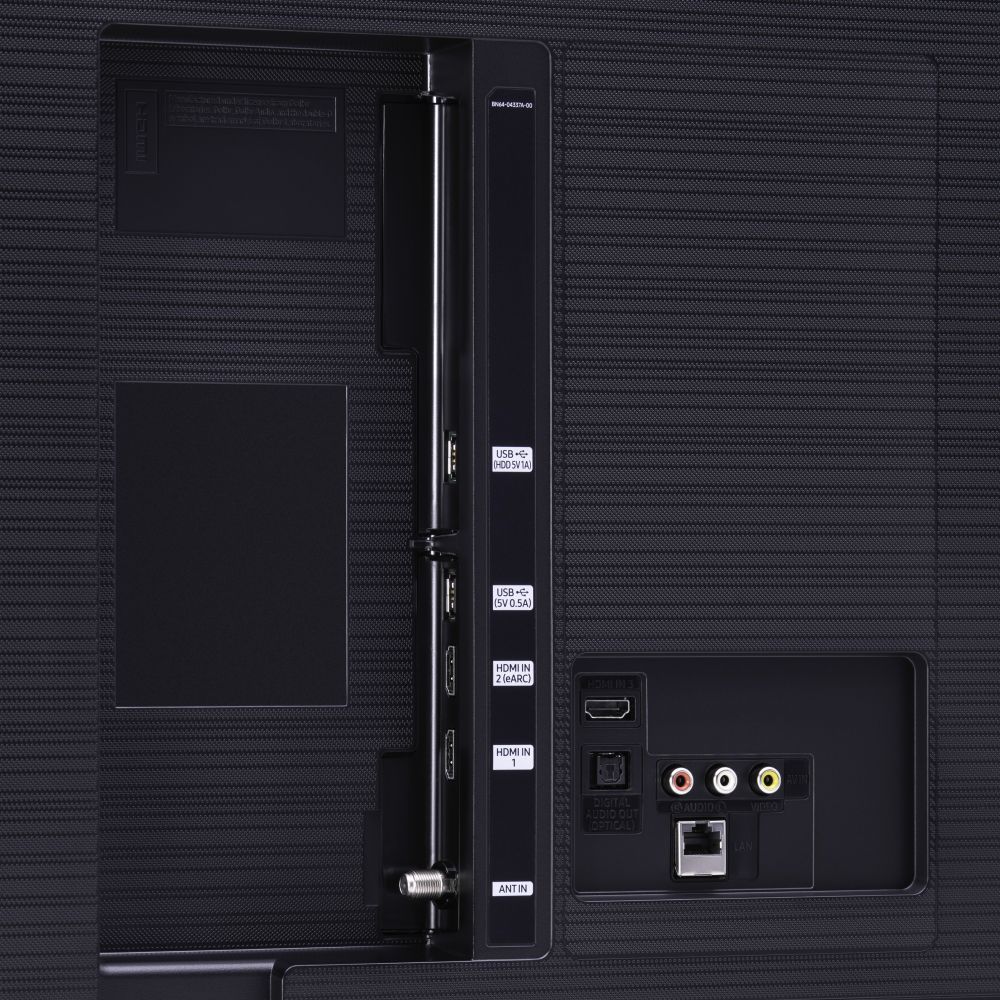
A:AnswerHey Paul! The TU7000 introduces our Crystal Display which gives you crystal-clear colors that are fine-tuned to deliver a naturally crisp and vivid picture, and our Crystal UHD Processor, which brings stunning clarity to everything you already watch and powerfully upscales 4K to ensure that you always get life-like 4K resolution no matter the source. When stepping up to the TU8000, you will have all the benefits of Crystal UHD, and will also gain Ambient Mode and built-in Voice Assistants (Amazon Alexa, Bixby, Google Assistant) with a Voice button on your OneRemote. The TU8000 also offers one Composive (AV) input, and an additional HDMI and USB port. ^Gina
A:AnswerHi Viking -The VESA Pattern is 200 x 200. Just about any wall mount made for a 43" TV will work. Here are a few choices at bestbuy.com https://www.bestbuy.com/site/searchpage.jsp?st=43%27+fixed+wall+mounts&_dyncharset=UTF-8&_dynSessConf=&id=pcat17071&type=page&sc=Global&cp=1&nrp=&sp=&qp=&list=n&af=true&iht=y&usc=All+Categories&ks=960&keys=keys ^Cris
A:AnswerSocalPhil, yes it will control your DirecTV box! The TU8000 utilizes our sleek and slim OneRemote, which will automatically detect and control all compatible connected devices. ^Gina