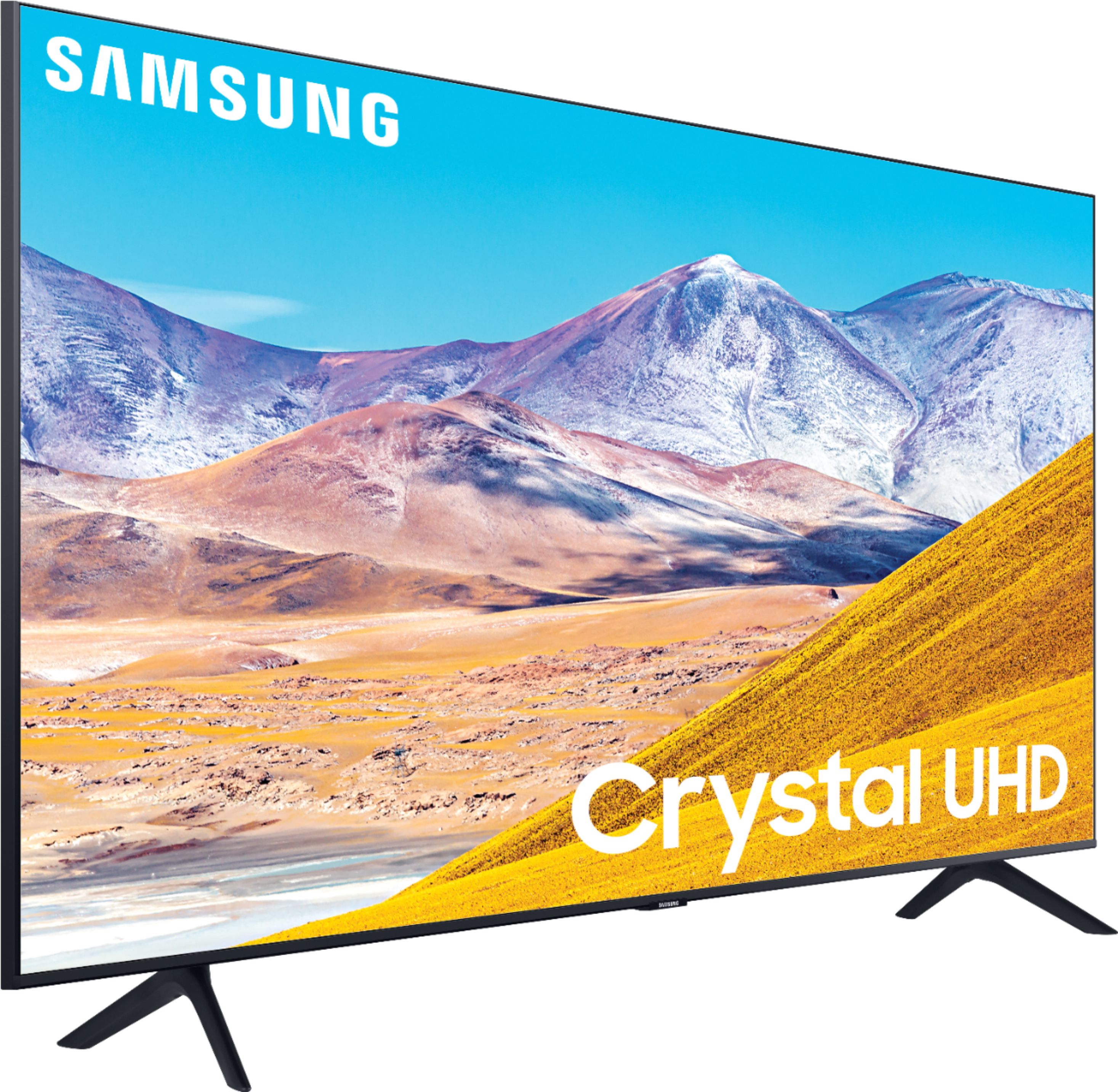
A:AnswerMadisonguy, it sure will! Refer to your headphone's user manual for how to pair. Once paired to the TV, press HOME on the TU8000 remote. Then go to Settings > Sound > Sound Output > Bluetooth Speaker List. Choose the headphones you wish to use for sound output. ^Gina
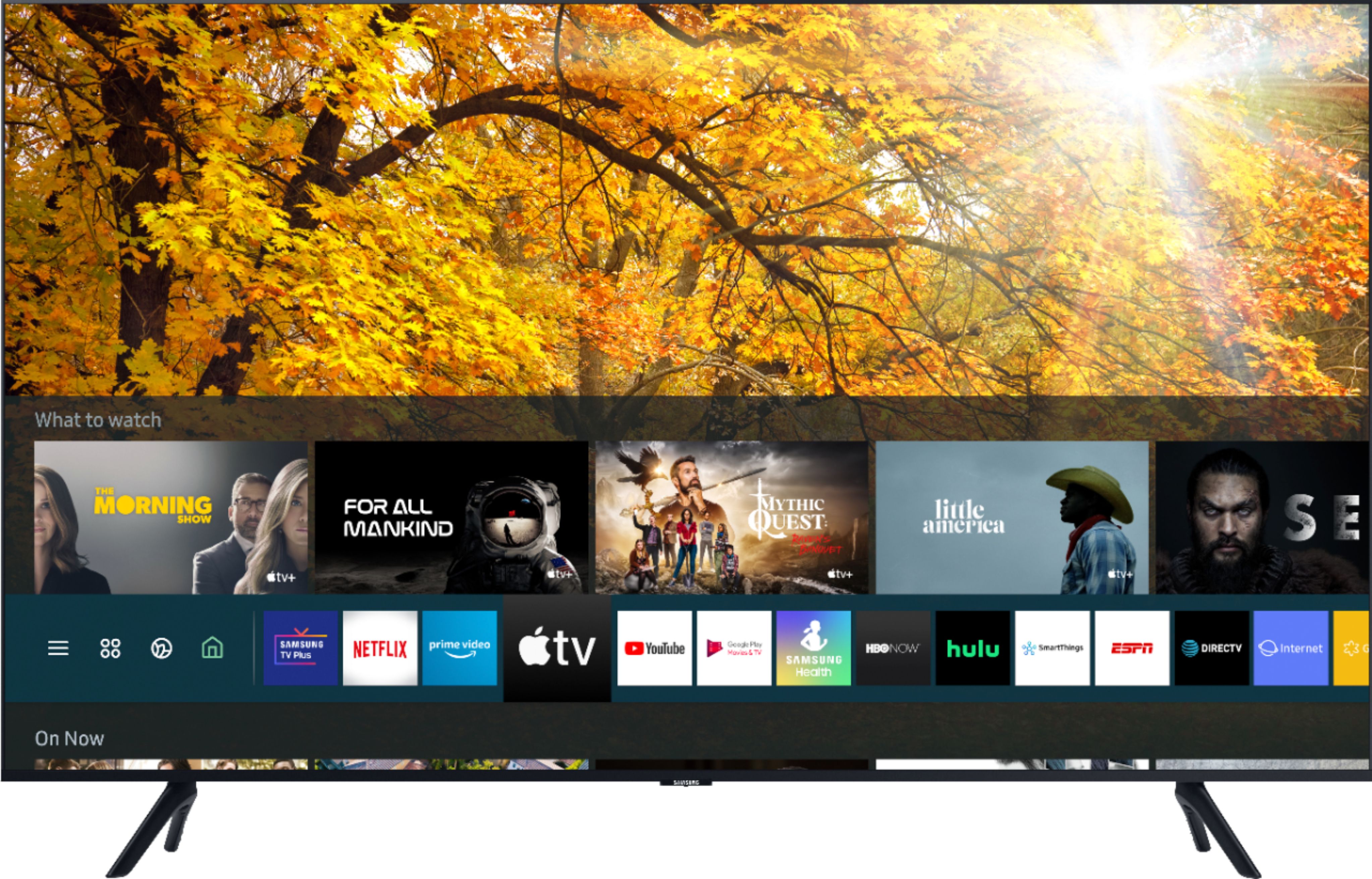
A:AnswerThere are hundreds of apps such as Apple TV+, Disney+, Google Play Movies & TV, HBO GO, Hulu, Netflix, Prime Video, SHOWTIME, Sling TV, and ,YouTube available in the Samsung App store . ^Jason
A:AnswerRobt1975, you can connect the TU8000 via HDMI for use as a monitor. Your TU8000 also has auto-input recognition and will recognize your connected device as a PC for maximum performance. ^Gina
A:AnswerThe panel on the 8 is actually better quality. The picture reproduced is cleaner with much less diffusion from room light or glare. I use mine for day trading on my pc.
I actually brought both of them and returned the 7 quickly once I realized it was better and more productive for me given I needed sharper details. Hope this helps with your decision. Enjoy
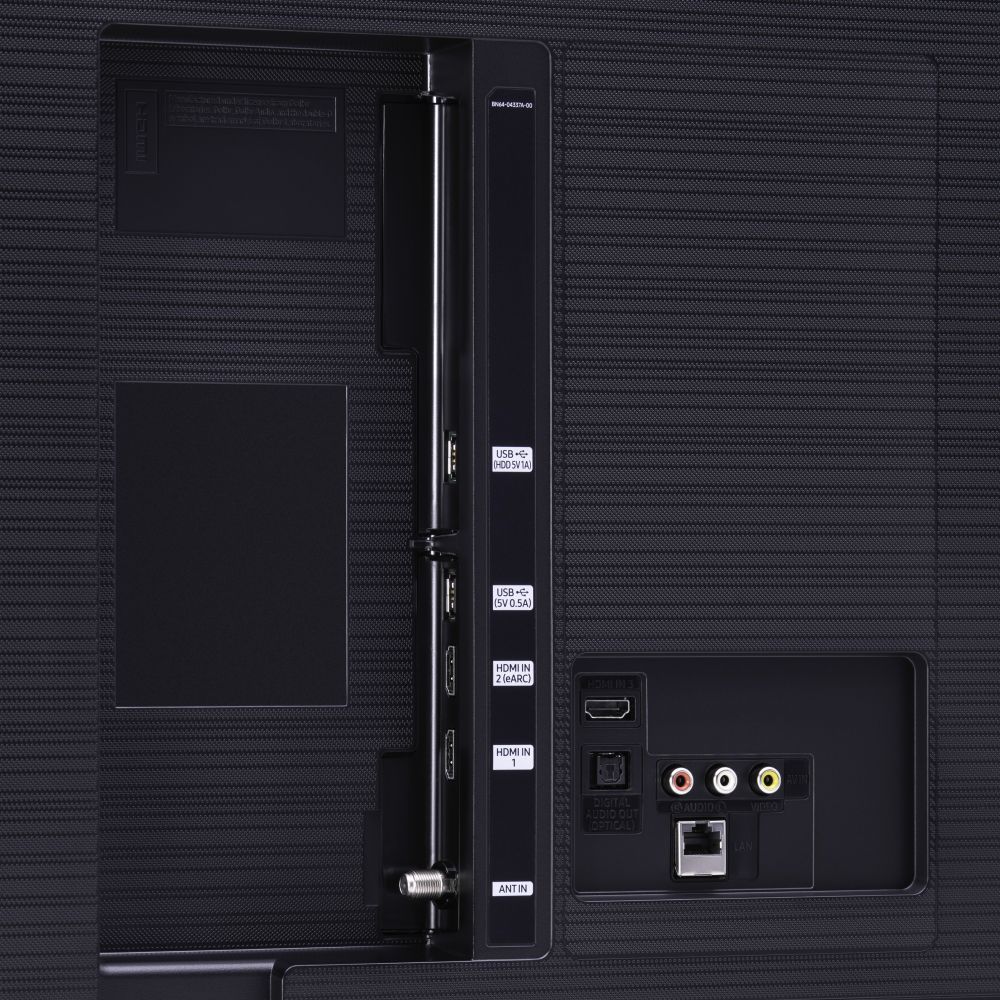
A:AnswerCuriousJ - The 43TU8000 does have 3 HDMI input you can utilize for a Roku and you can mirror with any Samsung mobile device using Mobile View or any Apple Device using AirPlay2. ^Jason
A:AnswerBarb, you can utilize a center stand for the TU8000. Check out this stand at Best Buy: https://www.bestbuy.com/site/sanus-premium-swivel-tv-base-for-most-32-60-tvs-black/5463304.p?skuId=5463304 ^Gina
A:AnswerYes it has the capabilities to function however if feasible I would recommend getting one with an HDMI port. Recommend the LG sound bar, high quality for good price.
A:AnswerRonG Samsung TVs features the smart interface Tizen , which supports hundreds of as such as Disney+, Google Play Movies & TV, Hulu, Netflix, Prime Video, STARZ, Sling TV, YouTube , Vudu. ^Jason
A:AnswerCap, in order to use Zoom on your TV, you would need to use an external device (ie Tablet, Computer or Phone) with a camera and microphone by connecting via HDMI or using Screen Mirroring (AirPlay 2 for iOS, Smart View on Android OS). ^Gina