A:AnswerHi Anni! The AU8000 does not feature Composite (yellow, white, red) video connections. You will need a DVD or Blu Ray player compatible with HDMI. ^Tim
A:AnswerHi RobR8ge, so that we can gather additional information and provide troubleshooting or warranty assistance, please reach out to Samsung Support at: 1-800-SAMSUNG (ask for TVs), available 8AM - 12AM EST, 7 days a week, or Chat with us on Samsung.com: https://www.samsung.com/us/support/contact/
^Tim
A:AnswerHi, the AU8000 will only connect to one Bluetooth audio device at a time. The AU8000 features Multi Output Audio allowing you to utilize a Bluetooth audio device and the TV speakers at the same time. The volume for each device can be adjusted individually. ^Tim
A:AnswerHi Edgar! The AU8000 comes with a web browser preinstalled allowing you to browse the web. You can even connect a wireless keyboard to the TV for a better web browsing experience.
^Tim
A:AnswerHi Streamer! All of the apps inquired about are available on the AU8000. You can find a wide variety of additional apps for download through the built in App Store. ^Tim
A:AnswerHi TVprof! The AU8000 does not feature composite or component connections for compatibility with older devices. You can explore a wide range of Blu Ray player options that support HDMI, or utilize the following Insignia adapter to convert Composite to HDMI. Please know, the use of an adapter may lower the quality of your sound or image: https://www.bestbuy.com/site/insignia-rca-to-hdmi-converter-black/6134312.p?skuId=6134312
^Tim

A:AnswerHi! There are several sound settings you can adjust to suit your personal sound preferences.
Change the Sound Mode by going to: Settings > Sound > Sound Mode
You can also customize the sound with Expert Settings by going to: Settings > Sound > Expert Settings
^Tim

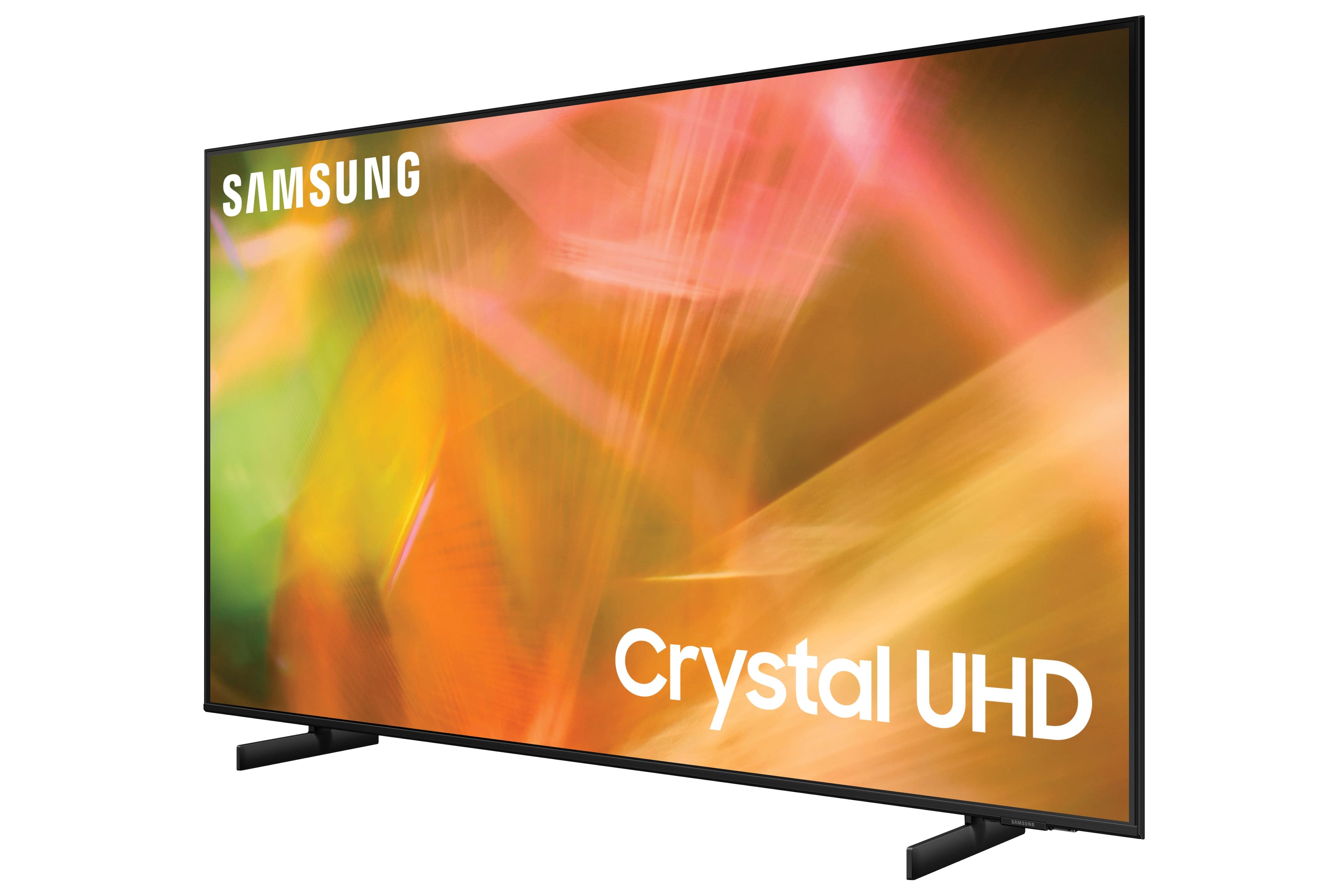
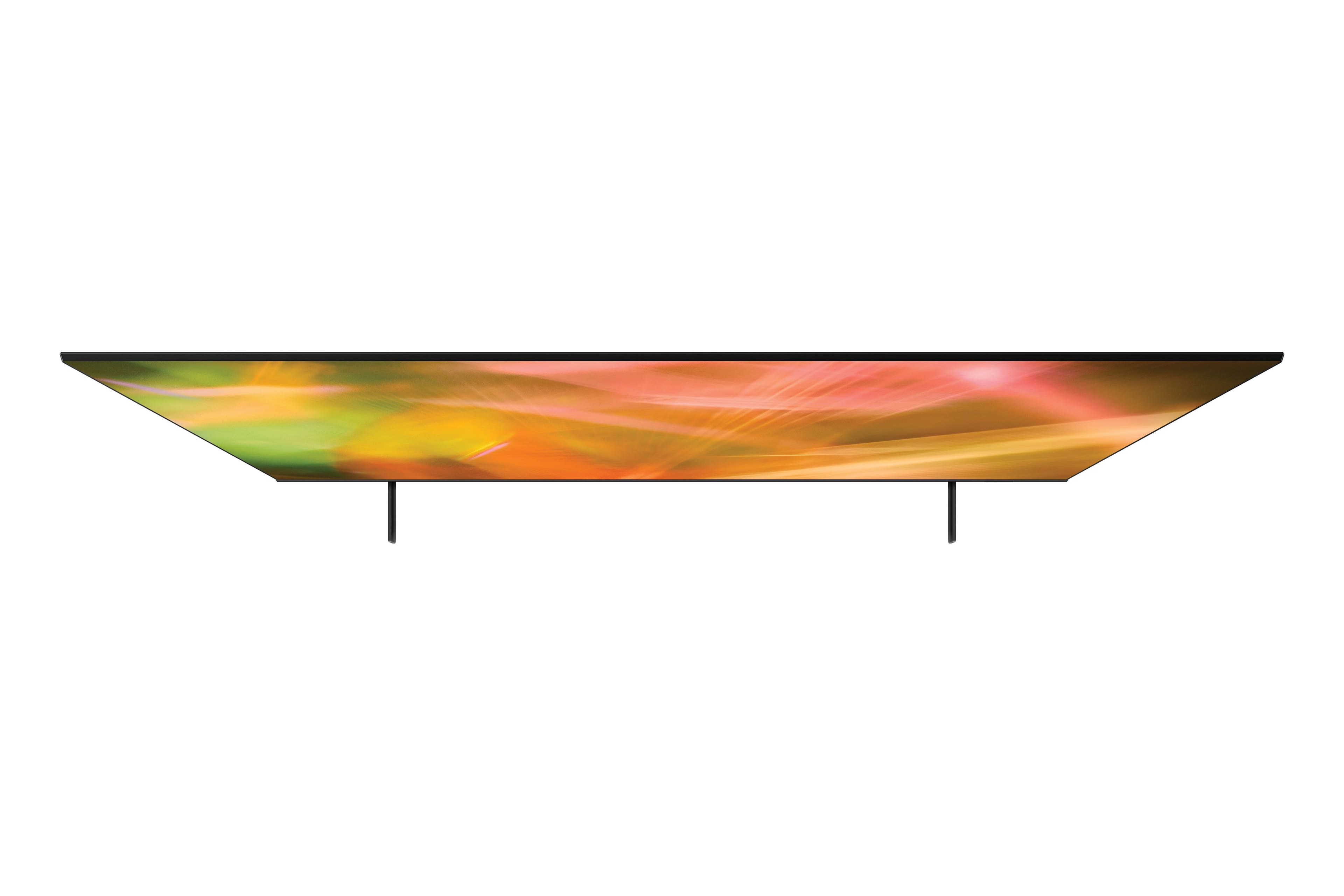
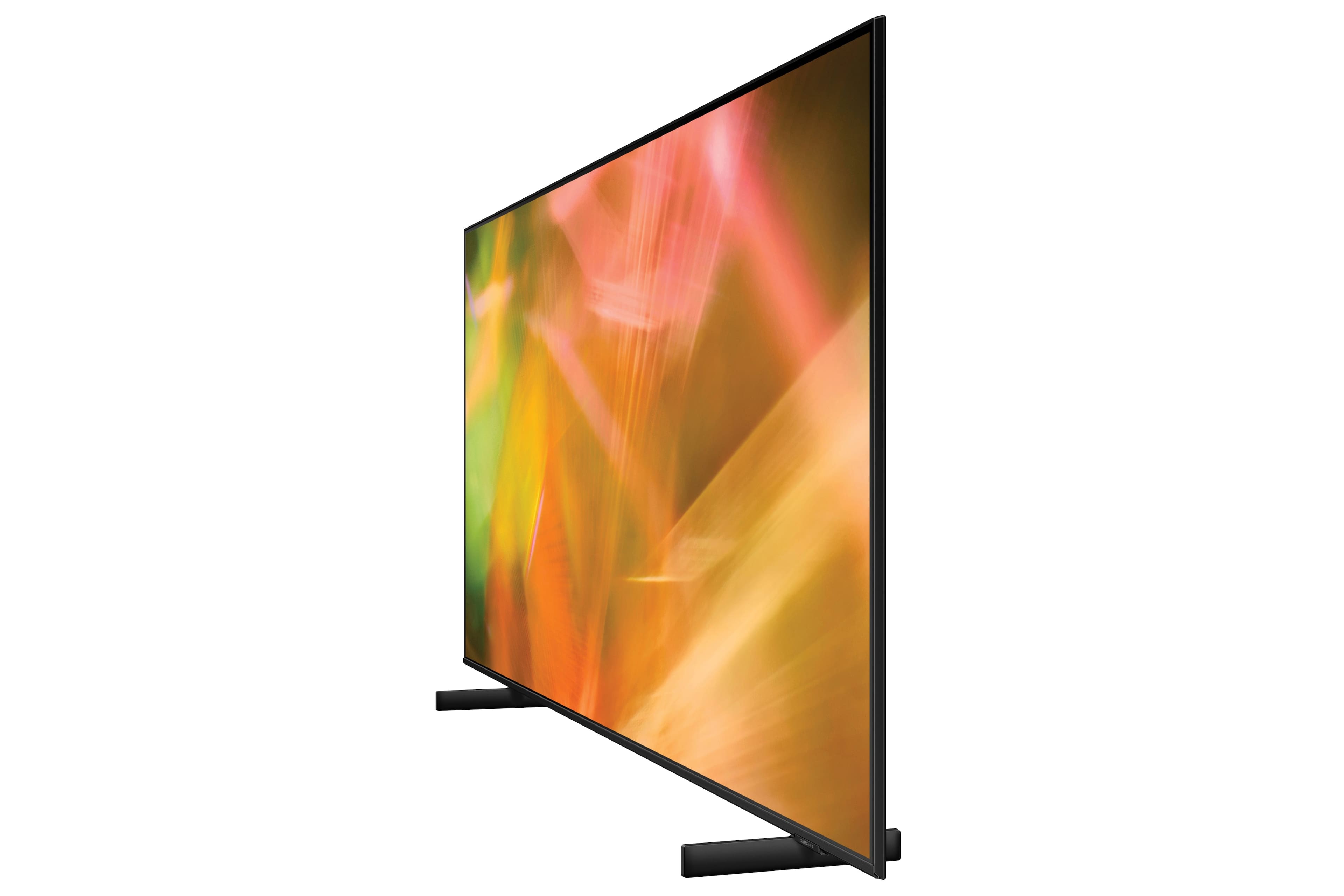
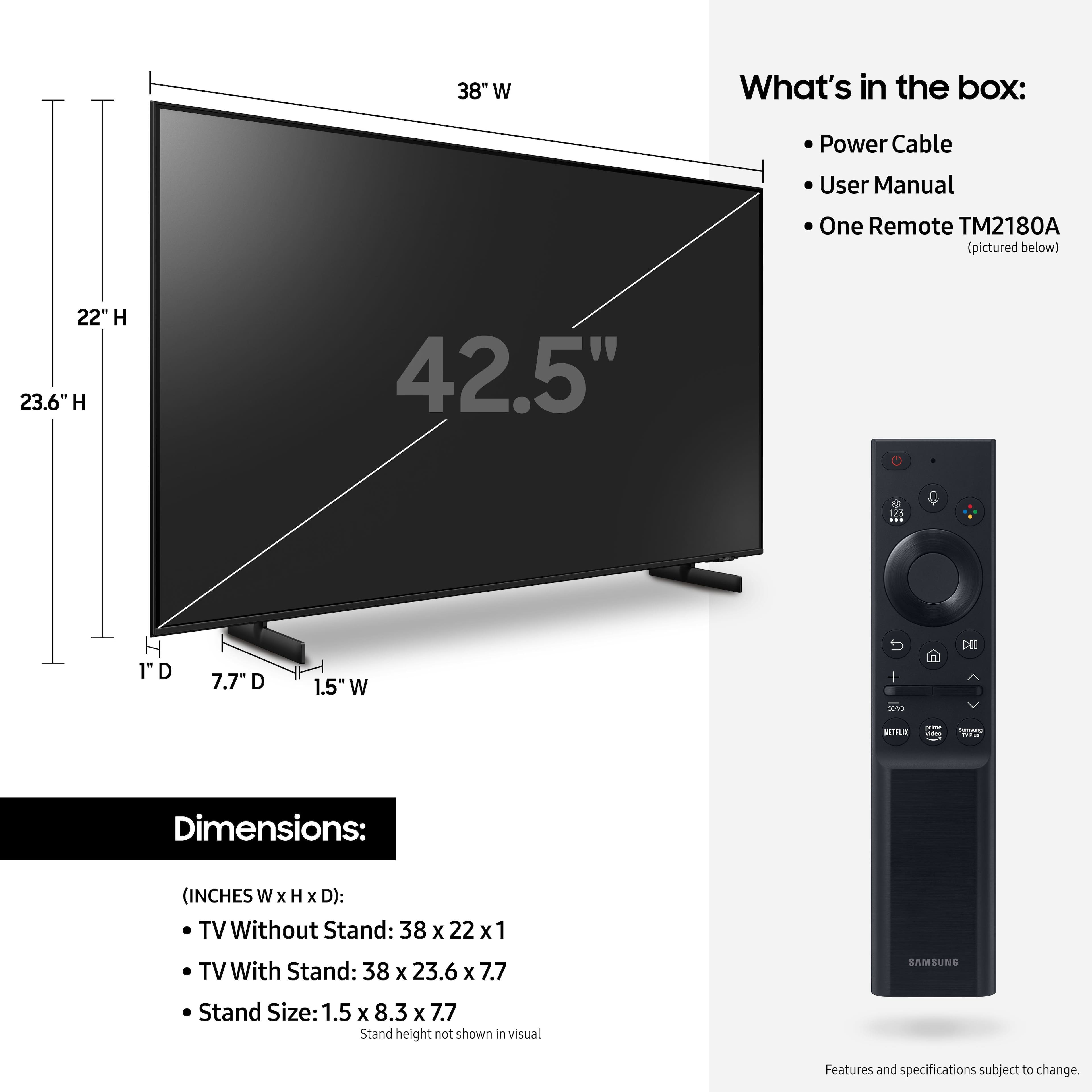
A:AnswerHi SamsungFan! The adjustable stand will allow you to raise the TV 2.6" above the furniture it is placed on. You should have no issues with space for your DVD player. ^Tim
A:AnswerHi! So that we can better understand the question and help troubleshoot towards a solution, please reach out to Samsung Support at: 1-800-SAMSUNG (ask for TVs), available 8AM -12AM EST M-F (9AM – 6PM EST Sat), text HELP to 62913, LiveChat on Samsung.com, or Email: https://www.samsung.com/us/support/#contact_us_for_support
^Tim