A:Answer Hi Ajaxxx,
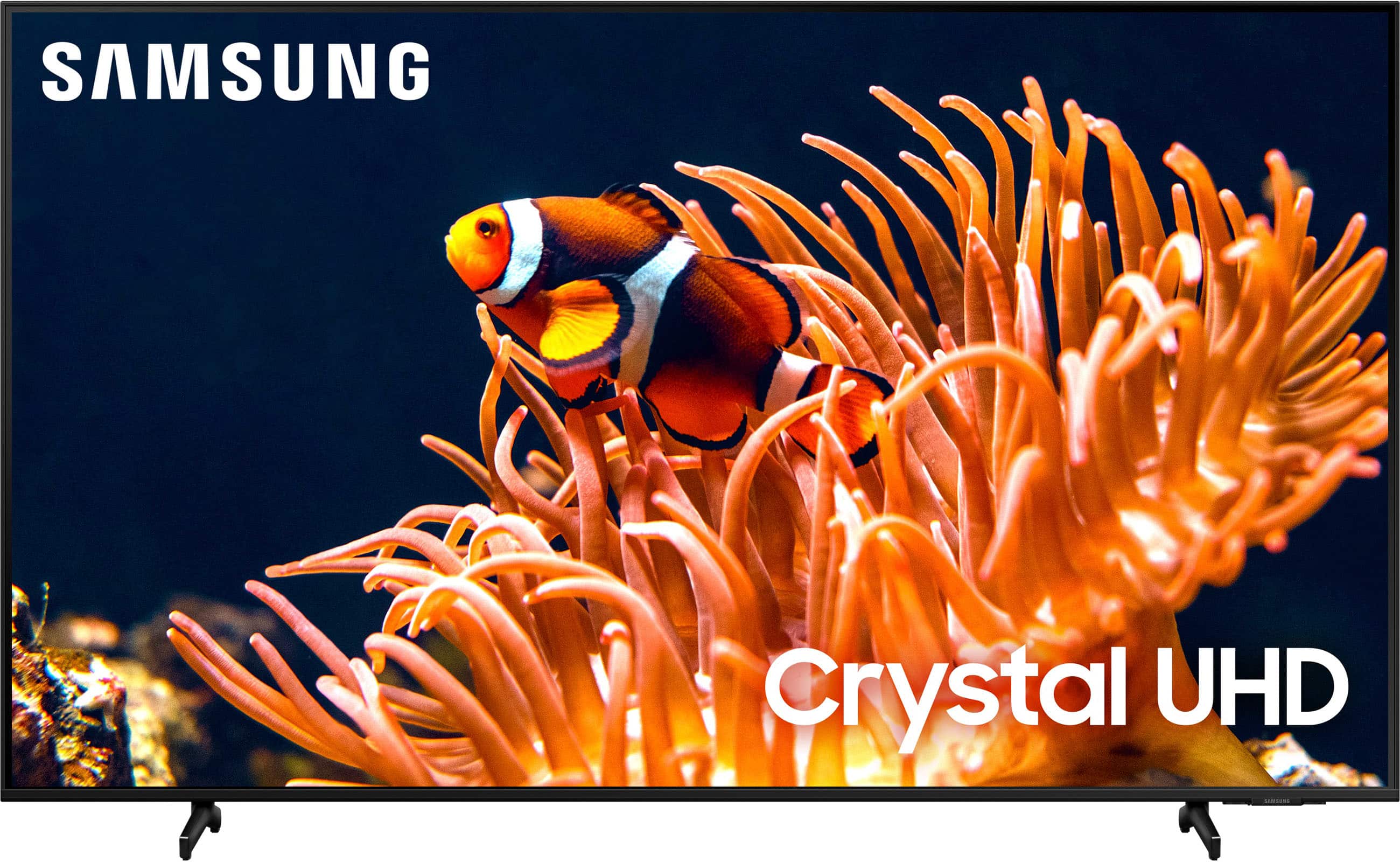
Your Bluetooth headphones should be pairing seamlessly. If they are not showing up on the DU8000 TV list, please ensure you have unpaired them from other devices, such as your cell phone and/or laptop.
It's also possible you have other devices connected to the DU8000 TV. In that case make sure that there is only one other device connected.
You may also want to run a cold boot on your TV. To do so, hold down the Power button on the Samsung TV remote until the TV turns off and then on again. This should take about 5 seconds.
If you continue to have issues, please reach out to us at 1-800-SAMSUNG, 8AM - 12AM EST, 7 days a week, or Chat with us on Samsung.com: https://www.samsung.com/us/support/contact/
~Samsung Advisor