Questions & Answers
- Model:
- UN43M70HAFXZA
- |
- SKU:
- 6671585
Highly rated by customers for: Picture Quality, Ease of Setup, Brightness
Page Showing 41-60 of 67 questions
Q: QuestionCan the smart capability be disabled, to where this tv can only function using the cable/RF input?
Asked by Smart.
- A:Answer Yes
Answered by ANURADHAK
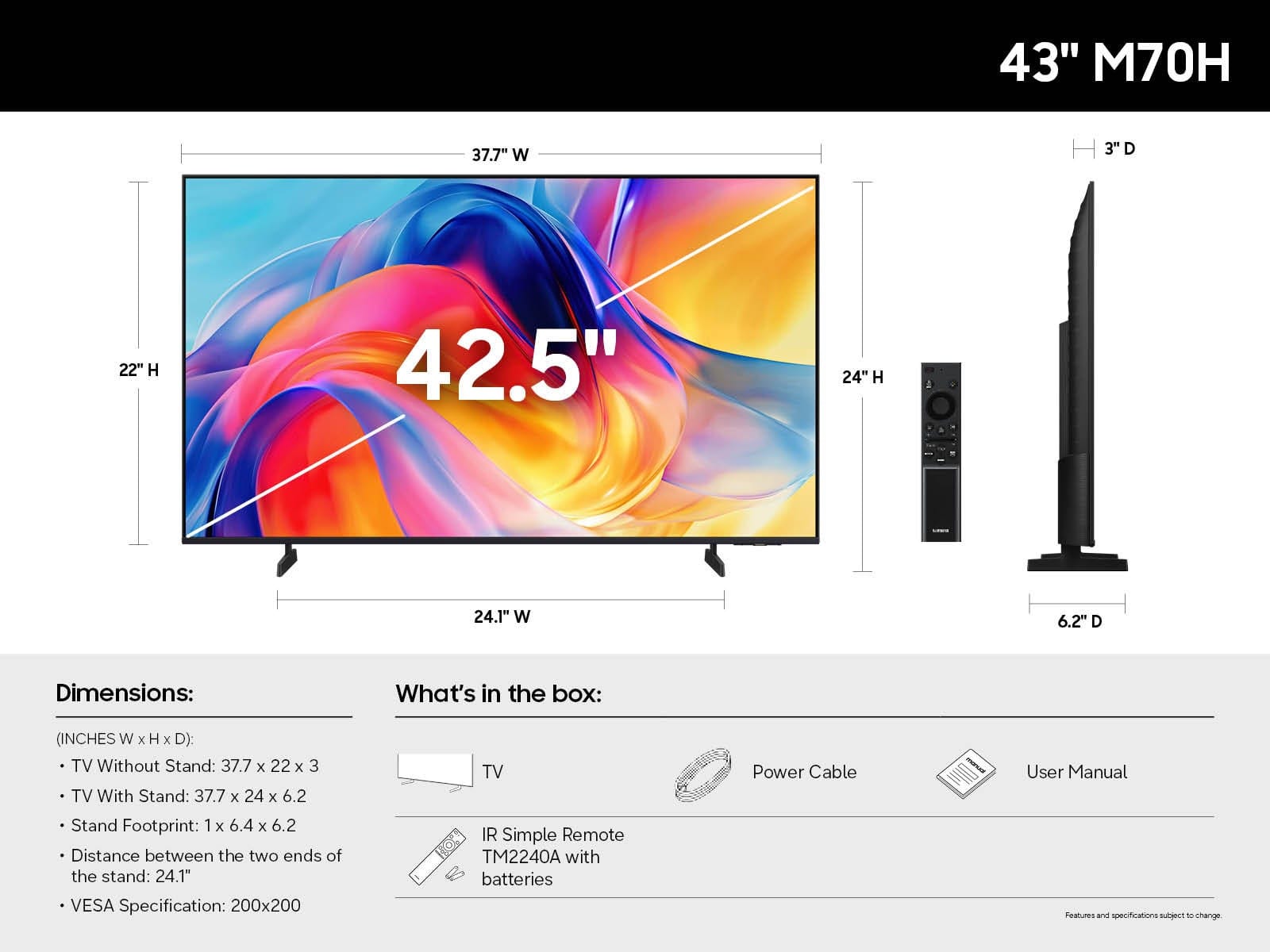
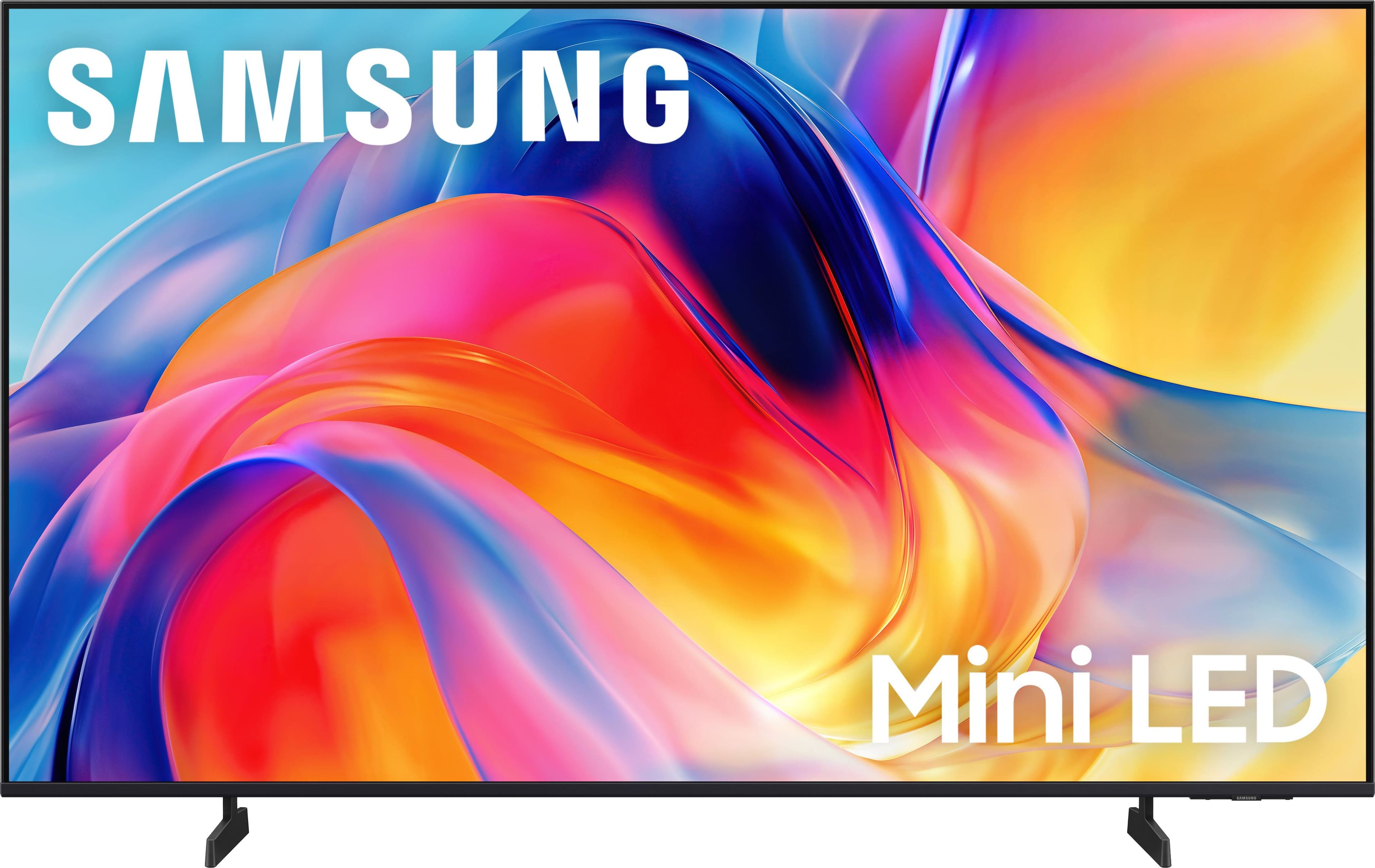
Q: QuestionWhat does the remote look like
Asked by Dean.
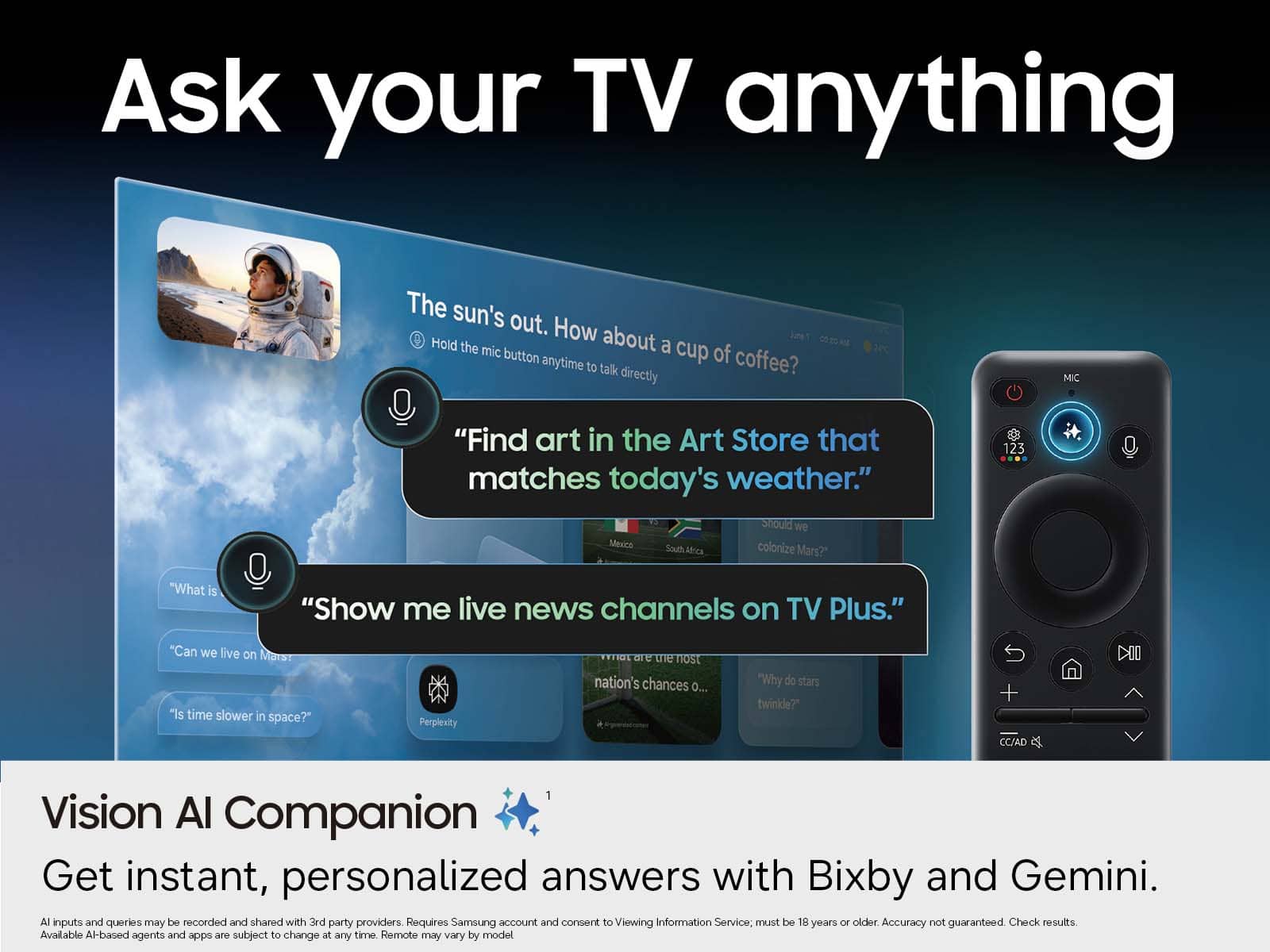
- A:Answer slim, black, minimalistic Smart Remote
Answered by ANURADHAK
Q: Questionheadphone jack
Asked by tim.
- A:Answer Hi Tim, The M70H does not feature a headphone jack input. ~Samsung Advisor
Answered by Samsung
Q: QuestionCan I screen mirror my iPhone using apple airplay. Are there other options?
Asked by FL.
- A:Answer Yes you can. My sin has an iphone and not only can he live cast but he can also control volume, change channels, source, and browse
Answered by CARLOS
Q: QuestionCan I connect my hearing aids to this TV to hear it through my aids?
Asked by Kell.
- A:Answer Hi Kell, The M70H is Bluetooth-enabled and can connect to external Bluetooth devices such as hearing aids. We recommend getting in touch with your specific hearing aid manufacturer to confirm compatibility. ~Samsung Advisor
Answered by Samsung
Q: QuestionCan I run my existing hd fire tv stick (wi-fi 6) through this tv?
Asked by Anonymous.
- A:Answer Hi, The M70H is compatible with the HD Fire TV Stick. ~Samsung Advisor
Answered by Samsung
Q: QuestionWhsts the warranty
Asked by Mick.
- A:Answer Hi Mick, The M70H TV is backed with a limited 1-year Manufacturer’s Warranty when purchased brand-new from an authorized dealer. You can enter the model number to review the full warranty details here: https://www.samsung.com/us/support/legal/LGL10000312/#standard-limited-warranty ~Samsung Advisor
Answered by Samsung
Q: QuestionCan you use a voice remote with this tv?
Asked by Anonymous.
- A:Answer Hi, The M70H TV supports voice commands when connected to a standalone Alexa device, such as an Echo Dot. To use this feature, you’ll need the Amazon Alexa and SmartThings apps installed on your mobile device, a Samsung account signed in, and the SmartThings skill enabled within the Alexa app. ~ Samsung Advisor
Answered by Samsung
Q: QuestionWhat is the speed of the ethernet port on this TV? Is it 10/100 or gigabit?
Asked by JohnnyC.
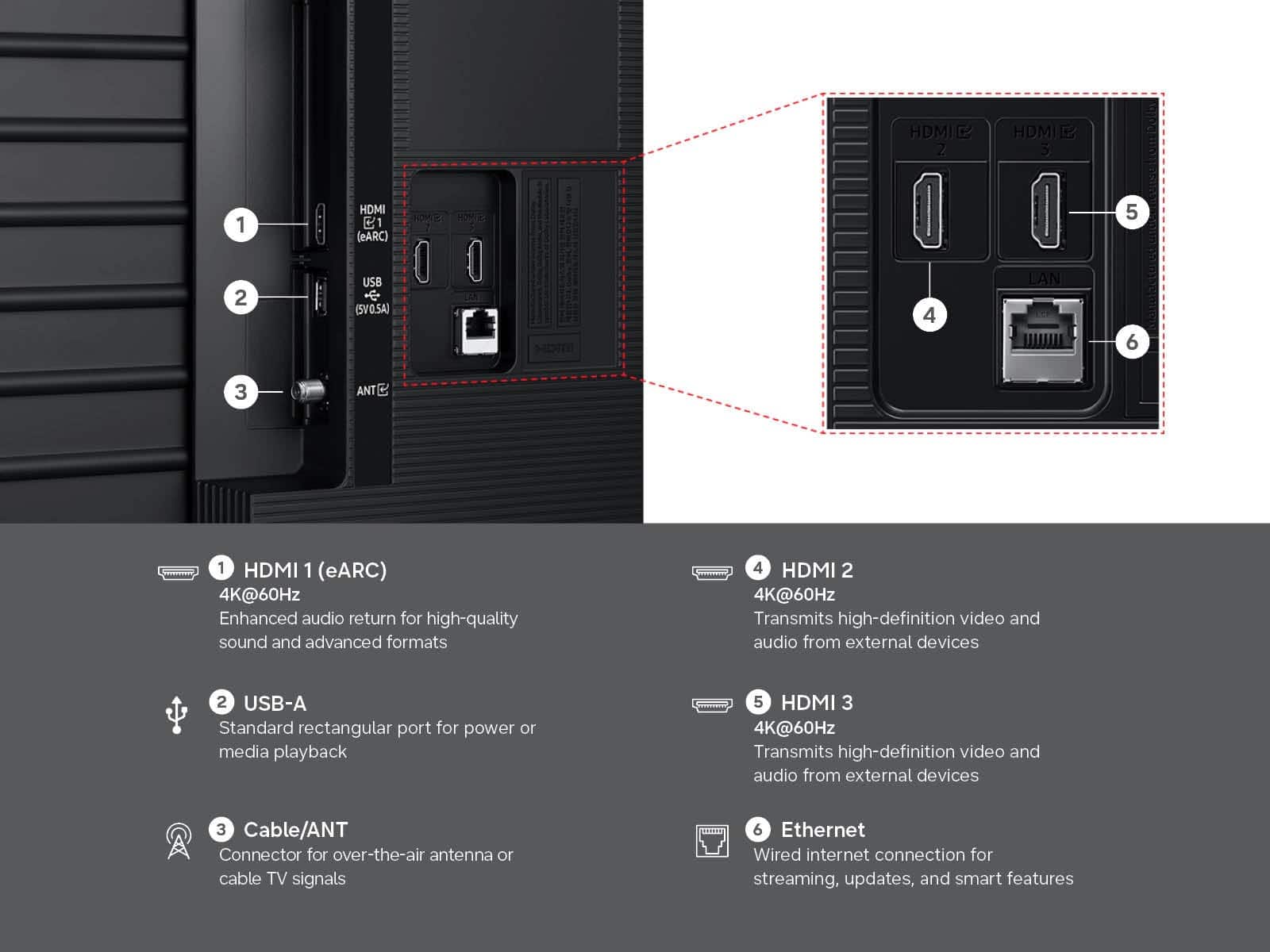
- A:Answer Hi MikeC, All Samsung TVs support 100/10 Mbps LAN connectivity. ~Samsung Advisor
Answered by Samsung
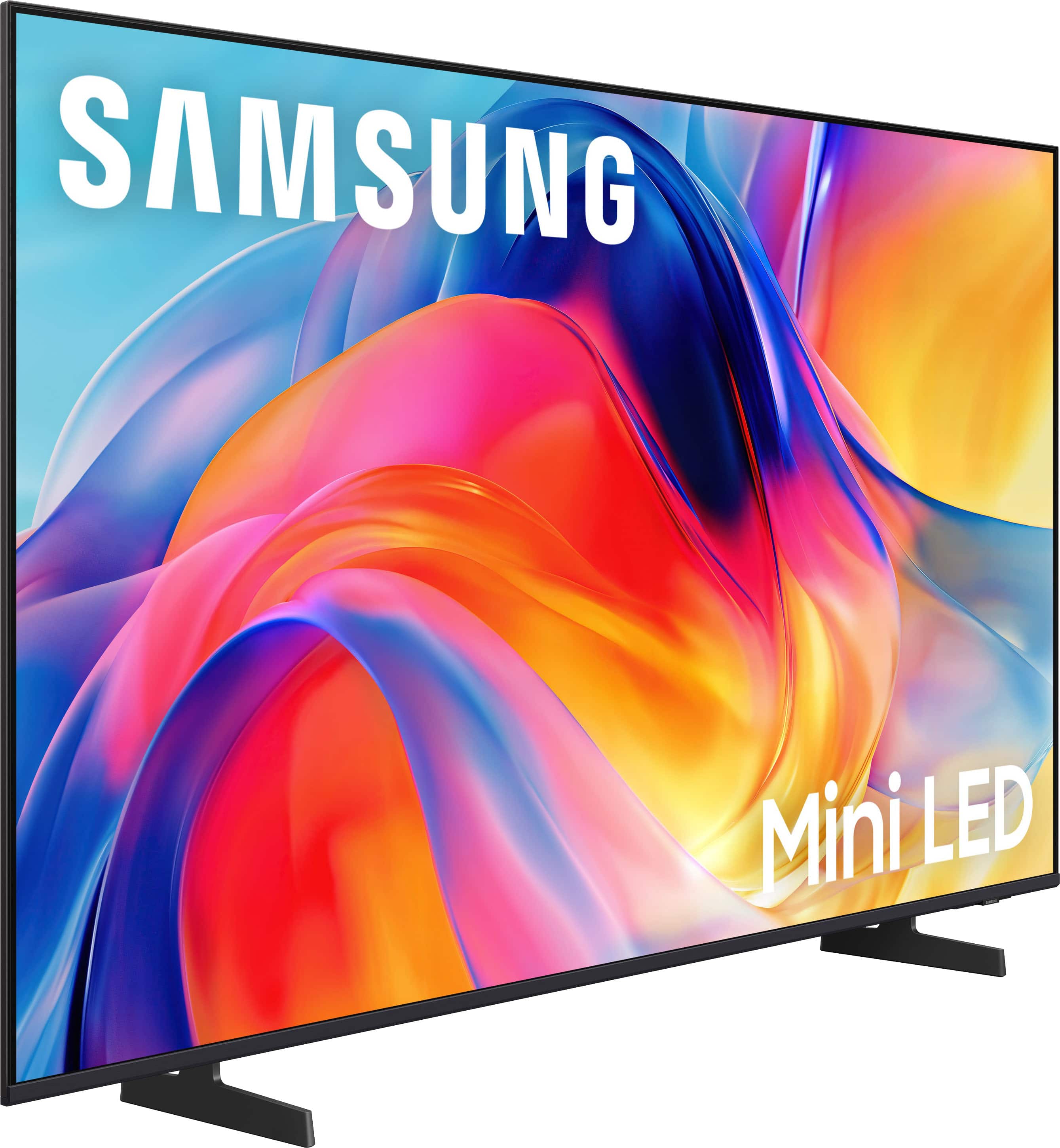
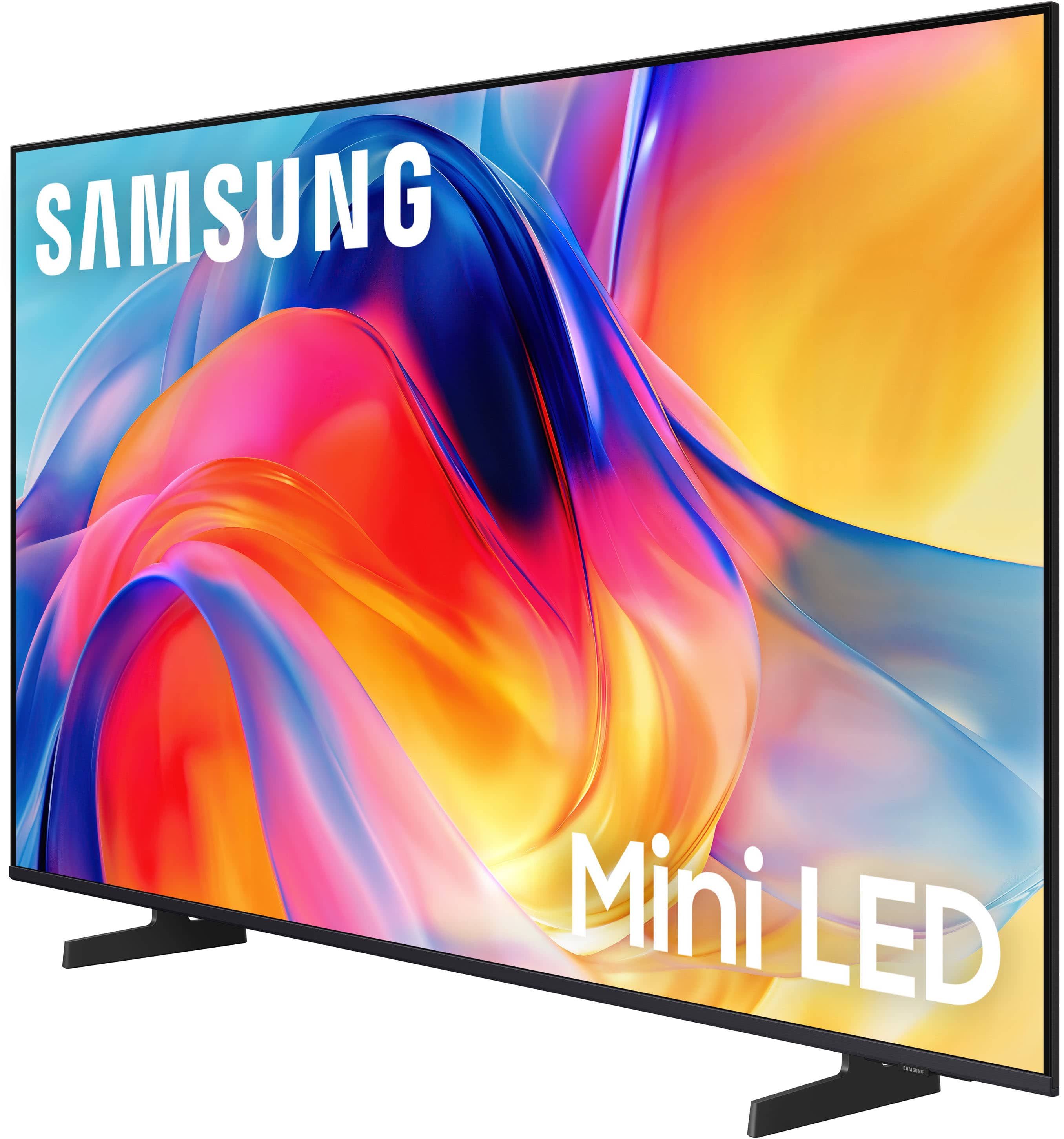
Q: QuestionDoes this tv come woth legs or stand that can sit on a dresser?
Asked by Nurse.
- A:Answer Hi Nurse, Yes, the 43" M70H comes with two removable legs. ~Samsung Advisor
Answered by Samsung
Q: QuestionIs the remote with this tv,the solar powered?If no ,can one be purchased separately?
Asked by Tim.
- A:Answer Hi Tim, The M70H TV remote is not solar powered, but it will work with the solar-powered Samsung remote. ~Samsung Advisor
Answered by Samsung
Q: QuestionThere are no instructions about how to connect this TV. Info on wall mounting, unboxing, but nothing on connections. Haven't found anything online either. Need also to connect a Samsung soundbar and wireless Sennheiser headphones.
Asked by Dave.
- A:Answer Hi Dave, If you're setting up via HDMI ARC or eARC, here’s how to get everything connected for the best performance. 1. Check your ports: • On your TV, look for an HDMI port labeled HDMI ARC or HDMI eARC (usually HDMI 3). • On your soundbar, look for the HDMI OUT (TV-ARC) or HDMI OUT (eARC) port. 2. Use a high-speed HDMI cable: • Connect one end of the HDMI cable to the HDMI OUT (TV-ARC) port on your soundbar. • Connect the other end to the HDMI ARC/eARC port on your Samsung TV. 3. Turn on your devices. Power on both your TV and soundbar. 4. Set the TV’s sound output: Settings > All Settings > Sound > Sound Output • Select your soundbar (it will appear as “Receiver (HDMI)” or the soundbar model name). 5. Enable HDMI-CEC (Anynet+): Settings > All Settings > General & Privacy > External Device Manager > Anynet+ (HDMI-CEC) = ON. This allows the TV and soundbar to control each other (e.g., volume and power on/off). 6. (Optional) Adjust audio settings for eARC: • If your soundbar and TV both support eARC, make sure this is enabled: Settings > All Settings > Sound > Expert Settings > HDMI eARC Mode = Auto • For optimal sound quality, set Digital Output Audio Format = Pass-Through if supported. Need help troubleshooting? • Make sure your HDMI cable is securely connected and supports ARC/eARC. • Try unplugging both devices, then plug them back in. • Update your TV’s firmware: Settings > Support > Software Update > Update Now To pair an external device via Bluetooth: Go to Home > left directional key > Settings > Bluetooth. If your device isn’t detected, try moving it closer to the TV and select Refresh to re-scan for available devices. If you need further assistance connecting a Bluetooth device, please contact Samsung Customer Support at 1-800-SAMSUNG (8AM – 9PM EST Mon – Fri, 8AM – 6PM Sat – Sun). LiveChat agents are also available by clicking the ‘Support’ link on our website. ~ Samsung Advisor
Answered by Samsung
Q: QuestionCan I use a DVD player with this tv?
Asked by aaaa.
- A:Answer Hi aaaa, Yes, you can connect a DVD player via HDMI cable. ~Samsung Advisor
Answered by Samsung
Q: QuestionDoes this TV have an ON Timer?
Asked by Anonymous.
- A:Answer Hi, The M70H does not come with an On Timer. However, you can set up a routine in the SmartThings app to turn the TV on or off at specific times each day. ~Samsung Advisor
Answered by Samsung
Q: QuestionIs the USB port a 3.0 USB?
Asked by JohnnyC.
- A:Answer Hi MikeC, USB 2.0 and higher is supported on the M70H TV. ~Samsung Advisor
Answered by Samsung
Q: QuestionDoes this TV have the Apple TV app?
Asked by Kat.
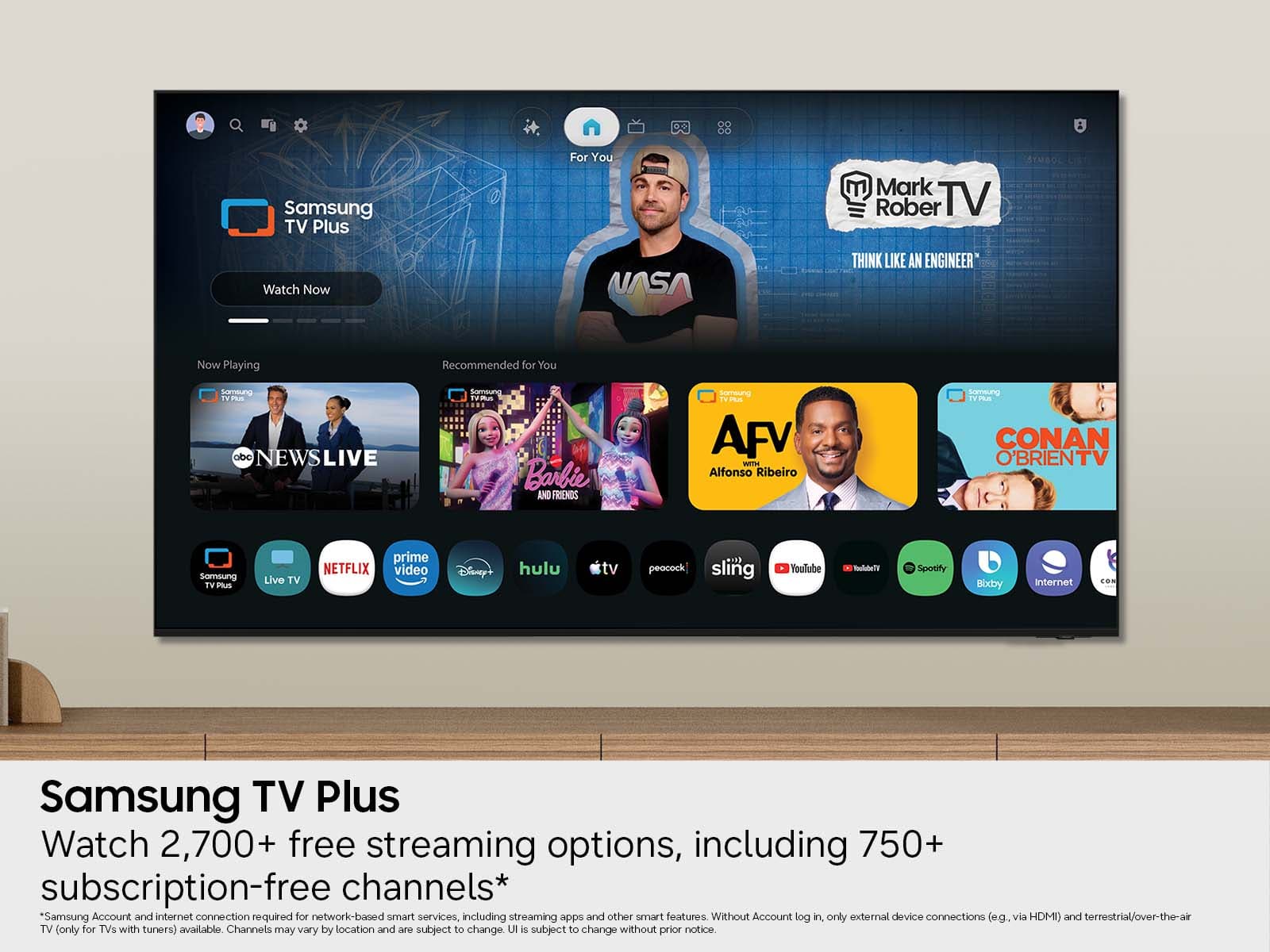
- A:Answer Hi Kat, Yes, Apple TV is a pre-installed app on the M70H. ~Samsung Advisor
Answered by Samsung
Q: Questiondoes this tv have a port to plug in my sound bar?
Asked by CoffeeMaker.
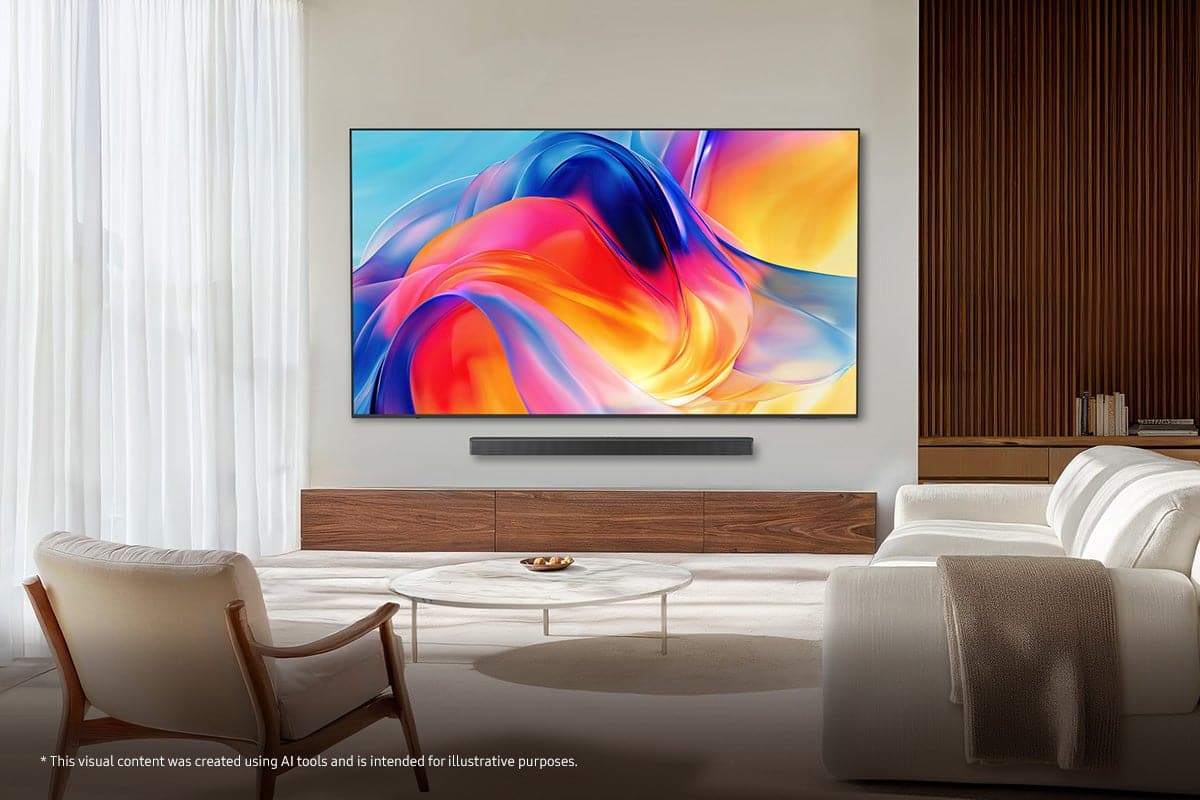
- A:Answer Hi Fran, You can connect external soundbars via HDMI or Bluetooth. If an Optical port is important to your setup, this input is available starting with our QN70H Series. ~Samsung Advisor
Answered by Samsung
Q: QuestionThis is a brand new tv, correct? It's not used or a demo at a store, right?
Asked by Will.
- A:Answer yes brand new
Answered by ovenowner
Q: QuestionHow can I add wireless headphones to this tv?
Asked by Anonymous.
- A:Answer Hi, To pair a Bluetooth device to the M70H TV, go to Connected Devices> Connection Guide> Audio Device> Bluetooth. ~Samsung Advisor

Answered by Samsung