A:AnswerDIGITALWARRIOR - Thank you for your question. With HDMI 2.1 being such a complex topic, we feel it is clearer to highlight the specific features supported by each TV model. This model has 3 HDMI ports, all of which support HDR10+ and Auto Low Latency Mode (Auto Game Mode). The “HDMI In 2” port further supports eARC. If you are looking for a TV capable of 4K@120fps (FRL), please consider a step up to Q70A Series, which supports “FRL on HDMI In 4”. ^Gina
A:AnswerHi Tawasboy, Thank you for your question. With HDMI 2.1 being such a complex topic, we feel it is clearer to highlight the specific features supported by each TV model. This model has 3 HDMI ports, all of which support HDR10+ and Auto Low Latency Mode (Auto Game Mode). The “HDMI In 2” port further supports eARC. If you are looking for a TV capable of 4K@120fps (FRL), please consider a step up to Q70A Series, which supports “FRL on HDMI In 4”. ^Val
A:AnswerSpeed is 100/10 Mbps per note under specifications User manual Page 2:
To connect a LAN cable, use a CAT 7 (*STP type) cable for the connection. (100/10 Mbps)
* Shielded Twisted Pair
A:AnswerHi 4Ktv, Thanks for asking. With HDMI 2.1 being such a complex topic, we feel it is clearer to highlight the specific features supported by each TV model. This model has 3 HDMI ports, all of which support HDR10+ and Auto Low Latency Mode (Auto Game Mode). The “HDMI In 2” port further supports eARC. If you are looking for a TV capable of 4K@120fps (FRL), please consider a step up to Q70A Series, which supports “FRL on HDMI In 4”. ^Val
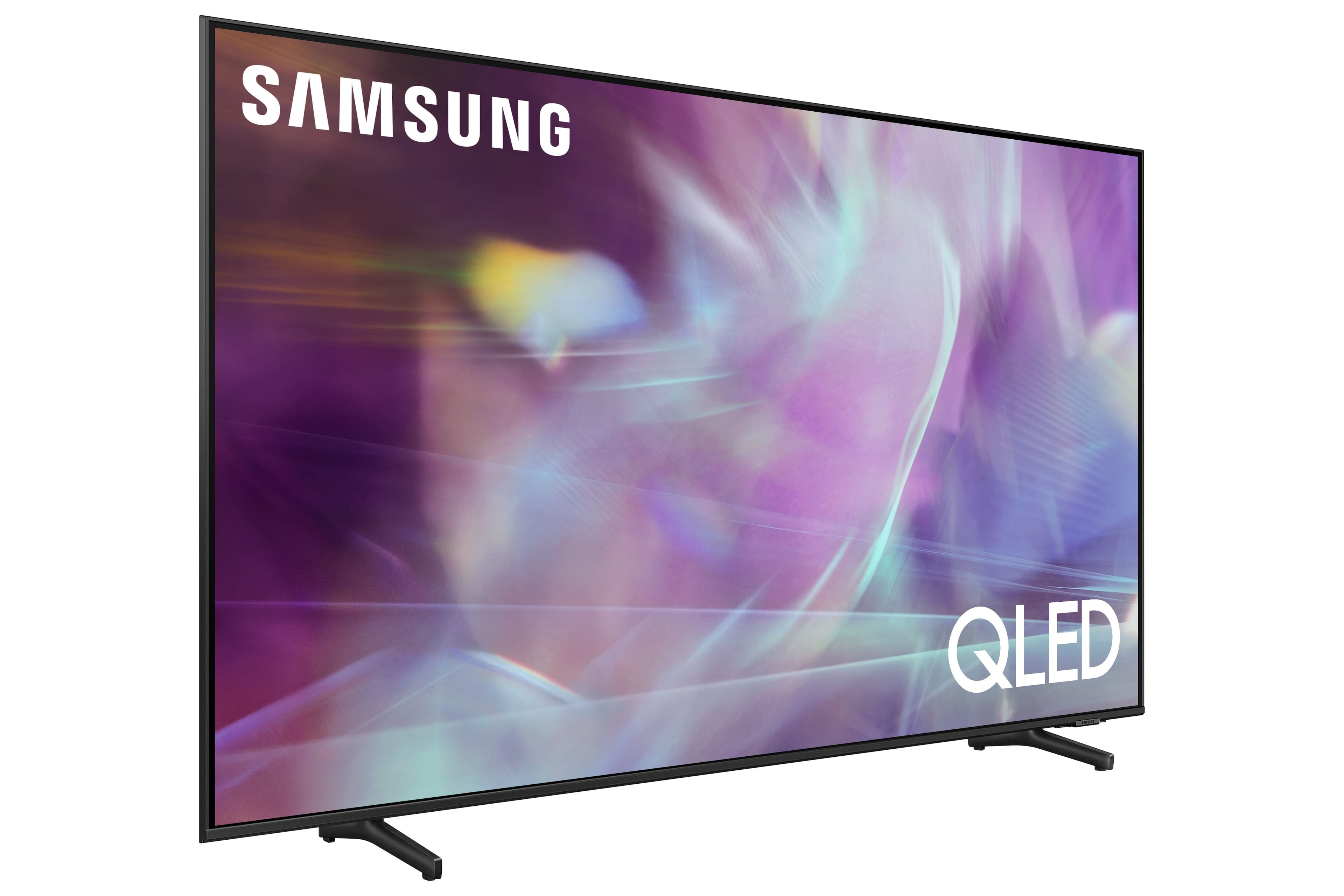
A:AnswerHi carol! Thank you for your question. With HDMI 2.1 being such a complex topic, we feel it is clearer to highlight the specific features supported by each TV model. This model has 3 HDMI ports, all of which support HDR10+ and Auto Low Latency Mode (Auto Game Mode). The “HDMI In 2” port further supports eARC. If you are looking for a TV capable of 4K@120fps (FRL), please consider a step up to Q70A Series, which supports “FRL on HDMI In 4”. ^Gina
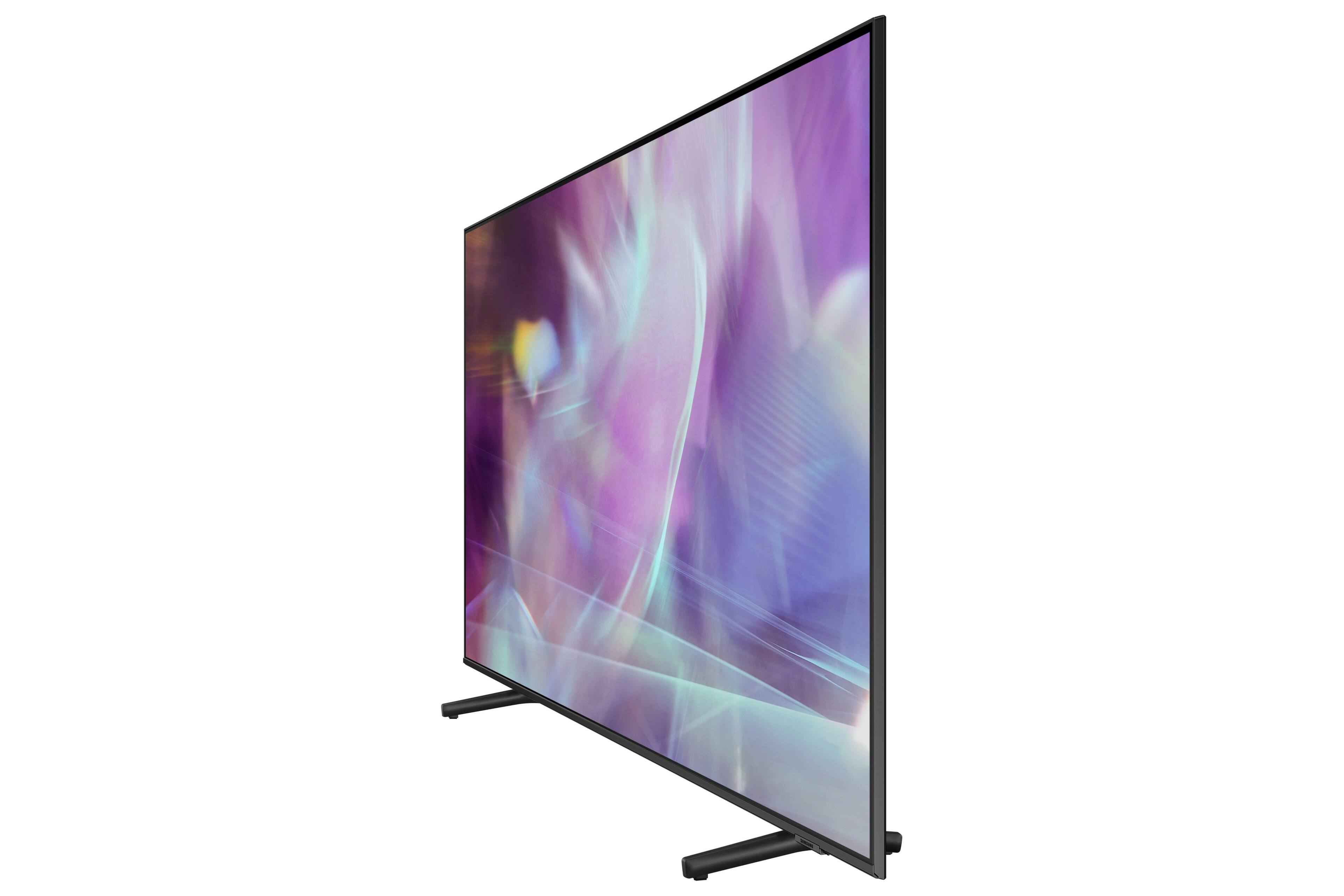
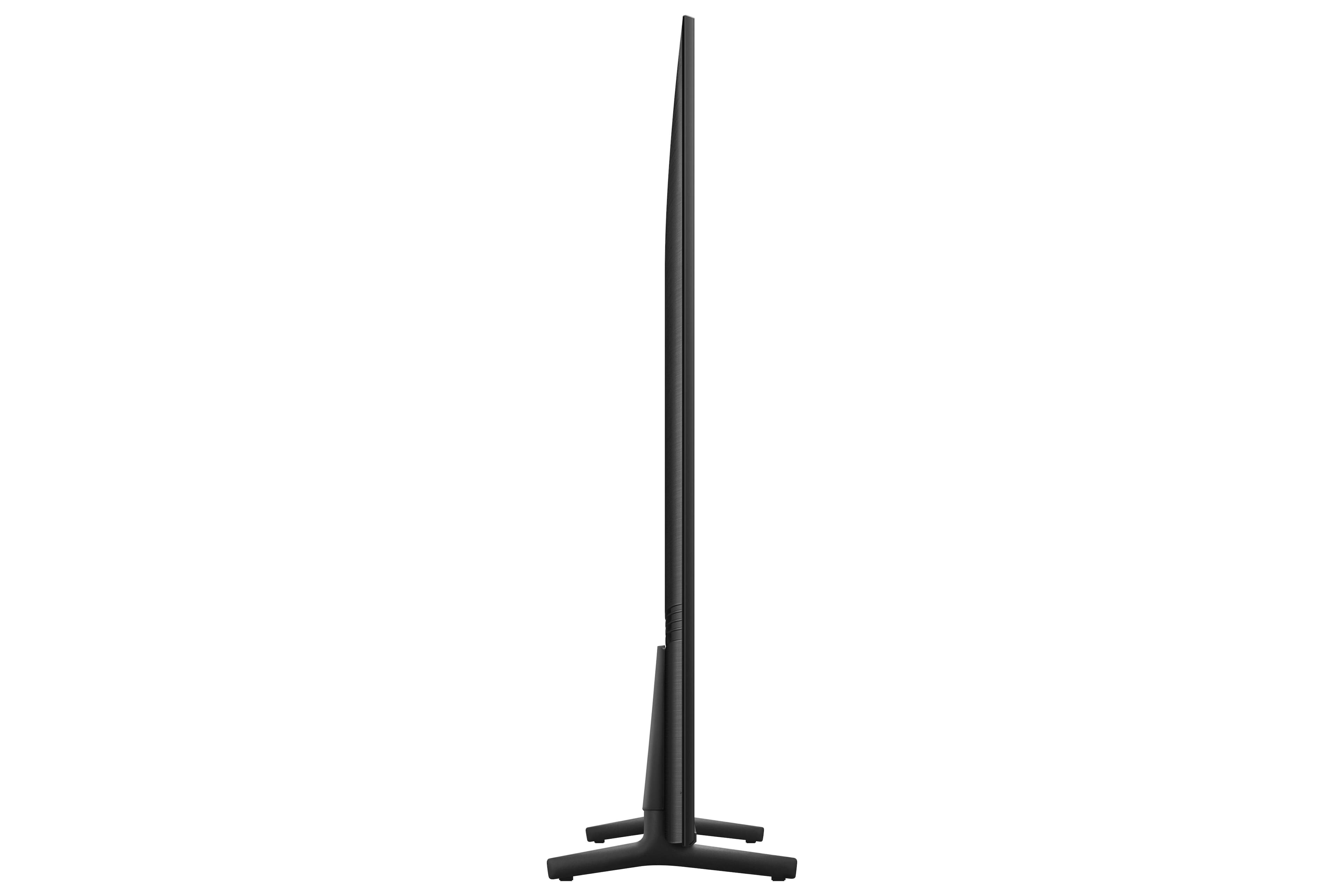
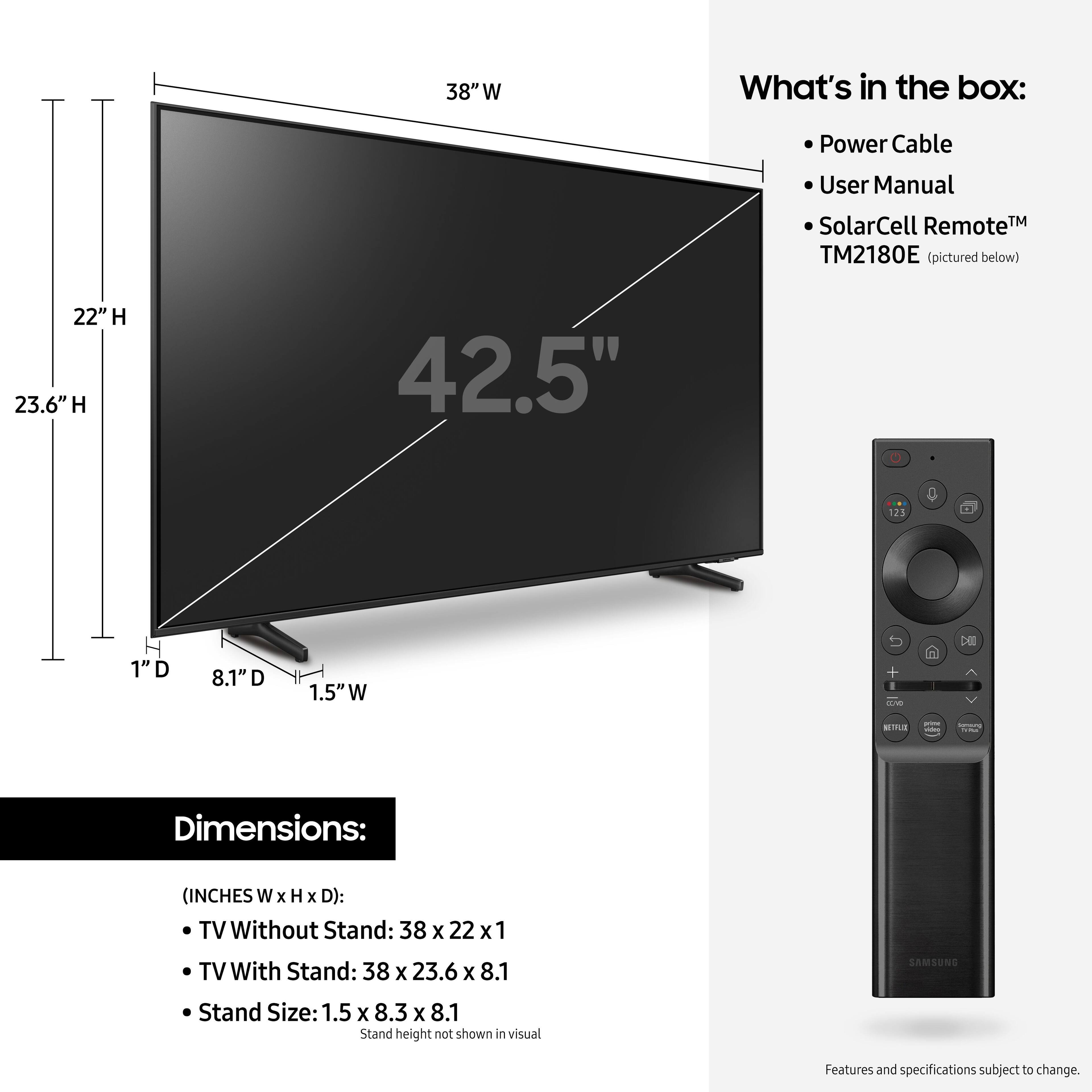
A:AnswerHi basic - Please refer to the Quick Setup Guide included with your TV for instructions on how to adjust the Q60A TV's leg height. You can also find this guide on Samsung's website by clicking "Support" > "Manuals & Software" > "TVs & Home Theater" > "TVs". From there, you can select the Q60A TV under "4K QLED TVs" and download the Quick Setup Guide. ^Gina