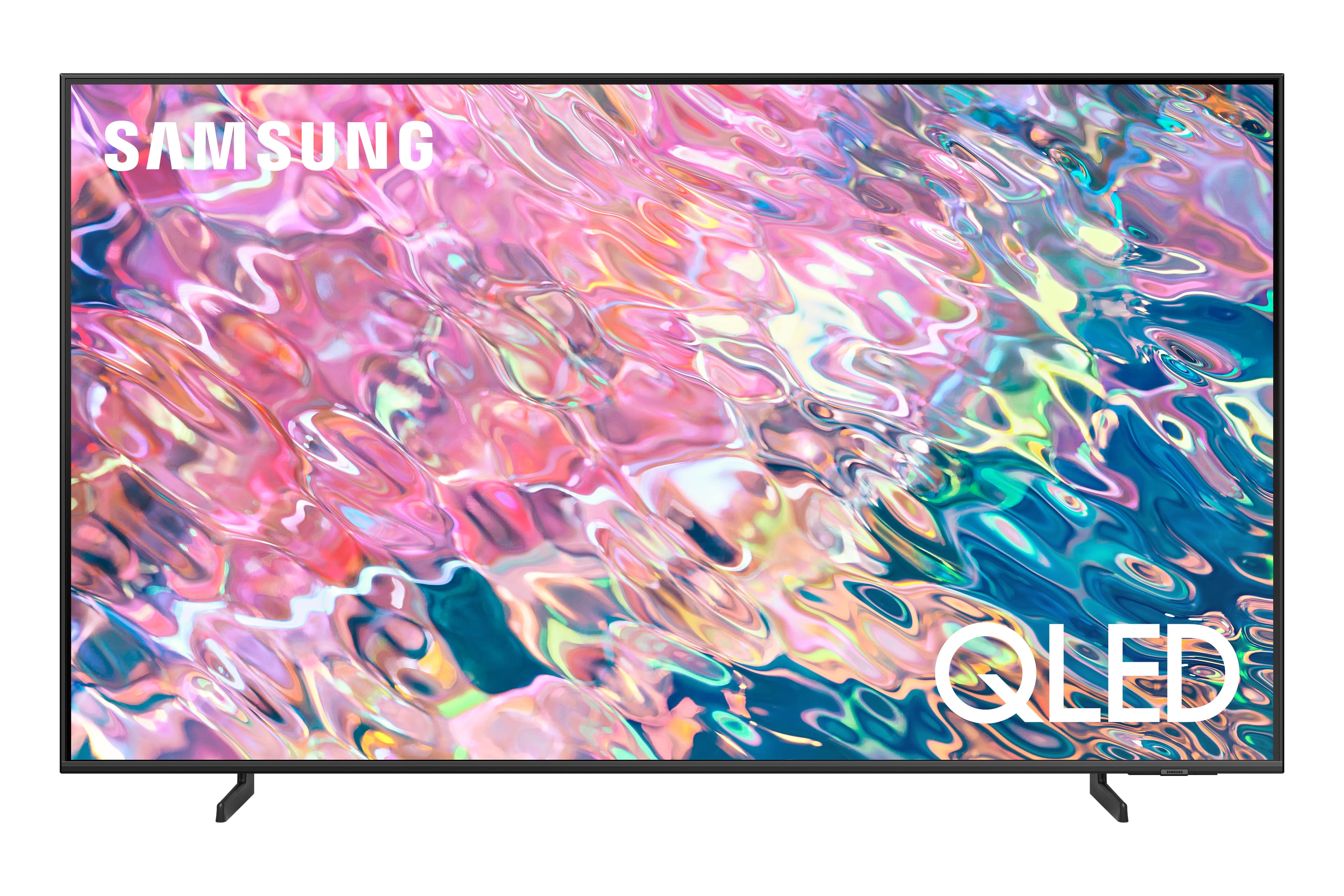
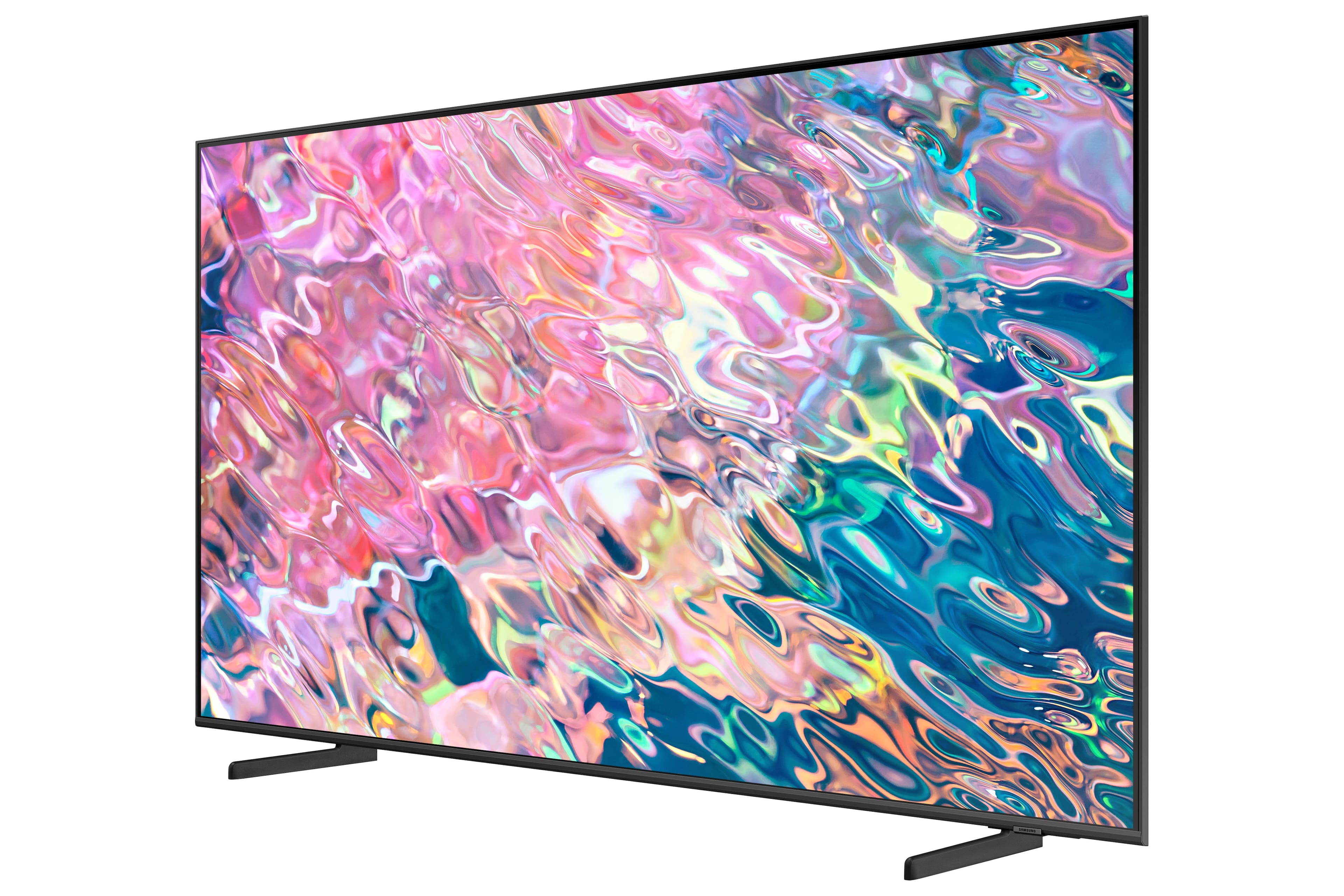
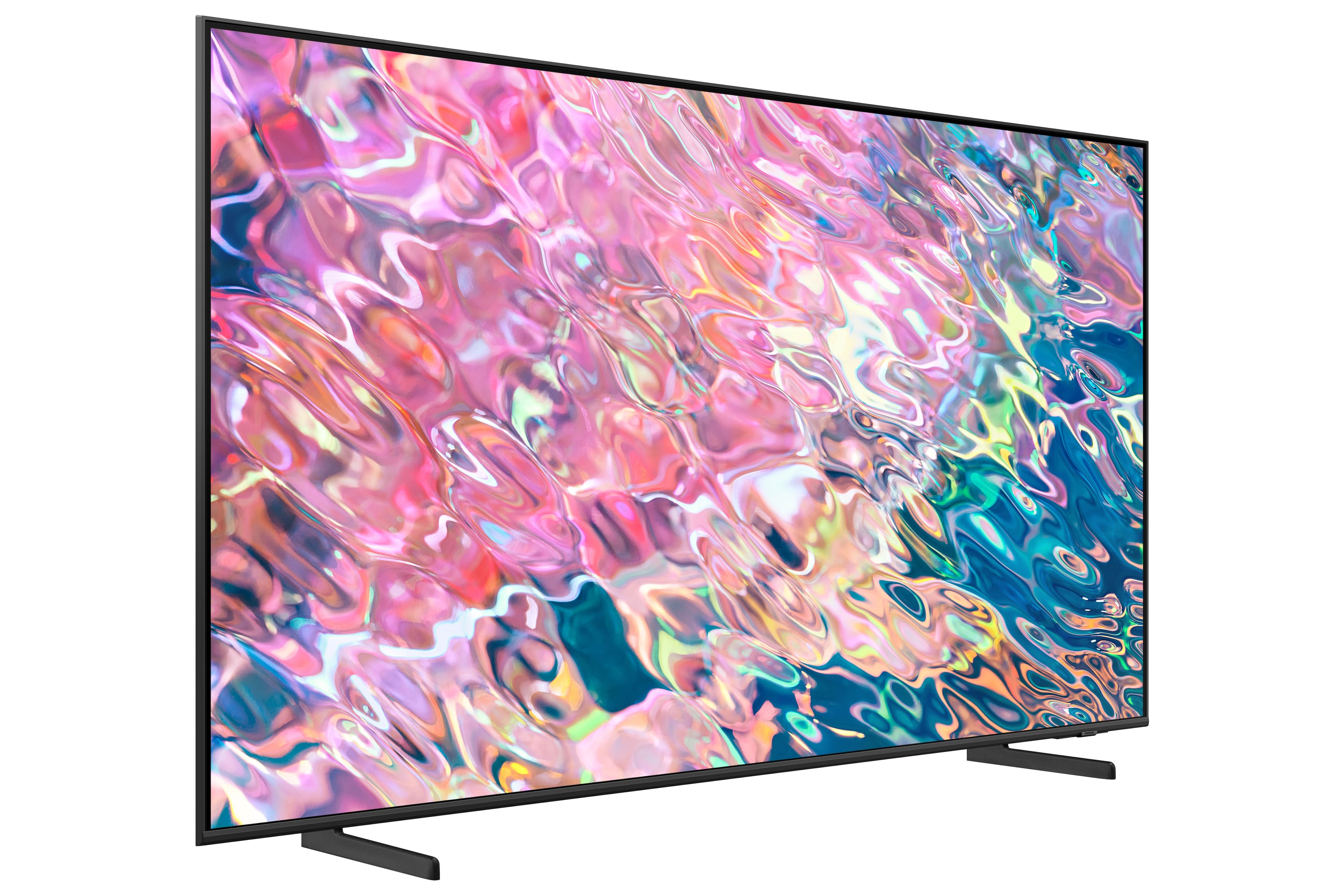
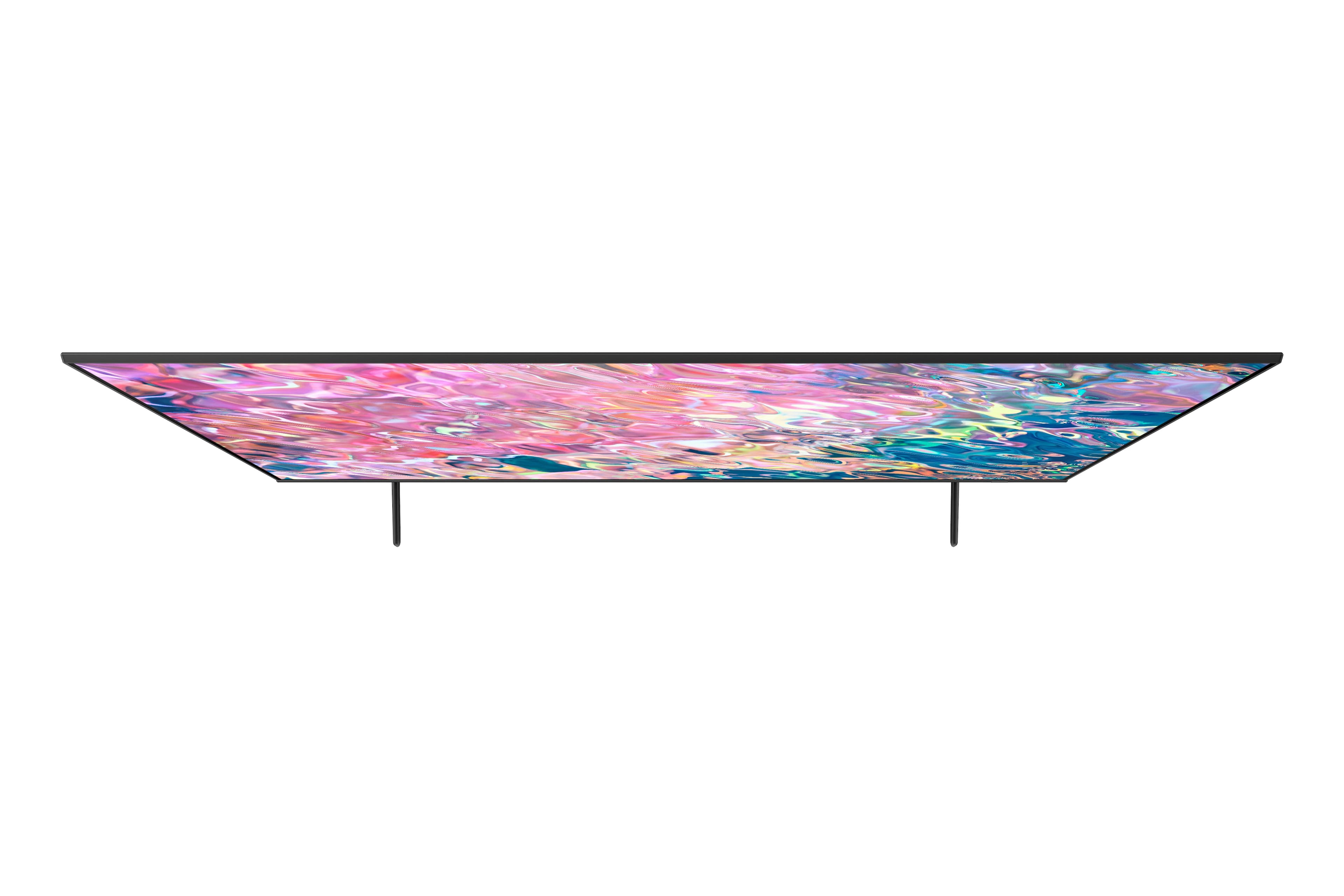
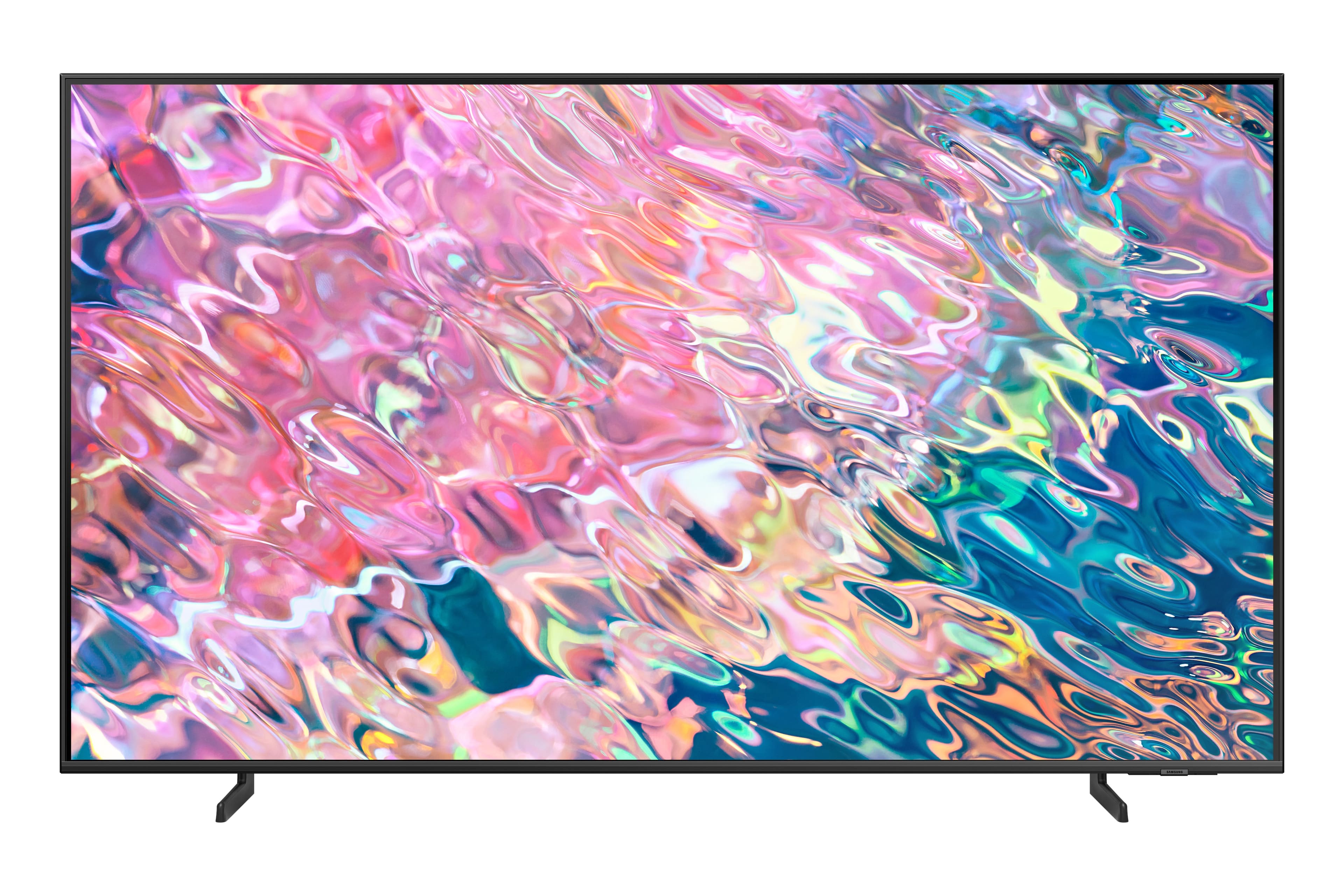
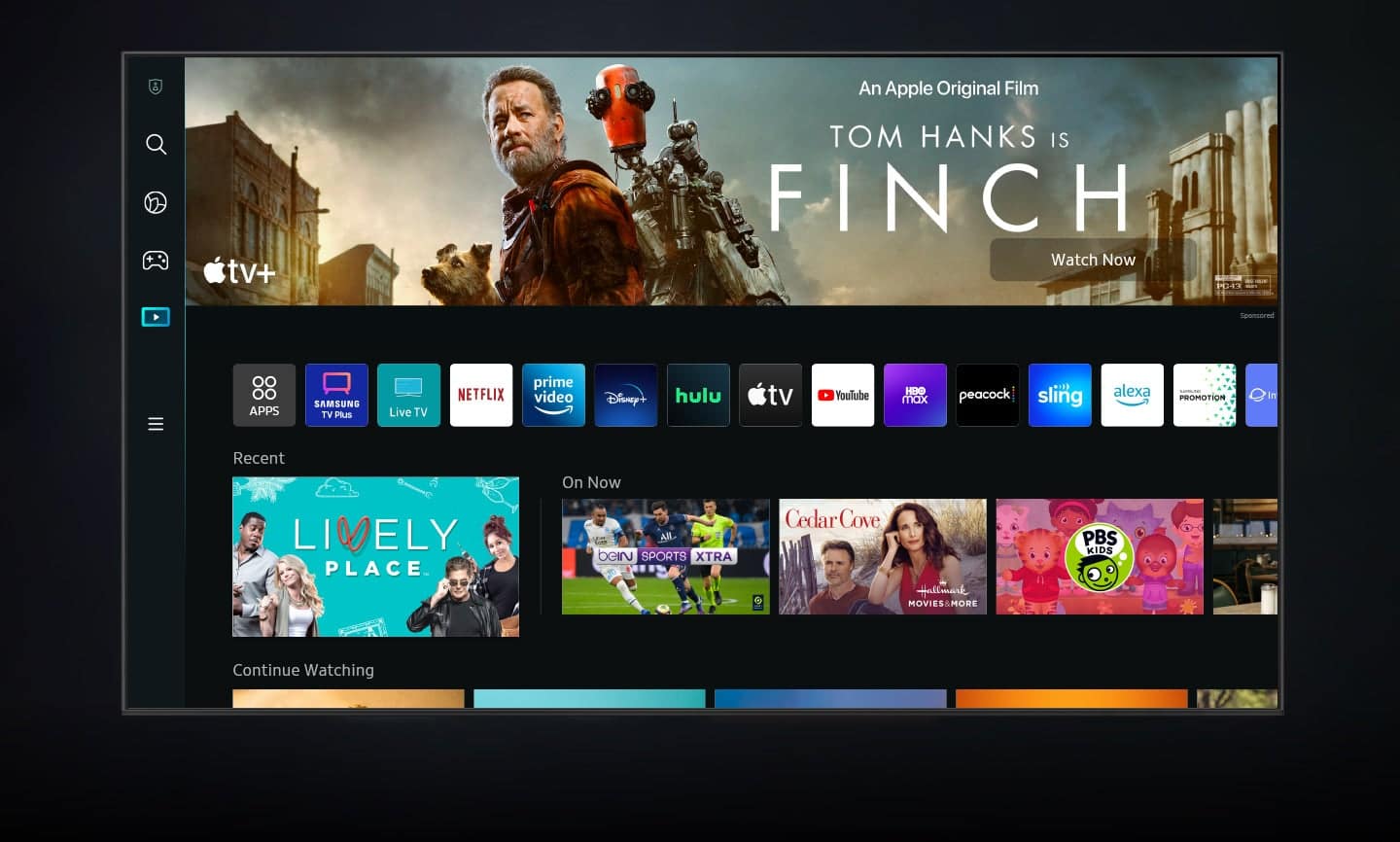
A:Answer jas - The Q60B is a Smart TV that features a built-in App Store, allowing you to choose from and download hundreds of apps such as discovery+, HBO Max, VUDU and many more. We are continuously adding more premium content and new services to our Smart TV platform. To enable the Sleep/Off Timer on the Q60B TV, go to: All Settings > General & Privacy > System Manager > Time. From here, you can choose to set either a Sleep or Off Timer.
~ Samsung Specialist