A:AnswerI purchased this TV around 3 weeks ago, I do not see the white border your talking about, I'm wondering if there is something in settings you can change to see if it goes away
A:AnswerYour reply says to fill out the form below, and there is no form to fill out.. The link that I think you mean is http://smsn.us/SamsungSupportUSA but this does not work. I was told by someone in the store that this is an identified issue.
A:AnswerWe have a different provider and we have to use their remote not the TV remote. Not sure if you also need to use your providers remote but my guess is yes. Maybe your provider can answer that question.
A:AnswerI just walked around my TV and yes, there is some loss of brightness, but nothing I noticed until I read your question. I's sit in the corner and watch and still be happy.
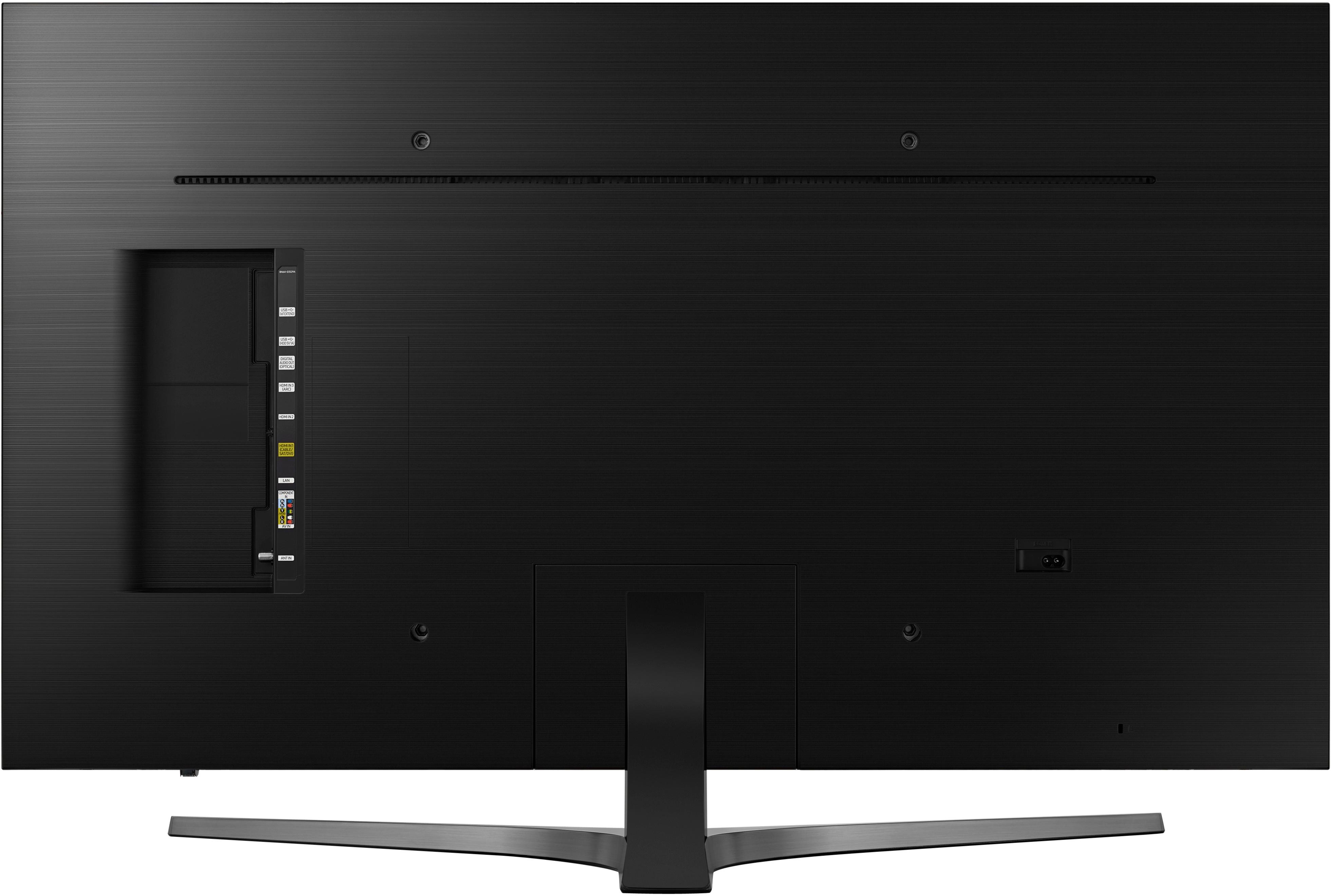
A:AnswerIts very difficult. There is a little symbol on the back where you place your thumb and slide. You have to put a lot of pressure and then the whole back slides off. It took us several tries and several different people to open it. Good luck!
A:AnswerI had to order a different Comcast cable box. Their regular box gave horrible pictures on both regular and HD channels.
The box sent showed a better picture on both, especially the HD channels. The 4k box from what I heard, shows even better.