A:AnswerPain in the butt but try this. You may need another set of hands or two.
Unplug power from bar & woofer 30 seconds.
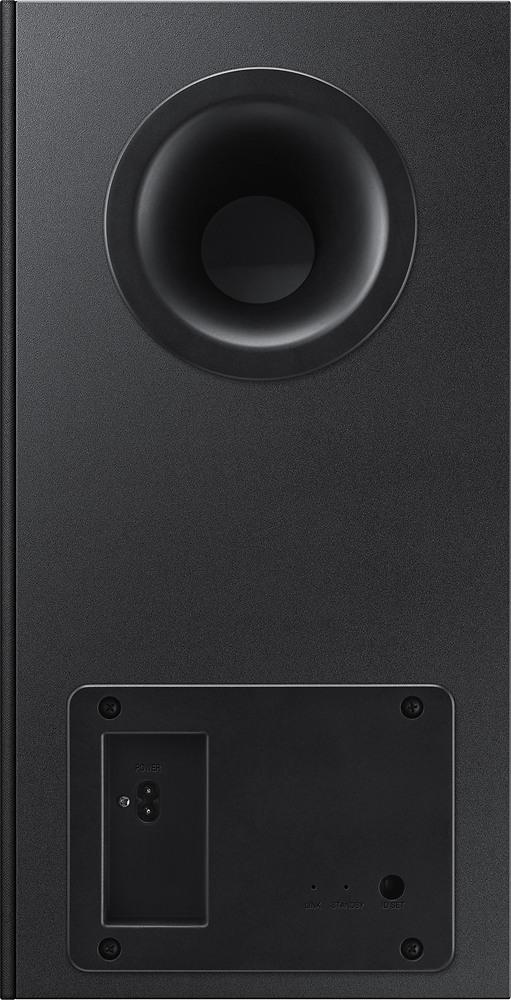
Plug back in... after hello display press button at bottom of woofer for 10 seconds. Hope to see blinking blue light.
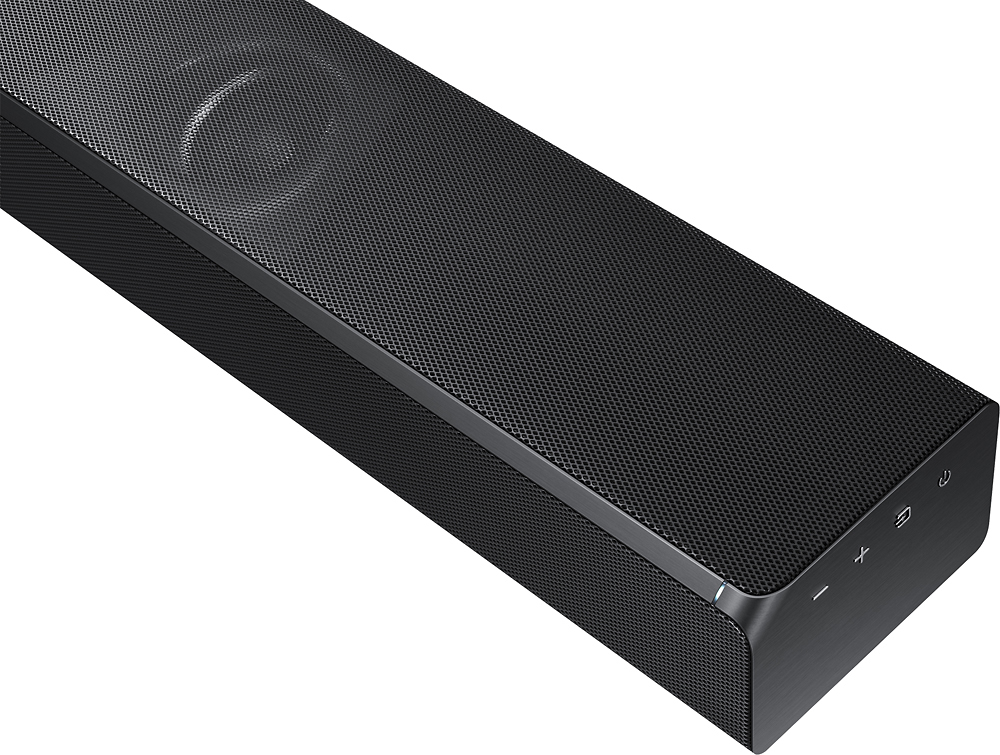
Use remote & power off bar... then depress mute (left side) on remote until bar message INT. Then use remote to power bar on. Hope see steady blue light.
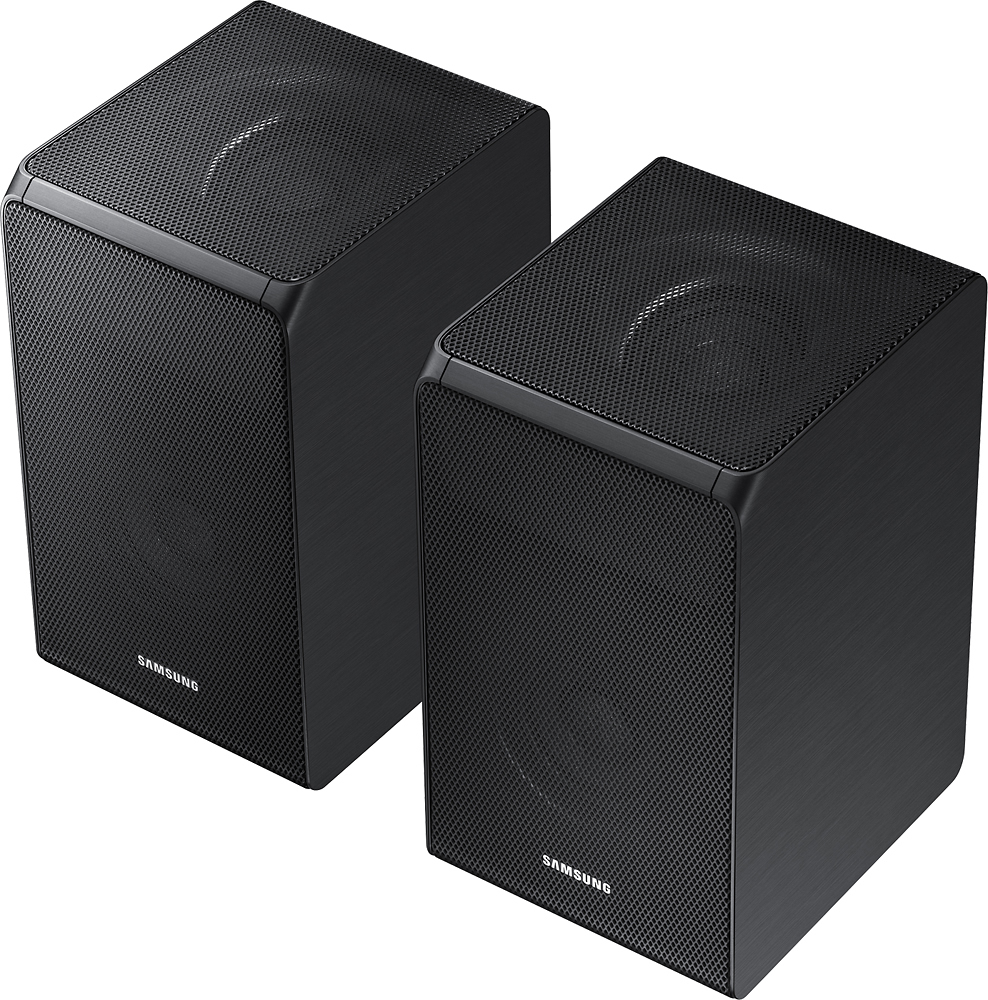
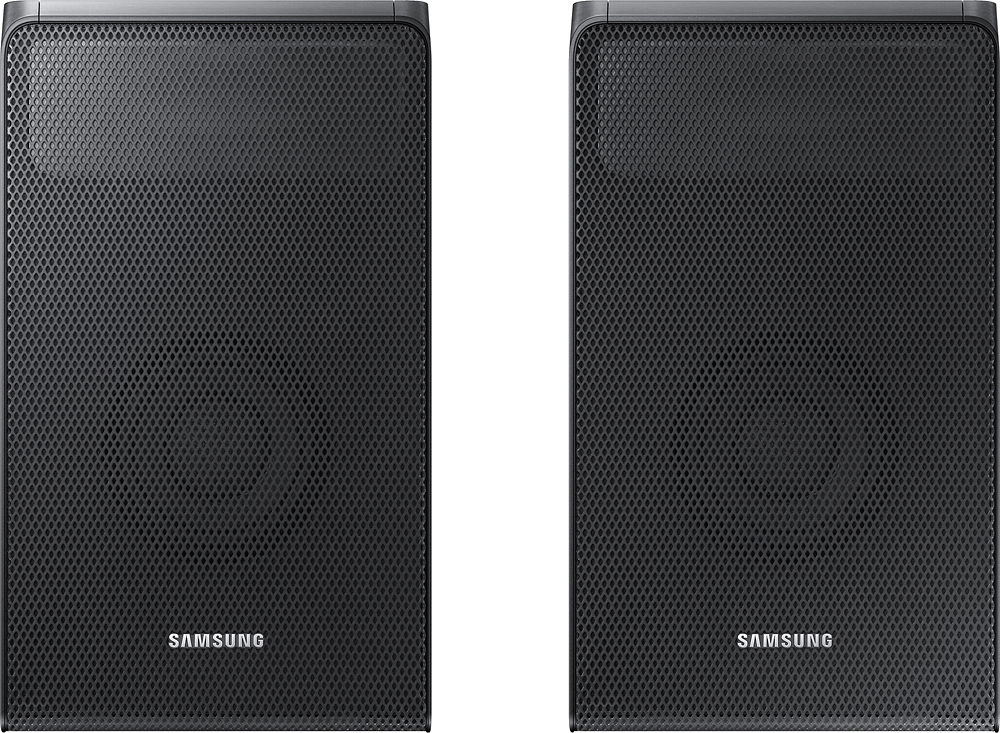
Then do the same for the rear speakers. You may need to do both at the same time. Goodnluck
A:AnswerI don't think the sound bar itself works with Alexa. We have Google Assistant and a Chromecast. This allows us to tell google to play or cast to the tv and the sound bar is connected to the TV
A:AnswerUsing the remote that came with the system, press on the top of the D-pad for at least 5 seconds. "ID SET" should appear on the soundbar display. Then hold the "ID SET" button on the rear of the speaker. The blue LED should go solid.
A:AnswerYou can use it with any tv but I do not recommend mounting it directly attached physically to the tv. It will work better if it is close to the tv but not touching because of vibration. It sounds better if placed on the floor or on a stable sound board that will reflect the sound well.. this is a quality versatile sound bar with various sound settings and needs a good sound baffle like a solid floor to reflect the sound. A solid shelf is another option
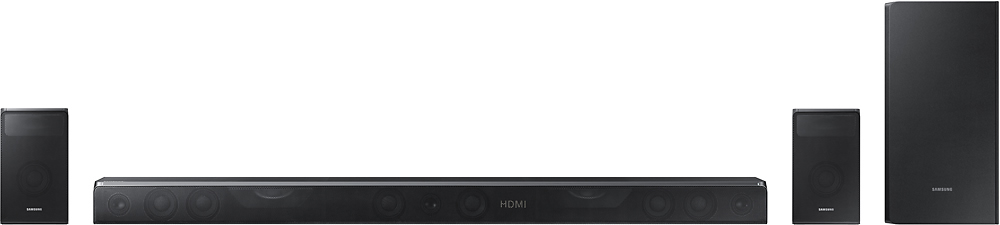
A:AnswerSamsung HW-K950 has two HDMI inputs / one HDMI output, Digital Audio-in (optical), and Aux-in (does not show size). The subwoofer and the rear speakers connects via wi-fi to the soundbar. You can also use Samsung multi-room app and connect your mobile device, i.e. Android or iOS and play your favorite music. Images are from the instruction manual.