A:AnswerThanks so much for asking, Grace! While no additional parts will be needed to convert the range back to natural gas, Samsung does recommend having a licensed professional perform the conversion. This is due to the many risks associated with gas and propane. ^Jecca
A:AnswerHello Sky, I am including a link to the warranty information for this range (https://www.samsung.com/us/support/warranty/?model=N0020836). We thank you for choosing Samsung. ^Lena
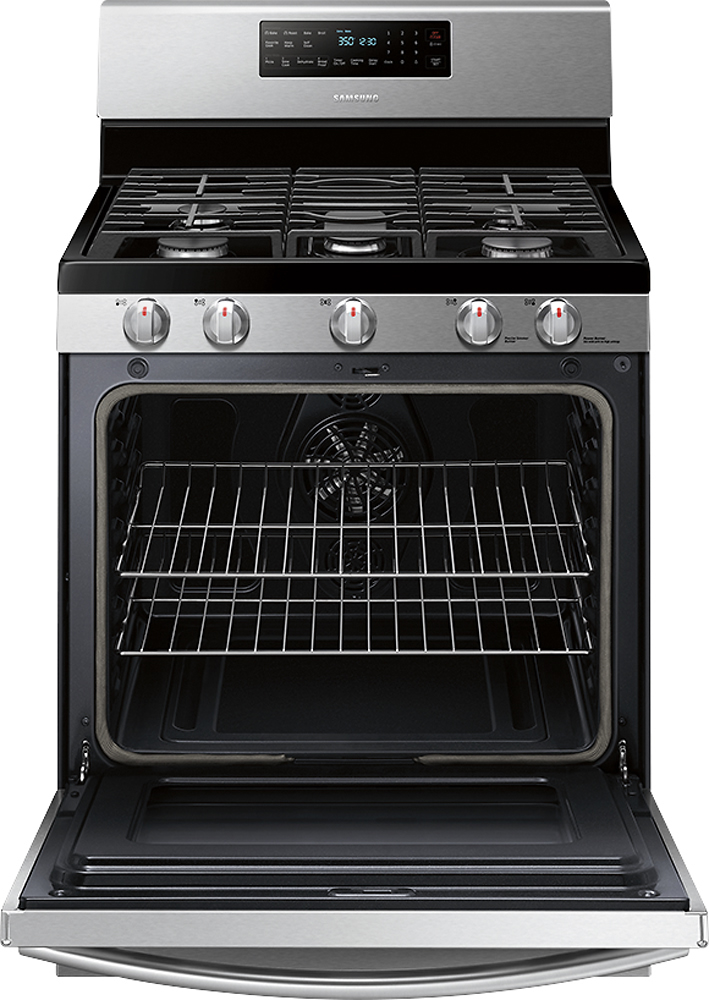
A:AnswerAbsolutely, RickS! This model has separate buttons for bake and convection bake, so you can pick whichever you want each time you use it! ^Jecca
A:AnswerHi Allen! Samsung does not recommend installing this range in a non-climate controlled environment as it is designed for indoor use, and exposure to the elements could cause damage. ^Jecca
A:AnswerThanks for asking, mike! This link (https://bit.ly/3tMggrB) has the individual BTU ratings for each burner listed in the product info section. ^Jecca
A:AnswerHello Oknod! This link (https://bit.ly/2McbCSv) has all the available dimensions for this model listed in the product info section. Unless otherwise specified, the dimensions include all parts such as the handle and door. ^Jecca
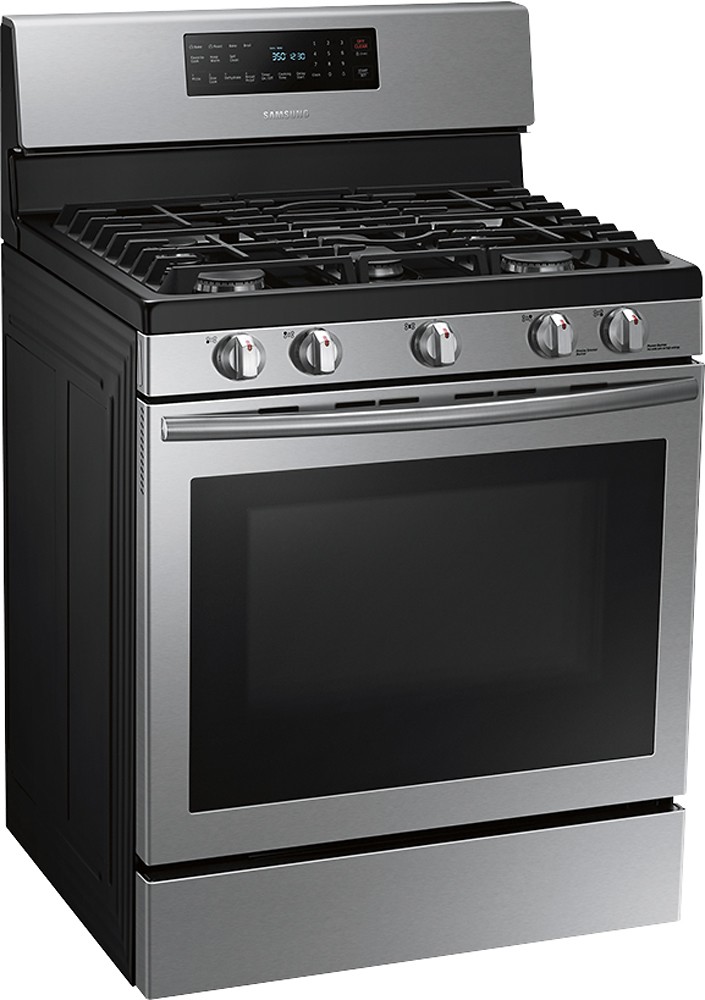
A:AnswerHi there! Generally each model has it's own set of grates that are specifically designed for it. However, you're welcome to check SamsungParts.com or call 1-800-627-4368 for any available compatible grates. ^Jecca
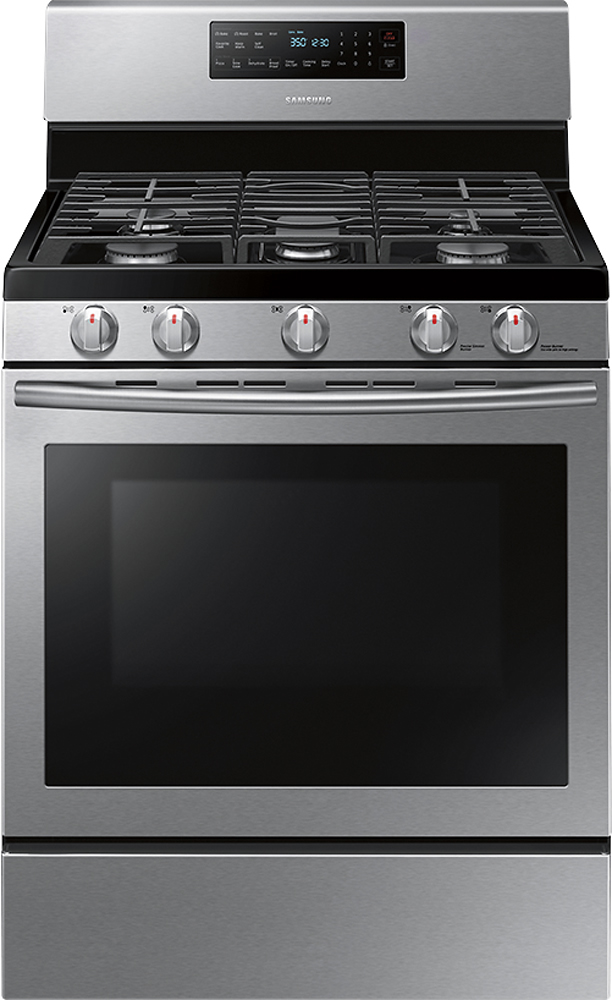
A:AnswerI'd like to help with this, Menumber1! The drawer at the bottom of this model is a storage drawer with no heating element in it. However, the oven does have a broil feature. ^Jecca
A:AnswerHi Linda3! I can provide this link (https://bit.ly/38rb4ko) to our support page for this model. In the product info section, you can find all the available dimensions for this model. ^Jecca
A:AnswerThanks so much for asking, Karl! Though this model does have a convenient storage drawer, it does not have a warming feature for that drawer. ^Jecca
A:AnswerThanks so much for asking! Beginning on page 30 of the user manual (https://bit.ly/37jefKf) you can find detailed instructions on how to set and change settings on this model range. ^Jecca
A:AnswerHi there Maury! Page 34 of the user manual (https://bit.ly/2JjFKdb) can walk you through how to use the timer feature with this range. I can also provide this link (https://bit.ly/3nZ3SAM) to help you with what to do if the display is blank. ^Jecca
A:AnswerI am including a link to the user manual starting on page 51 to support your concerns on how to use the bread proof feature (https://bit.ly/3qHLSgp). We thank you for choosing Samsung! ^Lena