A:AnswerHi Hotelie - Samsung is committed to providing the best possible product experience, quality, and value. We back this TV with a 1-year limited manufacturer's warranty, including authorized repair for manufacturer defect, if purchased brand-new directly from an authorized seller like Best Buy. You can see full warranty details here https://www.samsung.com/us/support/service/warranty/UN50TU8000FXZA ^Val
A:AnswerIt is just the refresh rate, frames per second of your TV depending on if you have one or the other, the 120 has is twice the rate of the 60 hz
And require 120hz content to appreciate it.
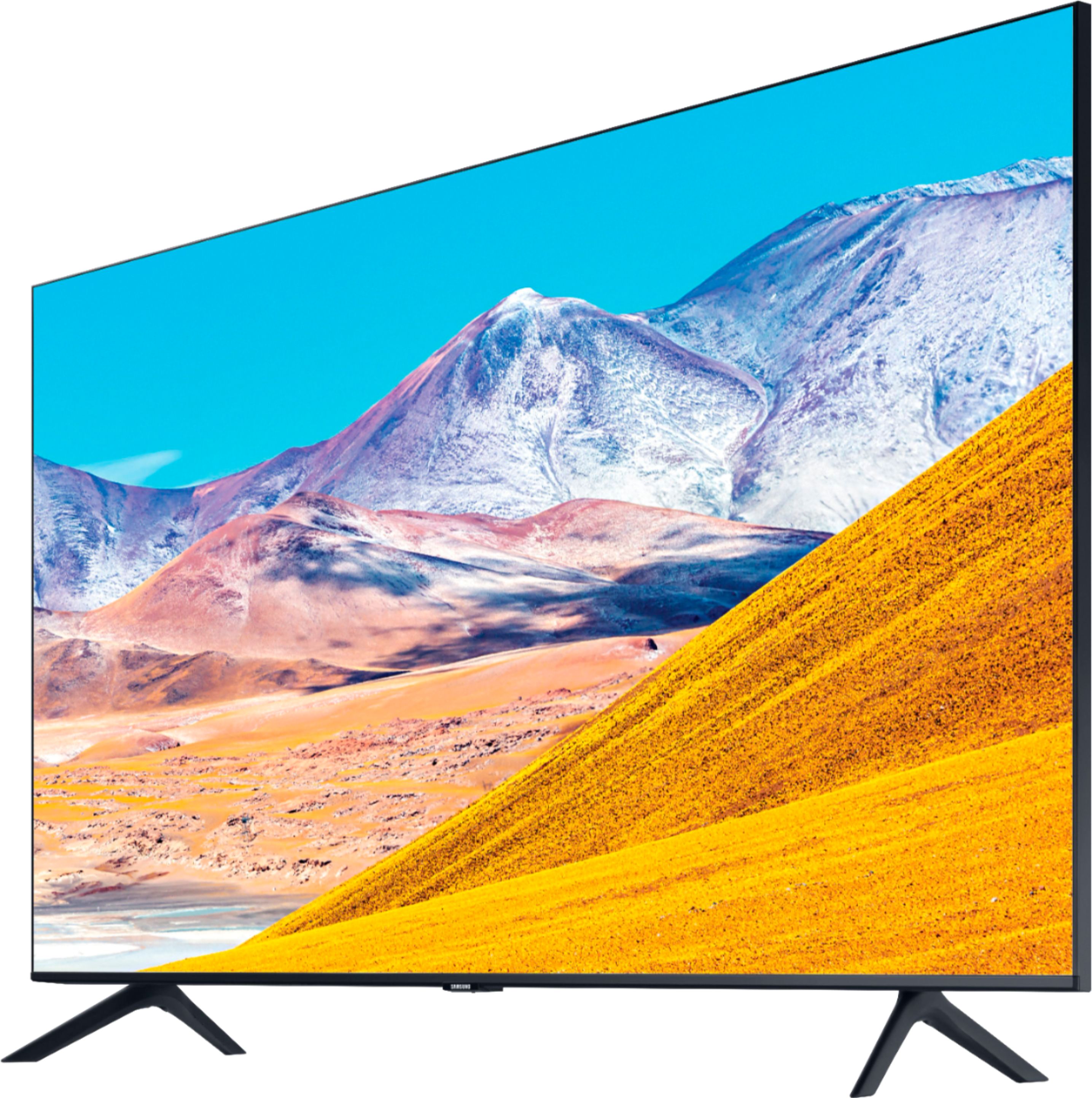
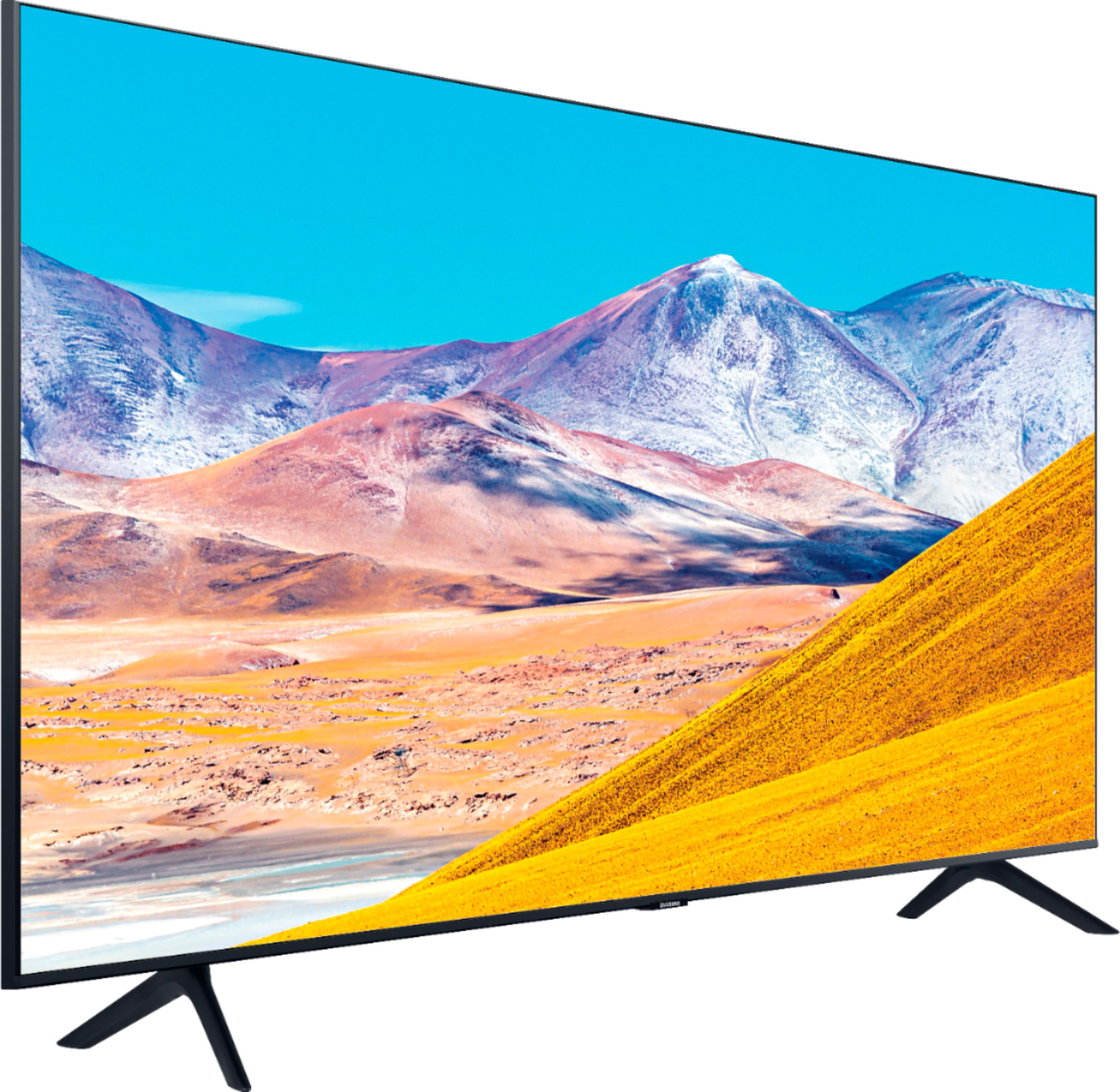
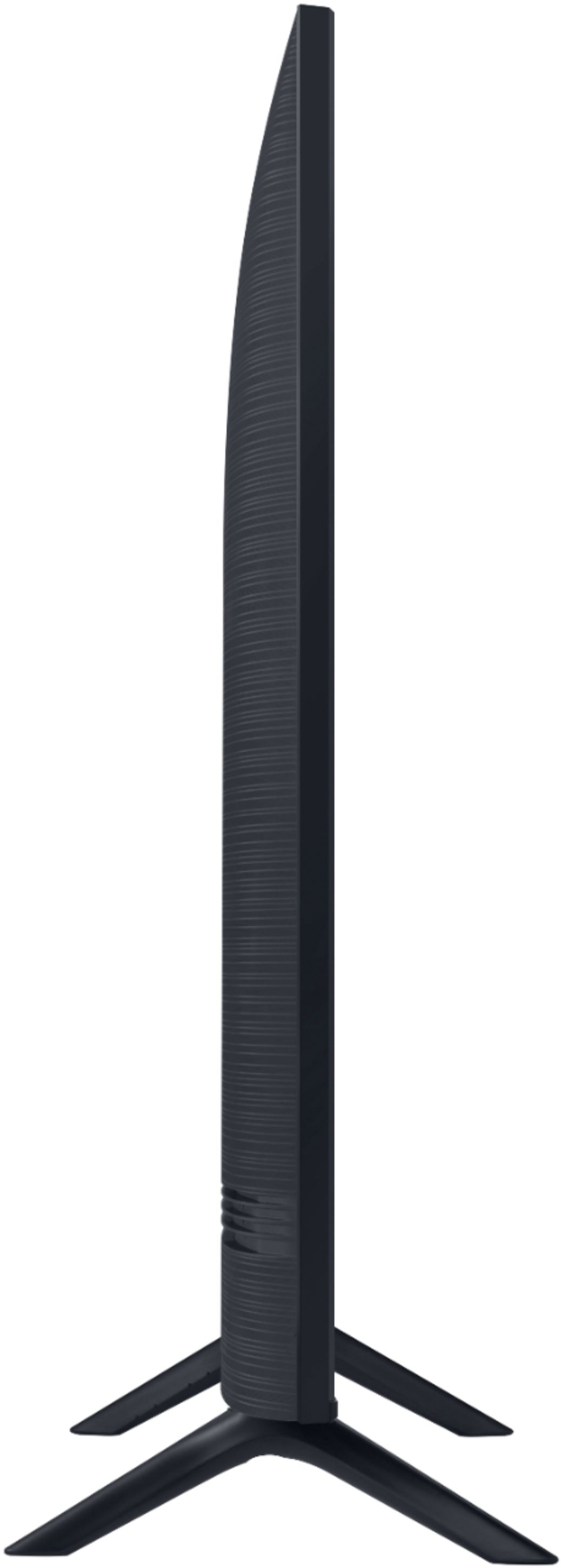
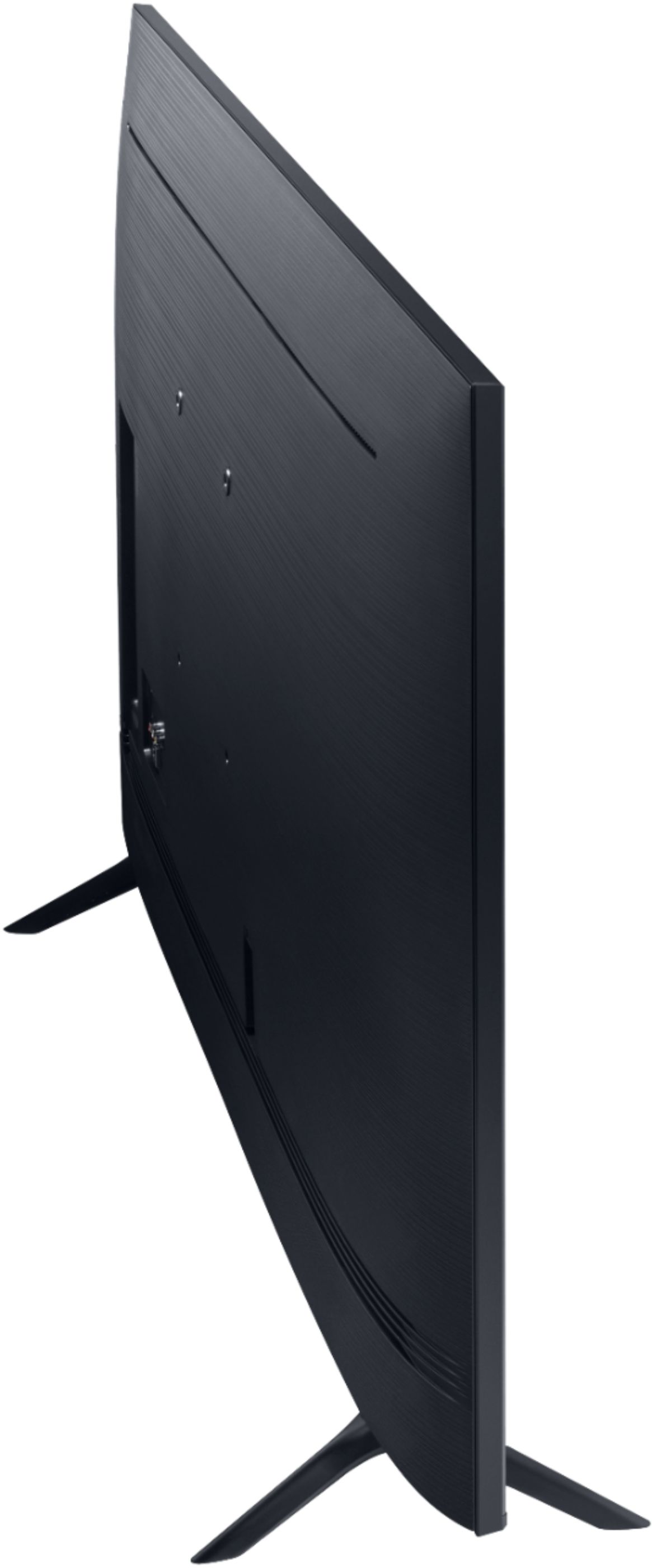
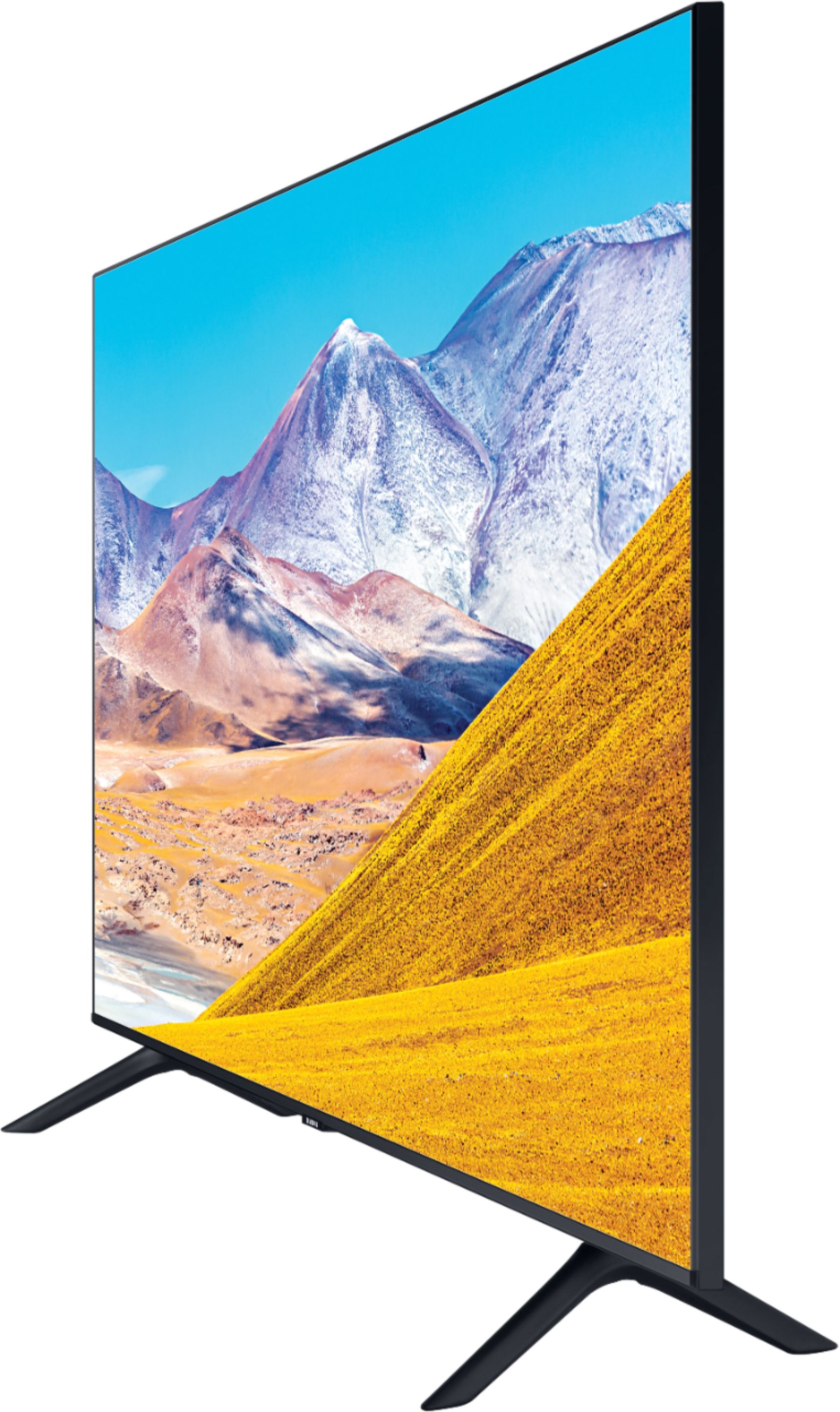
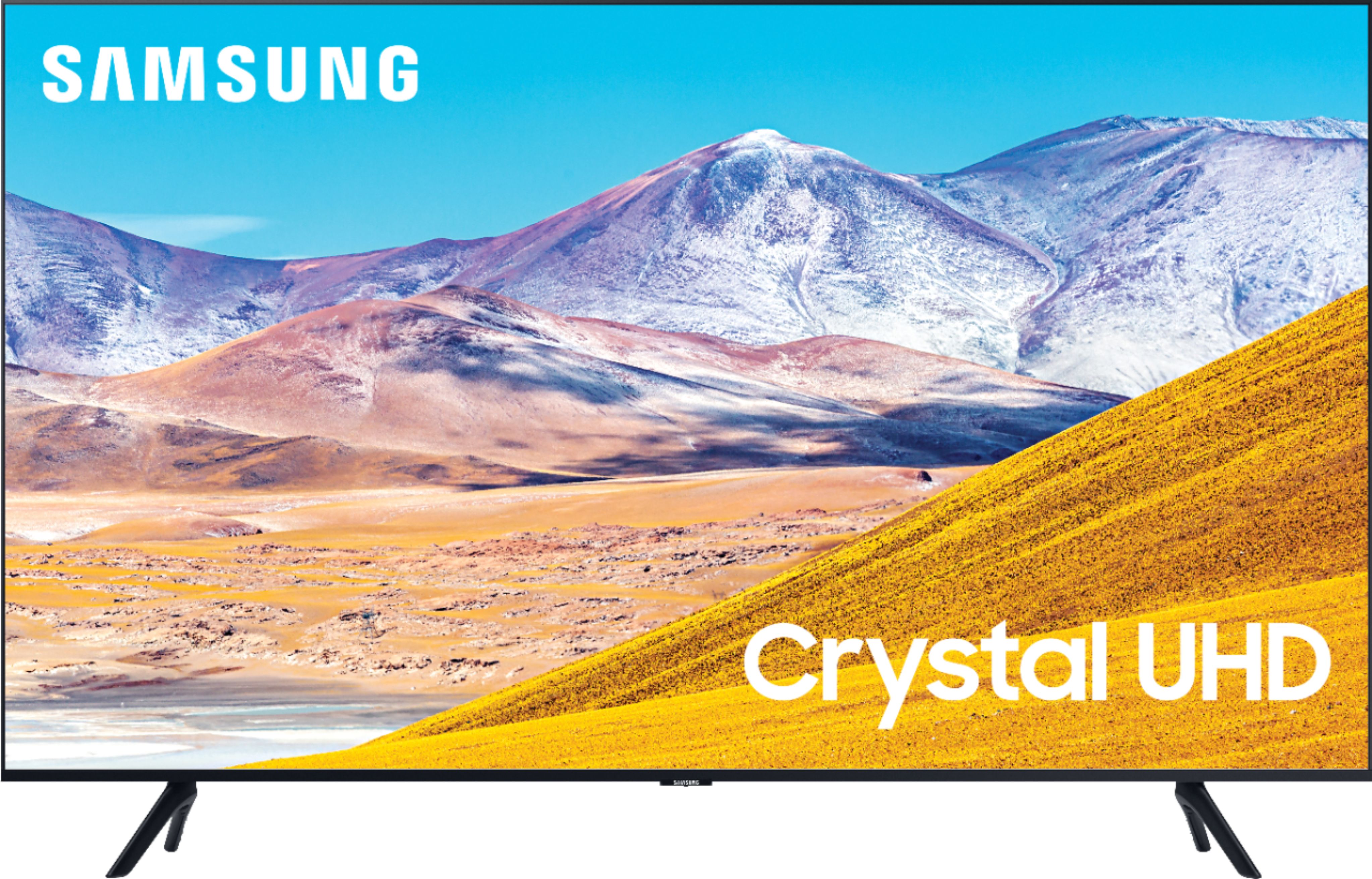
A:AnswerHi Honey, the full dimensions of the 50" TU8000 TV are 44" x 25.4" x 2.4" (WxHxD) when measured without the feet. The measurement between the feet is 39.8" ^Val
A:AnswerHello PeletonStacie,
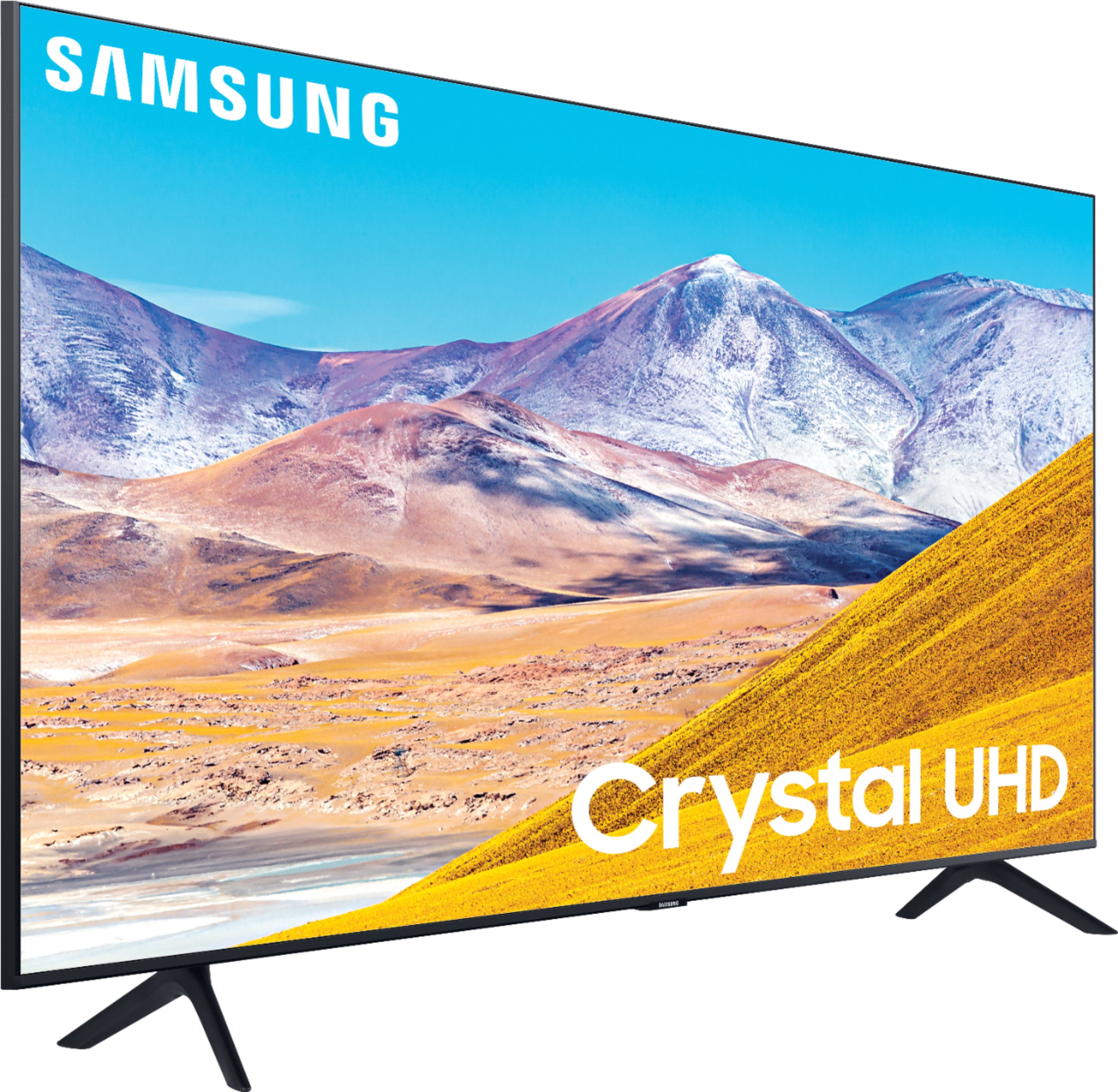
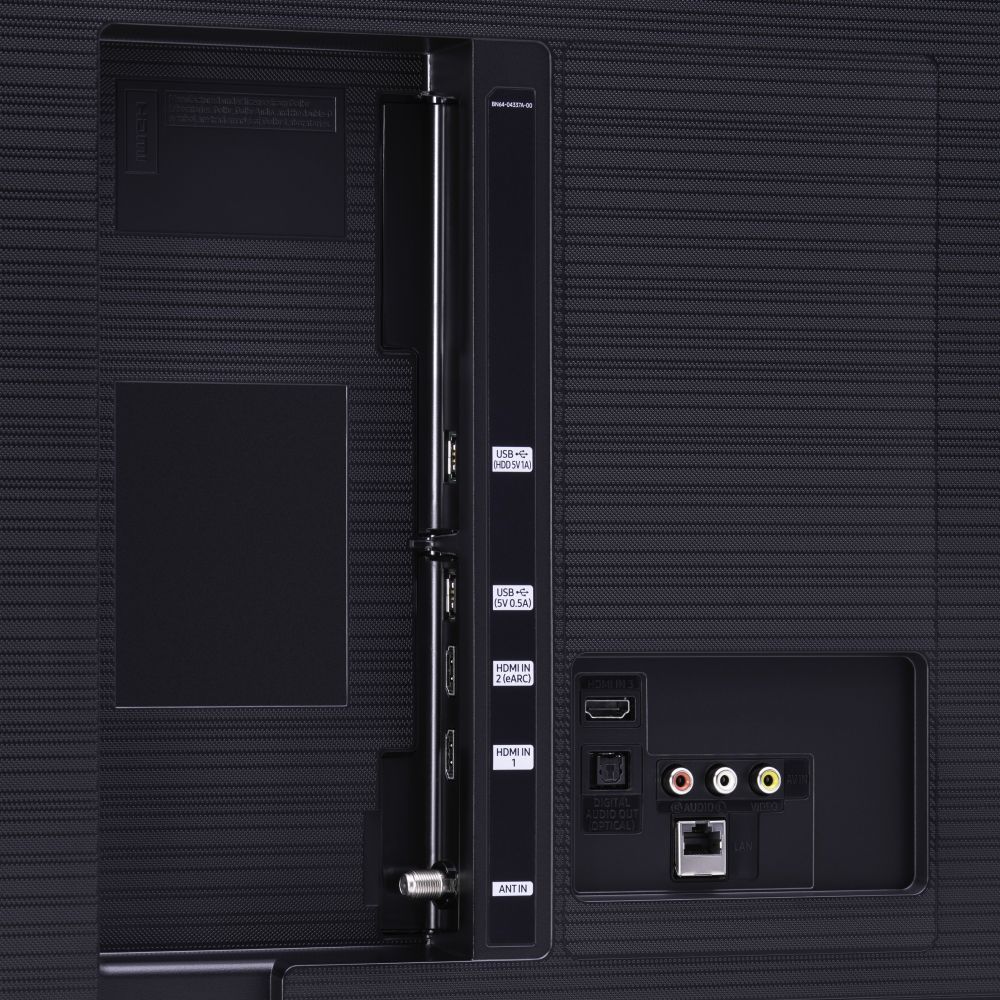
The TU7000 introduces our Crystal Display for brilliant colors and exceptionally crisp, vivid images. Its Crystal 4K Processor further brings impressive clarity to all your content while upscaling everything you watch to stunning 4K definition, no matter the source. When stepping up to the TU8000, you will have all the benefits of Crystal UHD, while gaining Ambient Mode and built-in Voice Assistants (Amazon Alexa, Bixby, Google Assistant) with a voice button on your OneRemote. The TU8000 also offers one Composite (AV) input and an additional HDMI and USB port.
No, the 50TU8000 does not support the Peleton app.
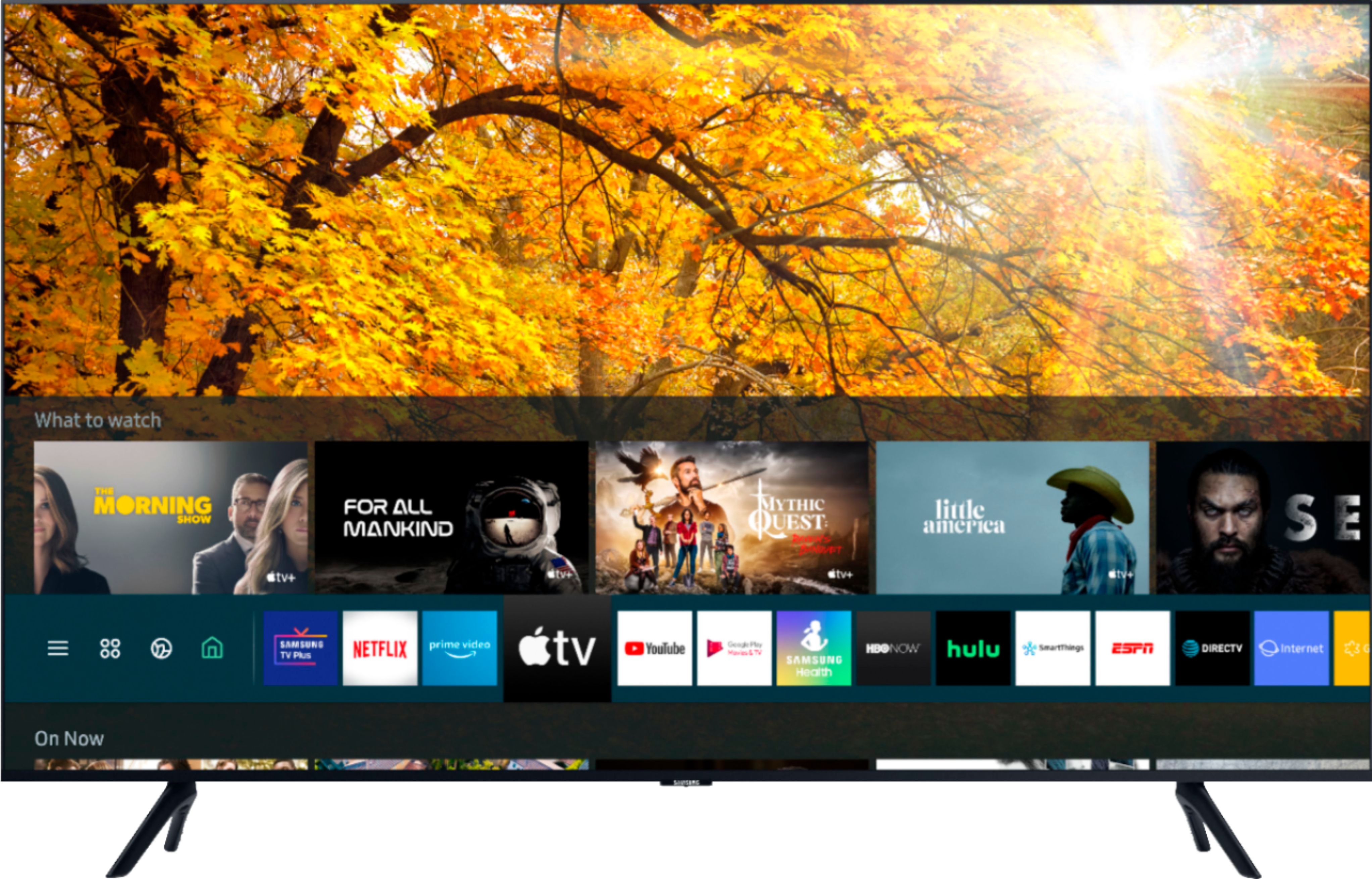
Yes, the 50TU8000 comes preinstalled with the Apple TV app and Apple AirPlay2.
^Cristian
A:AnswerHello TVShopper,
Yes, both WiFi and Bluetooth come disabled from the box. If you wish to not enable them just simply do not set them up and they will remain disabled. ^Cristian

A:AnswerHello,
Yes, the 50TU8000 has Built-in Alexa, the Google Assistant and Bixby voice assistants
let you control your TV with your voice, get information and do
so much more. ^Cristian

A:AnswerHi Tom, You can change AirPlay 2 settings on your TV.


Just navigate to Settings, select General, and then select Apple AirPlay Settings.
You will find the following options:
AirPlay: Selecting this option will turn the AirPlay feature on and off.
Require Code: You have the option to require a passcode the first time you connect your iPhone, every time you connect your Apple device, or to create your own passcode. From this menu you can also select Reset Paired Devices which will clear all Apple devices from the TV's memory.
Subtitles and Captioning: In this menu, you can turn captions and subtitles on or off. You also have several options to adjust the look of the captions such as font, size, and color.
About AirPlay: Here you can find the AirPlay version that is currently running, and see legal information about the software.
^Scott
A:AnswerHi Satch! The OneRemote with Voice included with the TU8000 features a Play/Pause button allowing you to quickly play or pause content from streaming applications or external devices. ^Tim
A:AnswerHi Ttboy! Yes, the Spectrum application is available on the TU8000. To access this application, along with a wide range of other apps and streaming services, utilize the search feature through the built in app store. ^Tim