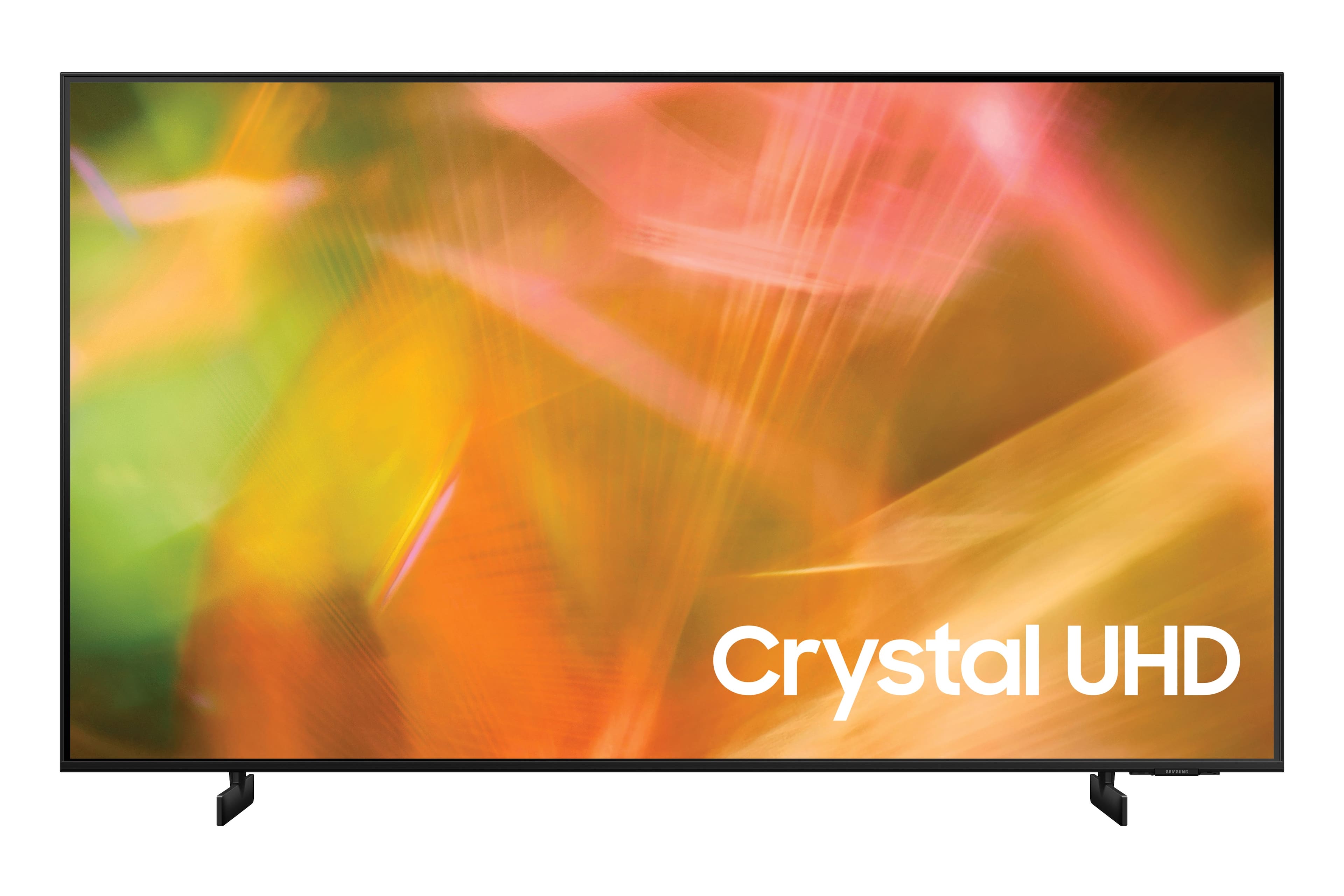
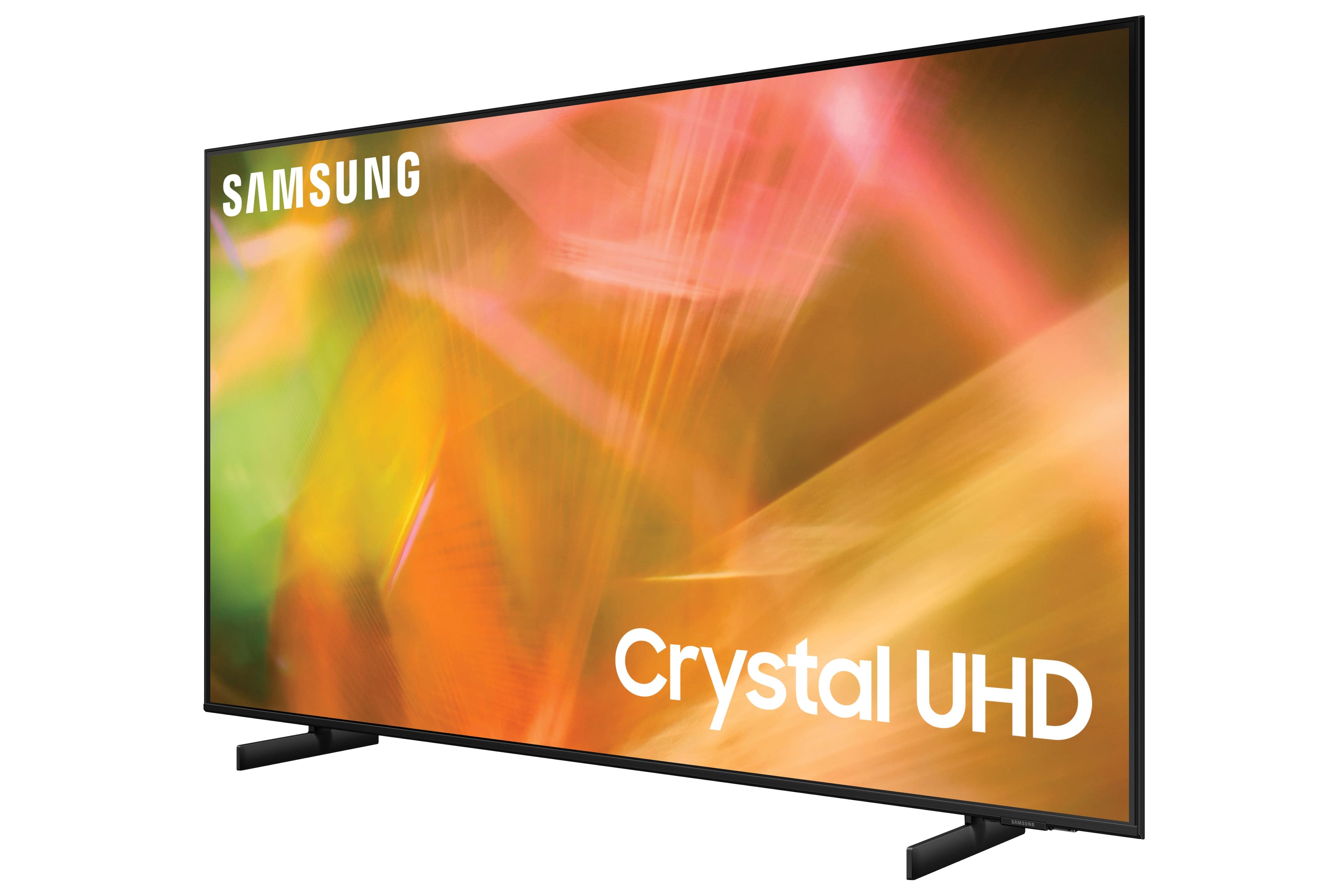
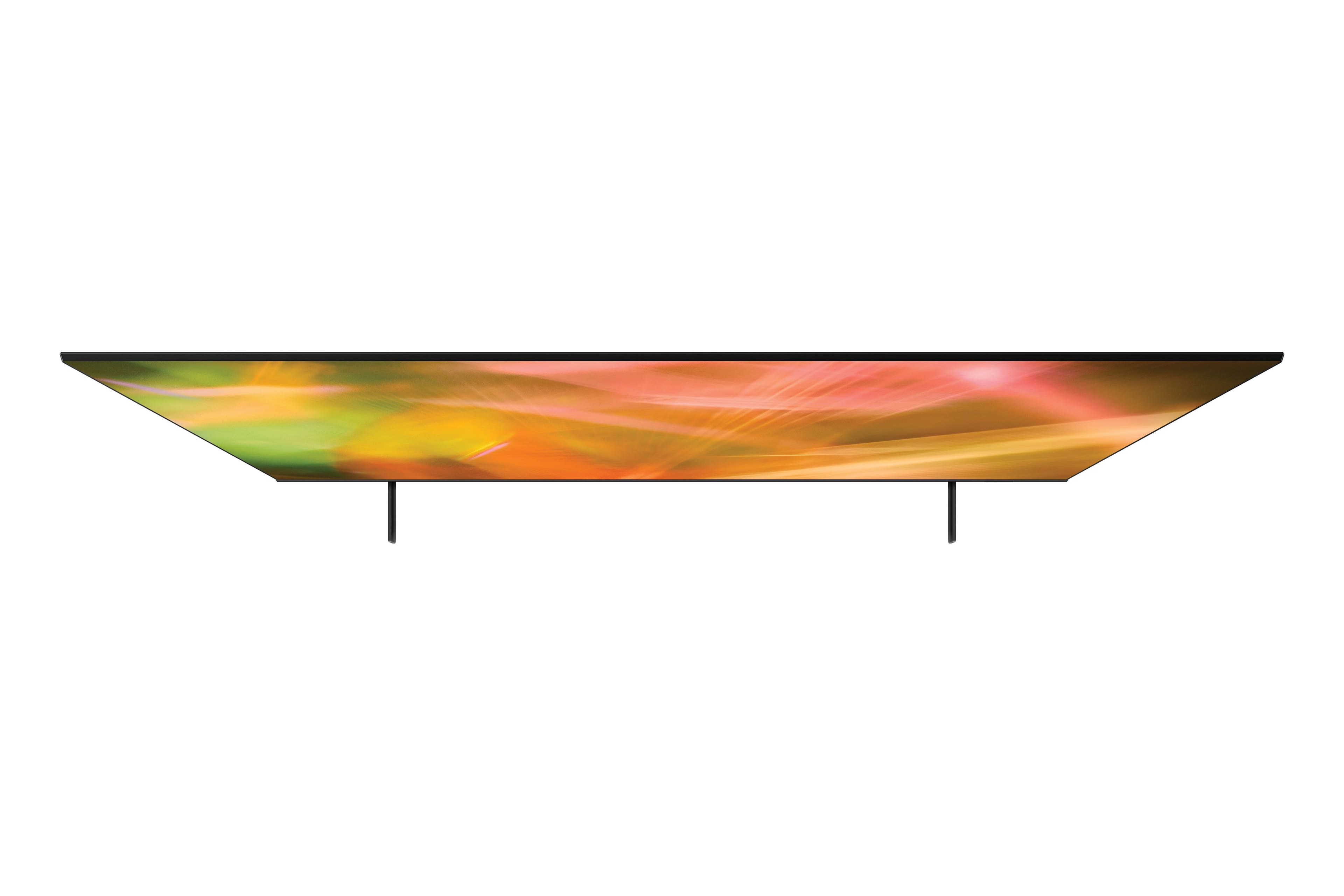
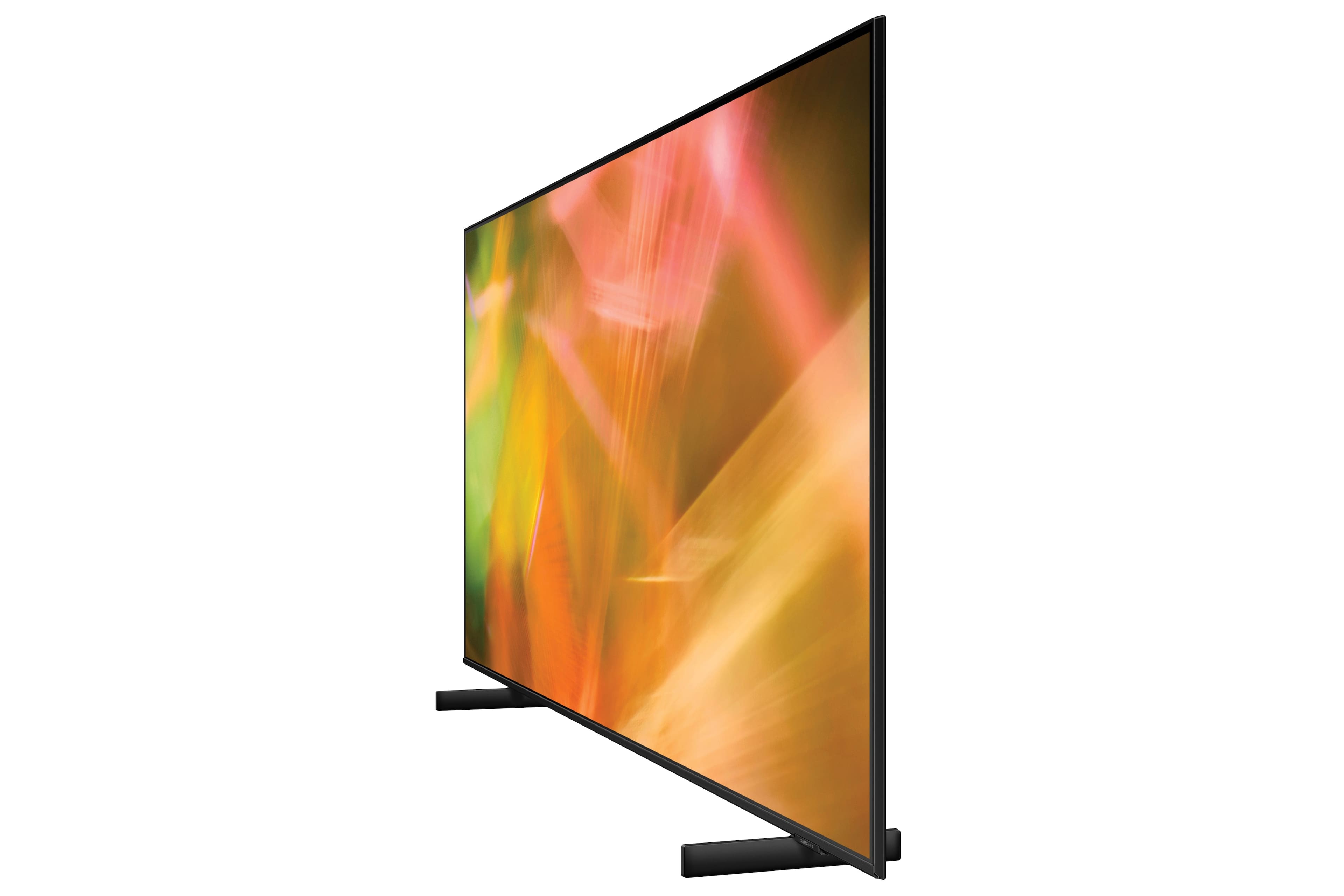
A:AnswerHi MDD! The left and right buttons on the remote will be used to fast forward and rewind content on the AU8000 when available. After connecting the antenna to the TV you must perform a channel scan to pull in the available channels and add them to the TV guide. To perform a channel scan navigate to Settings > Broadcast > Auto Program. Once the programming is complete, the channels will appear in the TV guide accessed by pressing in the channel button on the remote.
^Tim
A:AnswerAs long as you can connect the VCR to the TV via the correct connectors, you should be able to do it. Keep in mind that the VCR is not going to be hi def picture quality. We use an older PC thru HDMI as one of our streaming options. We also use a 2nd generation Chromecast and use the TV apps to stream directly from the Internet. Hope this helps.
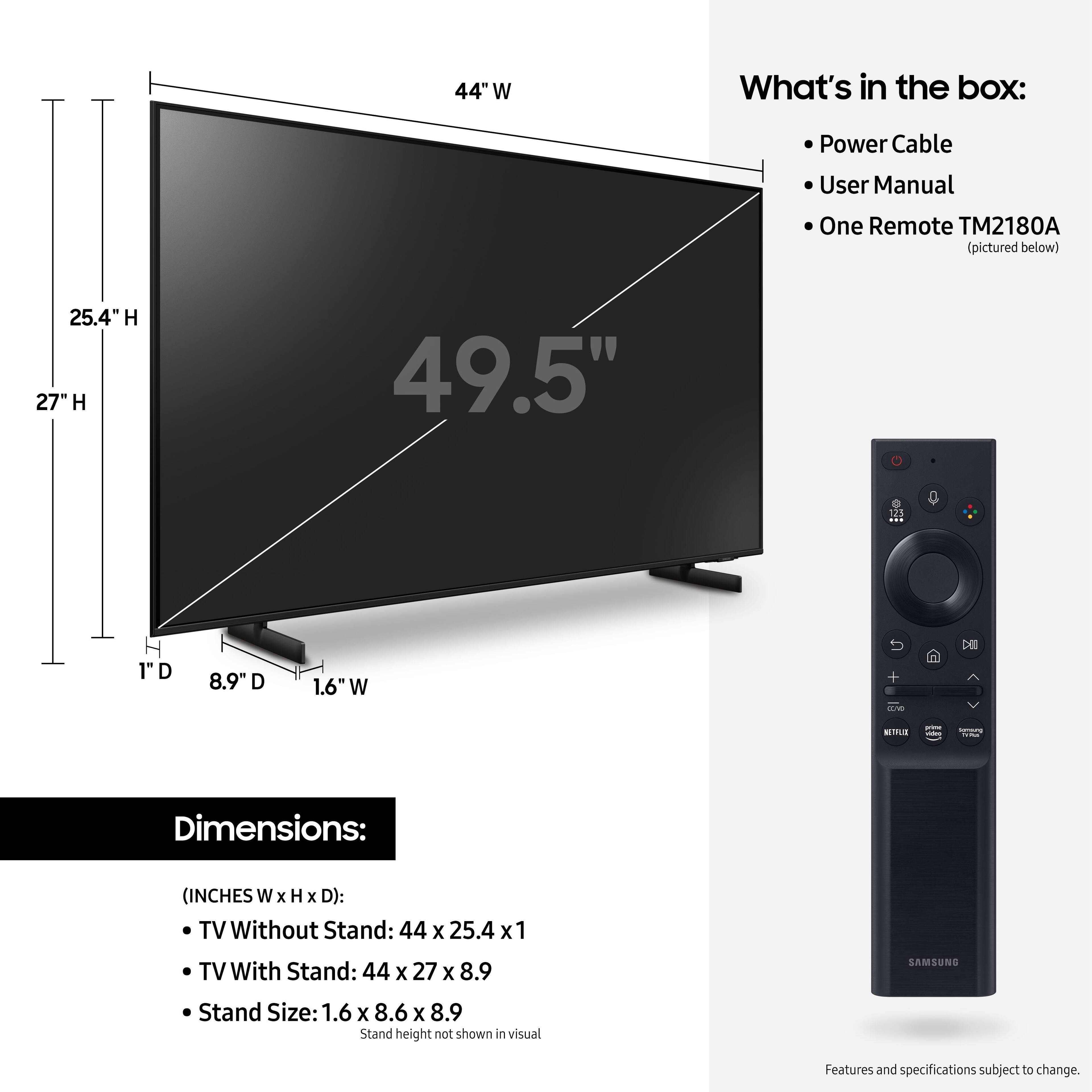
A:AnswerHi! The legs for the AU8000 are not adjustable and can only be spaced 30.1" apart. Should you need a center stand, check out the following center stand solutions from Best Buy compatible with the 50" AU8000: https://www.bestbuy.com/site/insignia-tv-stand-for-most-flat-panel-tvs-up-to-65-black/6389372.p?skuId=6389372
^Tim
A:AnswerHi! Yes, the AU8000 will come with Netflix and Prime Video preinstalled as some of the recommended apps available through the App Launcher. Additionally, you can search for and download hundreds of additional apps through the built in App Store.
^Tim
A:AnswerHI Jailson! When stepping up to the Q60A from the AU8000 you gain improved color and contrast through the addition of both Dual LED and Quantum Dot color technologies. Along with the improved picture quality you gain access to a wider range of smart features and the addition of Ambient Mode allowing you to easily blend the TV into the environment when not in use.
^Tim
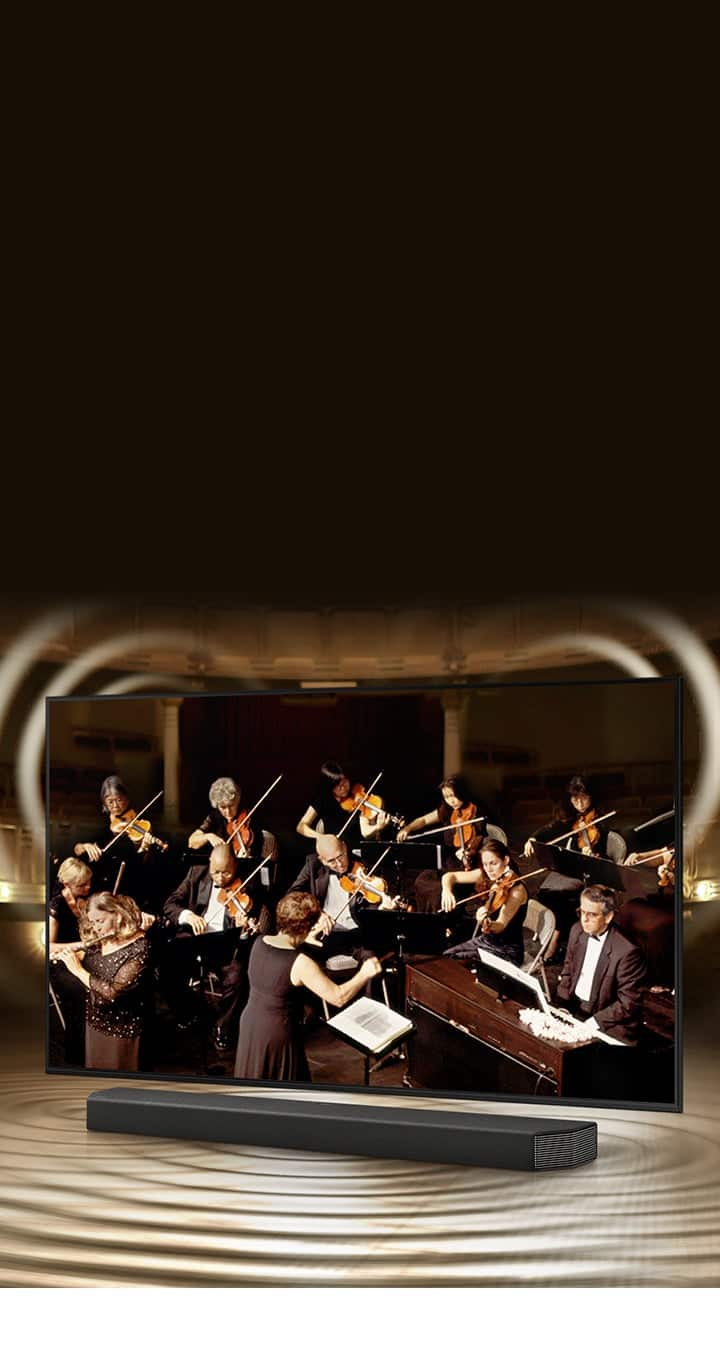
A:AnswerHi! The AU8000 features built in speakers with Object Tracking Sound Lite giving you an improved 3D sound experience over traditional TV speakers. Samsung Soundbars are designed to compliment the TV, with some supporting Q Symphony. This technology allows your TV speakers to work together with your Samsung soundbar to give you our most immersive audio experience yet.
^Tim
A:AnswerA higher refresh rate will smooth out fast motion. 120hz refresh has twice as many frames per second as 60hz. Important when watching sports, fast action movies, gaming...
A:AnswerHi Rocket! For information on the return policy, please visit or contact your local Best Buy or visit the following link: https://www.bestbuy.com/site/help-topics/return-exchange-policy/pcmcat260800050014.c?id=pcmcat260800050014
^Tim