A:AnswerHi Lynette! The AU8000 is compatible with Bluetooth audio devices such as AirPods, and a feature called Multi Output Audio. With Multi-Output Audio, you can turn on both the TV speaker and Bluetooth headphones at the same time. When this function is active, you can set the volume of the Bluetooth headphone higher than the volume of the TV speaker. Go to: Settings > General > Accessibility > Multi-Output Audio.
^Tim

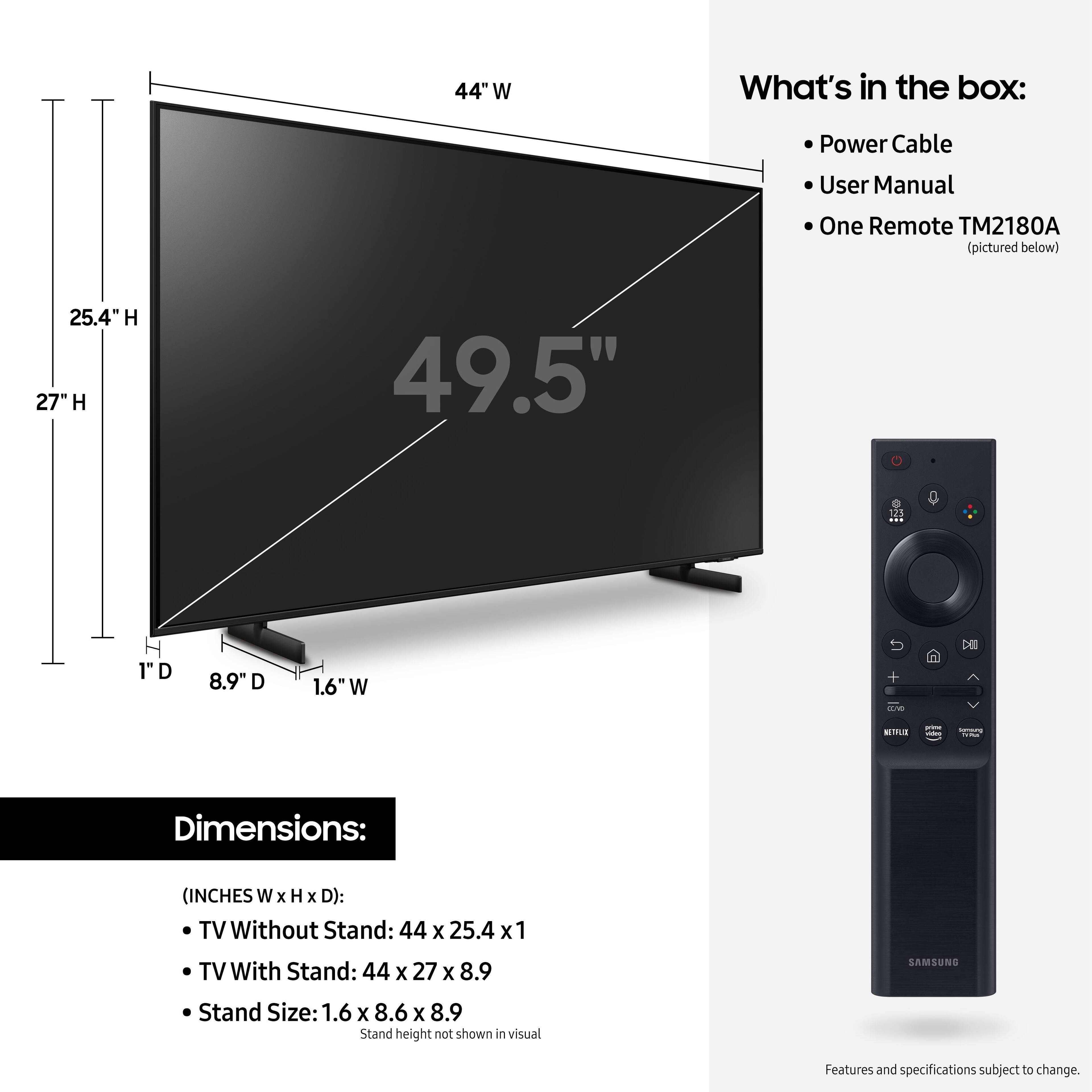
A:AnswerHi! Samsung TVs are compatible with a wide range of universal remote solutions, check with the manufacturer of your remote to determine compatibility with 2021 Samsung models. Alternatively, The AU8000 includes Samsung's One Remote allowing you to control devices connected to the TV. ^Tim

A:AnswerHi! Samsung TVs are compatible with a wide range of universal remote solutions, check with the manufacturer of your remote to determine compatibility with 2021 Samsung models. Alternatively, The AU8000 includes Samsung's One Remote allowing you to control devices connected to the TV.
^Tim

A:AnswerHi Cairo! Yes, the 50" AU8000 features a VESA mounting pattern of 200 x 200 for compatibility with a wide range of universal mounting solutions. You will need 4 M8 screws, 11-13mm depth, 1.25mm pitch. ^Tim

A:AnswerHi Herb! Yes, the AU8000 features a sleep timer setting. Navigate to Settings > General > System Manager > Time > Sleep Timer, and then select the amount of time you would like the TV to stay on before powering itself off. You can set the sleep timer up to 180 minutes, after which the TV will turn off.
^Tim
A:AnswerHi steve! The AU8000 is not compatible with apps that are not available through the built in app store. To take advantage of more content, you can utilize the built in Screen Mirror capabilities allowing you to send your favorite content from your phone to the big screen. ^Tim
A:AnswerHi Wondering! The AU8000 has Bixby, Alexa, and Google Assistant. Control your TV with just your voice. Use built-in voice assistants to easily change the channel, play music, control smart home devices, and more. You will need to utilize the remote for the TV to navigate within streaming applications. ^Tim