A:AnswerHi poptop,
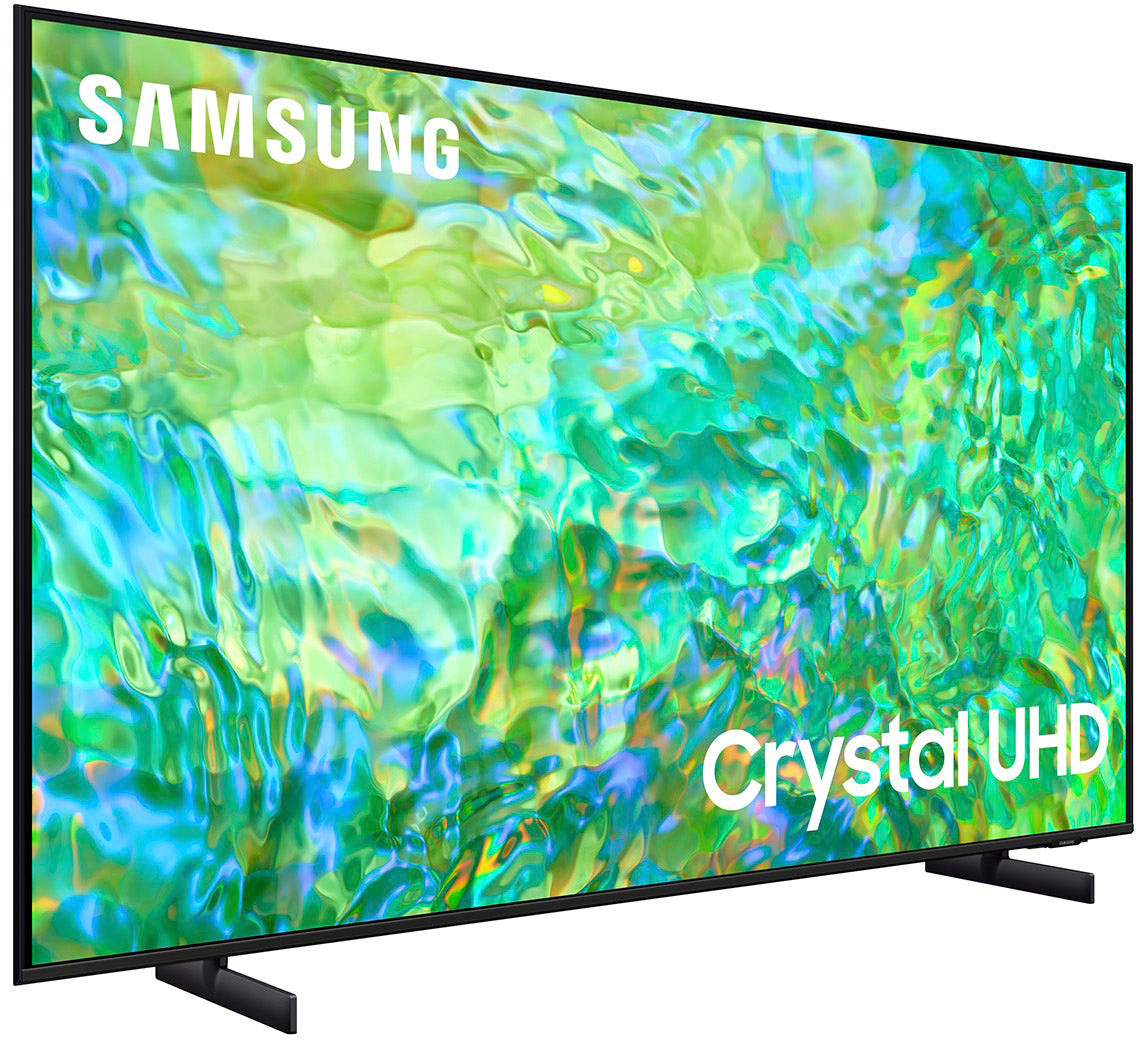
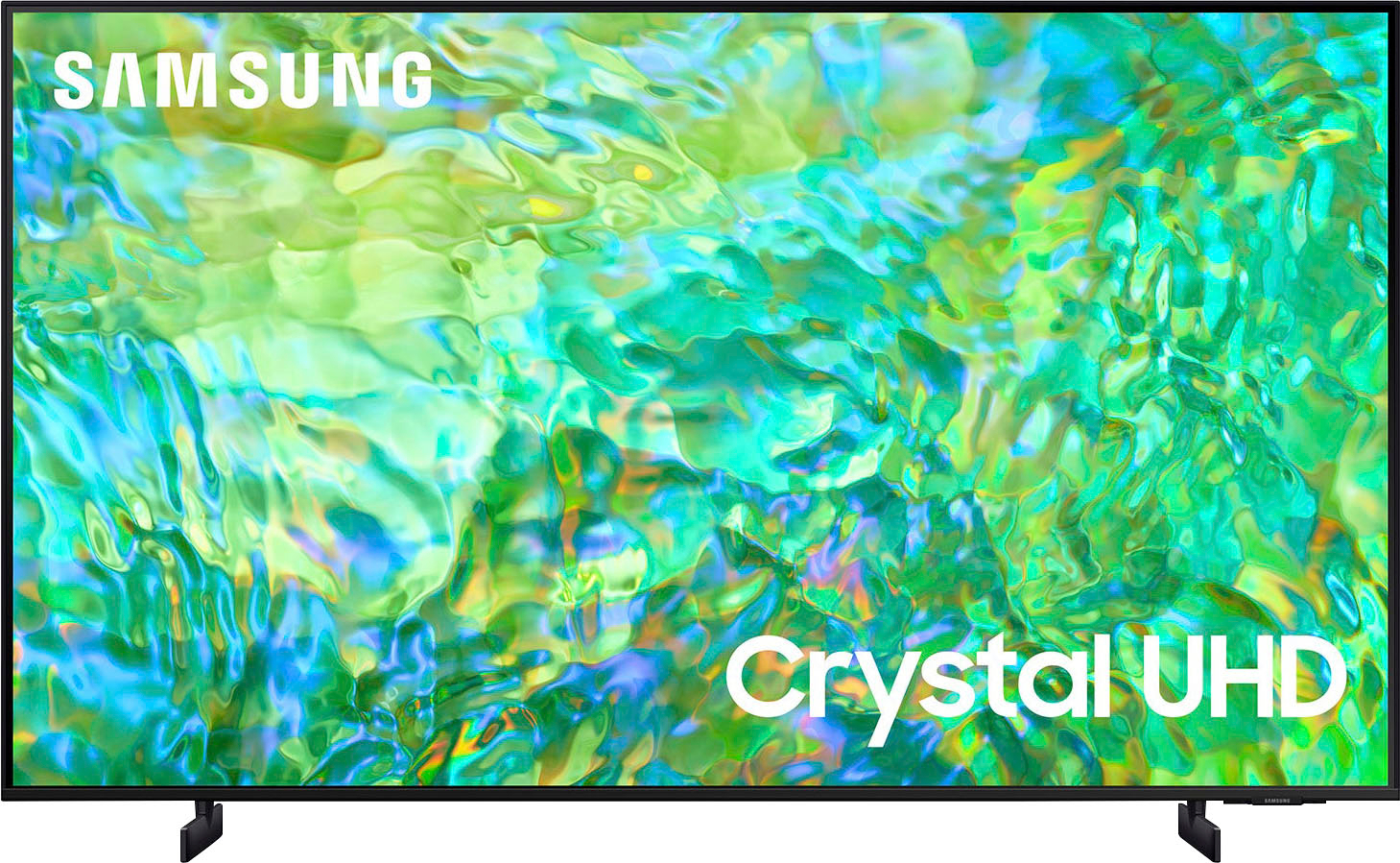
The CU7000 features Crystal Displays for brilliant colors and exceptionally crisp, vivid images. Their Crystal 4K Processor further brings impressive clarity to all your content while upscaling everything you watch to stunning 4K definition, no matter the source.
You'll also gain Dolby decoder MS12 2ch, dual Bluetooth audio, mobile camera support, and Google Meet. Plus, you will gain Filmmaker Mode, which allows you to watch the source content (e.g., movie) just as the director intended, as well as Tap View, which allows you to cast content from your smartphone by simply tapping it to the side of the TV.
When stepping up the new CU8000 you will gain a ton of added features that we are very excited about, such as Multi-View-allowing you to view several types of content at the same time, Dual Audio Support - connect to two Bluetooth devices at once, ConnecTime - make video calls to and from your screens, and Samsung Gaming Hub allowing you to play your favorite games online.
I hope this helps!
~Samsung Advisor
A:AnswerLOW-END Sound Quality Have to turn all the way up no base hardly you need a sound bar to quality sound. Sound go with a sound bar I like to turn a tv volume at least on 15 to hear without a sound and some BASE!!!
A:AnswerHi Rouser,
No, Ambient Mode, which offers customizable themes, colors, and photo options, is not available on the TV. This feature is only available on the Q60C Series TV and above.
~Samsung Advisor
A:AnswerHi Hobie,
Yes, you can use both TV and Bluetooth device audio simultaneously using the Multi-Output Audio feature on the CU8000.
~Samsung Advisor
A:AnswerHi PGJU,
The CU8000 has 60Hz Refresh Rate and there are options for motion smoothing like Auto Motion Plus which helps to eliminate ghosting and blurring that occurs from fast-moving images.
~Samsung Advisor
A:AnswerHi Rara,
The CU8000 TV supports AirPlay 2 and requires iOS12.3 or later or Mac OS 10.14.5 or later. Please ensure that your device is up to date with the latest software as well as your TV. To check your Firmware on your TV go to Settings> Support> Software Update.
If you continue to have issues please give us a call at 1-800-SAMSUNG, 8 AM - 12 AM EST, 7 days a week.
~Samsung Advisor
A:AnswerHi Kaw,
The new CU8000 has a ton of added features that we are very excited about, such as Multi-View-allowing you to view several types of content at the same time, Dual Audio Support - connect to two Bluetooth devices at once, ConnecTime - make video calls to and from your screens, and Samsung Gaming Hub allowing you to play your favorite games online.
I hope this helps!
~Samsung Advisor