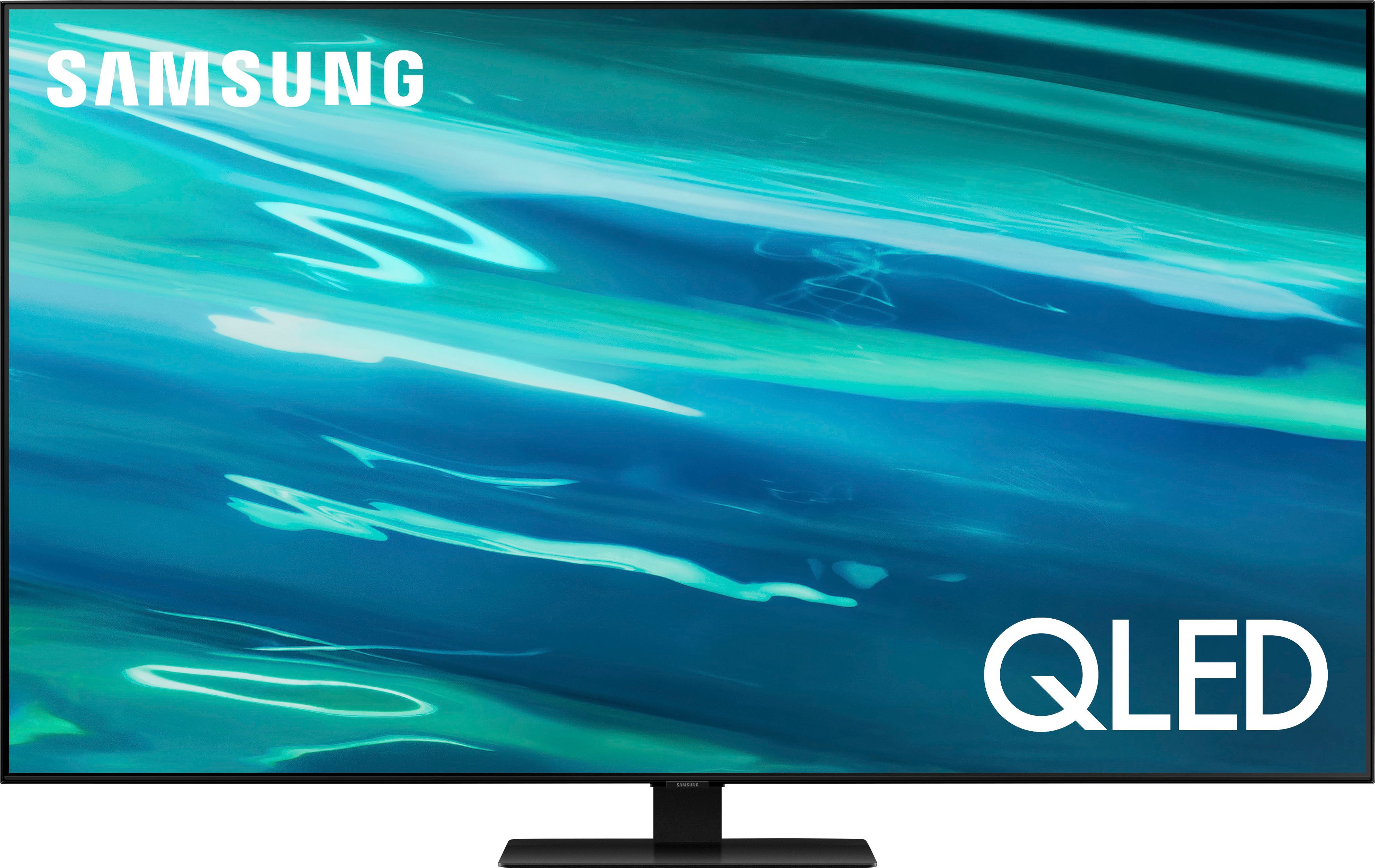
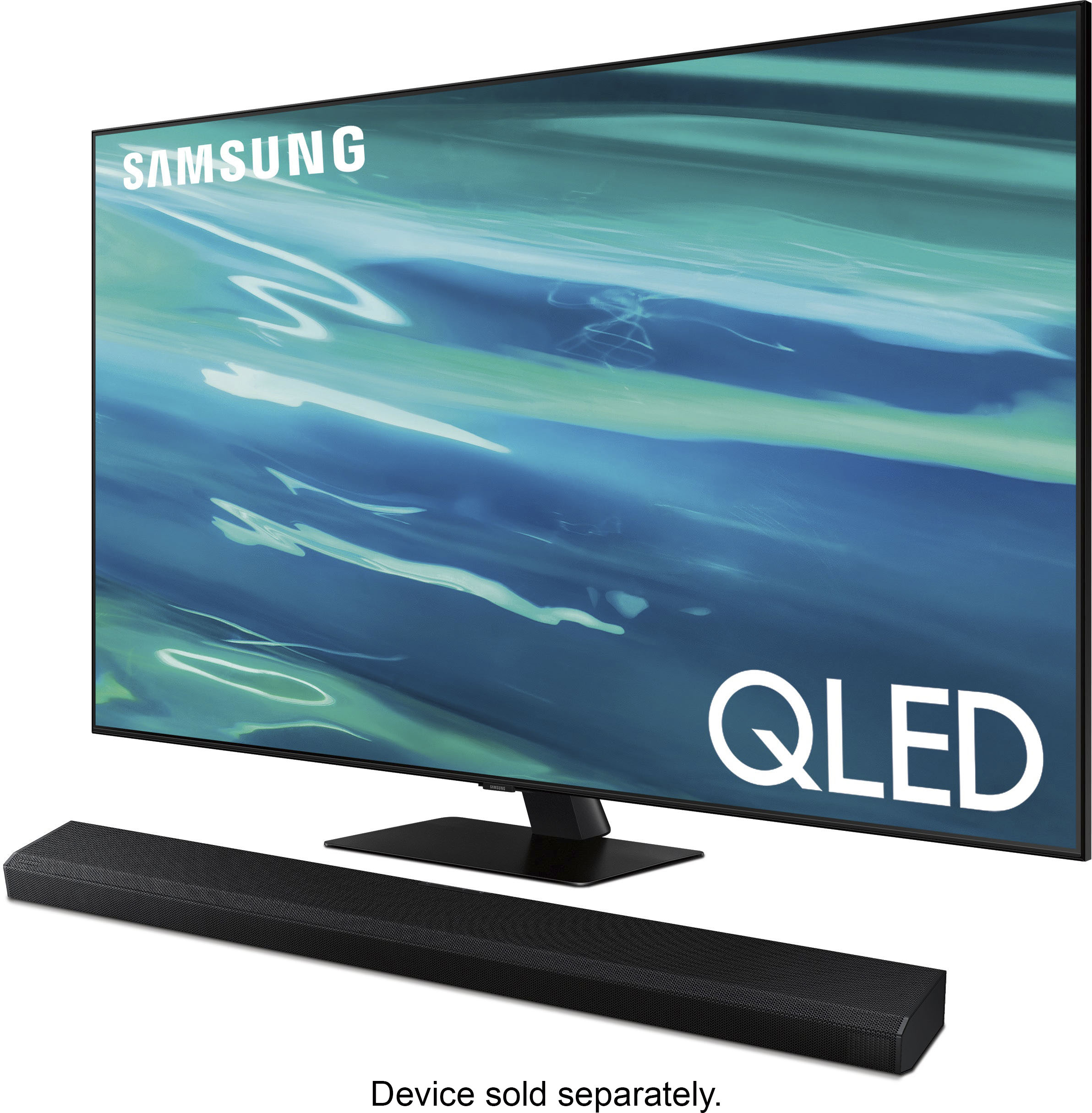
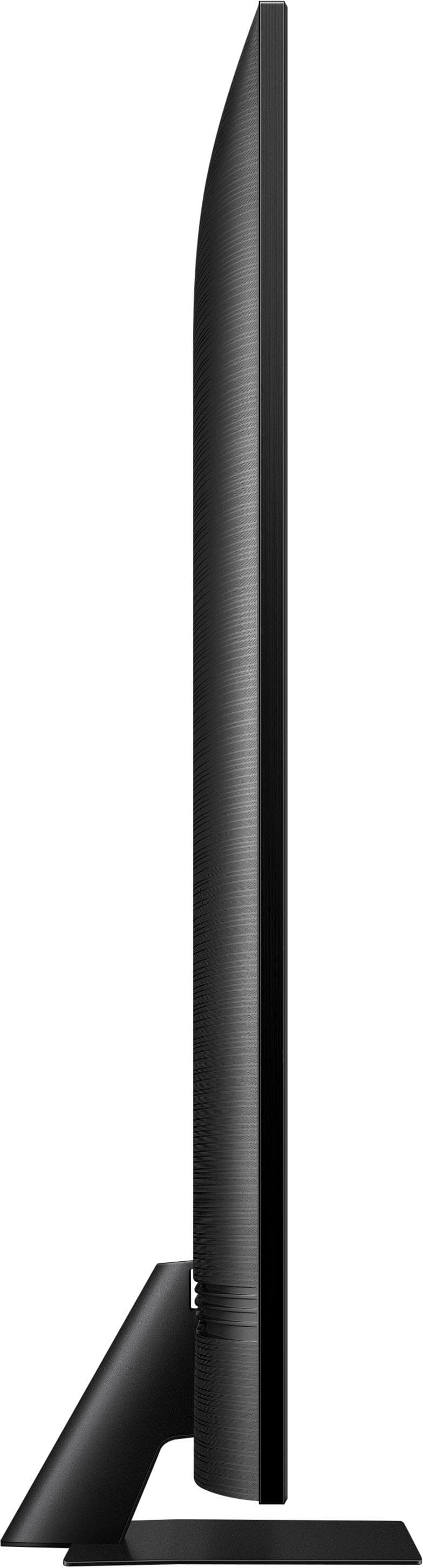
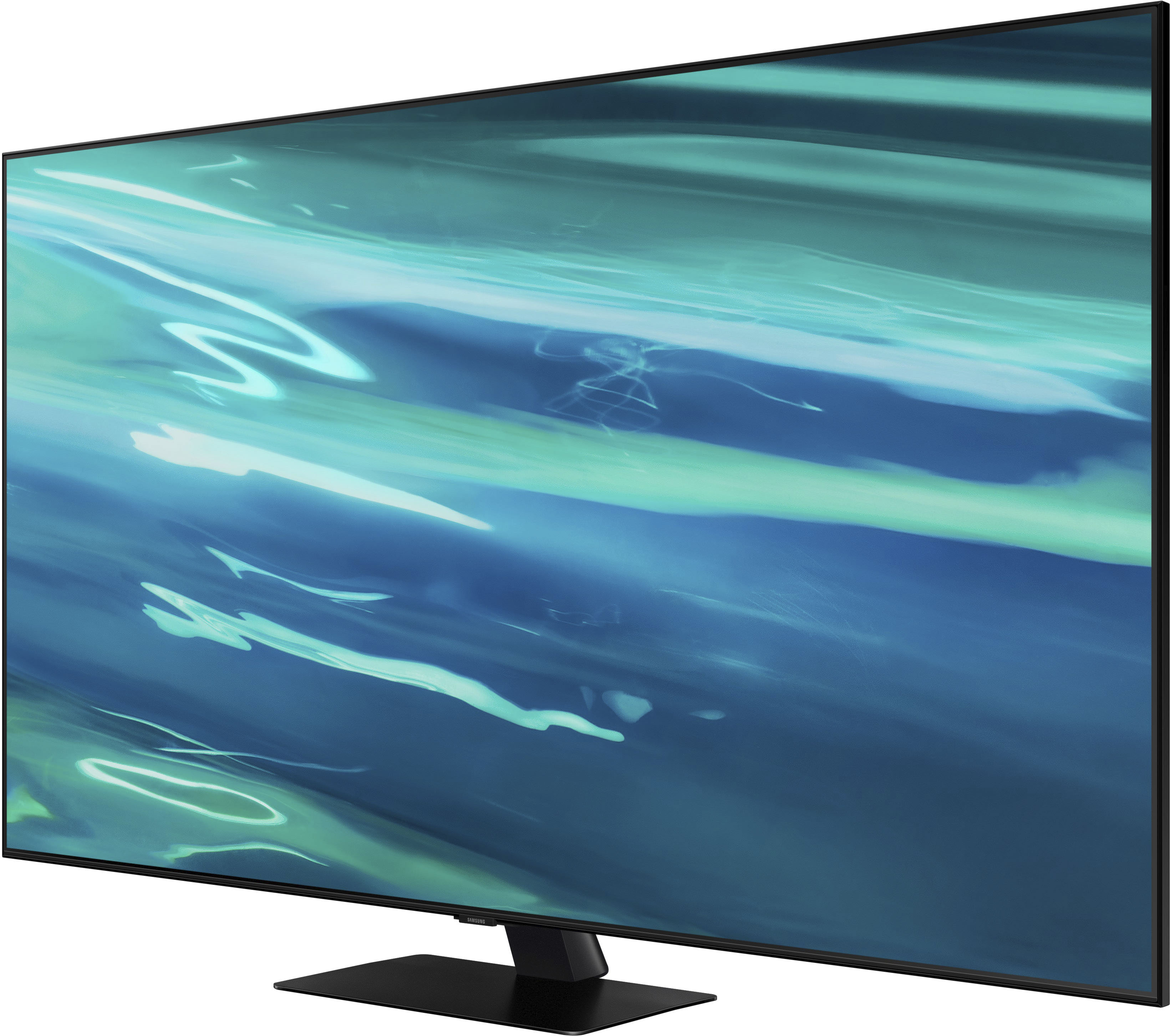
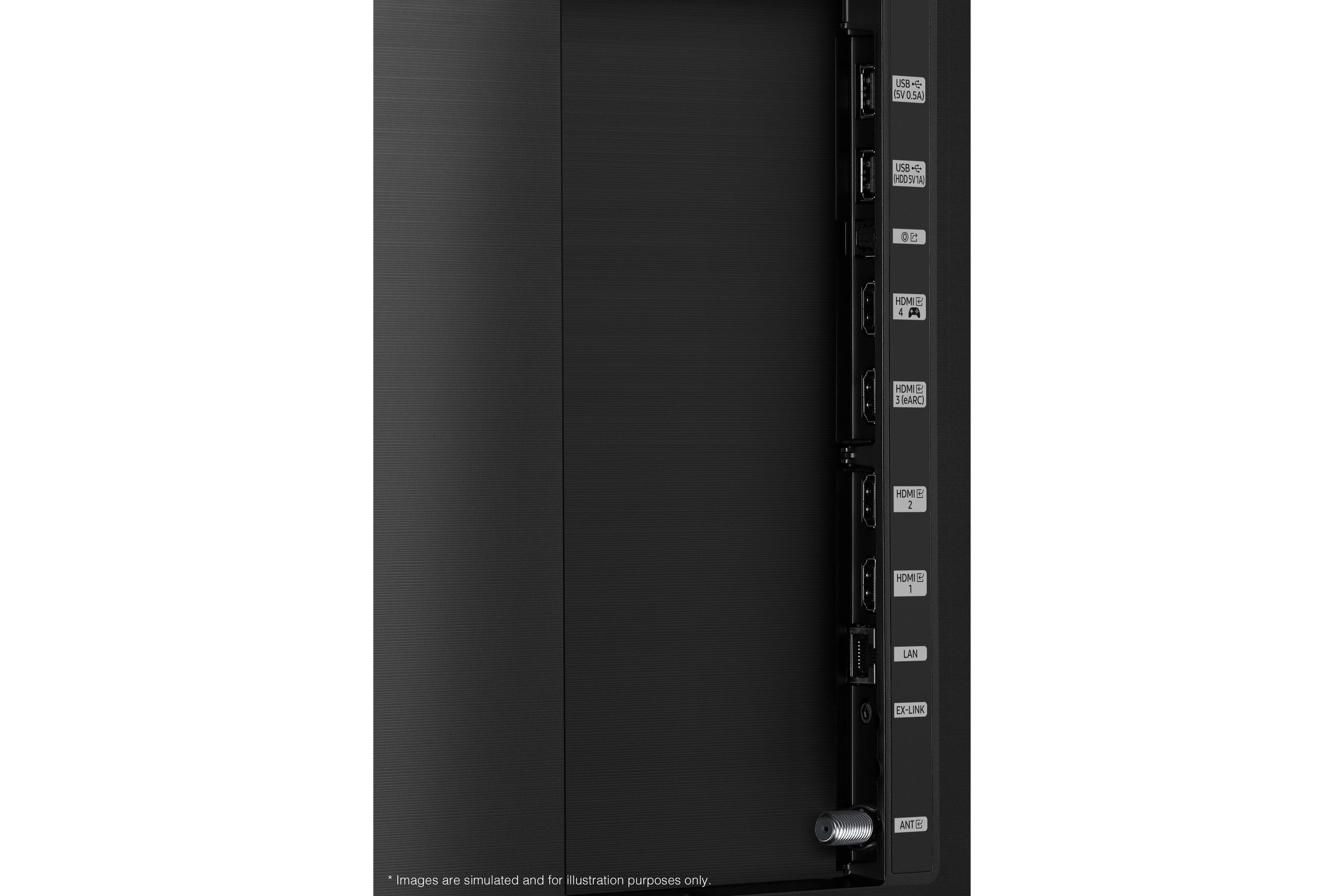
A:Answer TheCooper - Most smart features on the Q80A require Internet connectivity and setup; while some features cannot be disabled, you can absolutely choose to not setup or utilize them. You can connect the Q80A TV to your receiver. When connecting, please make sure you enable Input Signal Plus and Anynet+ (HDMI-CEC) on your TV. Anynet+ will control external devices that are connected to your TV with HDMI. Please keep in mind you will not be able to use Anynet+ if this feature is not supported on your receiver. Should you have further questions, please reach out to Samsung Support at: 1-800-SAMSUNG (ask for TVs), available 8AM -12AM EST M-F (9AM – 6PM EST Sat), text HELP to 62913, LiveChat on Samsung.com, or Email: https://www.samsung.com/us/support/#contact_us_for_support ^Gina