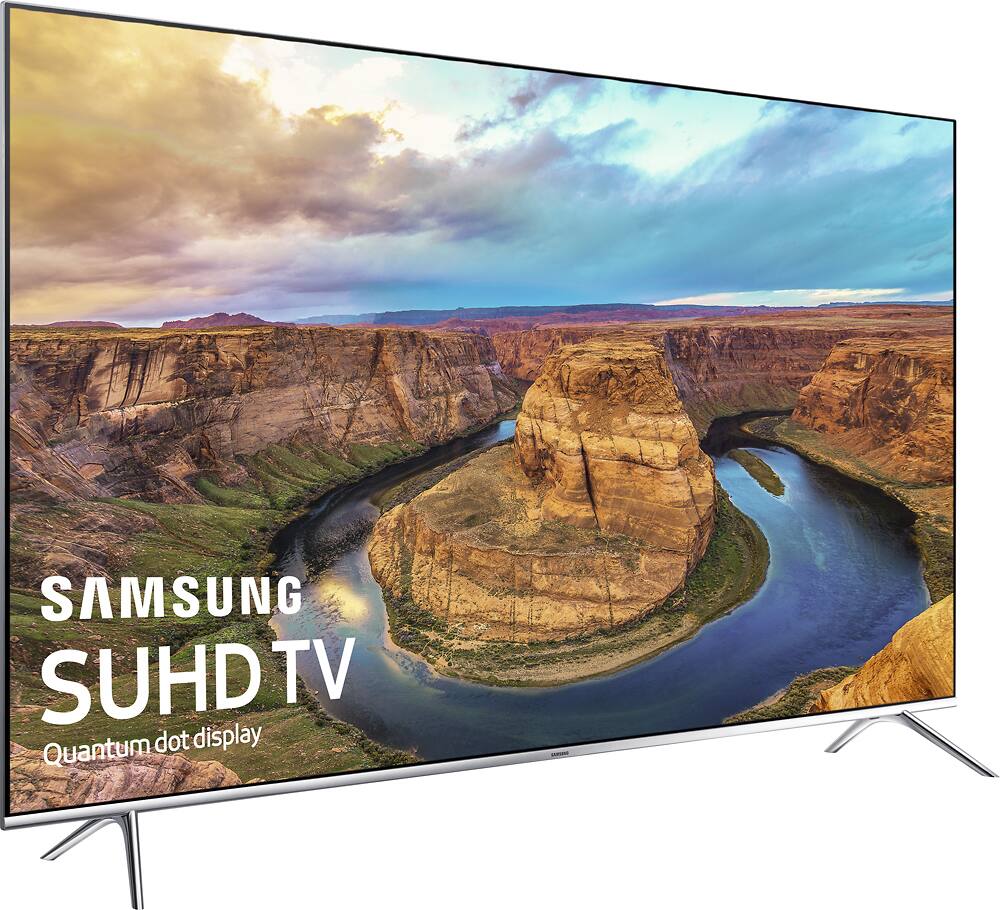
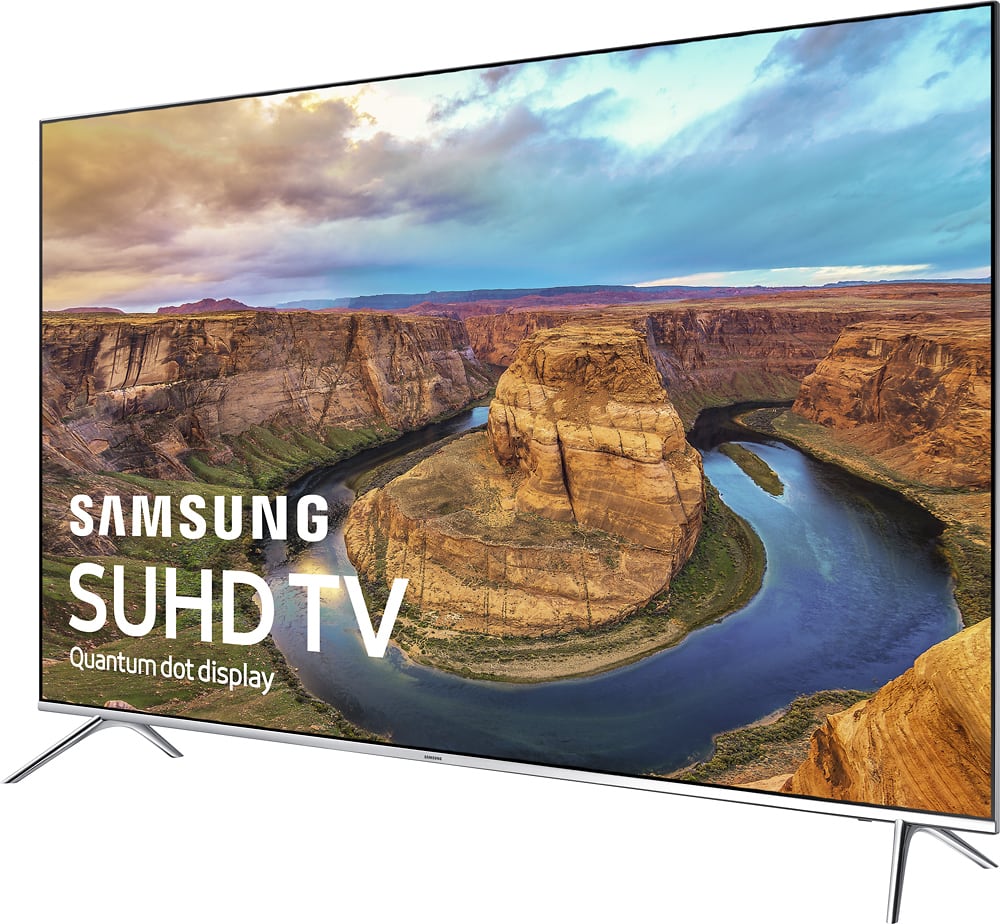
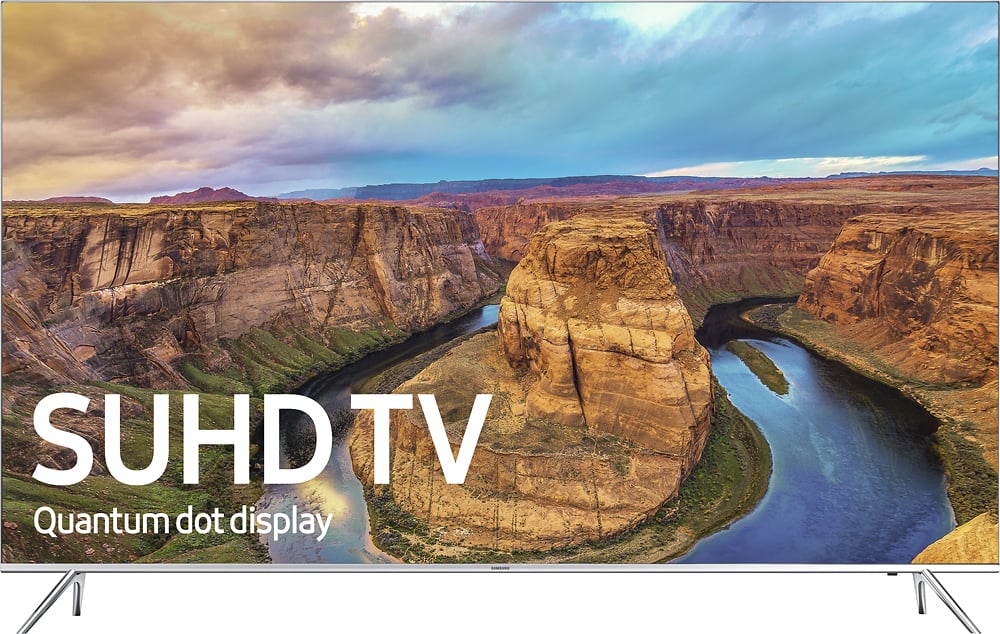
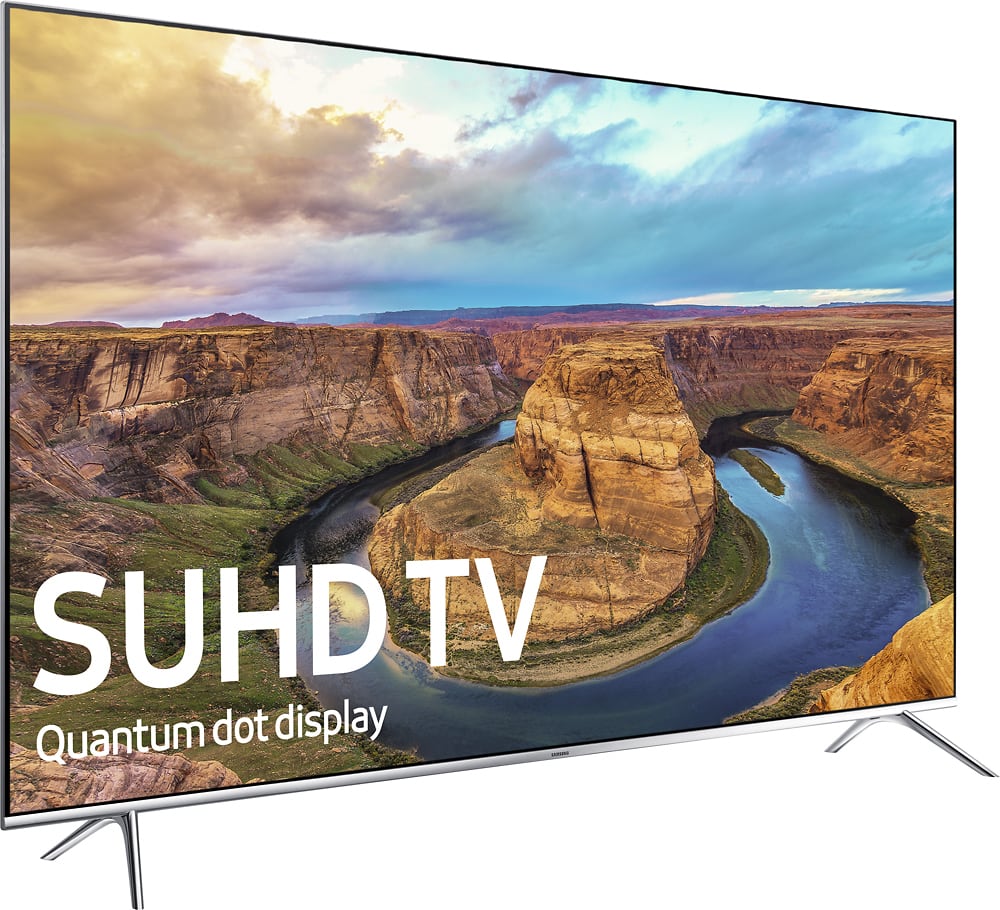
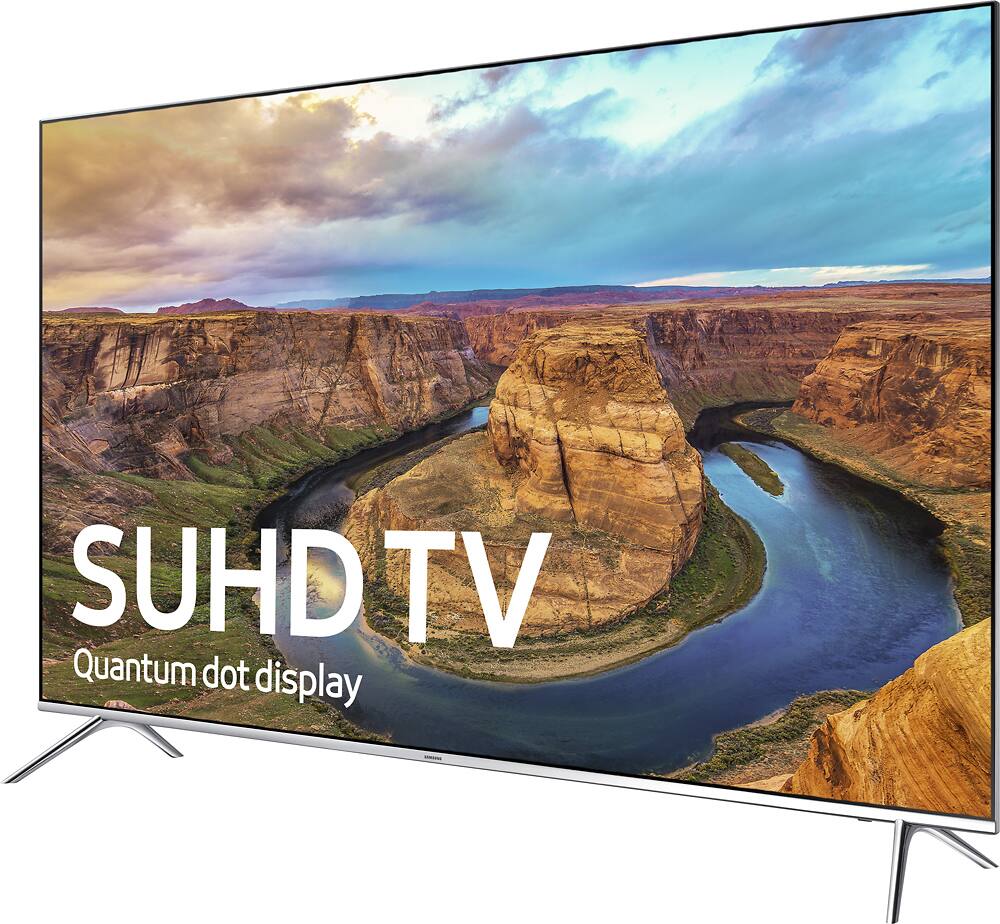
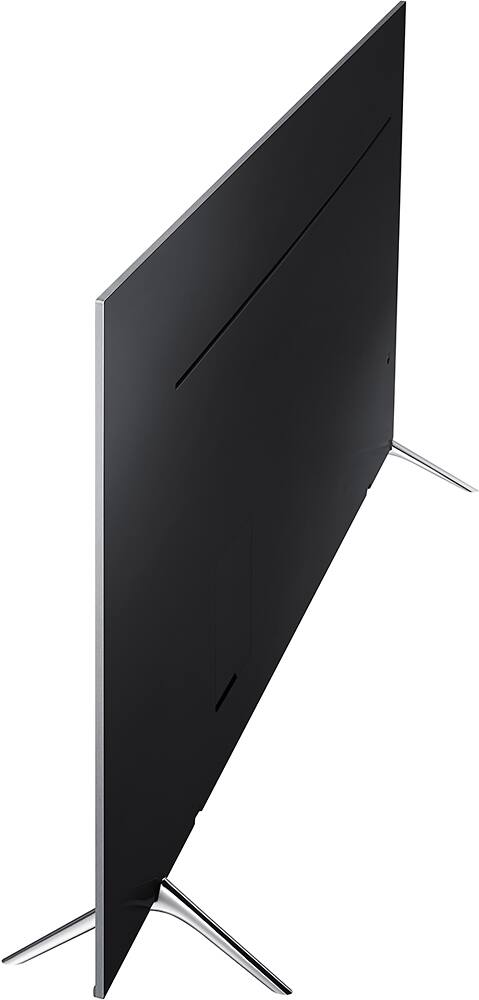
A:AnswerFrom all the research I have done, the differences are very minor, and are only seen in certain things. For example, the KS8000 might have a lower input lag for gaming, but the KS8500 might have less motion blur! Things like that, but they are both high end TV's, you just have to look for what you are going to mainly use it for!
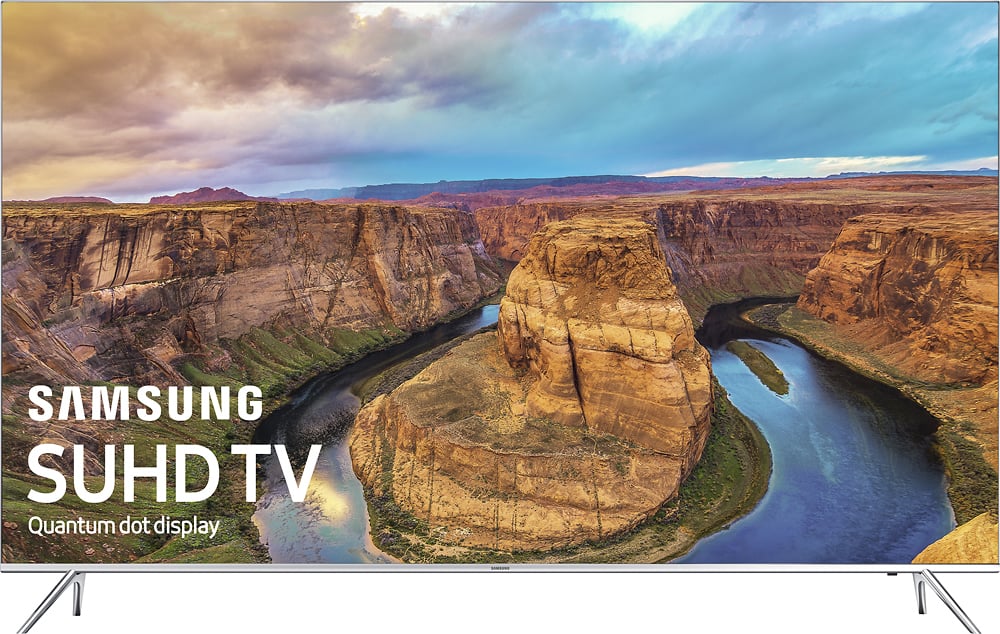
A:AnswerThere was no additional charge for Best Buy to deliver and set up my TV. Was called 30 minutes prior to delivery to inform me they were on the way. TV was set up, packaging material removed, and some instructions were passed on to me. The major reasons I purchased from Best Buy was free delivery and installation, along with the lowest price I found.
A:AnswerGo to the Samsung Website and then go to the Product Page for the TV. There is a link to the User manual that is about 4/5's the way down the page. In case it lets me past the actual link here: http://org.downloadcenter.samsung.com/downloadfile/ContentsFile.aspx?CDSite=US&CttFileID=6648635&CDCttType=UM&ModelType=C&ModelName=UN55KS8000FXZA&VPath=UM/201612/20161209095658187/ENG_US-JZATSCK-1.2.2.pdf
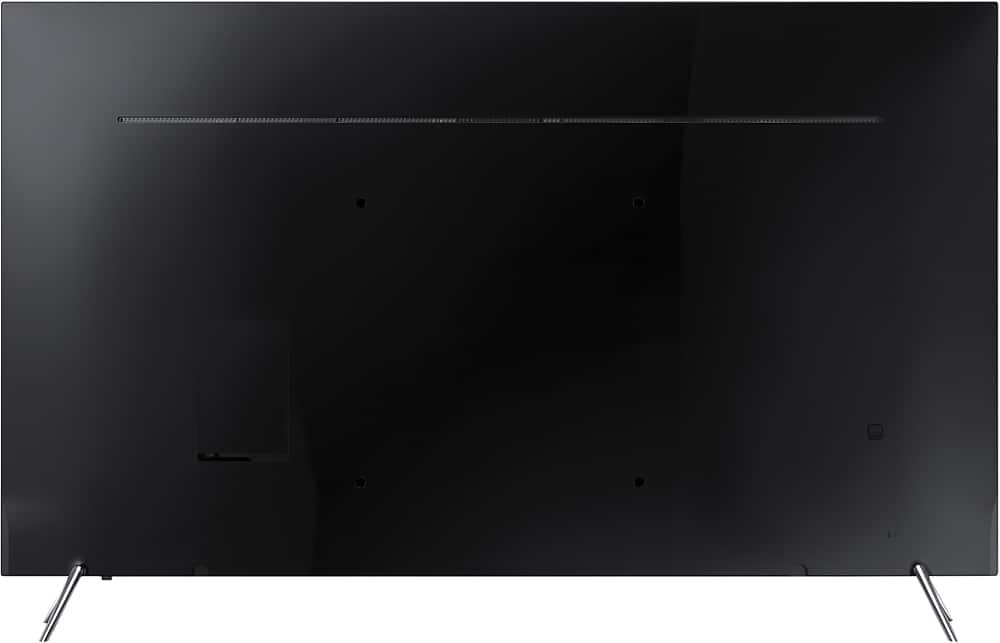
A:AnswerThe Smart Hub is a box that has all the inputs. There is a ~4ft removeable cable from the tv to the box. Then you can place the Smart Hub (input box) anywhere convenient and plug all your devices into it.
No hdmi cords pull on the tv. If you need to switch or add input devices it's easier to go to the Smart Hub then to get behind the tv (like older tv's).
Hope this helped.
A:AnswerNo, it doesn't matter... The TV detects the signal from each device and display accordingly... It also display the devices in the source selection...
See the photo attached...