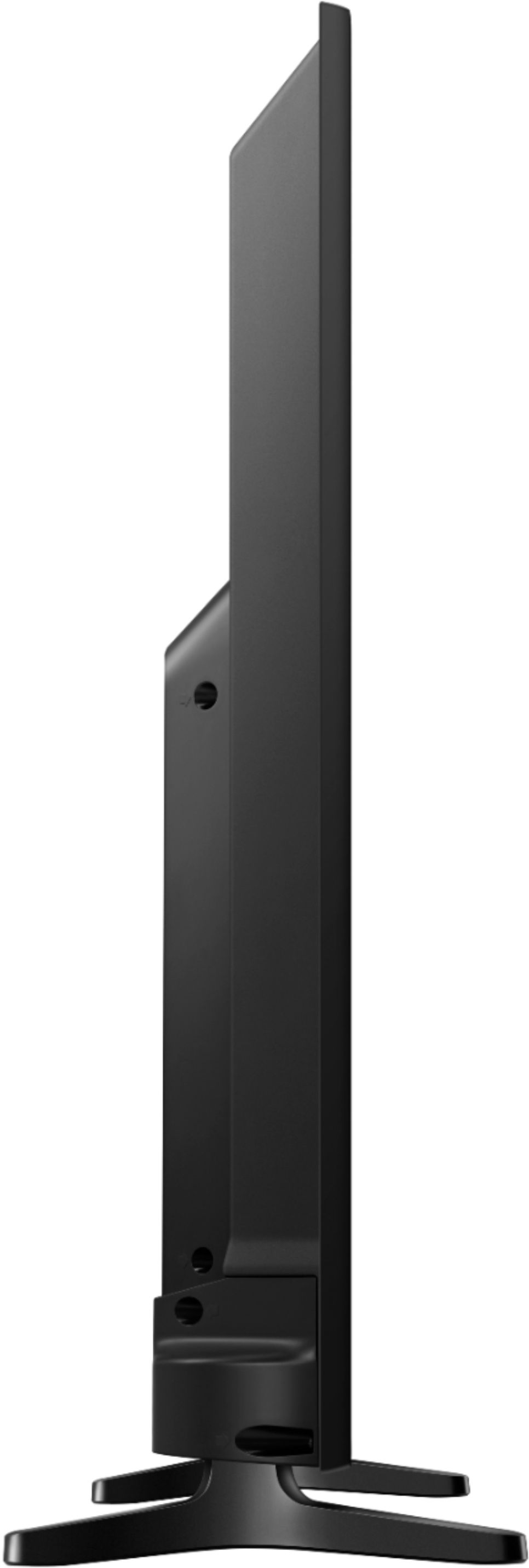
A:AnswerIf you are talking about a wall mount, it comes with plastic spacers for the 4 back attaching points. It does not include the bolts though. The mount I used from HF had bolts but they were too short. I got the correct ones from the big box store. The manual specifies the size and length (Metric) Hope that helps.
A:AnswerTo turn on the screen mirroring function on your Samsung smartphone/tablet, drag your finger from the top of the screen to pull down the notifications bar. Alternatively, look for “Wireless Display Application” under settings. Tap Screen Mirroring OR Smart View OR Quick Connect.
A:AnswerI had similar questions but bought the TV anyway. Here’s what I found: I had to get extra long cables for my sound bar. I had it in front of my old TV but this one has the on/off “eye” in the very front. I had to put the bar on a shelf above the TV. Next, my bluetooth earphones charging base plug didn’t fit the back of the TV so I had to buy adapter. After all that, yes you can use both at the same time and the sound is great.
A:AnswerSamsung has a TV App Store with most, of not all apps for smart tv’s. I know for sure it has Disney plus, but I am not familiar with Pluto. Isn’t that Mickeys dog? Does he have his own TV app now? That’s strange. Is it just dog movies?