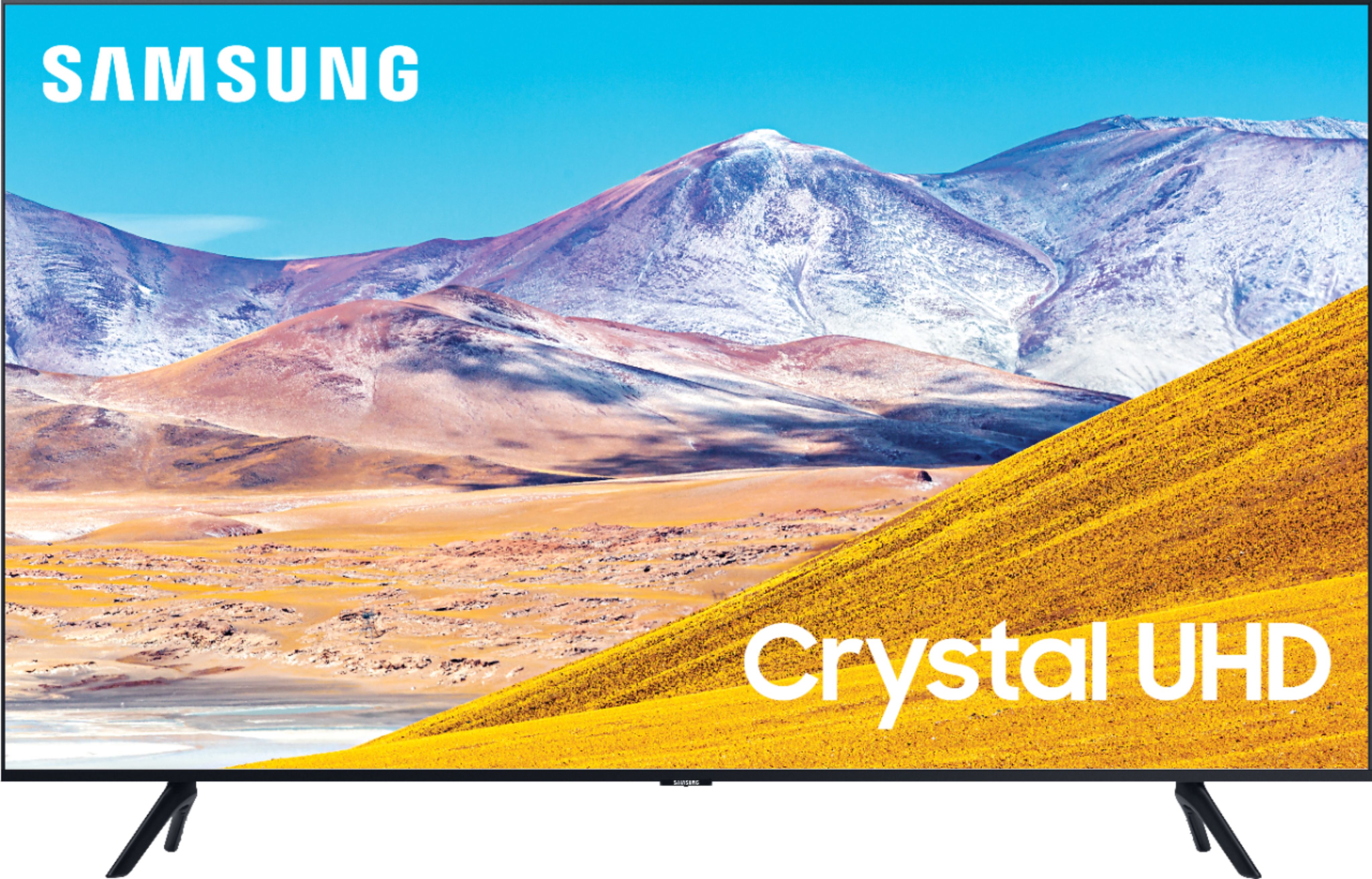
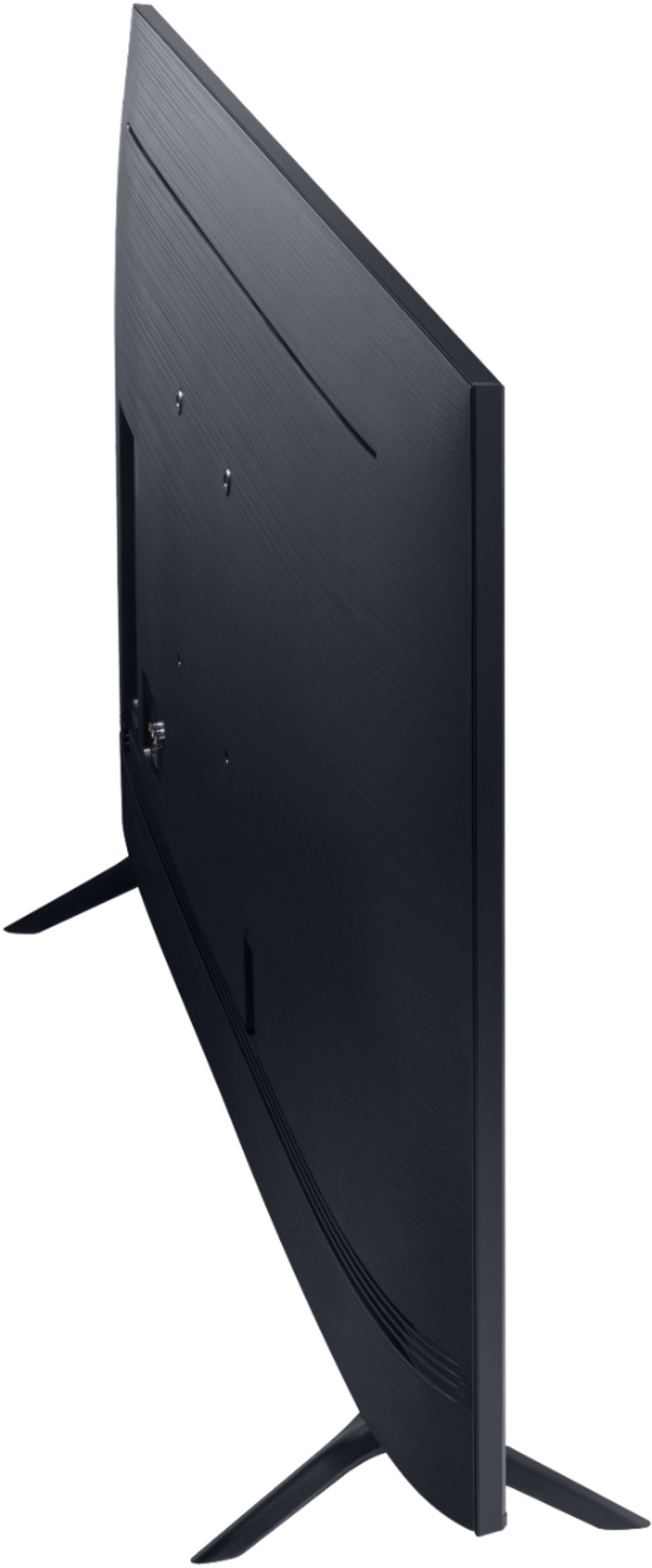
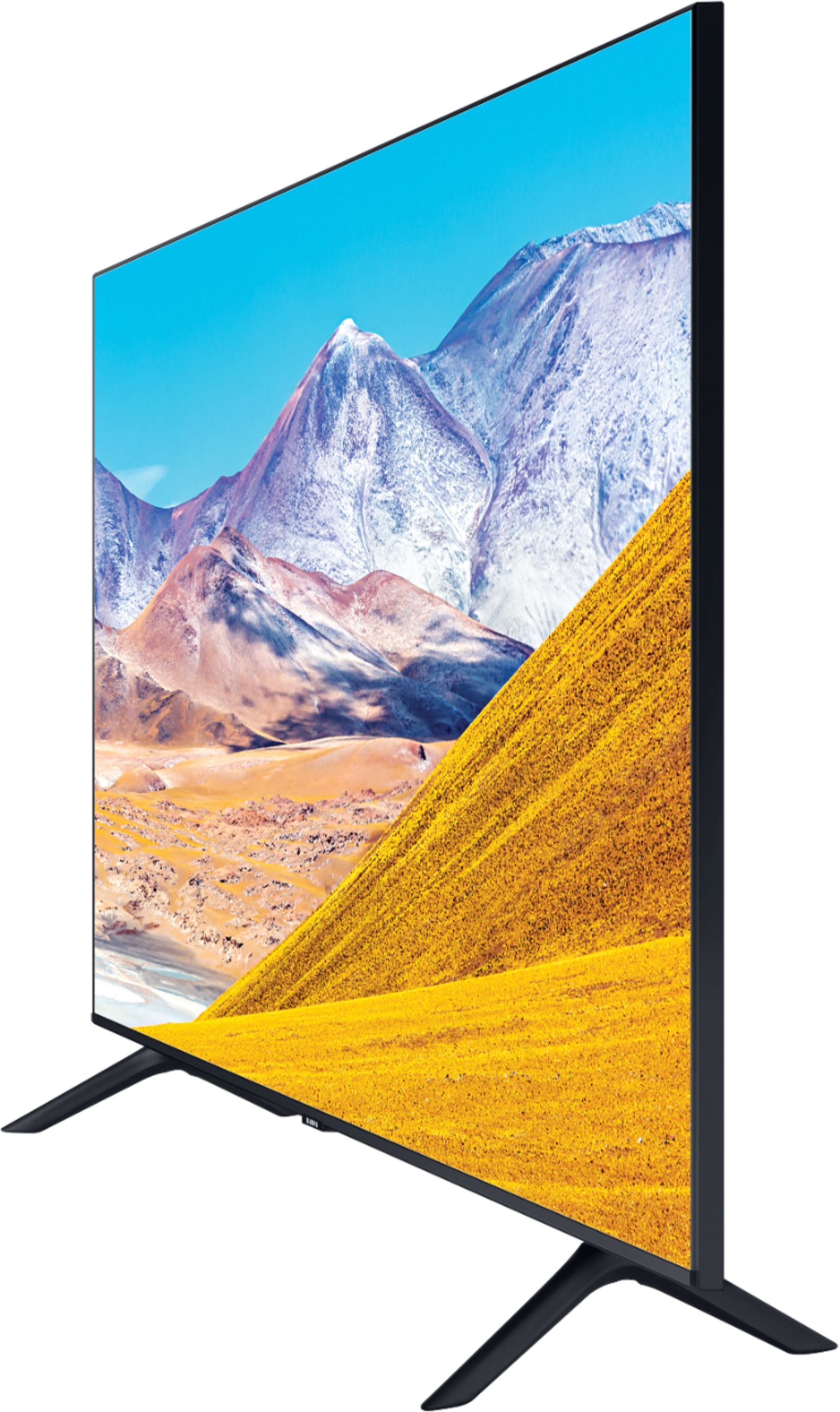
A:AnswerProduct Height With Stand 30.8 inches
Product Width 48.4 inches
Product Depth With Stand 9.9 inches
Product Height Without Stand 27.8 inches
Product Depth Without Stand 2.4 inches
Product Weight With Stand 31.3 pounds
Product Weight Without Stand 30.6 pounds
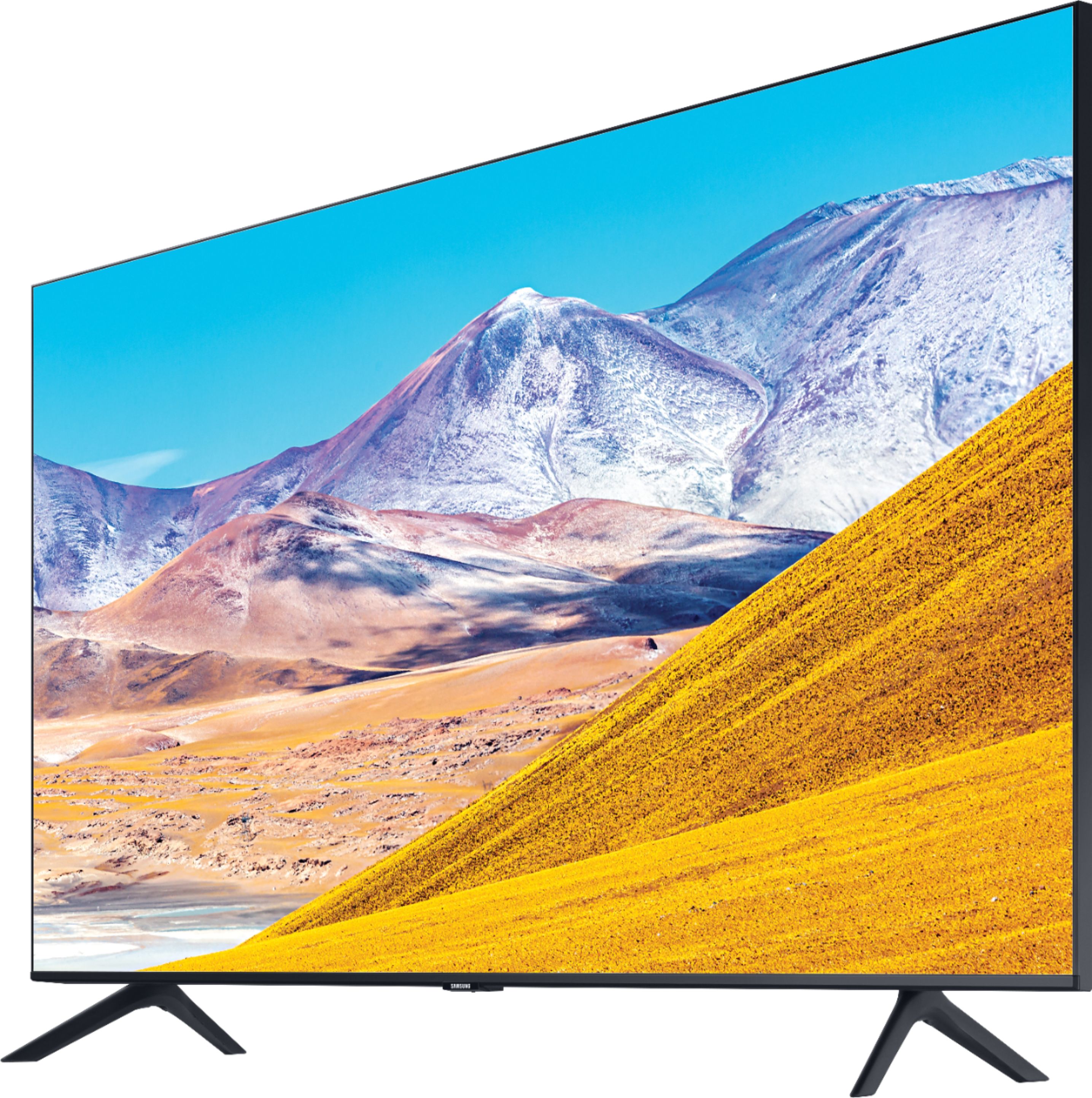
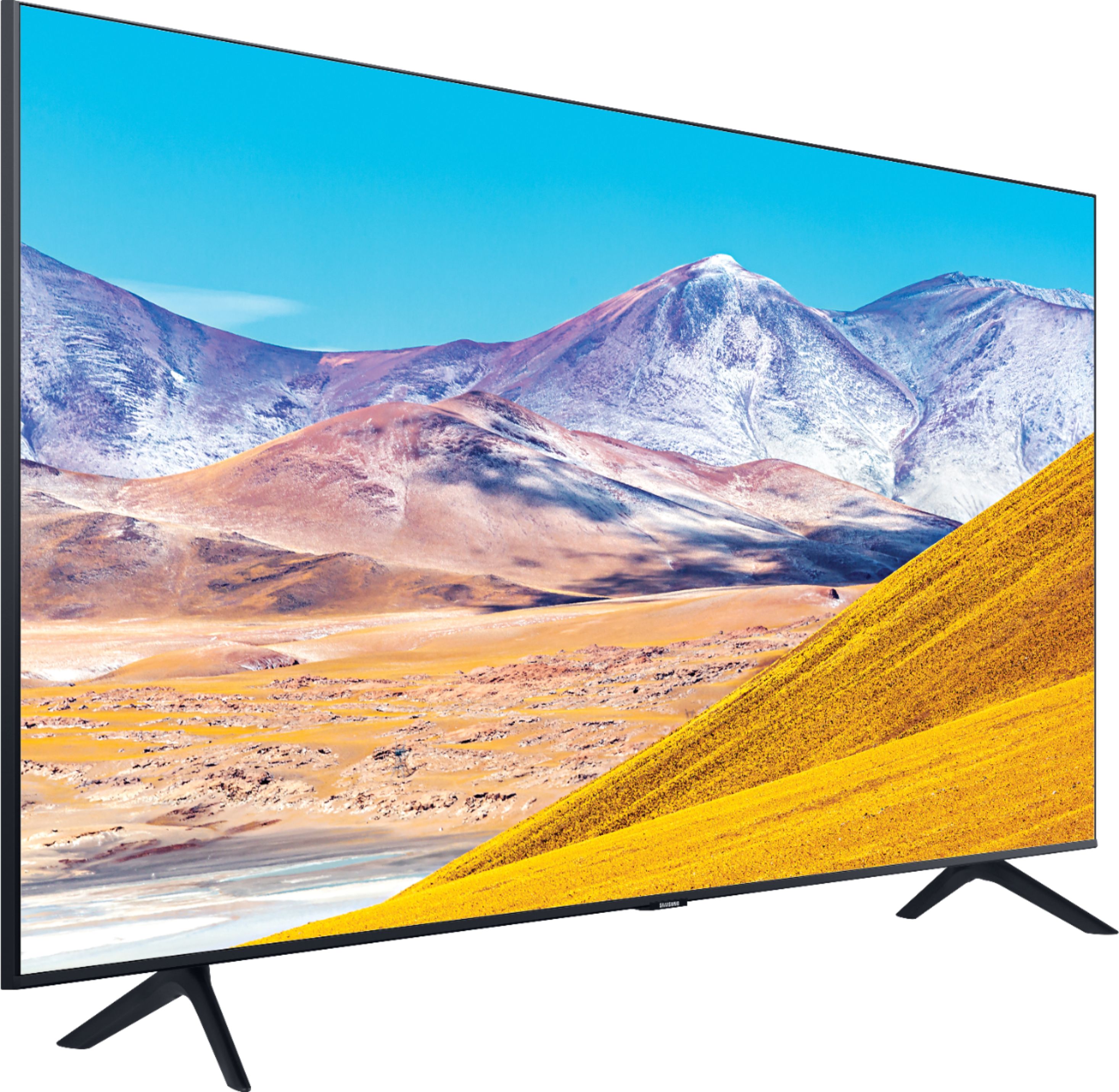
Stand Width 37.5 inches (5.45 inches from each end)
Stand Depth 9.9 inches
Adjustable Stand No
A:AnswerThere might be a setting for 5G under Network on the TV, or under Client for your router or Wi-Fi extender. The app for my extender lists connections for both 2.4G and 5G, and Samsung TV is one of them.
A:AnswerSamsung's directions call for size M4 x 20-21mm machine screws. I added a washer to the 4m x25mm screws that came with my Rocketfish wall mount, and the screws fit perfectly.
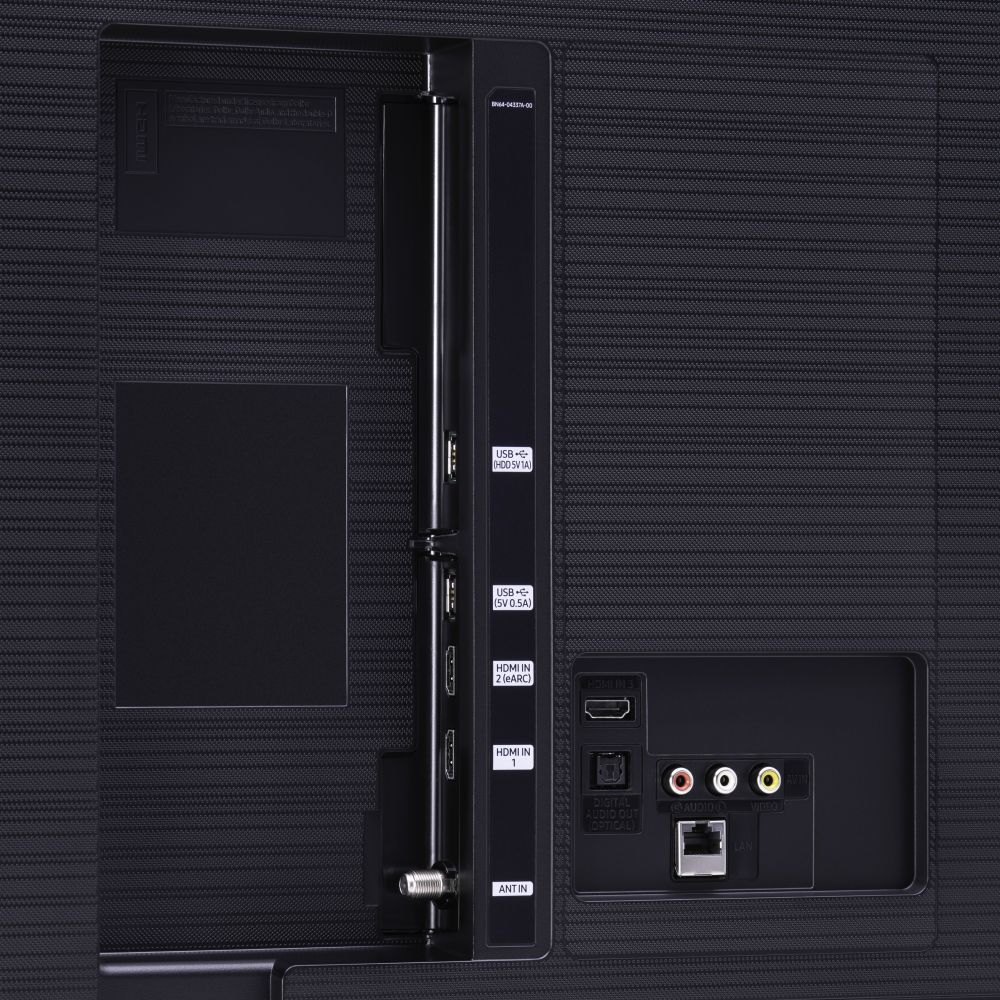
A:AnswerHi spaman - connecting your receiver to the TU8000 will depend on what inputs your receiver utilizes. The TU8000 features 3 HDMI, 1 USB, 1 Optical and 1 Composite/AV input. ^Gina

A:AnswerAbsolutely Yes it does! I turn on Close Caption (subtitles) myself some times when words spoken too fast, or a British movie. I accidentally turned on the Voice mode once, and it is ideal if those are your needs. Hope I helped you. Good Luck!

A:AnswerThe TV has HDMI and Optical outputs, which will connect to a soundbar with those inputs. Bluetooth should also work if you have a Bluetooth soundbar. If I understand right, HDMI inputs on a soundbar work best. You can use the eARC output from the TV for better sound quality and use of the TV remote to control the soundbar.
A:Answer41 1/8" from the outside edge of left front leg to the outside edge of right front leg. Obviously, the tv screen itself is larger. I wouldn't suggest a TV stand that only accommodates the leg width without being wide enough to protect the width of the entire TV screen.
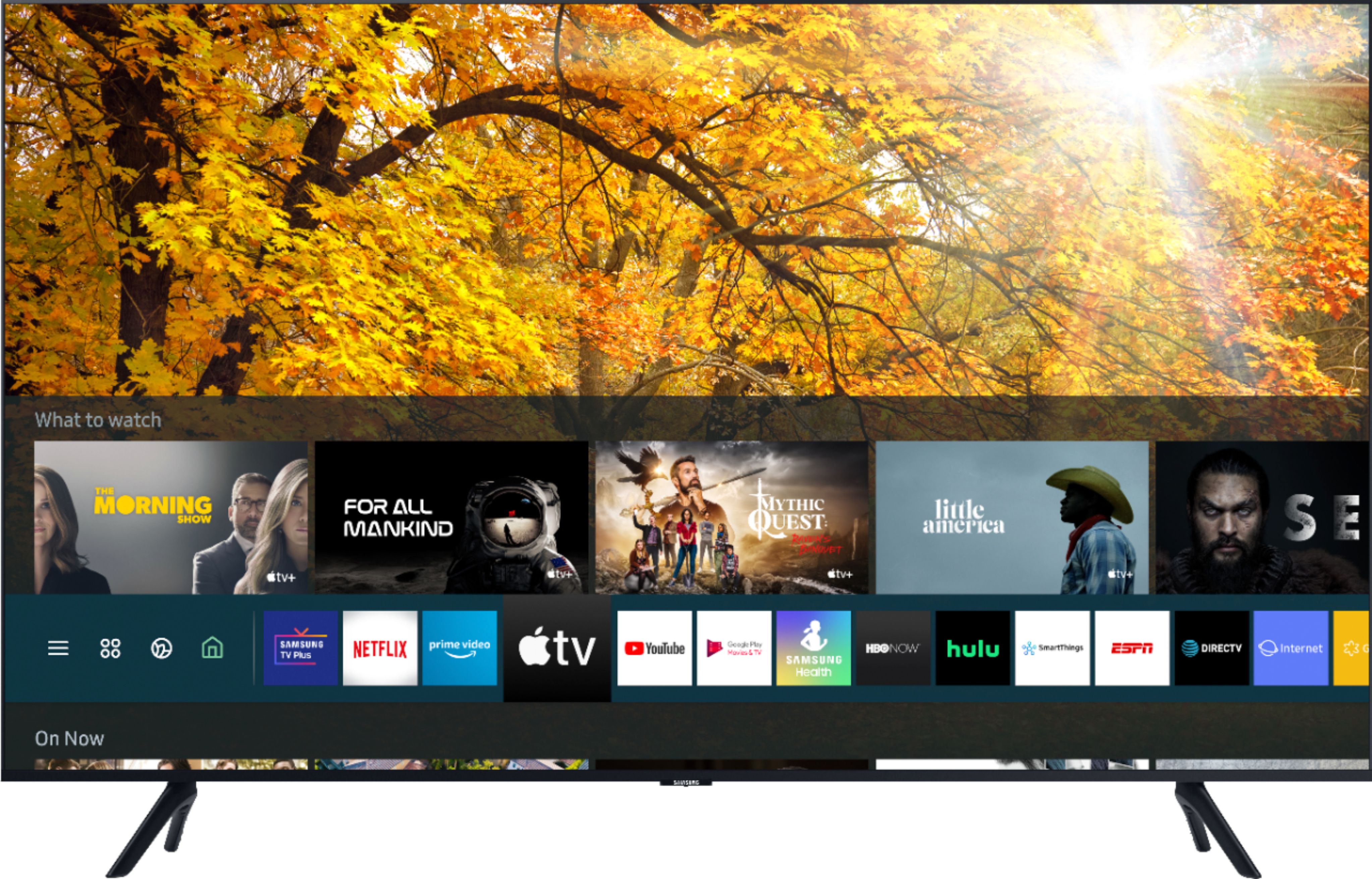
A:AnswerHi mabaldwin! Yes, the TU8000 features support for the HBO MAX application. This app along with many others can be found for download through the built in app store using the search feature. ^Tim
A:AnswerHi lucious! HDR stands for high dynamic range. This allows the TV to take advantage of a wider range of colors and better contrast levels for a more natural and detailed experience. ^Tim
A:AnswerSammi; if you would like to utilize apps within your Roku device, you will need to connect your Roku device for this functionality; however, Samsung Smart TVs have hundreds of built-in apps available to download, and you will not necessarily need a Roku device unless you prefer to do so. ^Gina