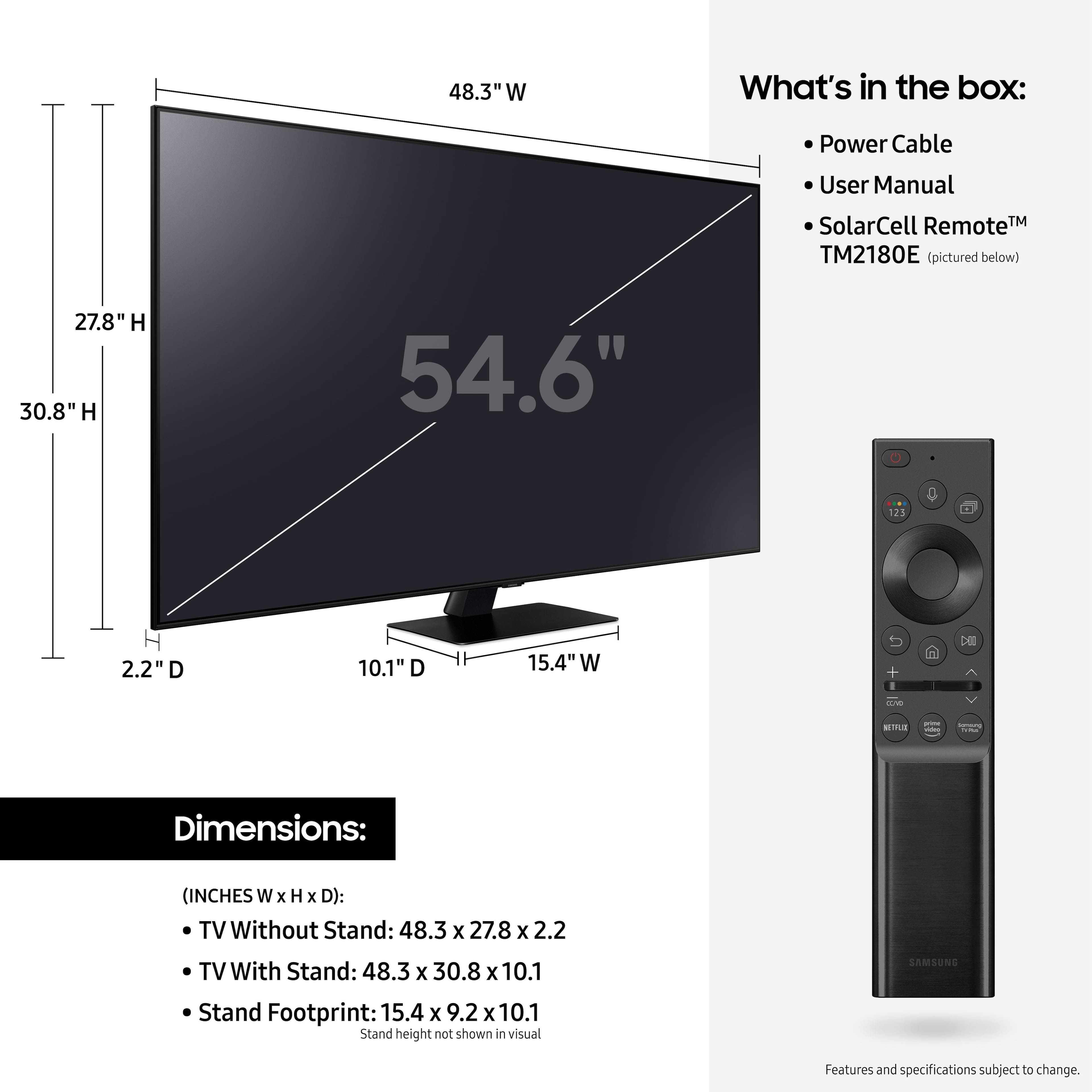
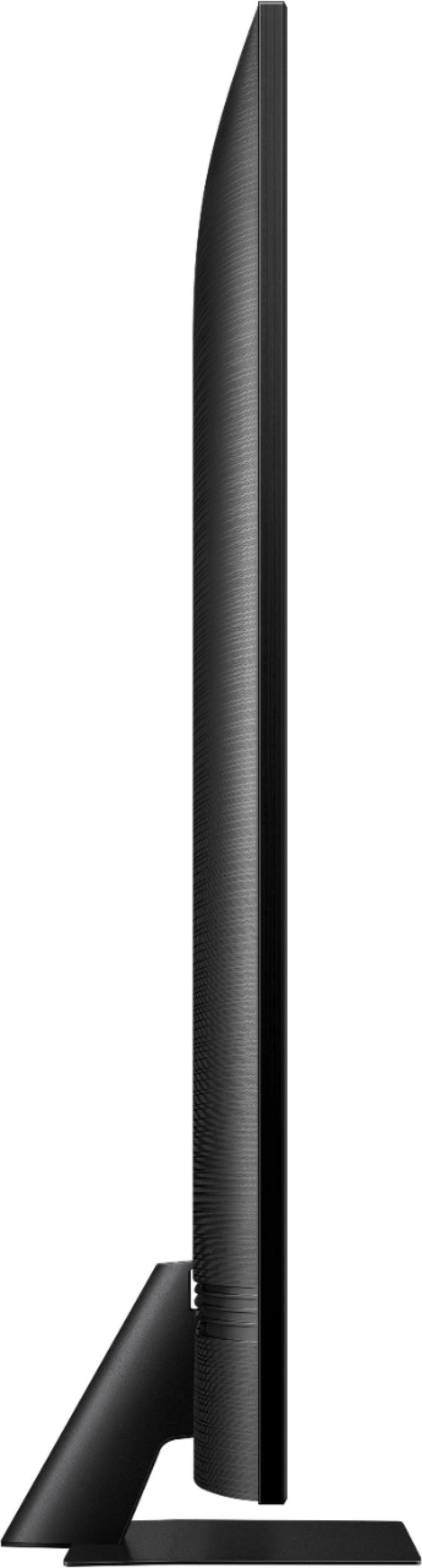
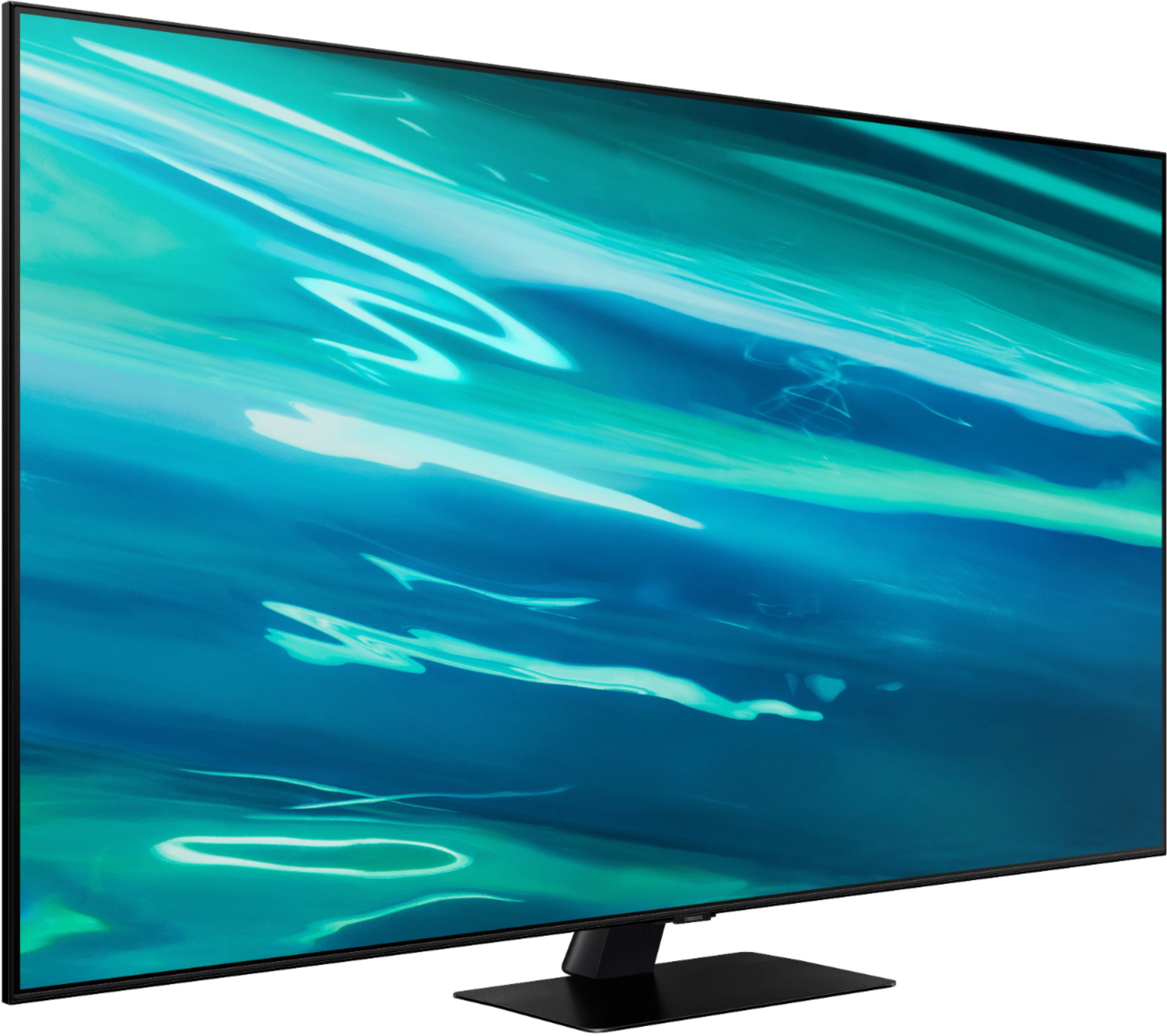
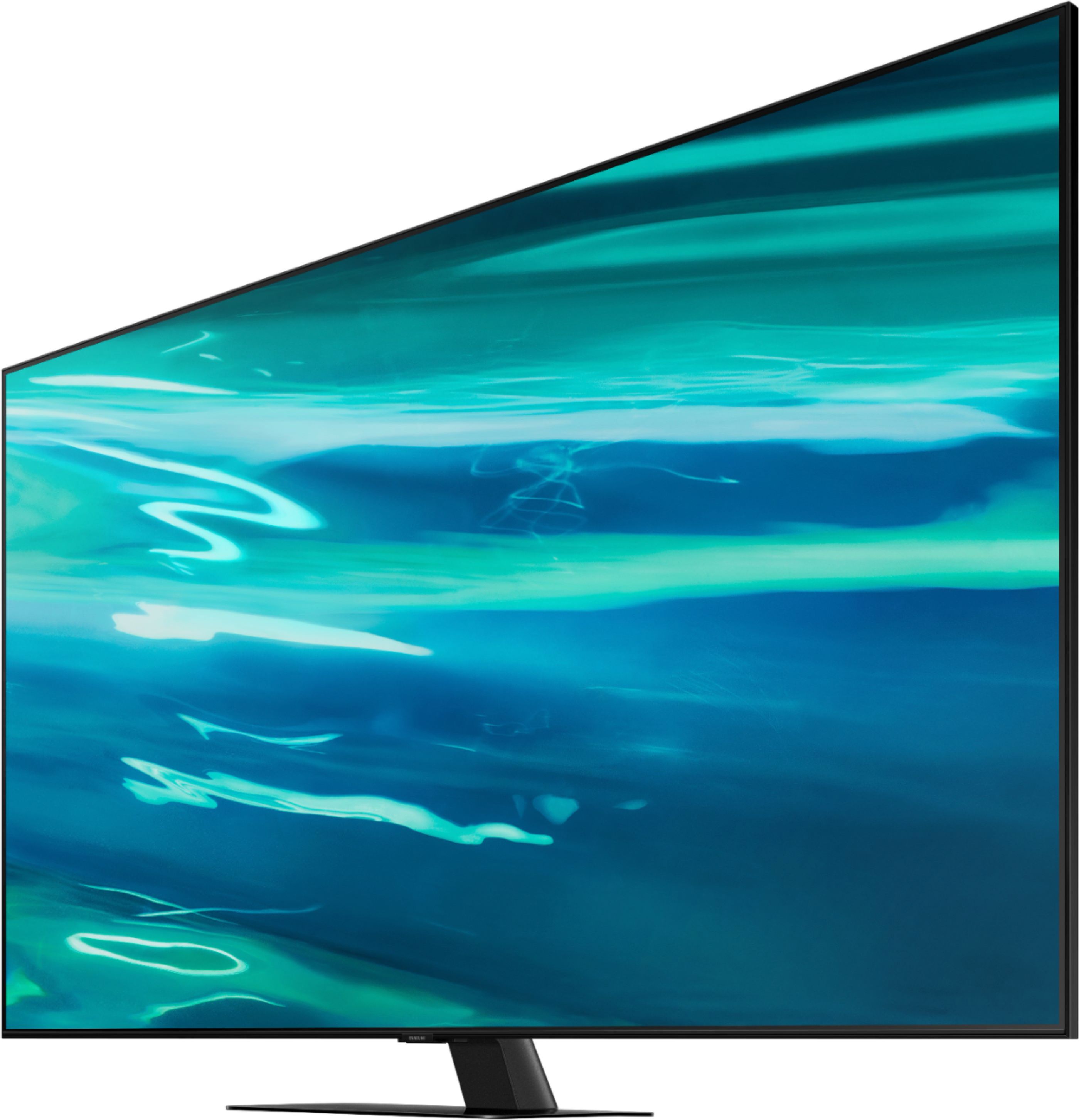
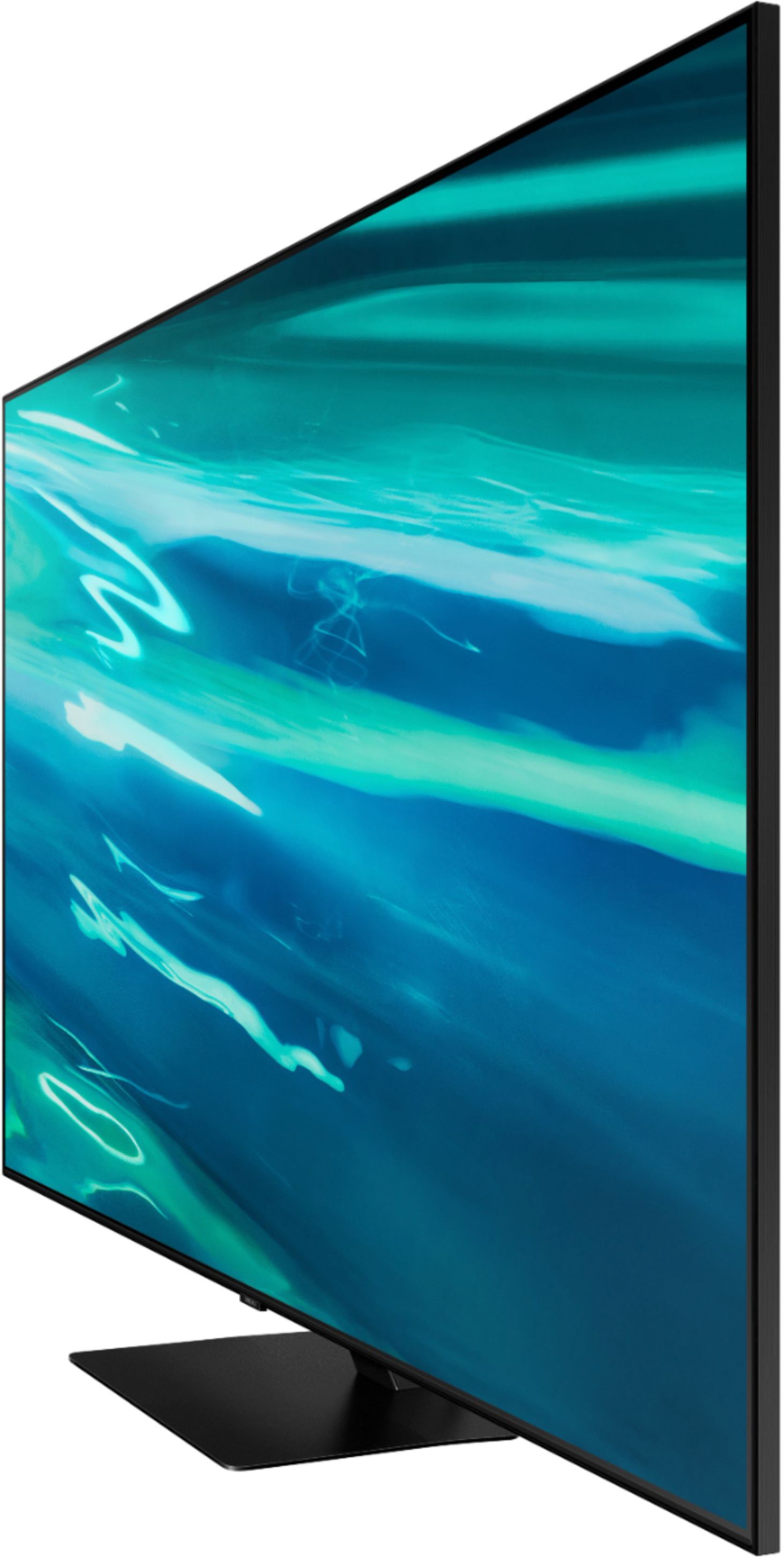
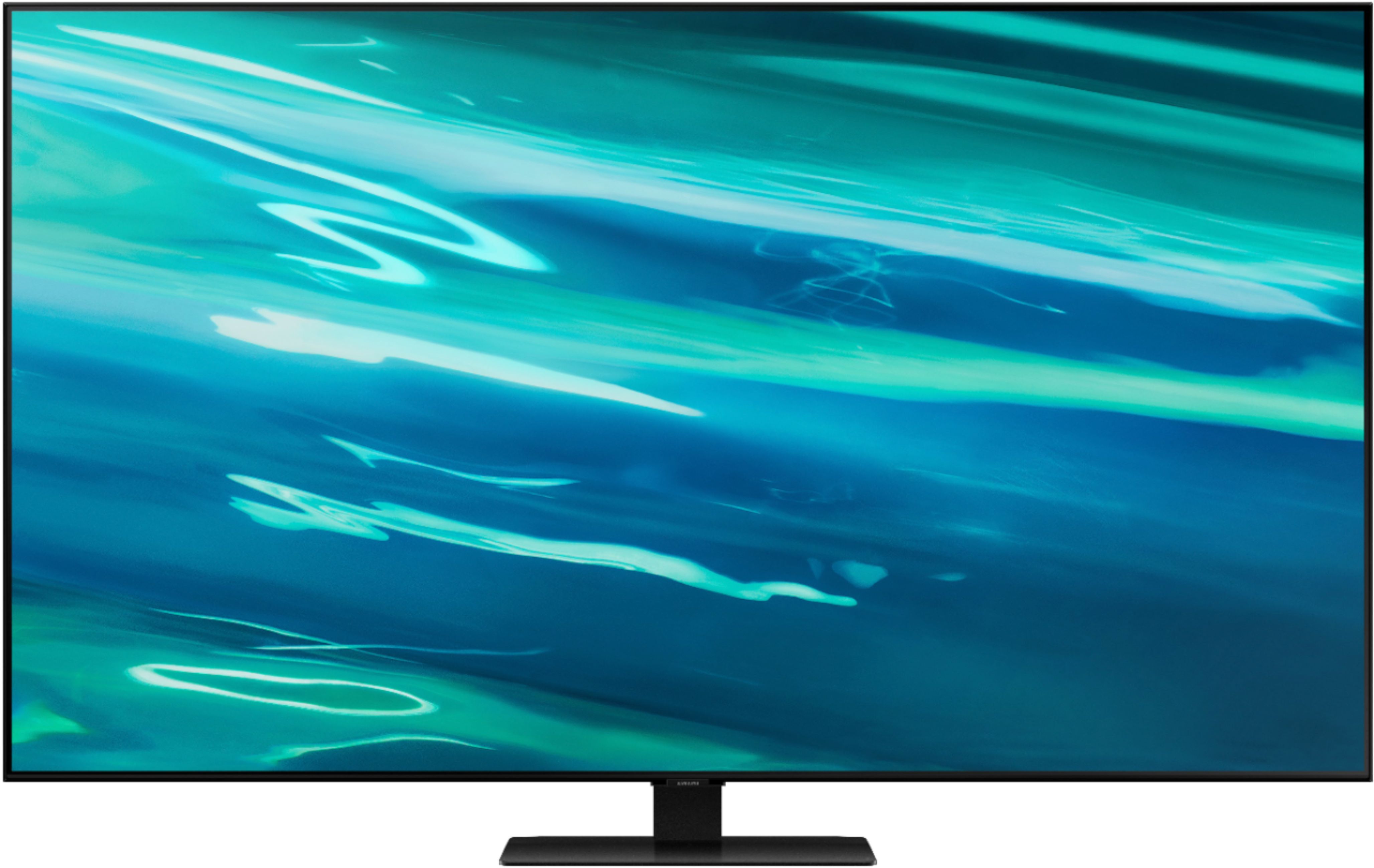
A:AnswerHi Carol, the full dimensions of the 55" Q80A are: (INCHES W x H x D):
- TV without stand: (48.3 x 27.8 x 2.2)
- TV with stand: (48.3 x 30.8 x 10.1)
^Val
A:AnswerHi David53, Thanks for asking! Samsung offers hundreds of apps in our App Store that you can download, and we are continuously working with our partners to make apps available in our 2021 lineup, and fuboTV should be launching soon. Keep an eye on the App Store of your TV to see the latest apps that are available. ^Val
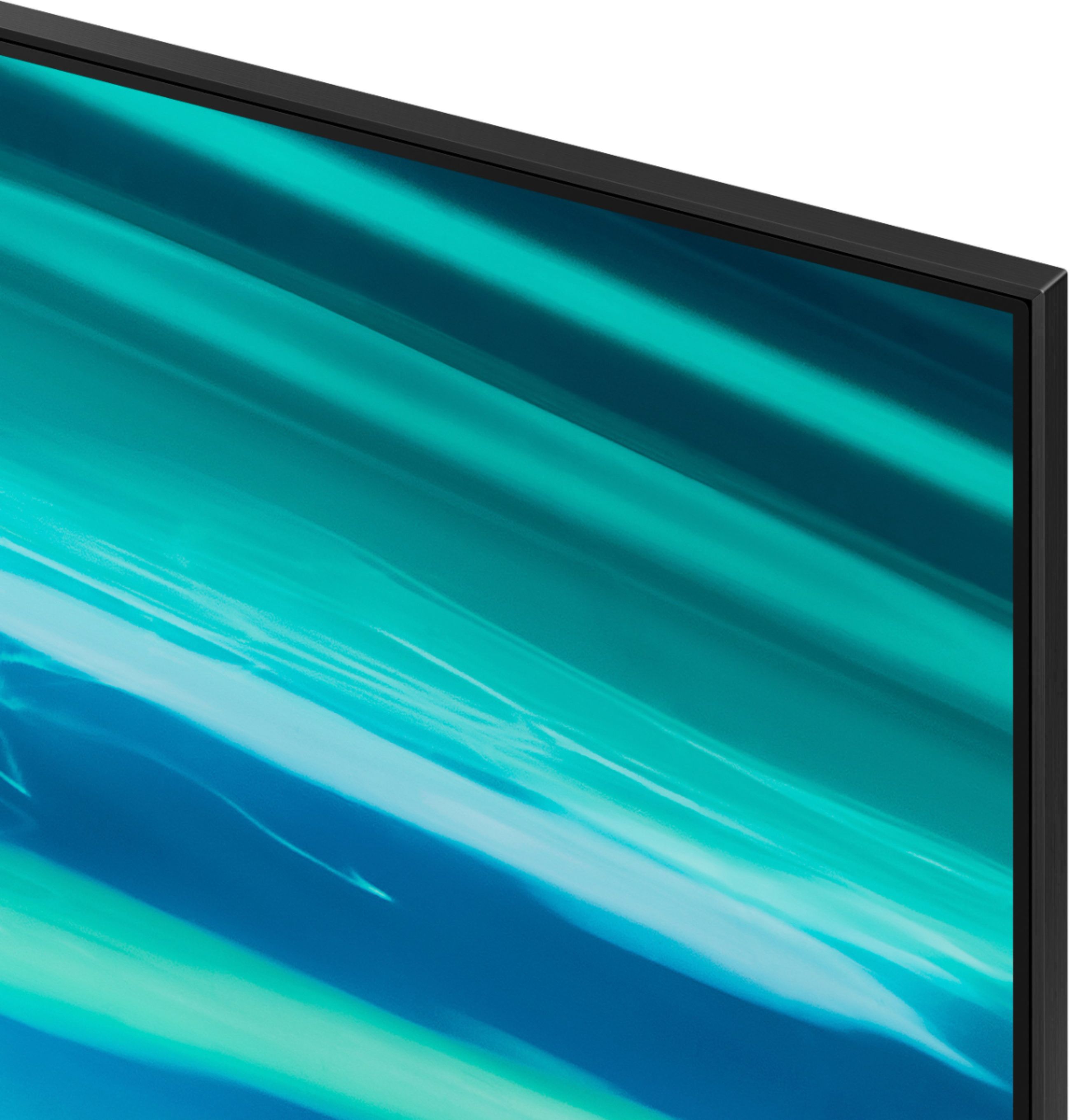
A:AnswerHi Frank, If there is a protective film on your screen, it will be indicated with a blue tab in the upper left corner. The tab will have an illustration showing how to remove the protective film. If you do not have a blue tab in the upper left corner, then that means there is no protective film on the screen, so please do not try to peel off anything. You will damage what is actually the screen.
If you tried removing the film and only removed the blue tab, then please affix a piece of adhesive tape to where the blue tab was and try removing the film again. ^Val
A:AnswerHi Matt, the 50" Q80A will be available later this year. Please continue to check the website or contact your local Best Buy for more information. ^Val
A:AnswerOur picture is perfectly clear and bright! I see none of the issues that were spoken about. We don't have any 4K input sources - just cable and don't stream 4K. If 4K gives a more defined picture, I don't think my eyes could detect it anyway. Husband pointed out that the sound and lip movement is point on! No lag. We used factory settings. We don't game so can't speak to the gaming connections but that is the 2.1 HDMI so should even be better. We also just used a fairly inexpensive HDMI cable, nothing special. Right now we are watching TCM and a 50's era short film. It is a little blurrier than more recent or true film quality input. Watching a Doris Day, Rock Hudson filmed in 1961 - picture is still very pleasant to view, certainly not as sharp as a Netflix non-4K stream that we watched last evening.
A:AnswerHi Joshua520, if you are looking for a wall mount with a large gap, you may want to consider tilting or full motion style wall mounts like these. https://www.bestbuy.com/site/tv-stands-mounts-furniture/tv-mounts/abcat0106004.c?id=abcat0106004&qp=mountstyle_facet%3DMount%20Style~Full%20Motion%5Emountstyle_facet%3DMount%20Style~Tilting ^Val
A:AnswerHi Damian, Both the Q80T and Q80A feature Direct Full Array backlighting, the Quantum Processor 4K, and Object Tracking Sound. The new 2021 Q80A steps up to Quantum HDR 12x giving your cinematic detail with a wider range of cinematic colors. ^Val
A:AnswerHi Chuckles, Yes! The Q80A has Bixby, Alexa, and Google Assistant. Control your TV with just your voice. Use built-in voice assistants to easily change the channel, play music, control smart home devices, and more. ^Val
A:AnswerHi Dave, there are a few setting you may want to adjust to tone down the blue light from your TV to reduce eye strain. (1) you may want to set your Picture Mode ‘Movie’ which is suitable for watching TV in a dark room or ‘Natural’ which reduces eye strain for a comfortable viewing experience, (2) you may want to select Warm 1 or Warm 2 in Settings > Picture > Expert Settings > Color Tone, and (3) you can lower the B-Gain setting in Settings > Picture > Expert Settings > White Balance. ^Val
A:AnswerHi Glebaou812- The Q80A TV features a built-in digital tuner (ATSC/ClearQAM) that can scan for and automatically program local channels that will appear on your channel list. Adding an antenna will help your TV find even more channels and improve the quality of the signal. When stepping up to our QN90A Series and higher, you will gain a built-in ATSC 3.0/ClearQAM tuner. ^Gina