A:AnswerKiri - You can choose what your TV does when you turn it on by going to: Menu > Settings > All Settings > General & Privacy > Start Screen Option
- Enabling Autorun Smart Hub automatically launches the Smart Hub when the TV is turned on. Navigate to this option to enable or disable the feature.
- If Autorun Last App is set to on, the last used app is automatically run when you turn on the TV. You can turn this function on or off by pressing the Select button in the current menu.
~ Samsung Specialist
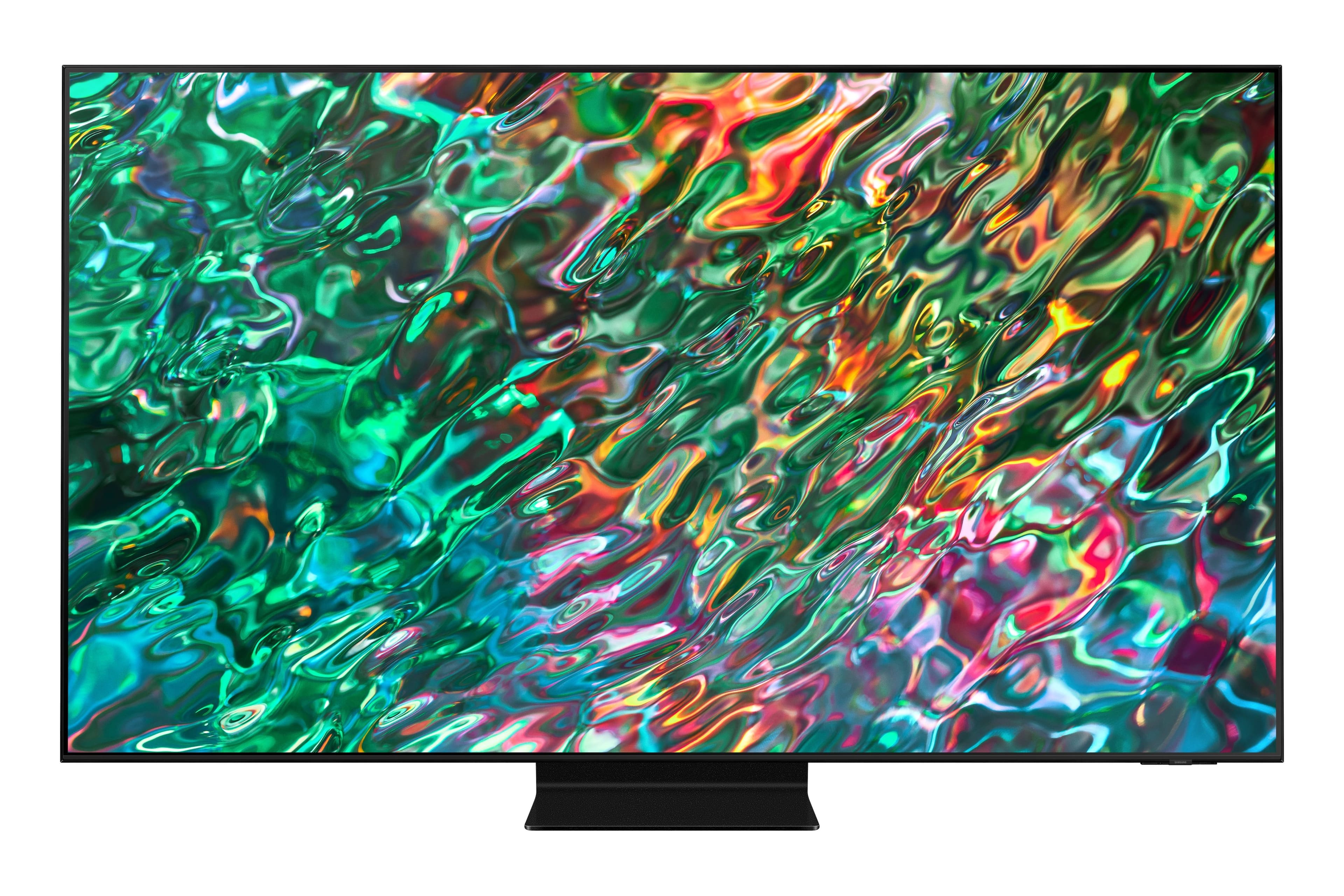
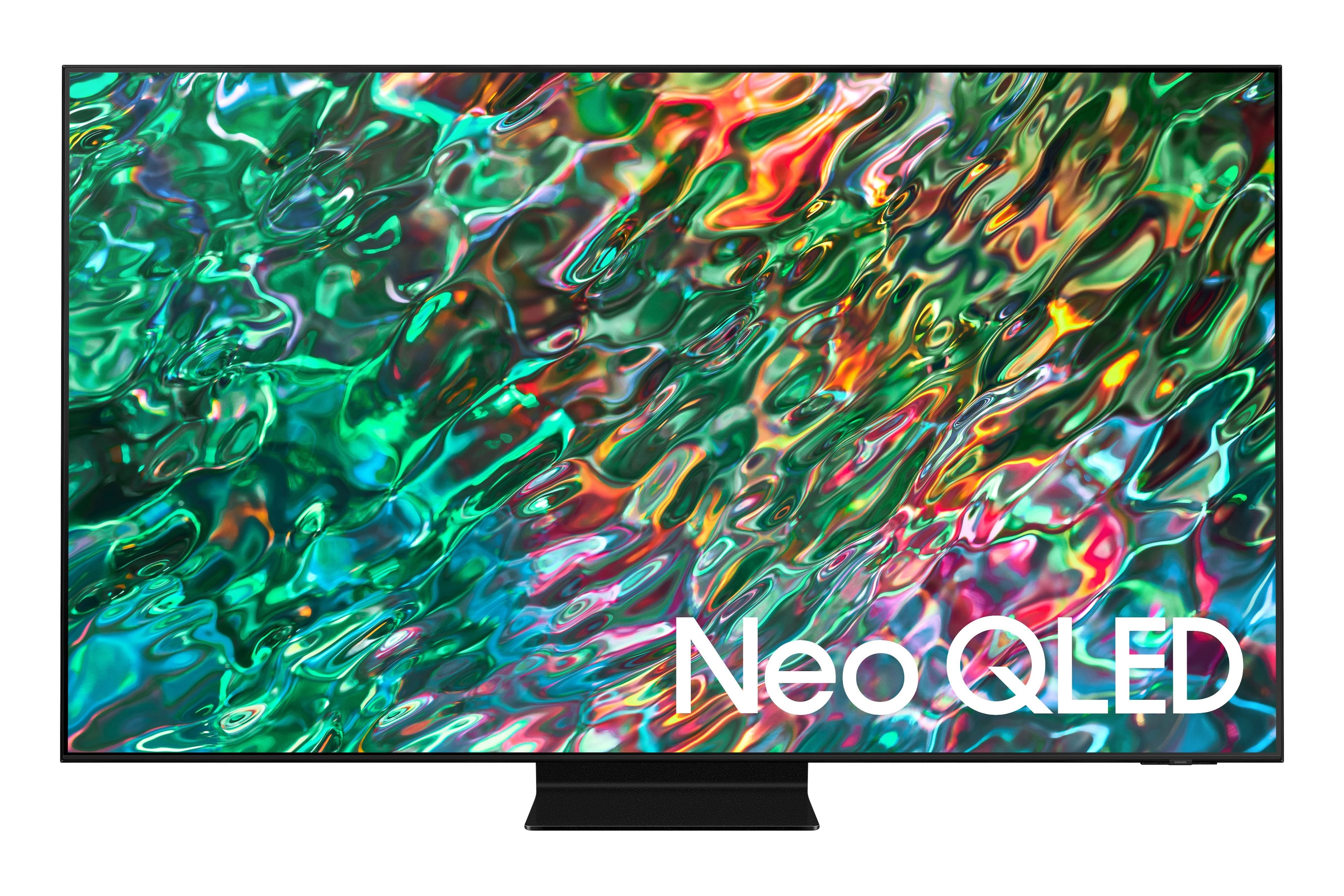
A:AnswerHi Sreed - If you're planning on placing your TV in a bright room, we do recommend our QN90B Neo QLED 4K or Neo QLED 8K lineup.
~ Samsung Specialist
A:AnswerKenster27 - When connecting, please make sure you enable Anynet+ (HDMI-CEC) on your TV, as this will auto power on external devices that are connected to your TV with HDMI.
~ Samsung Specialist
A:AnswerIt does have one Ethernet cable plug in but I don’t know if it will except a Cat6 cable. That would be determined by what type of connector your Cat6 has. I did not use this I used the hdmi connector.
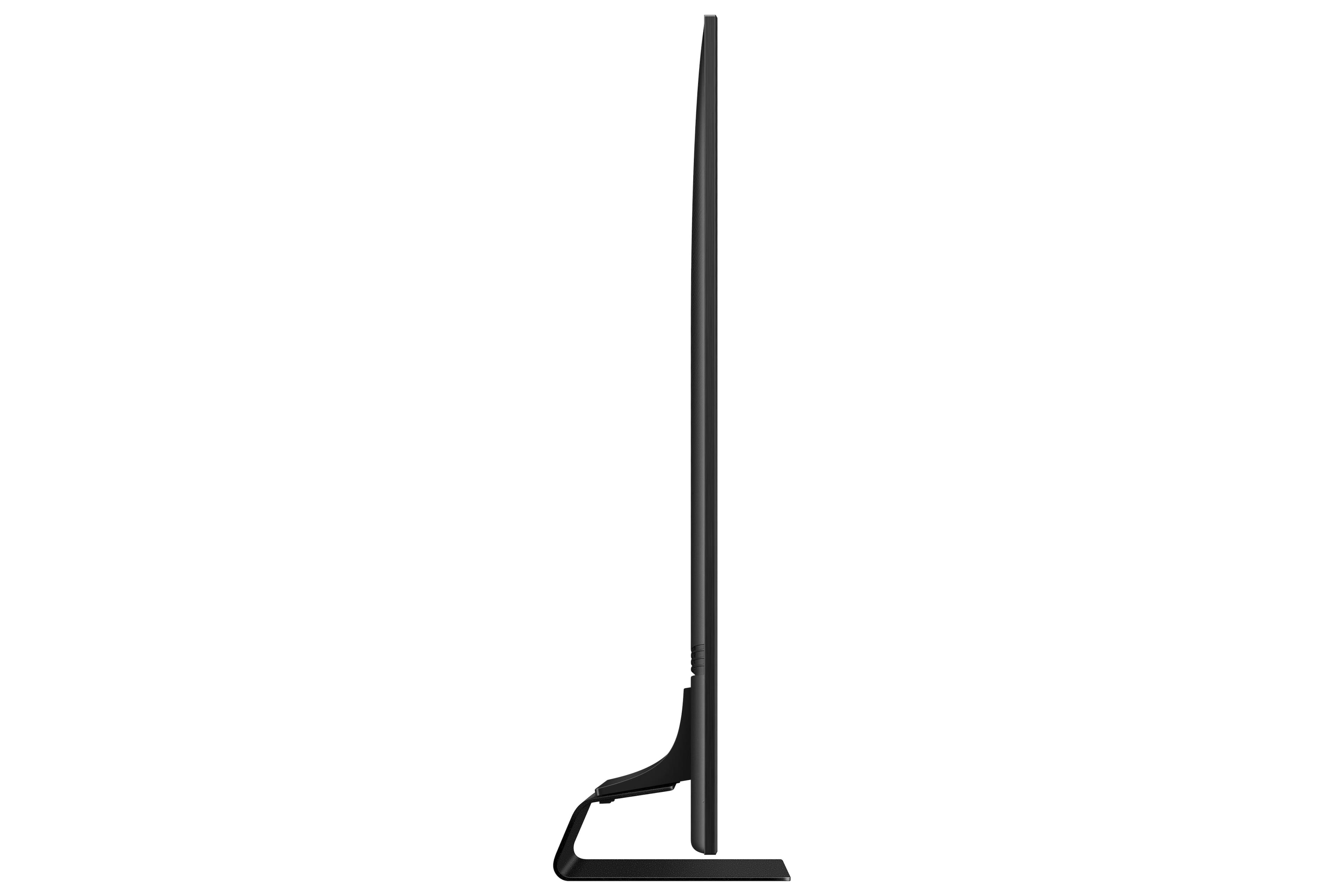
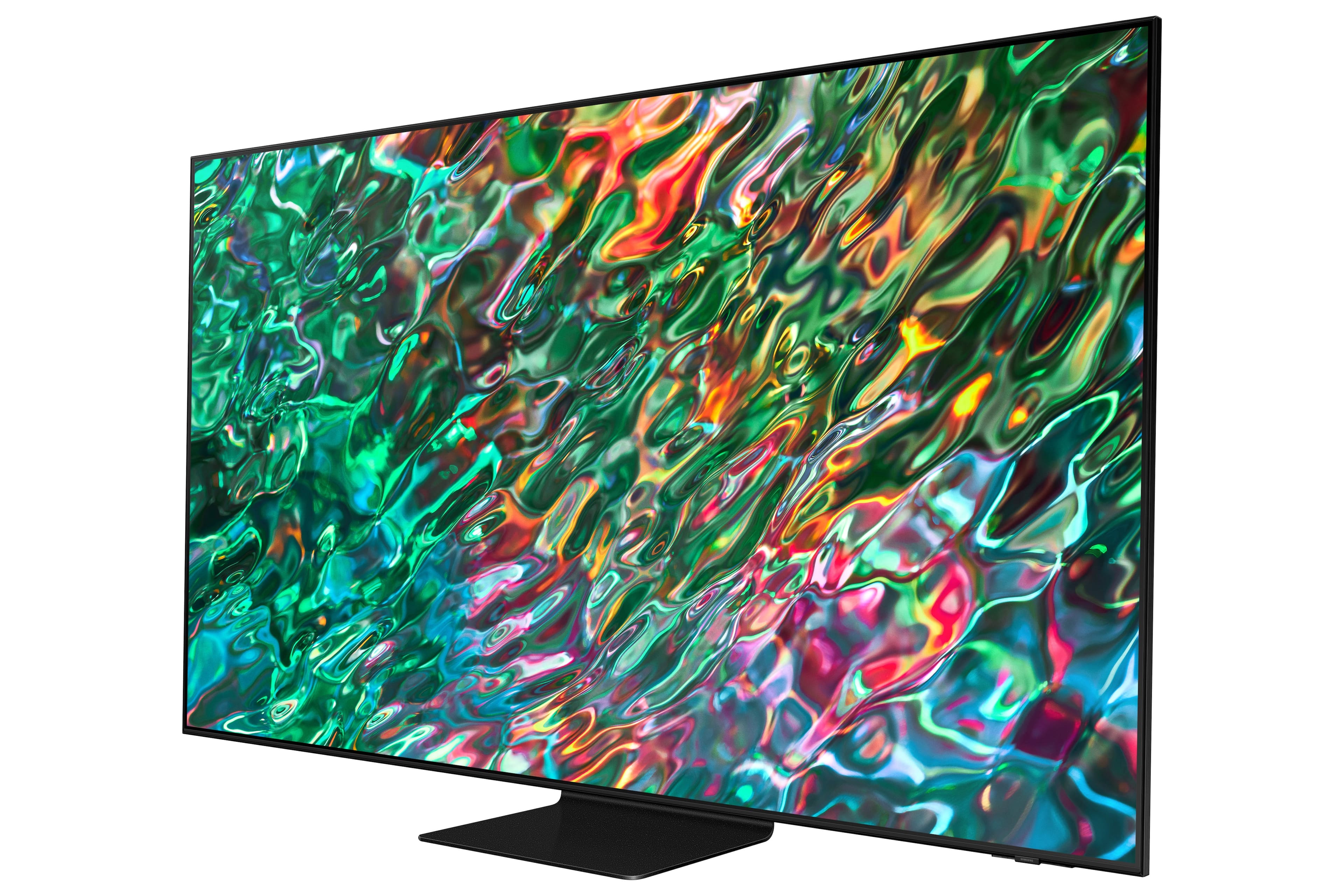
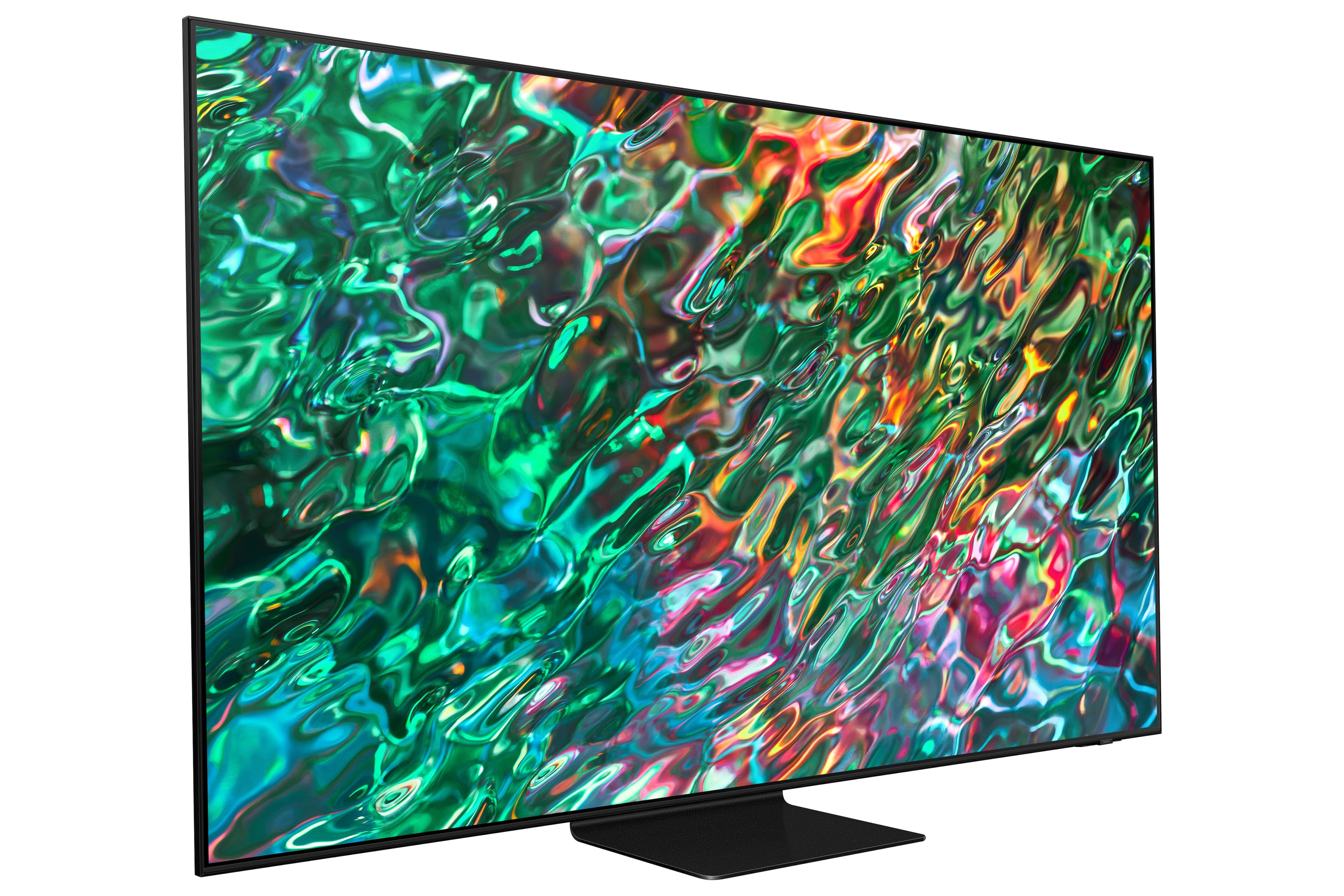
A:AnswerThank you for your interest in Samsung's QN90B TV. Please know that the TV stand was solidly designed and extensively tested for stability.
~ Samsung Specialist