A:AnswerYup, mine does this too. Whenever it does, I have to just shut it off and turn it back on. This TV honestly sucks, and I will be purchasing a new one soon.
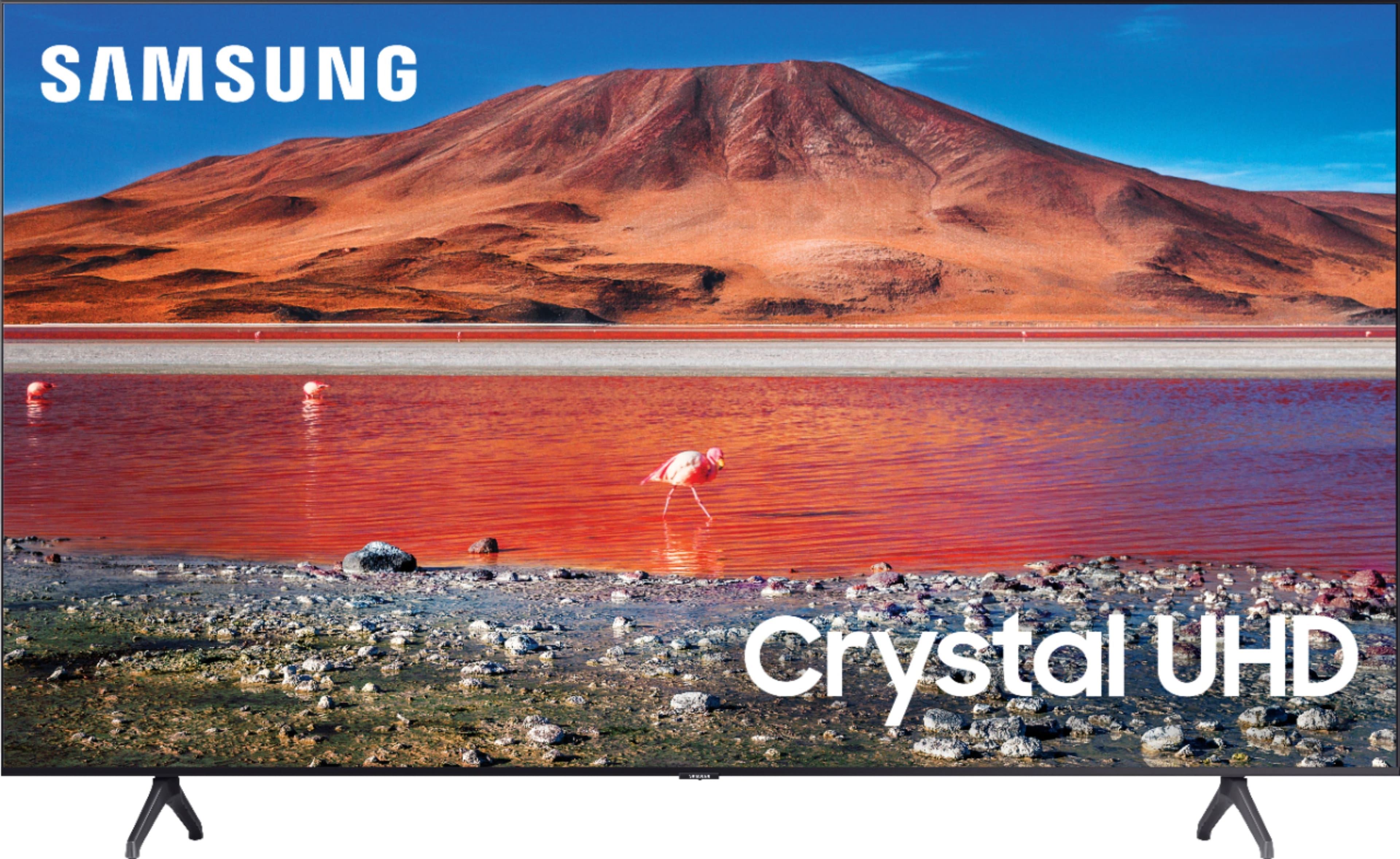
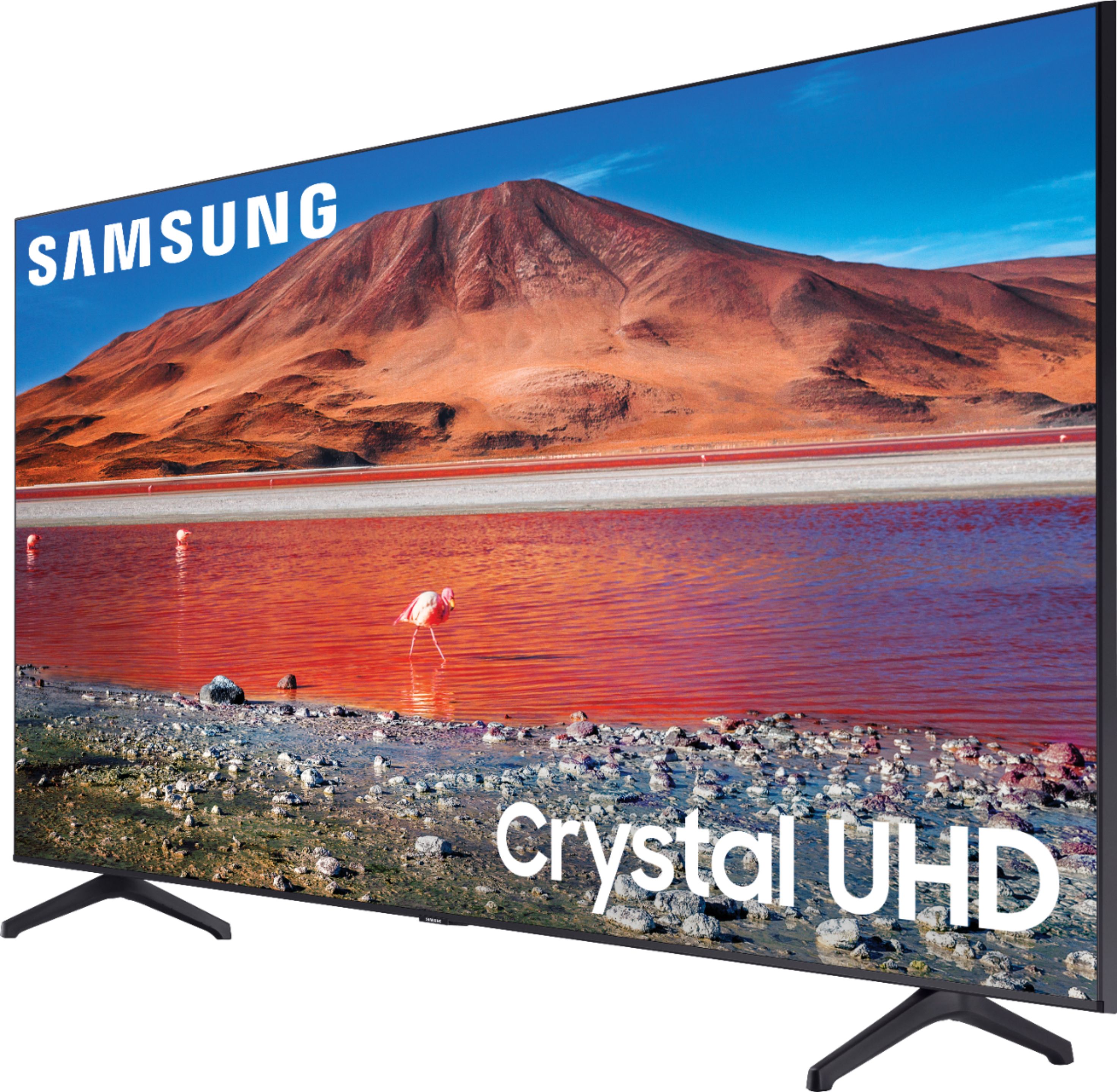
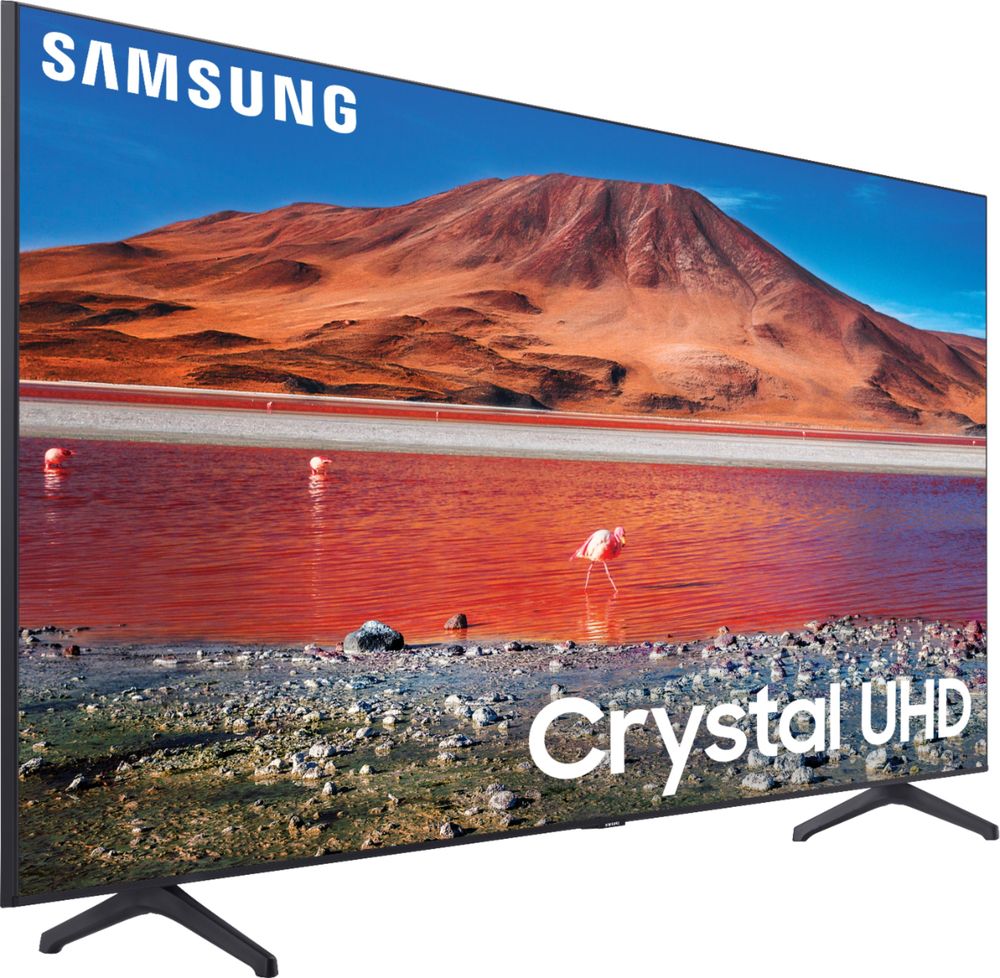
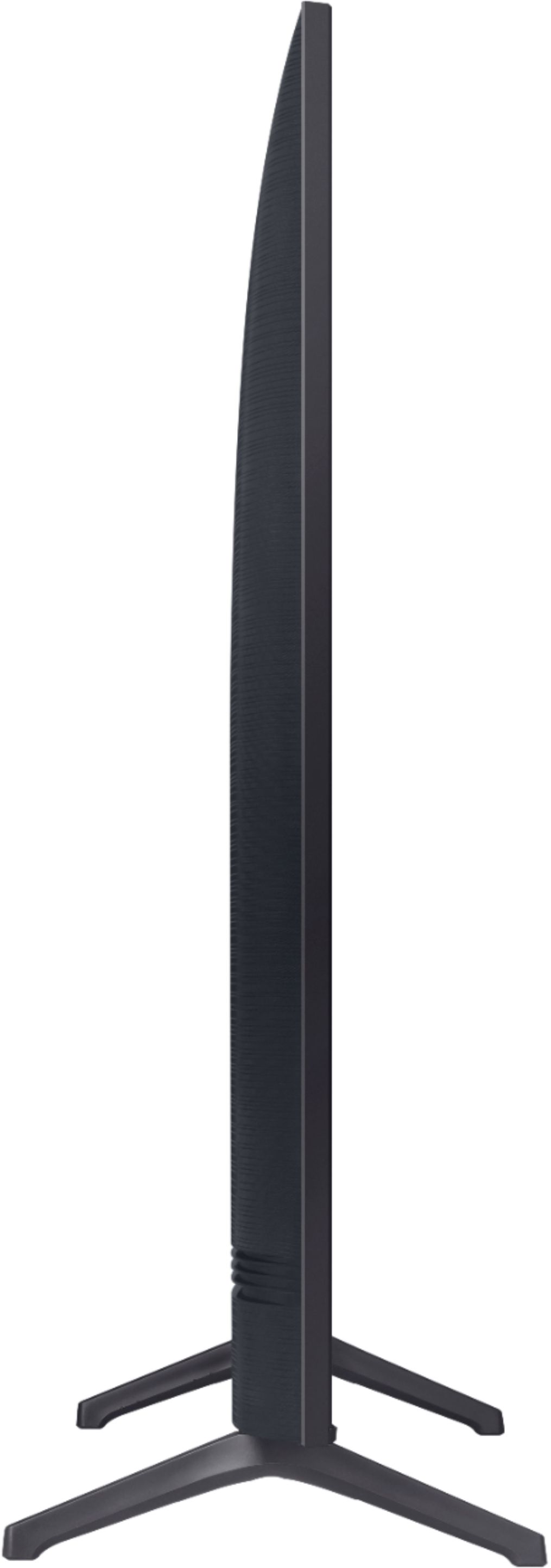
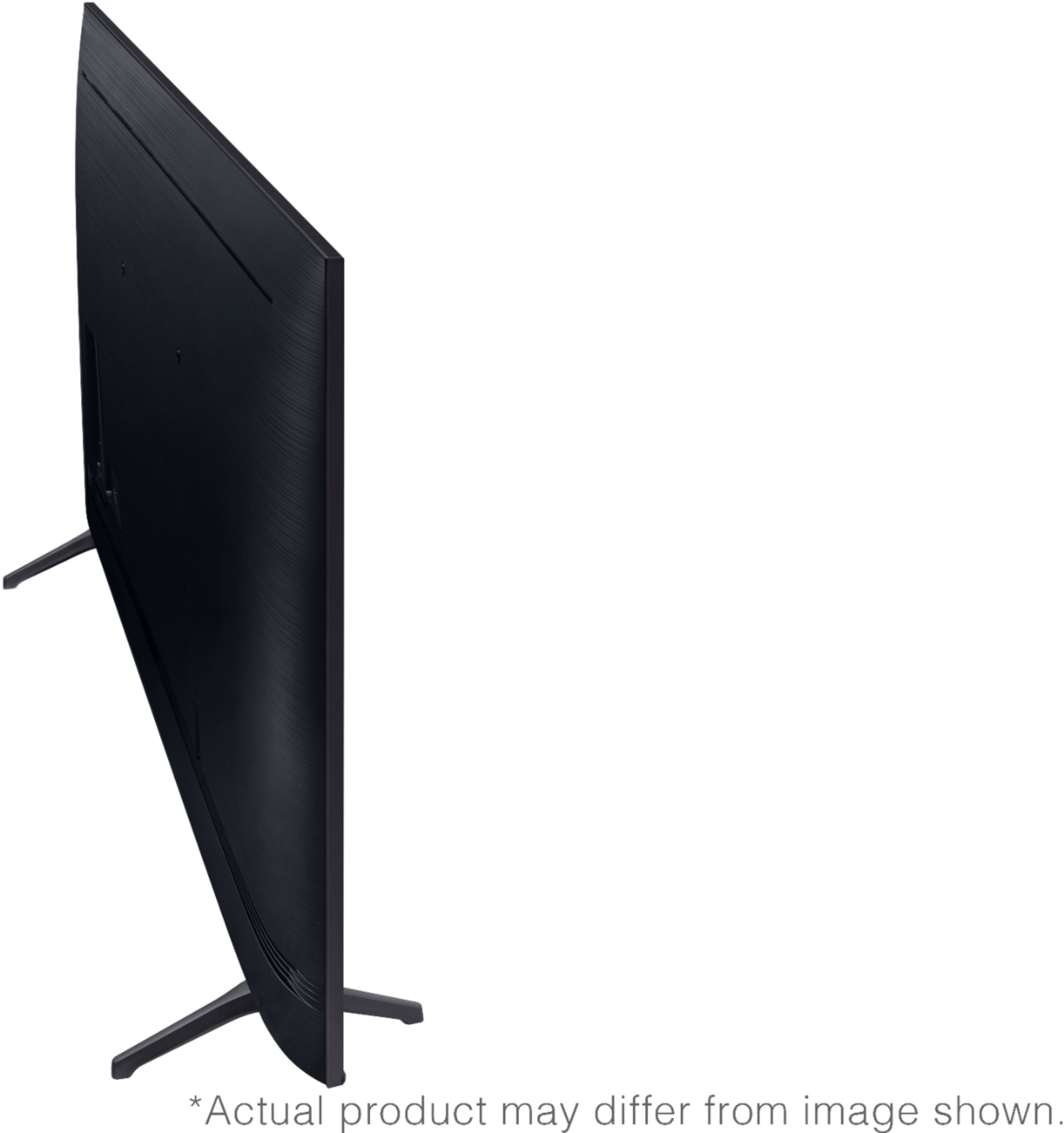
A:AnswerIt's usually at the bottom of The T.V in the center bottom. Where it says Samsung. All T.V's have a power button. You just have to look around for it. Some are in the back or side or bottom.
A:AnswerHi Karen,
The TU7000 is a 4K UHD TV which supports 4K on all HDMI ports. When connecting external devices via HDMI, please make sure you're using a 4K HDMI cable.
Check out some 4K HDMI cable options at Best Buy: https://www.bestbuy.com/site/searchpage.jsp?st=4k+hdmi&_dyncharset=UTF-8&_dynSessConf=&id=pcat17071&type=page&sc=Global&cp=1&nrp=&sp=&qp=&list=n&af=true&iht=y&usc=All+Categories&ks=960&keys=keys
^Brie
A:AnswerHi Timj,
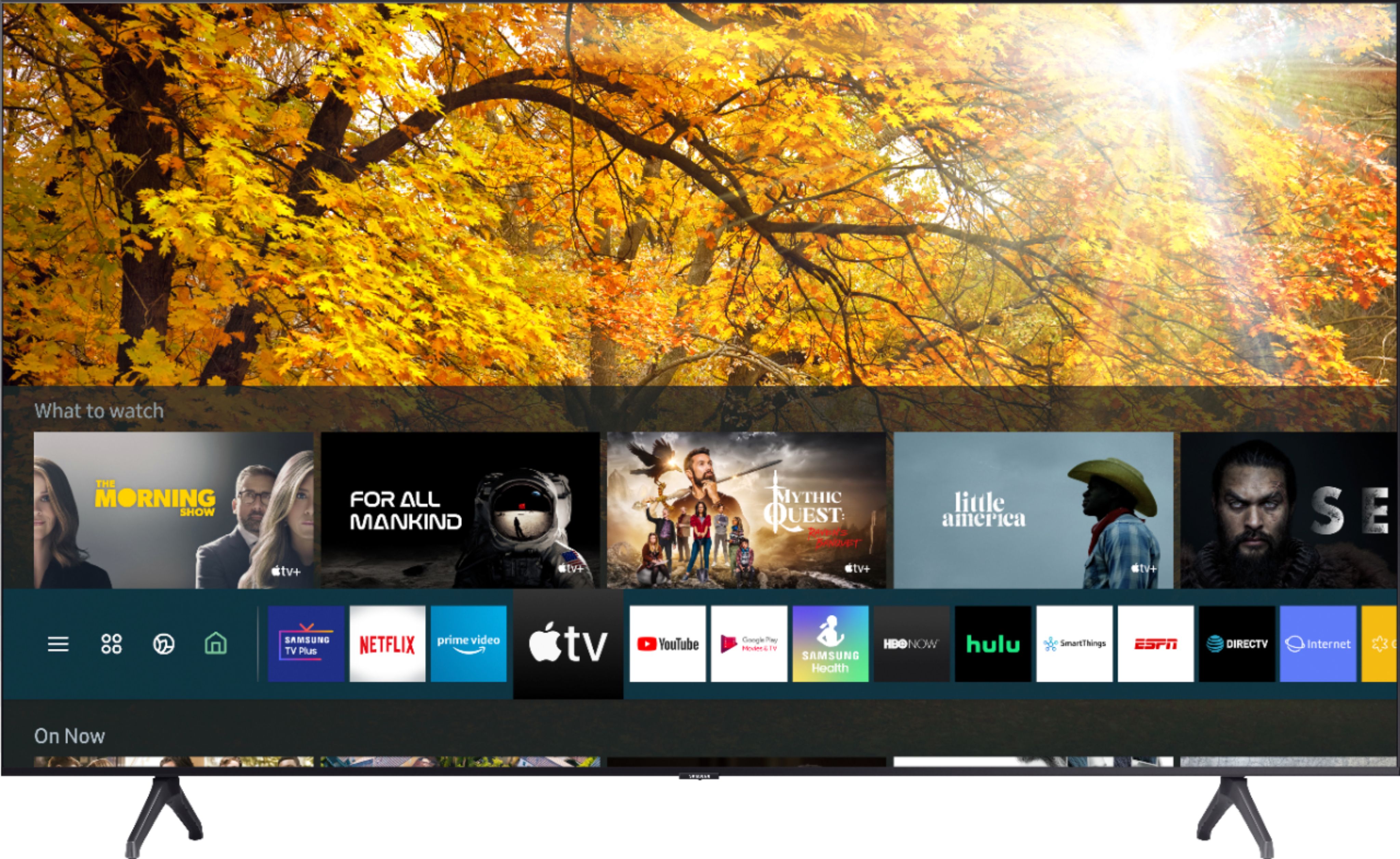
Hi there! The TU7000 does not have a voice remote. When stepping up to the TU8000, you will gain built-in Voice Assistants (Amazon Alexa, Bixby, Google Assistant) with a voice button on your OneRemote.
^Brie
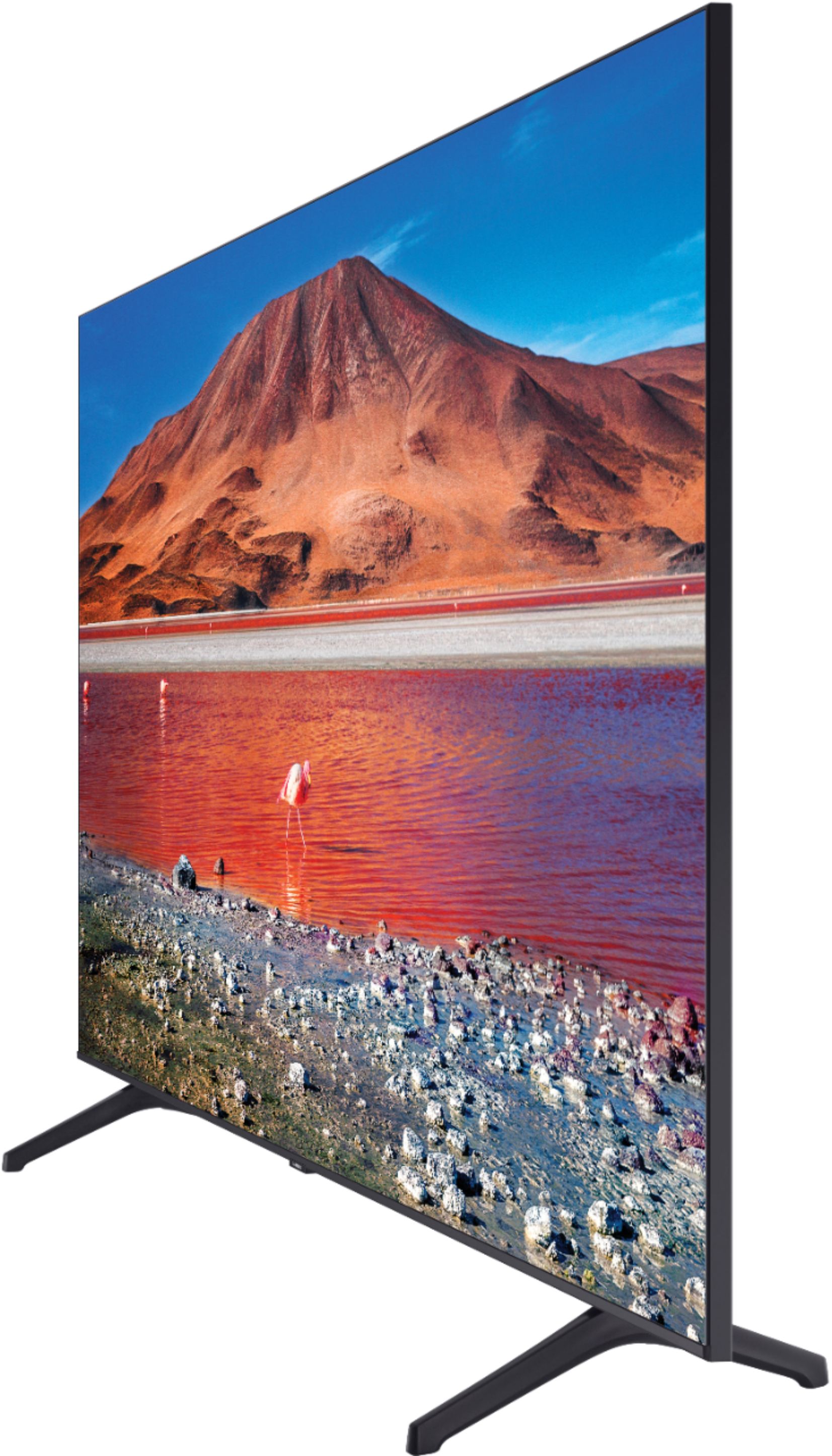
A:AnswerI don't know the answer, but this is a real problem for TV buyers. We had to paint a board to go over top of our corner TV stand to make it workable. The TV companies need to hear this.