A:AnswerHi Pete - The Q60A TV features Optical, HDMI, and USB connection inputs; if your device utilizes a different type of connection, you may need a converter to connect it to the TV. ^Gina
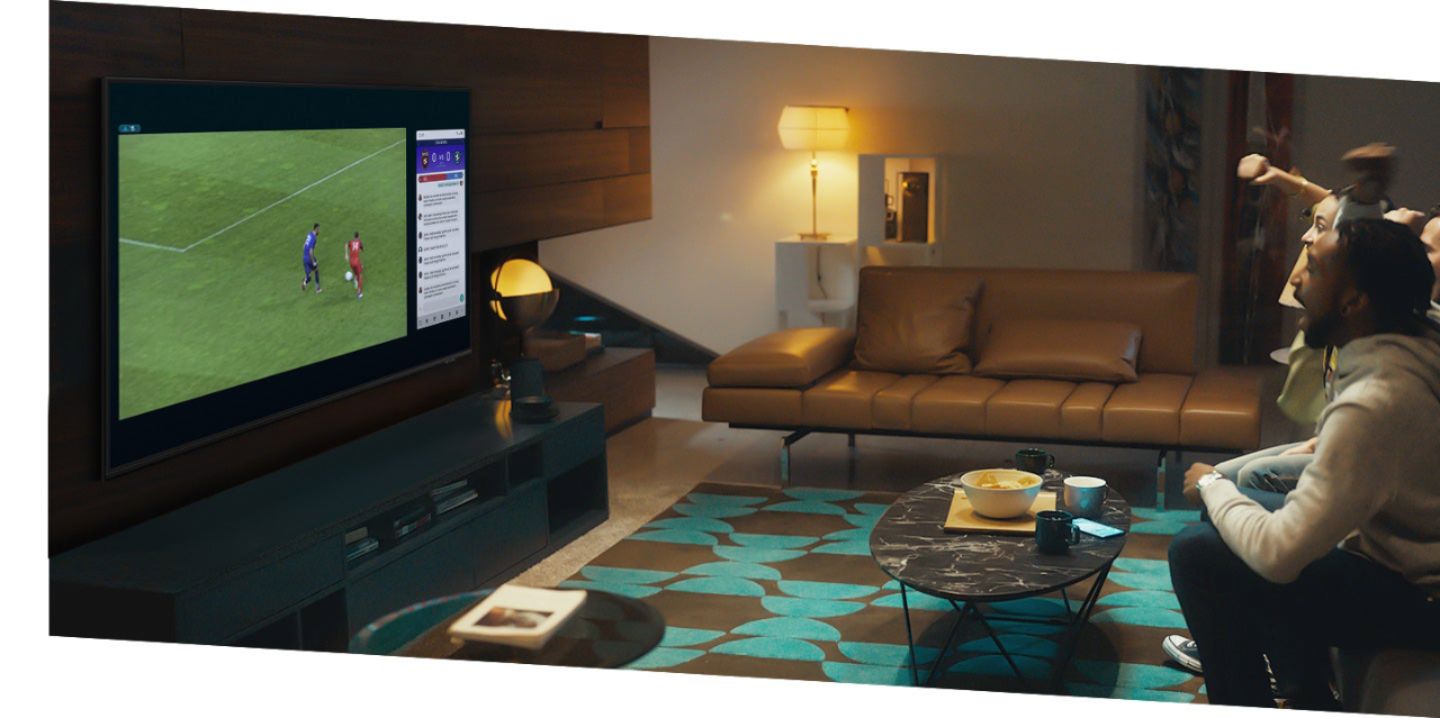
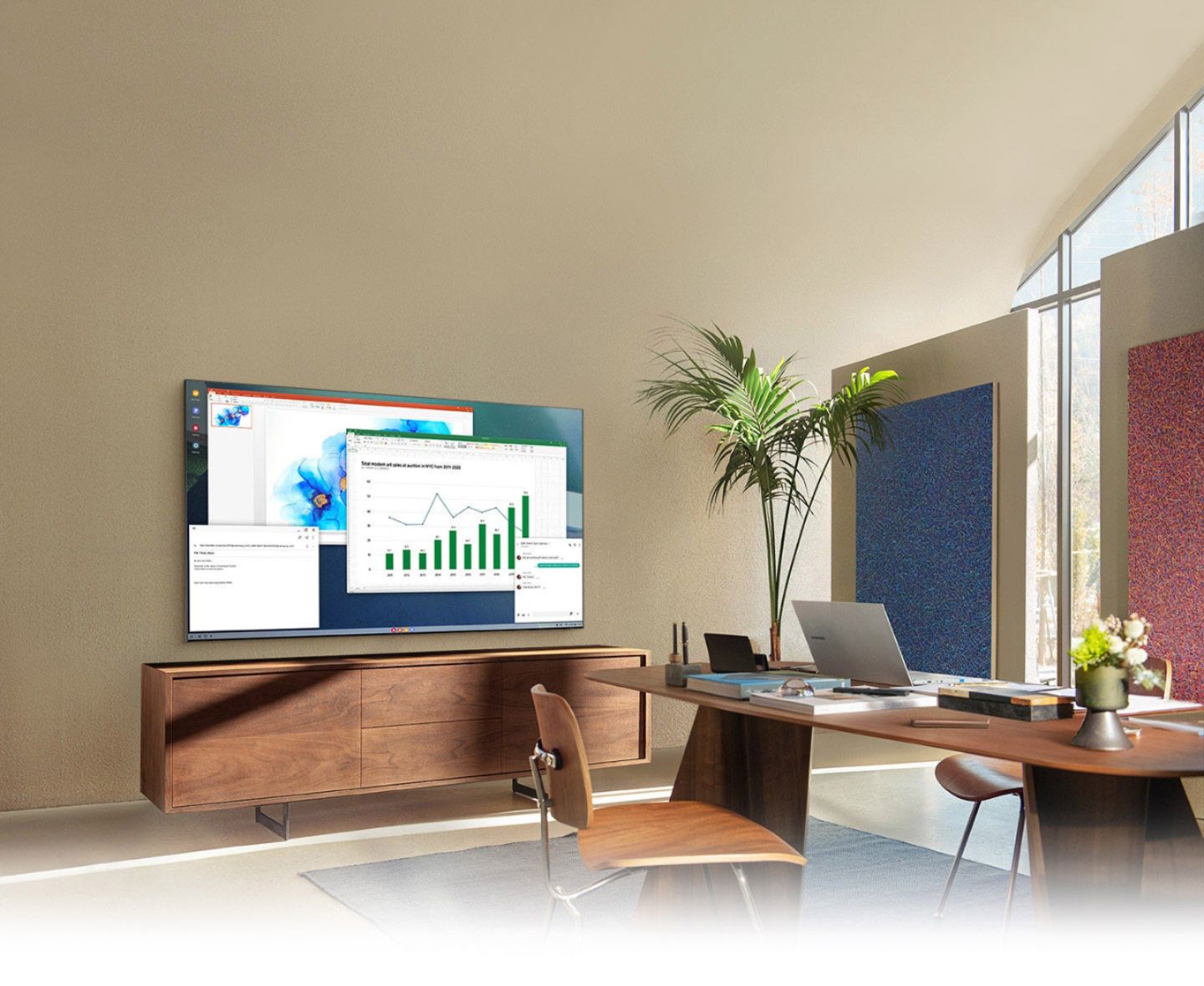
A:AnswerJasonR443 - Split-screen capability to view two different content side-by-side is available by using our Multi View feature. For example, you can view media from different sources, such as an app, Blu-ray player, or game console, on the main left screen, while also mirroring your phone to the smaller screen. Multi View provides you with different possibilities for splitting screens and viewing several types of content at the same time. On the left screen: You can play Samsung TV Plus, TV apps, HDMI devices, Antenna or Cable, or USB devices. On the right screen: You can screen mirror, use AirPlay, cast from an app, or cast from an IoT camera. 2 HDMI inputs cannot be viewed at the same time. ^Gina
A:AnswerTom - The HW-Q600A Soundbar will work with any TV, although a 2020 or newer Samsung TV is required to utilize features such as Q-Symphony. ^Gina
A:AnswerDarlajtr - Split-screen capability to view two different content side-by-side is available by using our Multi View feature. For example, you can view media from different sources, such as an app, Blu-ray player, or game console, on the main left screen, while also mirroring your phone to the smaller screen. Multi View provides you with different possibilities for splitting screens and viewing several types of content at the same time. On the left screen: You can play Samsung TV Plus, TV apps, HDMI devices, Antenna or Cable, or USB devices. On the right screen: You can screen mirror, use AirPlay, cast from an app, or cast from an IoT camera. 2 HDMI inputs cannot be viewed at the same time. ^Gina
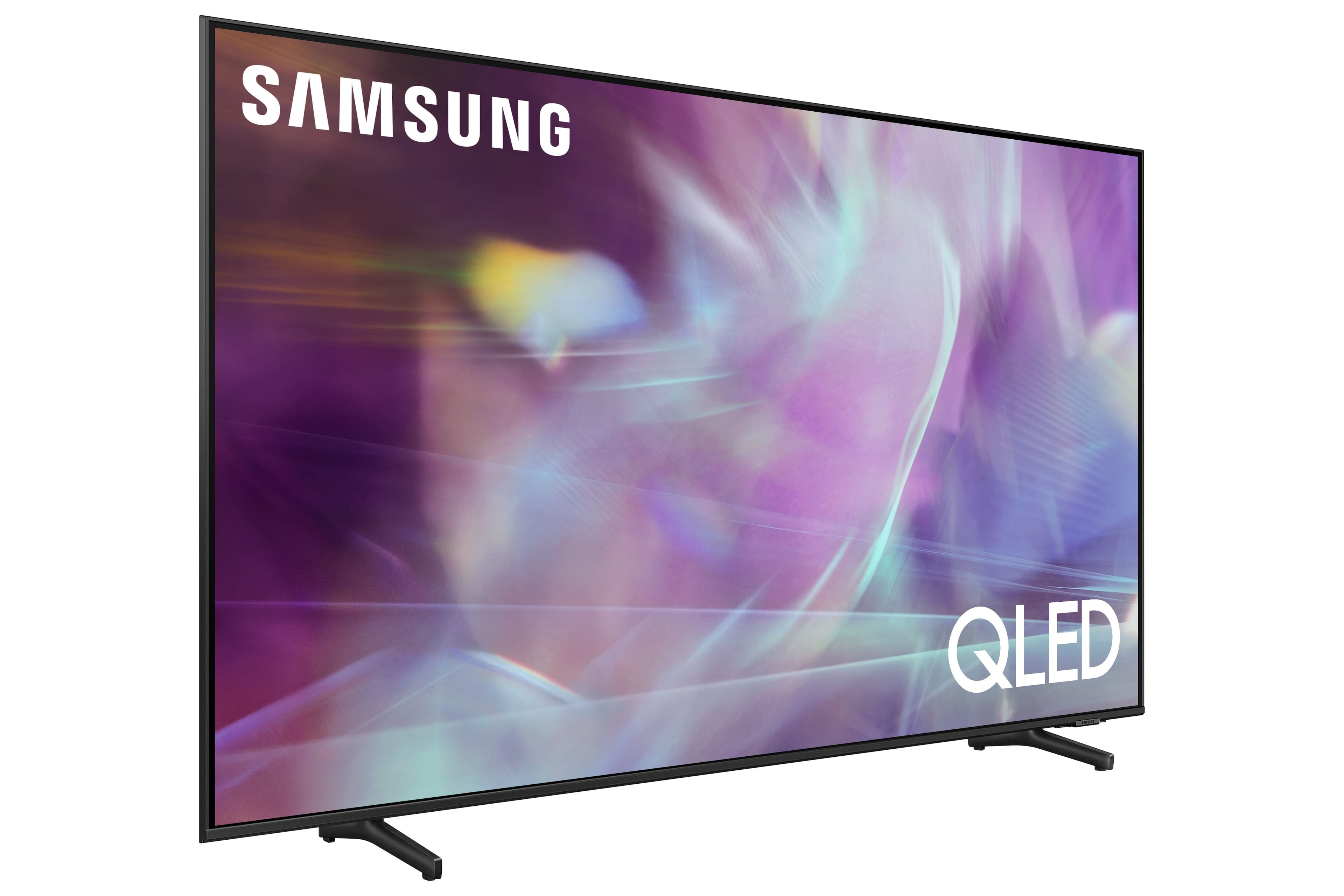
A:AnswerIf you look at the specifications detail for this TV on the Best Buy website, it should tell you. My set appears to have 3 HDMI connections, 2 USB ports, a LAN connection and a direct cable or antenna connection. That's plenty for my needs. So far I have my cable box and a blue ray player using two of the HDMI connections.
A:AnswerI'm not sure what Directv receiver I have, but it's HD with a DVR and both it and its remote programmed well with the Q60A. The volume control on the DTV remote operates the sound bar or the tv speakers, depending on which one you have activated on the tv. The Samsung remote will also operate the receiver, but its not marked for the various receiver functions and I haven't had the patience to learn where they all are on the remote. I'm really impressed with how responsive the Samsung is to control inputs. There's no lag whatsoever unlike my old TCL 4 Series that died after 3 years.
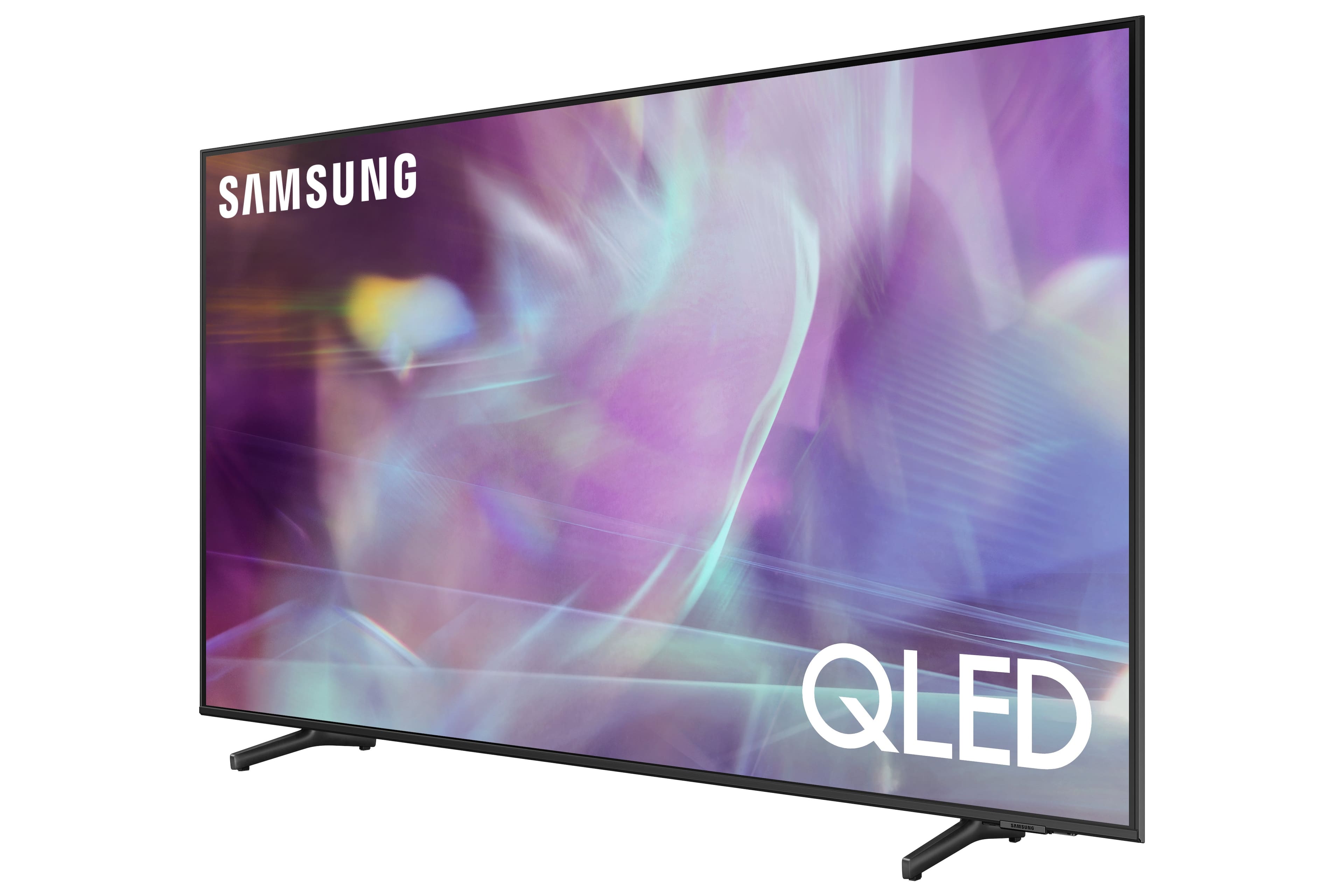
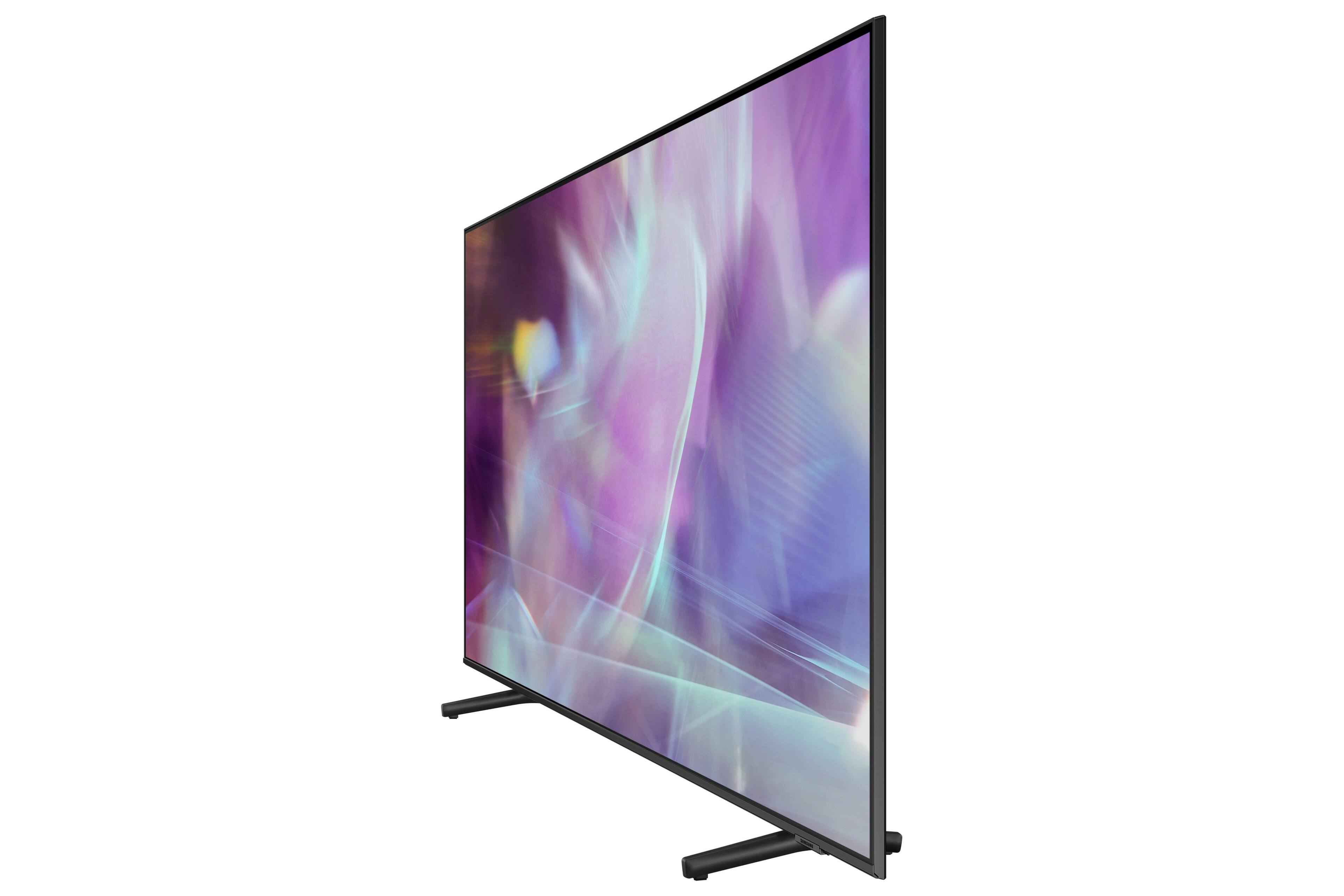
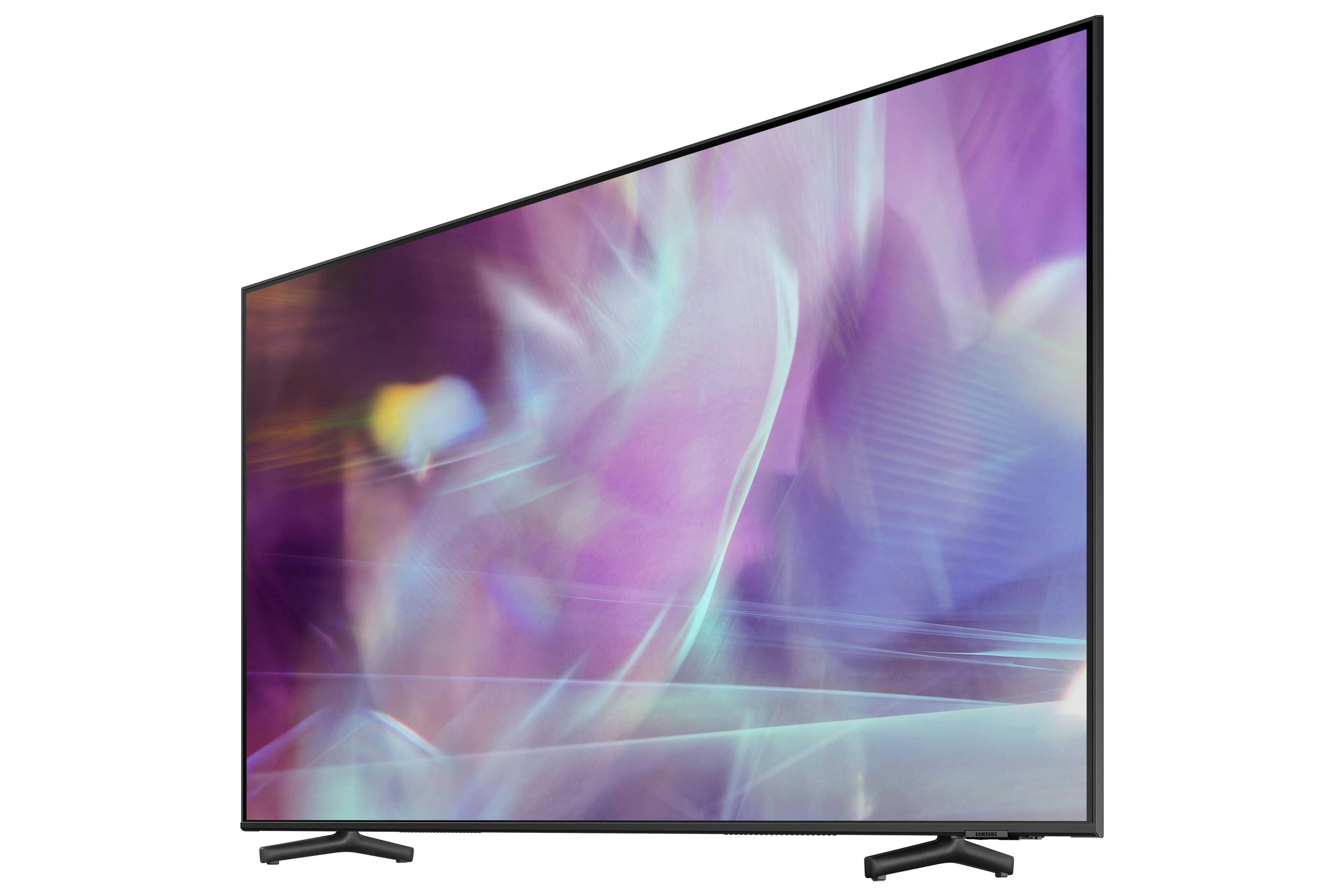
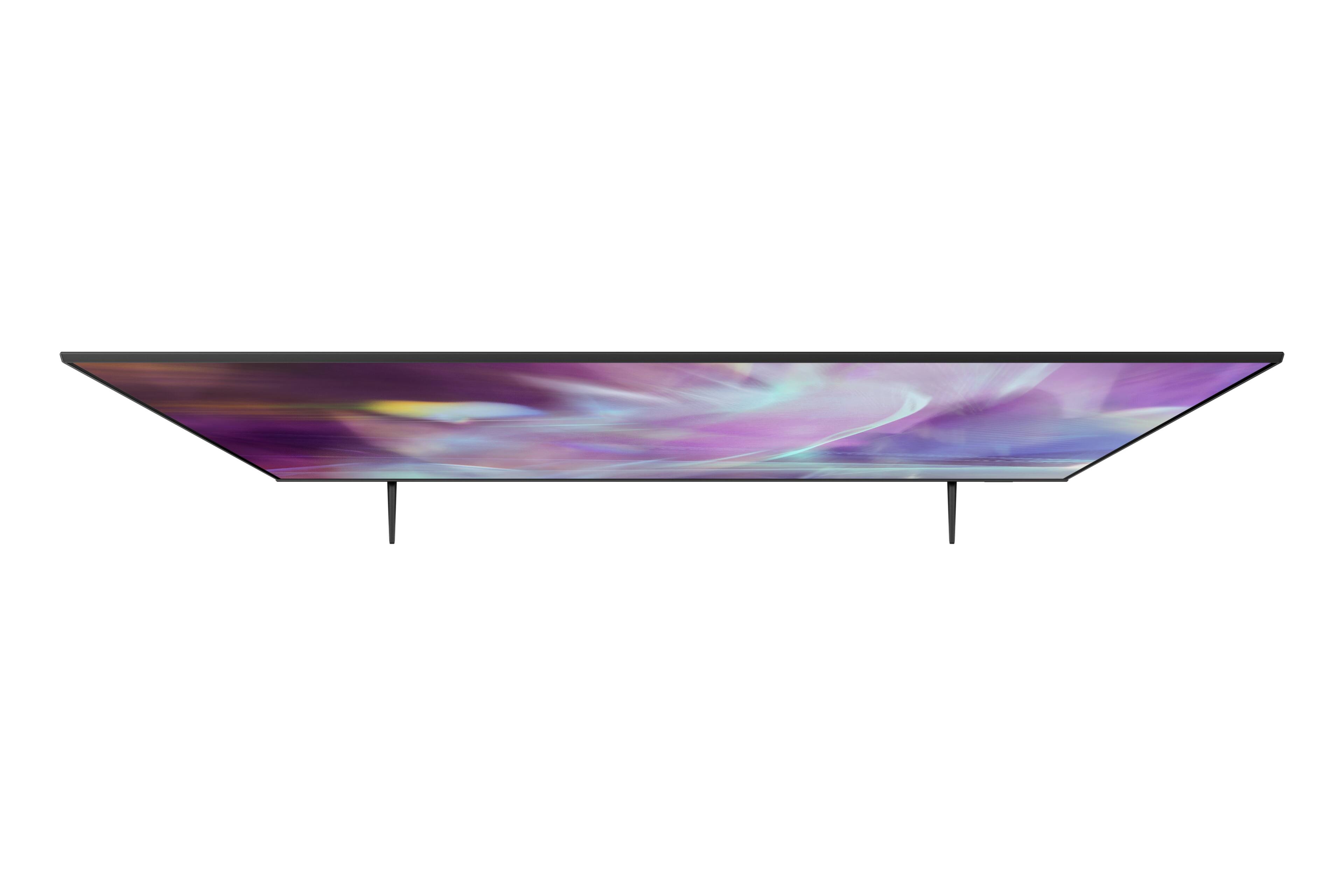
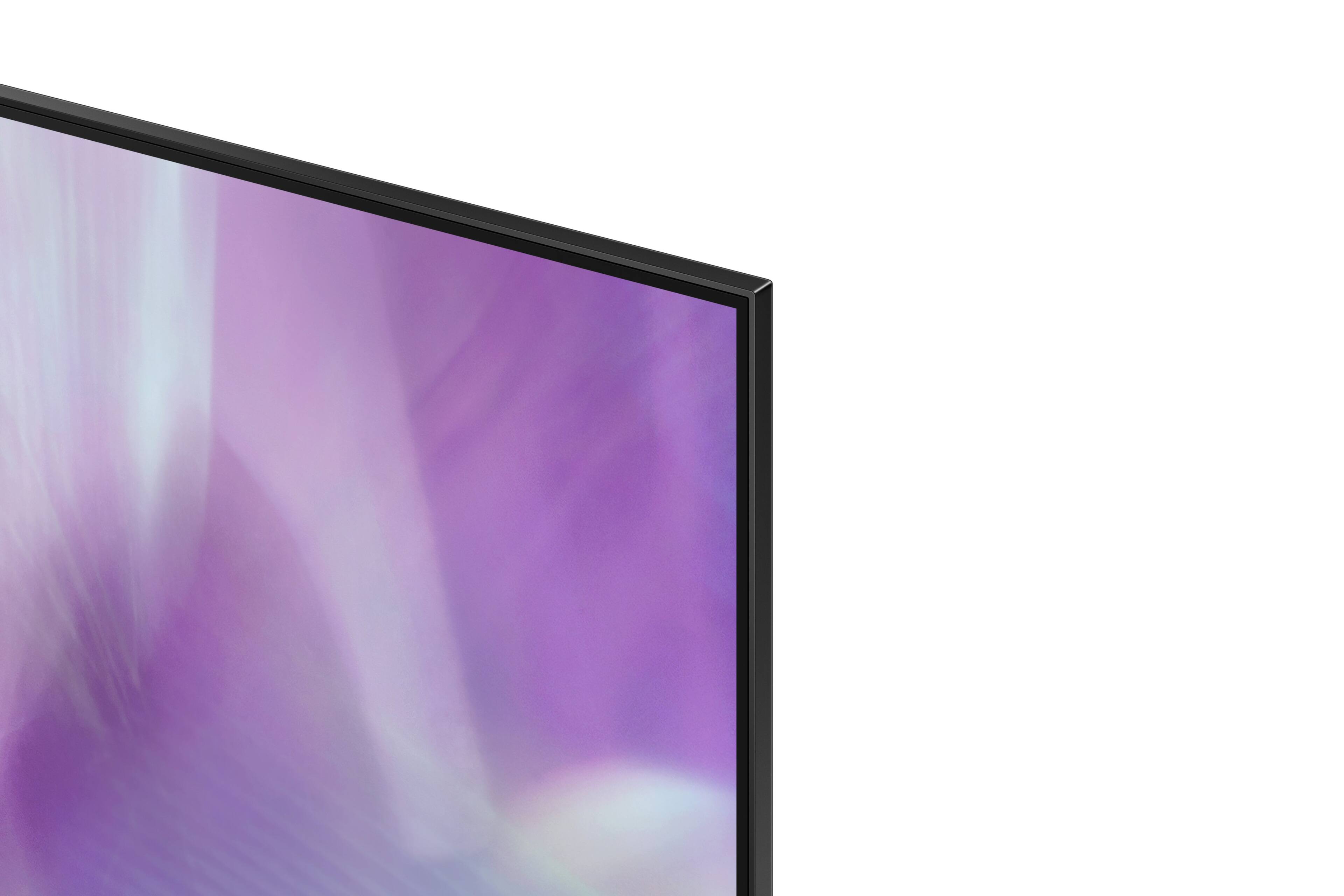
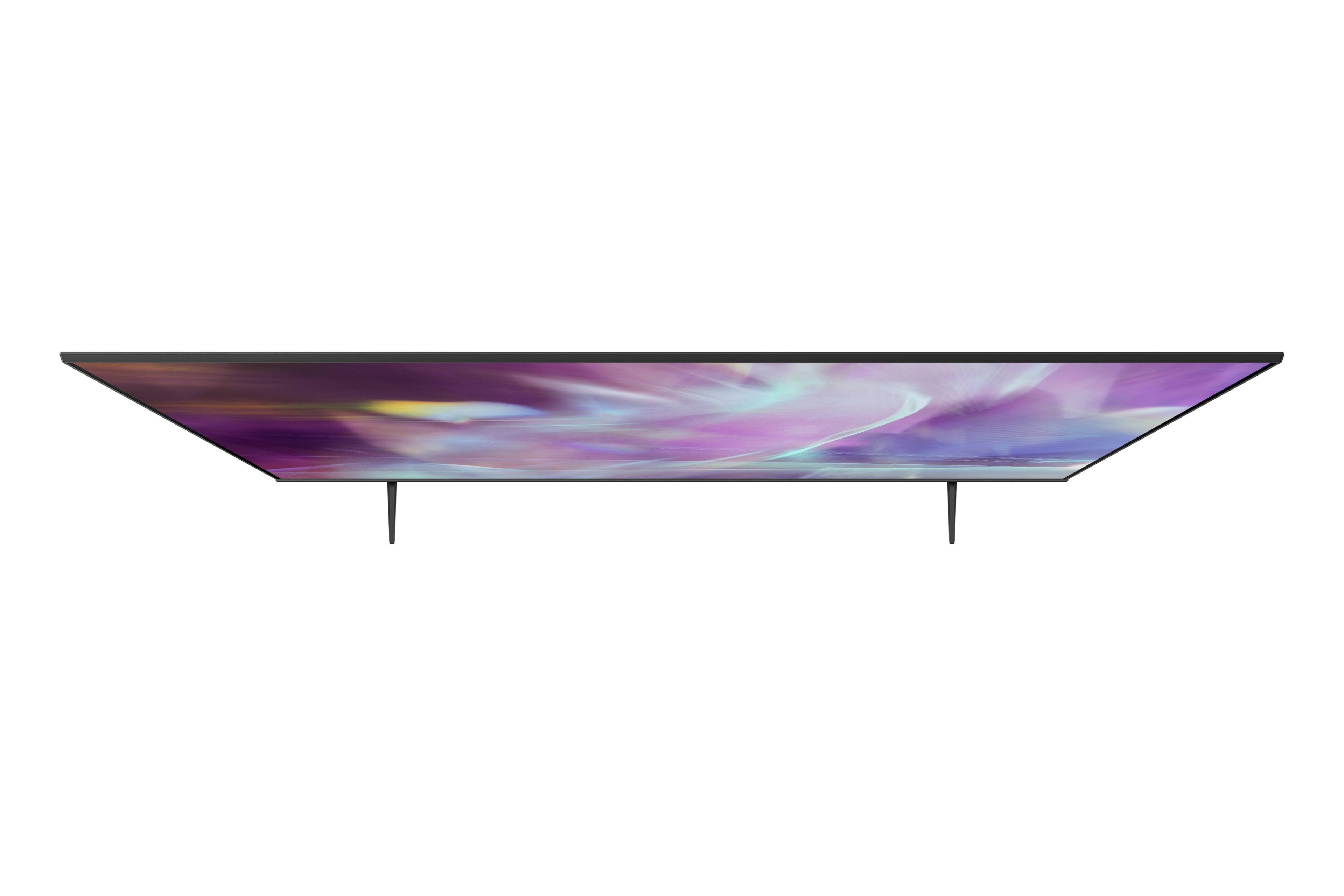
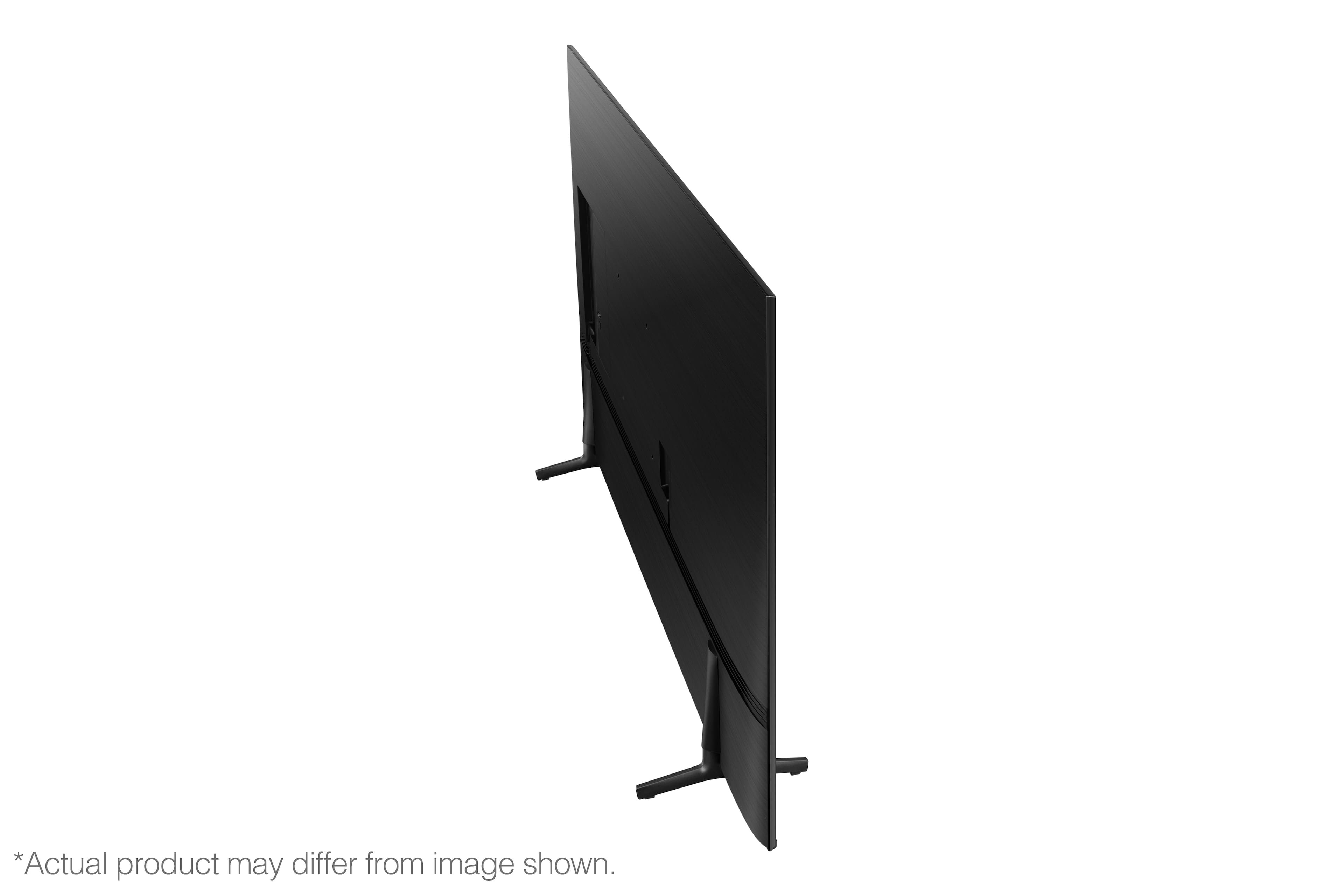
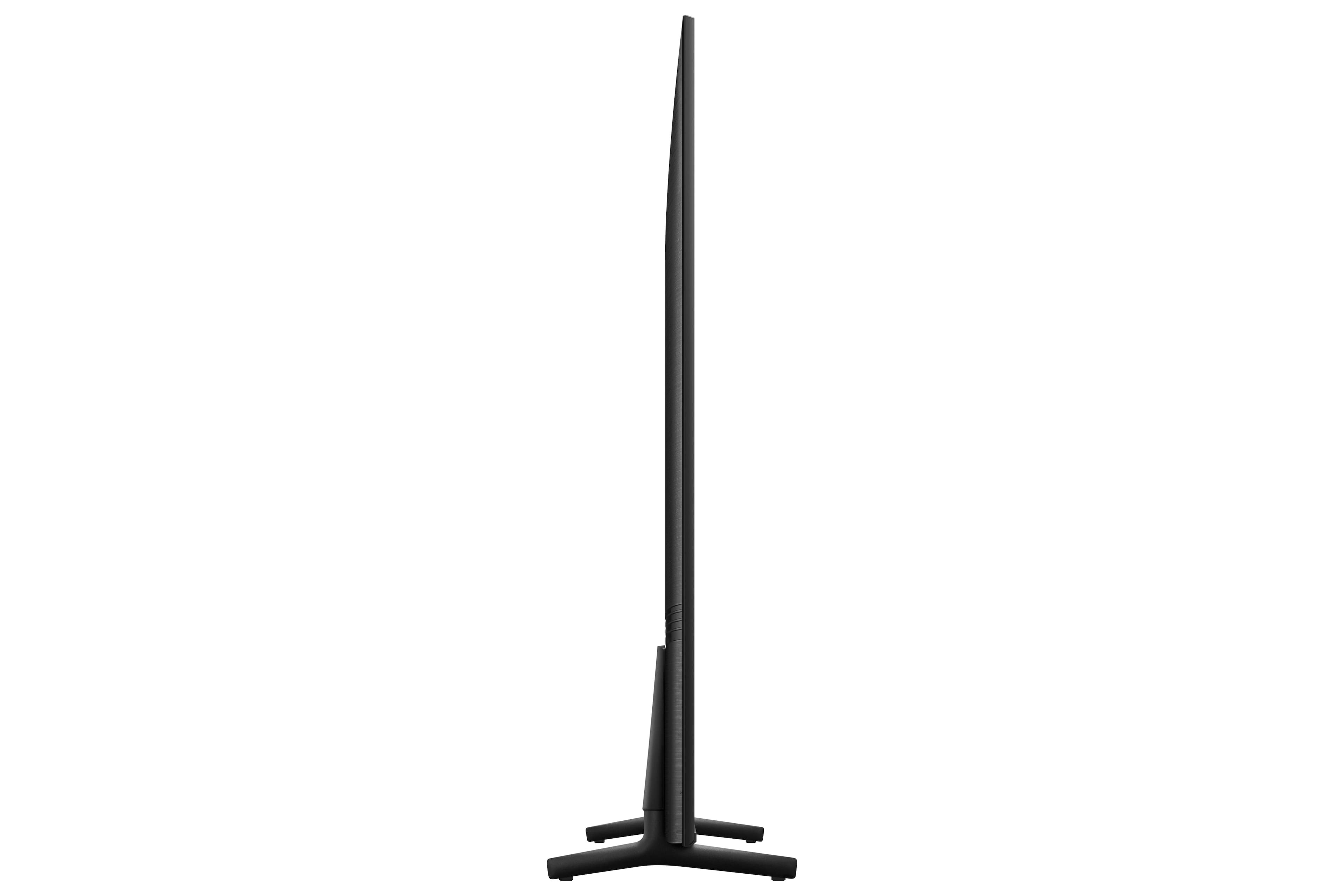
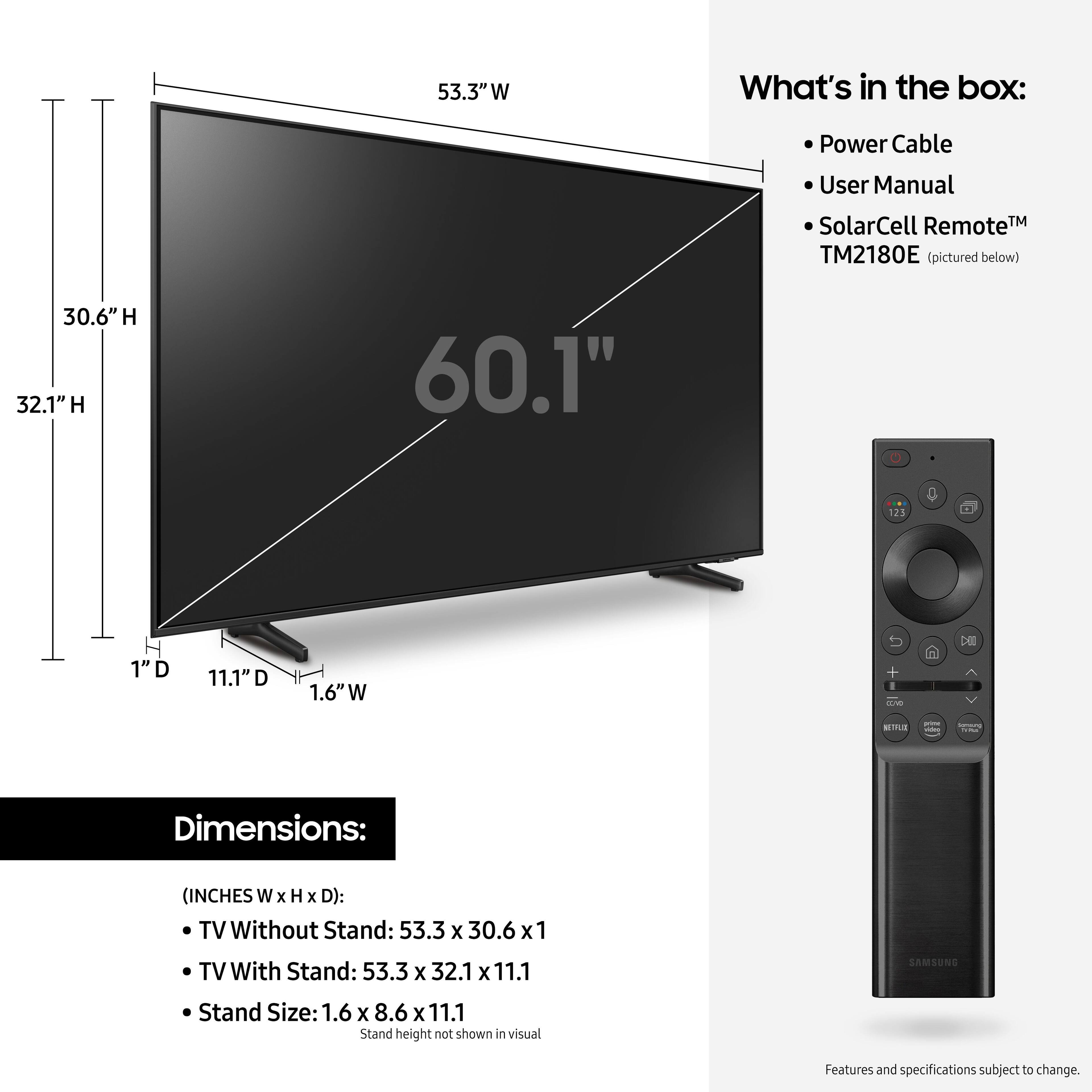
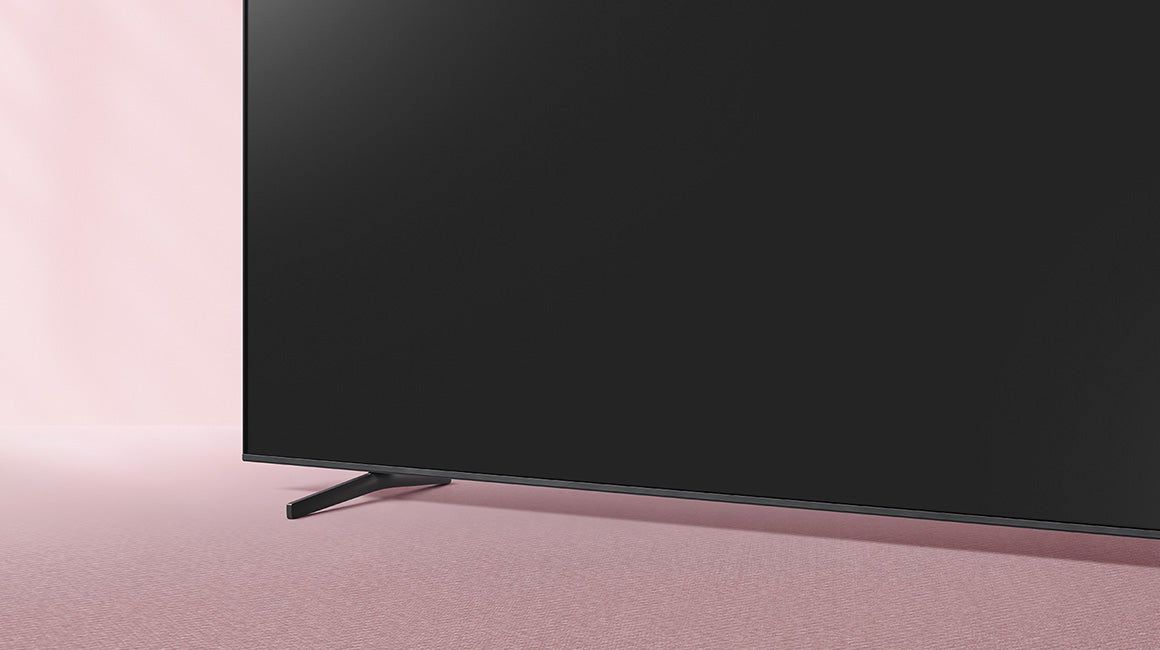
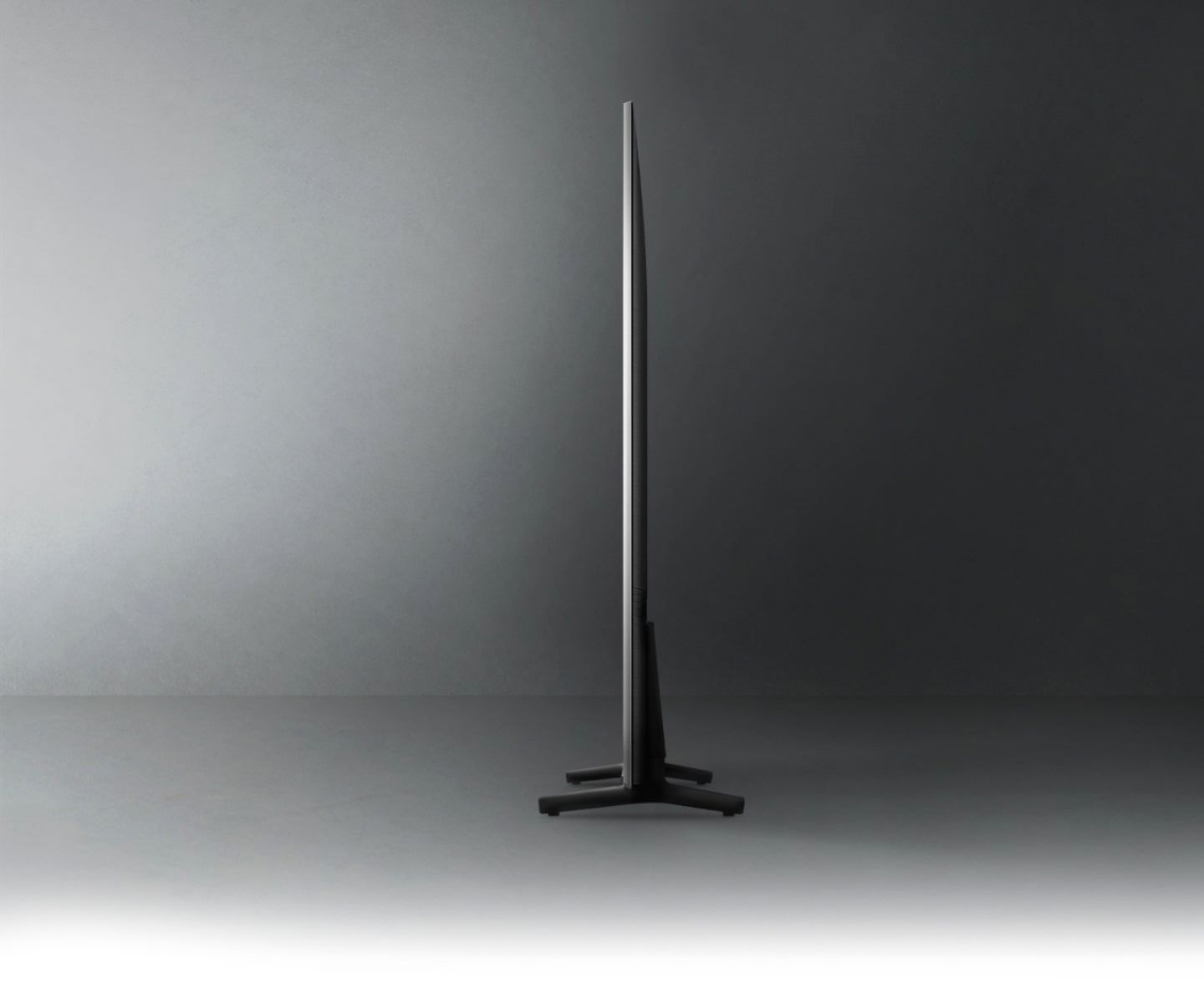
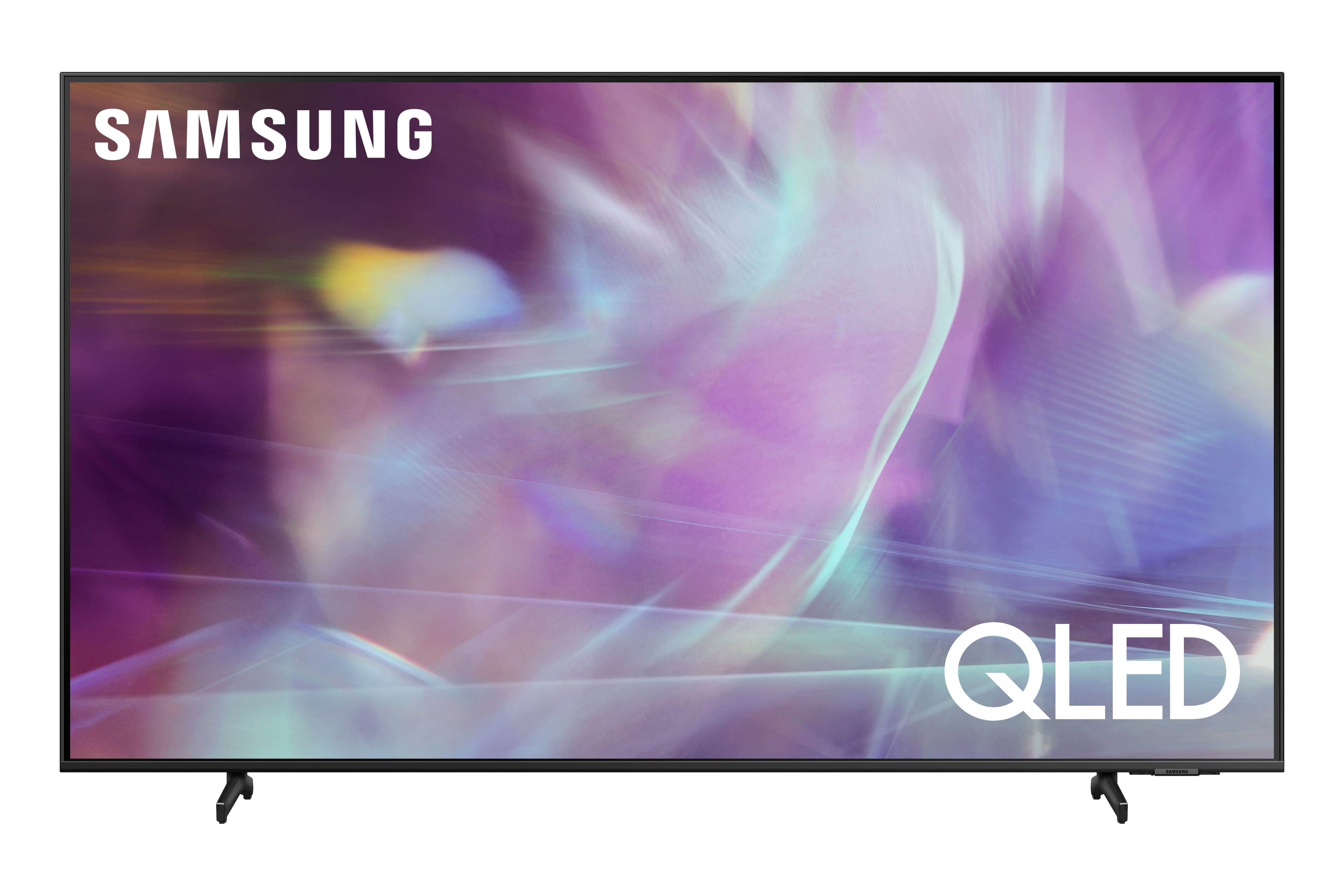
A:AnswerScreen is 59.25" wide, overall height is 33.5" with the feet in tall position. That gives about 2" clearance under the screen. Using the low position reduces the height by about 1". The feet sit about 39" apart on center.
A:AnswerMike - The Q60A TV and a Samsung Soundbar should not have any issues connecting to your DVD player. Should you experience any issues, please reach out to Samsung Support at: 1-800-SAMSUNG (ask for TVs), available 8AM -12AM EST M-F (9AM – 6PM EST Sat), text HELP to 62913, LiveChat on Samsung.com, or Email: https://www.samsung.com/us/support/#contact_us_for_support ^Gina

A:AnswerHi yesdadusa49! The Q60A does not feature a composite connection for compatibility with a VCR. Starting with the Q70A QLED TV and above you will have 4 HDMI ports available. ^Tim