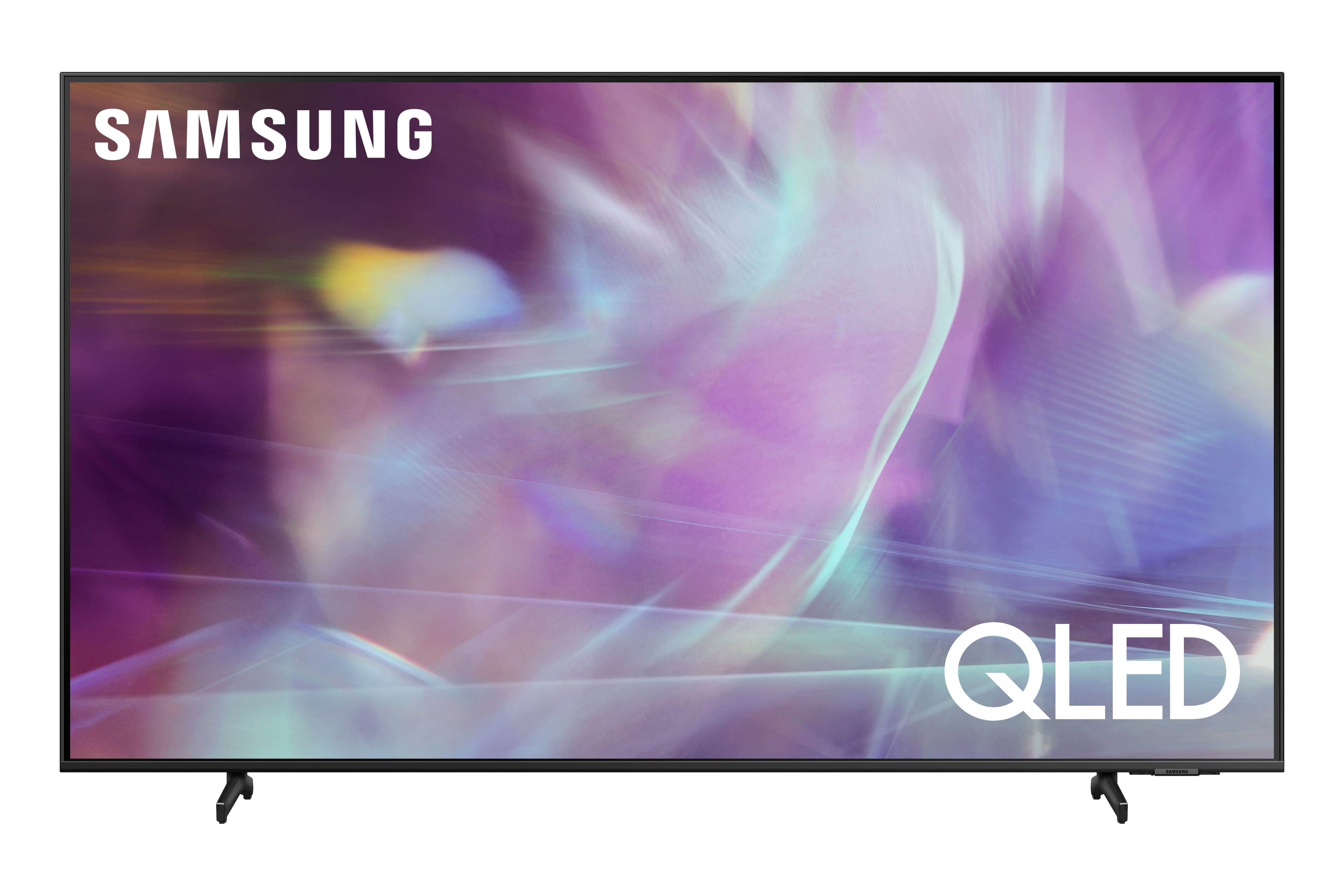
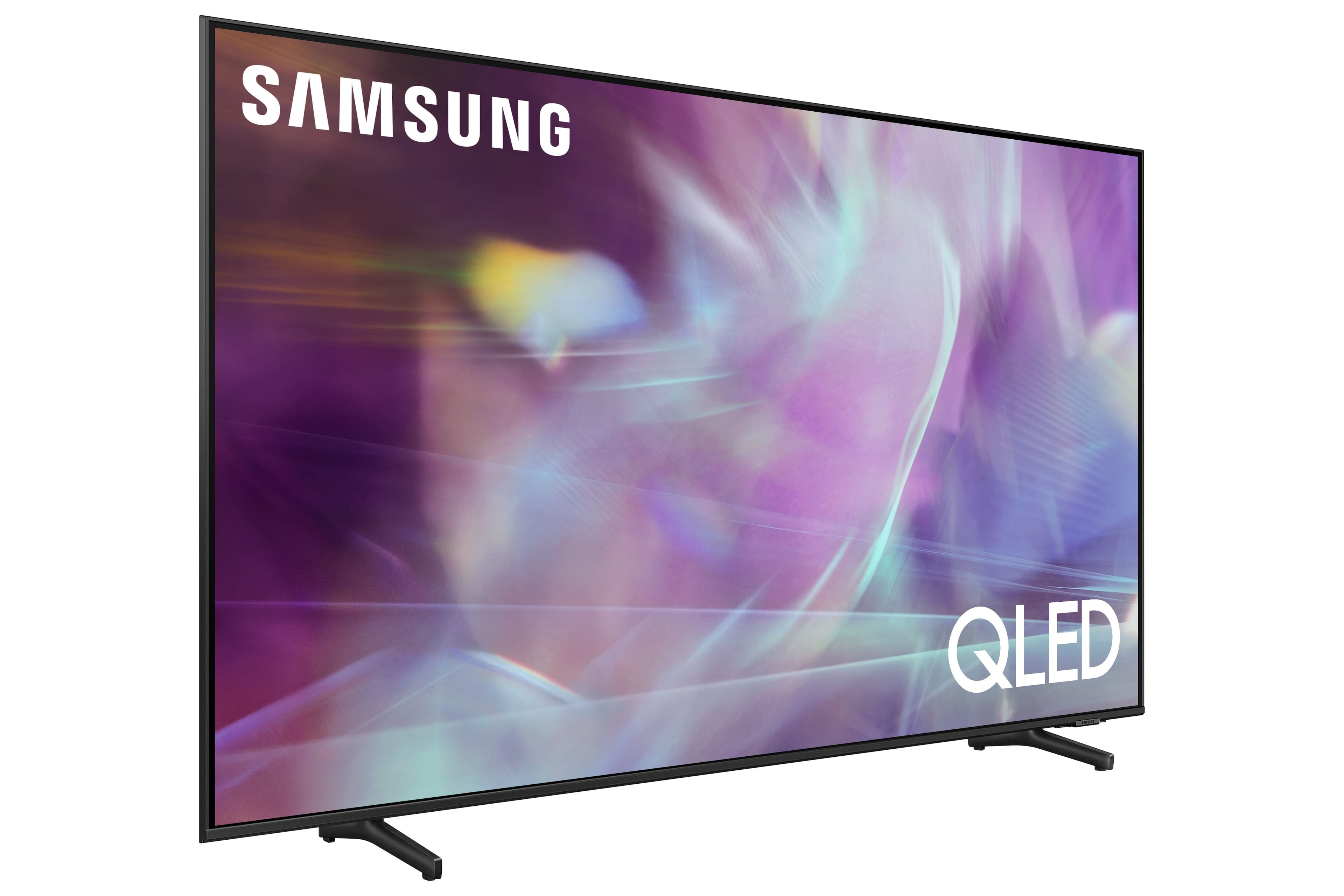
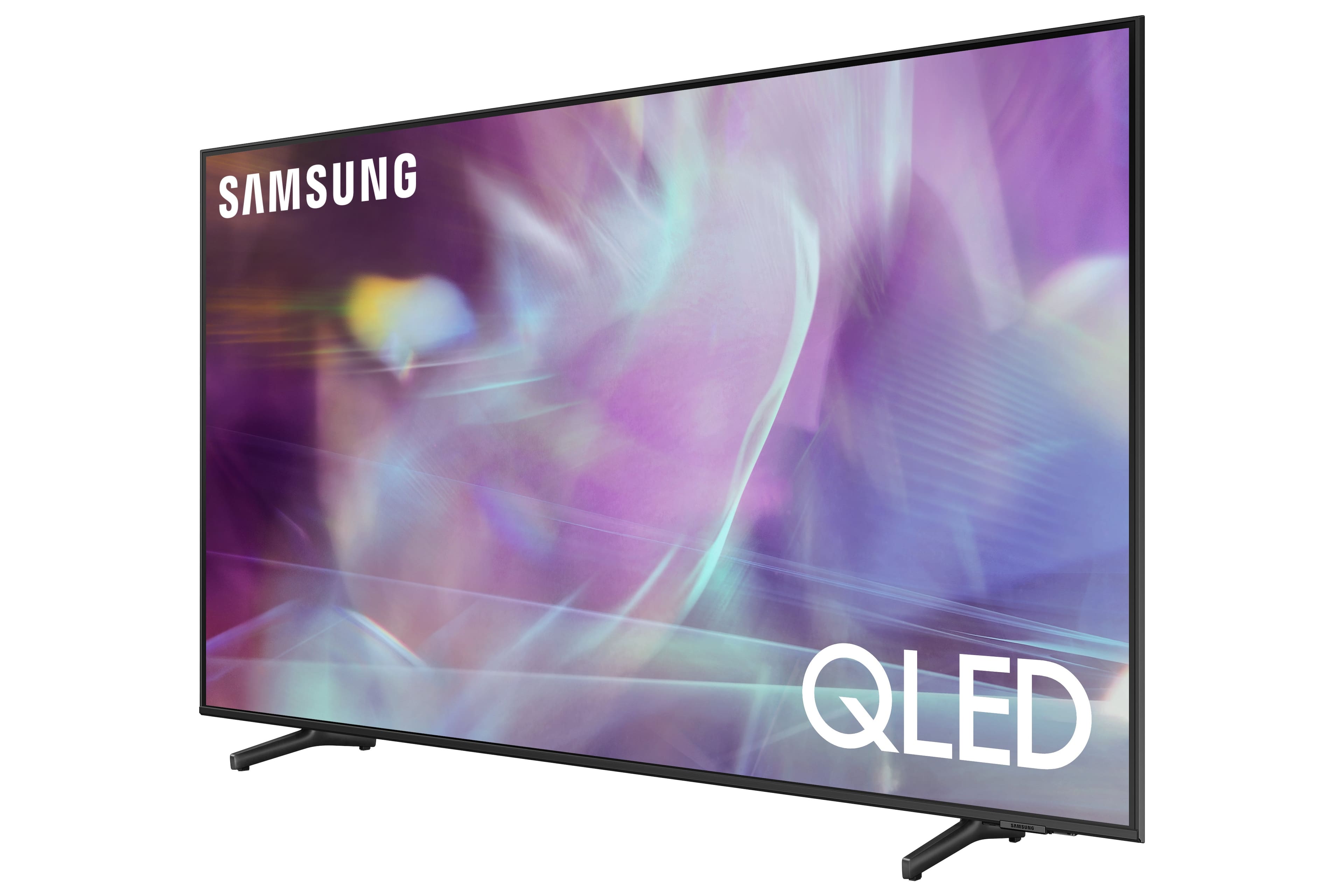
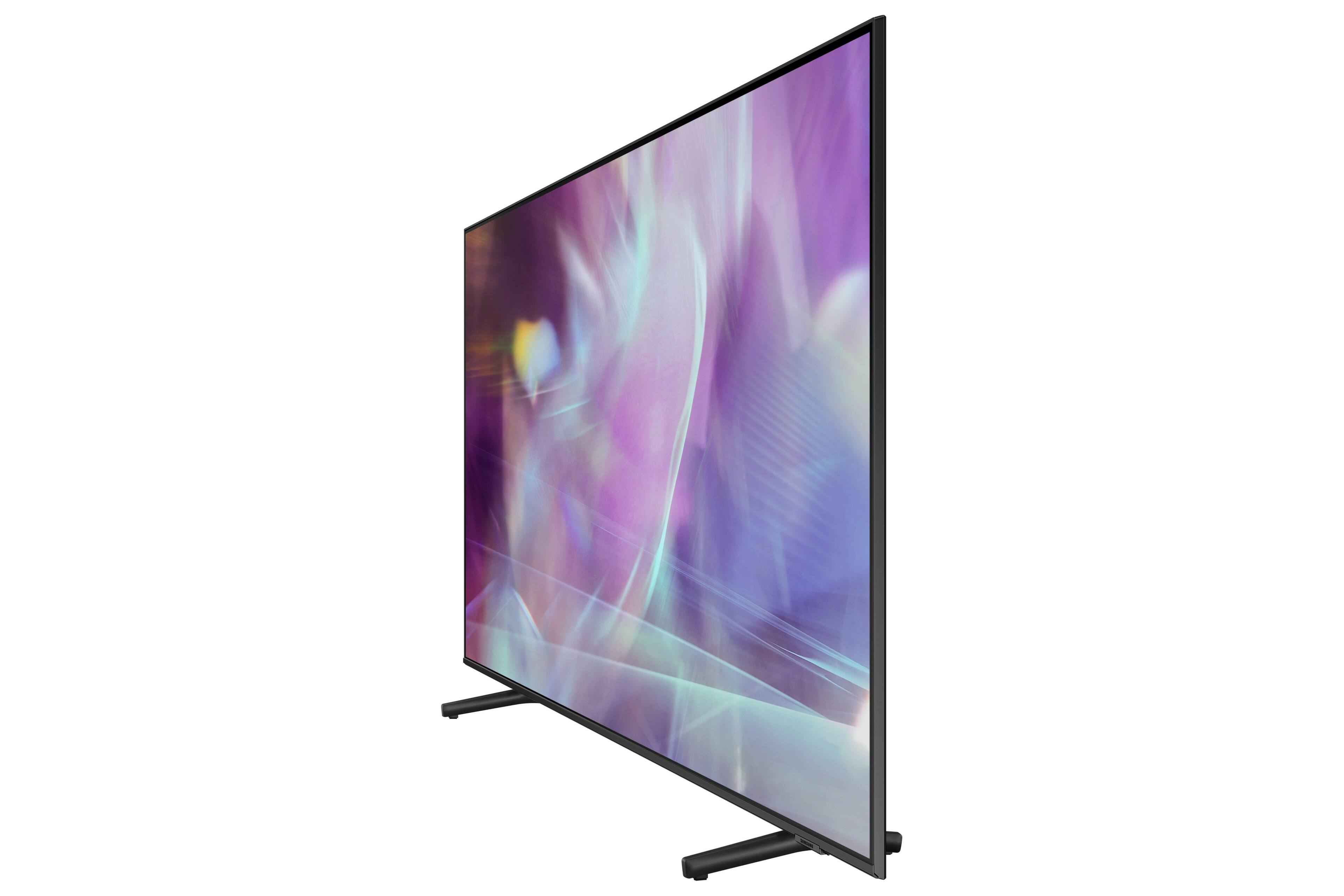
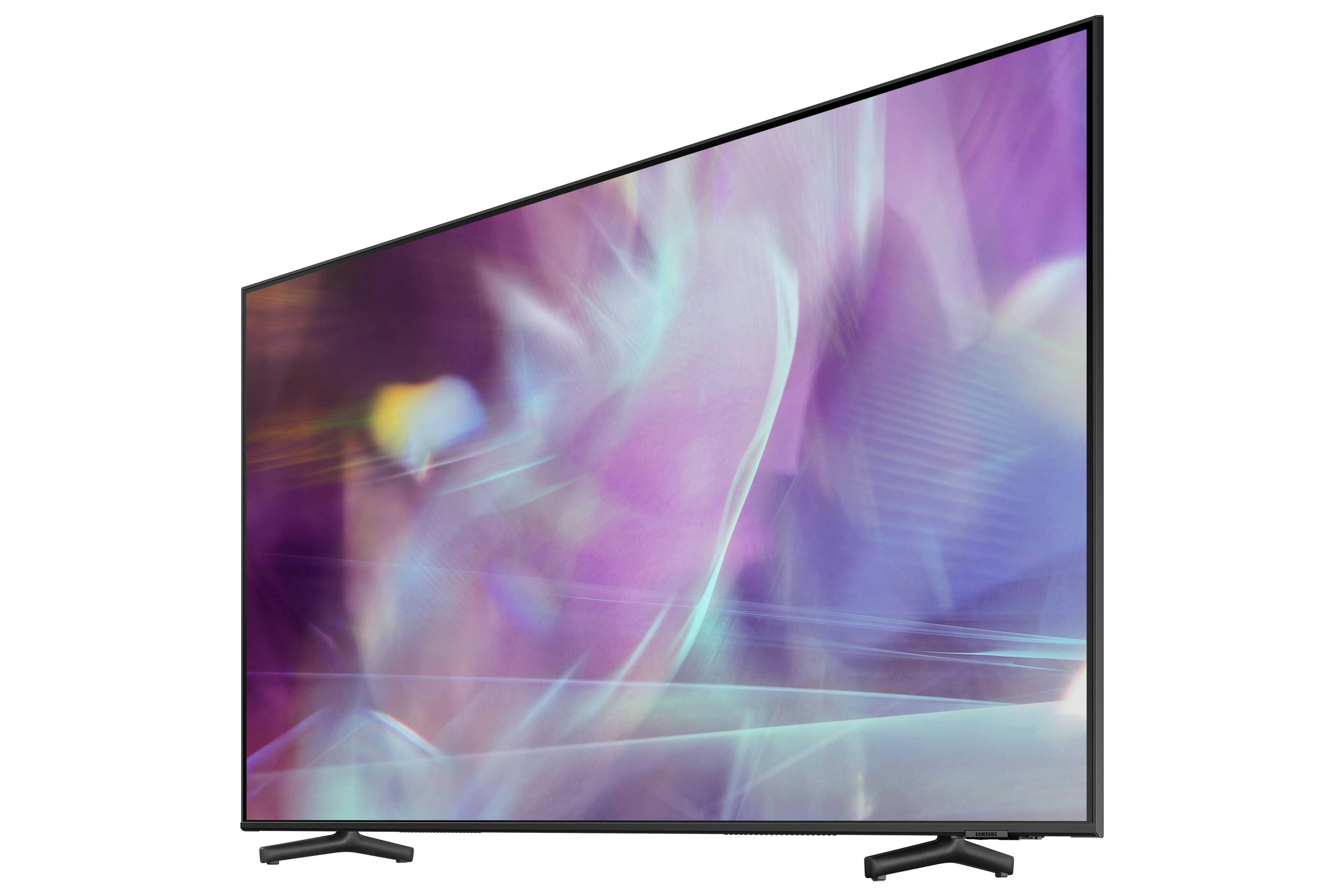
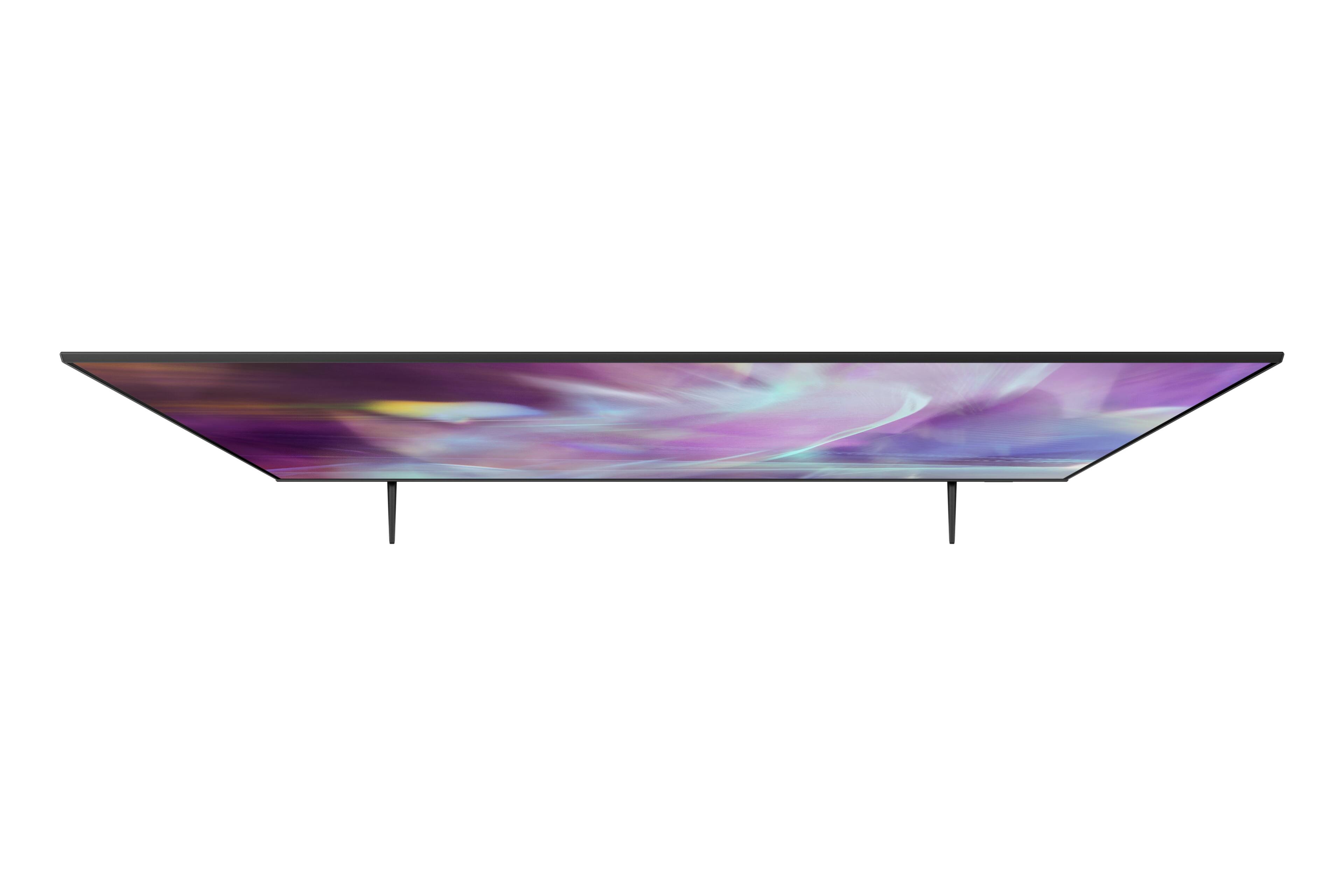
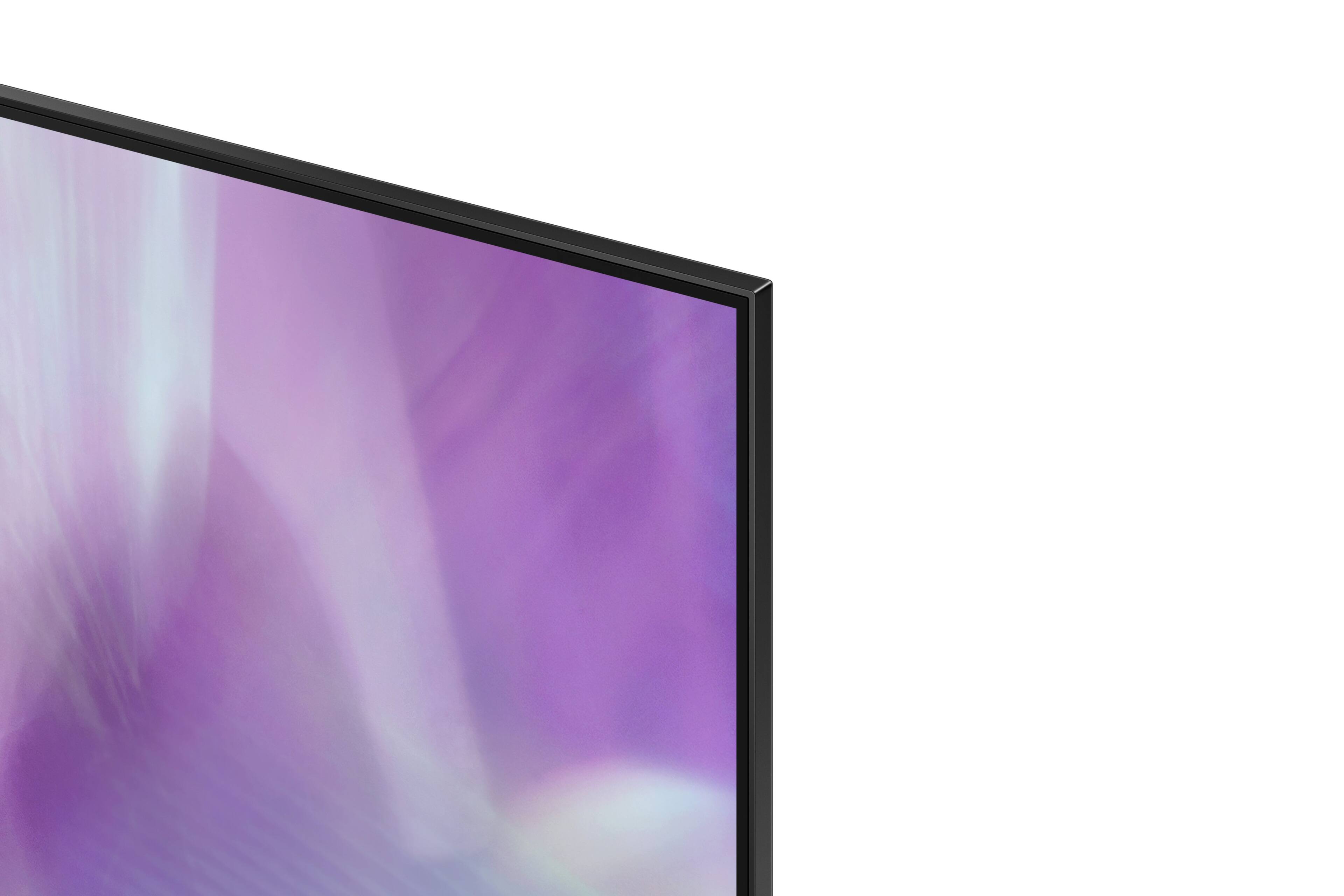
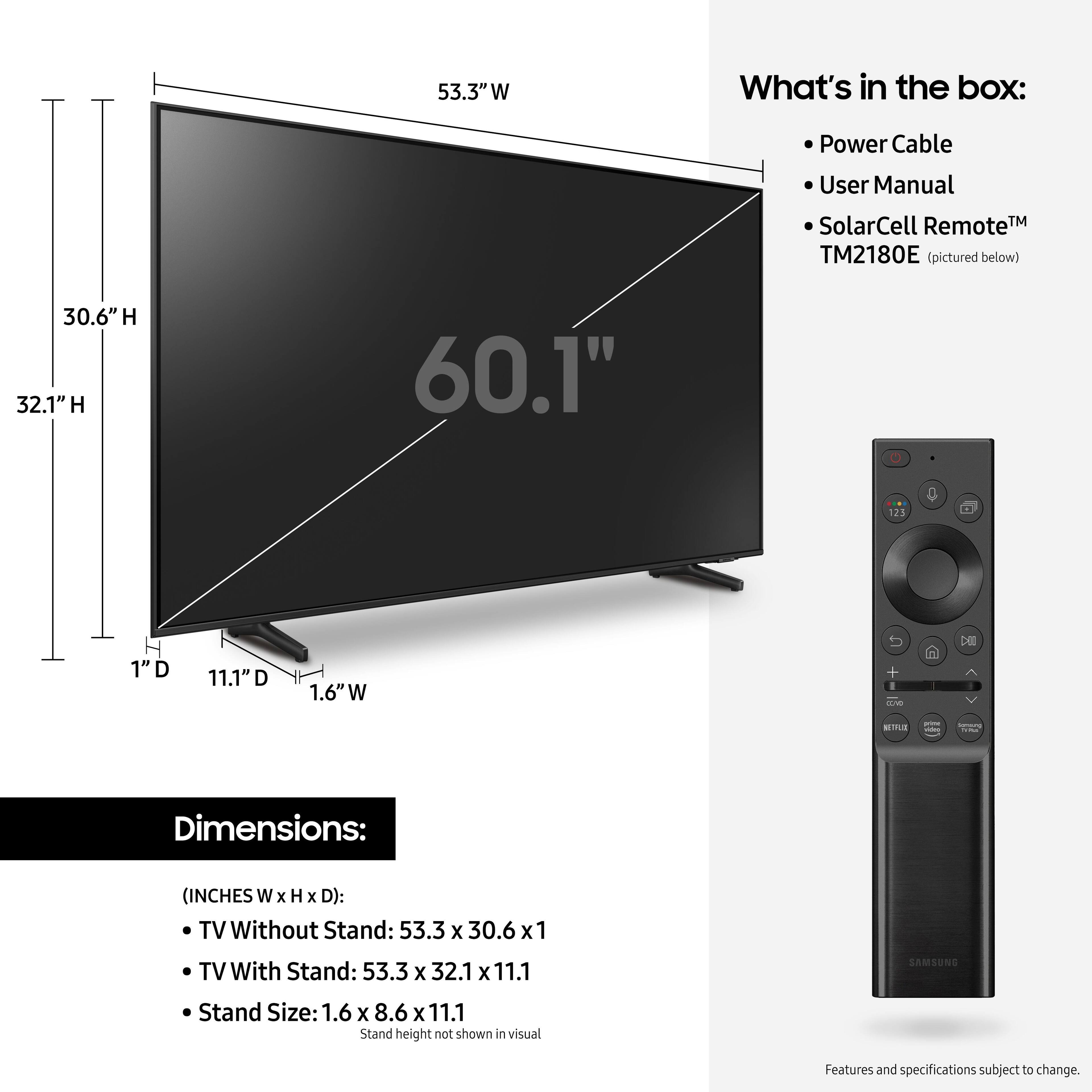
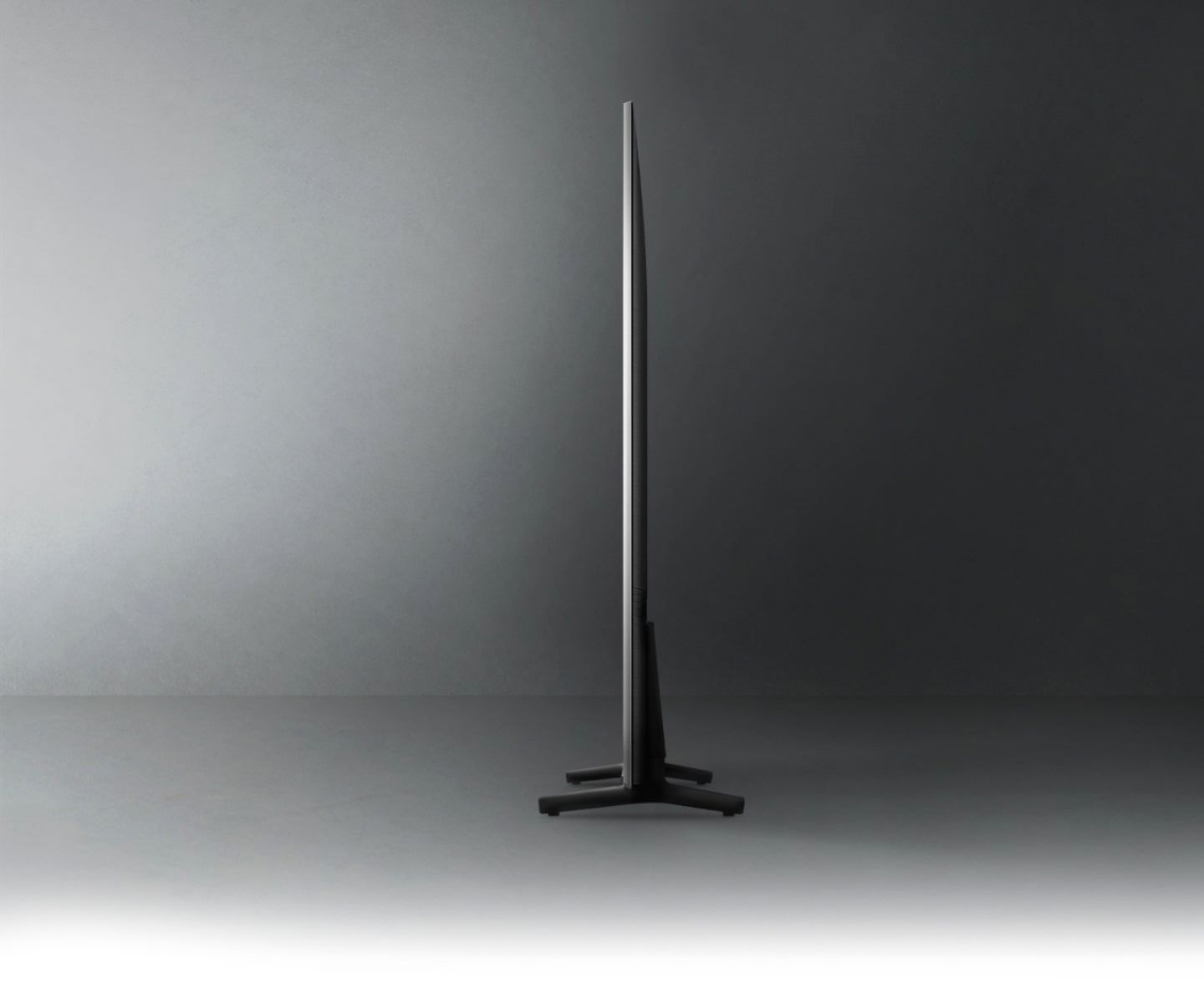
A:AnswerGw - This will depend on which type of stand you are utilizing with this TV. The universal TV stand will need to support a VESA pattern of 400mm x 300mm. If it does, it will be compatible with the 60" Q60A. ^Gina

A:AnswerThe Q60A series does have an eARC HDMI port (2), which allows for connecting external audio devices like audio receivers and soundbars. If your Sonos system allows for HDMI connectivity, you should be able to connect the TV to it. If not, you'll likely need to add a Sonos soundbar to your speaker set to bring in the TV audio.
A:AnswerHi PG - The Q60A TV features 3 HDMI ports, 1 Optical port, 2 USB ports, and Bluetooth and Wi-Fi connectivity. You can connect speakers with any of those connections. ^Gina
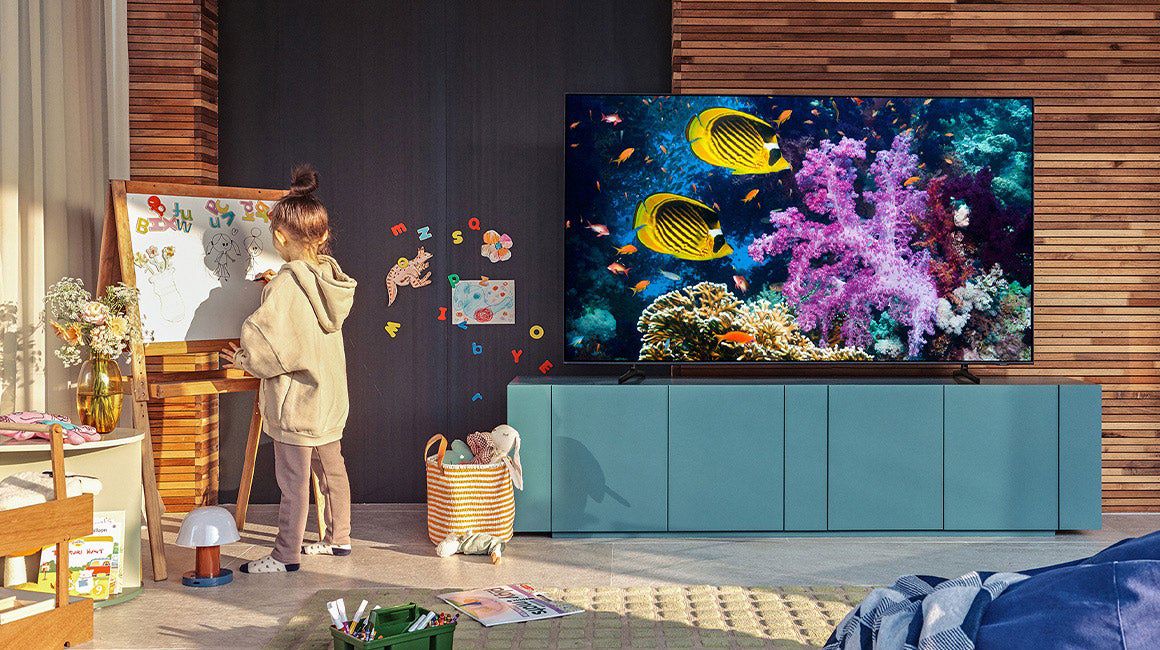
A:AnswerHi Chris - The Q60A TV features Ambient Mode, which allows you to display and customize your own photos with the My Album feature found in the Ambient Mode setting. You can also enhance your screen with landscape images, artwork, and unique scenes found within this feature. Ambient Mode can be accessed directly on your 2021 TV or with the SmartThings app on your phone or tablet. ^Gina
A:AnswerHi Pleb - Yes, the Q60A is cable ready. The Q60A features a built-in digital tuner (ATSC/ClearQAM) for receiving digital broadcasts, as well as a coax cable connection. ^Gina

A:AnswerKelly - You can connect your Blu-ray Player to the Q60A TV via HDMI cable. Depending on what input(s) your soundbar utilizes, you can connect a soundbar to the Q60A via HDMI or Optical cable, or wirelessly via Bluetooth or Wi-Fi. ^Gina

A:AnswerHi there! Yes, the Q60A TV features 20 Watt 2 Channel sound with Object Tracking Sound Lite, which strategically places 3D audio that projects the action around you. ^Gina

A:AnswerHi sunshine - As long as your soundbar features HDMI, Optical, Bluetooth or Wi-Fi connectivity options, you can seamlessly connect it to the Q60A TV. ^Gina
A:AnswerHi sunshine - The Q60A TV features Ambient Mode, which will allow you to display images when not in use; however, your TV will need to be powered on to use this feature. ^Gina
A:AnswerHi there! After downloading apps on your Q60A TV, you can find them by selecting "Apps" on your App Launcher bar across the bottom of your TV screen. This will take you to your App library; you can add your installed apps directly to your App Launcher bar as well. If you are looking for a Samsung Soundbar to complete your home theater experience, we recommend checking out the HW-Q600A Samsung Soundbar! The HW-Q600A features Dolby Atmos technology to create a 3D surround sound experience that makes you feel like you’re part of the scene with sharp, realistic sound. When pairing the HW-Q600A with your Samsung QLED TV, the Q-Symphony feature allows your Samsung TV and soundbar sound to synchronize together for a more immersive cinematic experience. See the HW-Q600A Soundbar here: https://www.bestbuy.com/site/samsung-hw-q600a-3-1-2ch-sound-bar-with-dolby-atmos-carbon-mid-silver/6454638.p?skuId=6454638 ^Gina