A:AnswerYour remote functions are mostly in the menu after you turn set on. Just select the Home button on remote and the screen will show your options. Just select from there what you need.
A:AnswerI've had the set for a year and it's been very good for the money. One could have spent 50% more for slightly better picture quality and better High Dynamic Range performance or three to four times cost for an LG OLED which would have been the absolute best picture quality that is out there. But in reality, there is so little HDR content or even 4K content available that is worth watching, one can wait until there is more source material and go for the high priced spread then. In the year since the set has been around a new HDR format has been introduced which may or may not be supported by a firmware update - another reason not to pay too much if you keep your hardware around for some time.
A:AnswerI recommend a surround sound receiver and speakers over a soundbar, but anything is better than the internal speakers, which for our tastes, are unlistenable.
A:AnswerI've heard yes, but have not tested. The remotes that I've seen are identical other than the voice input available on the 6300 remote; if it's one I think you have. The voice operation will NOT work, but the other remote functionality does. I have not tested. I've only read online.
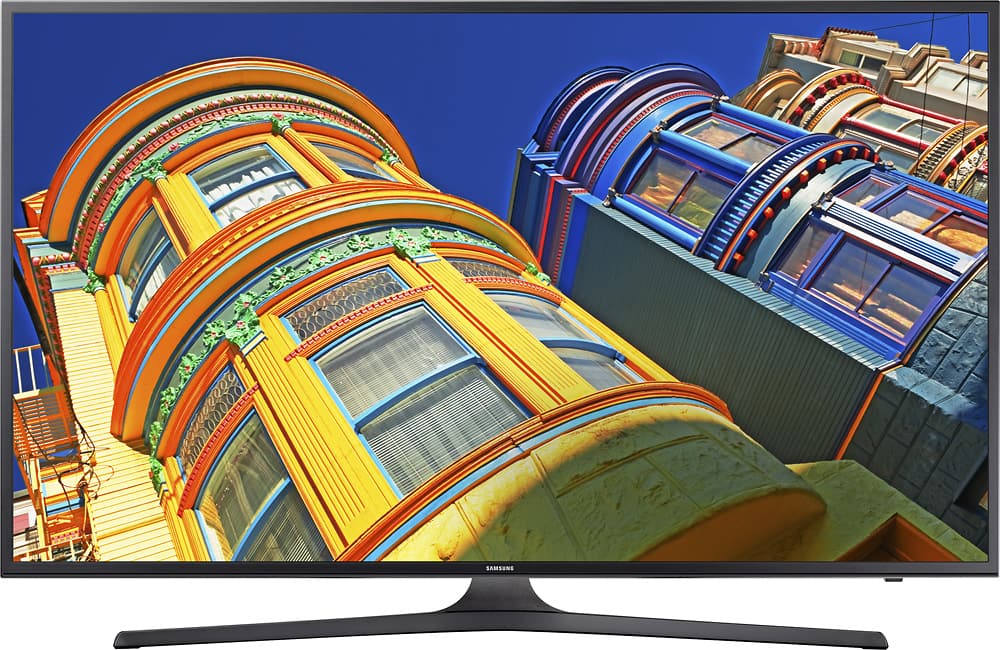
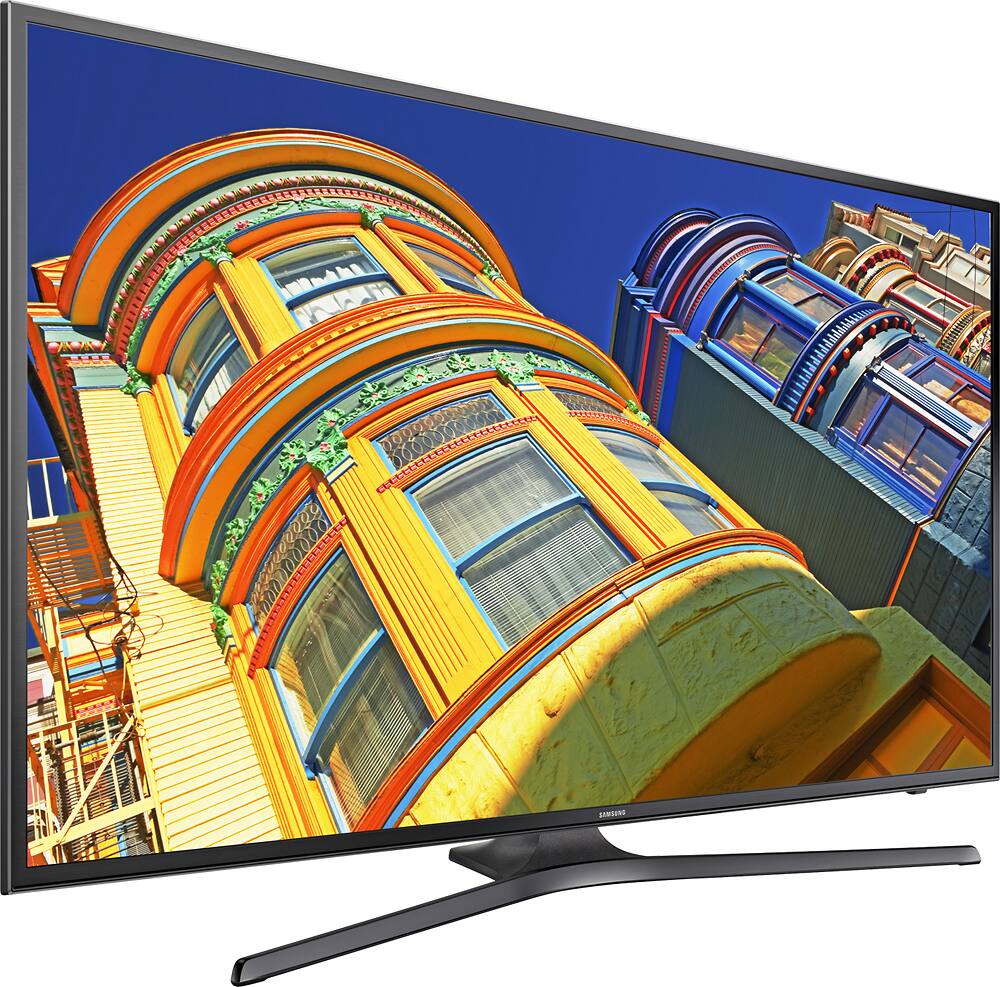
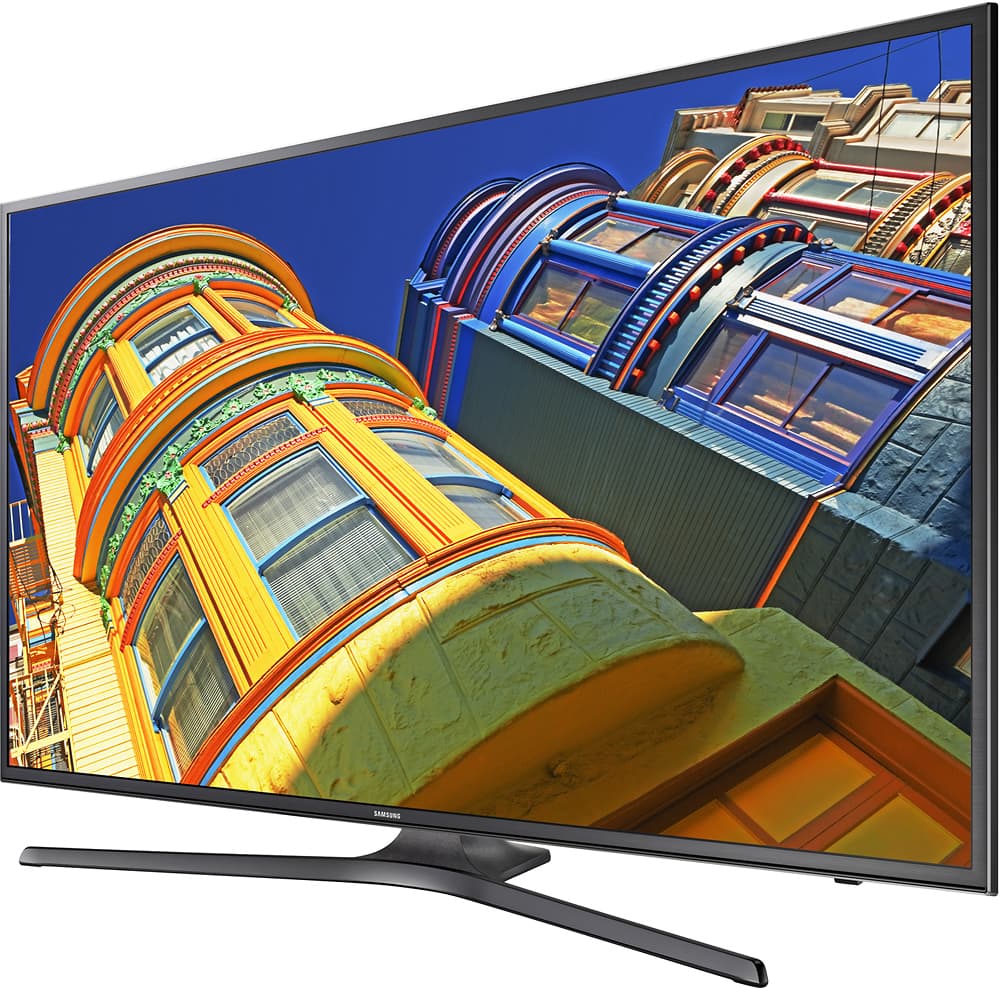
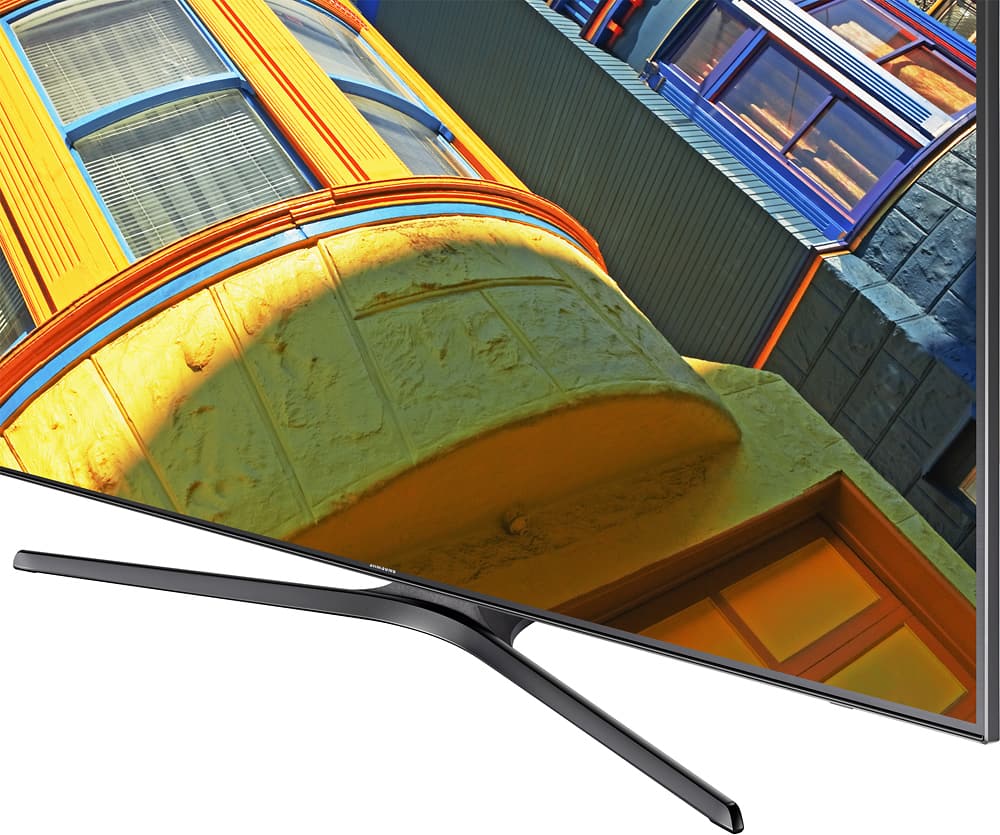
A:Answer38 inches wide, 15 inches deep. The legs of the stand extend about 6 inched in front of the screen so if you put the legs at the front of your stand, the screen will be 6 inches back.
A:AnswerThere is a YouTube app on the TV (a buddy told me that this TV would change my YouTube watching game and he was right). Aside from that though, as long as you have a loose cable to run to an input, its really easy to go back and forth
A:AnswerApp is horrible tring to use chat. Go to online site and switch to desktop version instead of mobile. Pops right up. Look under price match guaranty.