A:AnswerTeric, for delivery and installation information, please contact your local Best Buy or visit https://www.bestbuy.com/site/electronics/services/pcmcat1528819595254.c?id=pcmcat1528819595254 ^Gina
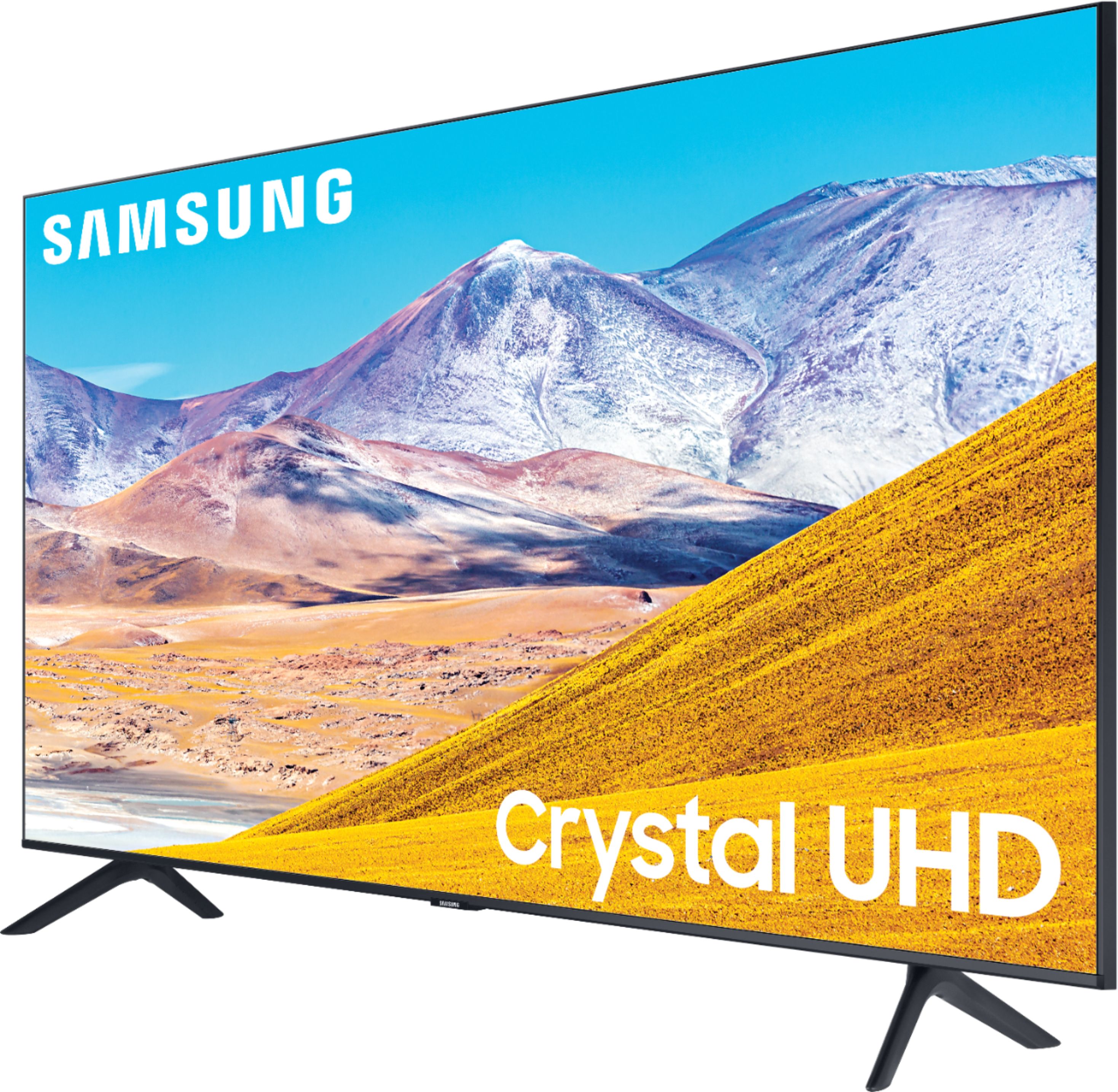
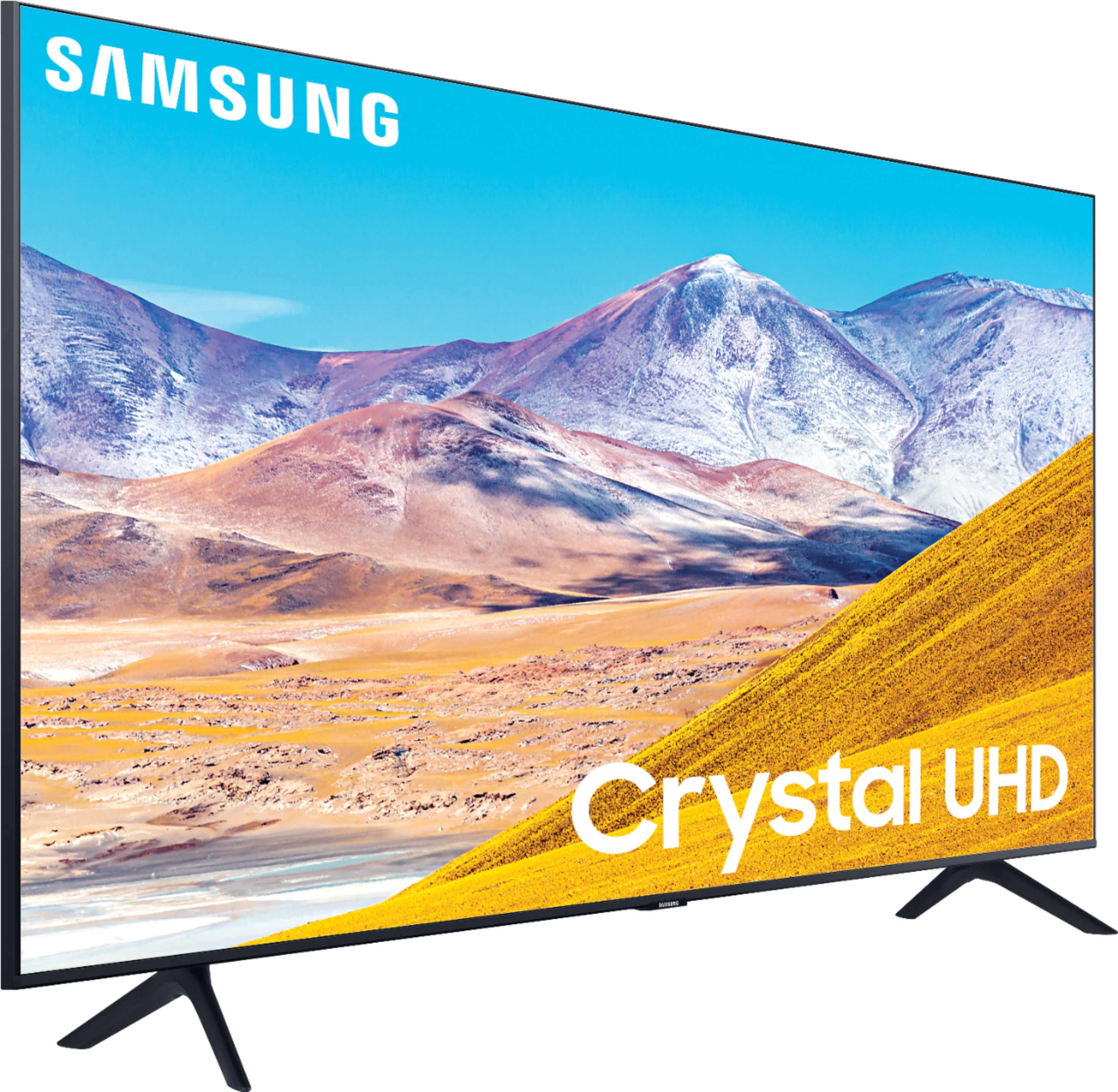
A:AnswerHi there! You can utilize a center stand to ensure your 65TU8000 will fit in your entertainment center. Check out this one at Best Buy: https://www.bestbuy.com/site/kanto-tv-stand-for-most-flat-panel-tvs-up-to-65-black/6114307.p?skuId=6114307 ^Gina
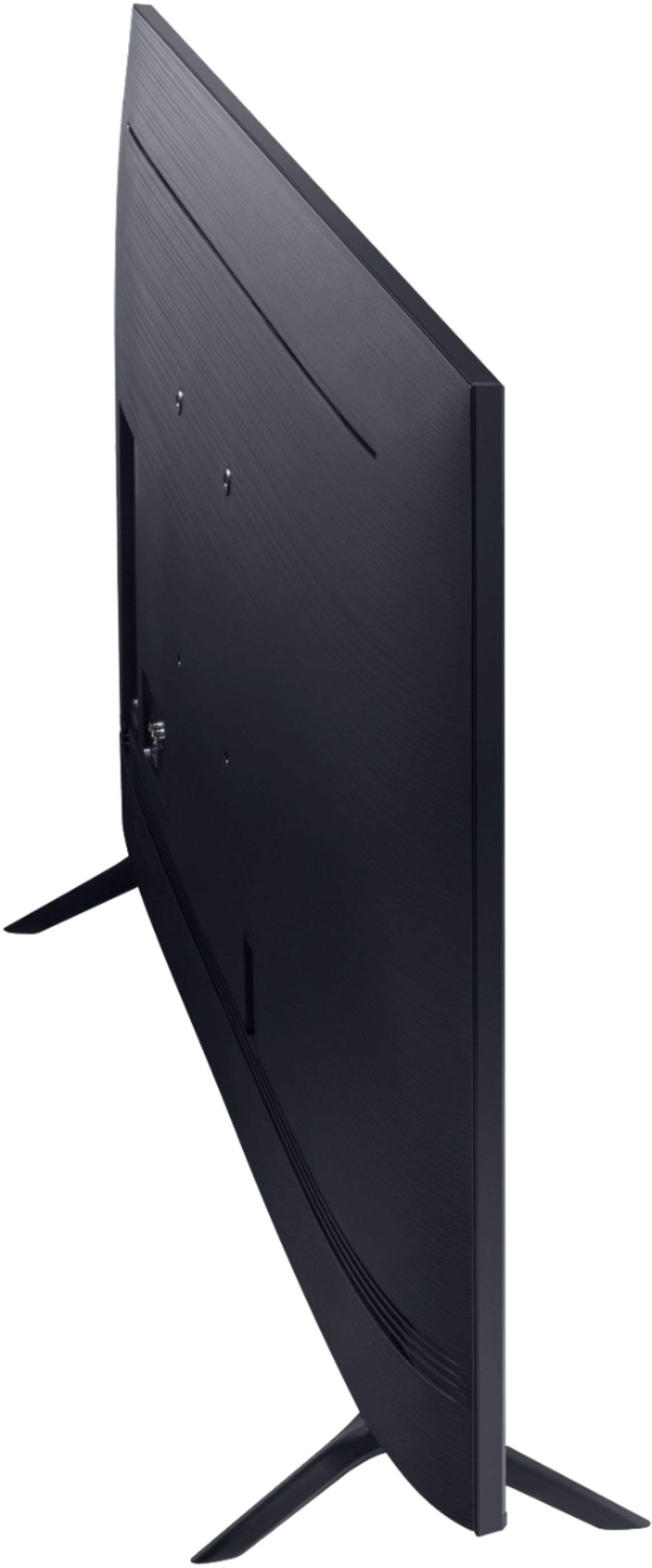
A:AnswerHey SirCharles - The VESA on the 65TU8000 is 400mm x 300mm and BestBuy.com has some great choices for wall mounts . https://www.bestbuy.com/site/searchpage.jsp?st=tv+wall+mounts&_dyncharset=UTF-8&_dynSessConf=&id=pcat17071&type=page&sc=Global&cp=1&nrp=&sp=&qp=&list=n&af=true&iht=y&usc=All+Categories&ks=960&keys=keys . ^Jason
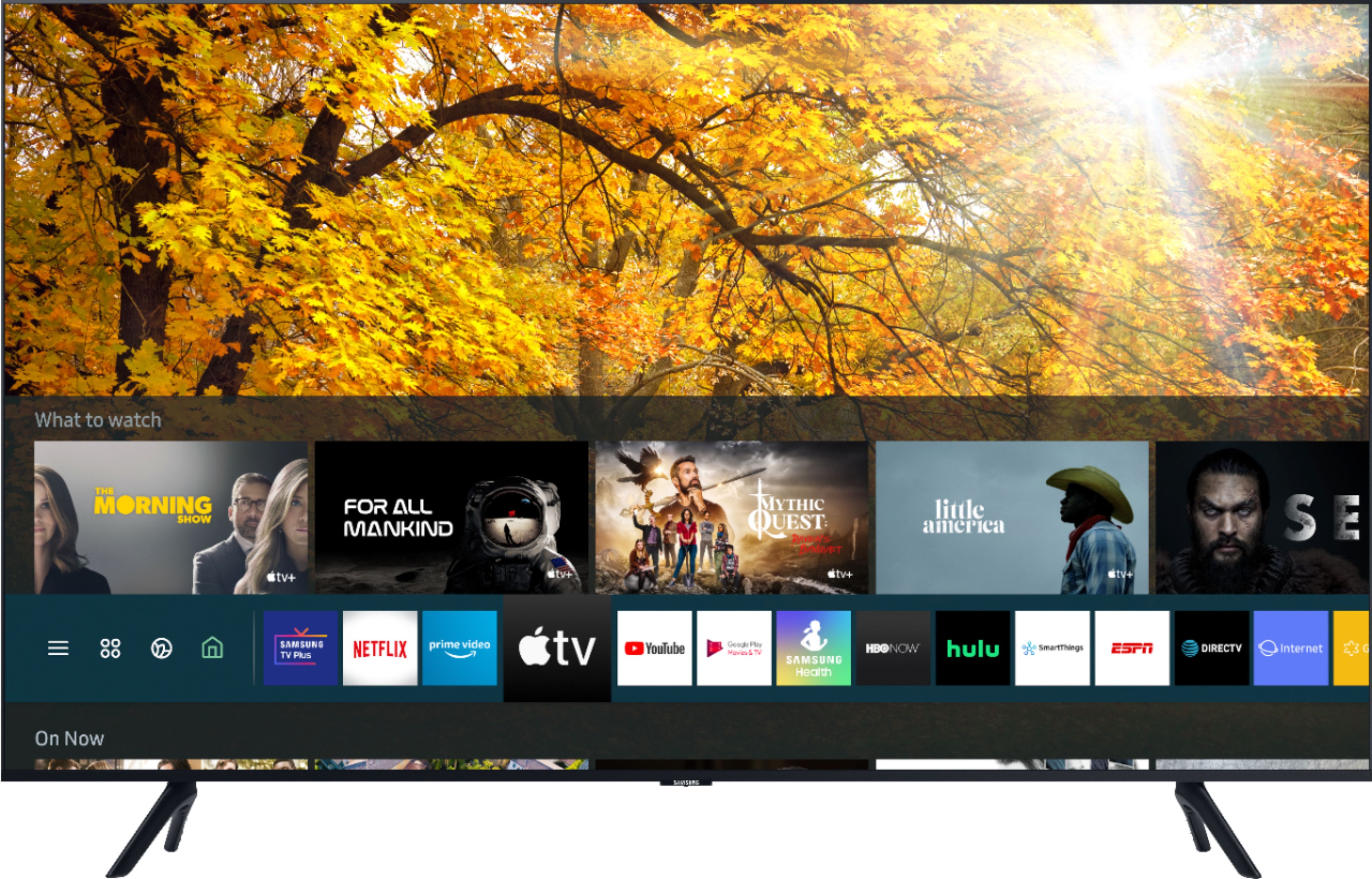
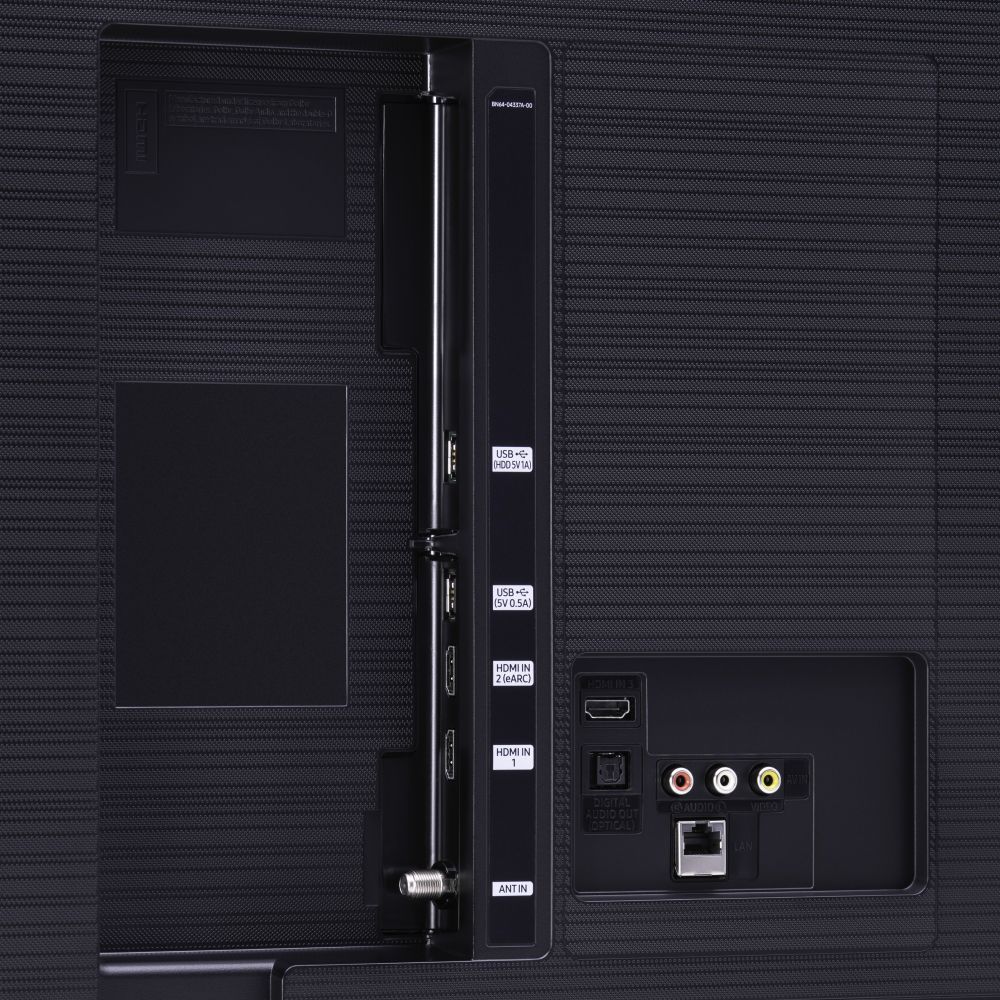
A:AnswerHi there! Amazon Alexa is indeed a built-in Voice Assistant on the TU8000. You can utilize this feature with the voice button on your OneRemote. ^Gina
A:AnswerHey Z - The 50TU8000 does have Ambient Mode . Ambient Mode uses about as much power as a TV plugged in and turned off as its a low power mode . ^Jason
A:AnswerBecks, if there is a film on your TV, you will see a blue tab in the upper left hand corner. Some TVs do come with film protectors, while some may not. ^Gina
A:AnswerHi Bob, you can mount the 65TU8000 on any wall mount with a VESA Standard of 400mm x 300mm. Check out some compatible wall mounts here: https://www.bestbuy.com/site/searchpage.jsp?_dyncharset=UTF-8&id=pcat17071&iht=y&keys=keys&ks=960&list=n&qp=tvmountsize_facet%3DTV%20Size%20Compatibility~65%22%20or%20More&sc=Global&st=wall%20mounts&type=page&usc=All%20Categories ^Gina