Deals Worth GiftingShop now

Main Content

Questions & Answers

Your price for this item is $149.99
Clearance
The comparable value price is $749.99
Page Showing 141-160 of 296 questions
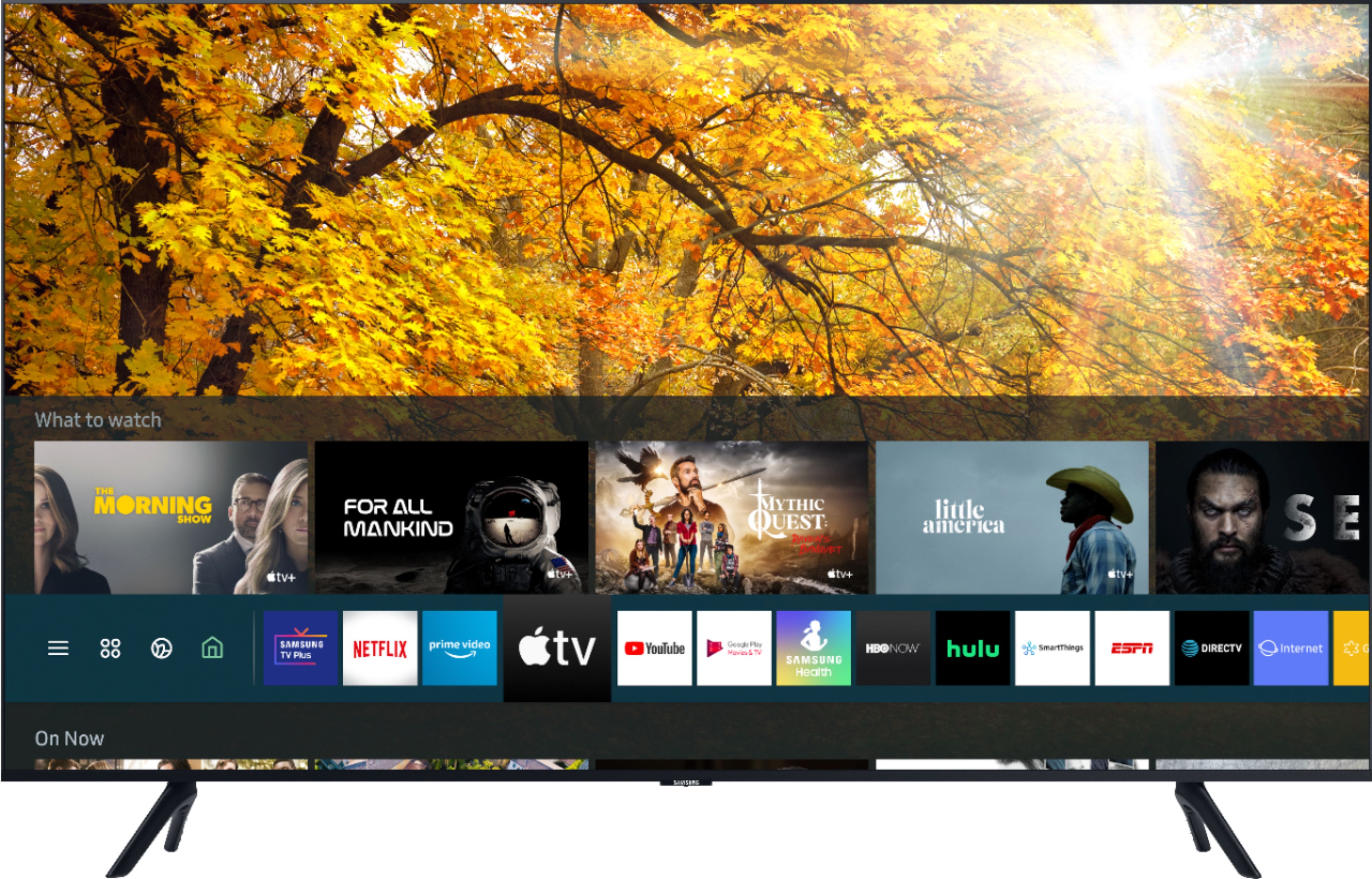
  • QuestionIs Samsung TV plus a free app? If so for how long? If not is there a cost to use it?

    Asked by Drakofyre.

    • Answer Yes, it's free, no time limits. I have enough streaming services and over the air channels that I don't ever watch any of the content.

      Answered by BillEGoat

  • Questionif I choose for you to install, will you take my 56" Samsung TV back so I have to dispose.

    Asked by geejbee.

    • Answer Hi there! For more information on Haul Away/Recycling services, please contact your local Best Buy or visit https://www.bestbuy.com/site/services/recycling/pcmcat149900050025.c?id=pcmcat149900050025 ^Gina

      Answered by Samsung

  • Questionwhat does the two year warranty cover

    Asked by Anonymous.

    • Answer Hi there, This TV does come with a One Year Manufacturer's Warranty against defective parts and labor. Best Buy does offer a protection plan that gives you extra coverage. You can contact your local store to find out what that coverage will give you in addition. ^Jeremy

      Answered by Samsung

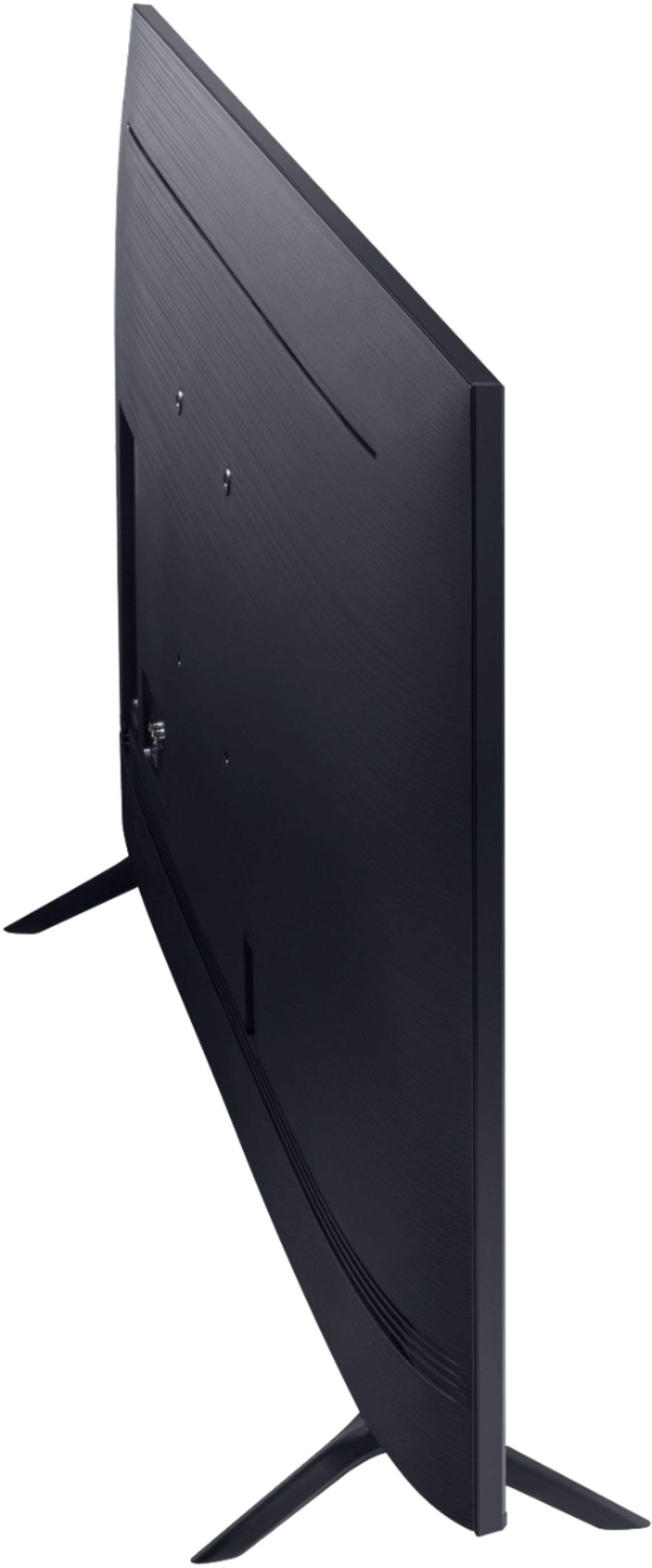
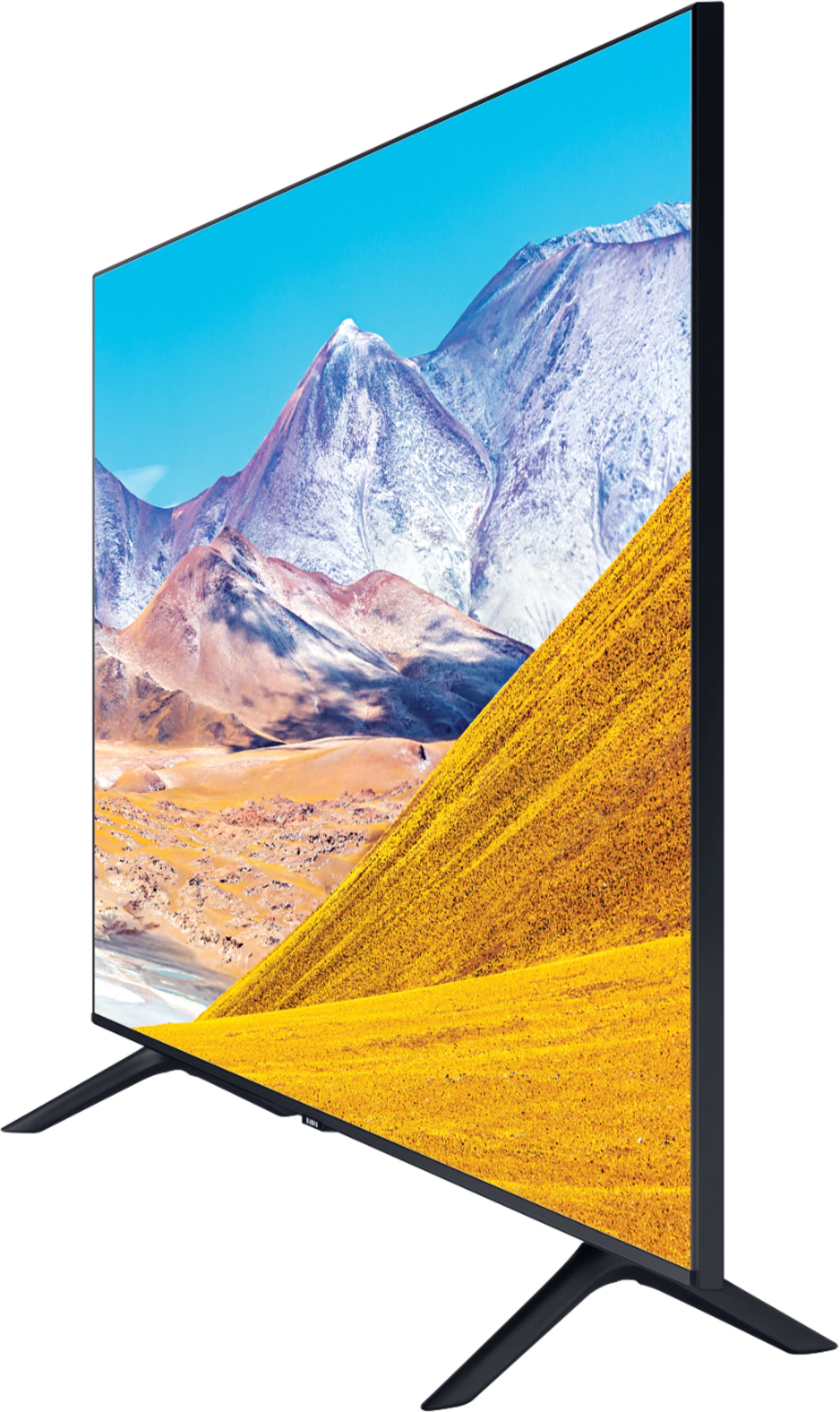
  • QuestionHow far apart are the legs ?

    Asked by Jake.

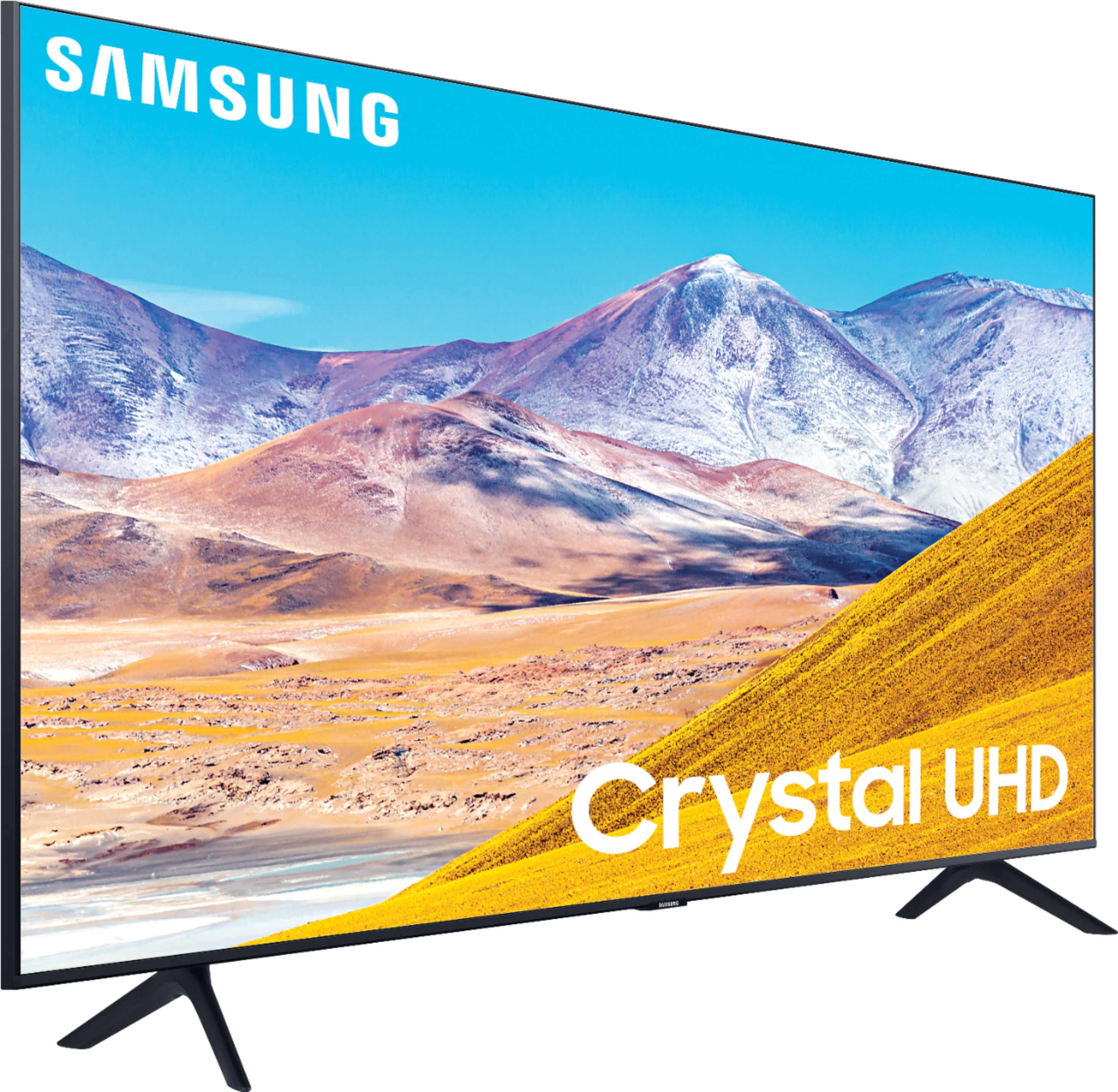
    • Answer Hello Jake, Yes, here are the dimensions the stands width of the 65TU8000 : (INCHES) 46.7 ^Cristian

      Answered by Samsung

  • QuestionHow can I remove the legs on my TV so I can mount it on the wall??

    Asked by Trina.

    • Answer Hi Trina! To remove the legs, clear a large flat surface clean from any dust or debris. With two people gently lay the TV flat on the surface, ensuring not to apply pressure on the screen when moving. Gently pull the legs outward, increasing force if needed. For additional assistance, please contact Samsung Support at: ― Phone: 1-800-SAMSUNG / Available 8AM - 12AM EST, 7 days a week ― LiveChat or Email:  https://www.samsung.com/us/support/#contact_us_for_support We look forward to hearing from you. ^Tim

      Answered by Samsung

  • QuestionCan a DVD player be connected to this Samsung UN65TU8000FXZA (65in Class 8 Series LED 4K UHD Smart Tizen) TV?

    Asked by David.

    • Answer Hello David, Yes, a DVD can be connected via HDMI or Component cables. ^Cristian

      Answered by Samsung

  • QuestionWhat is the wei ght of this tv so that i might buy the right wall mount brackets .

    Asked by ken.

    • Answer Hi Ken! The 65TU8000 weighs 45.4lbs without the stand and 46.1lbs with the stand attached. The TV supports a 400mm x 300mm VESA mounting pattern for compatibility with a wide range of mounting solutions. ^Tim

      Answered by Samsung

  • QuestionHow much does Samsung 65” 4K smart tv weigh?

    Asked by Anonymous.

    • Answer Hi! The 65TU8000 weighs 45.4lbs without the stand and 46.1lbs with the stand attached. ^Tim

      Answered by Samsung

  • QuestionThe picture has a green hue. How do I correct that.

    Asked by ZEEK.

    • Answer Hi ZEEK! First, please ensure your TV is updated to the newest software version: Home > Settings > Support > Software Update. If this does not resolve the issue, check out your TV's Tint settings: Home > Settings > Picture > Expert Settings > Tint (G/R). ^Gina

      Answered by Samsung

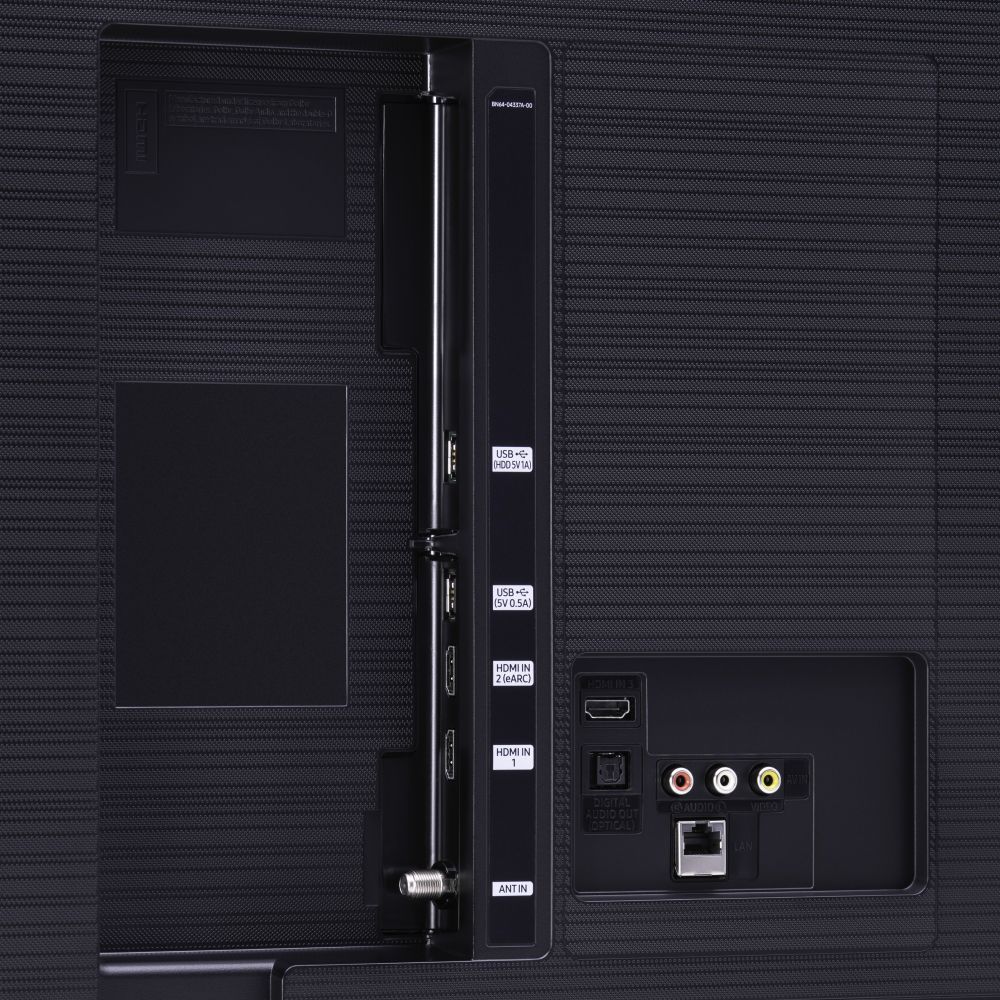
  • QuestionDoes it support eARC?

    Asked by Jonboy.

    • Answer Hi Jonboy! Yes, eARC support is found in HDMI Port 2 on the TU8000. ^Gina

      Answered by Samsung

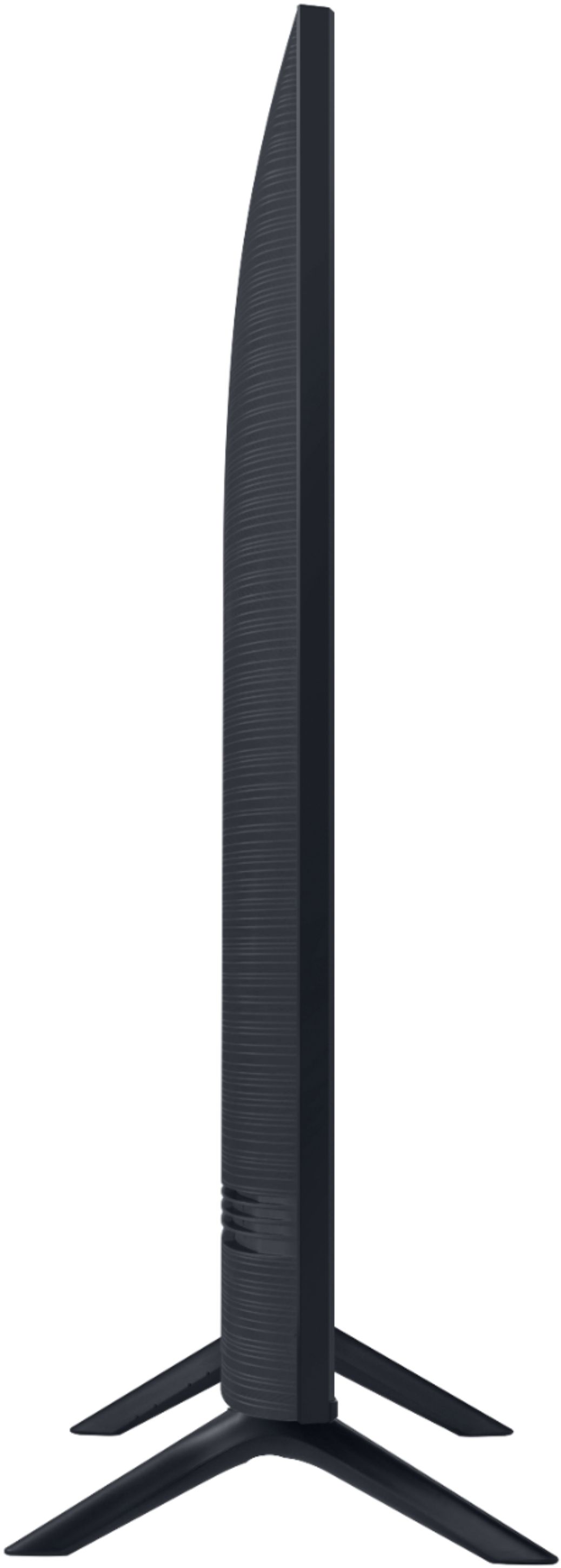
  • QuestionSamsung 65" Class 8 Series LED 4k UHD Smart Tizen TV: product depth with stand is 11.1" & product depth without is 2.4 " . What is dimension from front face of TV sitting on this stand to the front edge of the stand? Length of stand? How many stands?

    Asked by Dave.

    • Answer Hi Dave, the front of the TV to the front of the stand is 4.25". The length of the stand legs is 11.1" and there are 2 legs included with the TV. Thanks, ^Scott

      Answered by Samsung

  • QuestionIf the series 8 better than the series 7?

    Asked by Sue.

    • Answer Hi Sue! The TU7000 introduces our Crystal Display for brilliant colors and exceptionally crisp, vivid images. Its Crystal 4K Processor further brings impressive clarity to all your content while upscaling everything you watch to stunning 4K definition, no matter the source. When stepping up to the TU8000, you will have all the benefits of Crystal UHD, while gaining Ambient Mode and built-in Voice Assistants (Amazon Alexa, Bixby, Google Assistant) with a voice button on your OneRemote. The TU8000 also offers one Composite (AV) input and an additional HDMI and USB port. ^Tim

      Answered by Samsung

  • QuestionDoes this tv include chrome-cast?

    Asked by Mikey.

    • Answer Hi Mikey! The TU8000 is compatible with casting select applications, as well as full screen mirror capabilities with Android and Apple mobile devices. ^Tim

      Answered by Samsung

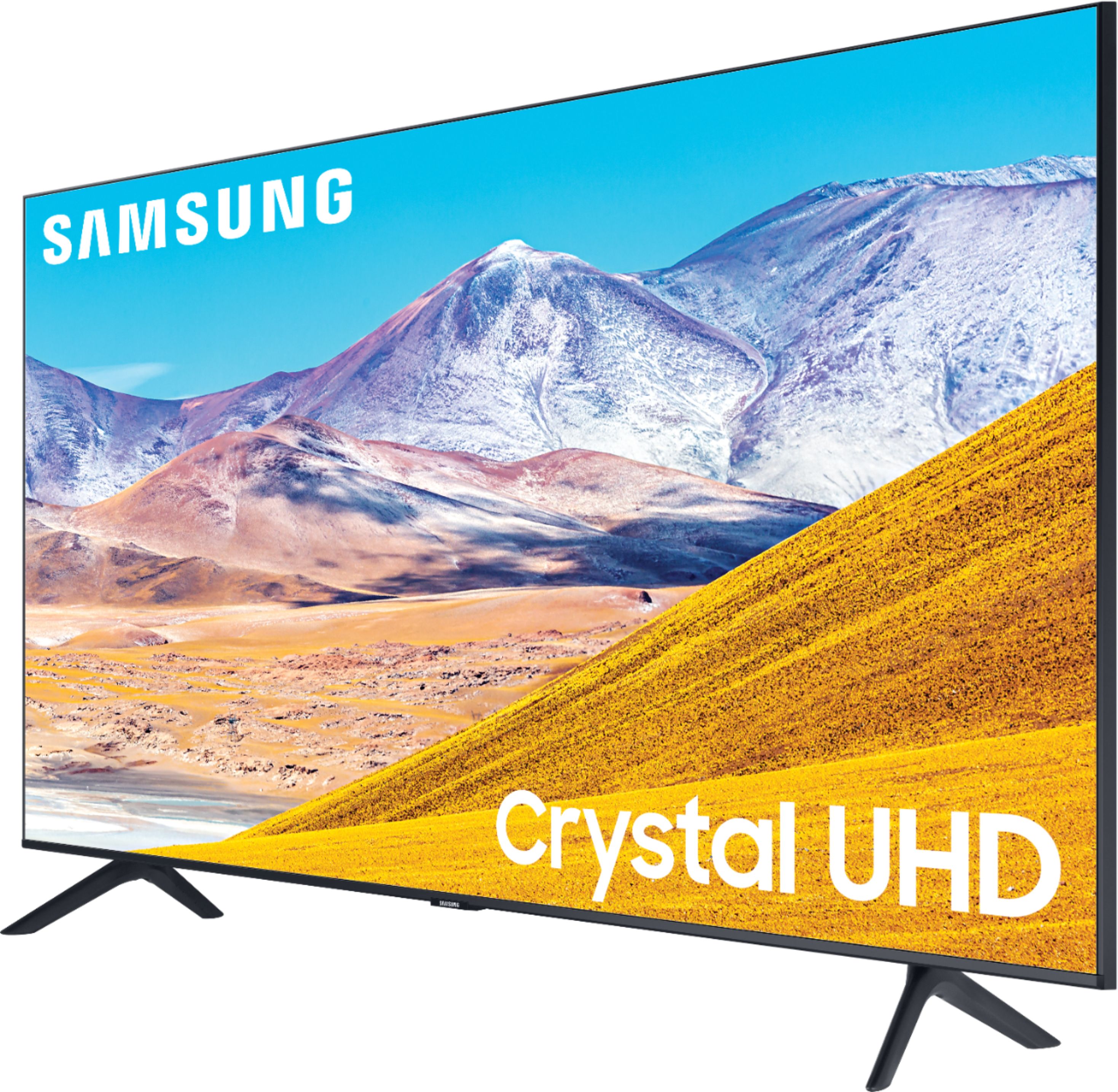
  • QuestionWhat is the difference between QLED 4K and Crystal UHD 4K?

    Asked by Jim.

    • Answer Hi Jim, the jump from the TU8000 to the Q60T is going to give you several different benefits. The Q60T will have 100% color volume which means regardless of how bright the TV gets, the colors won't get washed out. It also features dual-led technology which gives you more accurate and life-like skin tones. The viewing angles will be wider which helps if someone is sitting off to the side, and the Quantum Processor will be stronger for better upscaling. I hope this helps, Thanks, ^Scott

      Answered by Samsung

  • QuestionTHE DIFFERENCE IN TH SAMSUNG CLASS SERIES

    Asked by LES.

    • Answer The difference is the better picture quality and voice control remote controller. This is just my opinion.

      Answered by Nice

  • QuestionIs this TV compatible with with ATT Tv?

    Asked by Andrew.

    • Answer Hi Andrew! You can connect an AT&T cable box, or you can take advantage of the AT&T NOW app that you can download from your TV's built-in App Store. ^Gina

      Answered by Samsung

  • QuestionDoes this TV have any 2.1 HDMI ports?

    Asked by Stevo.

    • Answer Stevo, Thank you for your interest in the TU8000. With HDMI 2.1 being such a complex topic, we feel it is clearer to highlight the specific features supported by each TV model. The TU8000 has 3 HDMI ports, all of which support Auto Low Latency Mode (Auto Game Mode). The “HDMI In 2” port further supports eARC. If you are looking for a TV capable of 4K@120fps (FRL), please consider a step up to the 55" Q70T, which supports FRL on HDMI 4. All Samsung 2020 model year QLED TVs 55” and larger starting from the Q70T Series are capable of 4K@120fps, as well as FreeSync, and VRR. If we can help answer any other questions, please call us at 1-800-SAMSUNG. ^Celina
      Answered by Samsung

  • Questionwhat Samsung tv connects to an android phone?

    Asked by Godwalker.

    • Answer Hi Godwalker! All 2020 Samsung TVs, including the TU8000, are compatible with screen mirroring and casting from an Android or Apple device. ^Tim

      Answered by Samsung

  • QuestionI have the Samson sound bar connected to my tv.how do I get earphones connected also to tv.as I used earphones late at night to not disturb any one.

    Asked by Cilla.

    • Answer Hi Cilla! The TU8000 is compatible with audio devices supporting Bluetooth technology. Put the headphones into Bluetooth pairing mode and make sure they are discoverable. See the product's user manual for how to do this, if needed. Using the TV remote navigate to Home > Settings > Sound > Sound Output > Bluetooth Speaker List and select the Bluetooth headphones you would like to use. ^Tim

      Answered by Samsung

  • QuestionDoes this TV support the Hulu Live app?

    Asked by Kristi2020.

    • Answer Hi Kristi2020! Yes, the Hulu live streaming application is supported on the TU8000. This service is part of the normal Hulu application, and is enabled once signed into a Hulu account with a live streaming subscription. ^Tim

      Answered by Samsung