A:AnswerHi MareInWa, we understand your concerns with the TV. Please fill out the form below and one of our social media specialists would be happy to assist you. http://smsn.us/SamsungSupportUSA and we will respond accordingly. ^Britt
A:AnswerOnly as compatible as any other TV. You can get an Apple TV to hook up to it (preferably a 4K one). It does not automatically screen mirror or give you access to your iTunes library on its own as you must hook up an Aaple TV to it. However, I don’t think there are any TVs that do this automatically (the way some have Roku or Chromecast already on them). This one does come with Chromecast so you can send video from some of your iPad apps (e.g. YouTube) directly to the TV via chromecasting. Hope this helps you out.
A:AnswerHi Mike1976, we understand your concerns with the TV. Please fill out the form below and one of our social media specialists would be happy to assist you. http://smsn.us/SamsungSupportUSA and we will respond accordingly. ^Britt
A:AnswerHello, we understand your concerns with the TV. Please fill out the form below and one of our social media specialists would be happy to assist you. http://smsn.us/SamsungSupportUSA and we will respond accordingly. ^Britt
A:AnswerCheck the operating parameters. Sometimes the TV has a smart converter that adjusts for 240v and 120v. If okay, it would mean purchasing an adapter for the plug.
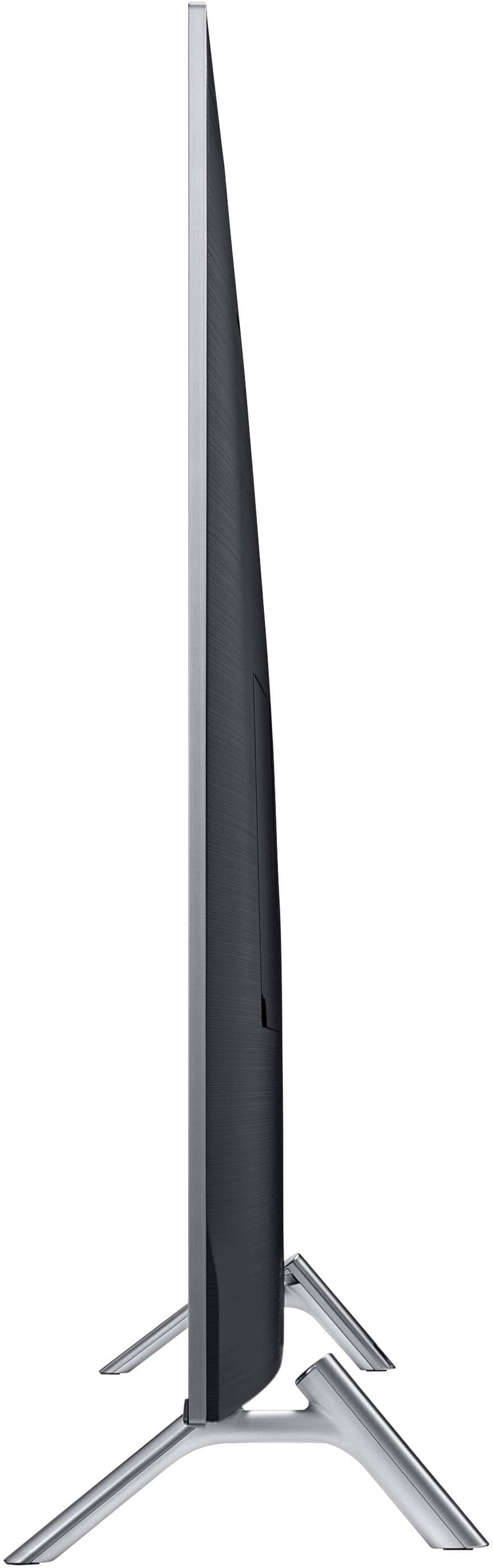
A:AnswerMy TV is wall mounted but I measured where the TV legs would be if on a table. Minimum size is 48 inches long by 12 inches wide. That would just hold the TV.