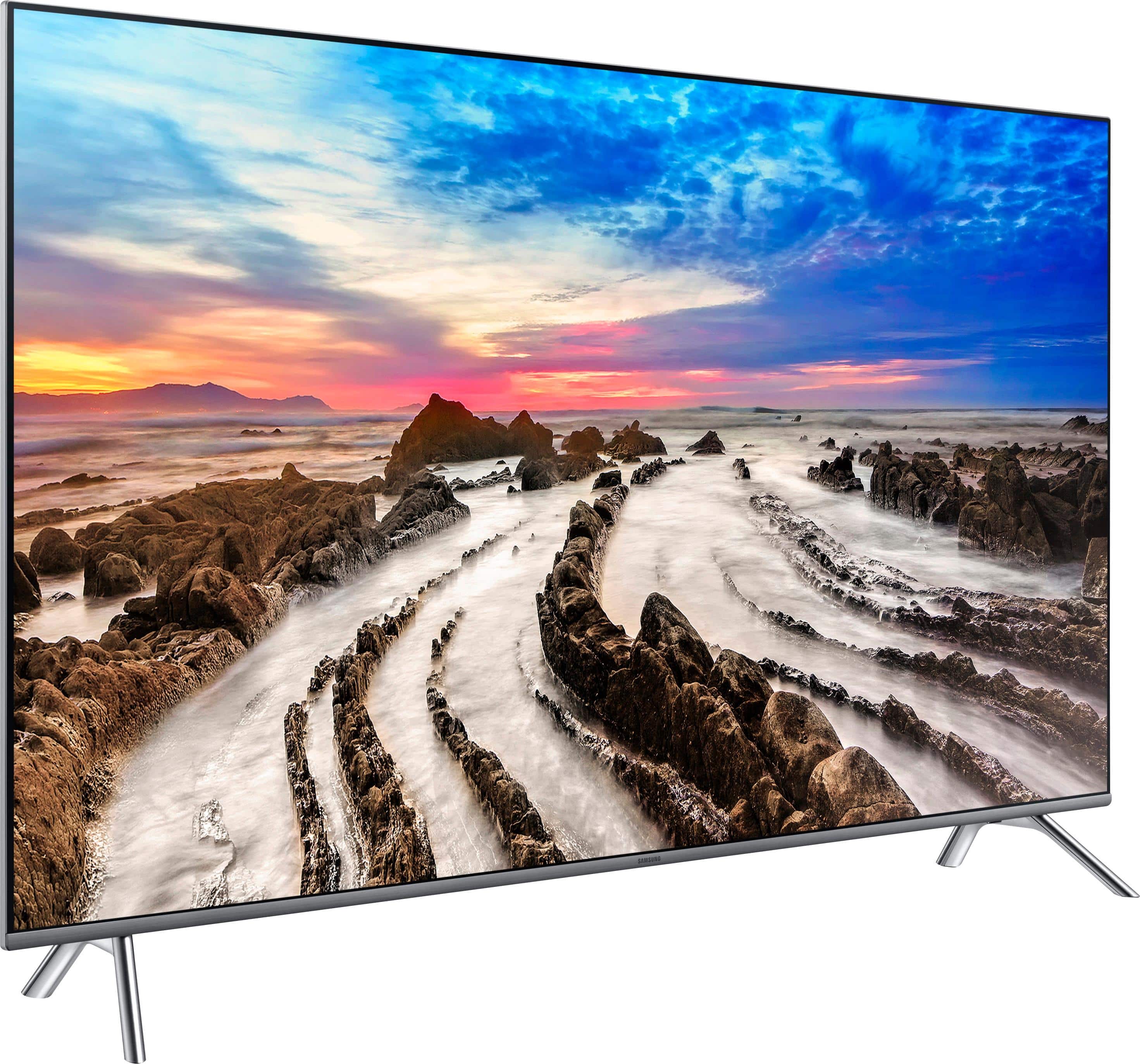
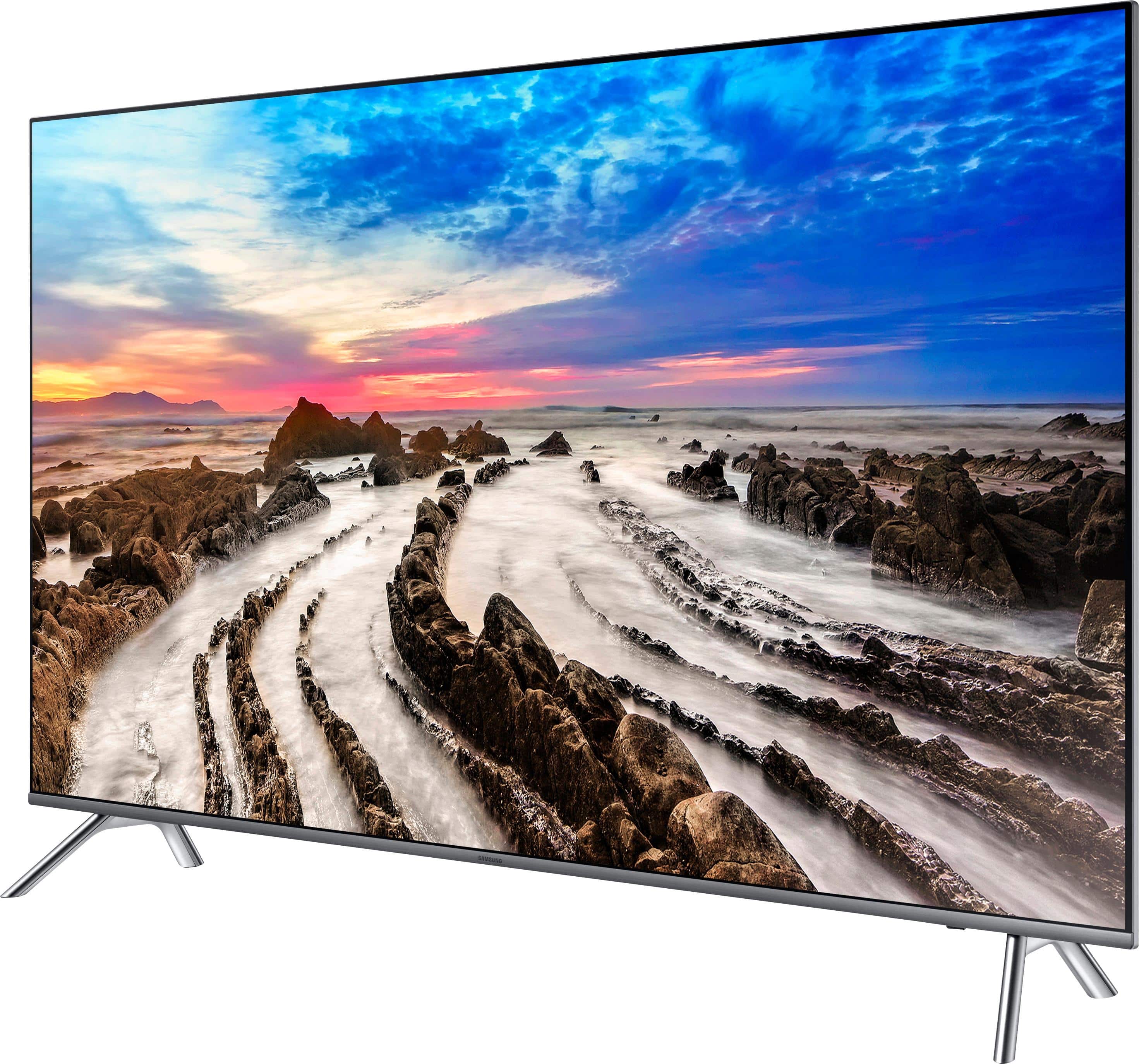
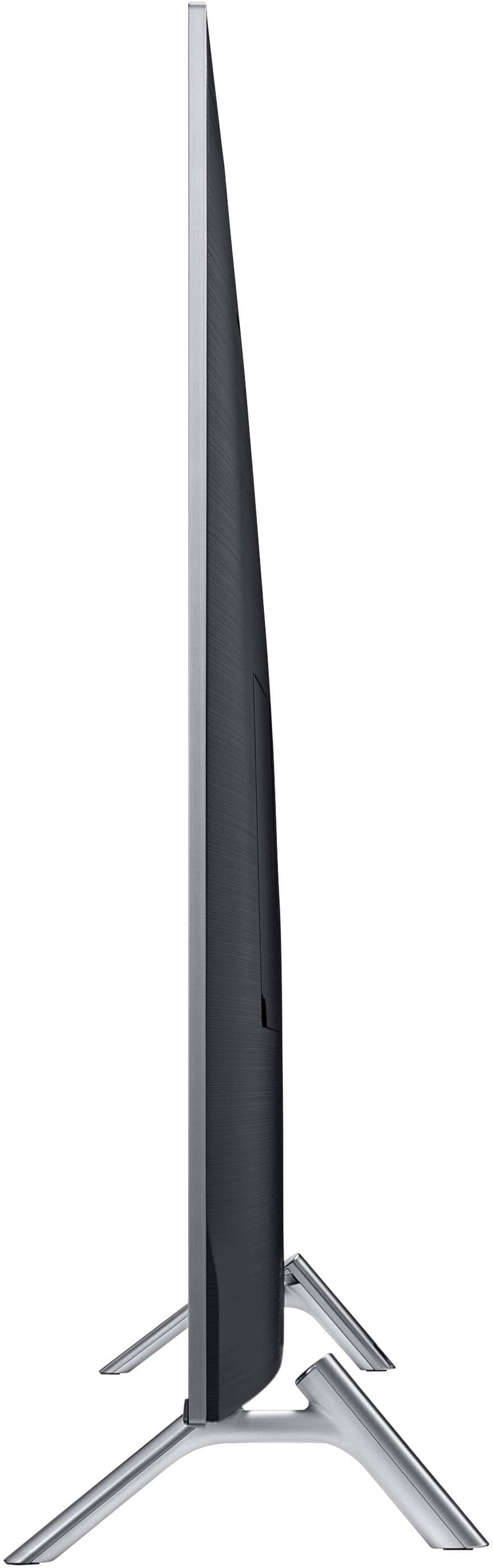
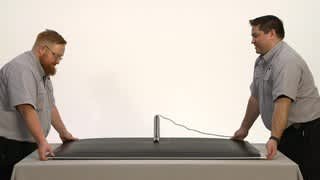
A:AnswerIt needs to be as wide as the TV is since the legs sit on the outside edges. Look at the product information for the width and if it is equal to or less than your stand you should be good. The screen size is measured diagonally so it shouldn't be 65 inches wide but I'm unsure exactly how wide it is. Check the product info and see if dimensions are listed there. Hope this helps.
A:AnswerThanks Mr. Samsung, I think. If I understand correctly, you are saying there is no difference. My confusion arises from seeing, sometimes on BestBuy's site, and sometimes elsewhere (amazon, etc.) separate listings for the 2 model numbers. Hypothetical example: on the same page of a website might be a " refurbished UN65MU8000FXZA (2017 model)" for $X AND a "UN65MU8000 (2017" for a slightly different price. With the price difference small enough to make me wonder if there is more of a difference between the two items than just new v. refurbished.
A:AnswerDepending on your TV providers you might need to upgrade to a new cable box when I hook on my dish box it did the same and when I called them they said I needed there new box that is compatible better with 4k tvs
A:AnswerAutomatic input switching is due to HDMI-CEC. If your device doesn’t support HDMI-CEC, then it will not automatically switch. CEC is why for the TV will automatically assign the input a name like “Apple TV”.
If you want this to not happen, you should check if you can disable CEC on the device. Look for settings like “Match TV Power State” if HDMI-CEC isn’t explicitly stated in the device settings.
To disable this on the TV, go to Settings, External Device Manager, and toggle the “Anynet+ (HDMI-CEC)” switch.
A:AnswerMy installers used the HDMI cables that were already in the wall and hooked it into a mini splitter. I'm receiving a much better picture than we did with our previous TV. Both being 65" Samsung's.
A:AnswerI had this TV professionally installed on the wall over our fireplace by the world famous Geek Squad, so the job was done right the first time and set-up with a Samsung Sound Bar. They synchronized everything to work with Directv on my Directv remote. They did it so fast I don't even know what they did to make it all happen.
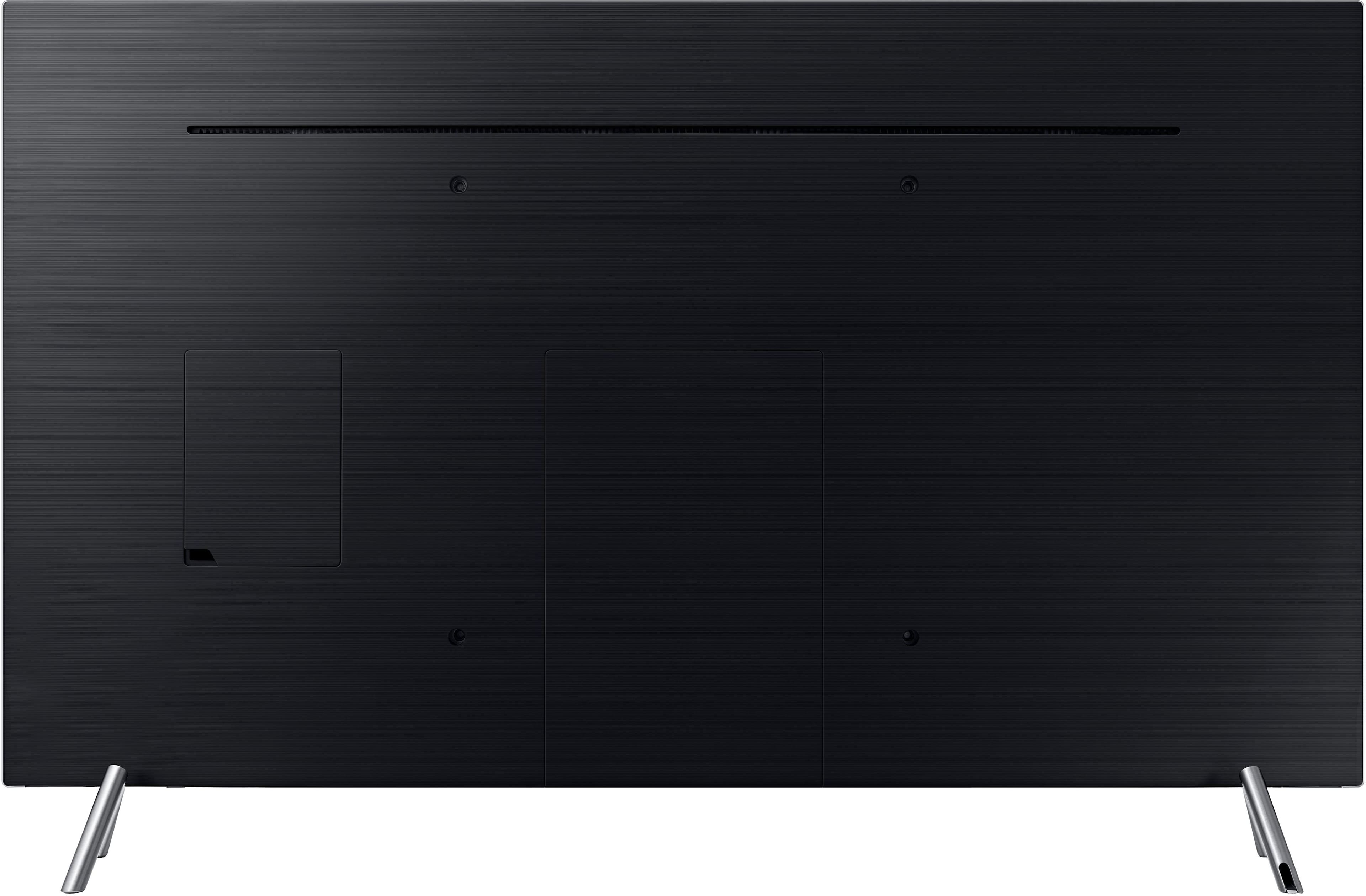
A:AnswerNo. You must plug the hdmi cable into an intermediary “one connect” block that accepts 4 hdmi inputs. I simply affixed the “one connect” to the back of the TV with Velcro , plugged the hdmi in there and the other end into the TV. Mine is wall mounted and has an hdmi from the direct tv box buried in the wall. You can manage the rest of the “one connect” cable on the back of the TV with othecommand cable clips. Hope this helps. Great TV!
A:AnswerHi Jeff, we understand your concerns with the TV. Please fill out the form below and one of our social media specialists would be happy to assist you. http://smsn.us/SamsungSupportUSA and we will respond accordingly. ^Britt
A:AnswerMy $0.02, I was in need of updating my Yamaha receiver to support my 4K tv, along with getting bluetooth, multicast, etc...I looked at, Pioneer, Yamaha and ended up with a Denon AVR-x3400H. Very happy with the receiver as it works great with the TV and xbox. Link here:
https://www.bestbuy.com/site/denon-avr-7-2-ch-with-heos-4k-ultra-hd-a-v-home-theater-receiver-black/5793004.p?skuId=5793004
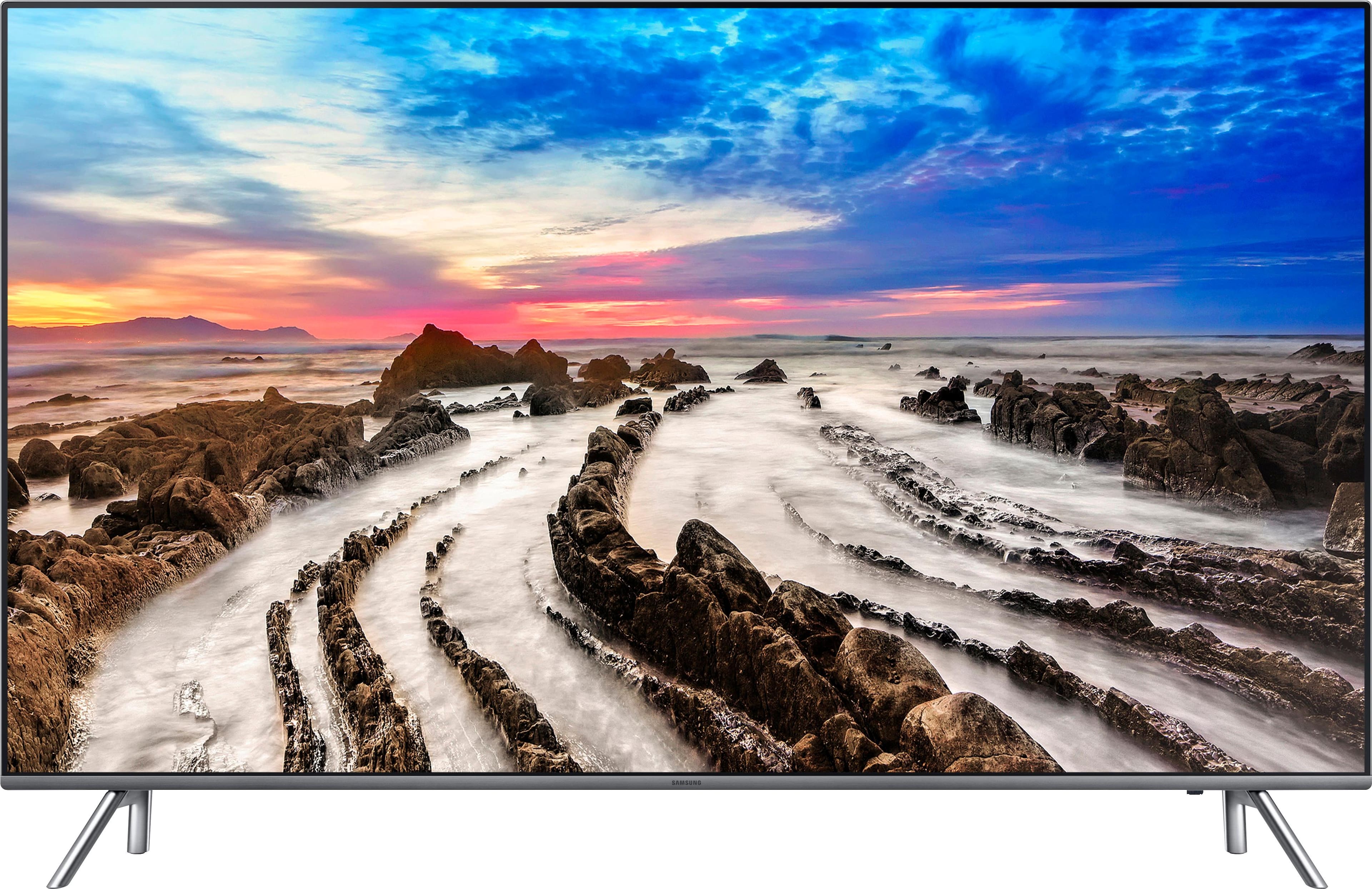
A:AnswerFor the quality it's very fair price. I paid 850 for a Visio 4K 65inch and i bought this samsung. I will absolutely be buying another Samsung. The picture is immaculate.