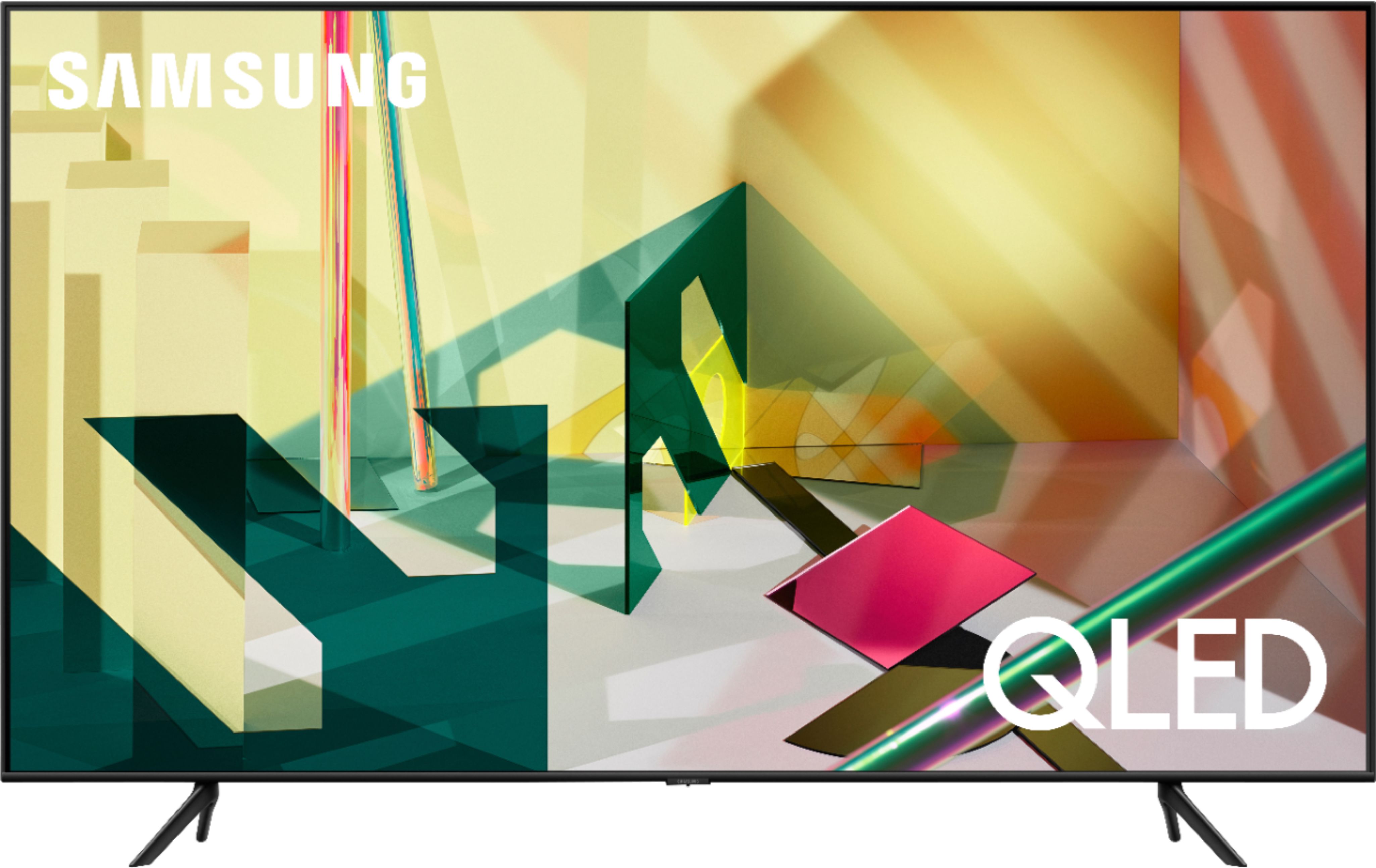
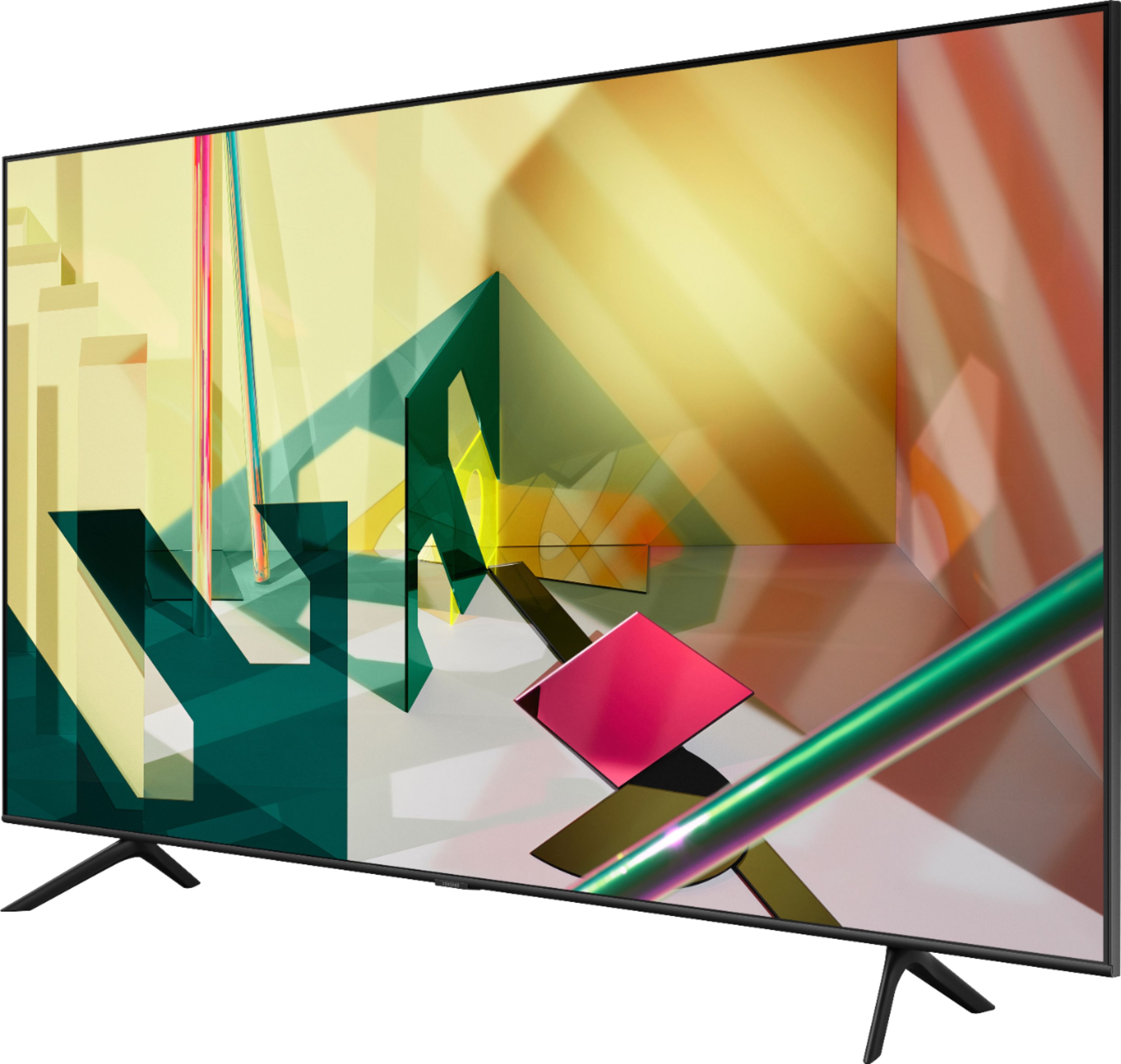
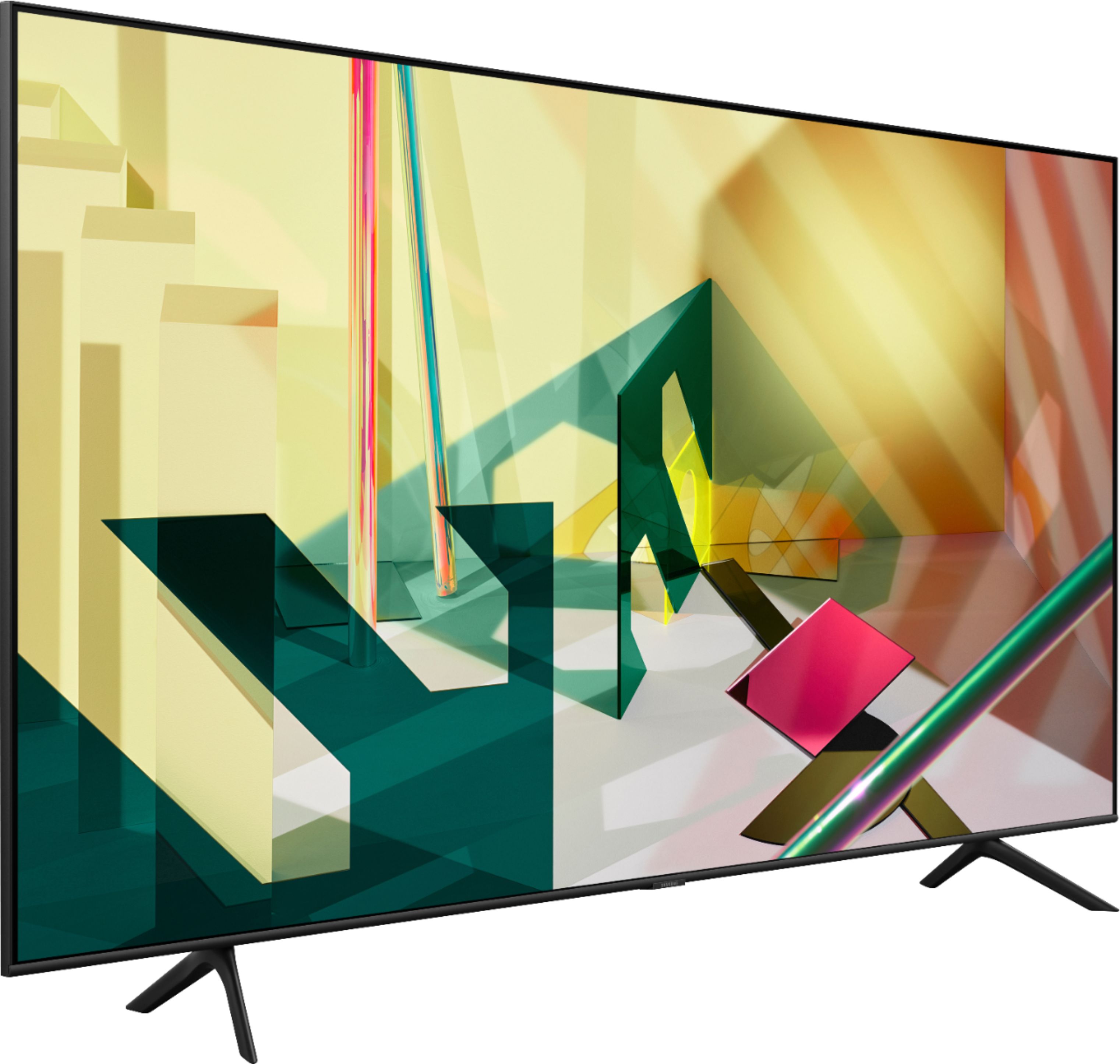
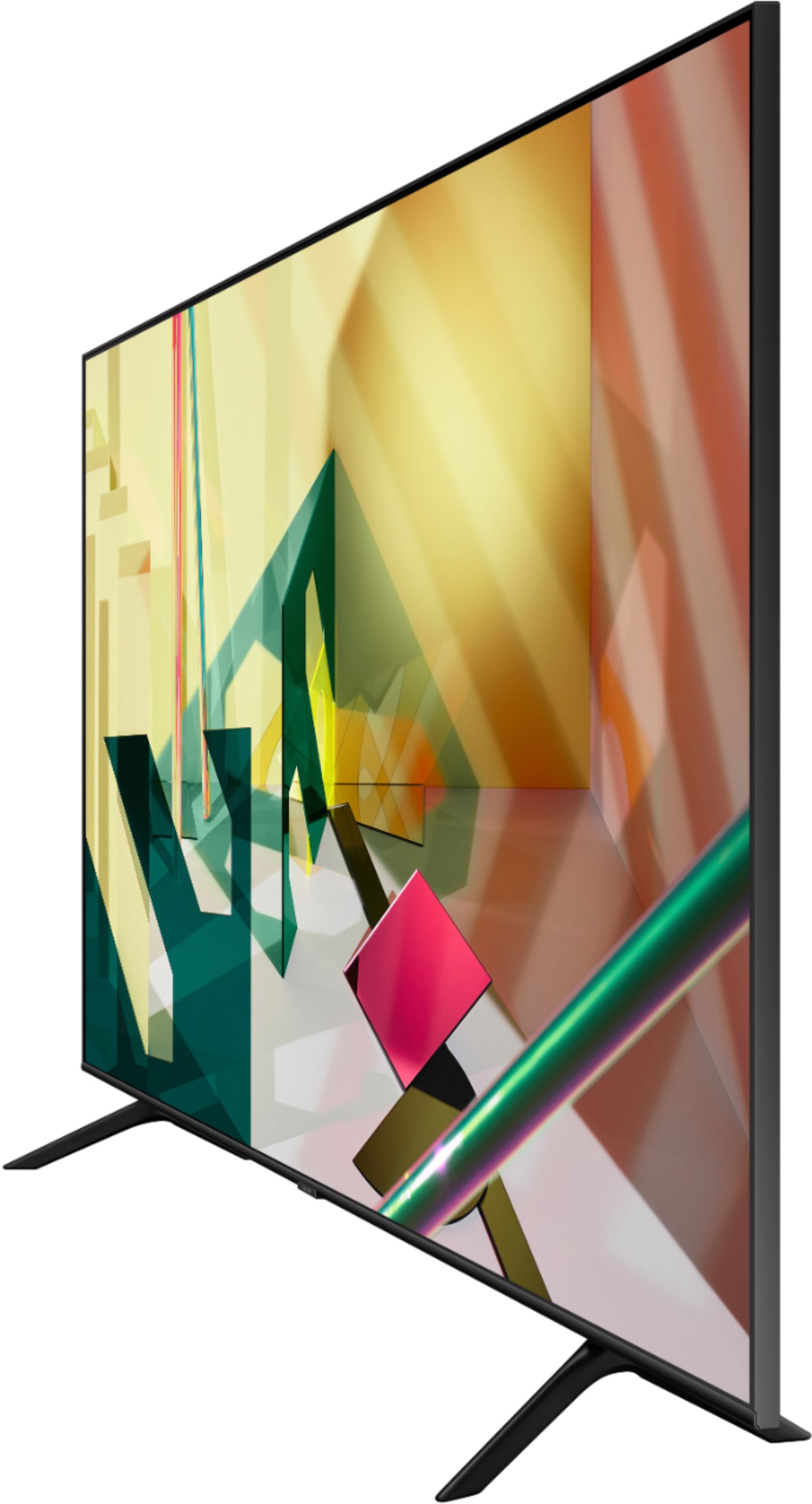
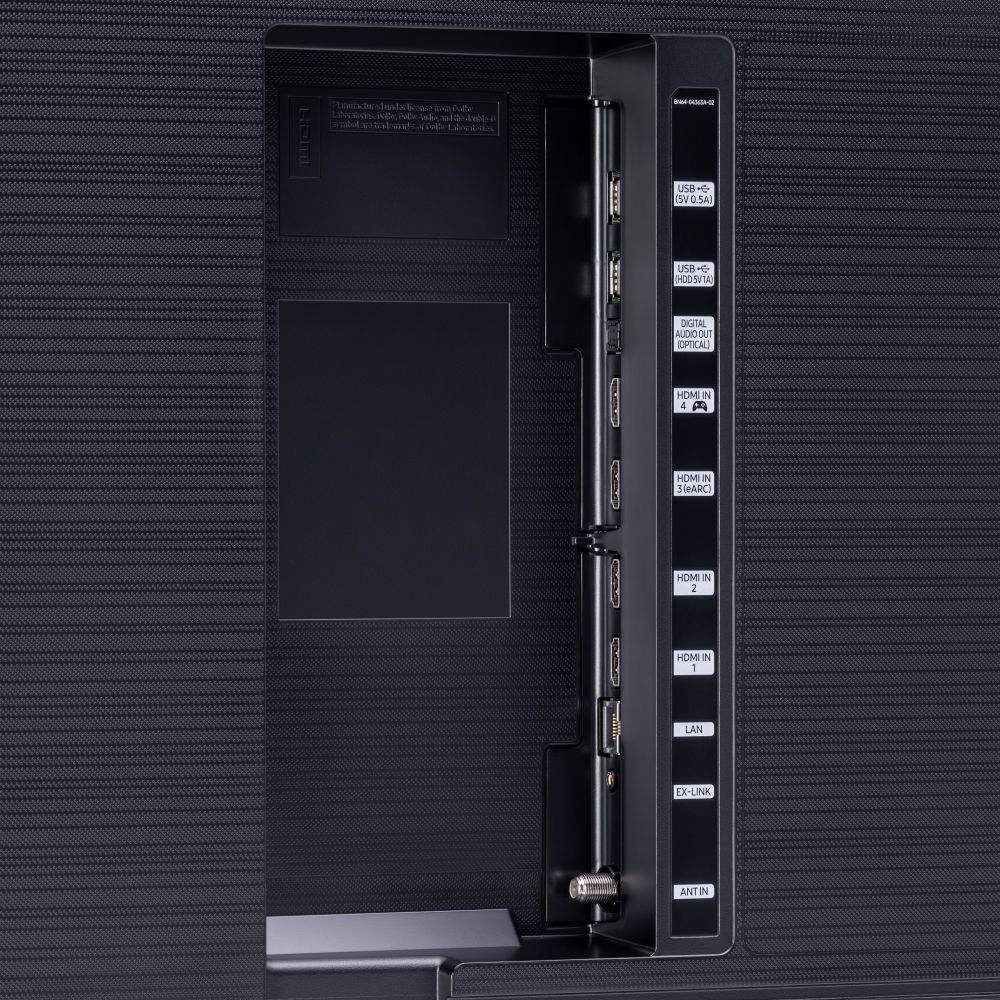
A:Answer Hi terbear! You can use both TV and Bluetooth device audio simultaneously on the Q70T. When this function is active, you can set the volume of the Bluetooth headphones higher than the volume of the TV speaker. First, make sure your Bluetooth headphones are paired. Press HOME on your Q70T remote. Then go to Settings > General > Accessibility > Multi-output Audio. Find the device you'd like to pair.
If you need assistance or have questions, please call us at 1-800-SAMSUNG, available 8AM - 12AM EST, 7 days a week.
^Tim