A:AnswerThat's a good question! I am still figuring out how to sync my Bose's soundbar to the tv. I am still using my phone to use YouTube, Prime, and Netflix but I have been able to keep watching everything I want to stream.
A:AnswerWe recommend reaching out to your cable company regarding remote compatibility, as your remote may require programming or adjustments on their end.
~ Samsung Specialist
A:AnswerHi Pat - To turn off Voice Guide, go to: Home > left directional key > Settings > All Settings > General & Privacy > Accessibility > Voice Guide Settings > Voice Guide = OFF
~ Samsung Specialist
A:AnswerEdwards - For information on professional TV setup and connection services, visit your local Best Buy store or check here:
https://www.bestbuy.com/site/tv-home-theater-services/tv-connect-setup/pcmcat1547141555465.c?id=pcmcat1547141555465
~ Samsung Specialist
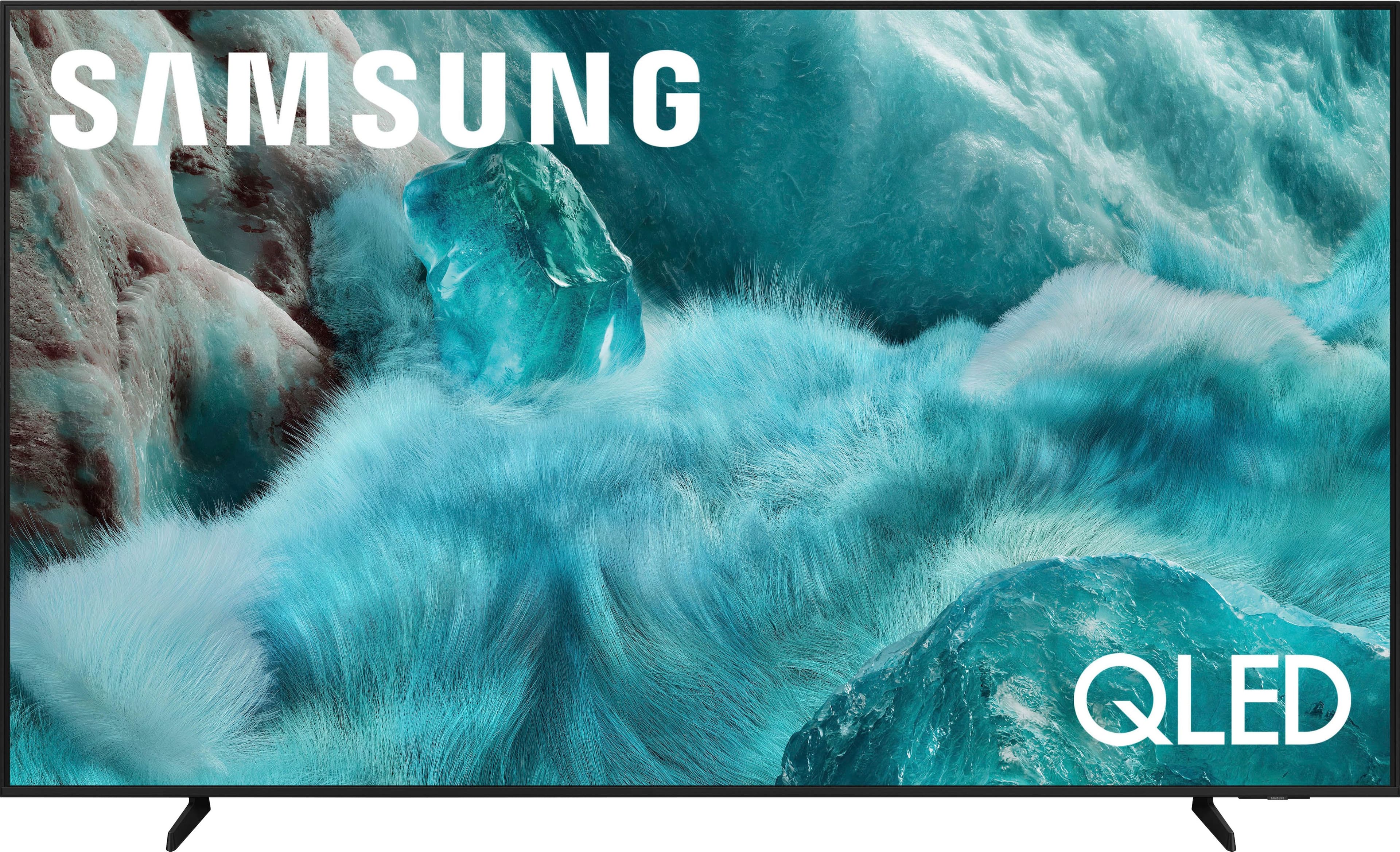
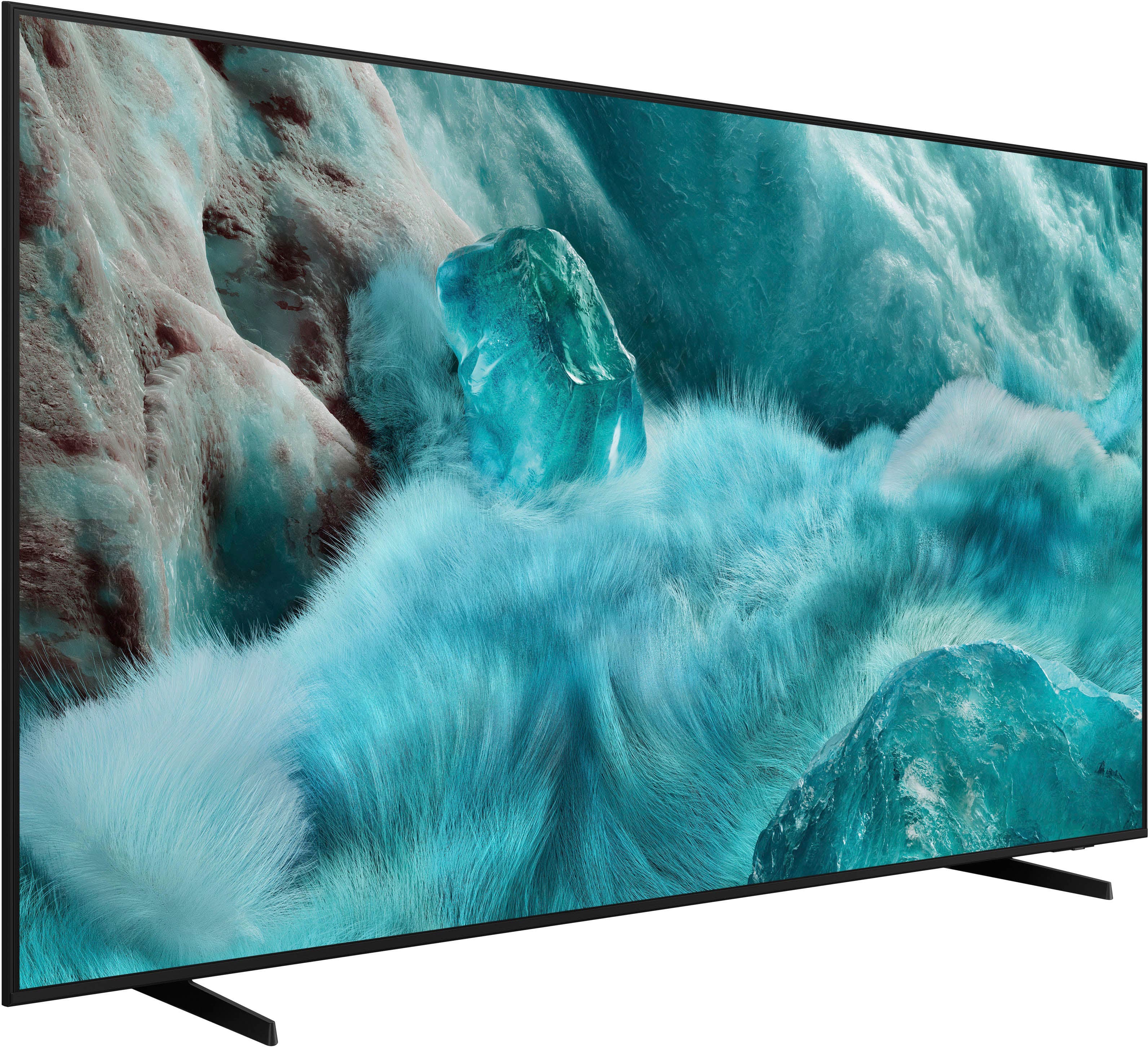
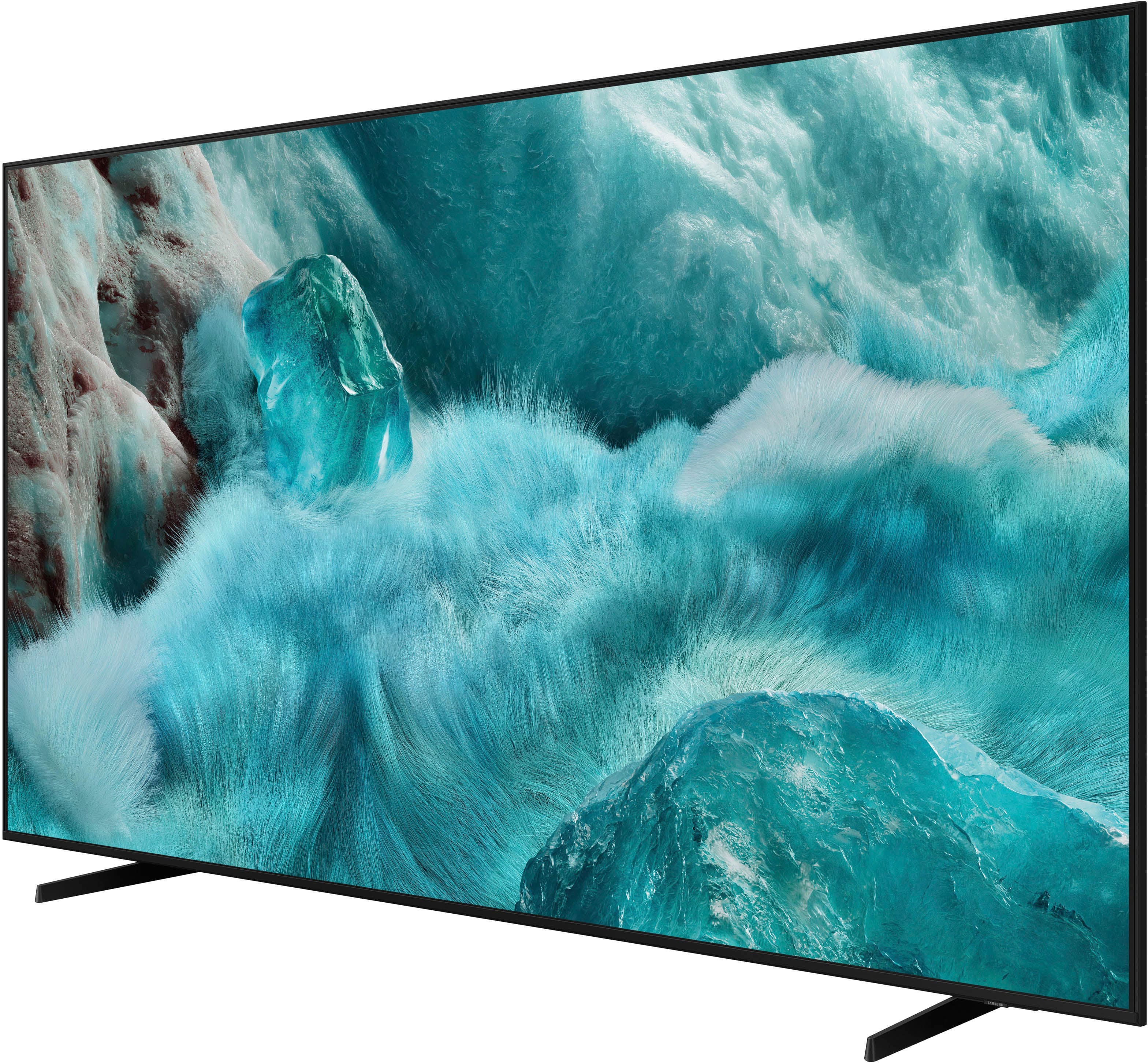
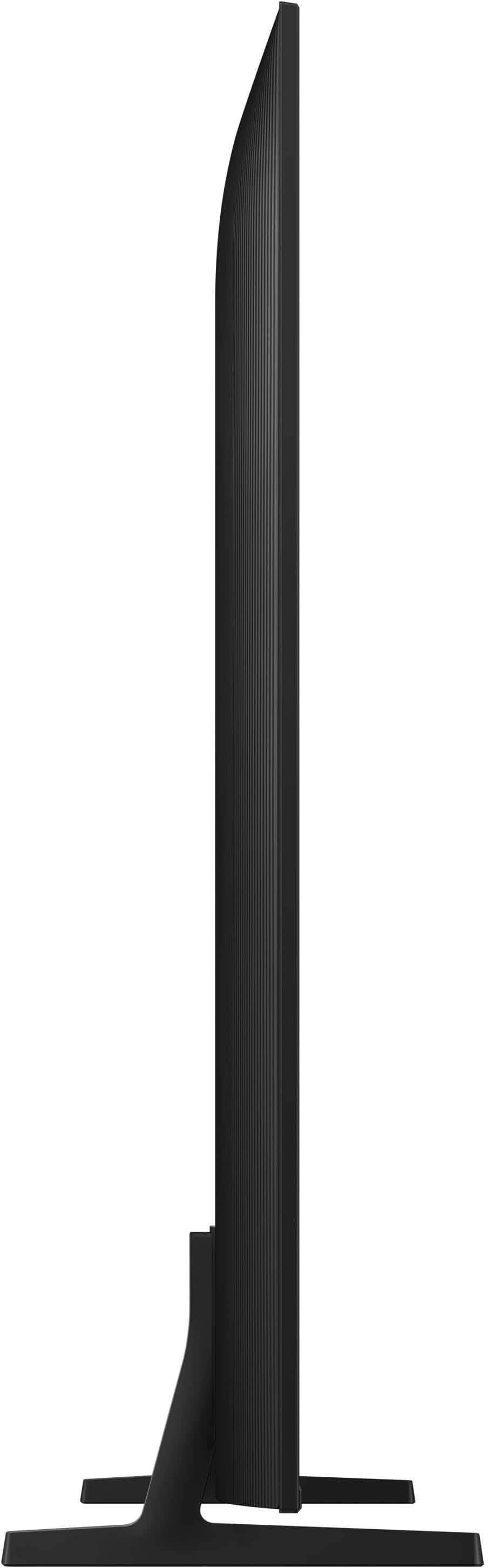
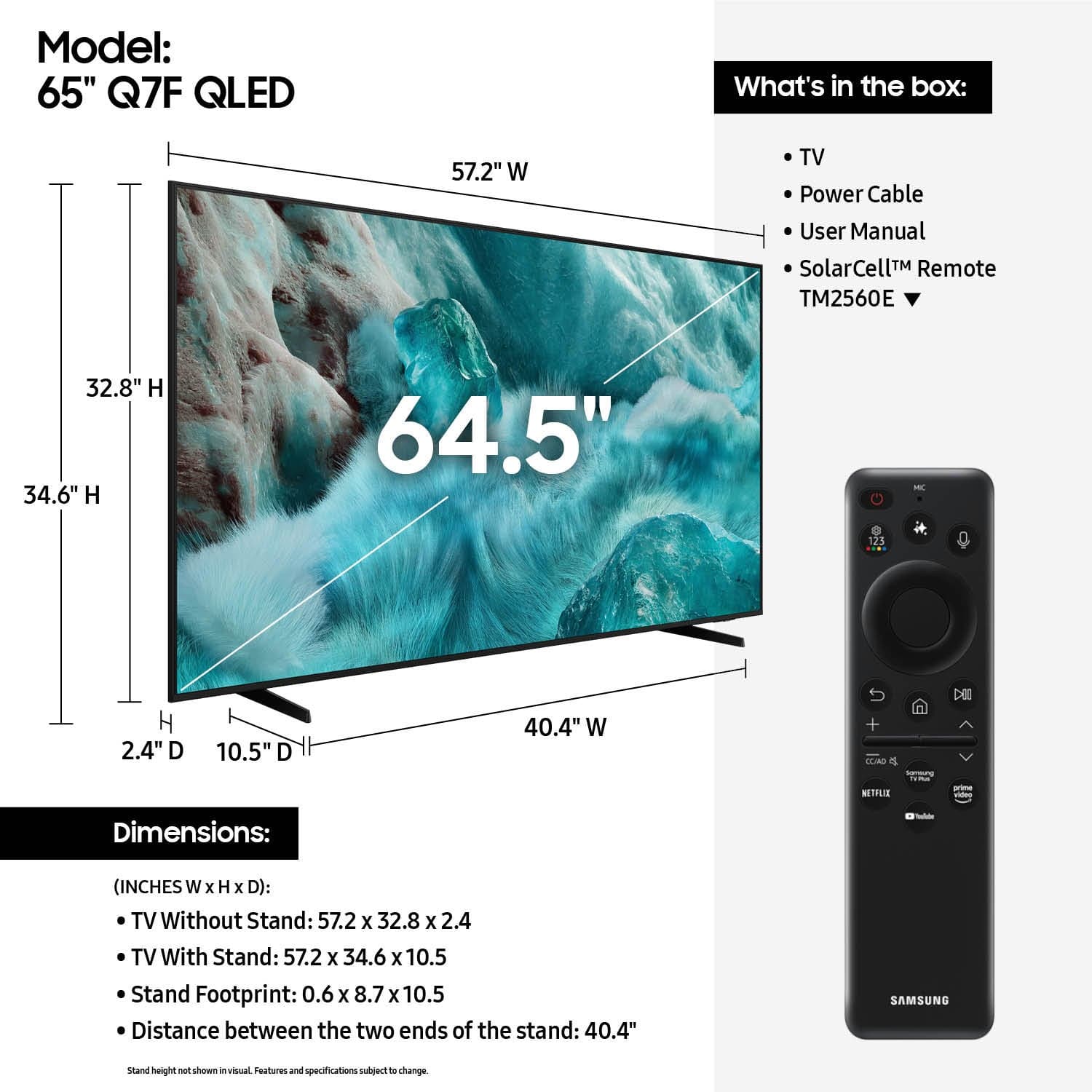
A:AnswerYou can find these measurements on this model’s product page – just click Specifications and scroll down to Box Dimension: https://www.bestbuy.com/product/samsung-65-class-q7f-series-qled-4k-uhd-samsungvision-ai-smart-tizen-tv-2025/J3ZYGXCLL9
~ Samsung Specialist
A:Answer2001 - Q-Symphony is a technology that perfectly synchronizes your compatible soundbar with your TV for a perfect audio experience. It also enhances sound by separating and increasing channels while using AI algorithms to optimize the 3D surround effect. When paired with a Q-Series or S-Series soundbar (HDMI or Wi-Fi), Q-Symphony provides an ultra-immersive experience from both soundbar and TV speaker audio.
~ Samsung Specialist
A:AnswerHRFMguy - You can find these measurements on this model’s product page – just click Specifications and scroll down to Box Dimension: https://www.bestbuy.com/site/samsung-65-class-q7f-series-qled-4k-uhd-samsungvision-ai-smart-tizen-tv-2025/6619254.p?skuId=6619254
~ Samsung Specialist
A:AnswerHi DaveB - While Ambient Mode is only supported on our OLED TVs, the Q7F features Generative Wallpaper which allows you to generate unique images using AI. You can select your preferred image and set it as your TV’s wallpaper. If you get tired of your wallpaper after a while, you can generate another image in order to find your new favorite!
~ Samsung Specialist