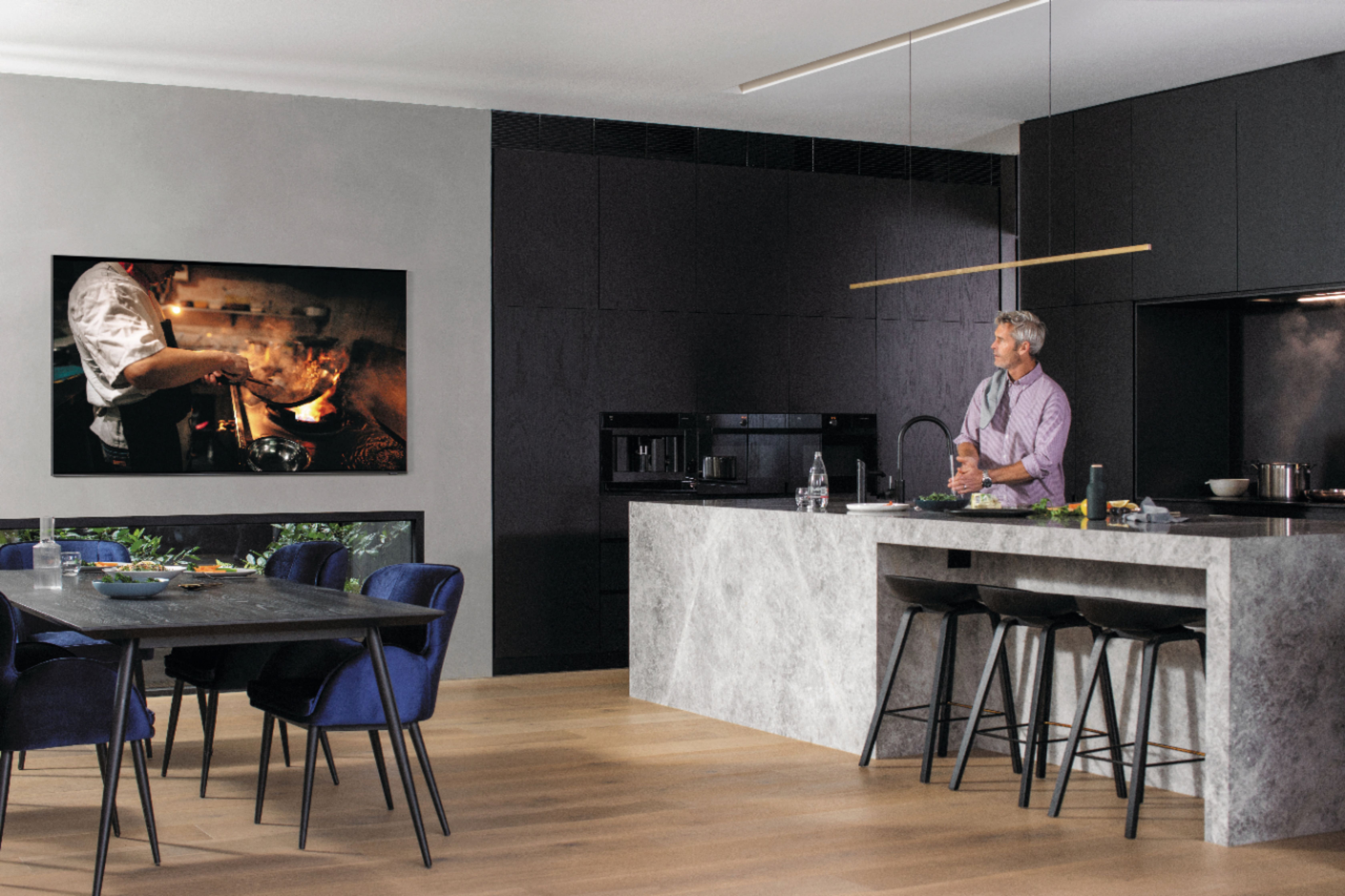
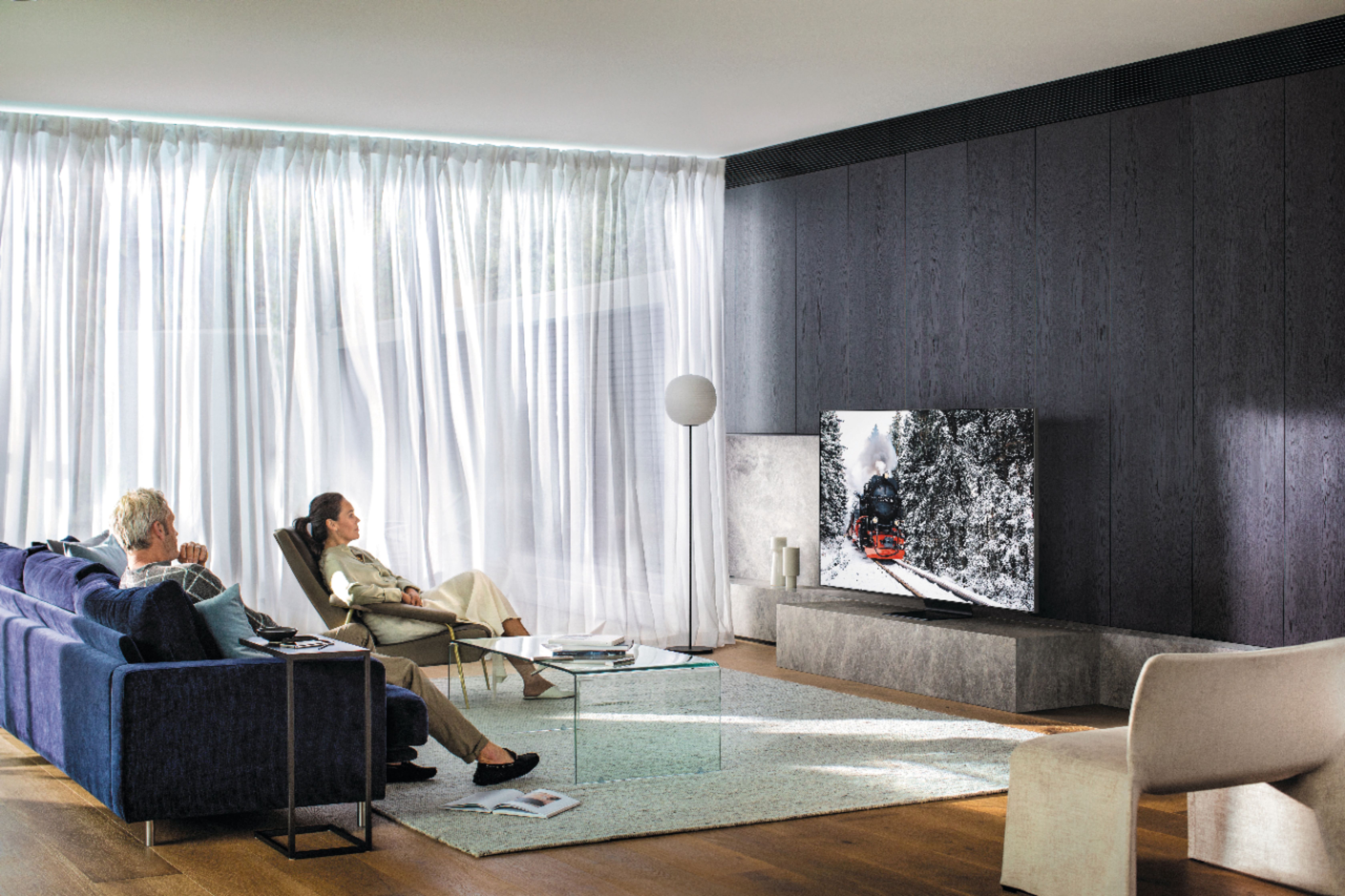
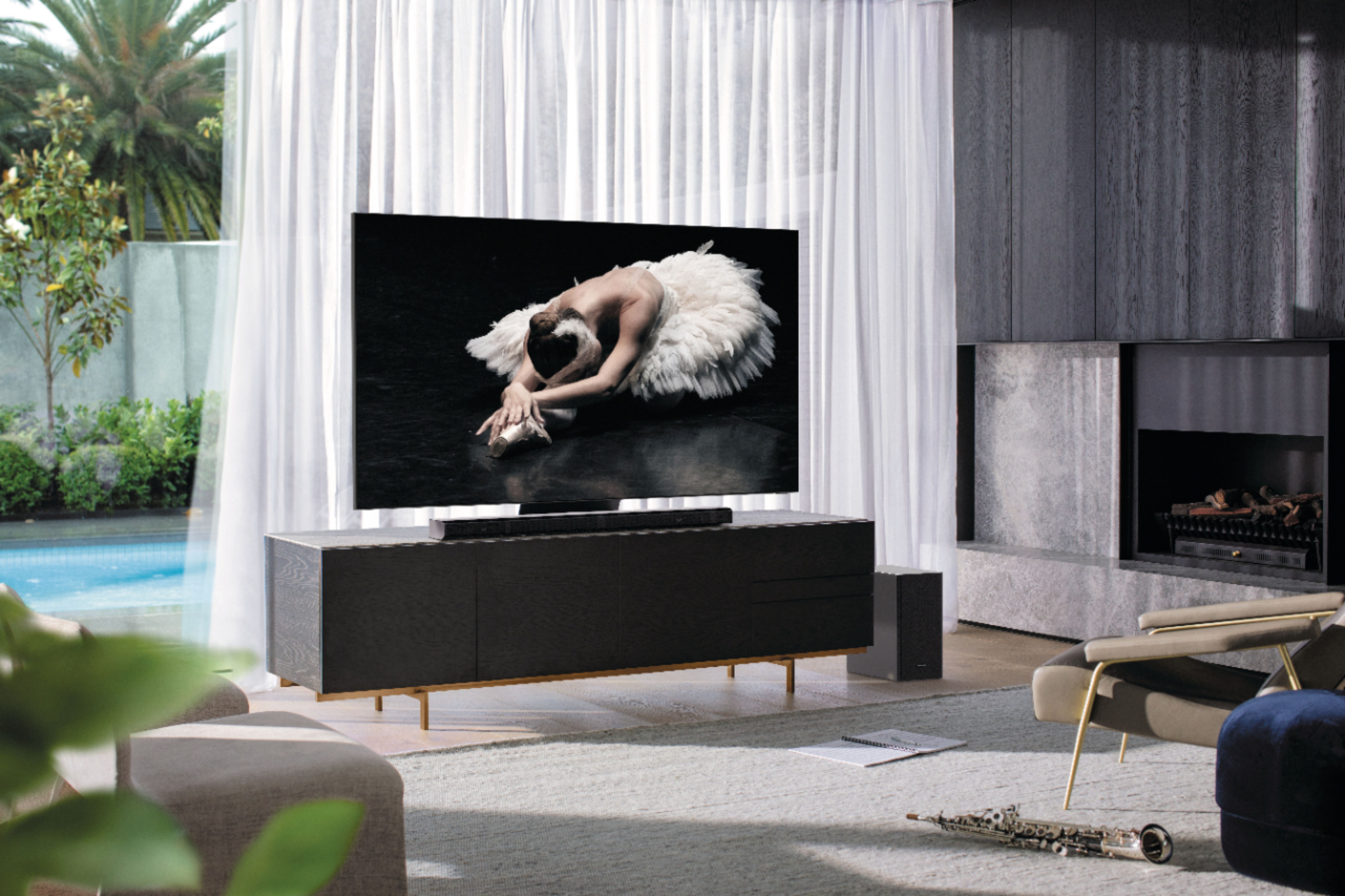
A:AnswerThe view and clearity are amazing. I have my sofa and love seat located on both sides in the living room, and have no problem watching the TV from both sides. Hopefully this is helpfull.
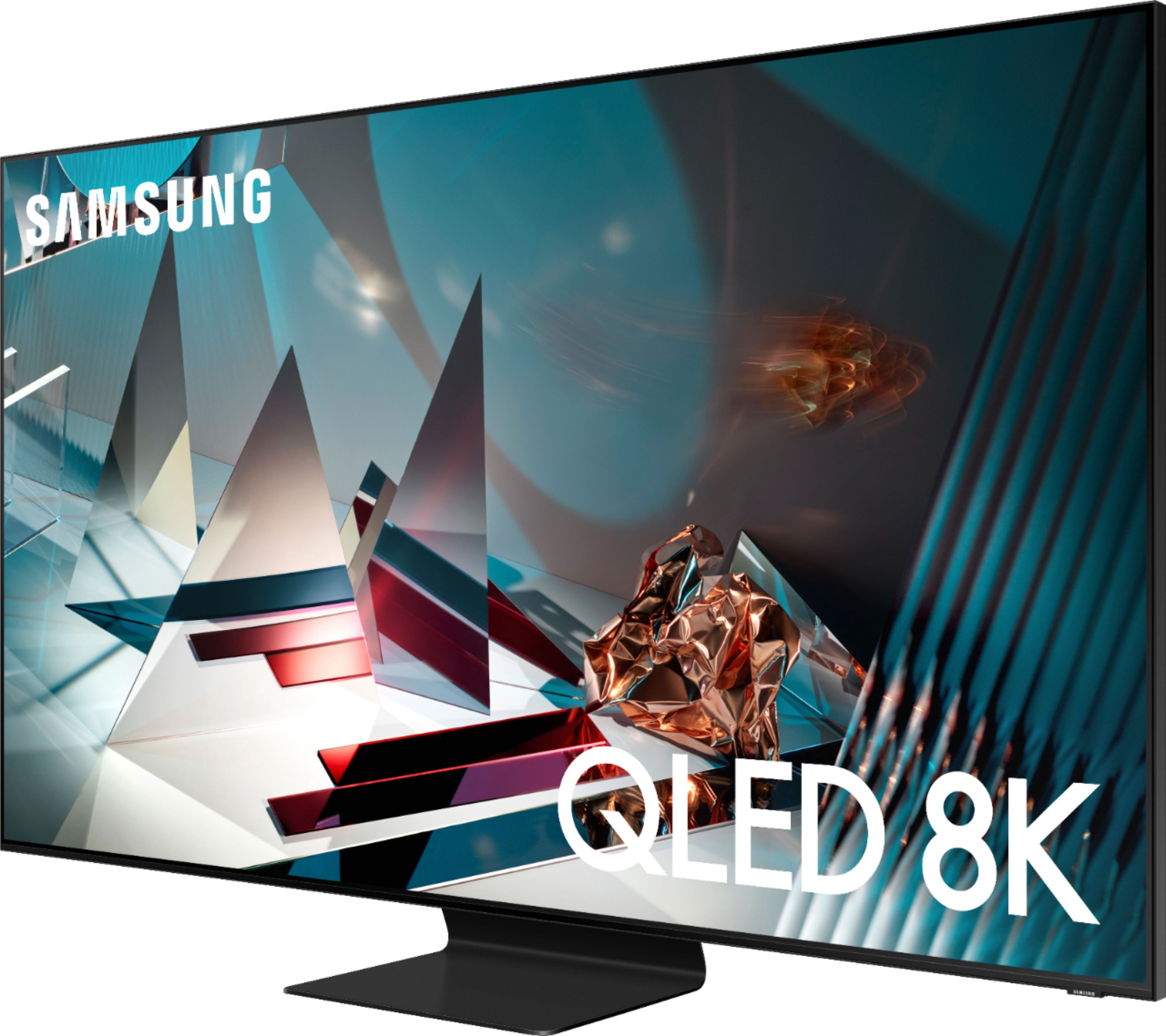
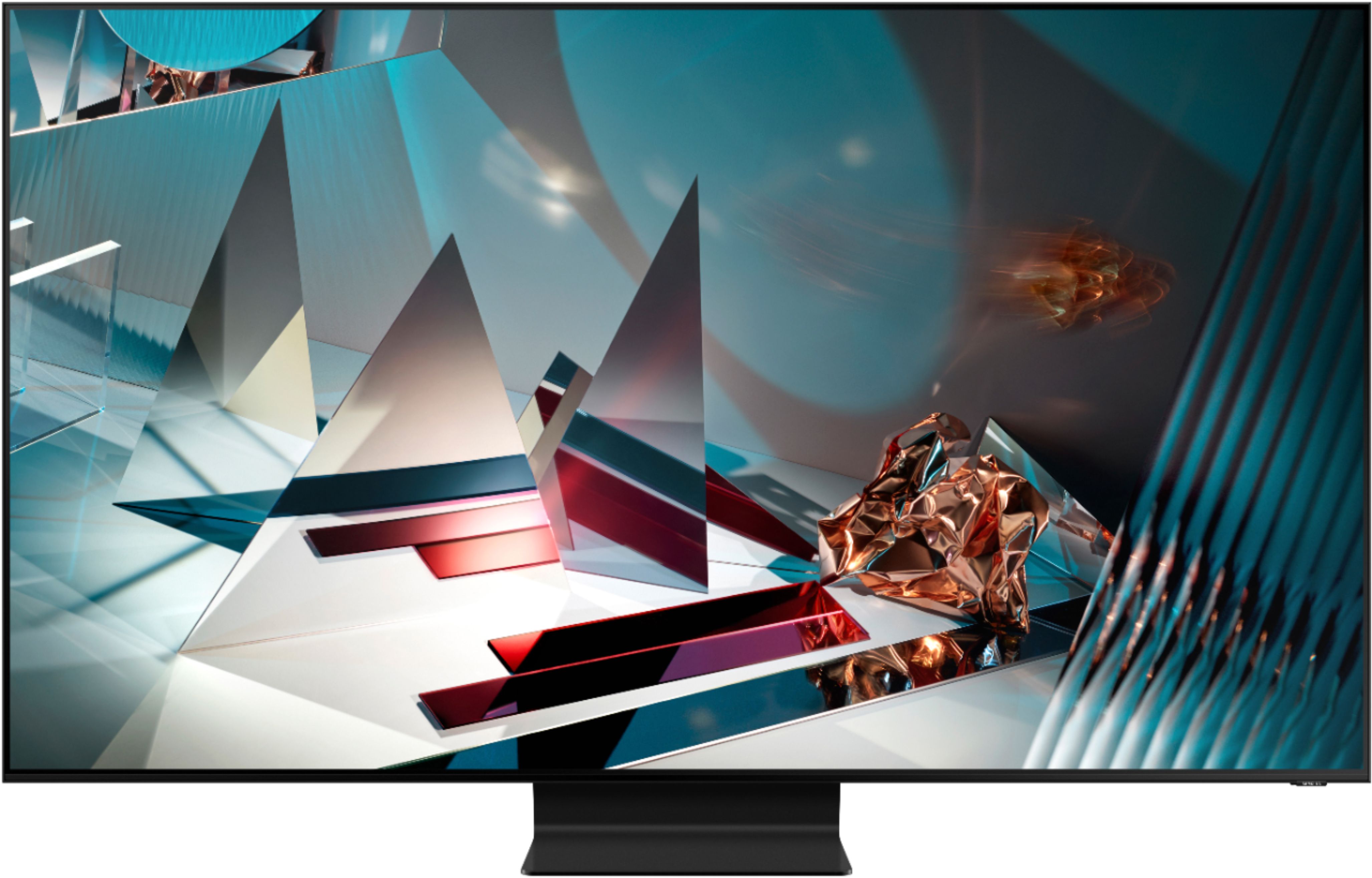
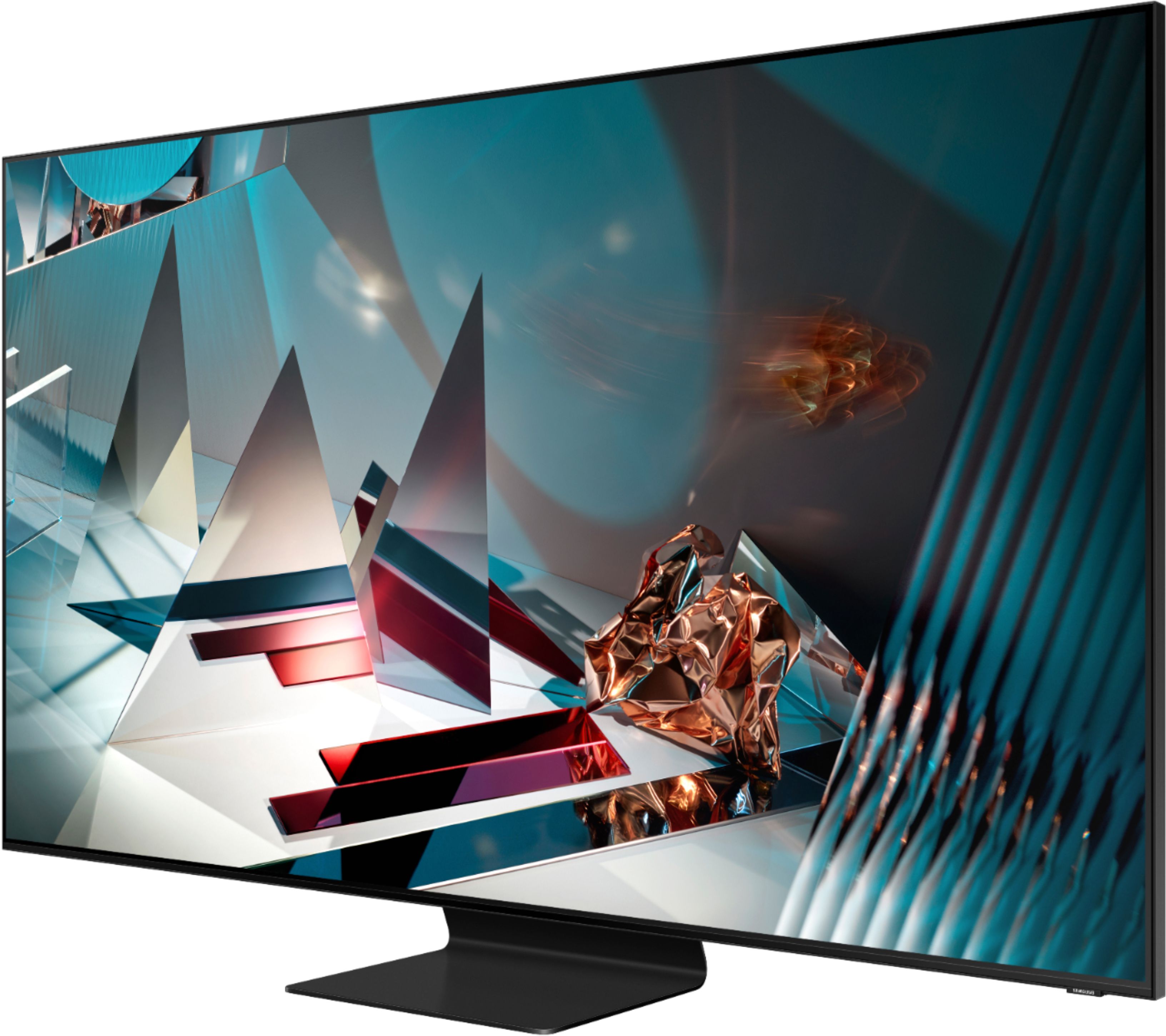
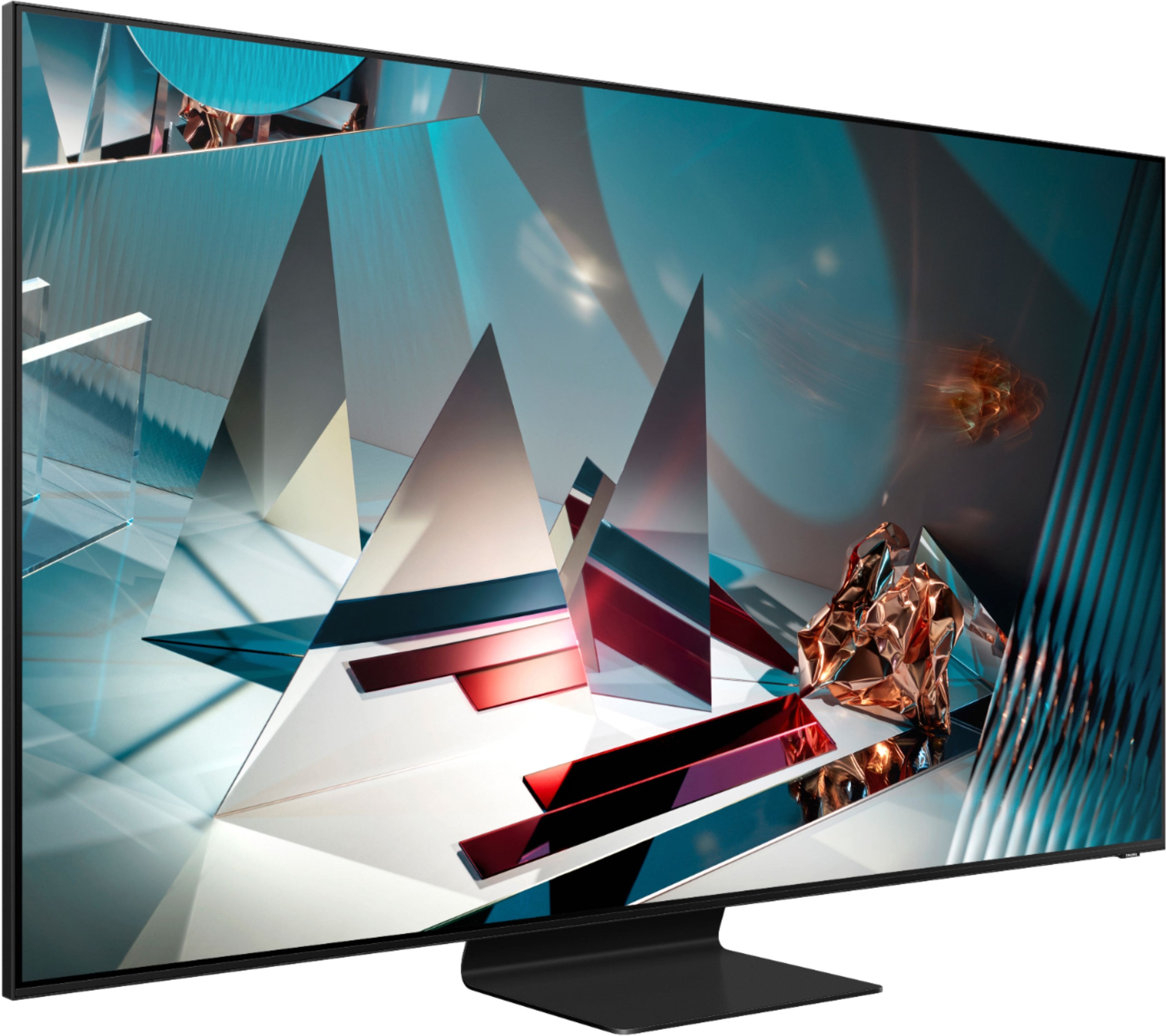
A:AnswerHi sakmlf, without the stand, the dimensions of the 65" Q800T are 57 x 32.7 x 1 (Inches WxHxD). With the stand, the dimensions are 57 x 36.3 x 11.2 (Inches WxHxD). There is about a 3.6 inch clearance below the TV with the stand. The stand is 13.4 inches wide. ^Val
A:AnswerHello,
No, Zoom and webcam use are not supported at this time. In the meantime, you could set your laptop or phone up near the TV and mirror the screen wirelessly. ^Cristian
A:AnswerHello,
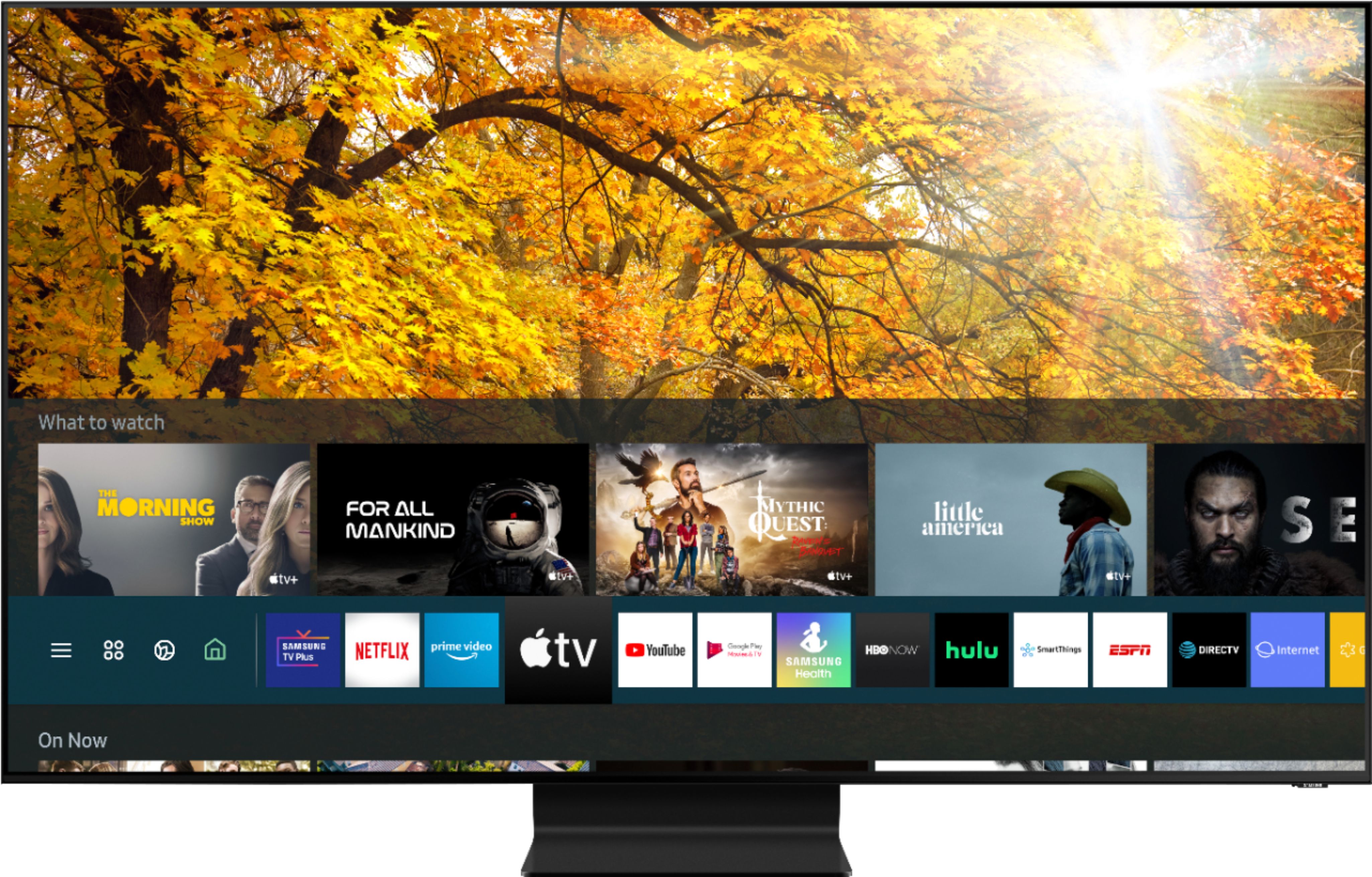
Yes, the 65Q800T has Multi-View and Mobile View. Easily send smartphone content to your TV to simultaneously display live and casted content, share photos or visualize music. ^Cristian
A:AnswerHello,
Navigate to Settings, select Picture, and then select Expert Settings. Change your desired settings. Here are a few options for customization:
Backlight: Allows you to adjust how much light the screen produces. You may want to turn this up if your room is particularly bright, and turn it down if your room is dark.
Brightness: Changes the brightness of the screen.
Contrast: Allows you to adjust the contrast, or dark and light elements of the display.
Sharpness: Allows you to adjust how sharp your picture will appear.
Color: Intensifies the saturation of colors on your screen.
Tint (G/R): Allows you to change the picture hue between green and red.
Digital Clean View: Reduces picture noise and distractions such as flickering.
^Cristian
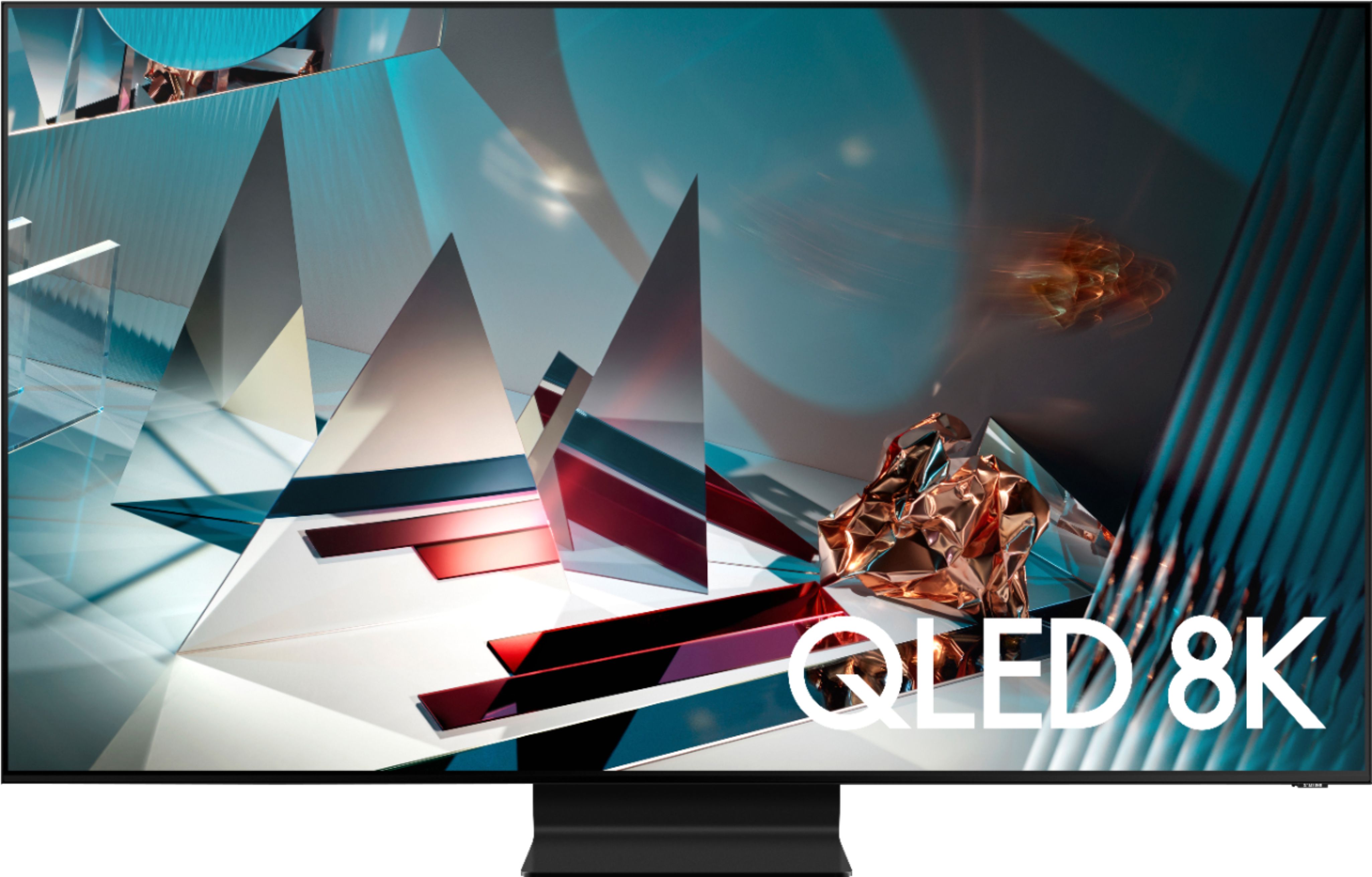
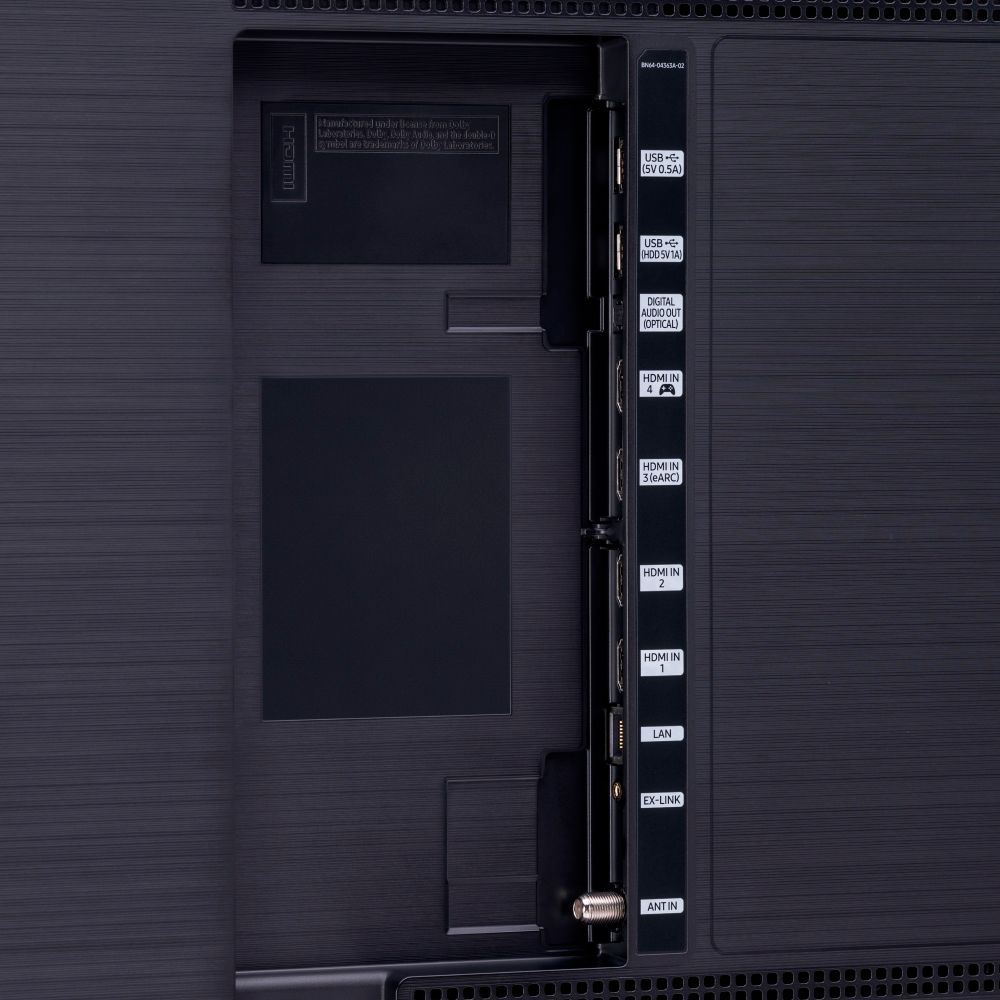
A:AnswerHello, that box was removed for this model, I think it is not supported. The 800T TV has more technological features than that box. About the LAN connection, if you can connect the direct cable for a faster connection. This TV has the HDMI 2.1 port perfect for PS5 and Xbox Series X / S consoles. This TV is amazing. Cheers


A:AnswerHi Bayhawk! I'm sorry to see you're having trouble with audio syncing on your devices.
So that we can better troubleshoot towards a solution, please reach out to Samsung Support at:
― Phone: 1-800-SAMSUNG / Available 8AM - 12AM EST, 7 days a week
― LiveChat or Email: https://www.samsung.com/us/support/#contact_us_for_support
We look forward to hearing from you. ^Gina
A:AnswerHi there, I’m sorry to see that you are having difficulties with audio.
So that we can better troubleshoot towards a solution, please reach out to Samsung Support at:
― Phone: 1-800-SAMSUNG / Available 8AM - 12AM EST, 7 days a week
― LiveChat or Email: https://www.samsung.com/us/support/#contact_us_for_support
We look forward to hearing from you. ^Gina