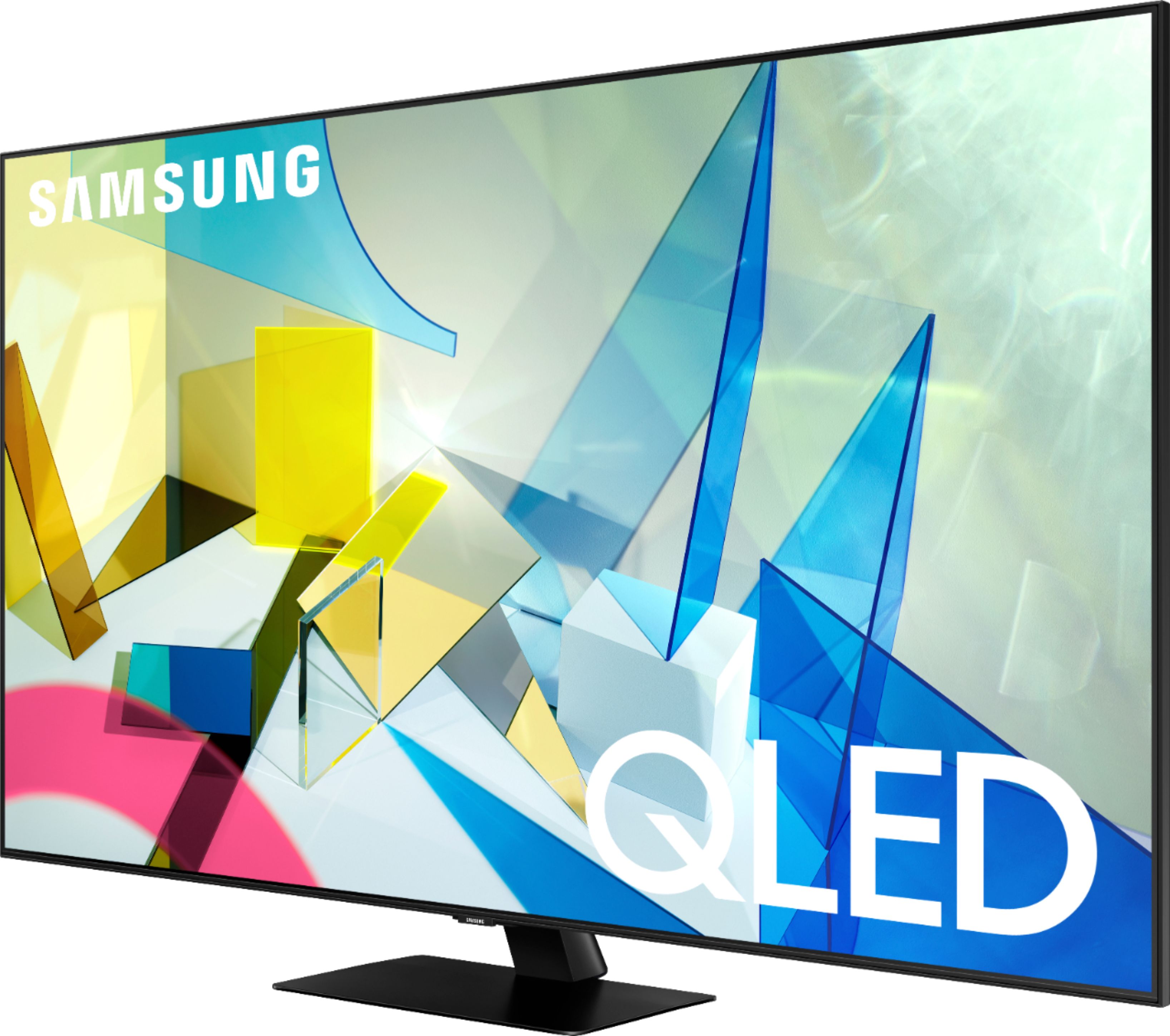
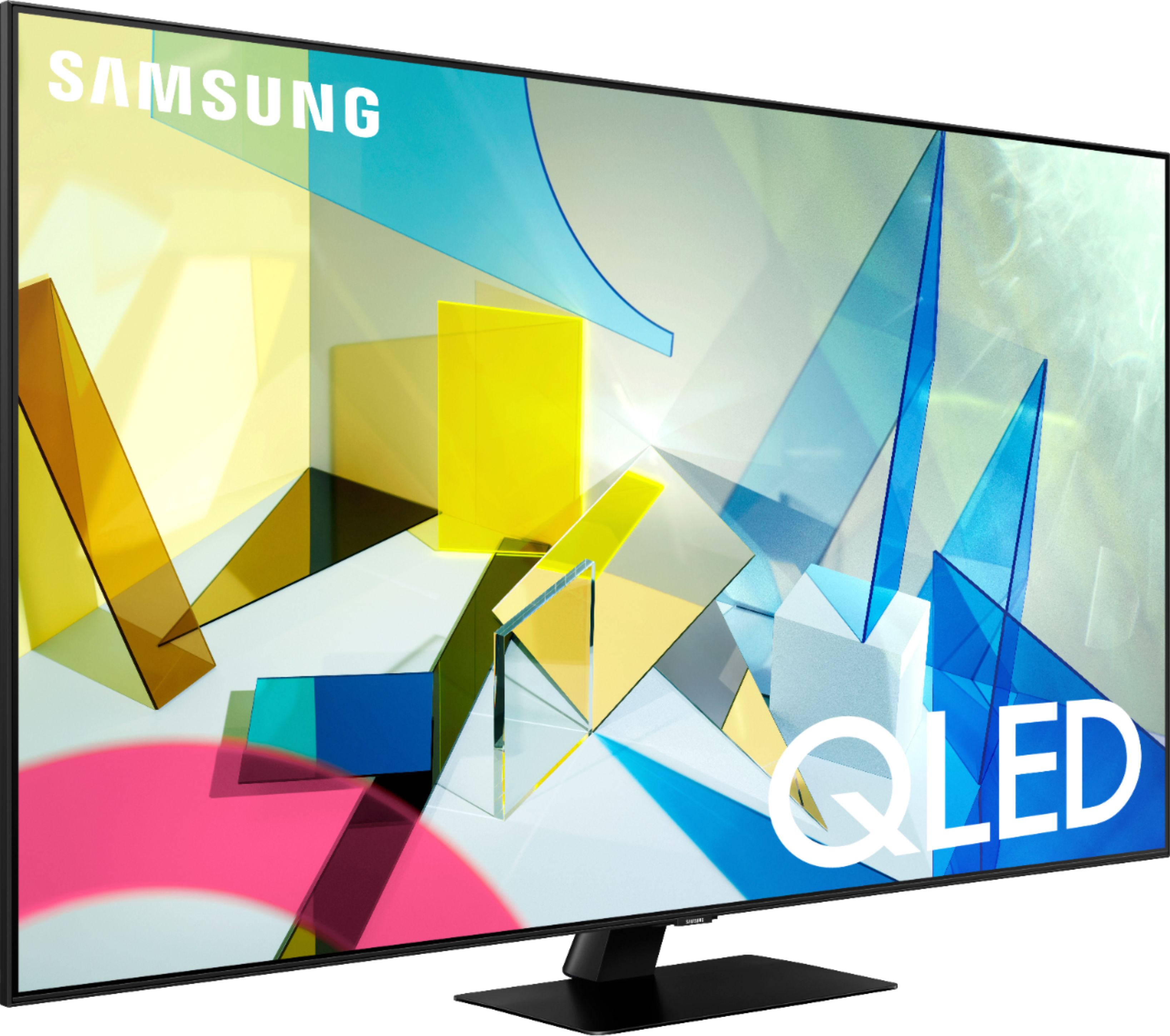
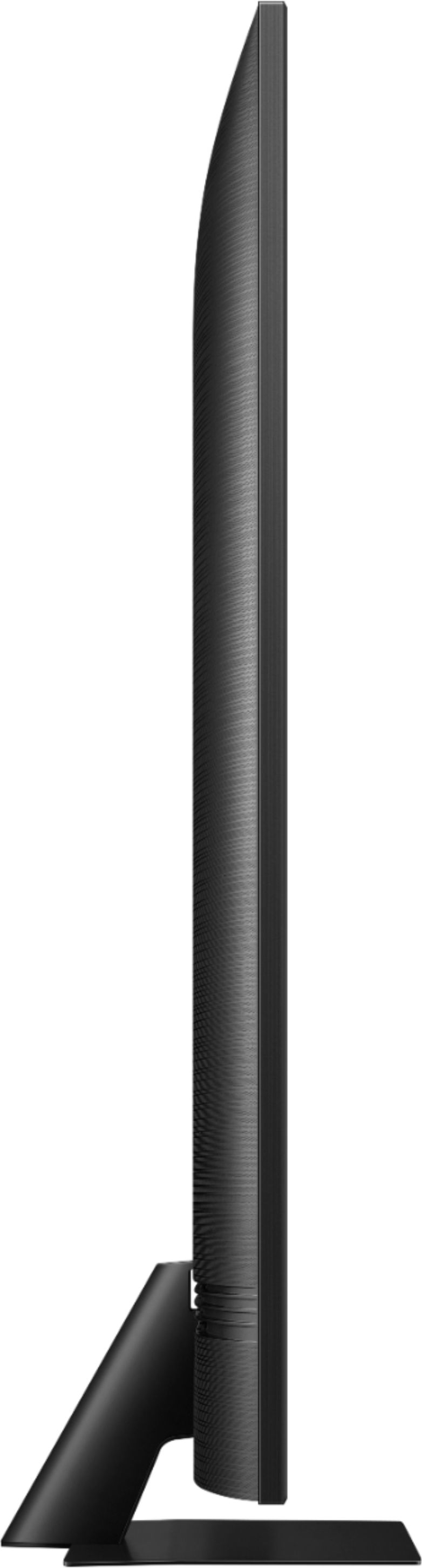
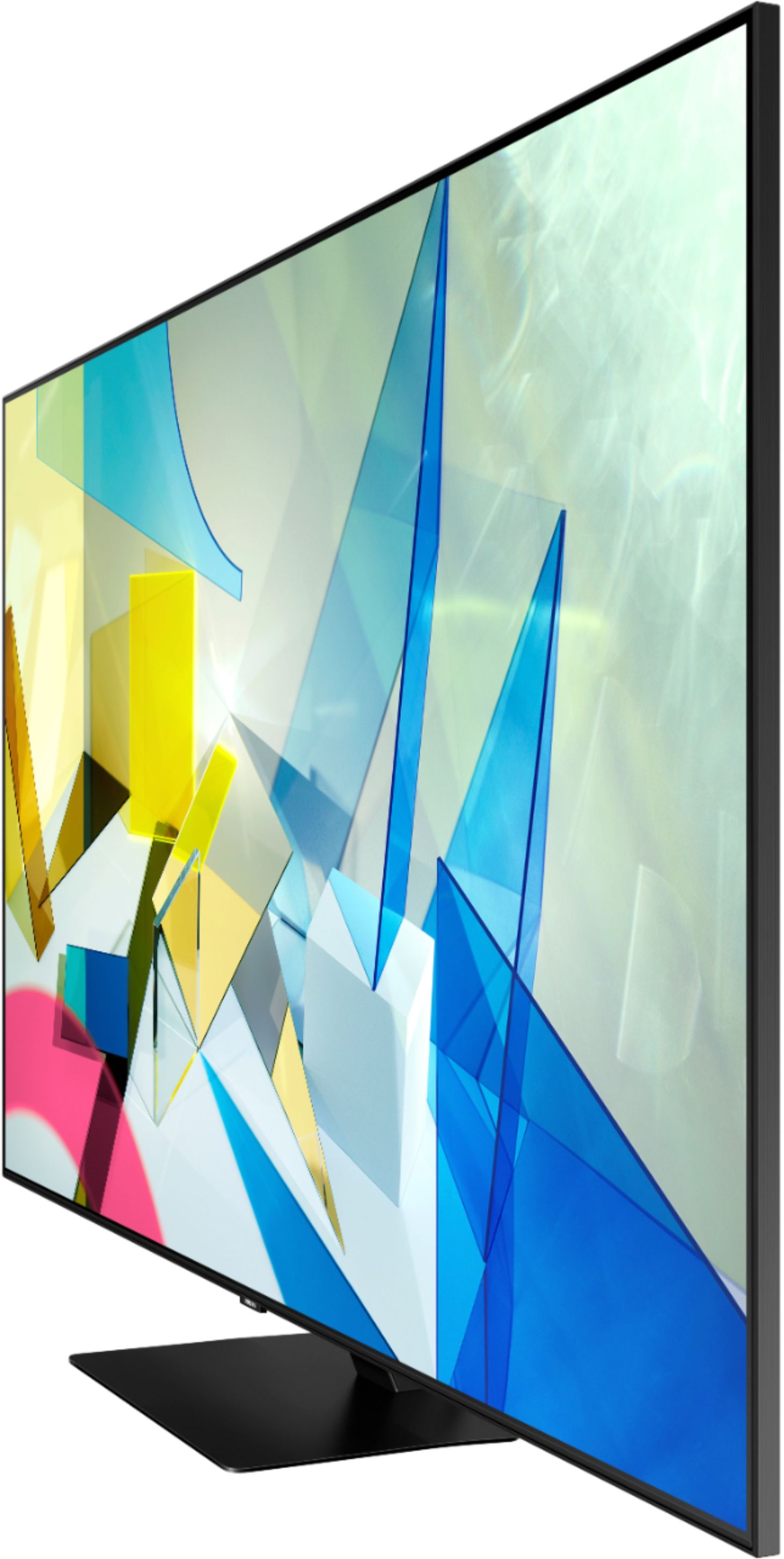
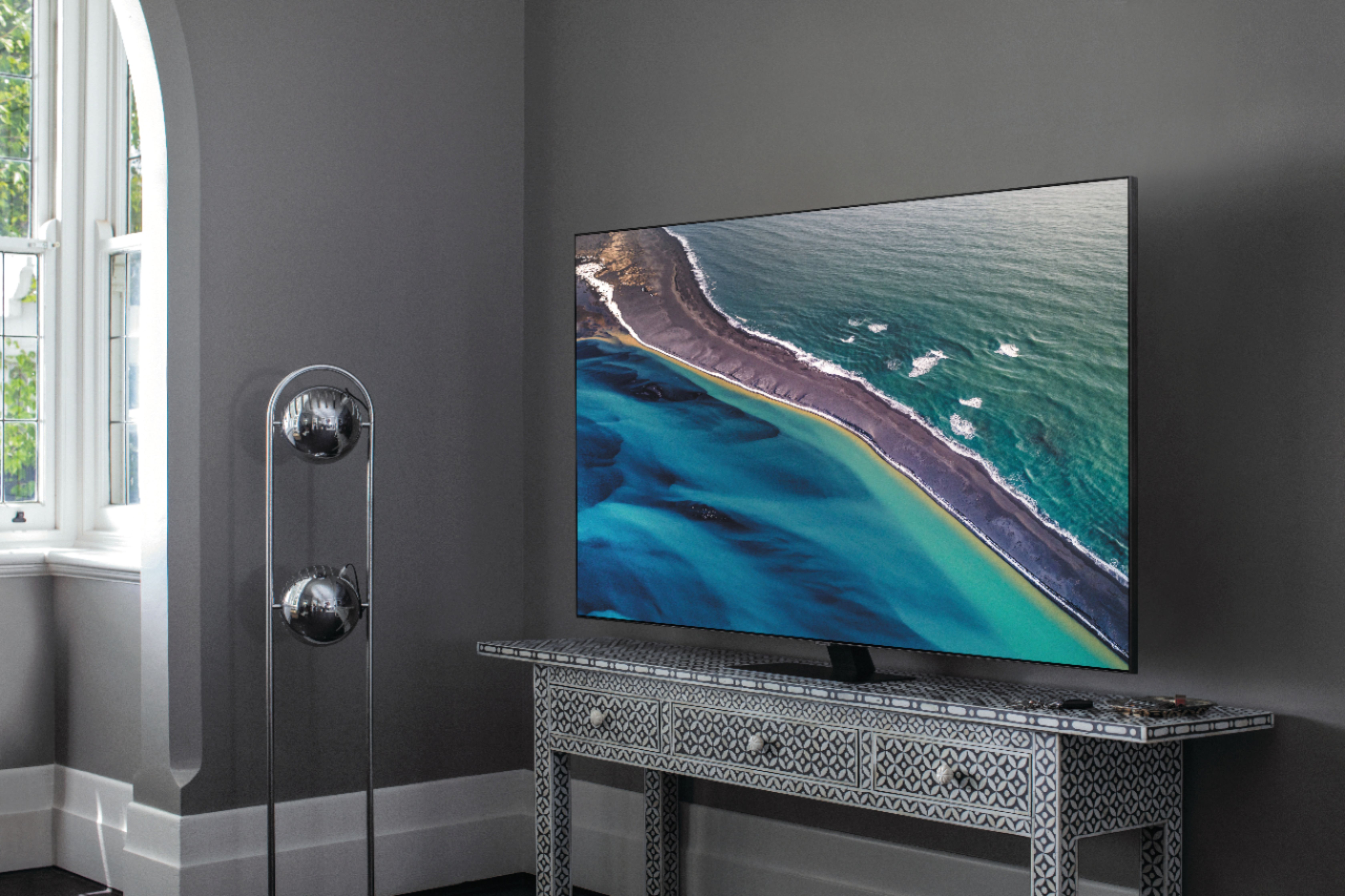
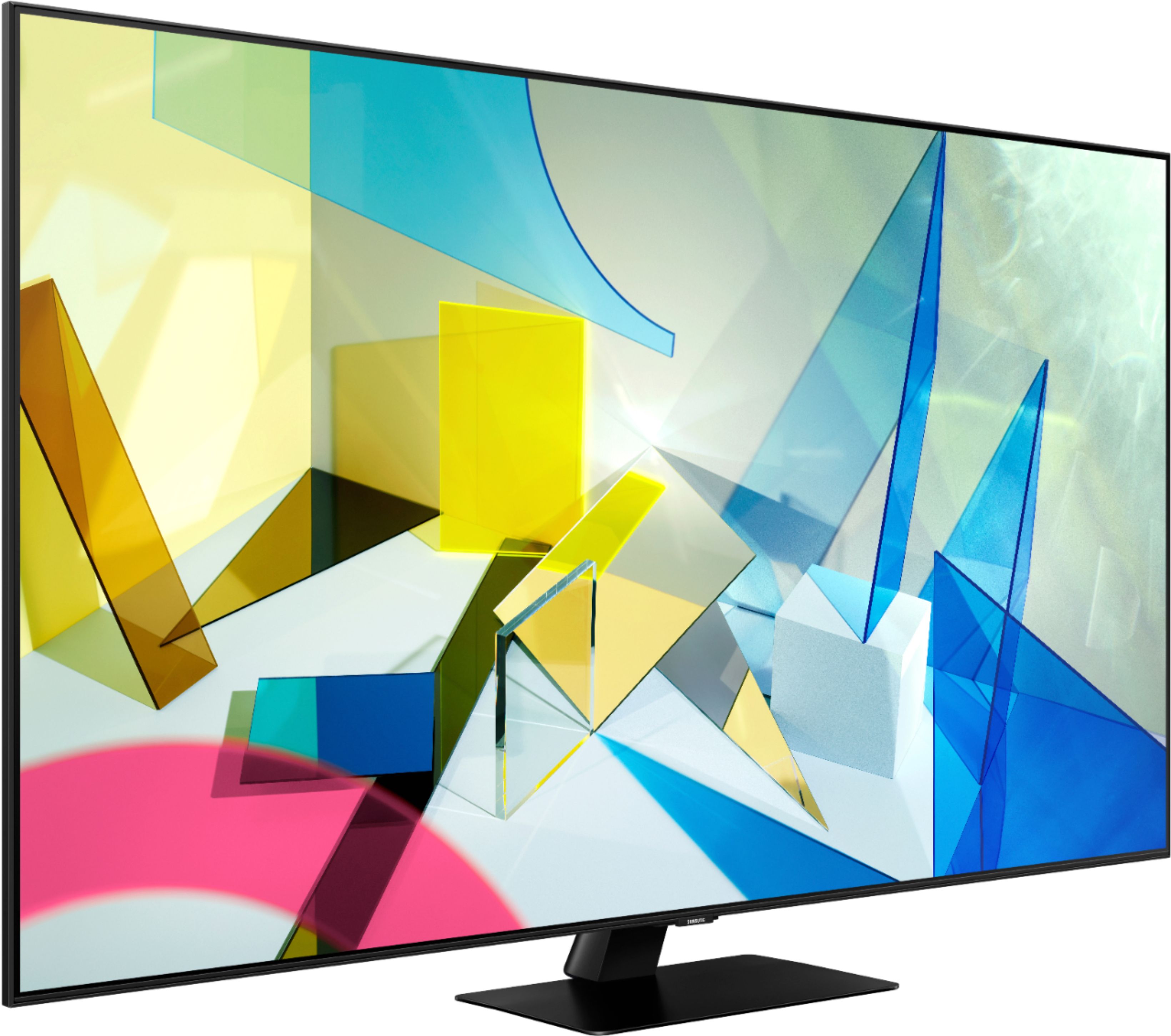
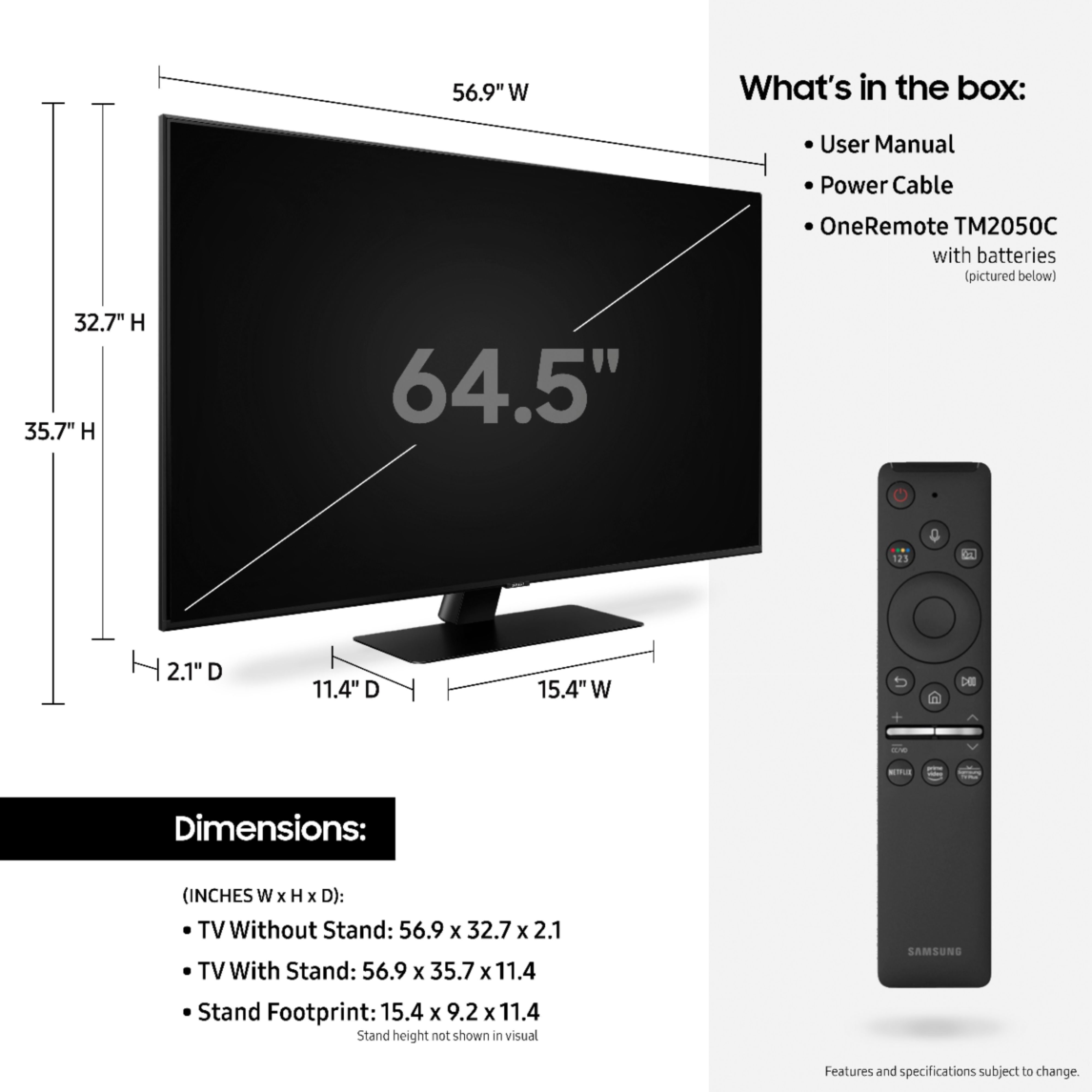
A:AnswerPaul, the 65Q80T TV stand does not swivel. You may utilize a universal center stand with swivel capability such as this one at Best Buy: https://www.bestbuy.com/site/kanto-tabletop-tv-stand-for-most-flat-panel-tvs-up-to-65-black/6114307.p?skuId=6114307 ^Gina
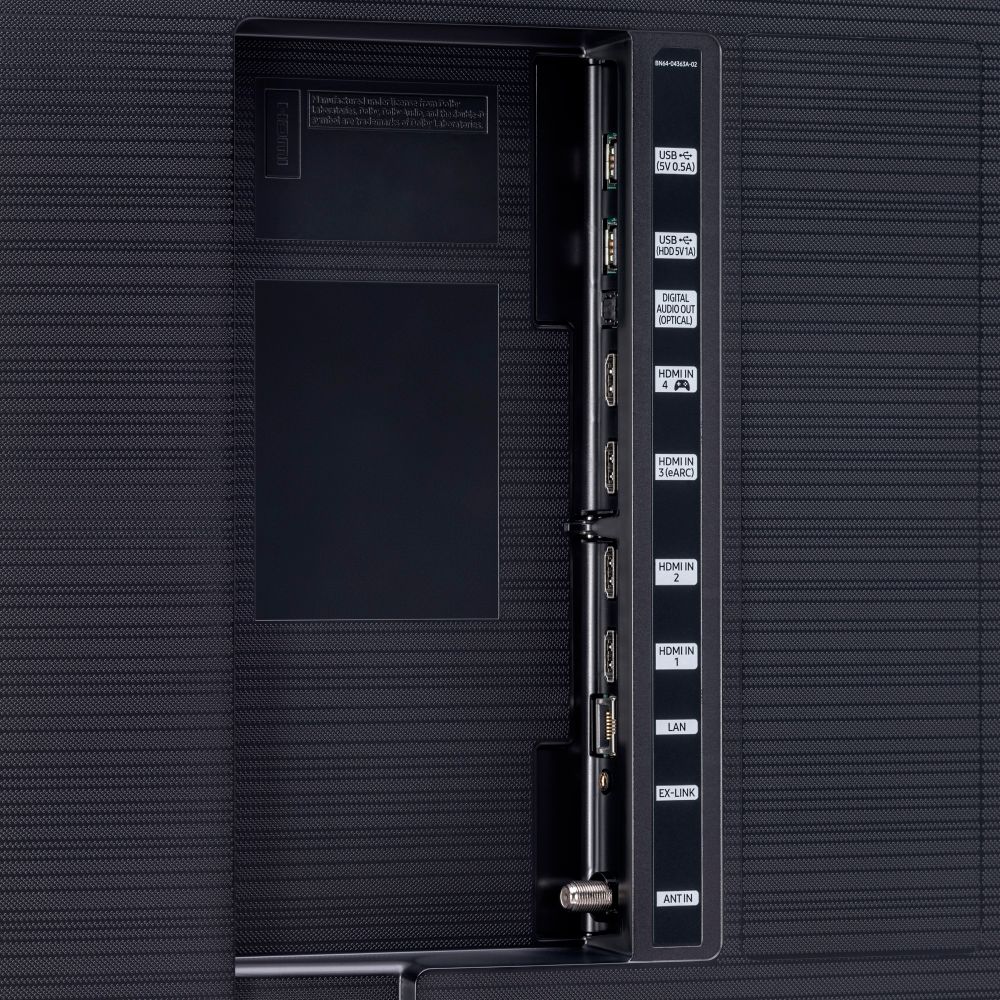
A:AnswerSorry, but if port 3 isn't 2.1, then it isn't true eArc capable. HDMI 2.0 is 18 Gbps bandwidth, while 2.1 is 48 Gbps. For example, with Dolby Atmos, no fully uncompressed audio?
A:AnswerI havent tried but it does have a usb port on the back. so maybe if you have a bluetooth headset through usb and then choose the appropriate sound output it may work
A:AnswerNormal 120 Volt 60 Cyle Alternating Current (AC) is driven by your power company. Voltage and frequency VARY slightly, especially voltage which can go down below 100 in rural areas with heavy power draw. Frequency can vary by 1% - 2%. It is very possible the internal TV frequency clock gate keys on the power company AC frequency.
If that frequency varied by just 1% (59 Hertz) the TV could gate at 118 hertz. 119 would mean the power company is at 59.5 Hertz.
Likely nothing wrong with that TV.
A:AnswerYou can set the Game mode as (ON, OFF or Automatic), if it's set as automatic, the TV needs to recognize your device (Console/PC/etc) and it will turn ON the game mode ONLY when a HDR content is displayed, so, I (personally) recommend to set as On if you're playing games and don't want the TV trying to recognize the content.
Note: Don't forget to active the Anynet + (HDMI +CEC) and Input Signal Plus on Settings > External Device Manager
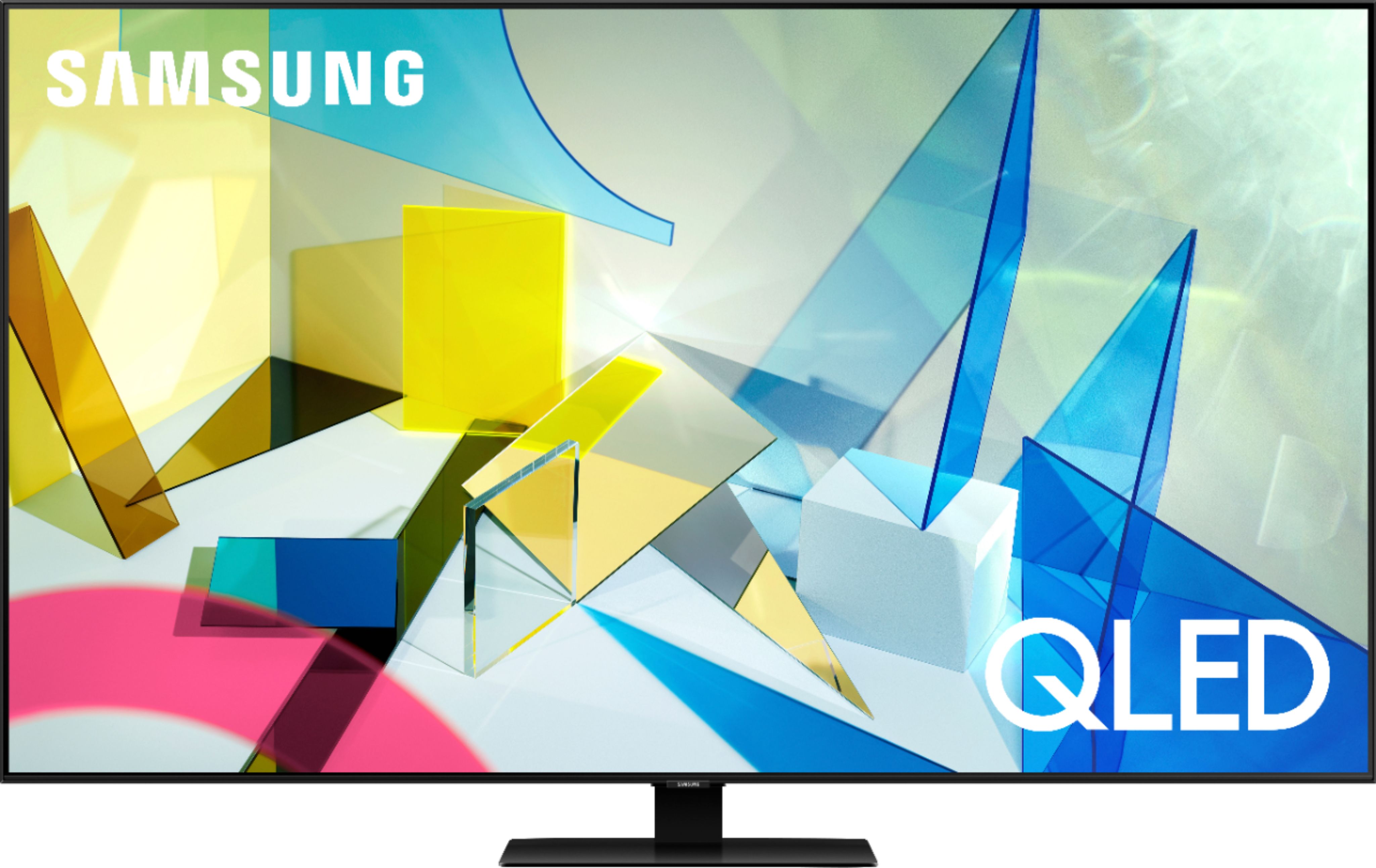
A:AnswerIf you need multiple HDMI 2.1 ports then your best bet is OLED from Sony or LG. SAMSUNG dropped the ball with only 1 HDMI 2.1 port however it is still a great tv and best bang for your buck between the 3.