A:AnswerOn this particular model you must be on the Samsung TV mode and not on a app to scan your TV channels. Go to settings click on Broadcasting click on auto channels and start your scanning.
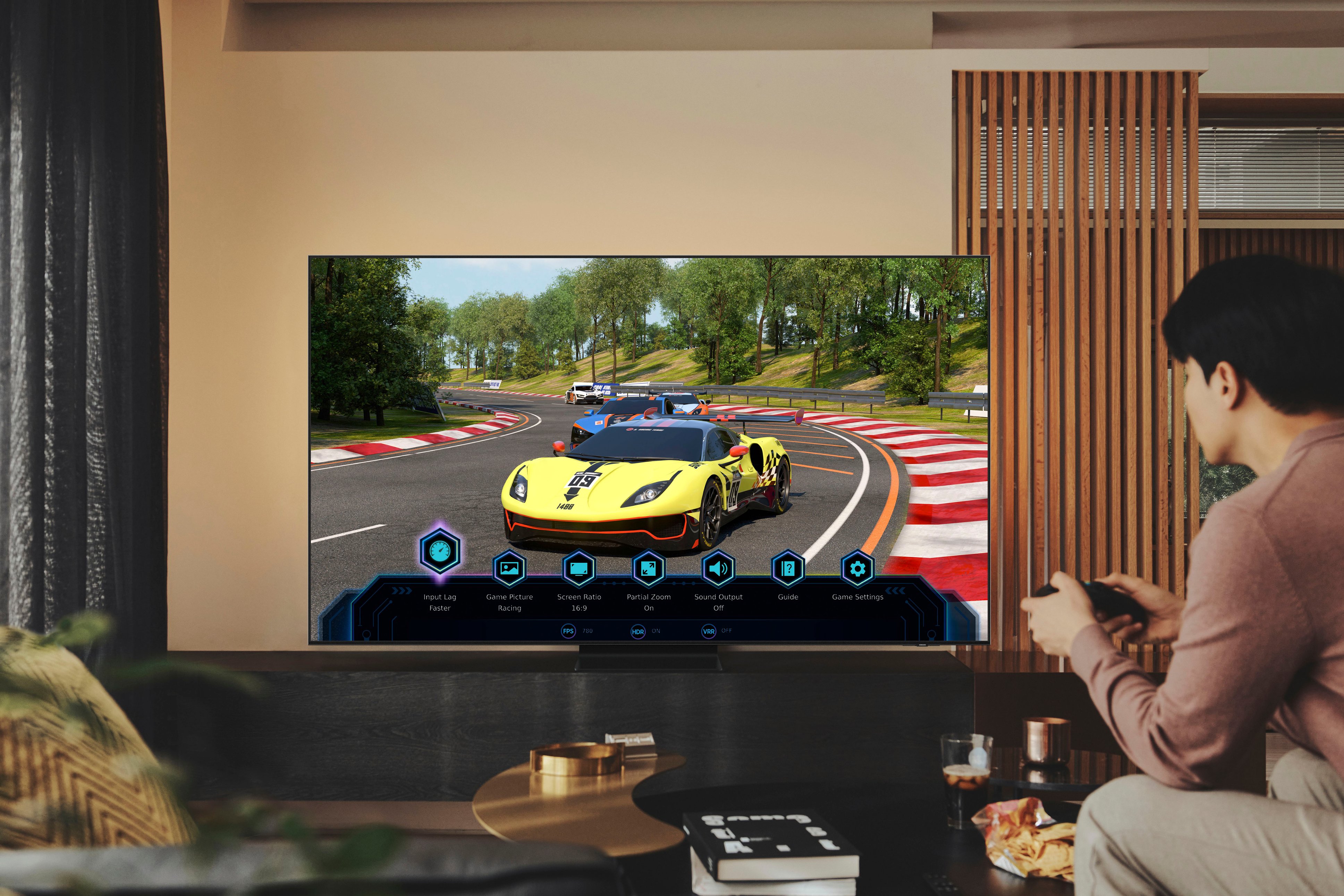
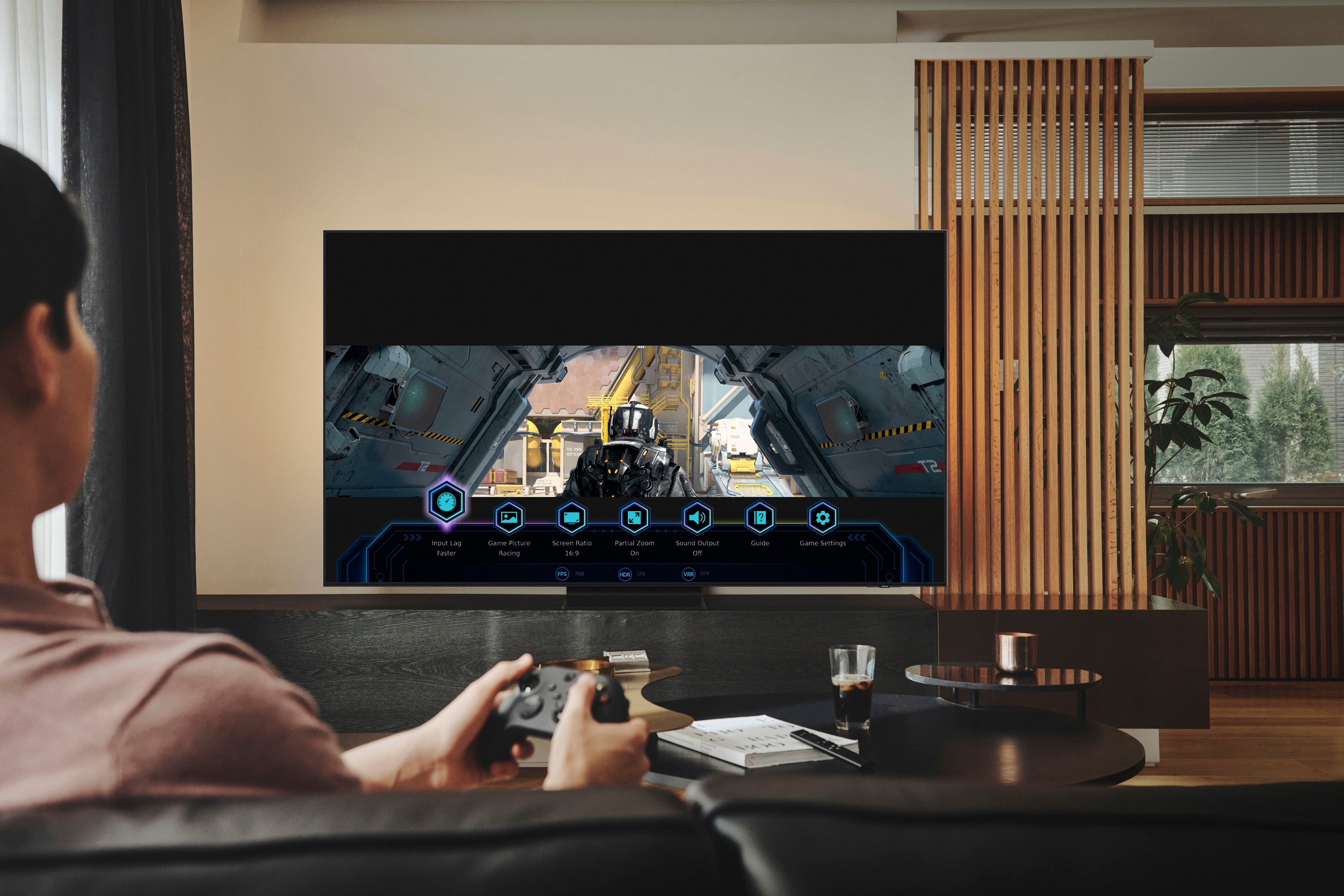
A:AnswerKWNTV - Under Picture Size Settings, you can change the size of the picture displayed on the TV screen to 16:9 Standard, Custom, or 4:3. Please keep in mind supported picture sizes differ with the input signal and content you are watching.
~ Samsung Specialist
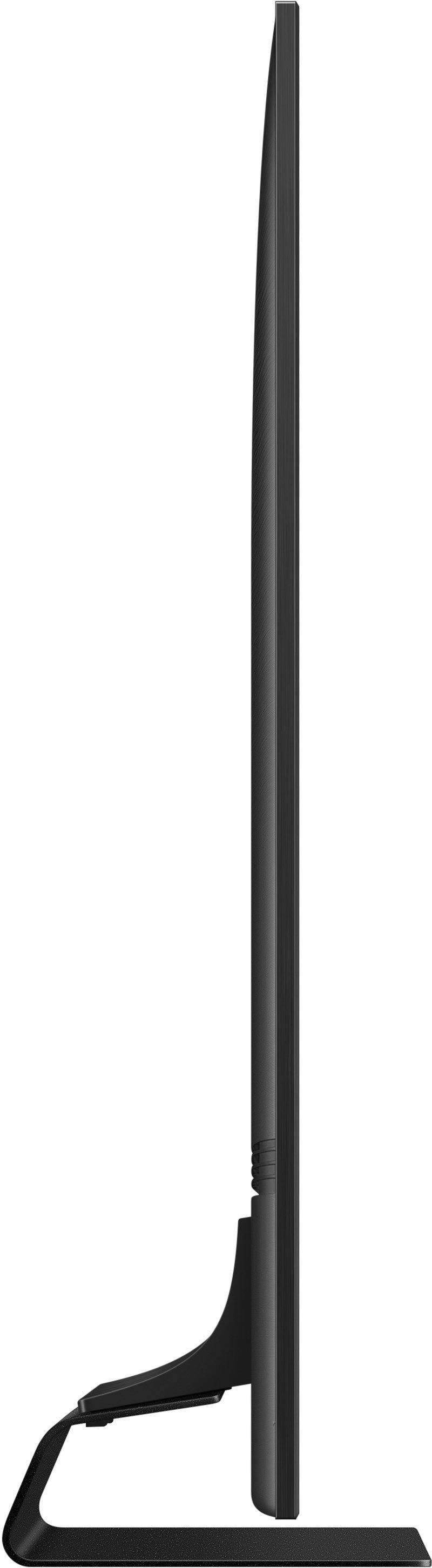
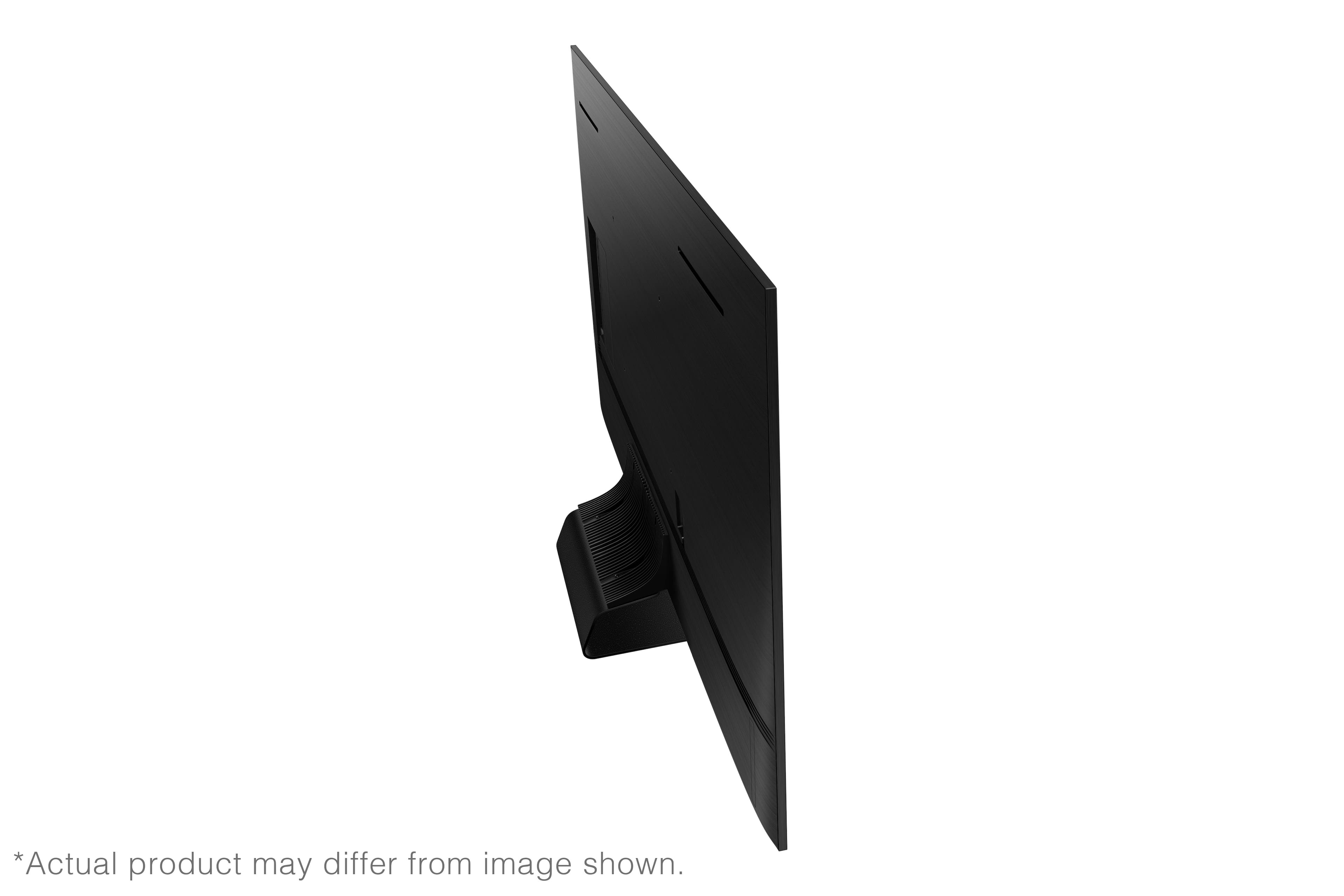
A:AnswerBobcat - On the 65" QN90B, the distance from the top mounting holes to the top of the TV is 8.4". The distance from the bottom holes to the bottom of the TV is 12.4".
~ Samsung Specialist