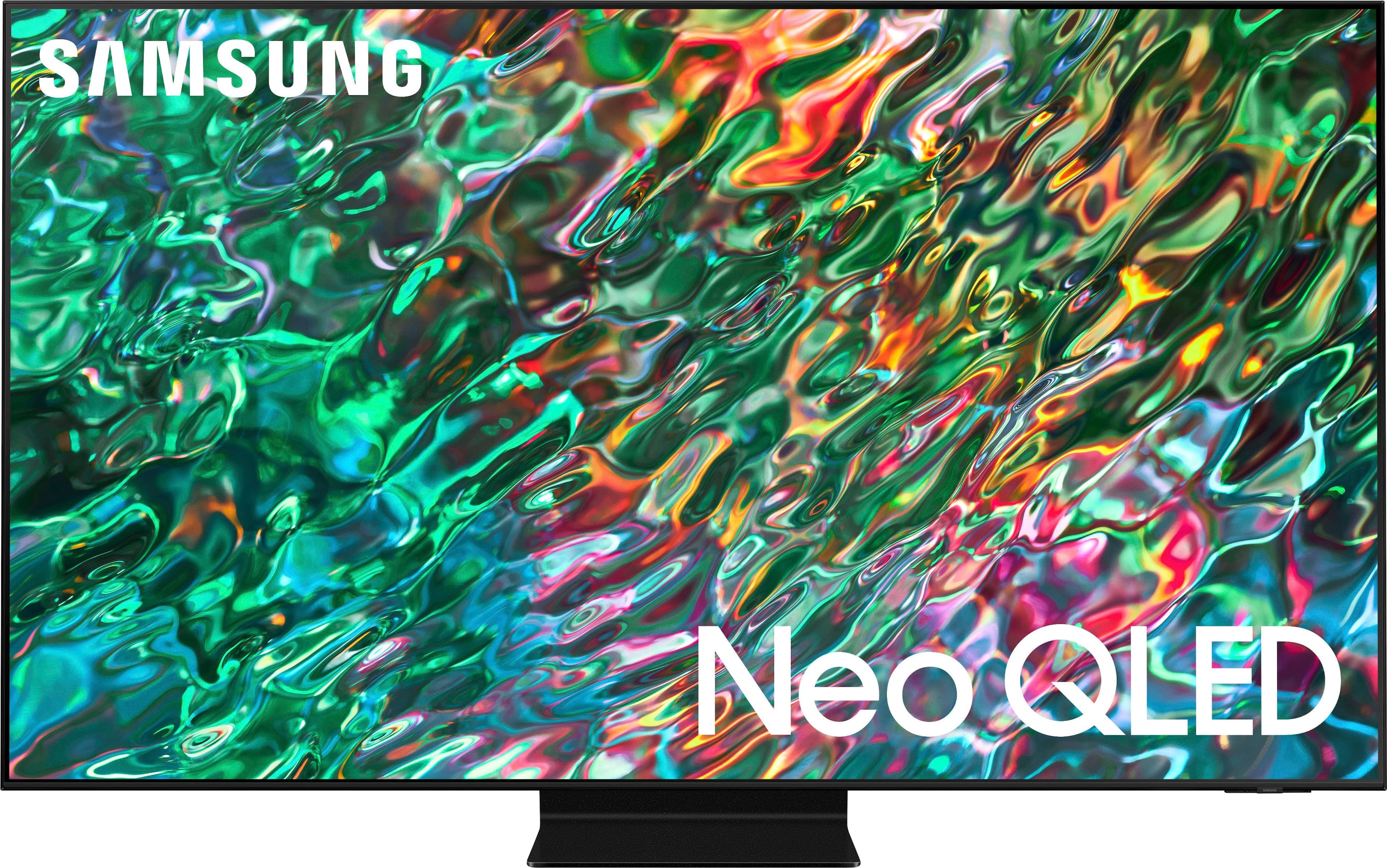
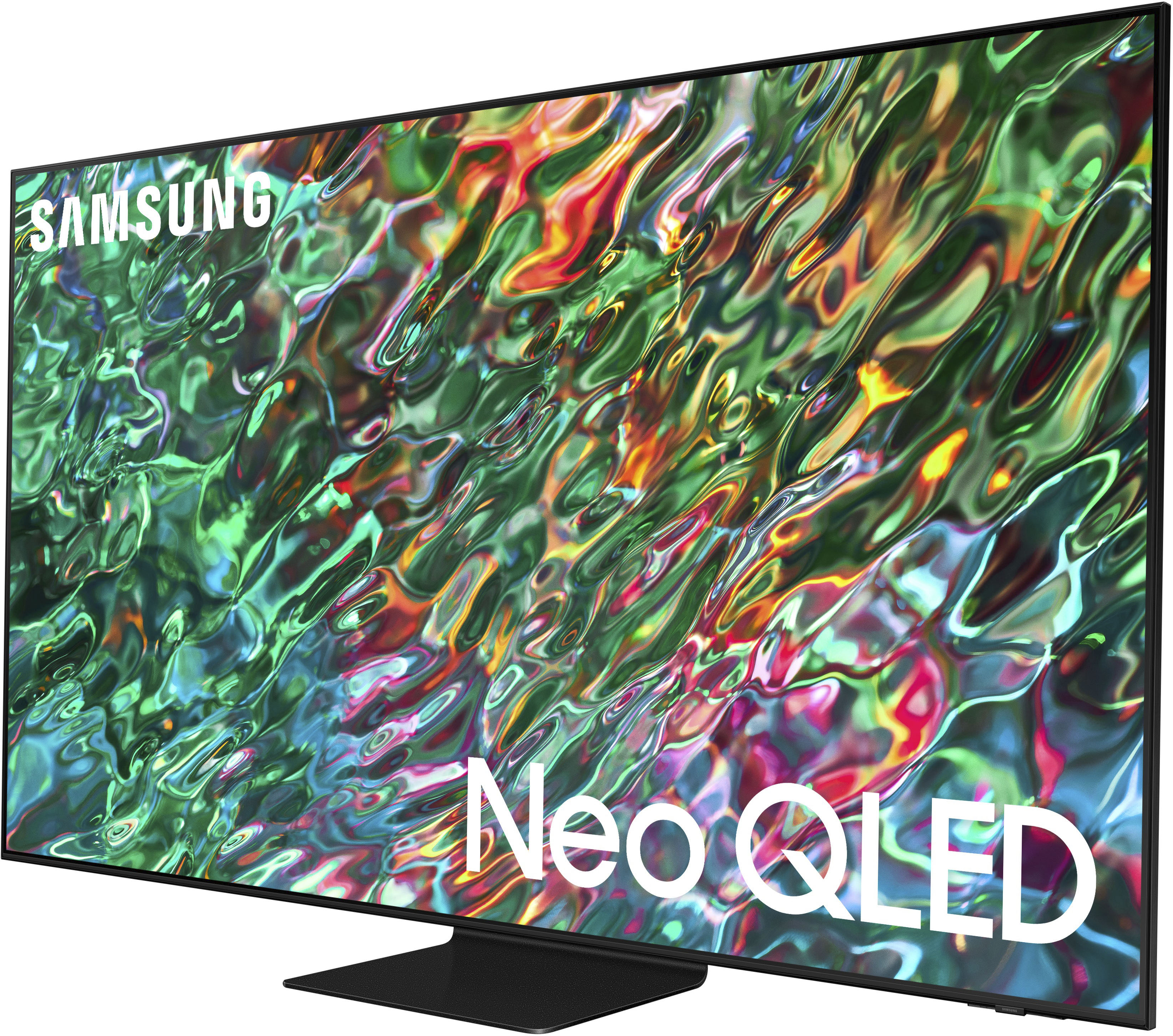
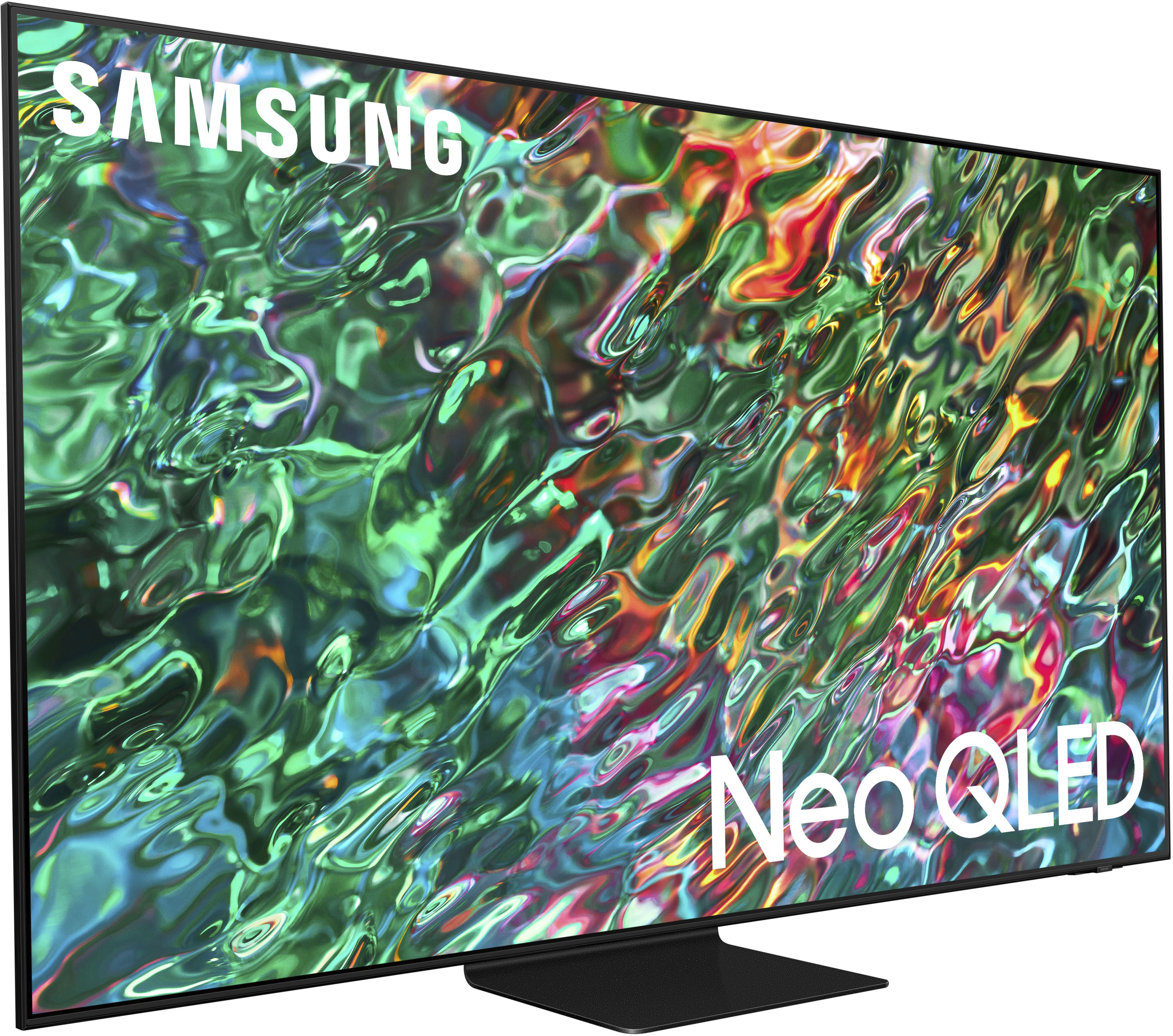
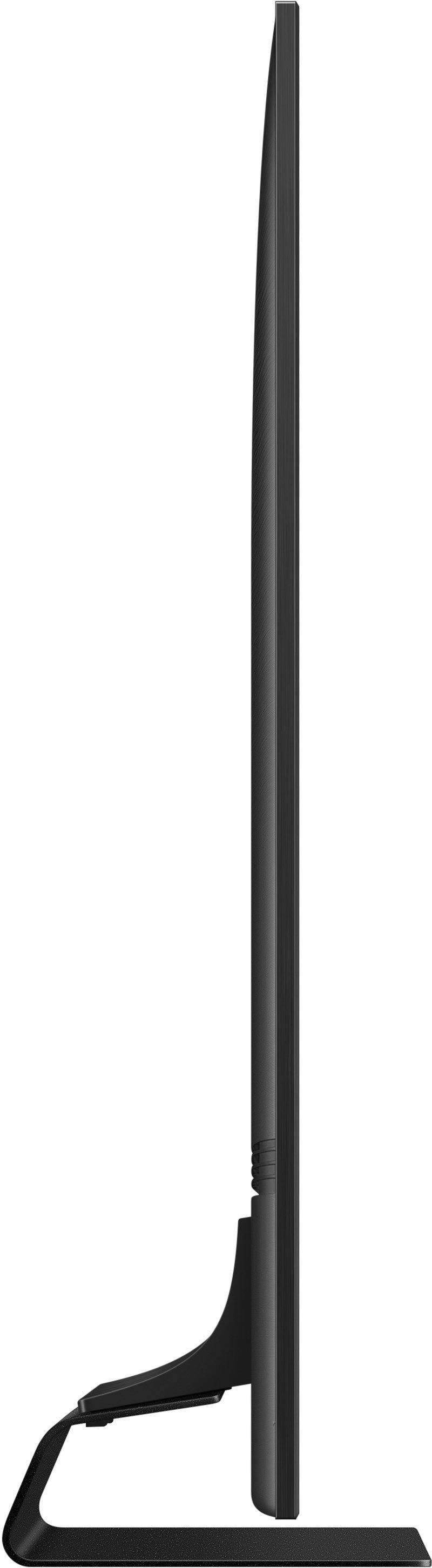
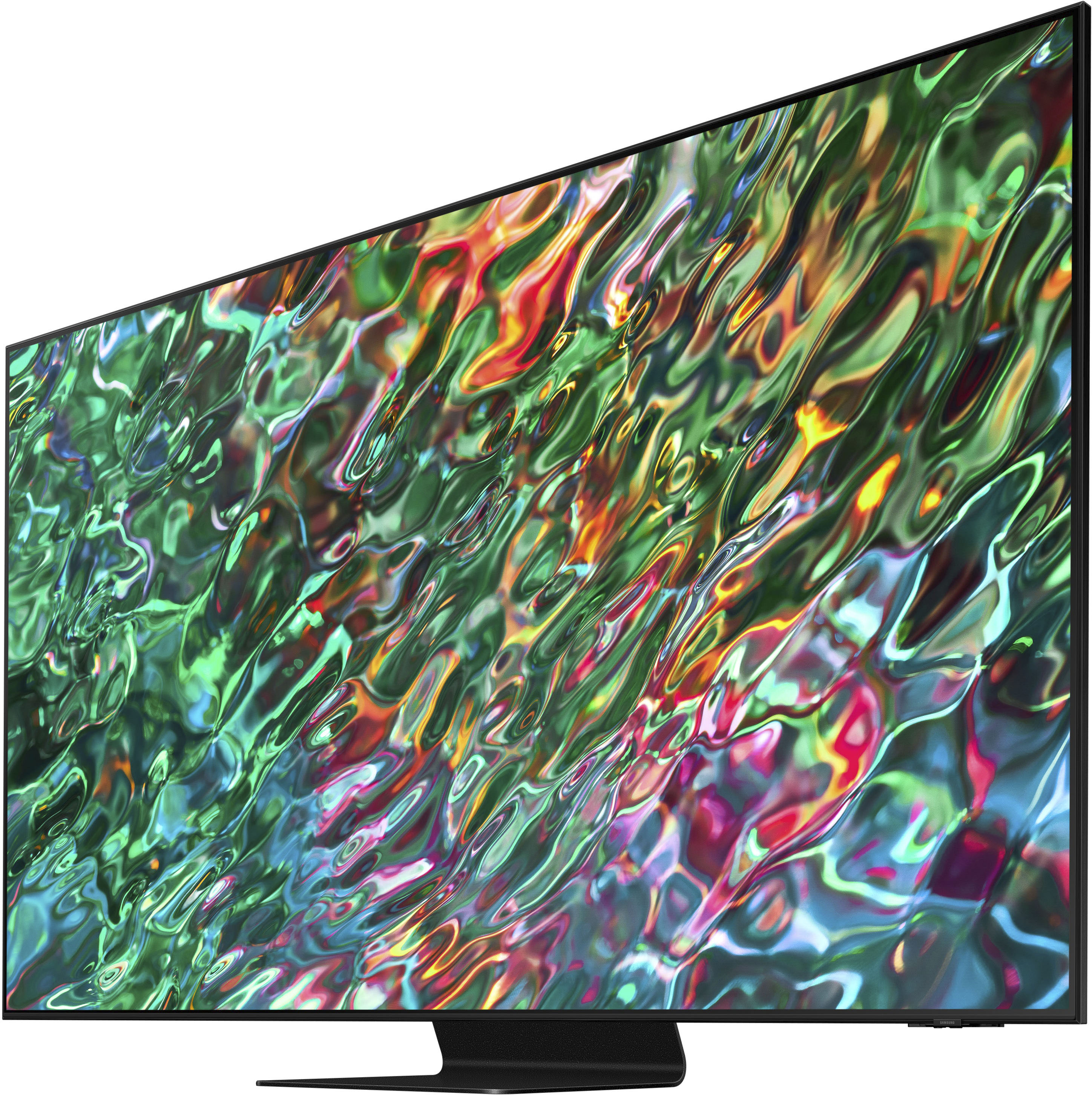
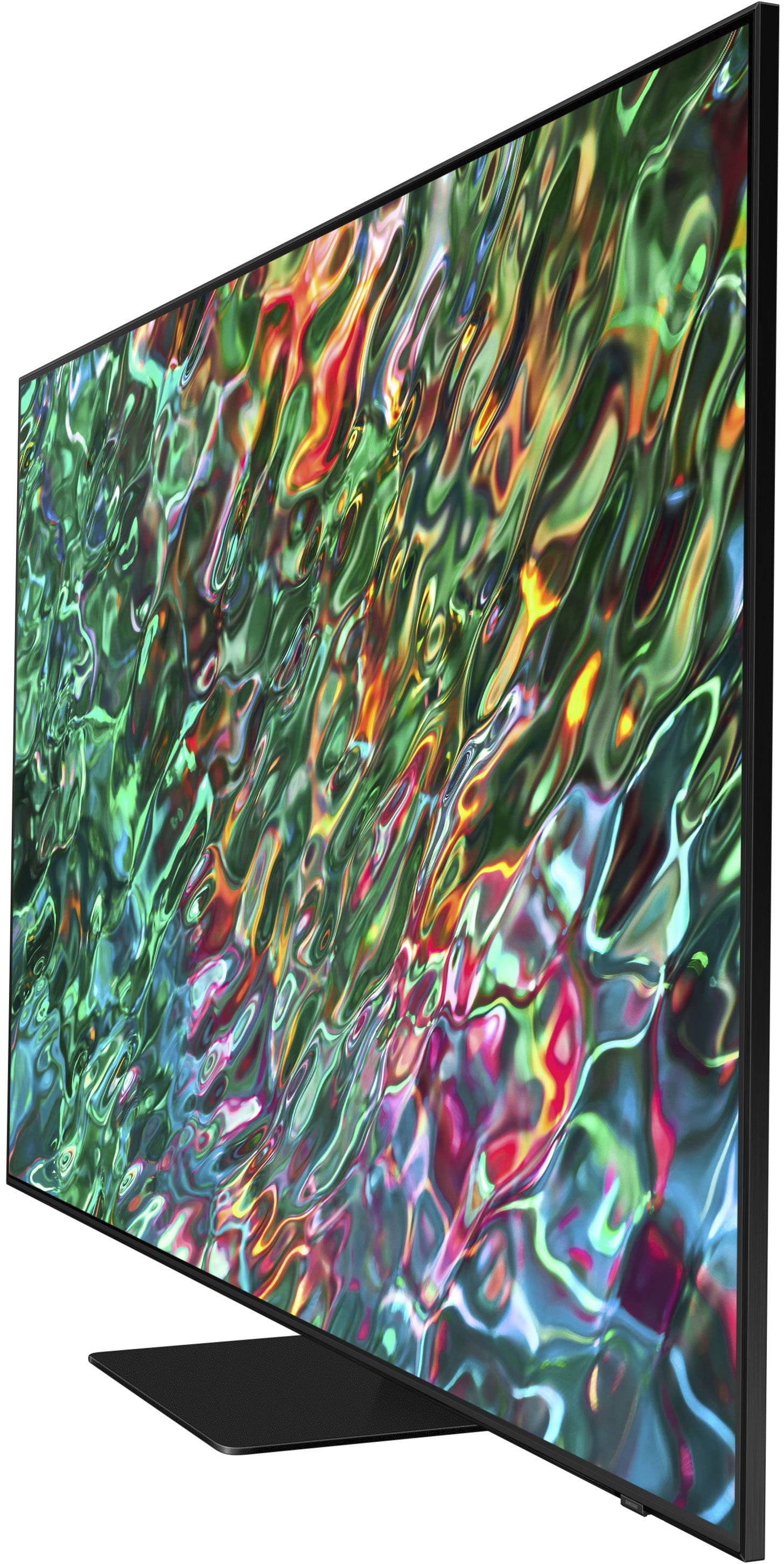
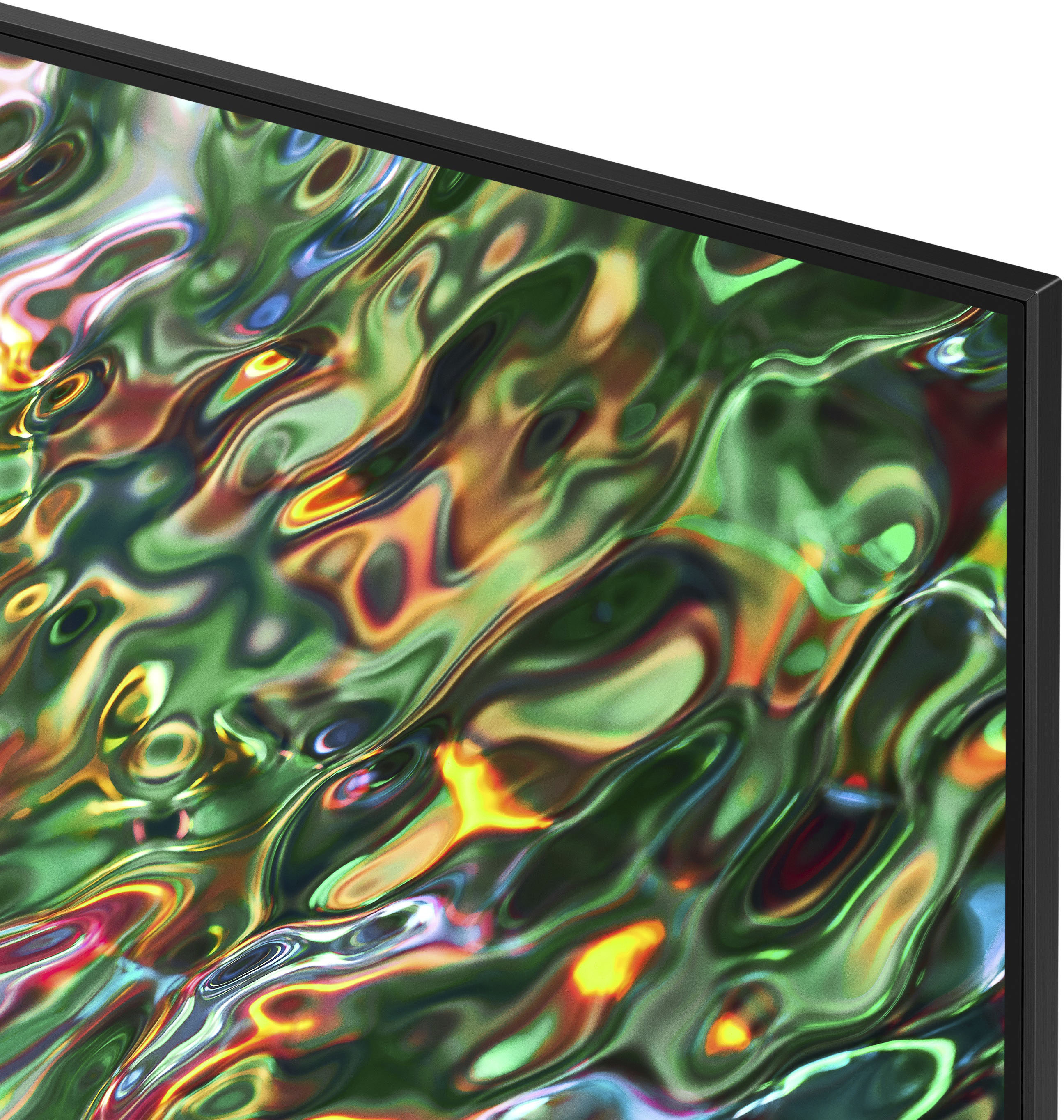
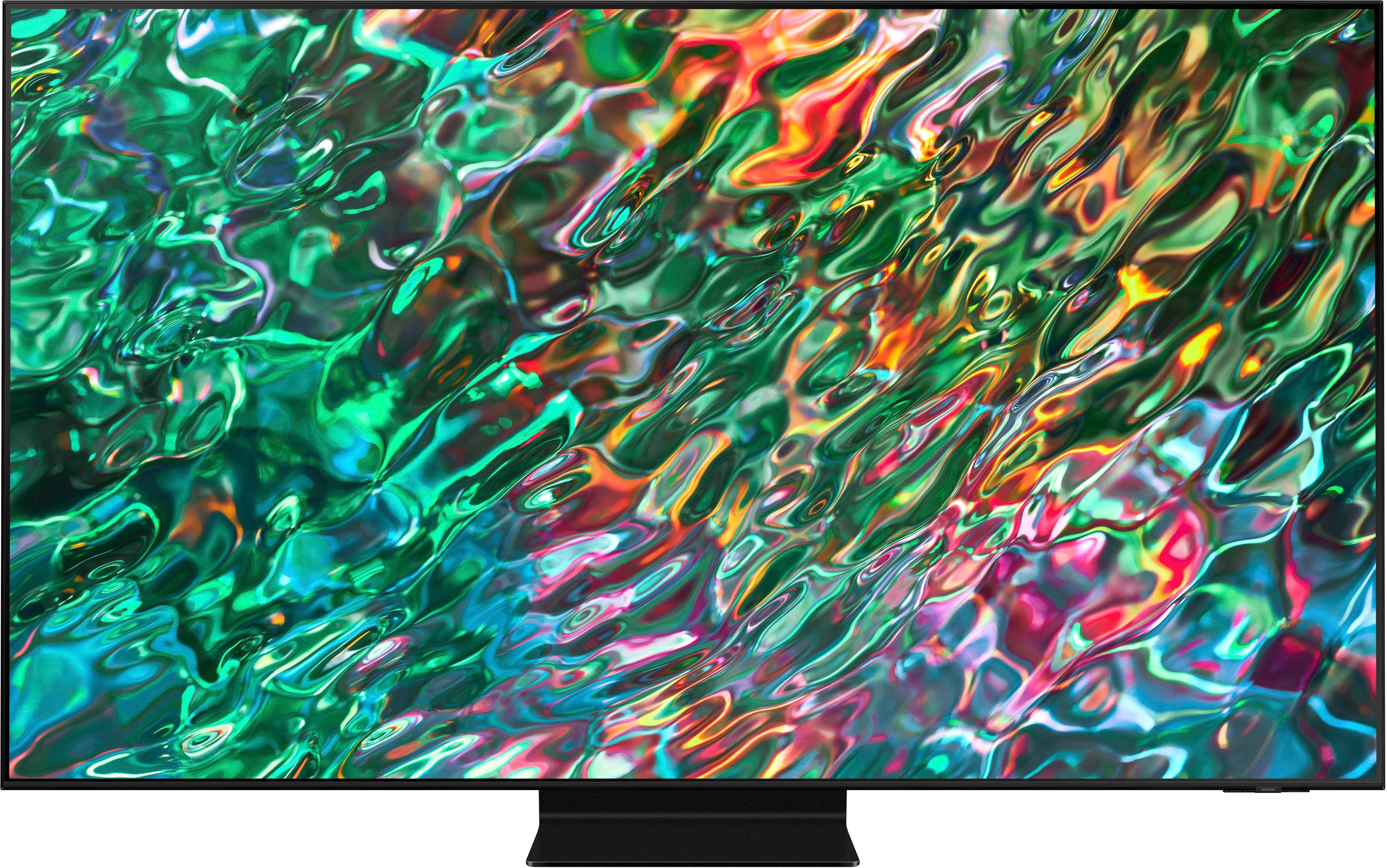
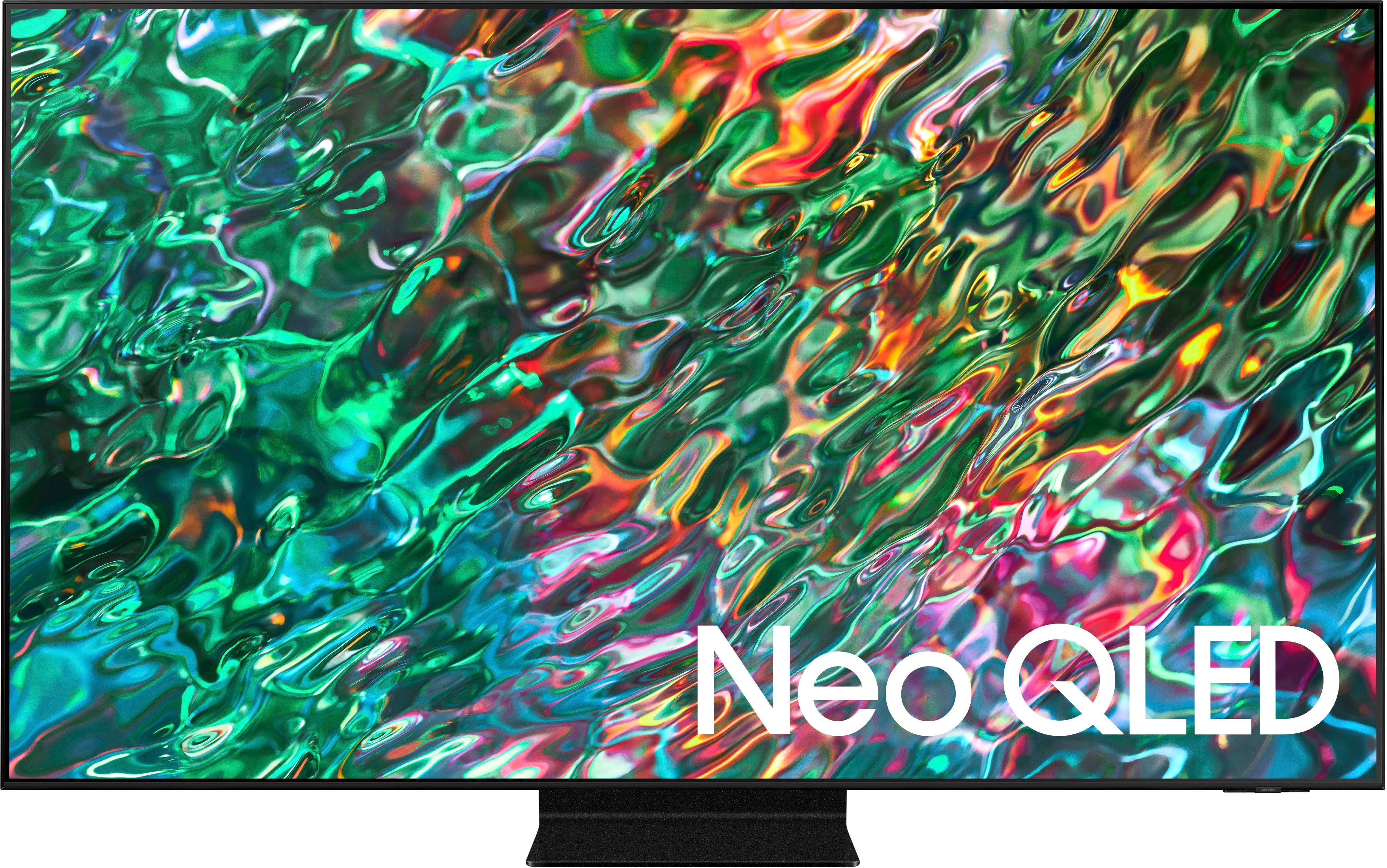
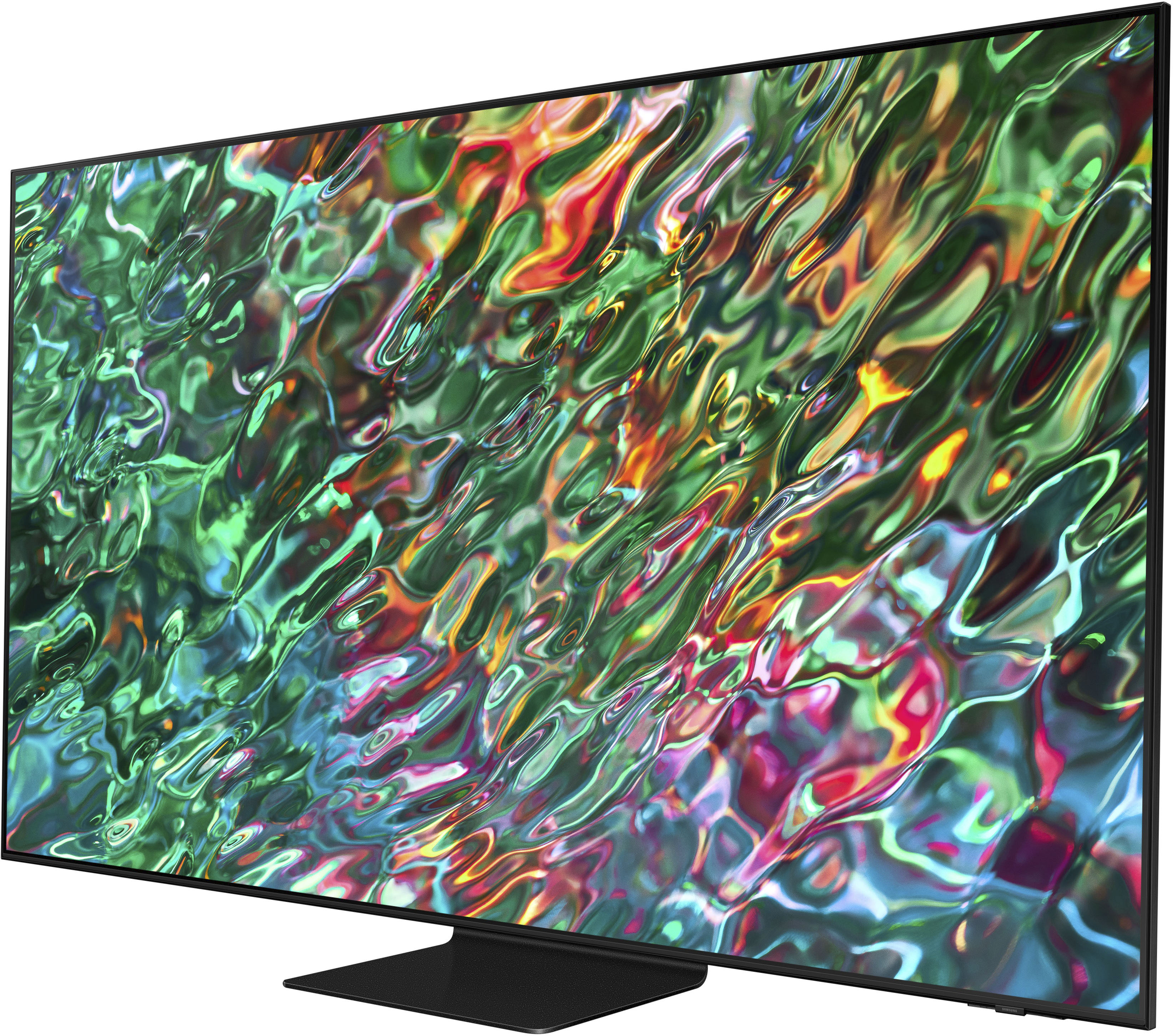
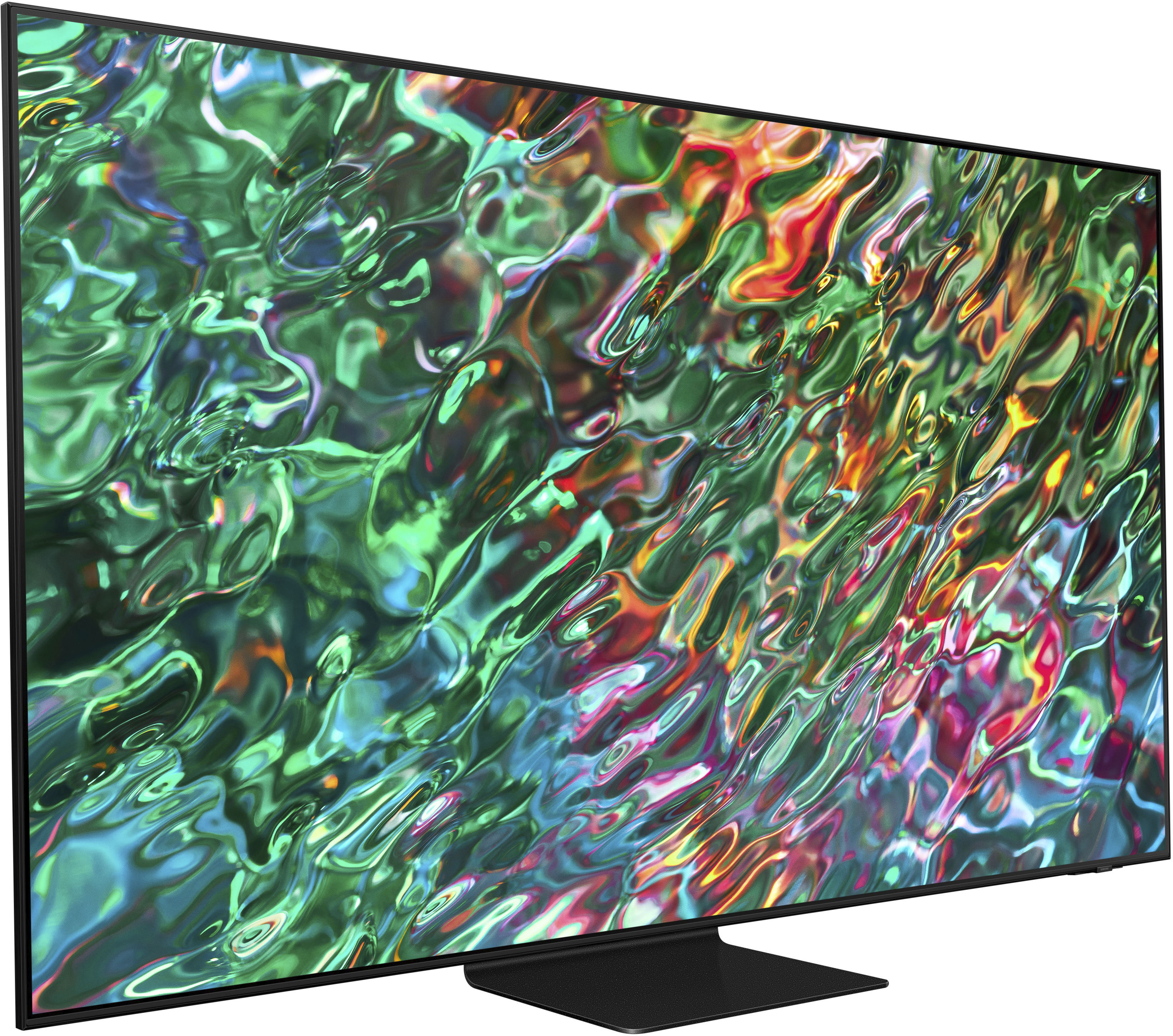
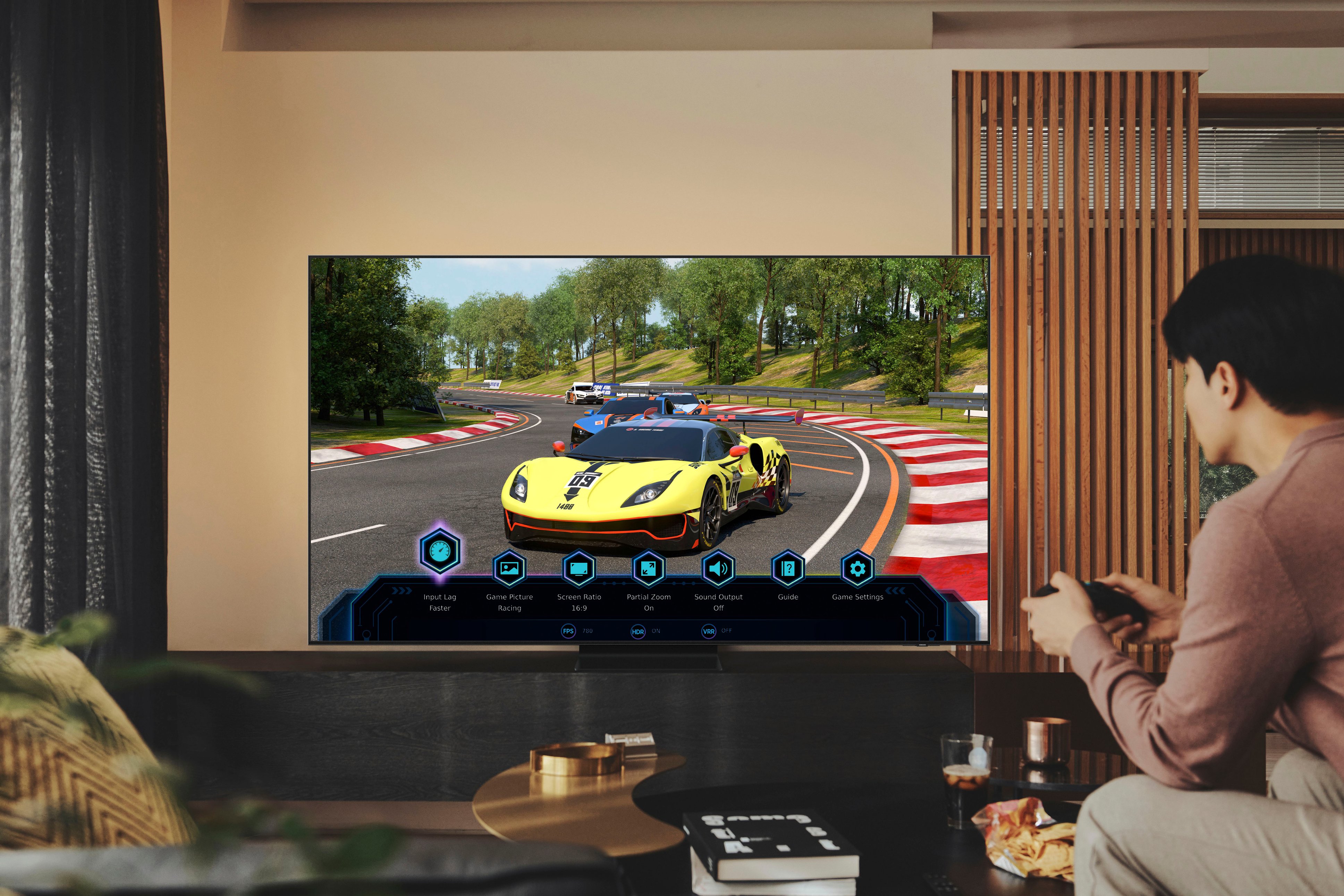
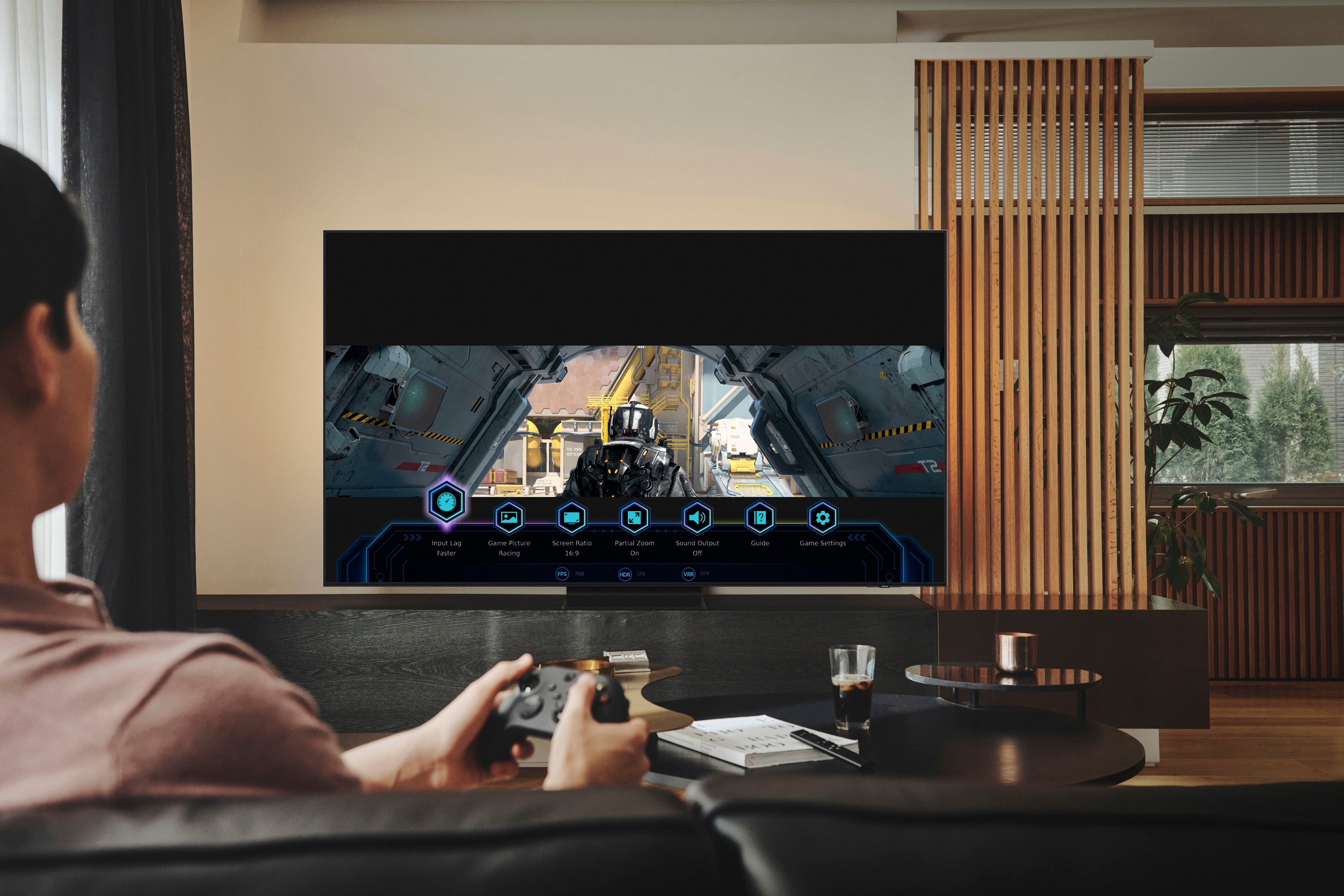
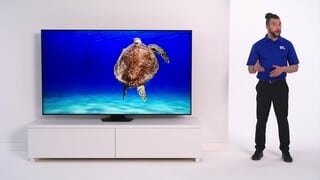
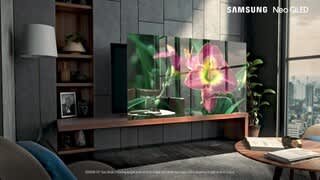
A:Answerinawil - On the QN90B TV, go to: Menu > Settings > All Settings > Picture > Picture Size Settings. You can choose from Fit to Screen, Zoom and Position, and Picture Size. Under Picture Size, you can change the size of the picture displayed on the TV screen to 16:9 Standard, Custom, or 4:3. Please keep in mind supported picture sizes differ with the input signal and content you are watching.
~ Samsung Specialist
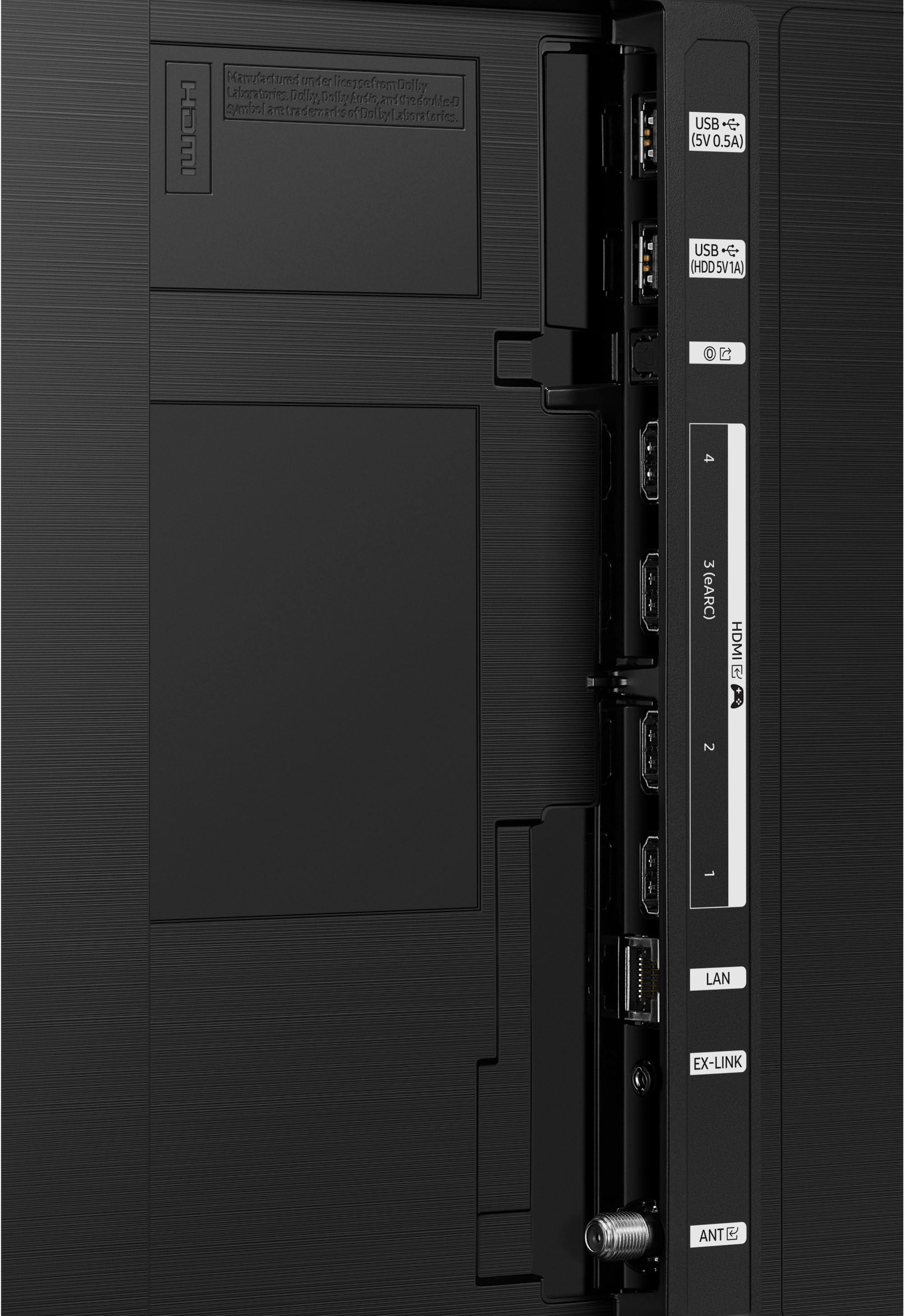
A:AnswerI have one Uverse cable box and one Samsung blu-ray dvd player connected to 2 HDMI ports. Still have 2 HDMI ports left. Because it's a smart tv it comes with Apple, Netflix, Amazon, Disney, Hulu, any many more aps built in so no need for the boxes just put your passwords and watchwhay you want.
A:AnswerHi Prime - So that we can better understand and assist with this, please reach out to Samsung Support at: 1-800-SAMSUNG, 8AM - 12AM EST, 7 days a week, or Chat with us on Samsung.com: https://www.samsung.com/us/support/contact/
~ Samsung Specialist
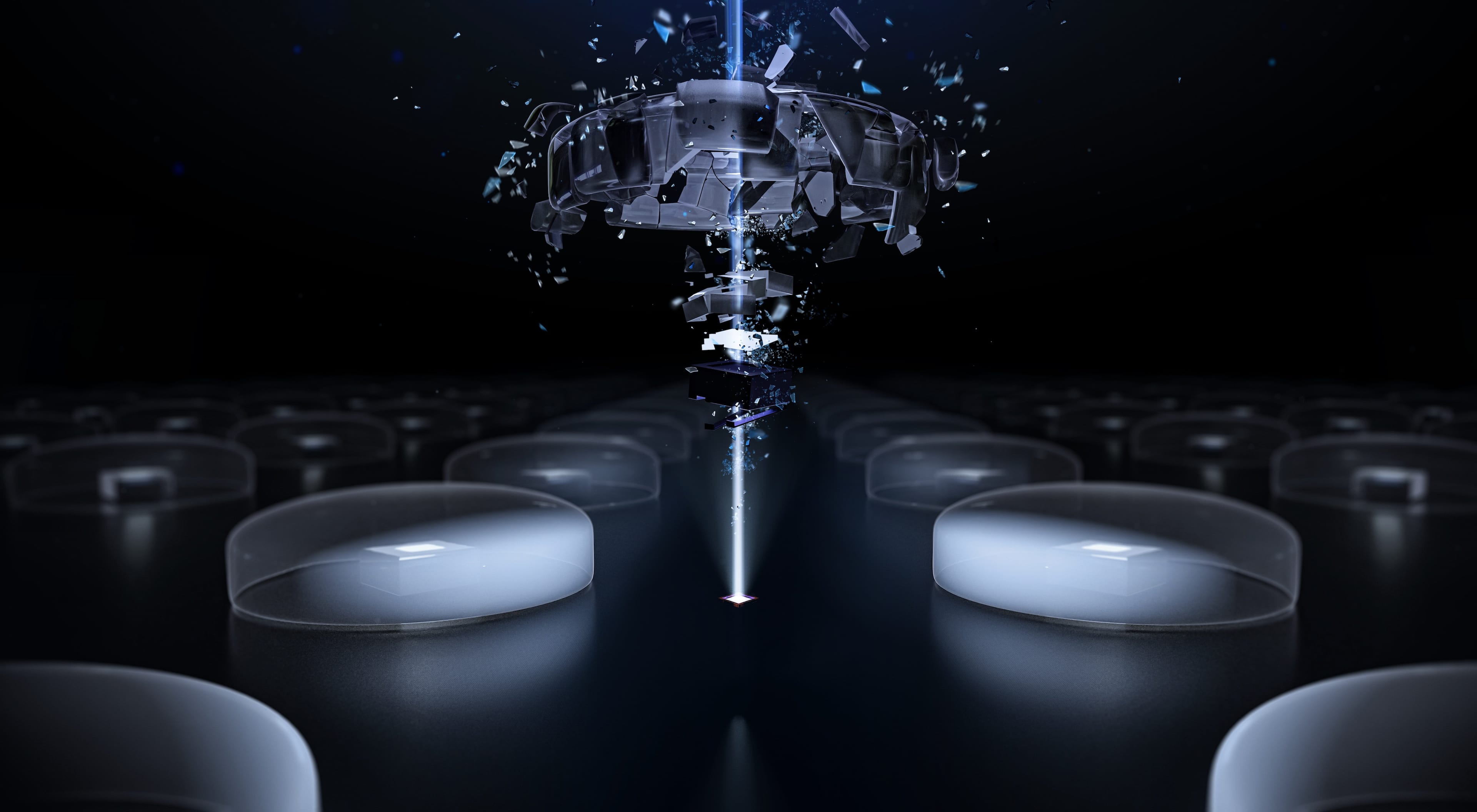
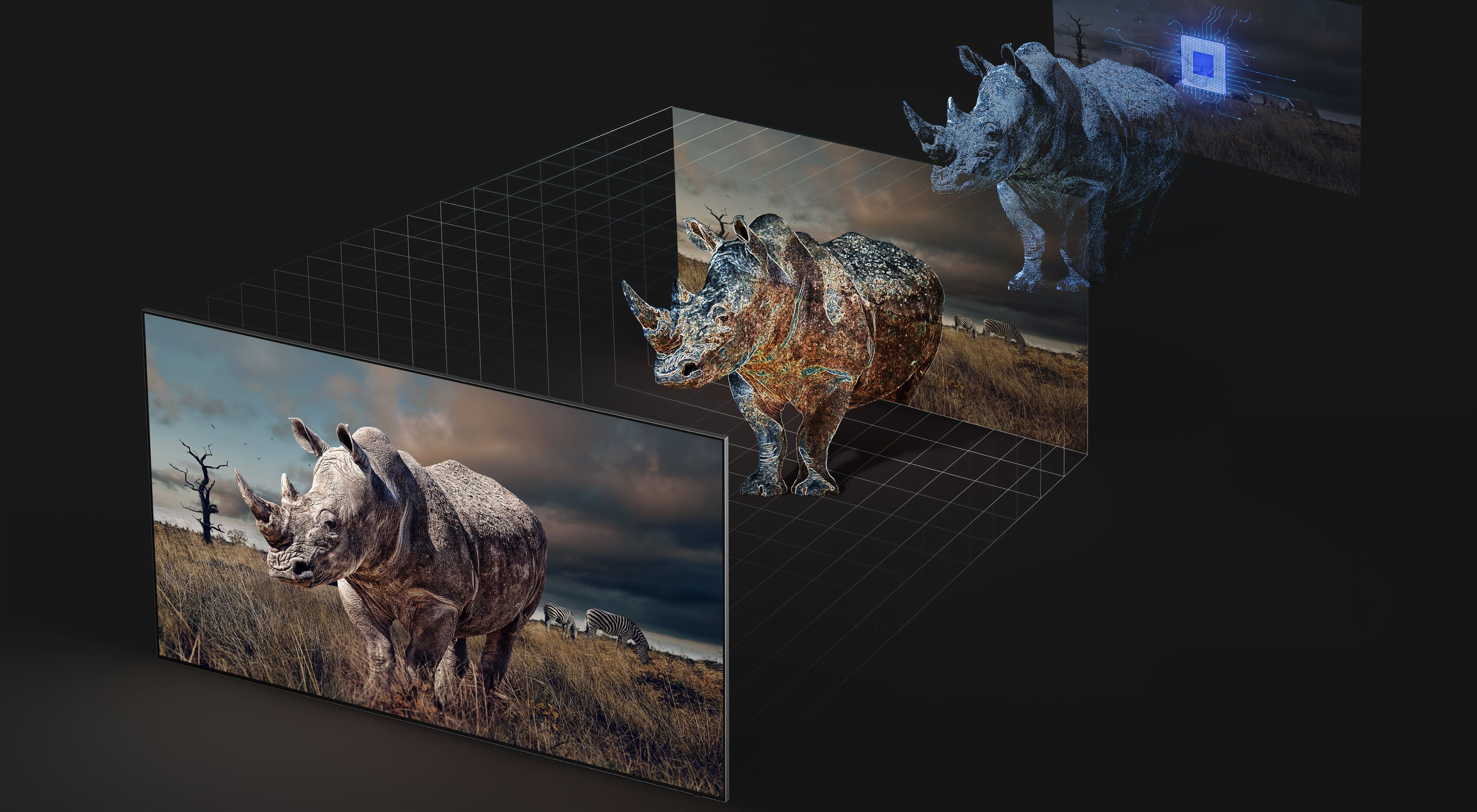
A:AnswerHi Jmo - Samsung's QN90B Neo QLED TV uses Mini LED backlighting for ultra-fine control of the individual zones of light in your picture for breathtaking color and contrast. Our S95C OLED uses 8.3 million self-illuminating pixels (ultra-fast switching tiny lights) for fine-tuned detail, pure blacks, incredible screen brightness, and more than a billion shades of colors.
~ Samsung Specialist
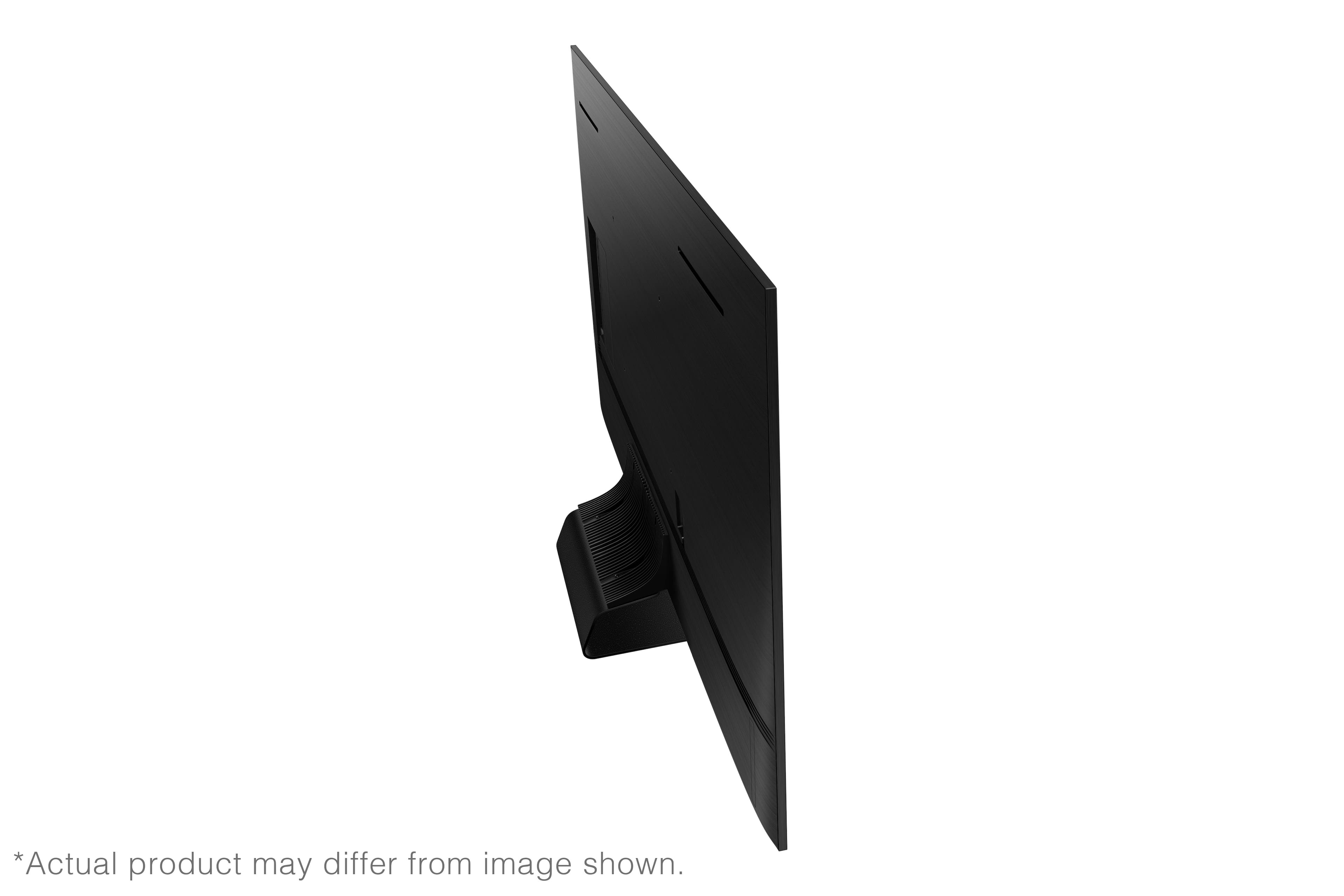
A:AnswerThe One Connect Box is not included with this model. It does come included with The Frame Series and an Attachable Slim One Connect Box is included with our QN95B Neo QLED 4K and Neo QLED 8K models.
~ Samsung Specialist