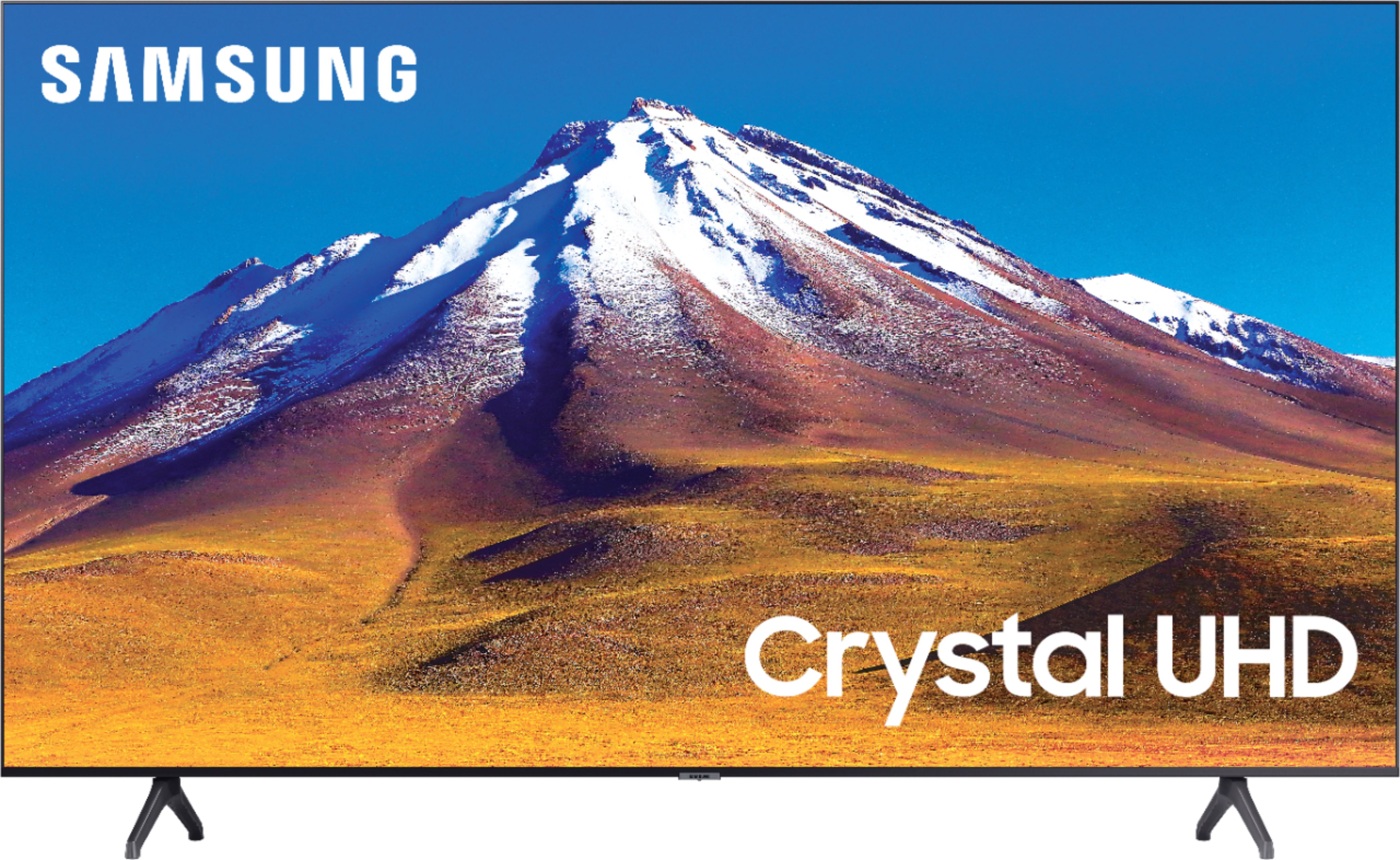
A:AnswerHi Vickie! Yes, the remote for the TU6980 is Samsung's One Remote allowing you to control all of the apps for your TV, along with the external devices you have connected eliminating the need for multiple remotes. ^Tim
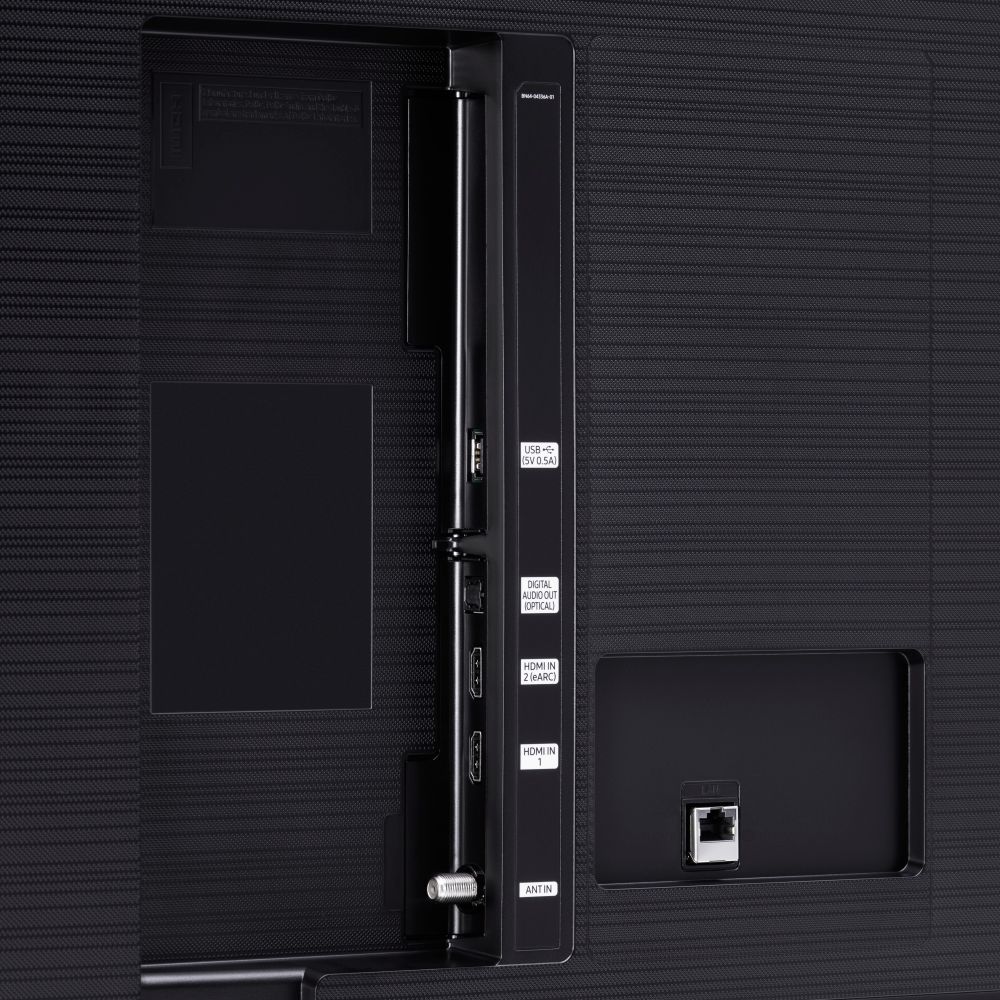
A:AnswerHi Clhomme! No, the TU6980 supports HDMI ARC, digital optical audio, and Bluetooth audio technology for compatibility with external audio devices. ^Tim
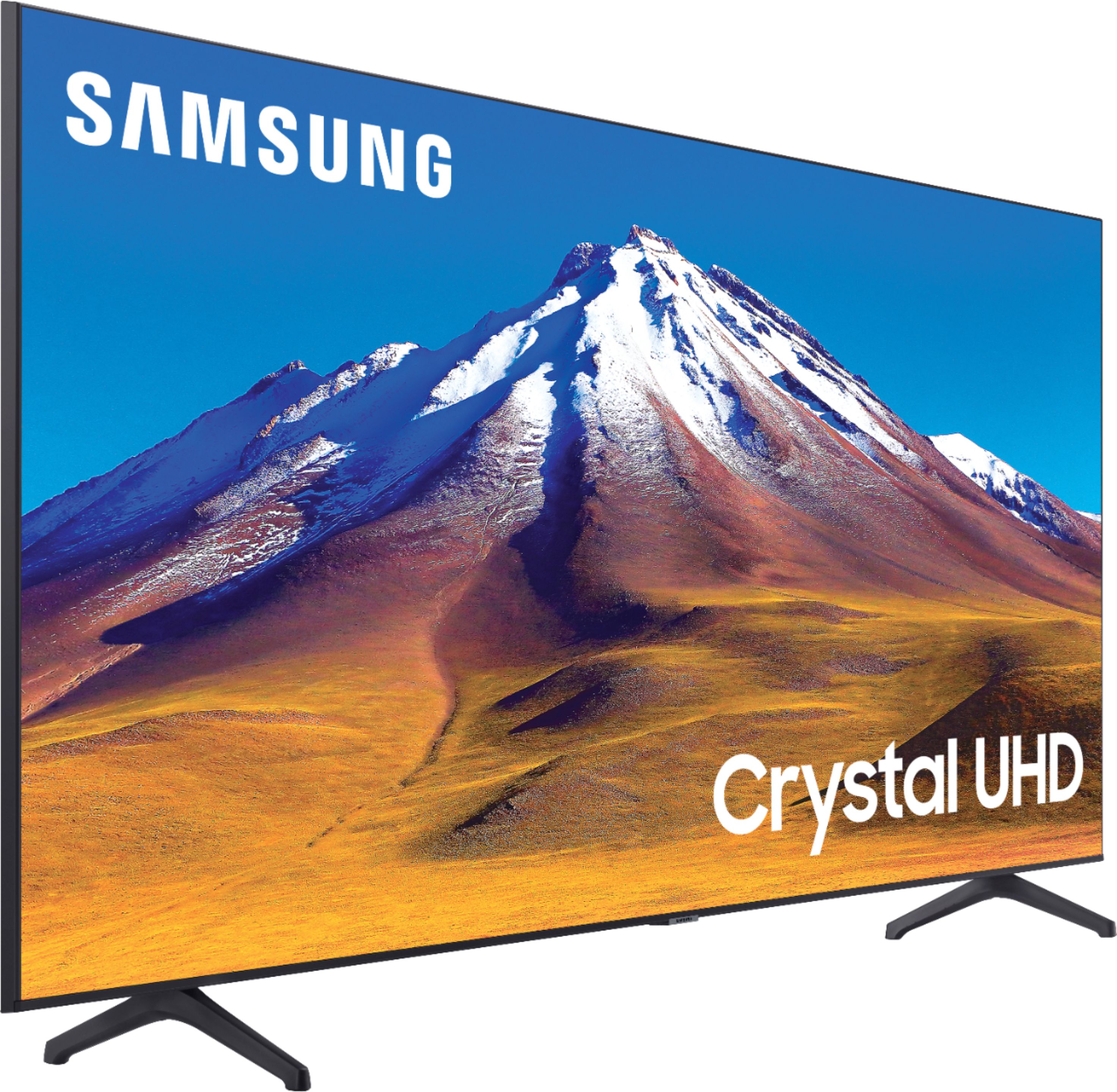
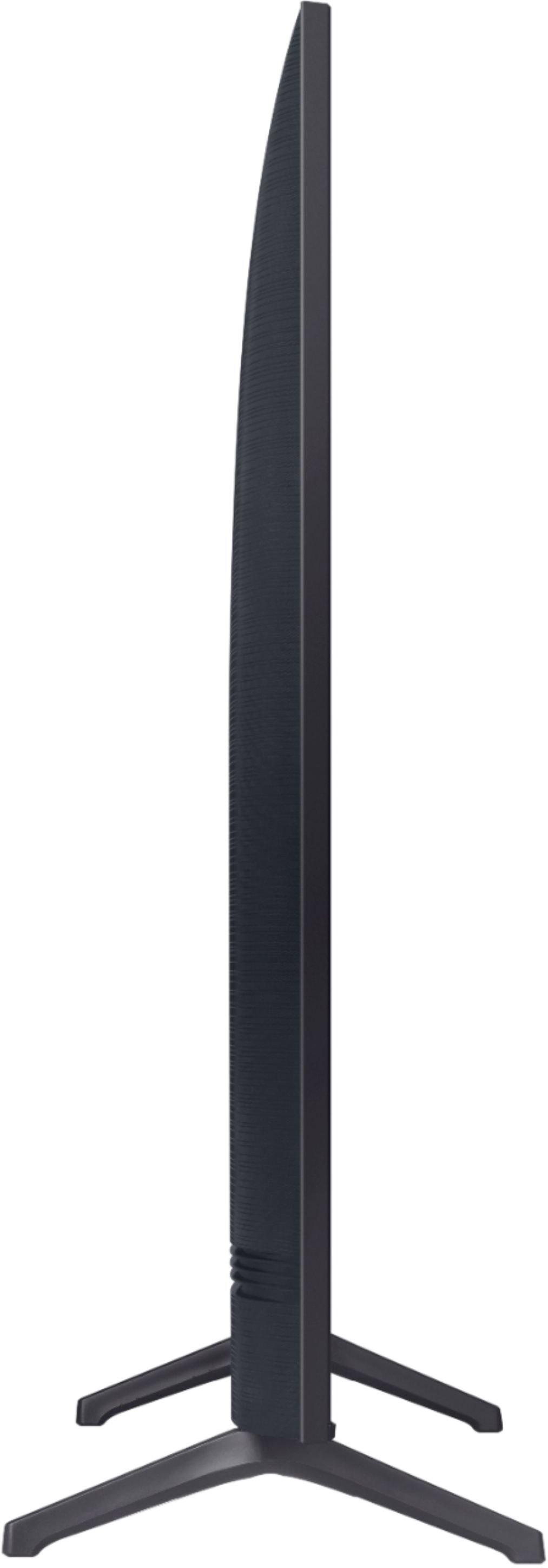
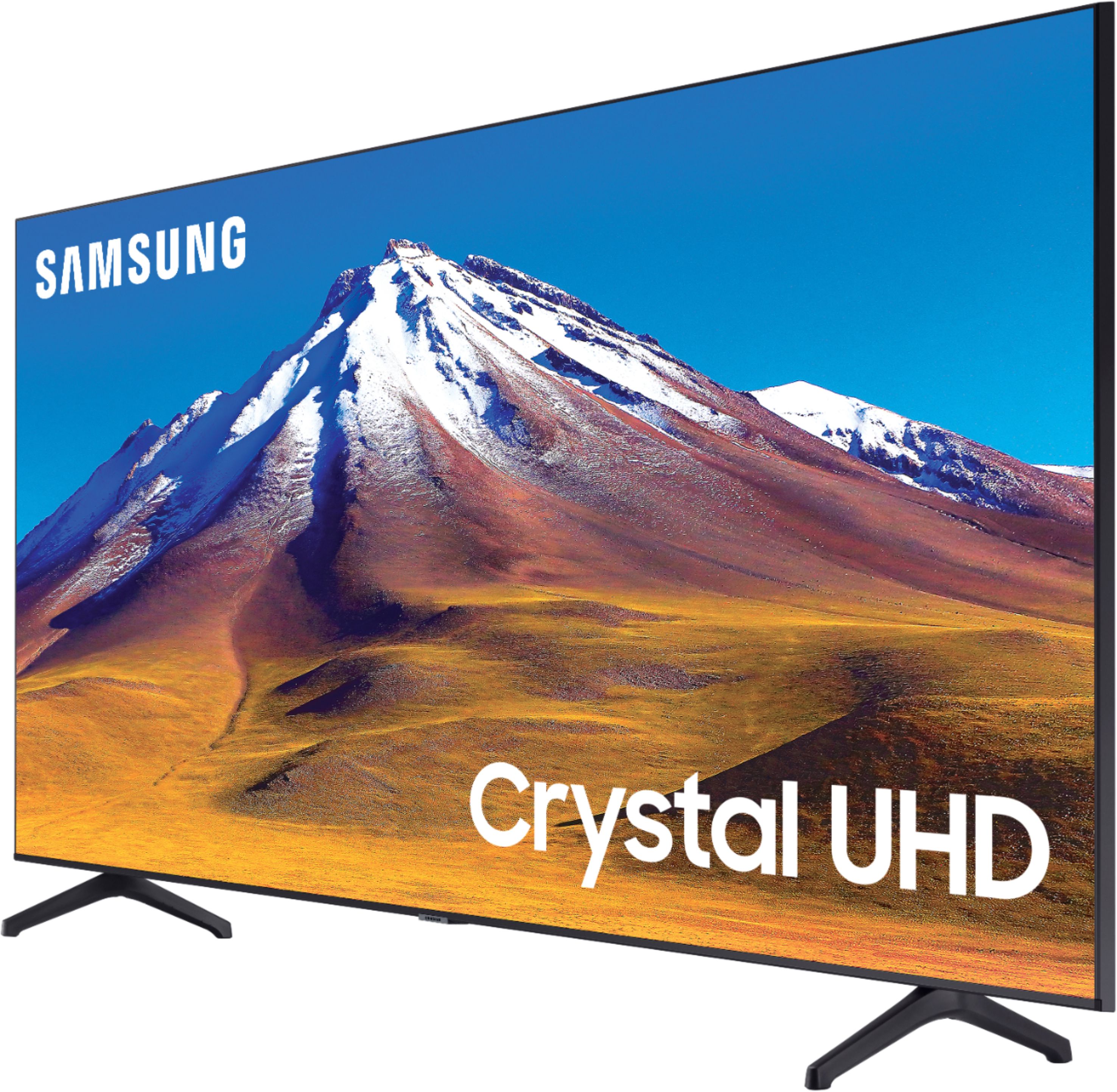
A:AnswerHi joanne! The HDMI ports for the TU6980 are located on the back right side of the TV. They face the side of the TV rather than the back allowing for easier access when plugging in additional devices. ^Tim
A:AnswerHi PWB1! The ESPN+ application is available for download on the TU6980. To access this application, along with a wide range of other apps and streaming services, utilize the search feature through the built in app store. ^Tim
A:AnswerHi Armydog! When stepping up to the RU9000 you will gain improved motion handling with a 240 motion rate, additional control with your voice through the One Remote with Voice, and an extra HDMI port for connecting external devices. ^Tim
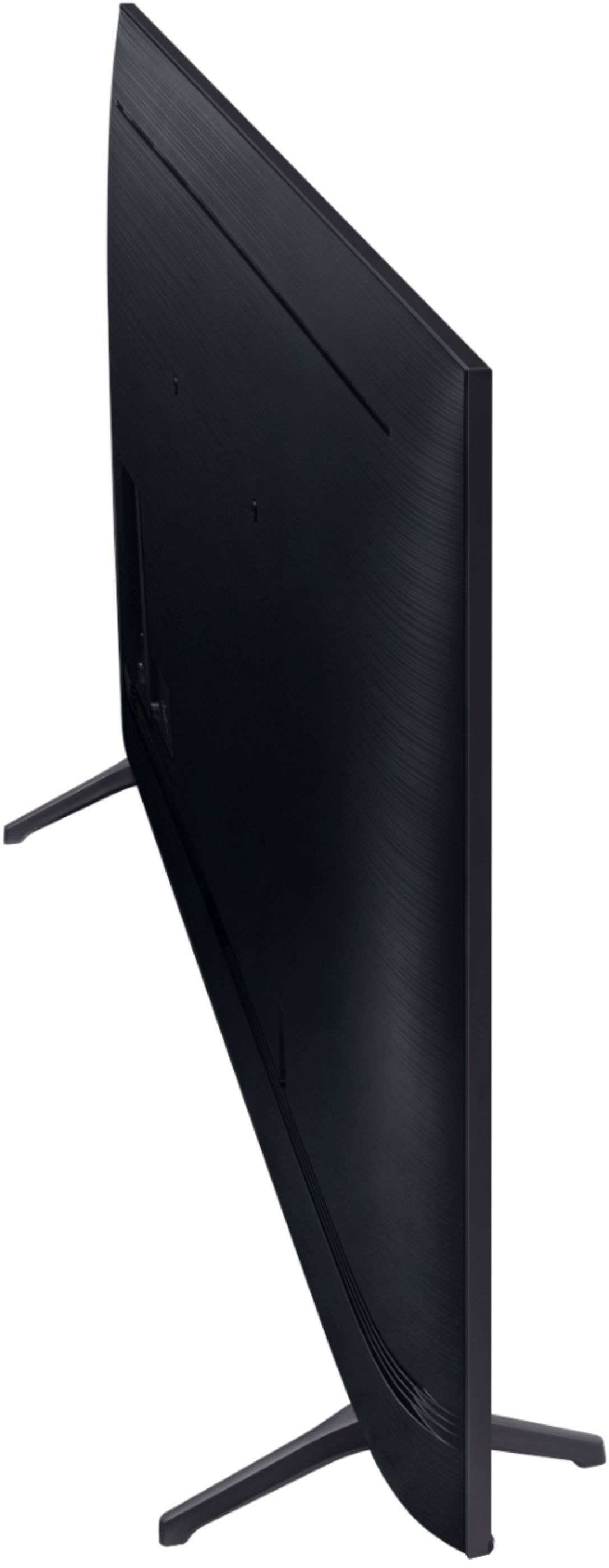
A:AnswerHello, this Tv does not include a mount. It can be mounted, it has a VESA Wall Mount Standard of 400mm x 300mm. Here is a like to mounts that will work with this TV: https://www.bestbuy.com/site/searchpage.jsp?st=400mm+x+300mm+wall+mount&_dyncharset=UTF-8&_dynSessConf=&id=pcat17071&type=page&sc=Global&cp=1&nrp=&sp=&qp=&list=n&af=true&iht=y&usc=All+Categories&ks=960&keys=keys. ^Celina
A:AnswerHi maggie! Yes, the 70TU6980 supports a coaxial connection for an external over the air antenna giving you access to live, local TV stations. ^Tim