A:AnswerWRONG. WRONG. WRONG!
Slight frame size is not the only or biggest difference.
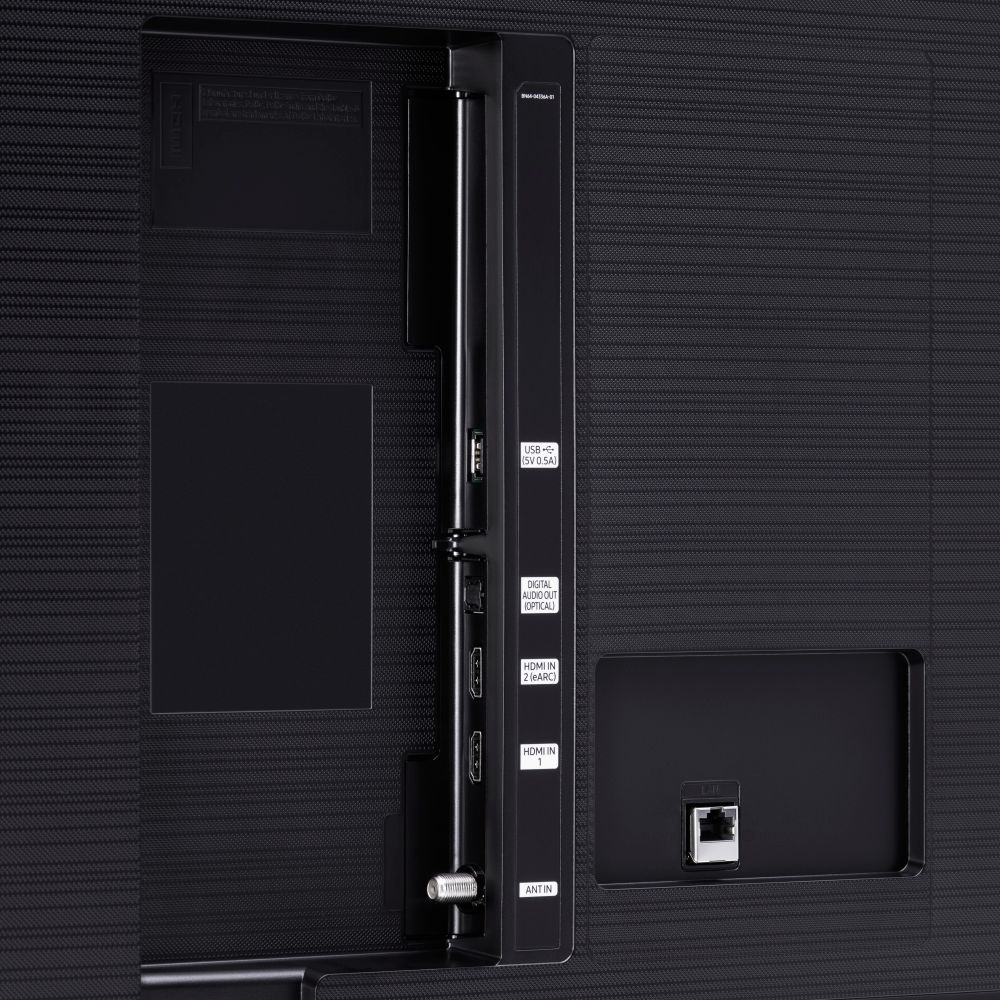
The biggest difference between the two is that the BXZA is the older model and ONLY HAS 2 HDMI PORTS while the FXZA is the newer model and HAS 3 HDMI ports!
Sorry Samsung and Best Buy people responders but you need to do your homework better.
A:AnswerHello,
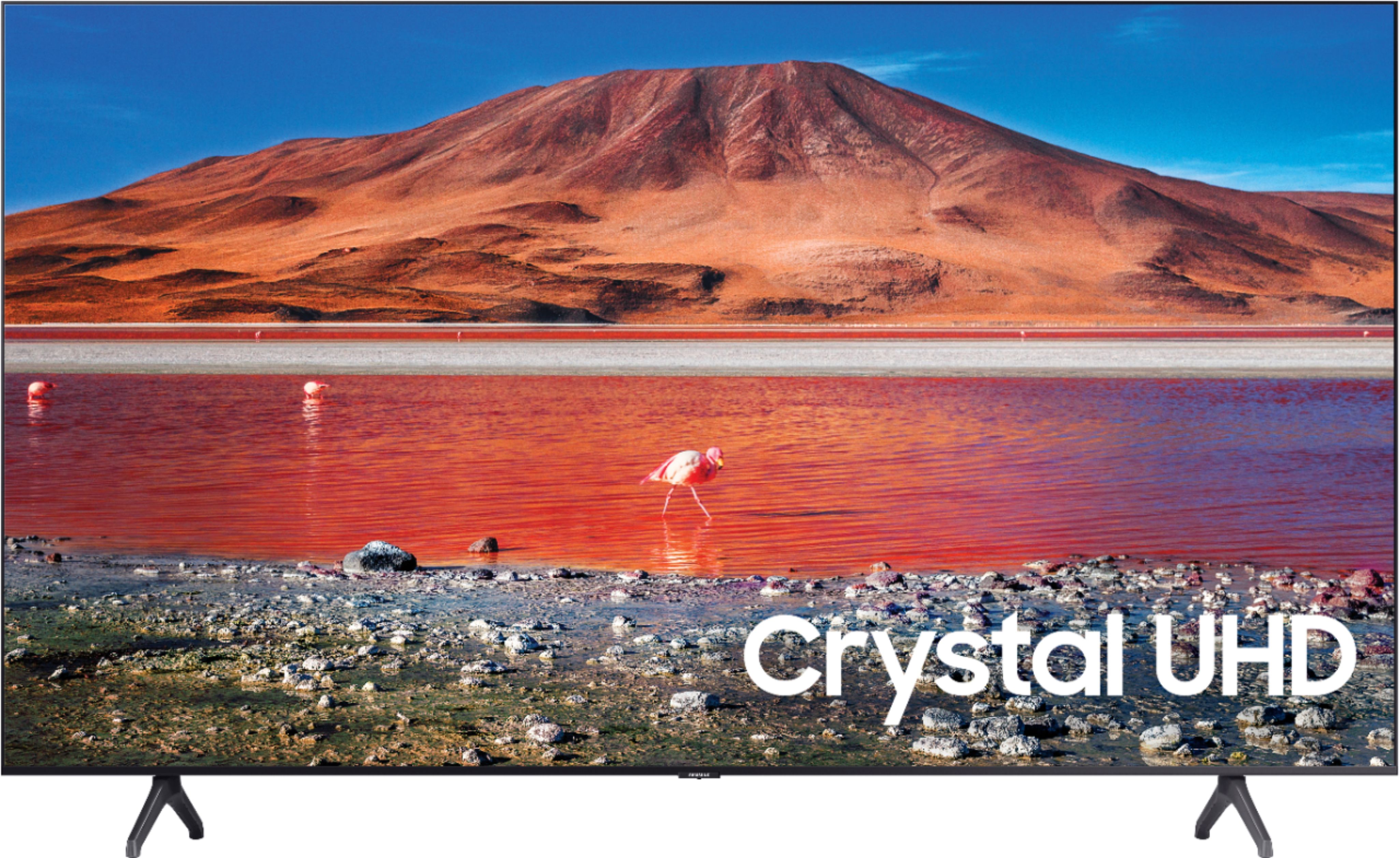
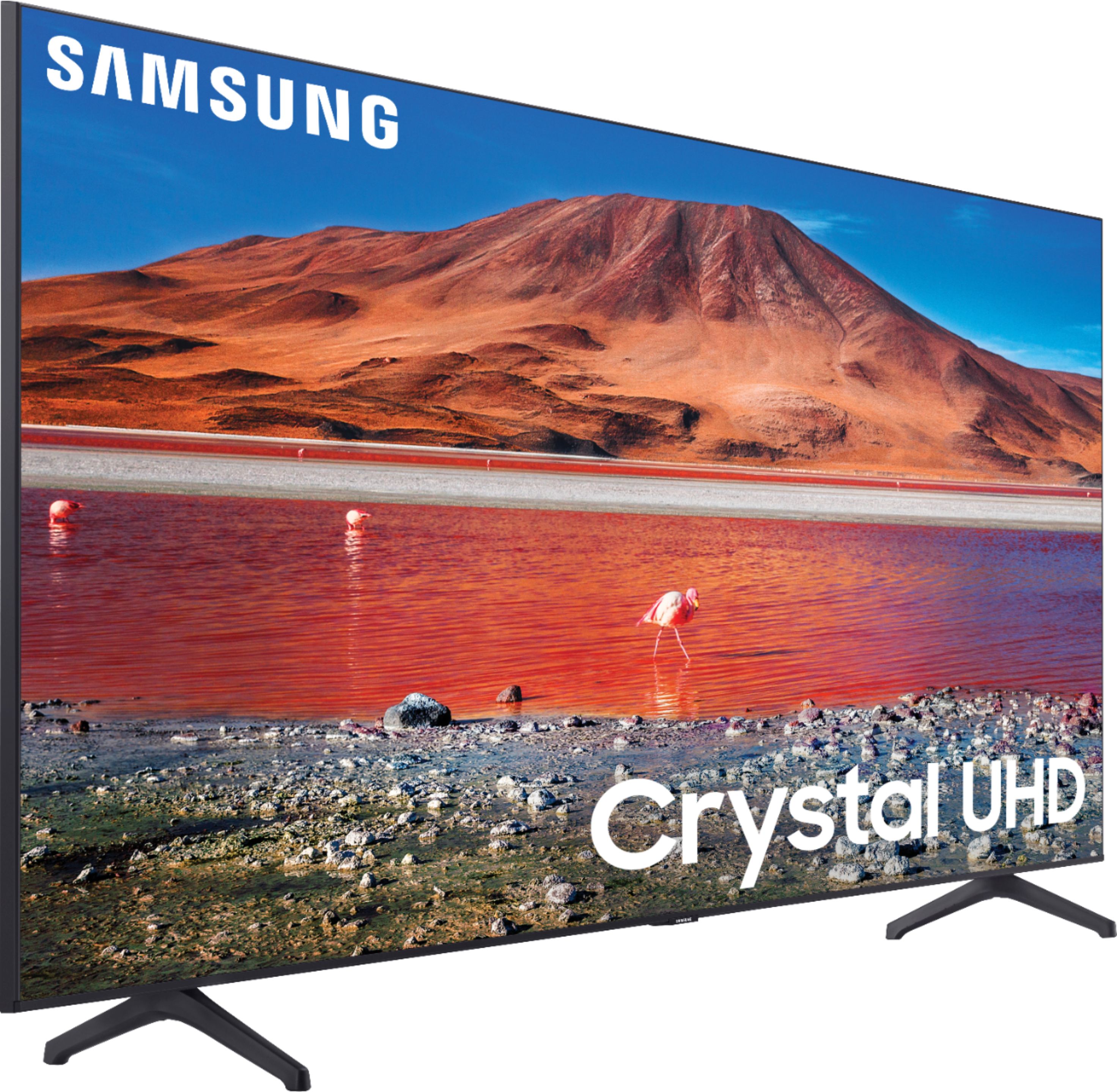
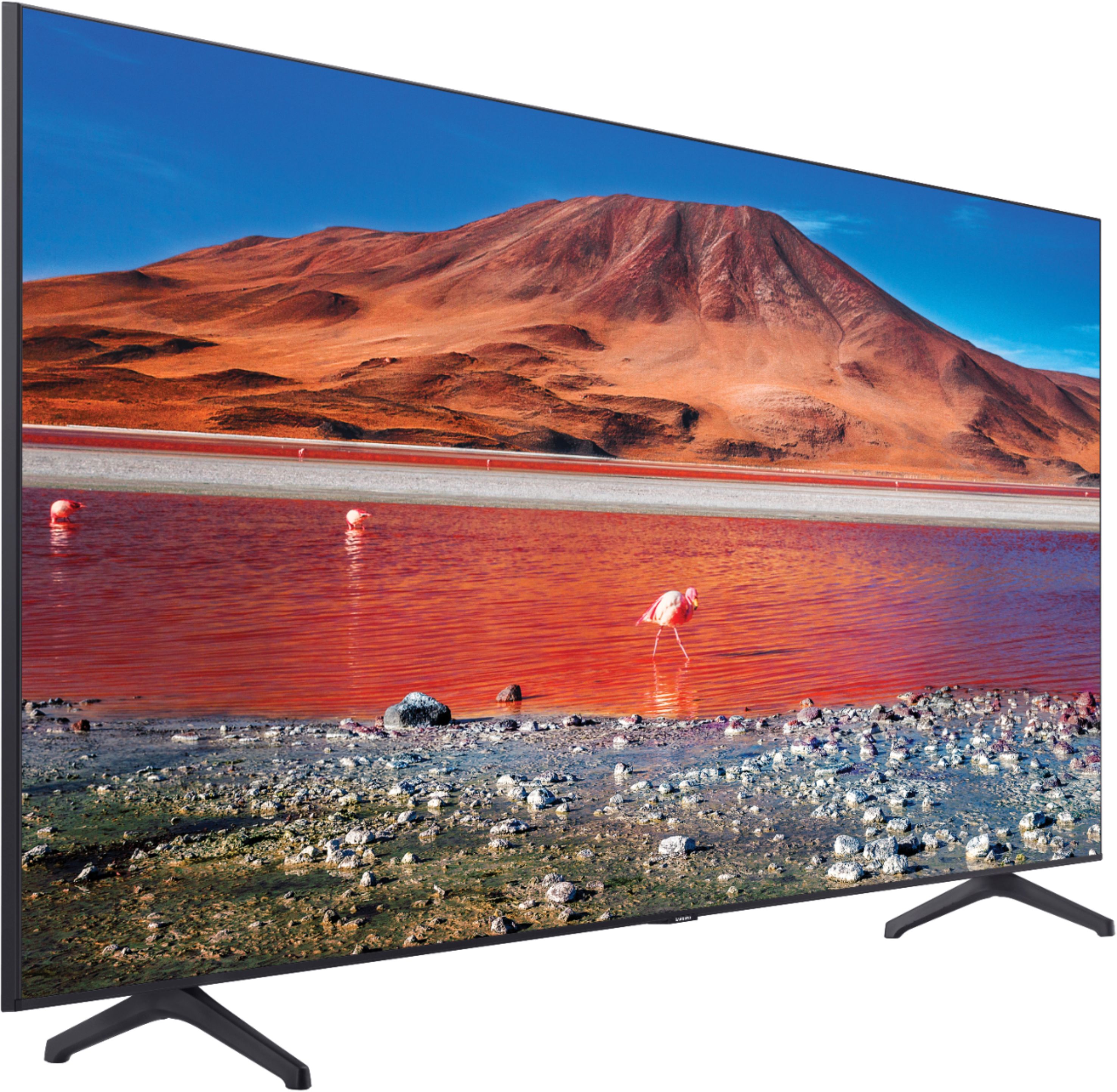
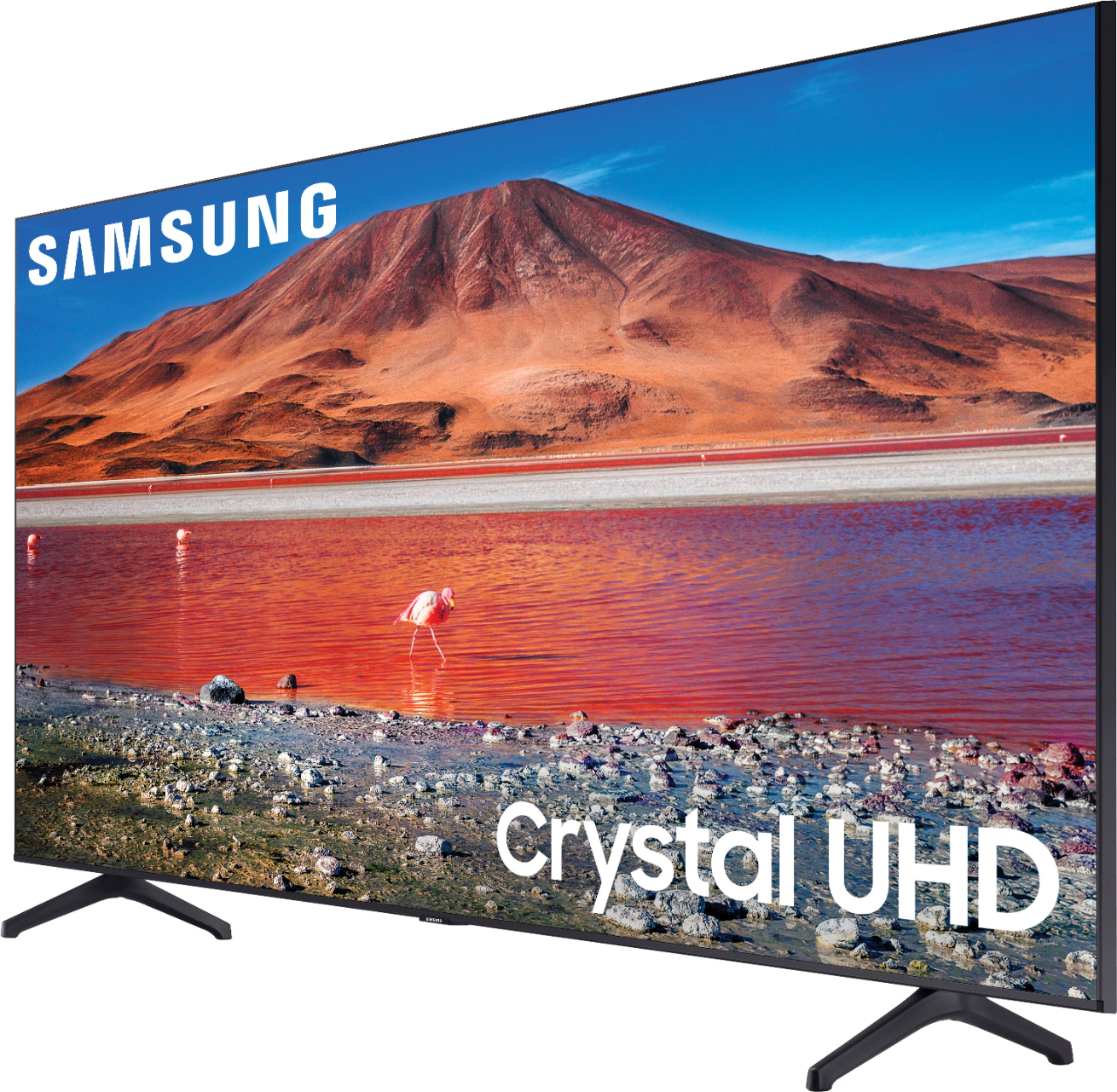
When stepping up t0 the TU7000 you gain our Crystal Display which gives you crystal-clear colors that are fine-tuned to deliver a naturally crisp and vivid picture, and our Crystal UHD Processor, which brings stunning clarity to everything you already watch and powerfully upscales 4K to ensure that you always get life-like 4K resolution no matter the source. In addition an extra HDMI port and Bluetooth connectivity. ^Cristian
A:AnswerHi ramm1968! Yes, the TU7000 will provide full Dolby Atmos support through the eARC port when connected to a compatible Dolby Atmos audio device such as the Sonos Arc. ^Tim
A:AnswerBigEKUChop - While Samsung does not produce separately sold center stands, you can utilize any universal center stand with the 70" TU7000, as long as it supports a VESA Pattern of 400mm x 300mm. ^Gina
A:AnswerI asked this very same question several times of both Best Buys customer service and Samsung tech support and got different answers from each. I even had two different techs from Samsung tell me that the BXZA model didn't even exist. The fly in the ointment was that even though some initially thought they were the same, some of the listed specs are different between the two including physical dimensions leading several to believe they were in fact different. They were only looking at the same on-line info I was. After two days of pursuing this question I finally found a Samsung tech that said conclusively they are exactly the same.and that the listed specs for the BXZA are wrong including the dimensions that are shown for it. He said that the FXZA model is the normal Samsung release version for on-line sales and the BXZA model is specifically for in-store stock of some of the US big box stores like Best Buys, Target and Costco. What should have been an easy question ended up being exhaustive.
A:AnswerHi Smore! Yes, the TU7000 features multiple ways to connect external audio devices including Bluetooth, HDMI ARC, and digital optical audio. When connected to headphones via Bluetooth, you can use both TV and Bluetooth device audio simultaneously with the Multi-output Audio feature. When this function is active, you can set the volume of the Bluetooth headphones higher than the volume of the TV speaker. ^Tim
A:AnswerHi Carl! This will largely depend on where you are streaming/broadcasting your content from. Usually, this happens with how your shows were broadcasted and recorded. If you are having issues with loud commercials within a streaming app in your TV's built-in App Store, please reach out to Samsung Support at:
― Phone: 1-800-SAMSUNG / Available 8AM - 12AM EST, 7 days a week
― LiveChat or Email: https://www.samsung.com/us/support/#contact_us_for_support
We look forward to hearing from you.
^Gina
A:AnswerHi Oliver! We recommend swapping out your cable for another to see if this resolves the distortion issue. If the issue persists, please ensure your TV's firmware is up to date. You can check to see what version your TV is using and if there is an available update through the settings on your TV. Go to: Settings>Support>Software Update.
You can also choose from several preset picture modes and many custom settings that can optimize image quality for your viewing scenario.
Go to HOME > SETTINGS > PICTURE > PICTURE MODE and choose:
1) Dynamic: Makes the picture brighter and clearer in bright viewing environments.
2) Standard: This is the default mode suitable for general viewing environments.
3) Natural: Reduces eye strain for a comfortable viewing experience.
4) Movie: Suitable for watching TV or movies in a dark room.
5) Filmmaker: Watch the source content (e.g., movie) as it is. ^Gina
A:AnswerHi Jason! You absolutely can connect external Bluetooth speakers to the TU7000! Refer to your Bluetooth device's user manual for how to pair. Once paired to the TV, press HOME on the TU7000 remote. Then go to Settings > Sound > Sound Output > Bluetooth Speaker List. Choose the headphones you wish to use for sound output. ^Gina
A:AnswerHi there, A DVD player with an HDMI would work great on that port. eARC would just have the potential to pass through content the DVD player wouldn't have access to, it wouldn't hurt it any though. Good luck! ^Scott