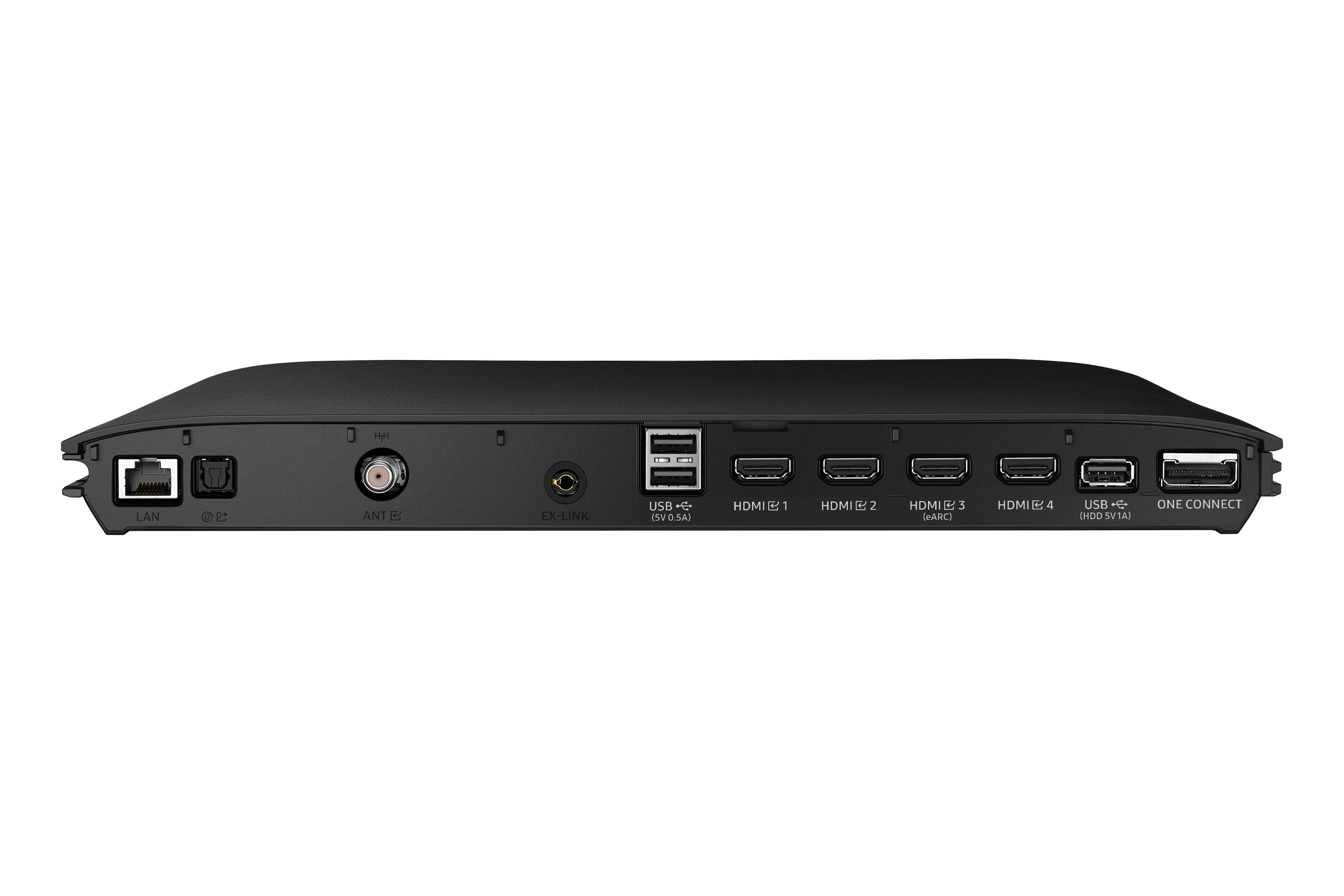
A:AnswerHi Rodney - All 4 HDMI ports will provide you with the same image quality. We do, however, recommend using a High-Speed HDMI cable with Ethernet Channel, sometimes labeled as HEC/HEAC on the cable itself.
~ Samsung Specialist
A:AnswerVic - The QN800B comes with a 2.5 meter One Invisible Connection cable, as well as a 0.3 meter to use when you attach the Slim One Connect Box to the back of the TV. A 5m cable (Model: VG-SOCA05/ZA) is sold separately as an optional accessory.
~ Samsung Specialist
A:AnswerEvery tv is different and has its own unique picture. Yes you can tell a difference but if I was buying a tv just to watch tv on then I wouldn’t waste my money on a new tv. I buy tvs for gaming. That’s where there’s a big difference.
A:AnswerNot at all, I think we need to have a high internet bandwidth plan as 4k content itself requires around 100MB and with all other devices sharing common connection it becomes difficult to get maximum benefit from the TV.
A:AnswerHi Jbs236! The widest portion of the One Invisible Connection Cable measures approximately 2.1" in width - you'll need a pipe slightly larger than this. Hope this helps!
~ Samsung Specialist
A:AnswerThis TV is the best yet for me the colors are true, blacks are black, and so forth with every color. My only regret is that I didn't get the 85 inch.
A:AnswerHi BrownHulk - If you're experiencing eARC connectivity issues, please check to see if you've got the latest firmware version available on your QN800B. Here's how to check: Go to Home > Menu > Settings > Support > Software Update.
~ Samsung Specialist