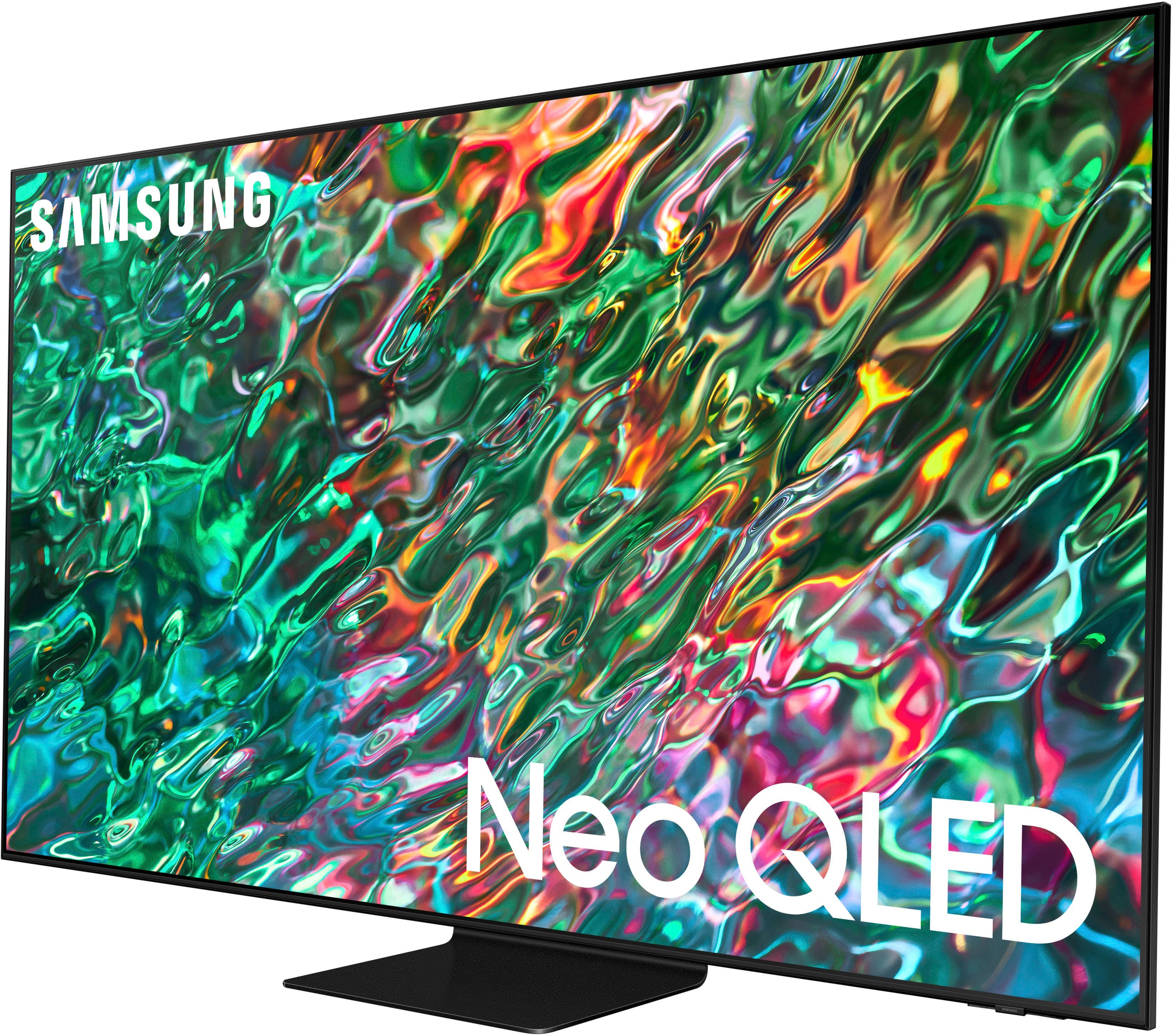
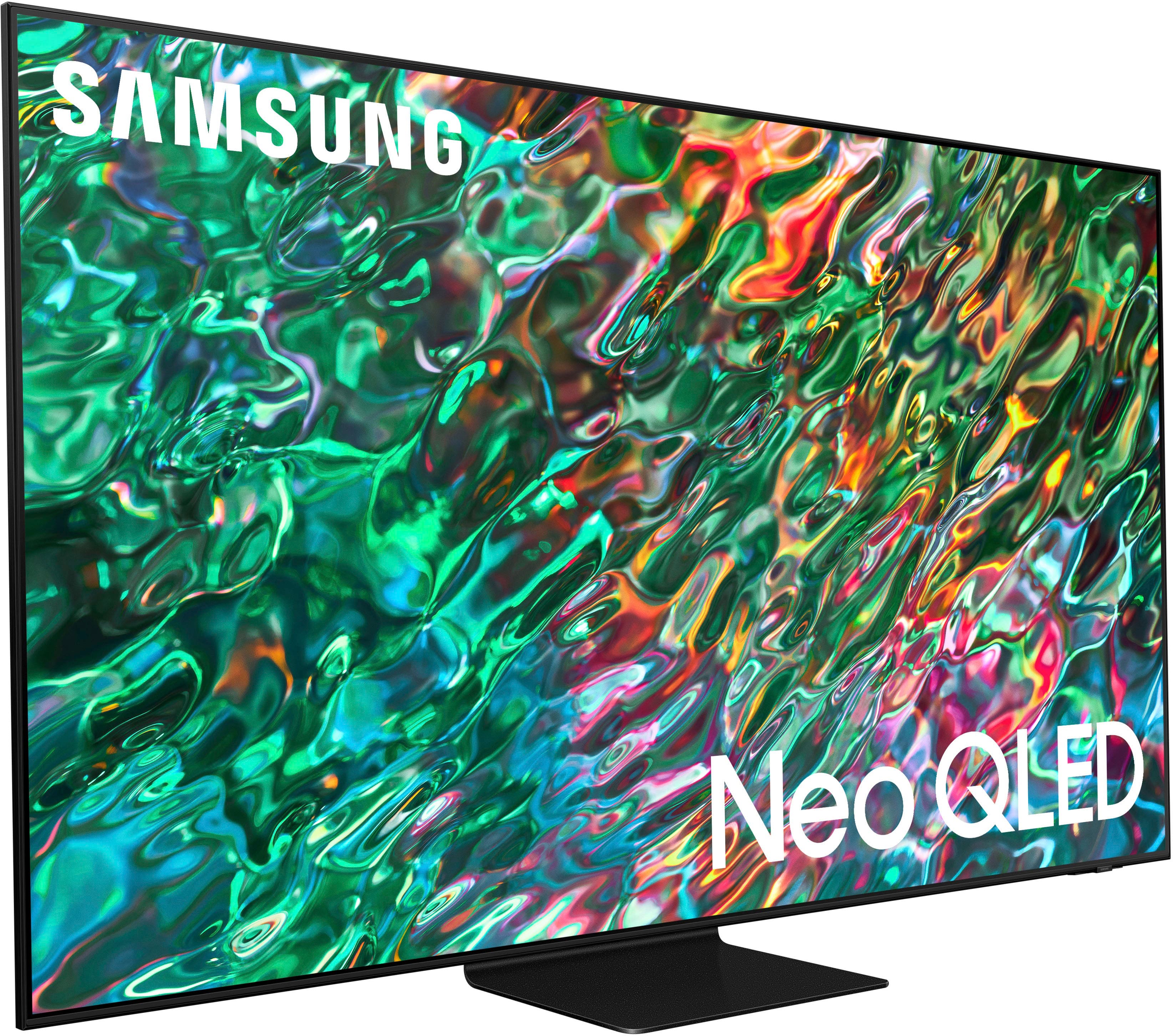
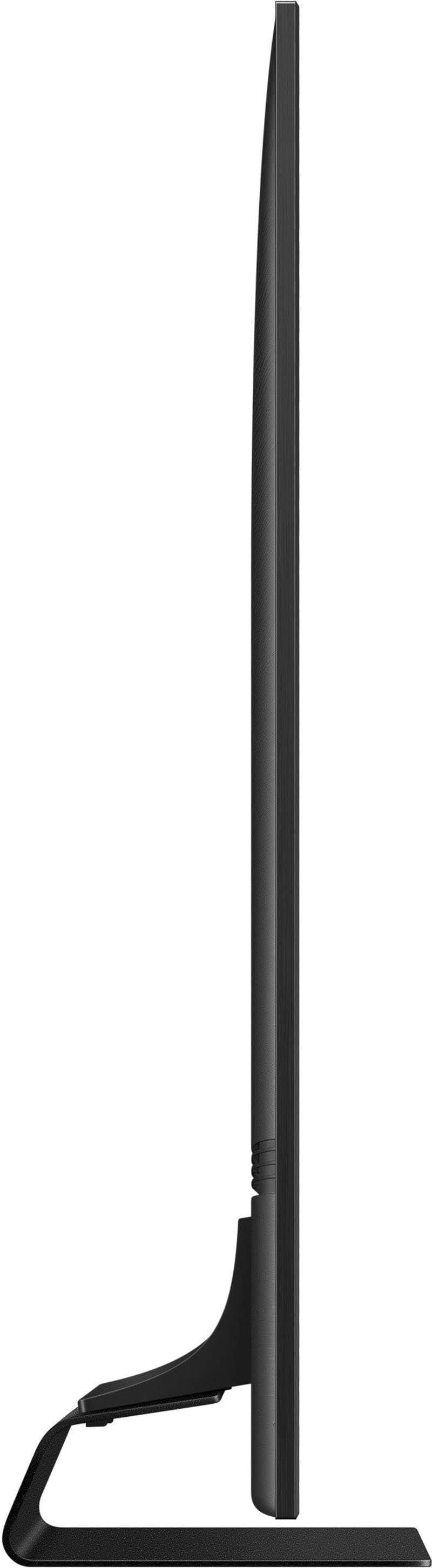
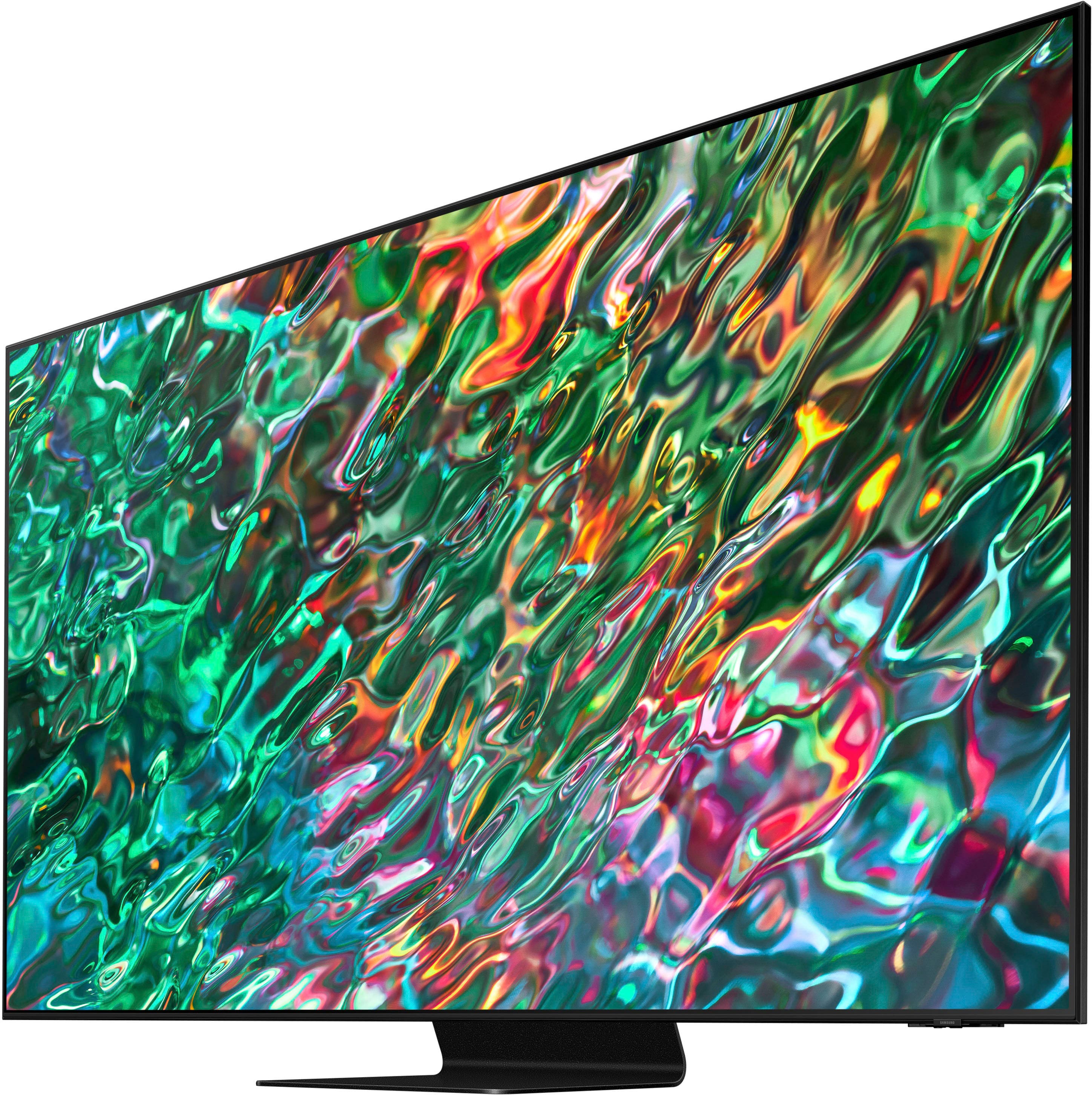
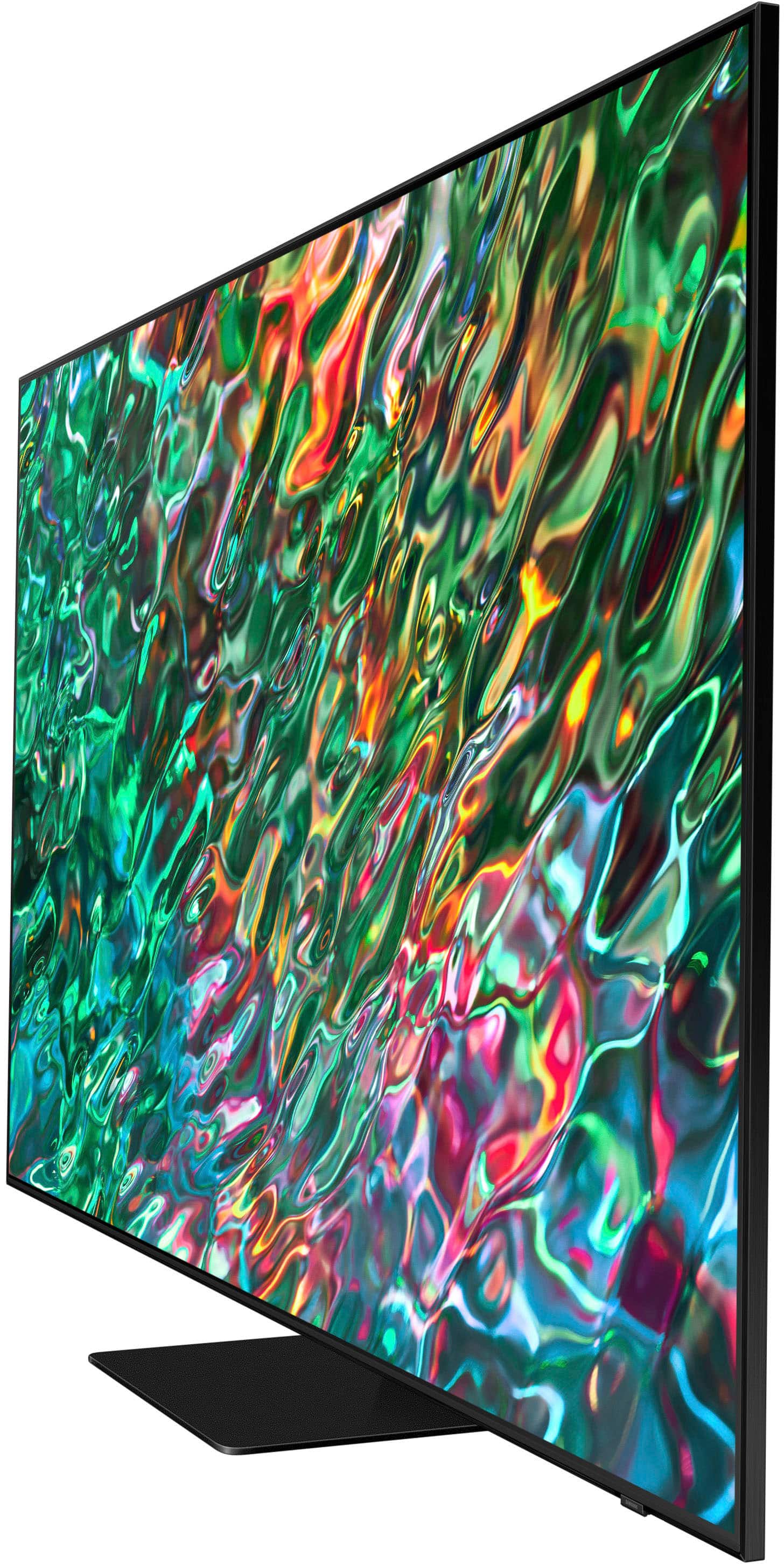
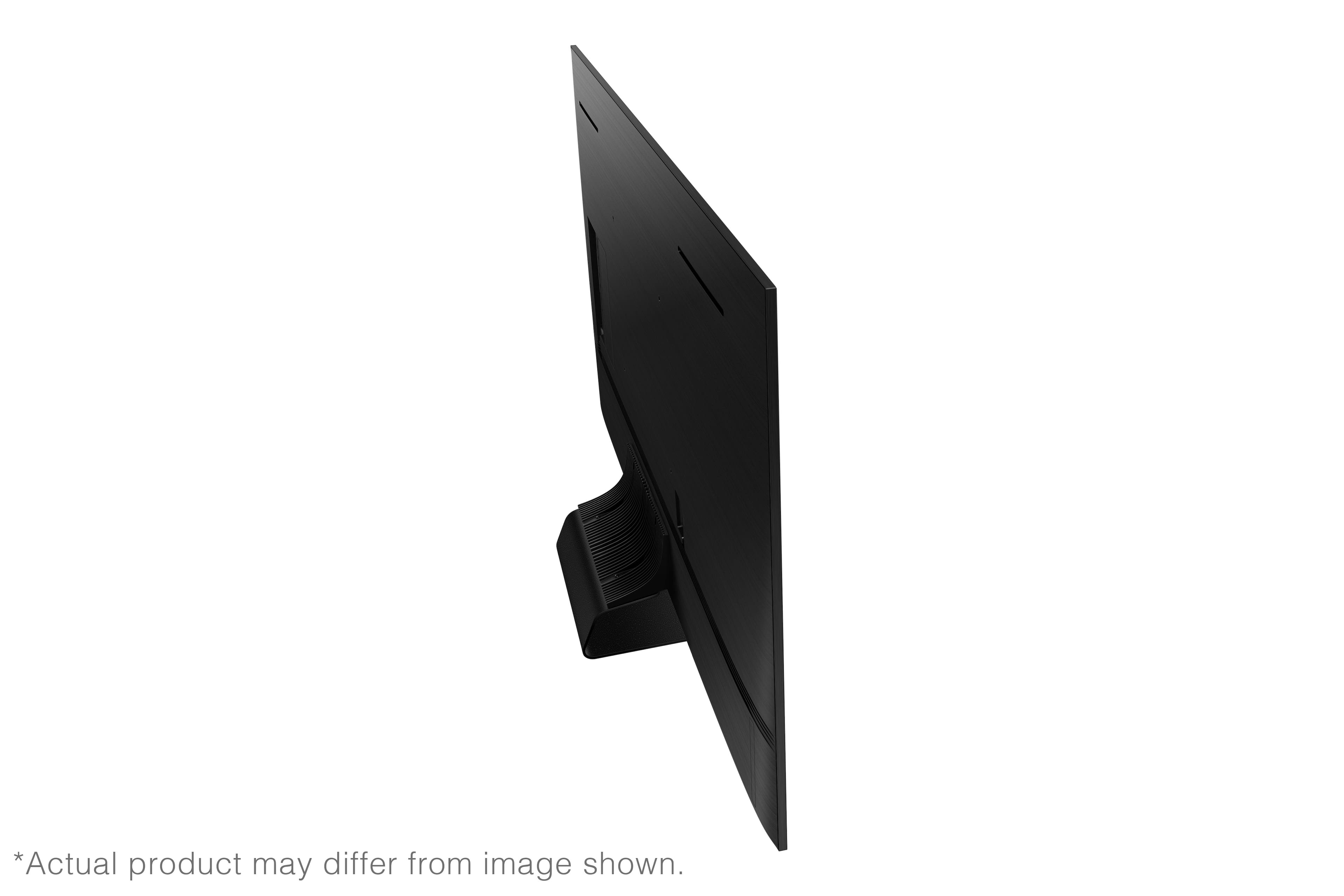
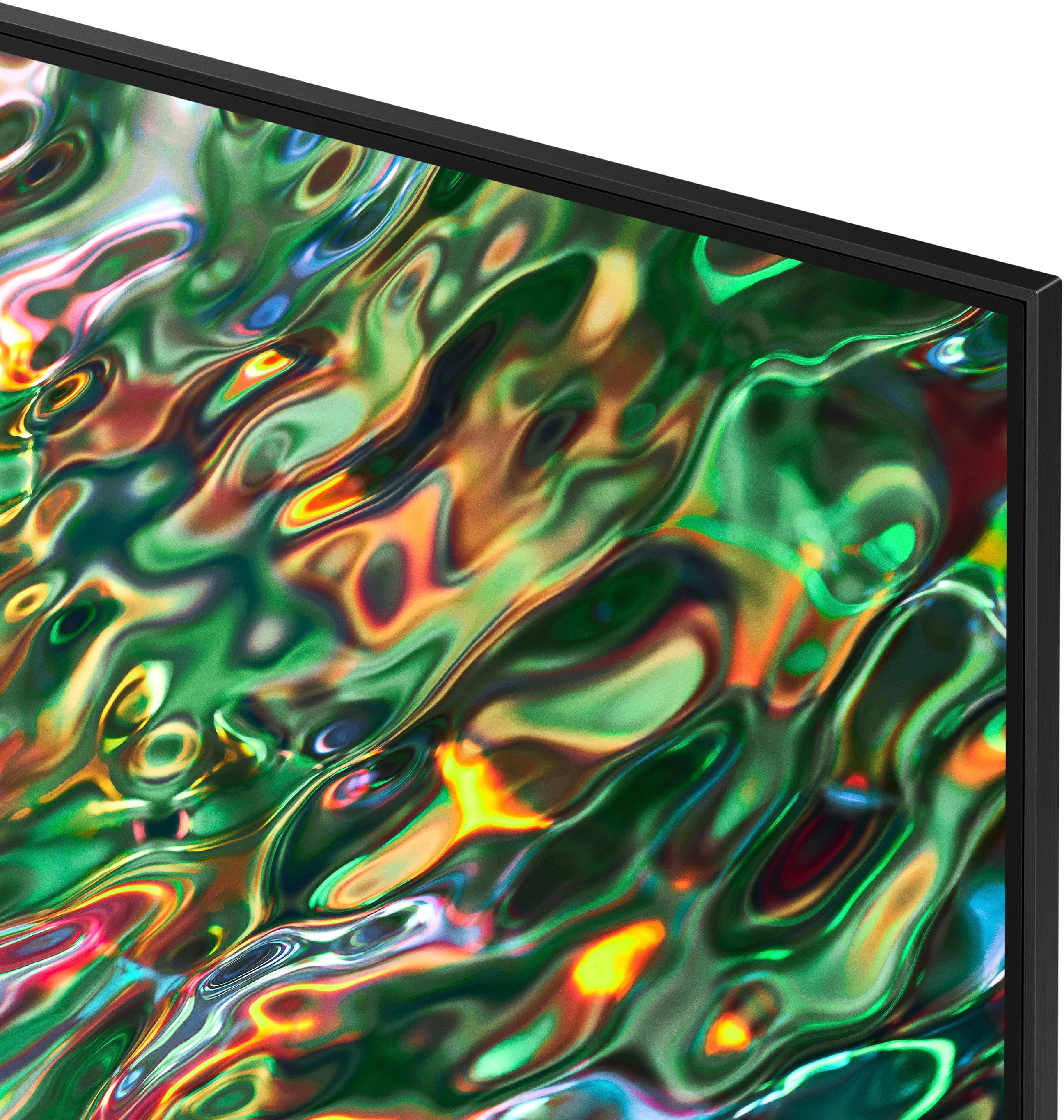
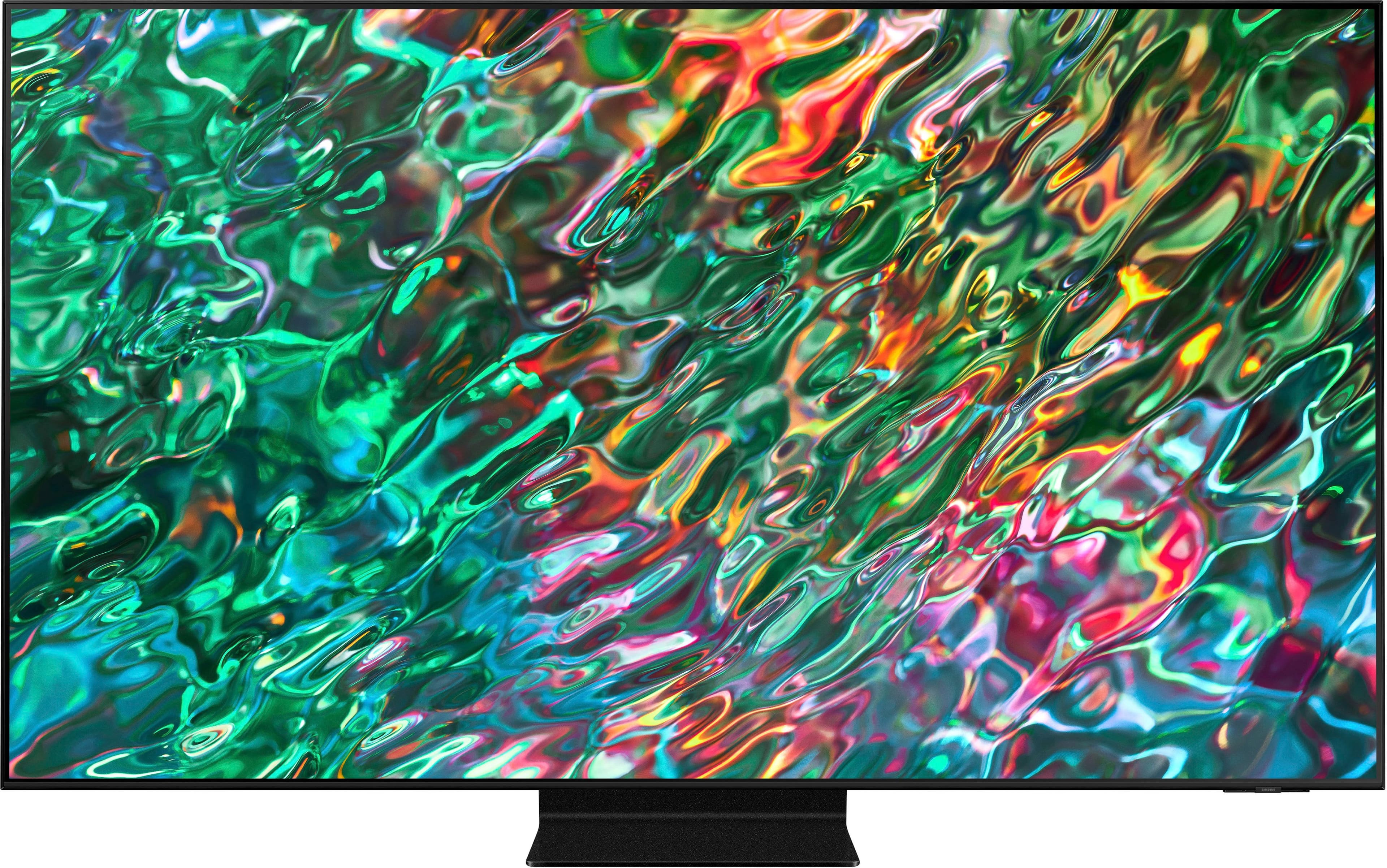
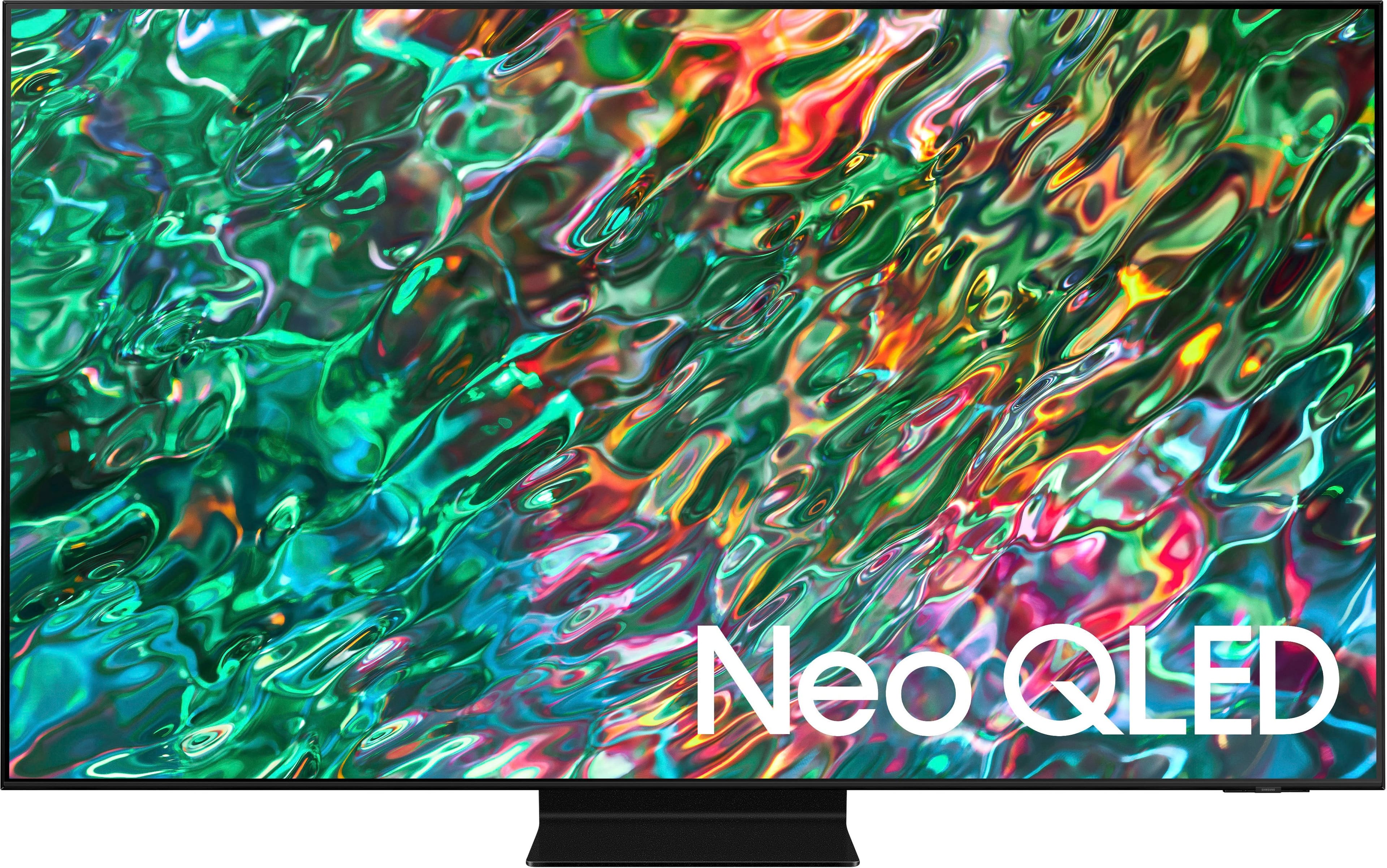
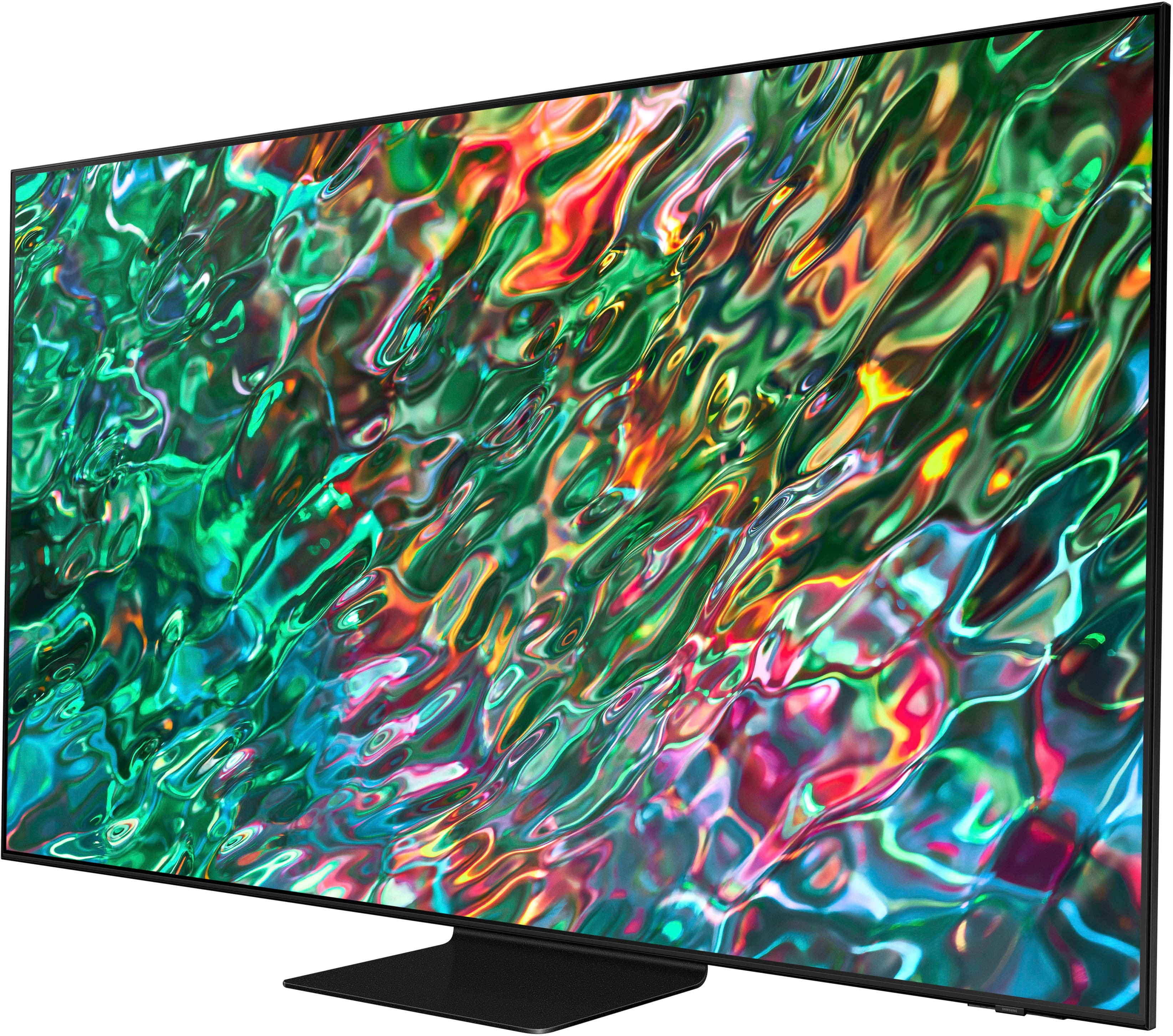
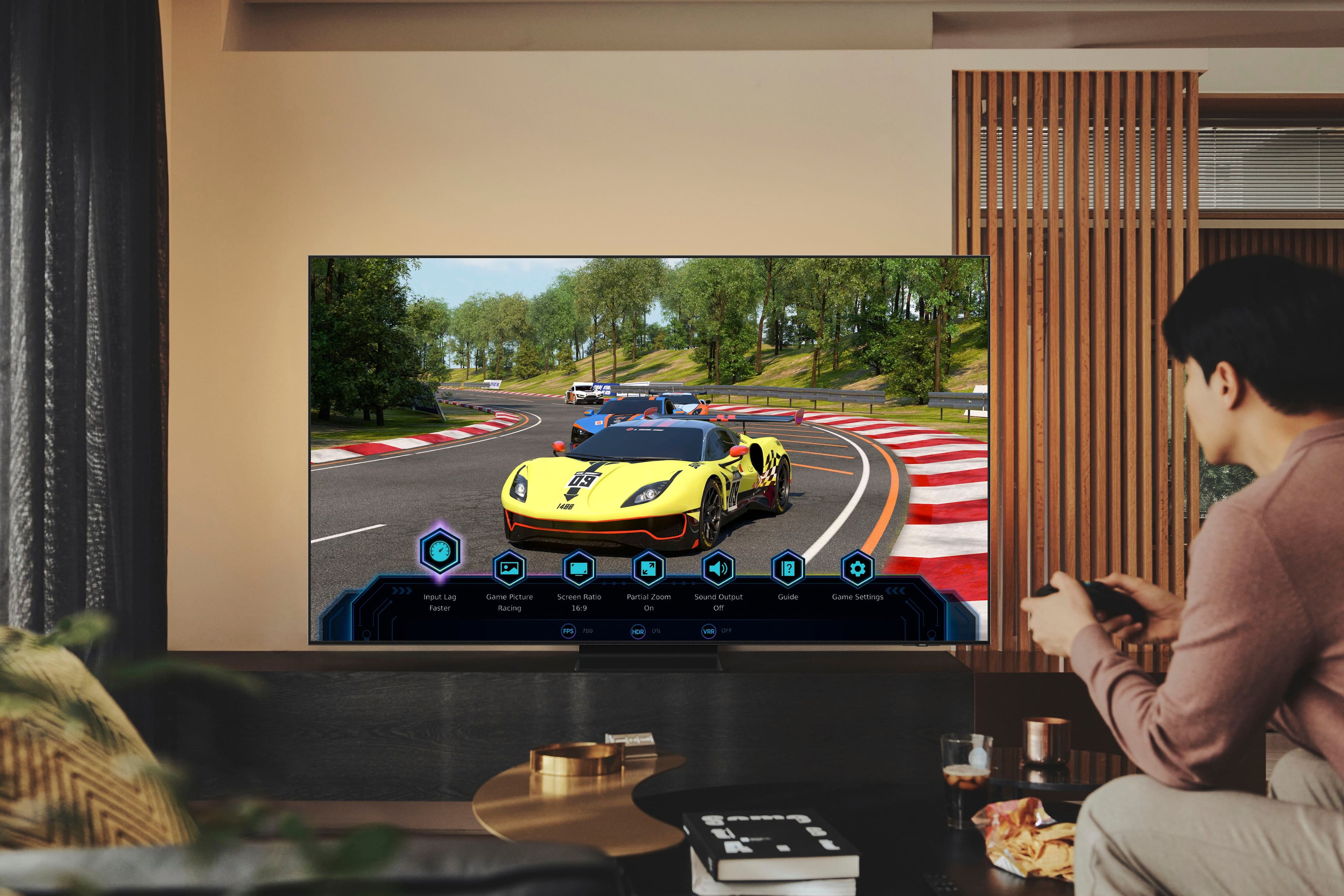
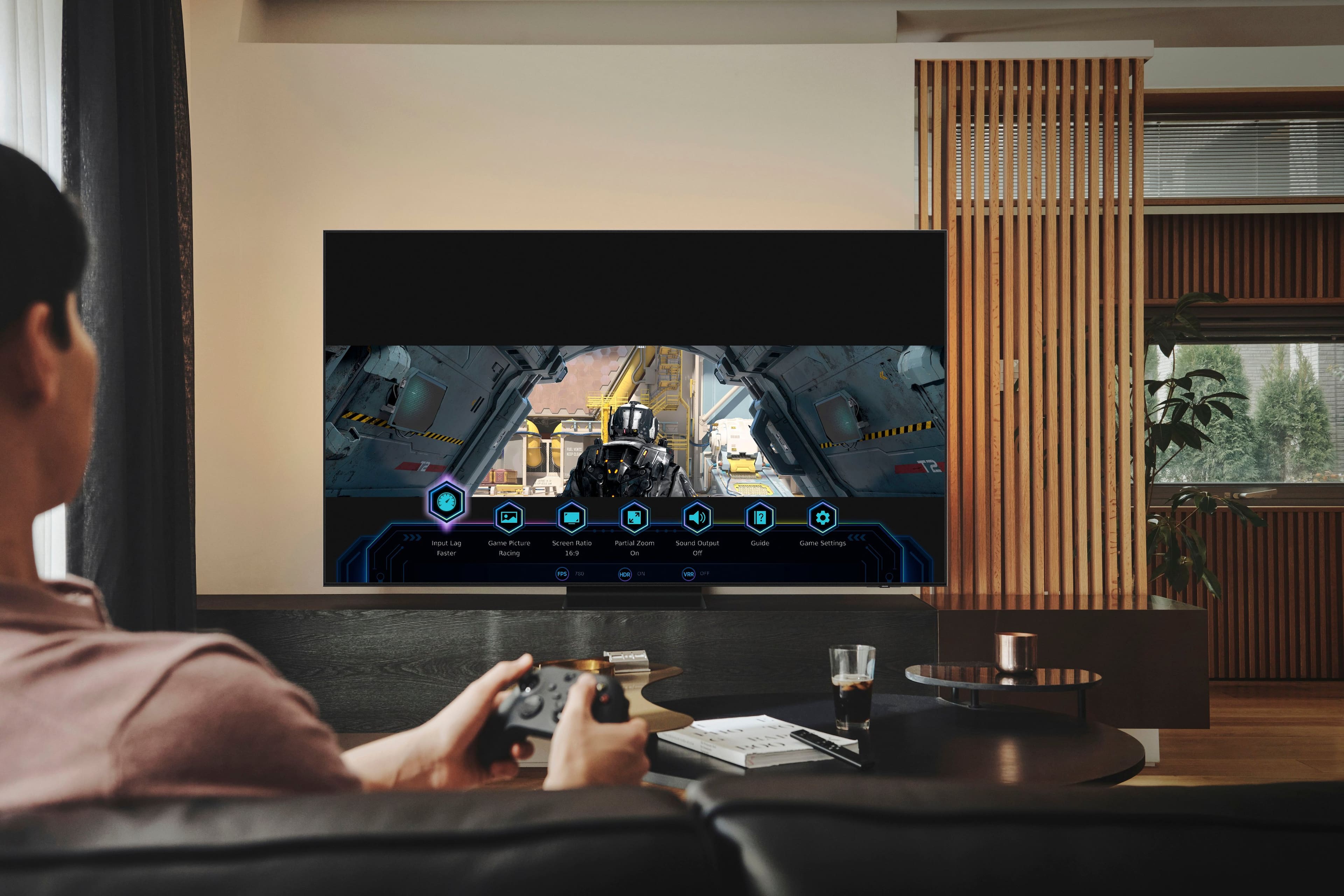
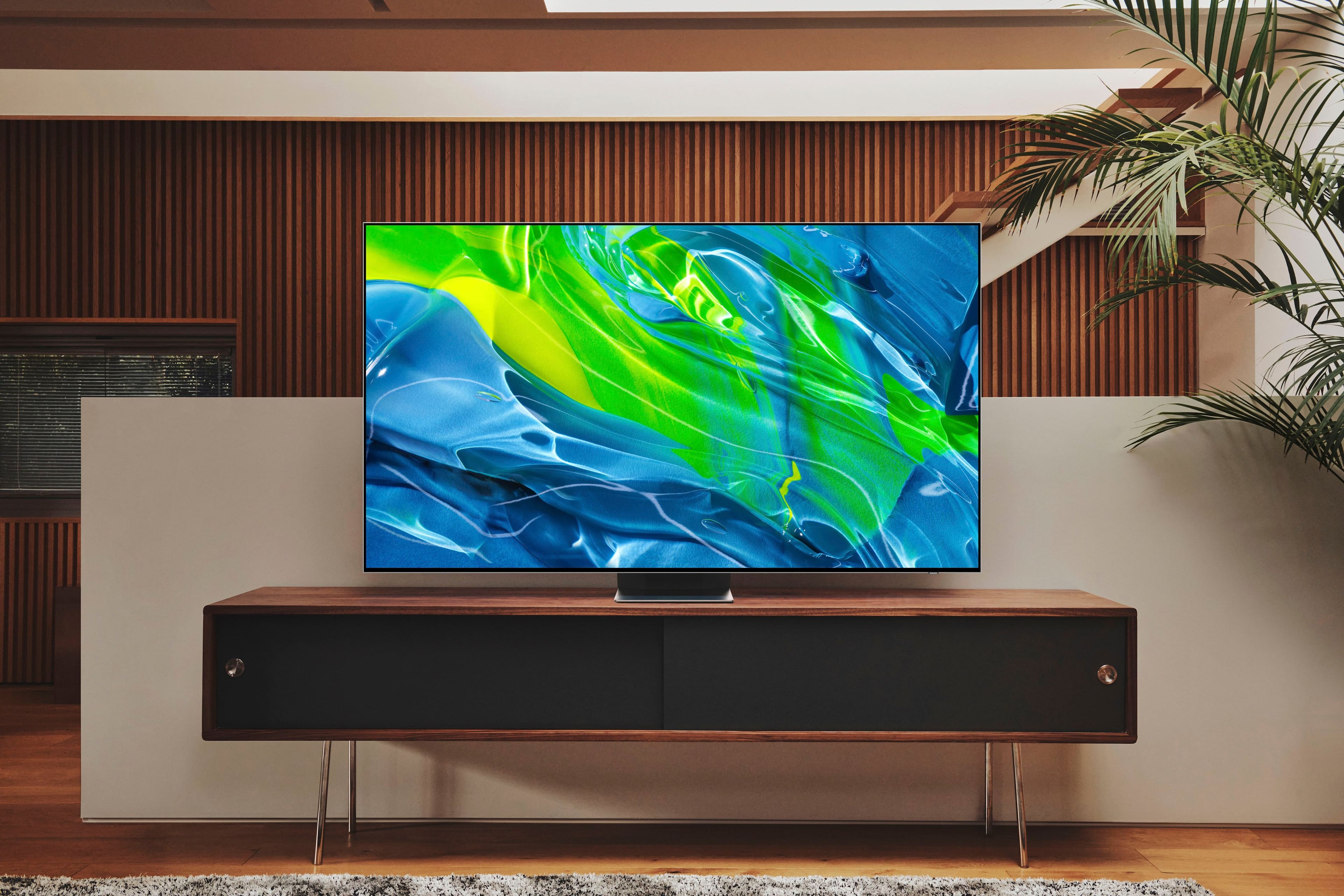
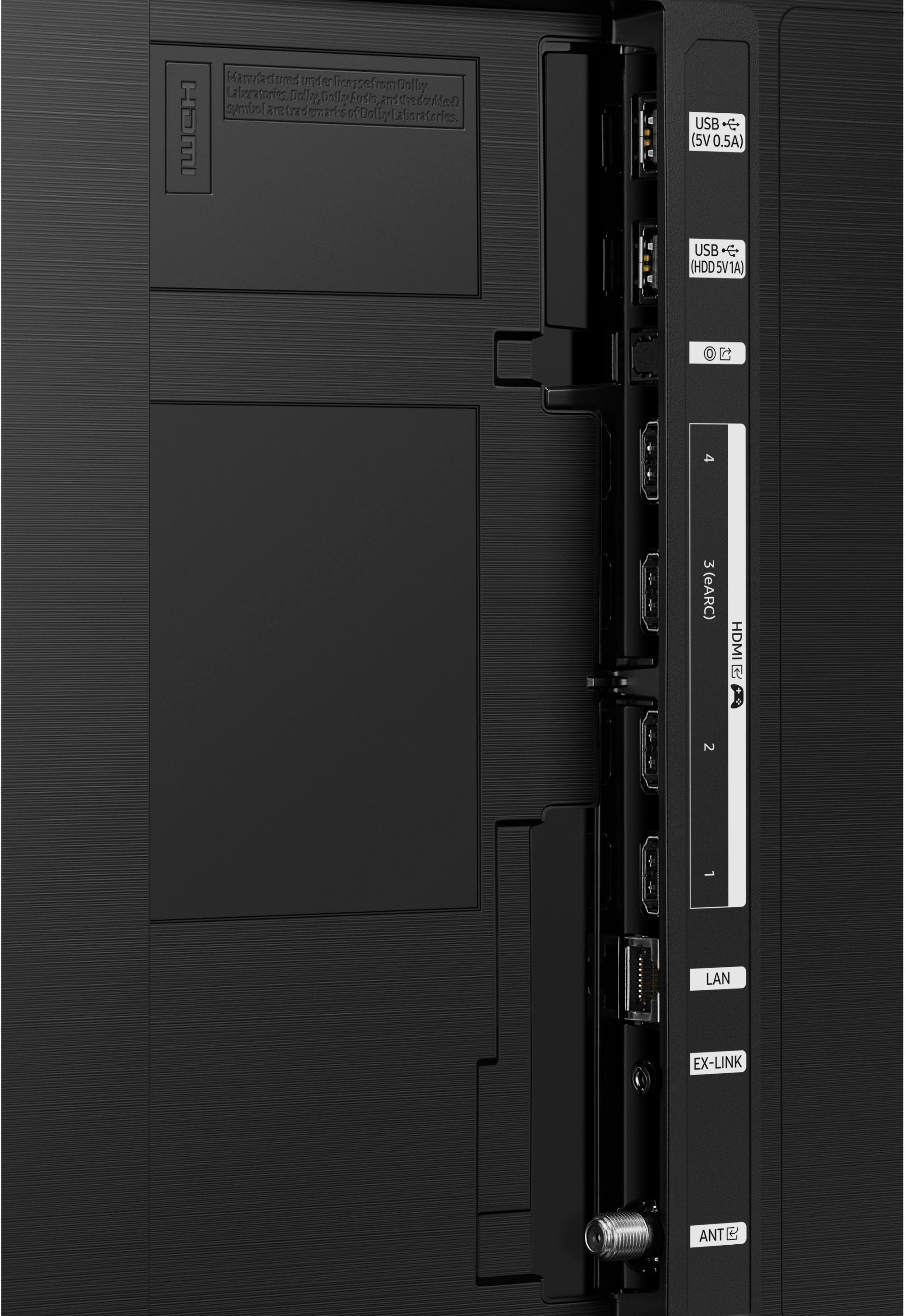
A:AnswerHi DG! All 4 HDMI ports on the 75" QN90B are capable of Auto Low Latency Mode (ALLM), Dynamic Metadata (HDR10+), Variable Refresh Rate (VRR), and 4K@120Hz. If you’re looking for a TV capable of 4K up to 144Hz for PCs, please consider our 43" or 50" QN90B TV, which supports this feature in all HDMI ports. ^Gina
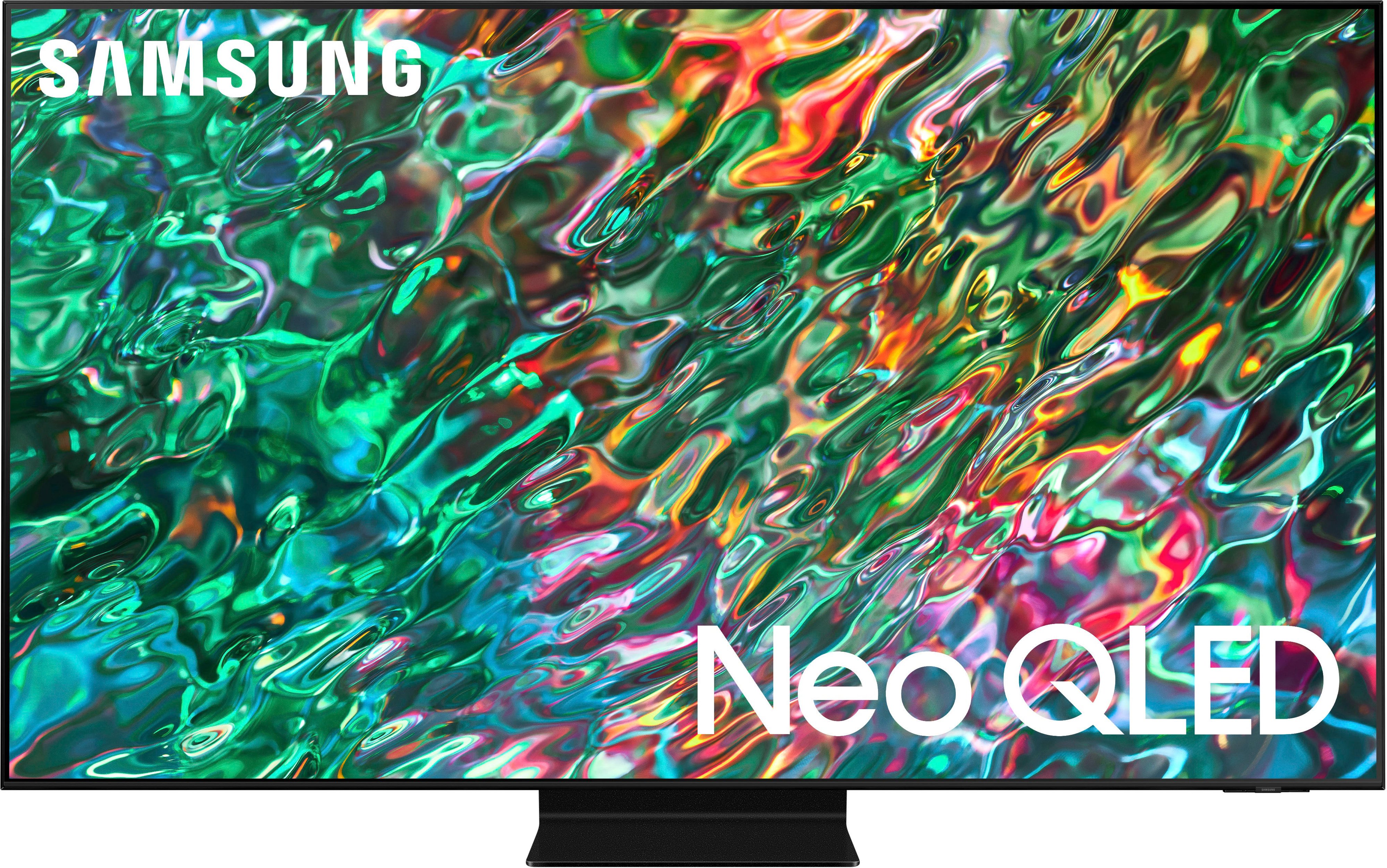
A:AnswerQLED is backlit by groups of LEDs. OLED is like an iPhone screen with each pixel having the ability to turn on and off. QLED best for brighter rooms with glare. OLED best for dark rooms and has the best picture.
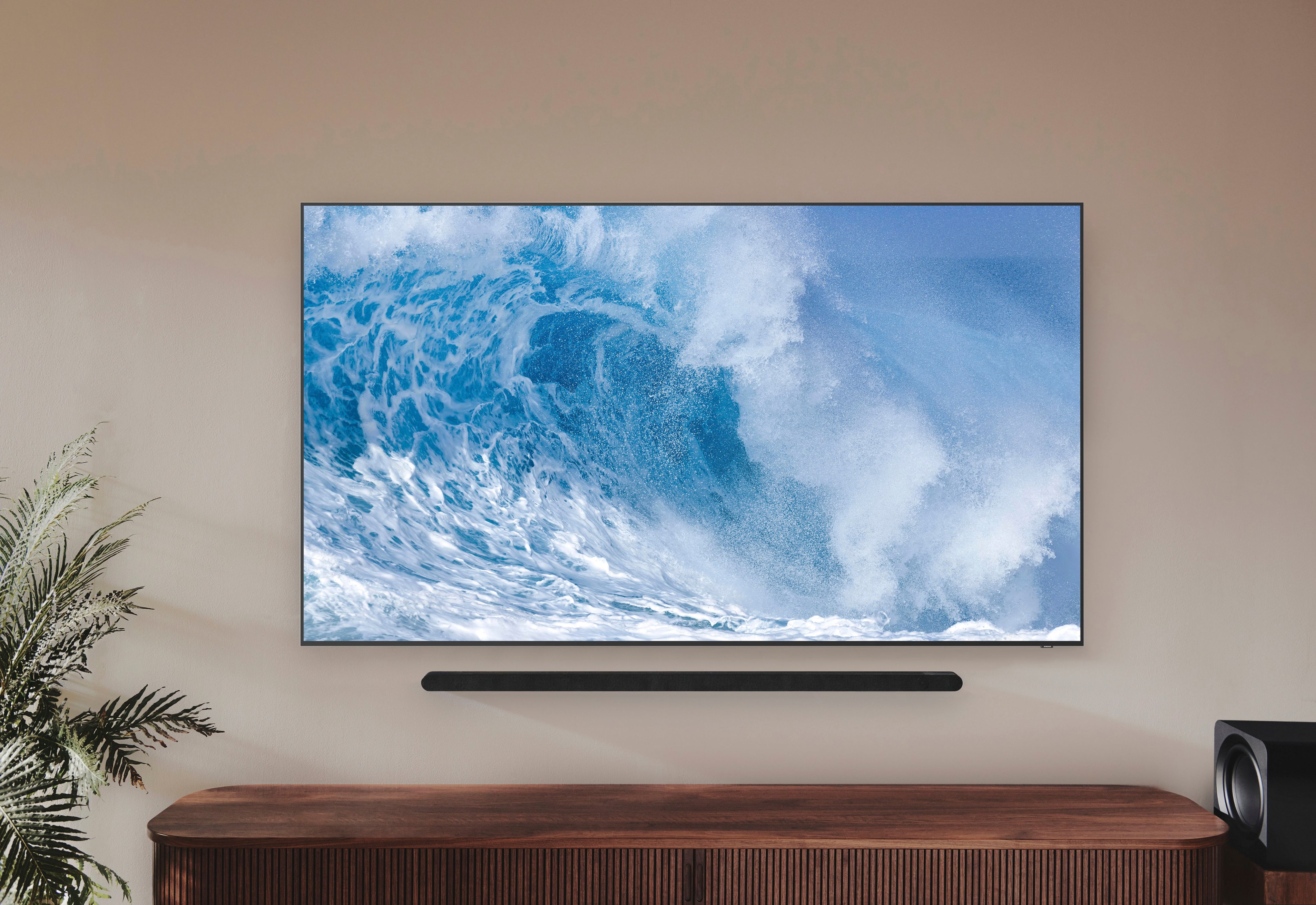
A:AnswerHi Lewis - If you've connected your QN90B TV to a compatible Samsung Q-Series Soundbar, you can enable Q-Symphony within the settings by going to Home > Menu > Settings > Sound Mode. Should you need assistance with this, please reach out to Samsung Support at: 1-800-SAMSUNG, 8AM - 12AM EST, 7 days a week, or Chat with us on Samsung.com: https://www.samsung.com/us/support/contact/

~ Samsung Specialist
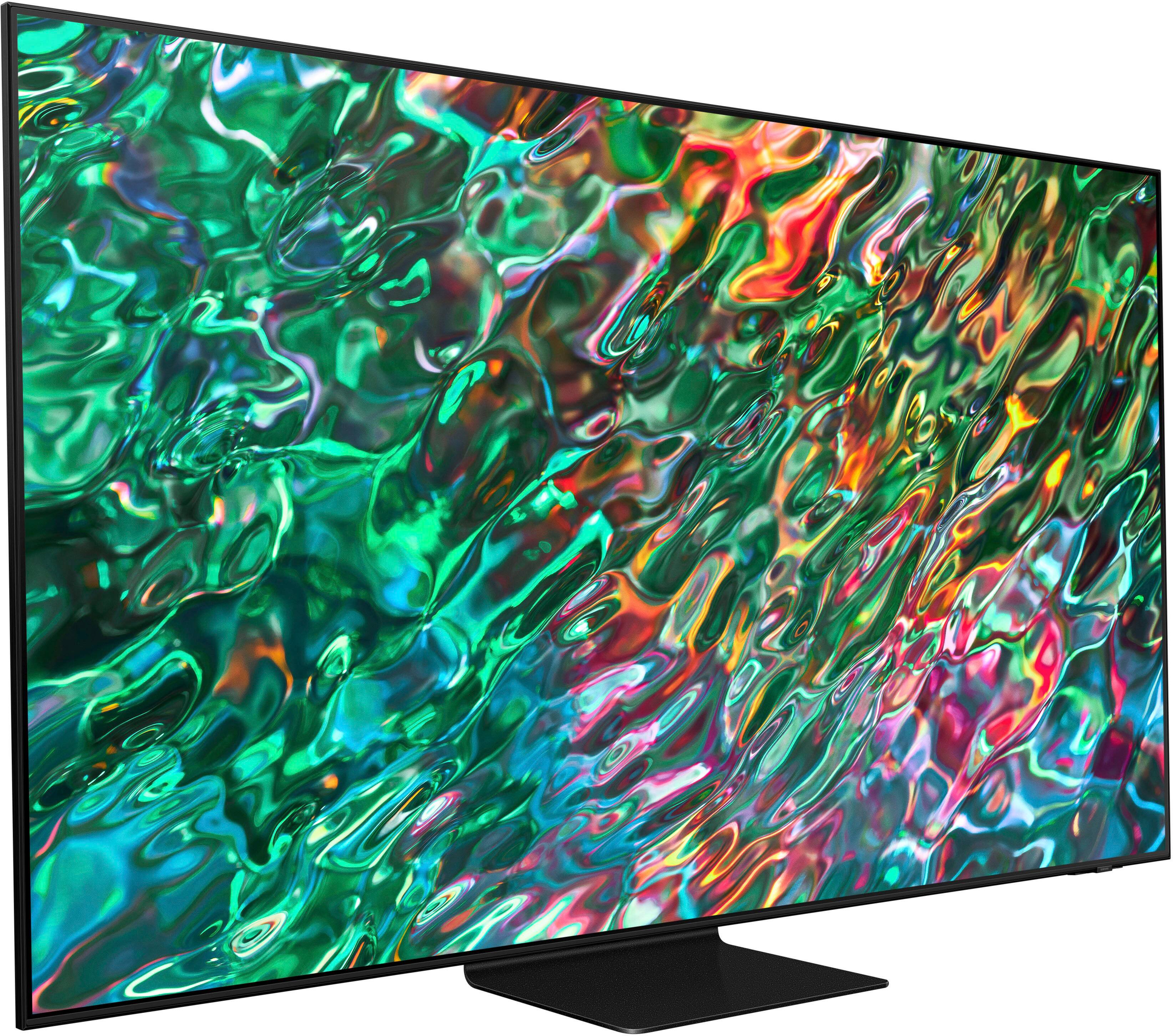
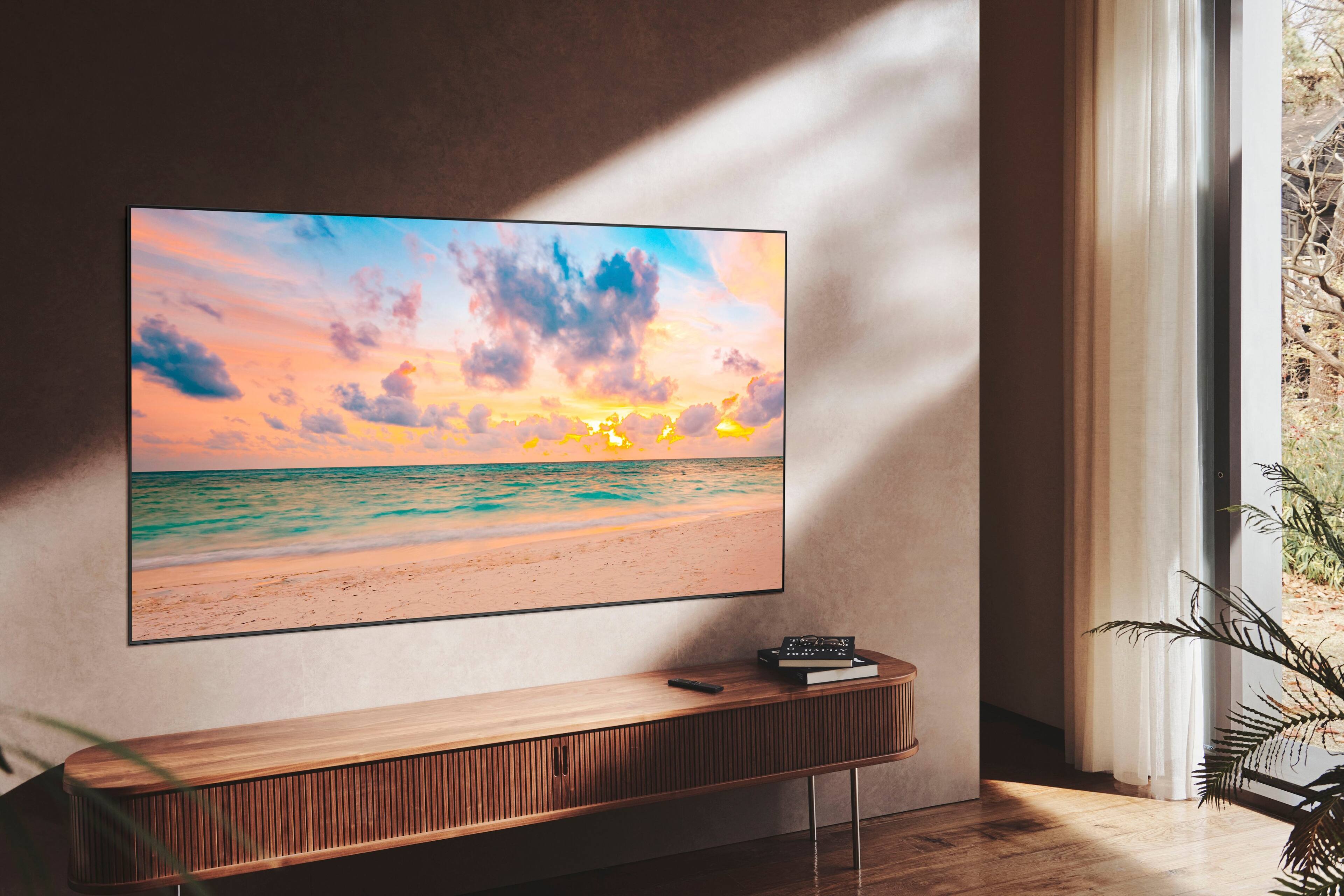
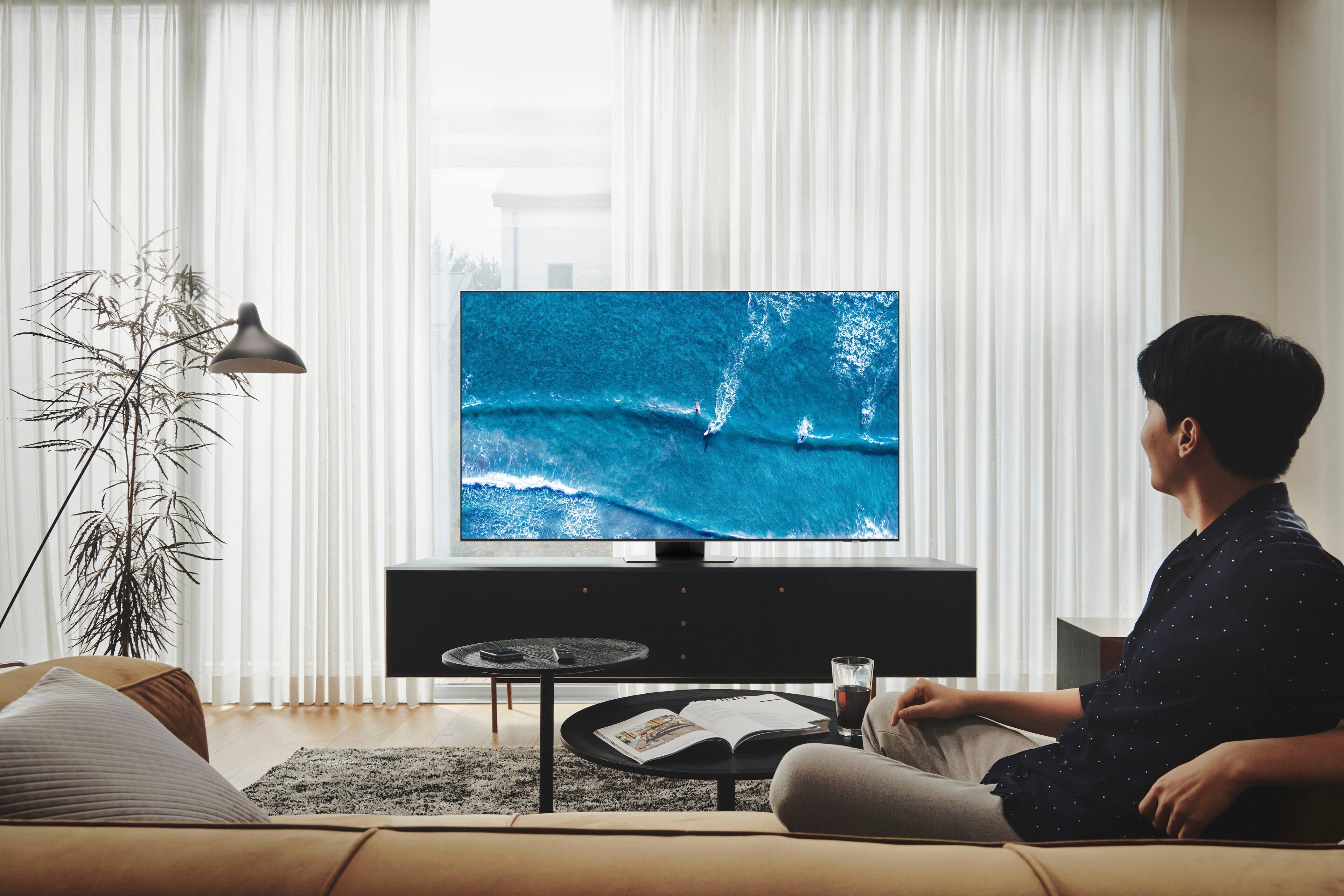
A:AnswerHi Art - It sure does! The 75" QN90B TV features Ultra Viewing Angle with Anti-Reflection technology which provides wider viewing angles, enhances color, and minimizes glare to help you enjoy shows without distractions. ^Gina