A:Answerit has a input regular cable tv connection type. (coax) You connect it like you would to a cable box or VCR. Then during set up, you tell the system air, and auto search. It walks you through the whole set up.
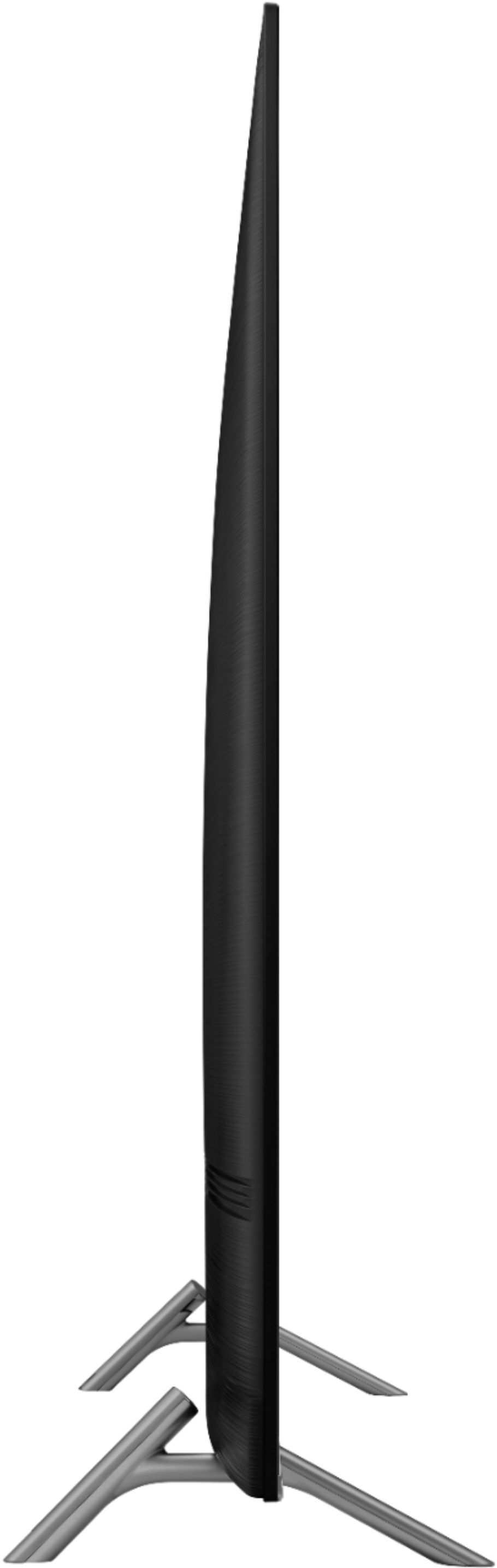
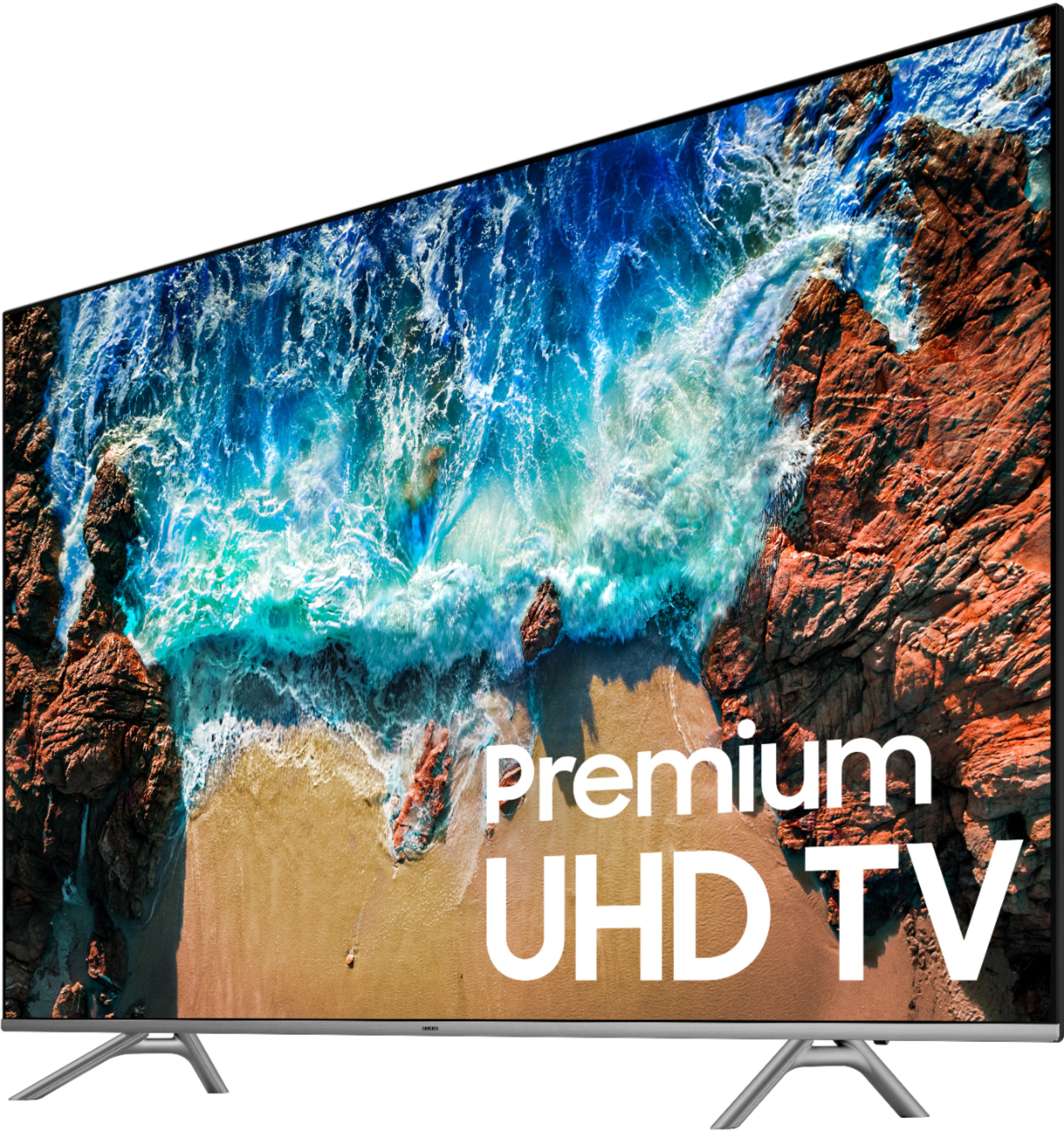
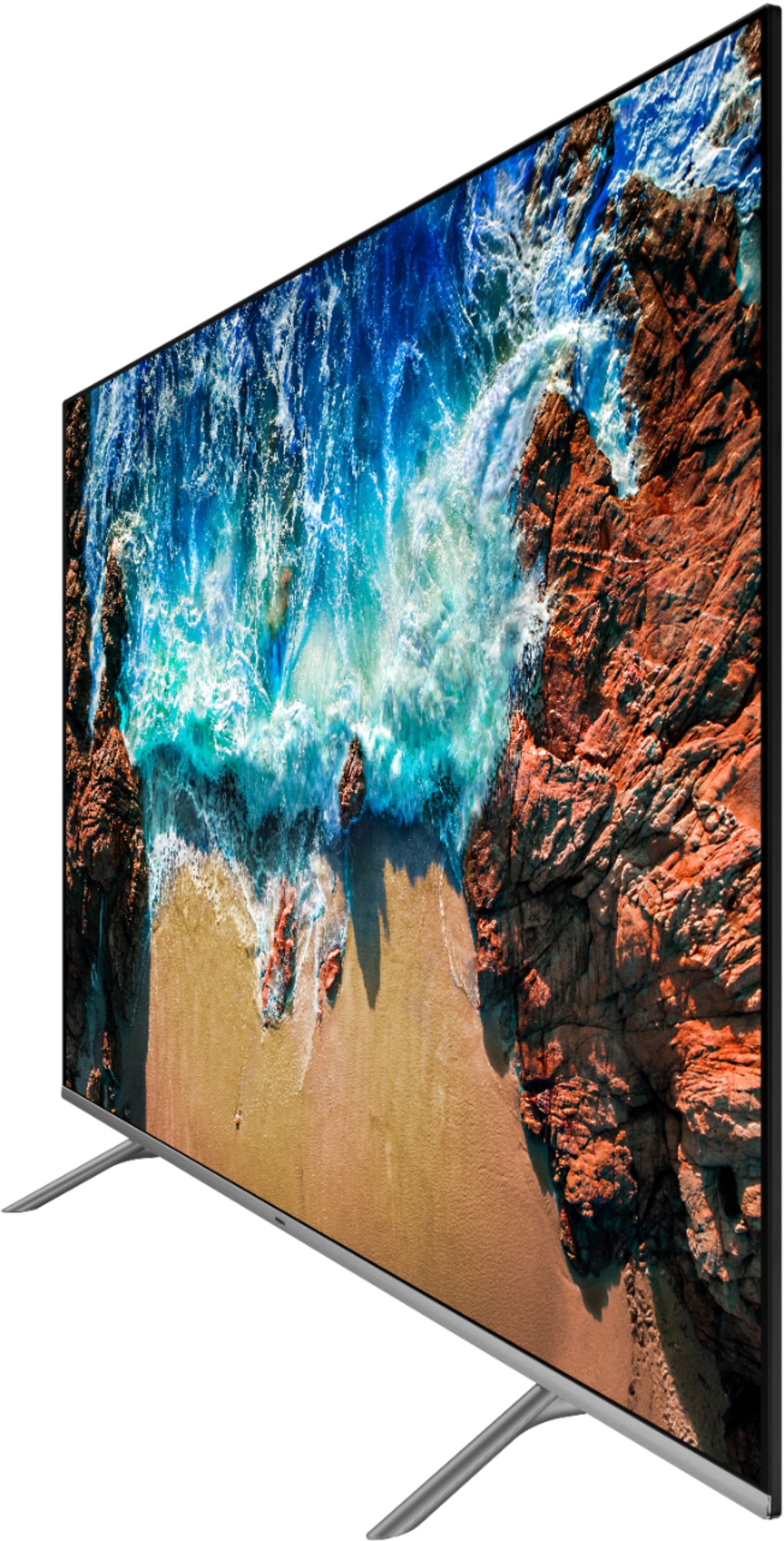
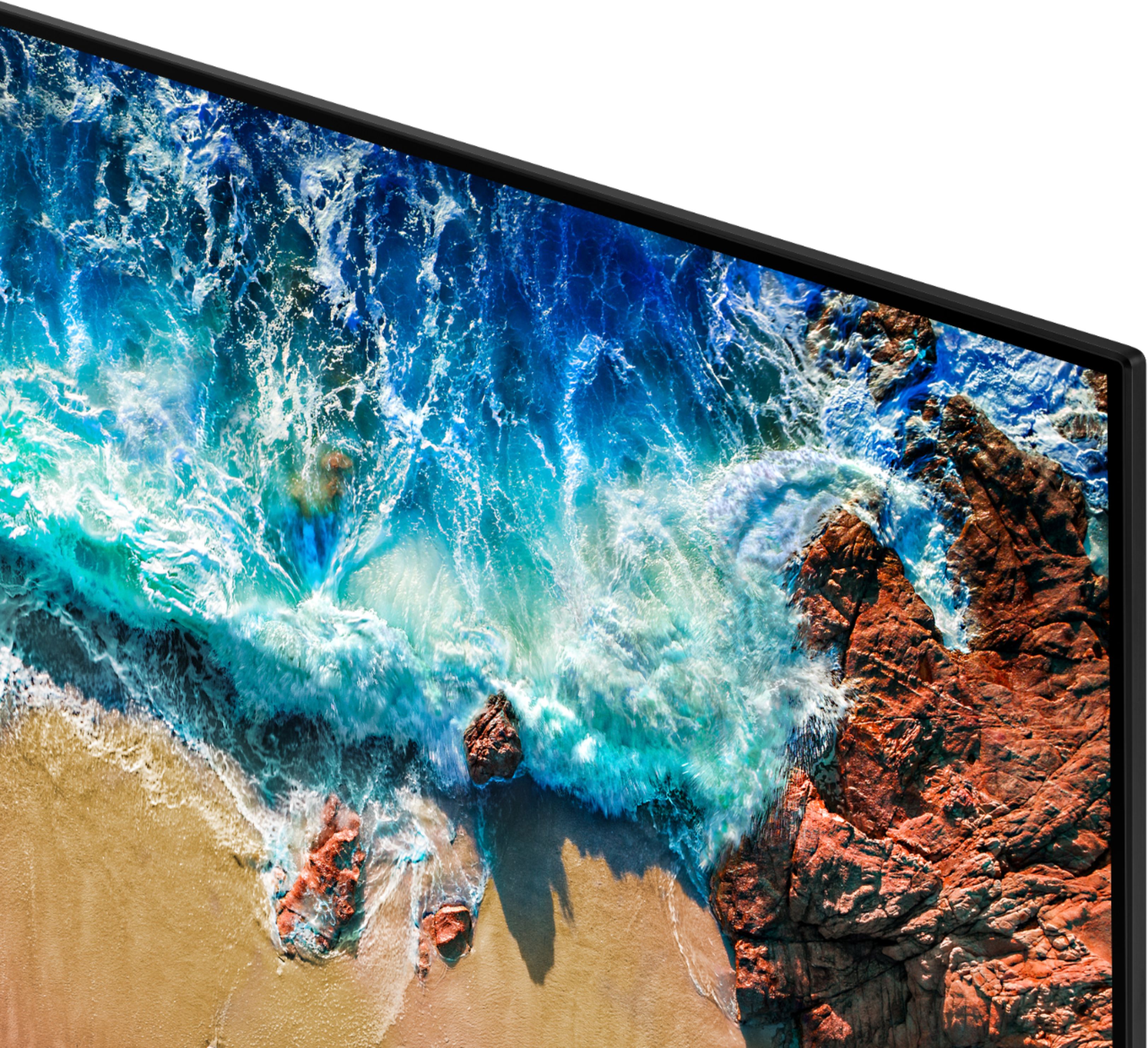
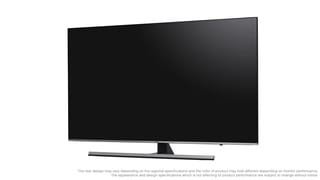
A:AnswerMine is silver, but with this new style, it's so thin you can hardly see the frame. Maybe 1/4 inch at the bottom, and an 1/8 around the sides, and top. It's all view-able screen.
A:Answeryes, it has the Google play app preloaded. doesnt have the VGA connector for using it as a computer screen but I'd imagine there's adapters that will let u connect the laptop via the 2 USB ports or HDMI connections
A:AnswerUsing the Smart Things skill Alexa will turn the TV on and off only. However, this may be messing up my receiver/ARC setup, although I haven't confirmed this is the cause.
A:AnswerI purchased this one (Sanus - Premium Series Advanced Tilt TV Wall Mount For Most 42" - 90" TVs - Extends 5.75" - Black) I wanted one that would angle down, over a boardroom table and it works great. I'm not sure how much of a gap you'd be ok with but with the plywood needed to support the TV and the mount I can get as narrow of a gap as 5 inches with this mount. Hope this helps
A:AnswerI appreciate the link but I had already reviewed the "specs" before asking the question. No where in the specs do I see the Miracast standard mentioned. While some moble / screen mirroring is mentioned it is barren of detail.
Can I mirror the screen from a laptop running Windows 10 or other Miracast compatible device to this TV wirelessly?
Ready to buy but not if I can't get this detail.
A:Answer47”. It was hard to find a stand long enough but the one we found is 64” x 18” deep. and having legs in middle holes gives us a sturdy base. You need 15” deep for legs so we good space.