Questions & Answers
- Model:
- QN82Q60TAFXZA
- |
- SKU:
- 6451519
Highly rated by customers for: Picture Quality, TV Quality, Price
Page Showing 41-53 of 53 questions
Q: QuestionAre the legs removable so I can mount this?
Asked by K.
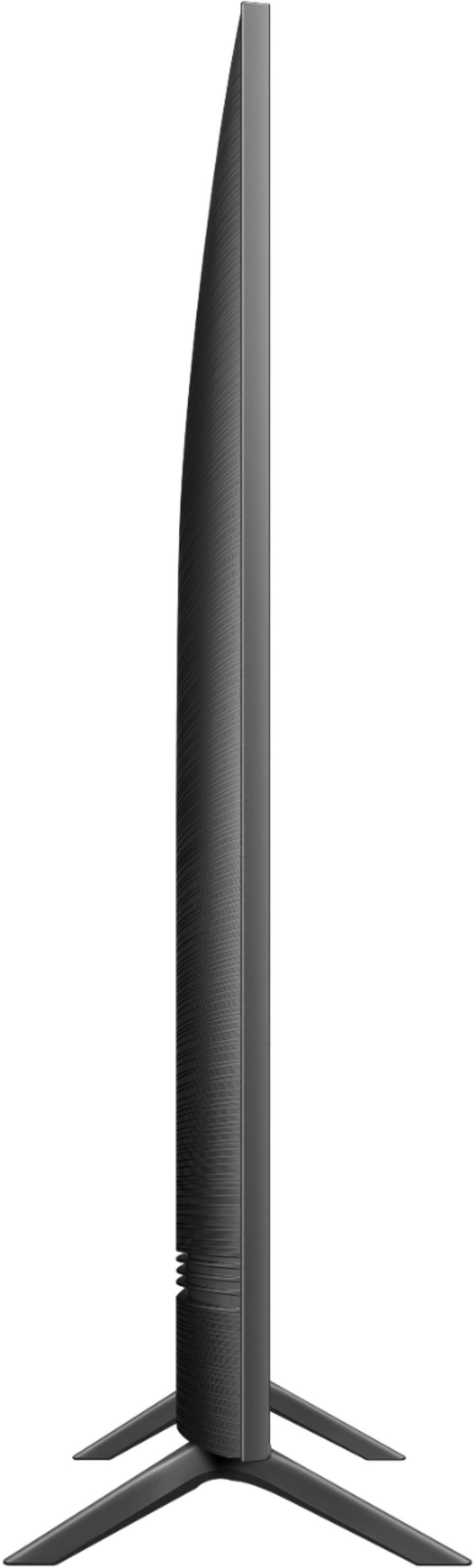
- A:Answer Yes, it comes with the legs detached and can be wall mounted with a separate bracket.
Answered by Smallville101
Q: QuestionWANT A PRINTED MANUAL FOR THIS AND NO LUCK SAYS I NEED TO DOWNLOAD THE MANUAL
Asked by teegee.
- A:Answer Hi - You can download and print the Q60T TV's User Manual, e-Manual, Remote Control Leaflet, and Quick Setup Guide on Samsung's website by clicking "Support" > "Manuals & Software" > "TVs & Home Theater" > "TVs". From there, you can select the Q60T TV under "4K QLED TVs > T Model Lineup" and download and print the guides you would like. The e-Manual is also embedded into the TV itself under Settings > Support > Open e-Manual. ^Gina
Answered by Samsung

Q: QuestionCan I load the disney + app on this tv?
Asked by Andy.
- A:Answer Andy - The Disney+ app will come preinstalled in your TV's App Launcher upon setup. ^Gina
Answered by Samsung

Q: QuestionI just bought this TV along with the Sonos Arc. Haven’t installed either yet but was wondering if the Arc is even compatible with this Tv? Do I need any specific cables to hook up? etc
Asked by Ashwiirose.
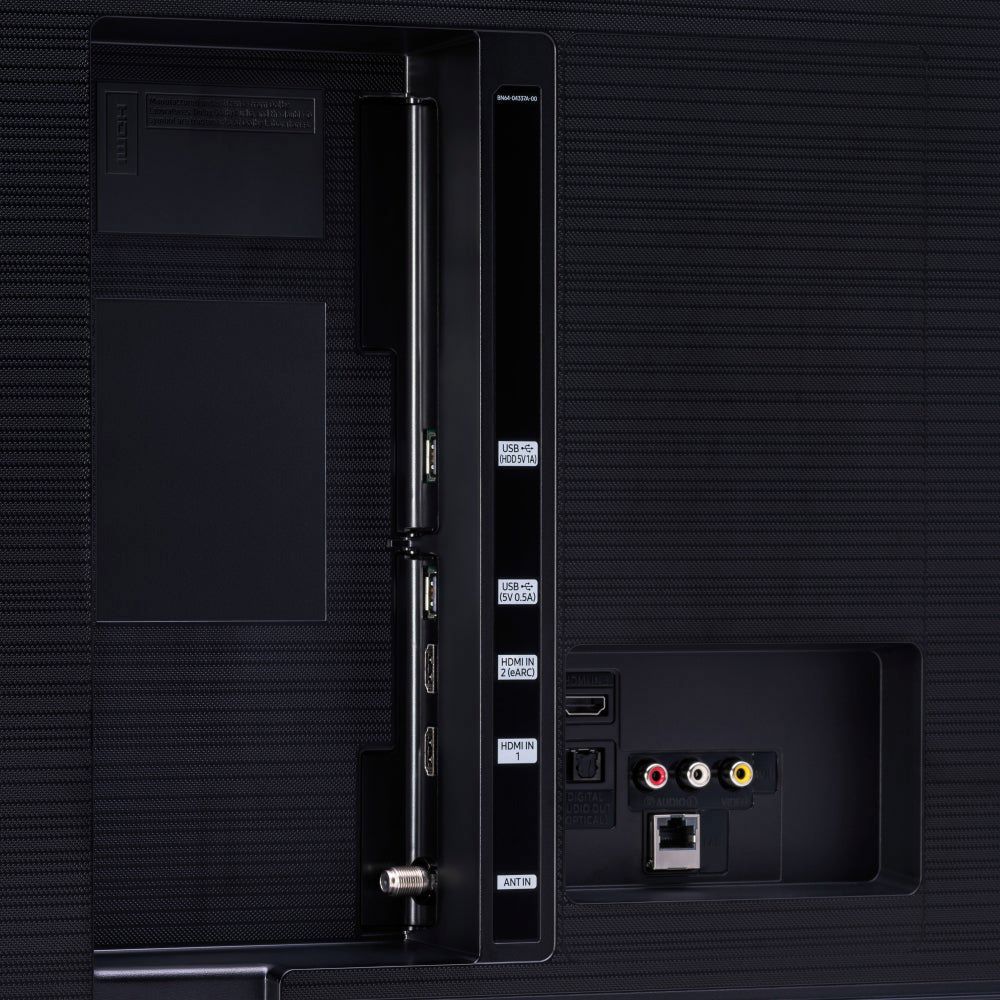
- A:Answer Hi Ashleighrk - The Q60T features HDMI, Optical and Bluetooth connectivity; as long as your soundbar supports any of these connections, you can seamlessly connect it to your TV. ^Gina
Answered by Samsung

Q: QuestionDoes this TV Come with Good Play Store installed?
Asked by NickB0383.
- A:Answer Hi NickB0383 - Samsung TVs utilize the Tizen operating system, which includes a built-in App Store. ^Gina
Answered by Samsung

Q: QuestionWhich side are the hdmi connections located on?
Asked by Anonymous.
- A:Answer Hi there! When facing the Q60T, the input panel is located on the back right side of the TV. ^Gina
Answered by Samsung

Q: QuestionI just bought an 82" and I love it! But I can t figure out how to make it full screen. There's the black bars on top and bottom. How do I take it off?
Asked by Clara.
- A:Answer Clara - You can change your screen ratio by going to: Home > Settings > Picture > Picture Size Settings. From there, you can choose from Picture Size, Fit to Screen, and Zoom and Position. ^Gina
Answered by Samsung

Q: QuestionThe only audio output is optical digital?
Asked by Amigator.
- A:Answer Hi Amigator, in addition to optical digital output, the Q60T can also output audio via HDMI, HDMI eARC, Wi-Fi, and Bluetooth. ^Val
Answered by Samsung

Q: QuestionCan I use my vcr with this tv
Asked by Anonymous.
- A:Answer Hi there! You can connect your VCR using an HDMI cable. If your VCR does not support HDMI, you will need an RCA to HDMI converter like this one. https://www.bestbuy.com/site/insignia-rca-to-hdmi-converter-black/6134312.p?skuId=6134312 ^Val
Answered by Samsung

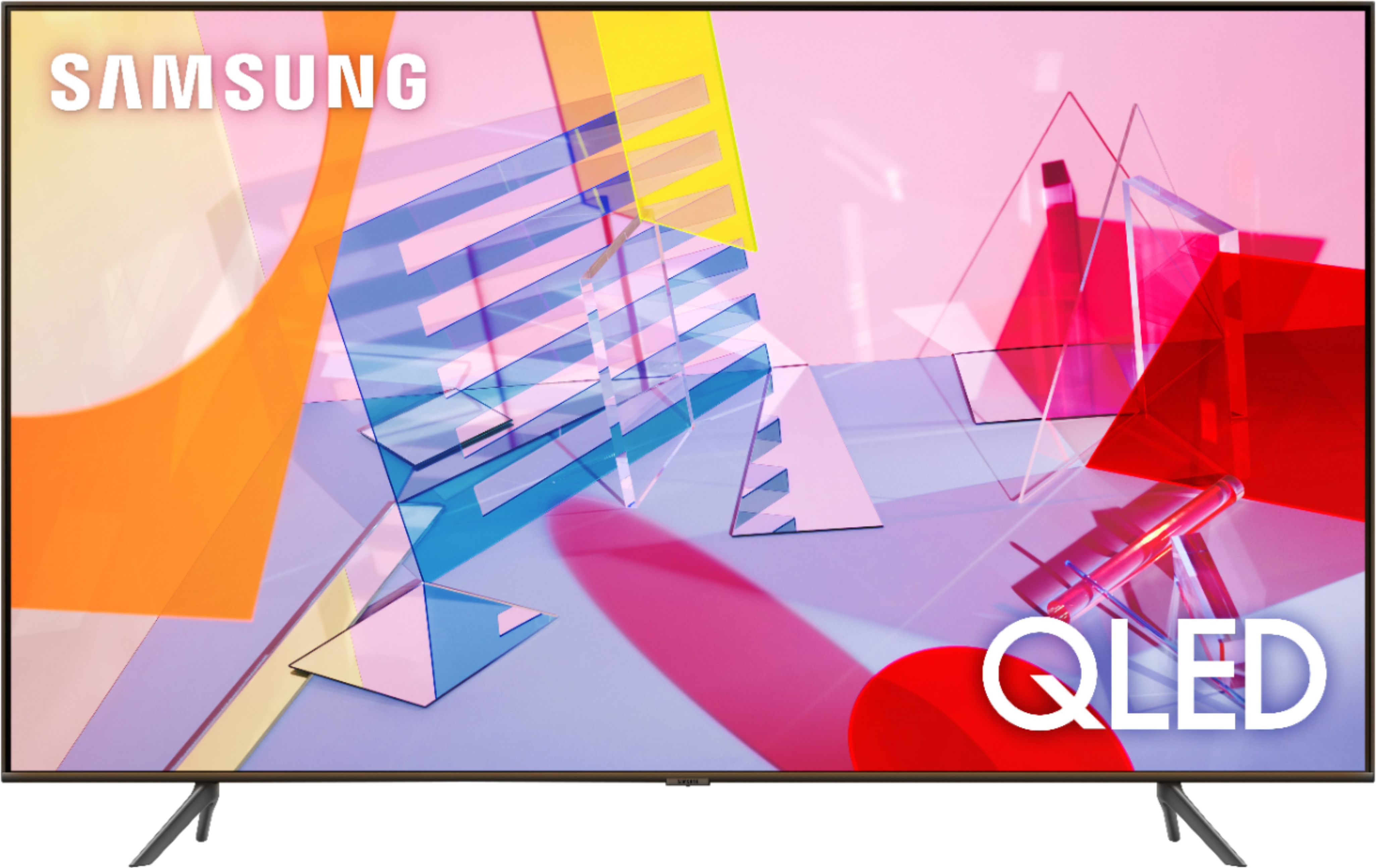
Q: QuestionI don't need to mount it on the wall. Does it come with a stand so that I can perhaps set it on a stand or table?
Asked by bexaminer.
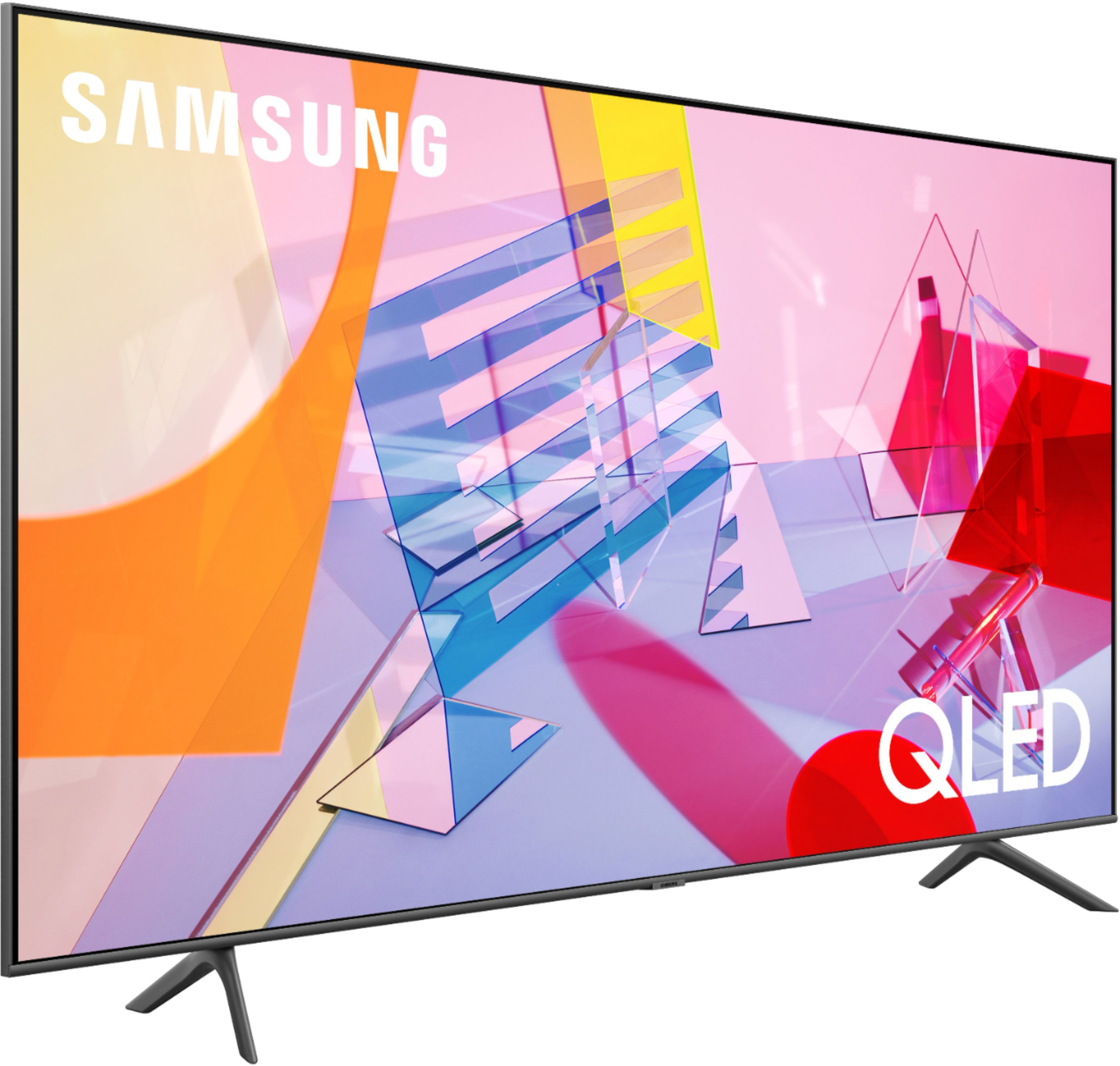
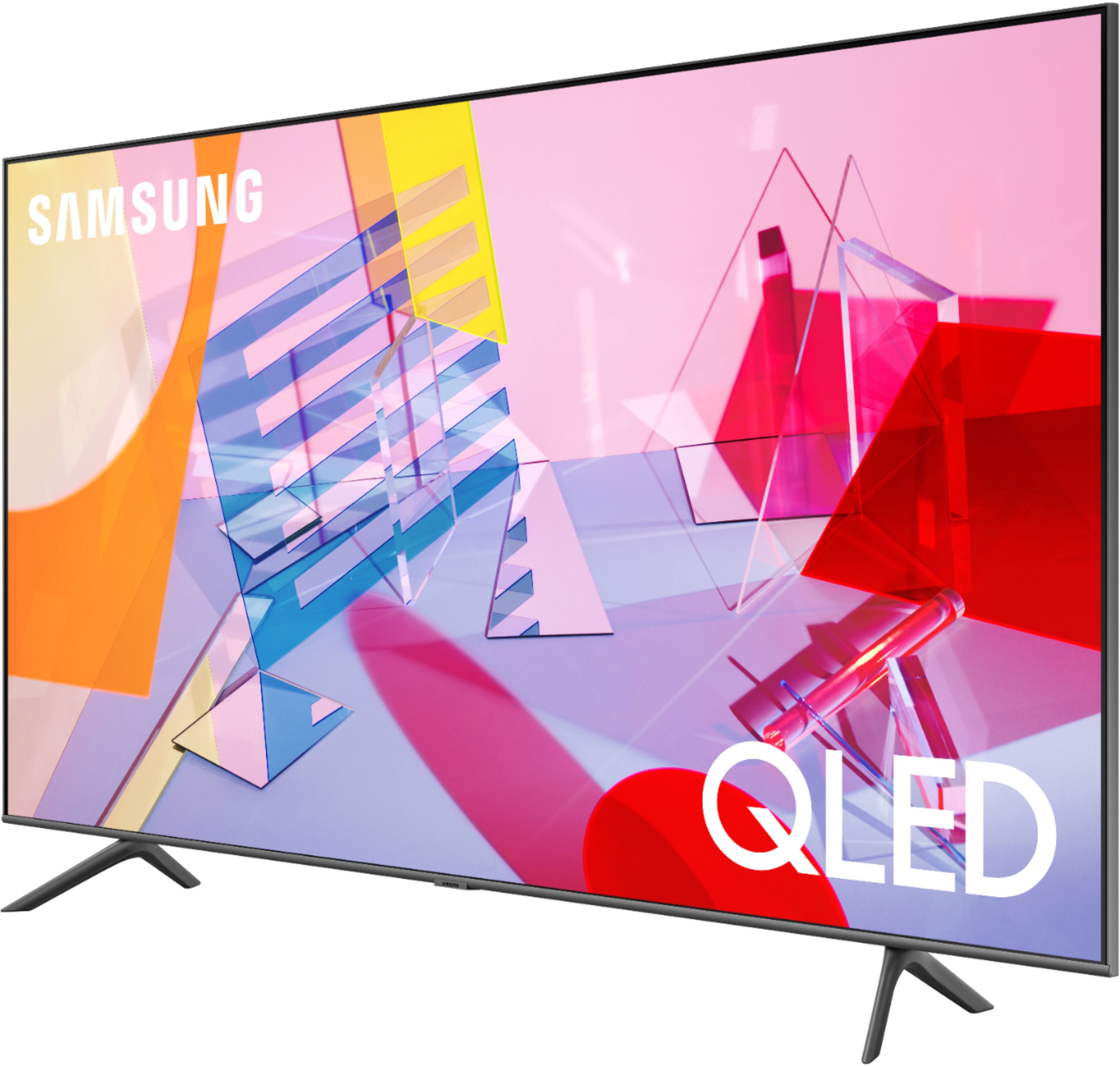
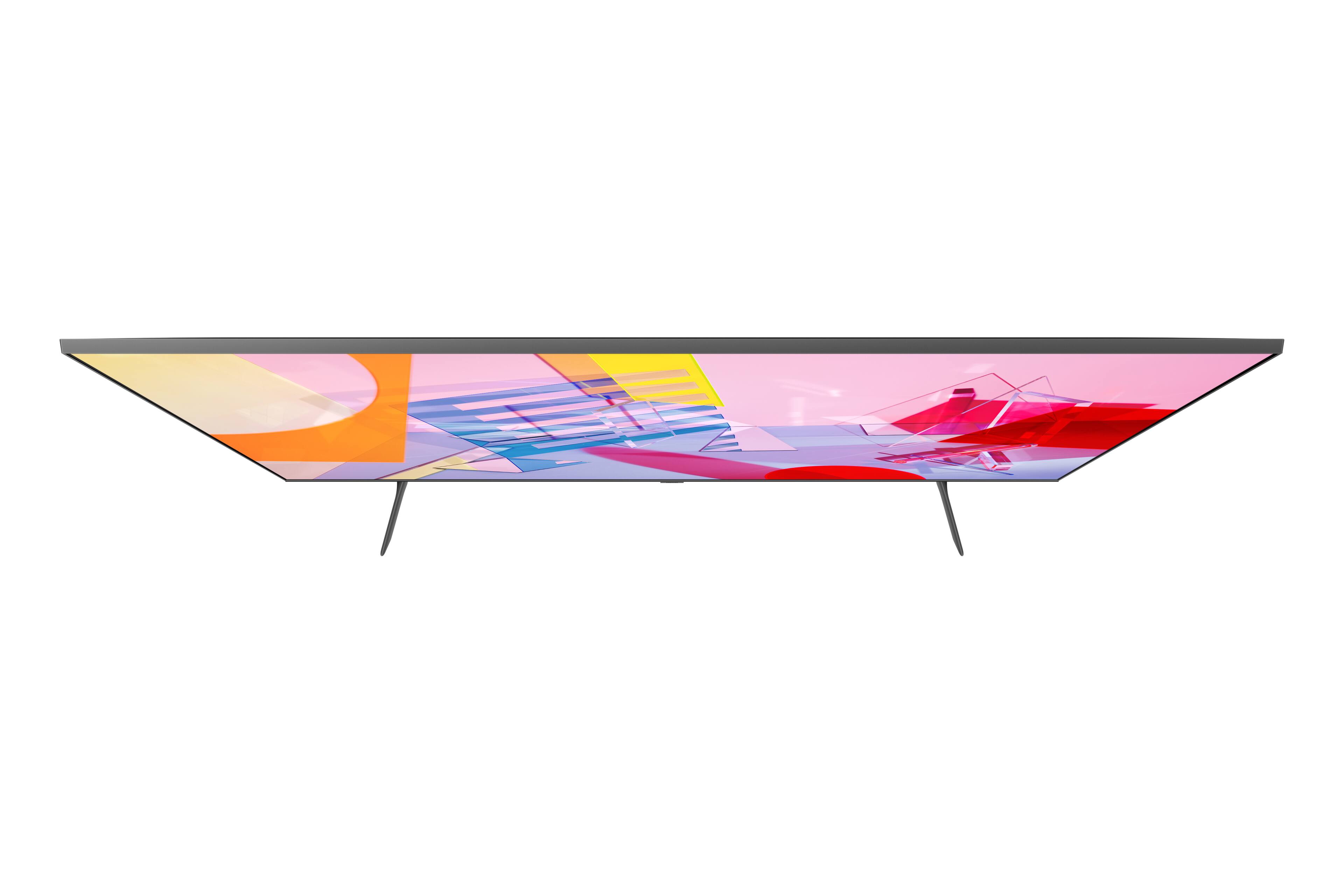
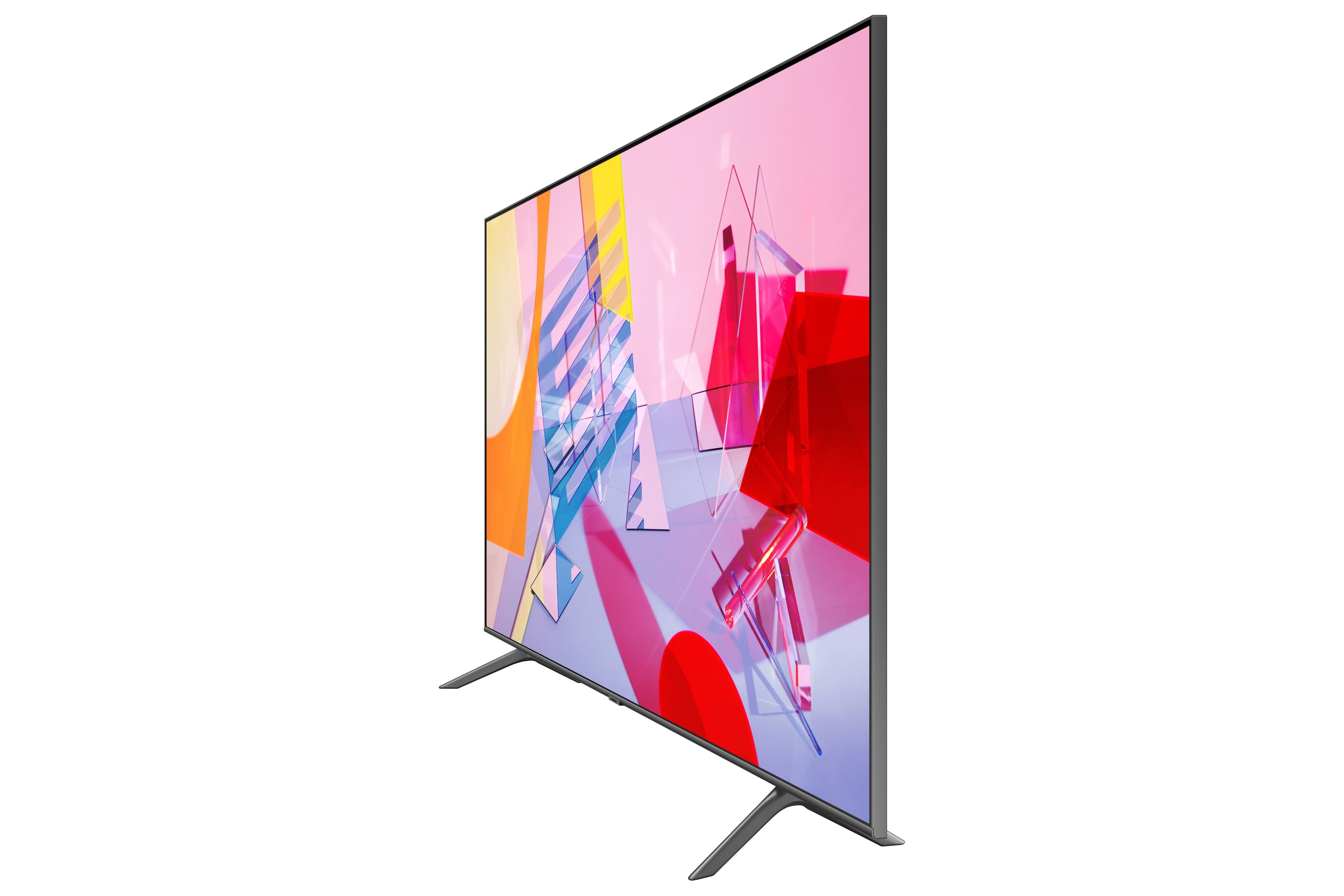
- A:Answer Hi bexaminer, you do not need to mount this on a wall. This TV comes with two legs to set onto a stand or table. ^Val
Answered by Samsung

Q: QuestionDoes this TV have Picture - In - Picture, and if so, from what sources? What year was this TV released?
Asked by JimB.
- A:Answer JimB - The 82" Q60T is a newly added size in 2021. Split-screen capability to view two different content side-by-side is available by using our Multi View feature. For example, you can view media from different sources, such as an app, Blu-ray player, or game console, on the main left screen, while also mirroring your phone to the smaller screen. Multi View provides you with different possibilities for splitting screens and viewing several types of content at the same time. On the left screen: You can play Samsung TV Plus, TV apps, HDMI devices, Antenna or Cable, or USB devices. On the right screen: You can screen mirror, use AirPlay, cast from an app, or cast from an IoT camera. 2 HDMI inputs cannot be viewed at the same time. ^Gina
Answered by Samsung

Q: QuestionWhere can I find a diagram showing the placement of the vesa mounting holes on the back?
Asked by Wick.
- A:Answer Wick - At this time, there is not a diagram of this available online; however, your TV should have included a Quick Setup Guide which features the diagram you are looking for. The 82" Q60T utilizes a VESA Pattern of 600mm x 400mm. To mount this TV, you will need (4) M8 screws with 1.25mm pitch and 39–41mm length. ^Gina
Answered by Samsung

Q: QuestionStand Distance between legs
Asked by Anonymous.
- A:Answer Hi! The legs of the 82” Q60T are 65.2” apart. ^Tim
Answered by Samsung

Page 3, Showing 41-53 of 53 questions
Most-viewed items
- Ultimate Deal$299.00$299.00
- $449.99$449.99The price was $649.99
- $121.99$121.99The price was $129.99
- $1,149.00$1,149.00The price was $1,299.00
- $74.99$74.99The price was $129.99