A:AnswerYour screen is Physically damaged, so only a Physical repair can fix it (No reset or software will fix am broken screen)
Only 2 options - Take it to a TV repair center and pay nearly as much as the TV itself costs or just buy a new TV.
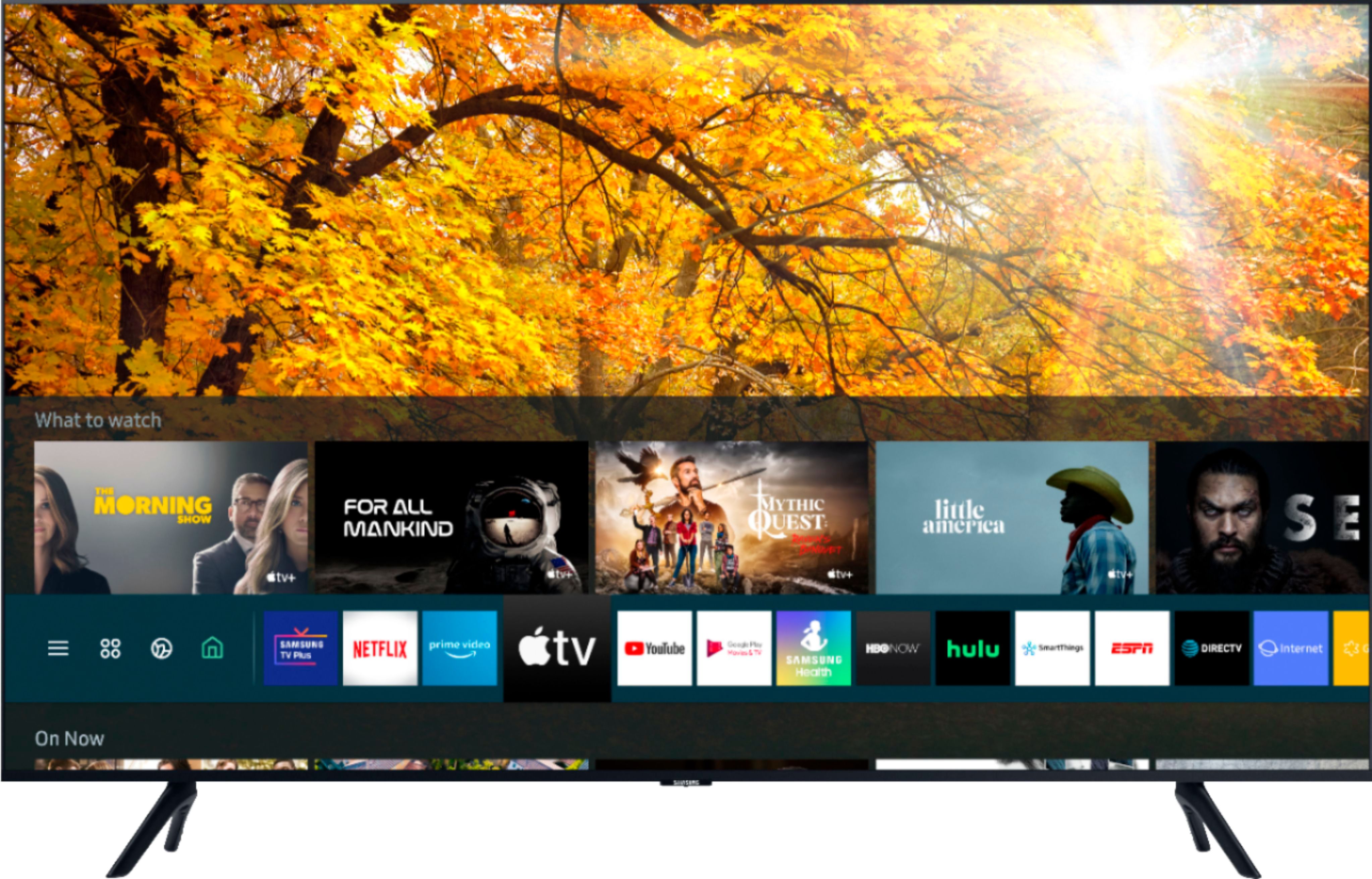
A:AnswerI just bought this TV and yes, I was able to download HBOMax on it. No need for a third party device like Roku or Firestick for this. The TV's app center was able to download it just fine and the 4K works well.
A:AnswerYes the TV has Bluetooth although I haven't used it yet. You can find it by
selecting the home button
then select the source button
use the up button to select the connection guide
then the listing of items available to select from is displayed
Bluetooth is on the list (along with HDMI, Wi-Fi, etc.)
A:AnswerSo can I get the real answer! And who is answering these questions and why so many different answers. Another person asked about discovery + and answer was yes yet here answer is no????!!!
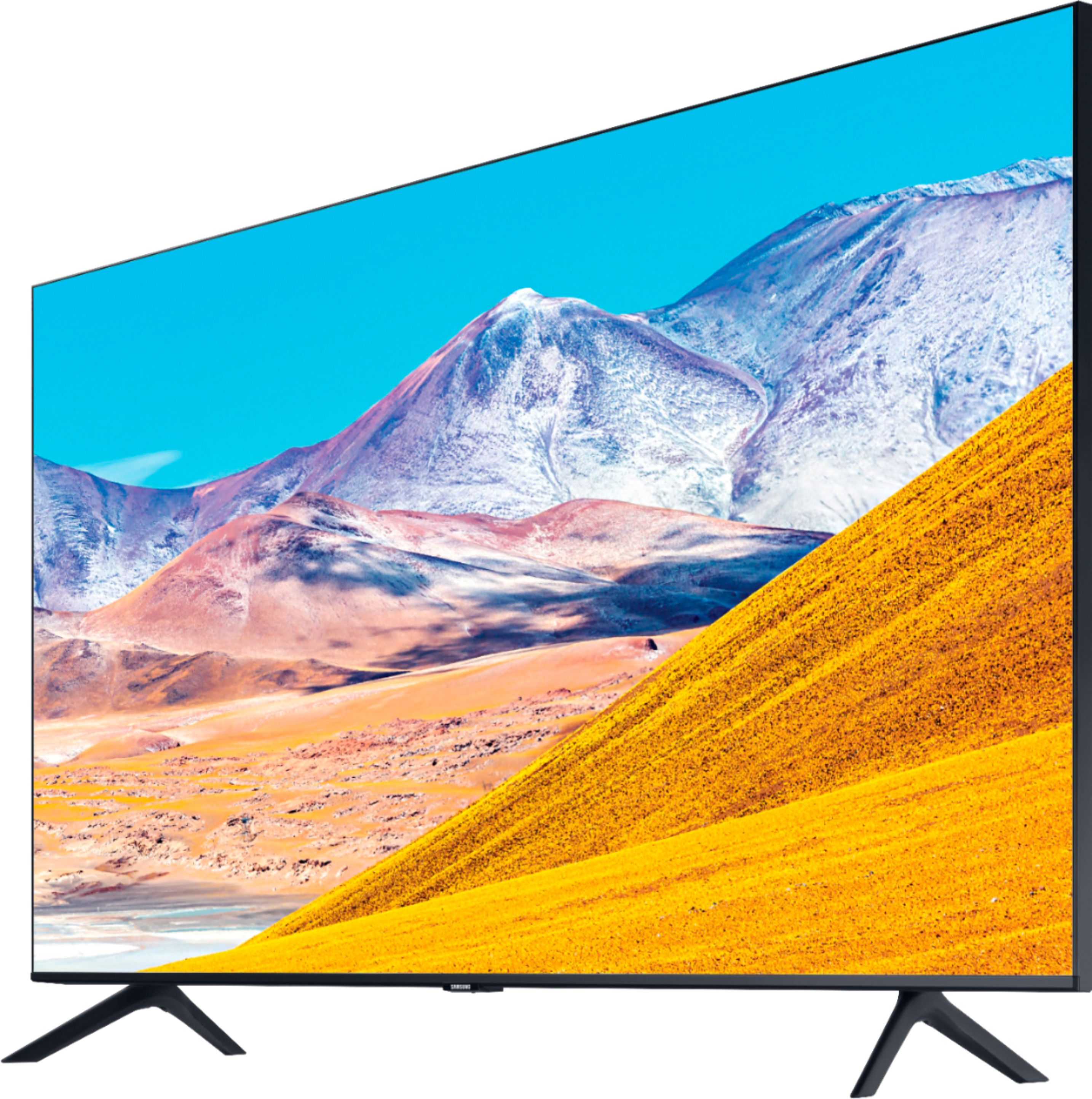
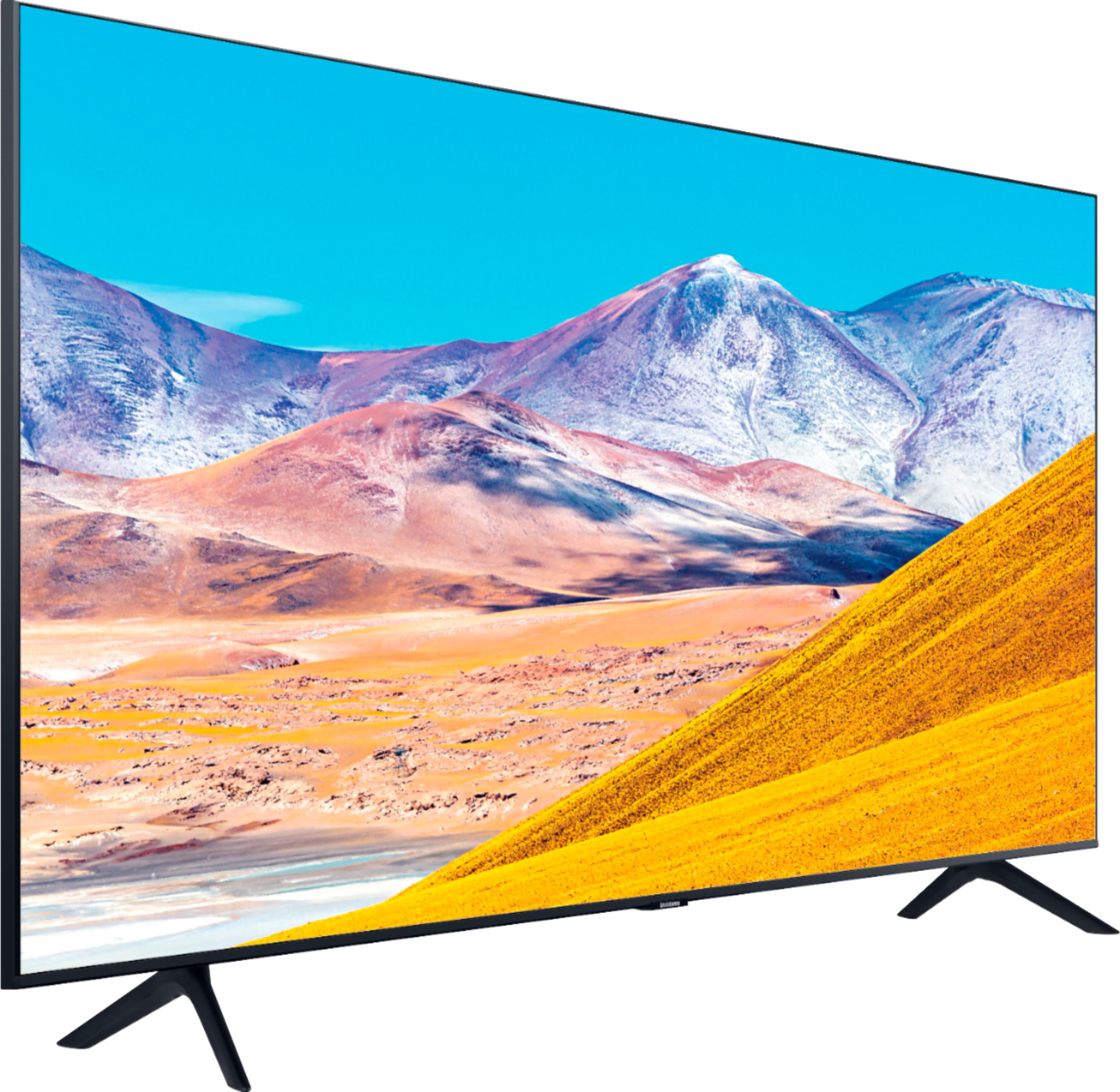
A:AnswerHi Jorgito, the full dimensions of the 82” 8 Series are: (INCHES W x H x D):
― TV without stand: 72.4 x 41.4 x 2.4
― TV with stand: 72.4 x 43.9 x 15.1
^Val
A:AnswerHi OLDANDDEAF, you can use both TV and Bluetooth device audio simultaneously on the TU8000. When this function is active, you can set the volume of the Bluetooth headphones higher than the volume of the TV speaker. First, make sure your Bluetooth headphones are paired. Press HOME on your TV remote. Then go to Settings > General > Accessibility > Multi-output Audio. Find the device you'd like to pair. If you need assistance or have questions, please call us at 1-800-SAMSUNG, available 8AM - 12AM EST, 7 days a week. ^Val
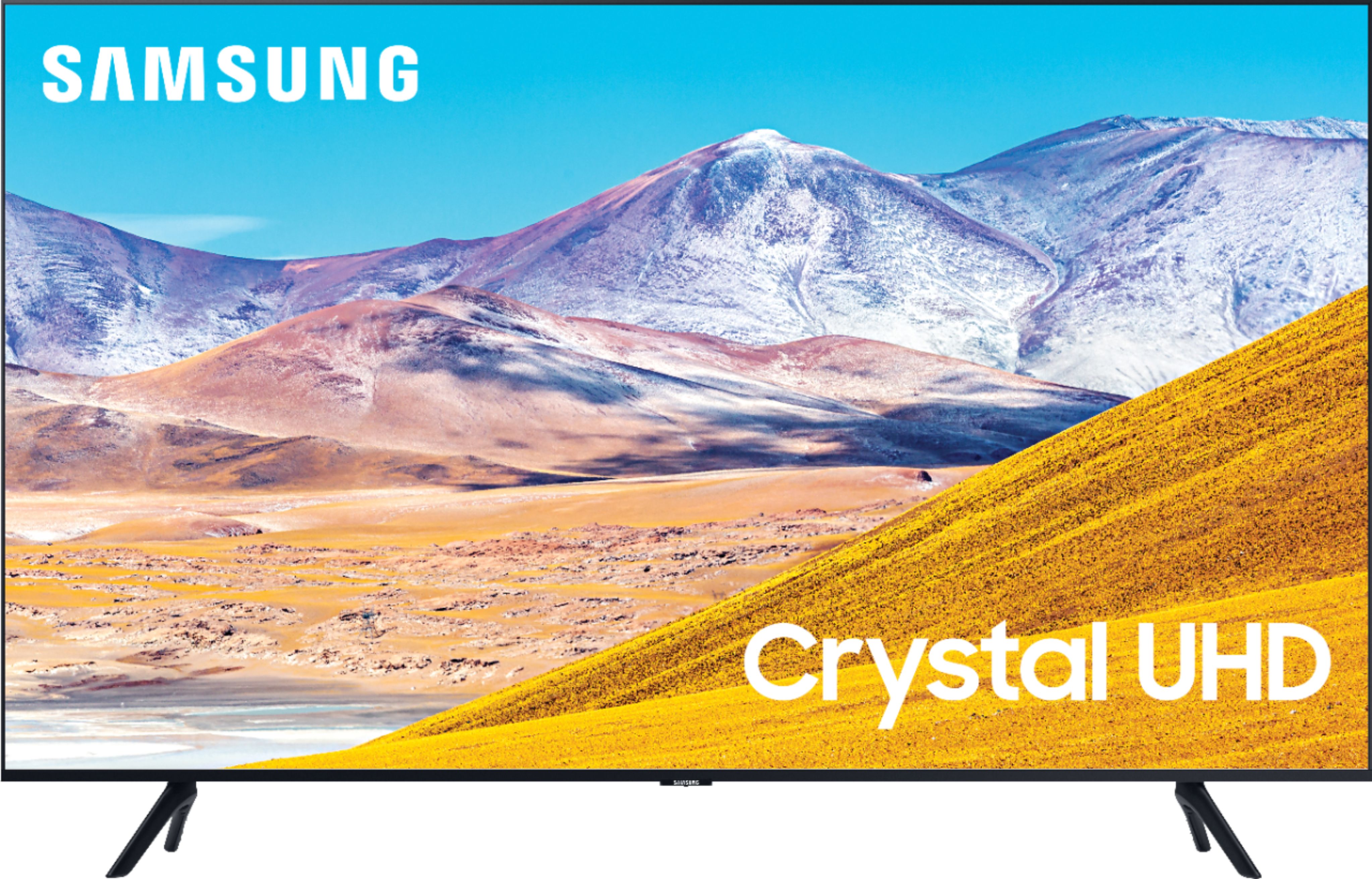
A:AnswerHi Will, the full dimensions of the 85" TU8000 TV are: (INCHES W x H x D):
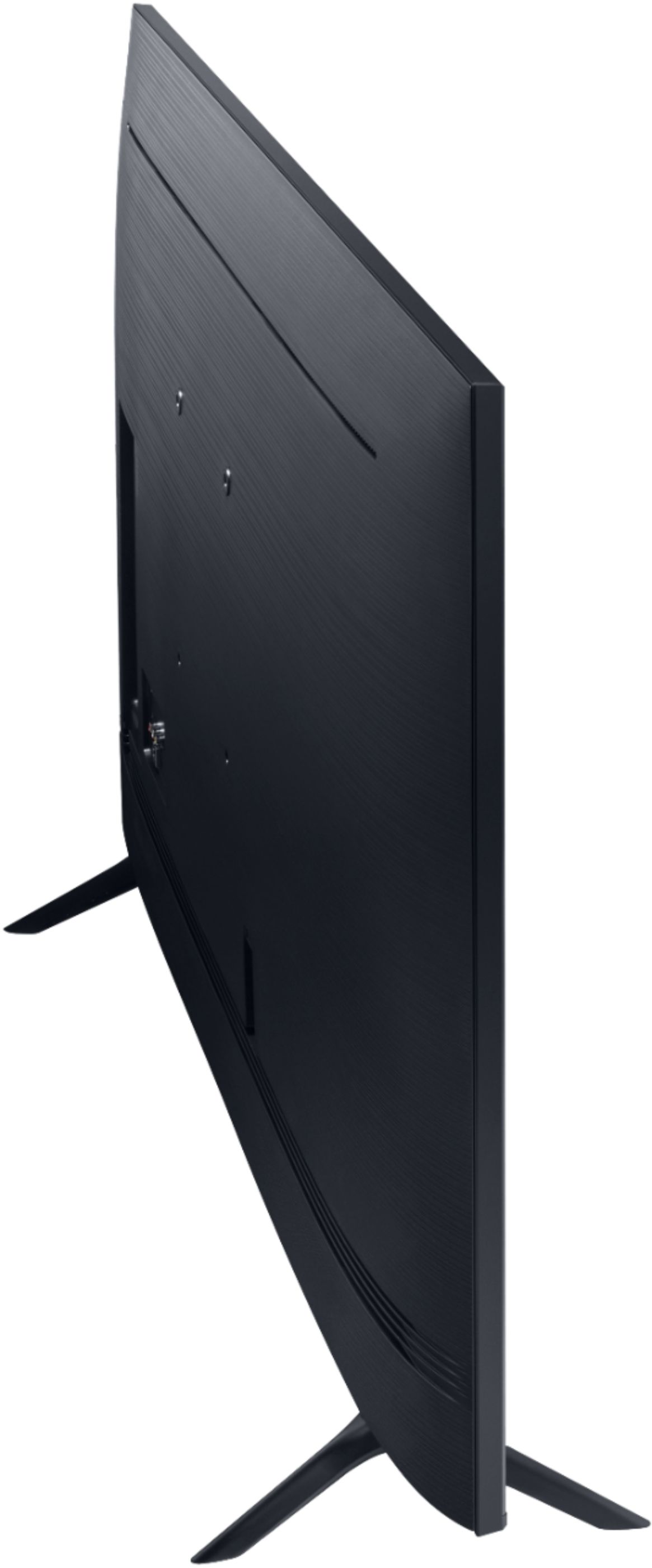
― TV without stand: 74.6 x 42.7 x 2.5
― TV with stand: 74.6 x 46.7 x 15.4
― The legs have two settings you can choose from - Either 55.2" apart or 67.1" apart.
Given these measurements, your legs would either be 3.75" or 9.7" from the end of the TV. ^Val
A:AnswerHi Ryan, the TU8000 TV is compatible with the SmartThings app on your smart phone. You can control your TV from your phone. The SmartThings app on your TV to monitor and control your smart devices from your TV is available in our Q60T model and above. ^Val
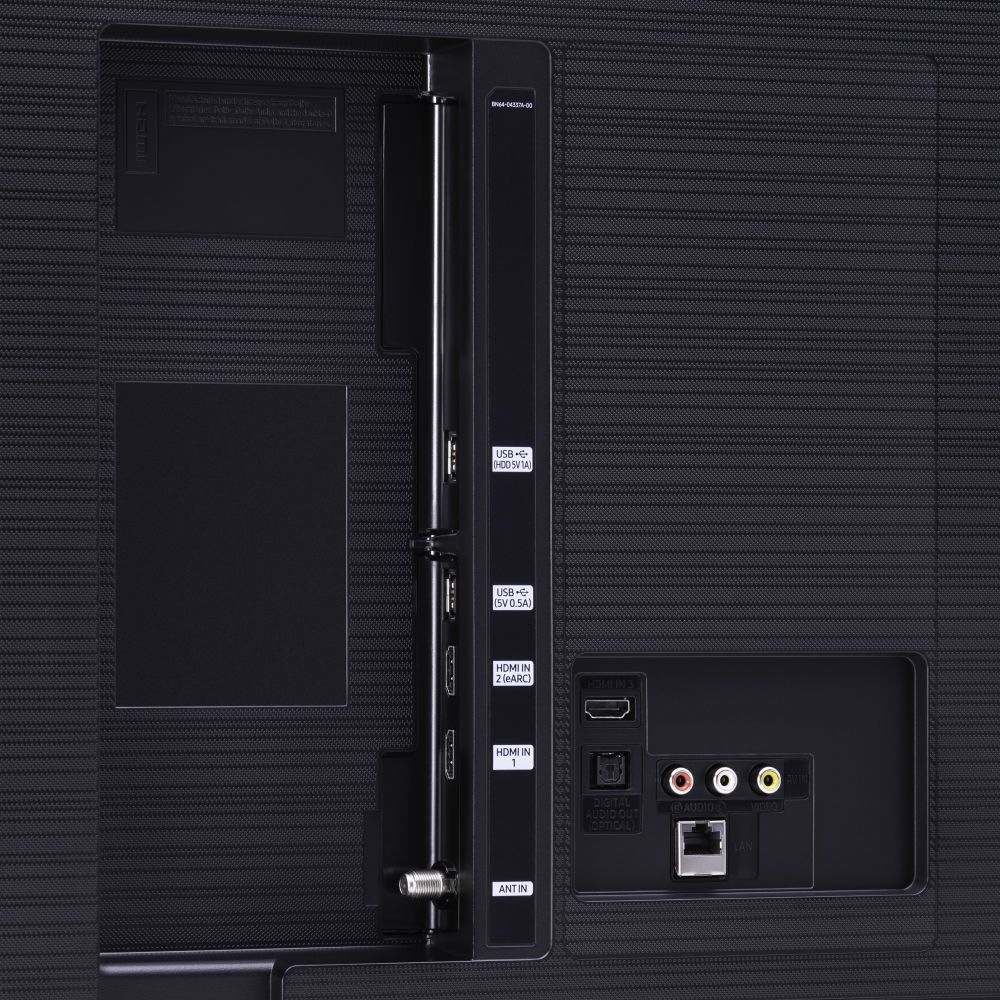
A:AnswerHi NIkki, We suggest running all HDMI inputs directly to your TV using the Optical or ARC output to your receiver to simplify your setup, as Optical and ARC will pass 5.1 and above audio Codecs. ^Val
A:AnswerHi Lightingguy, if you mean flipping the TV 90 degrees to display, please know that our Sero TV is the only model in our lineup that can be flipped. Its screen rotates so you can watch your favorite content whether it's in portrait or landscape, ^Val

A:AnswerHi Tam, the TU8 series features integrated 20W, 20 CH Dolby speakers and supports Dolby Digital Plus to optimize your entertainment experience with enhanced sound richness and clarity. The “HDMI In 2” port additionally supports eARC. ^Val