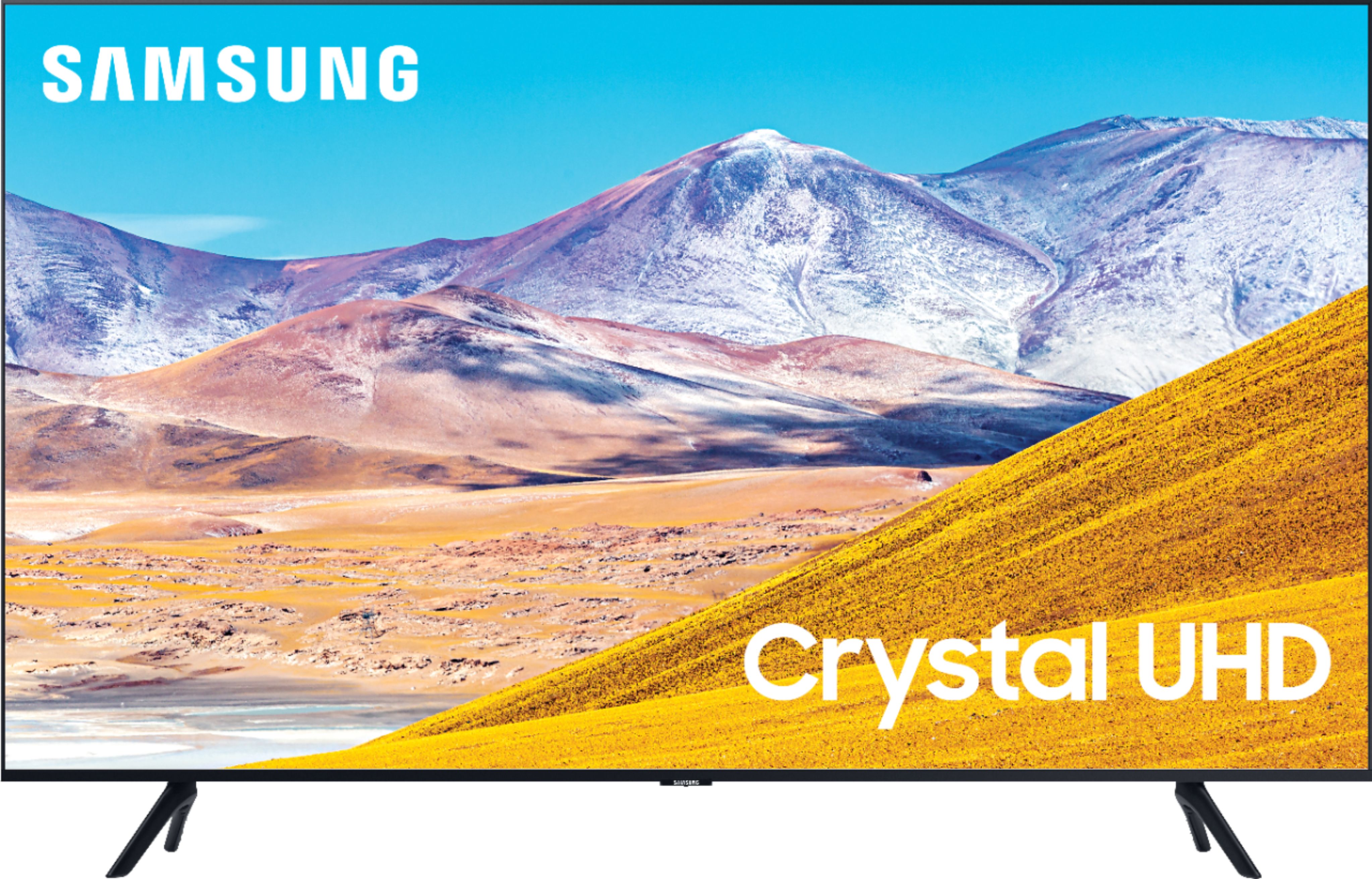
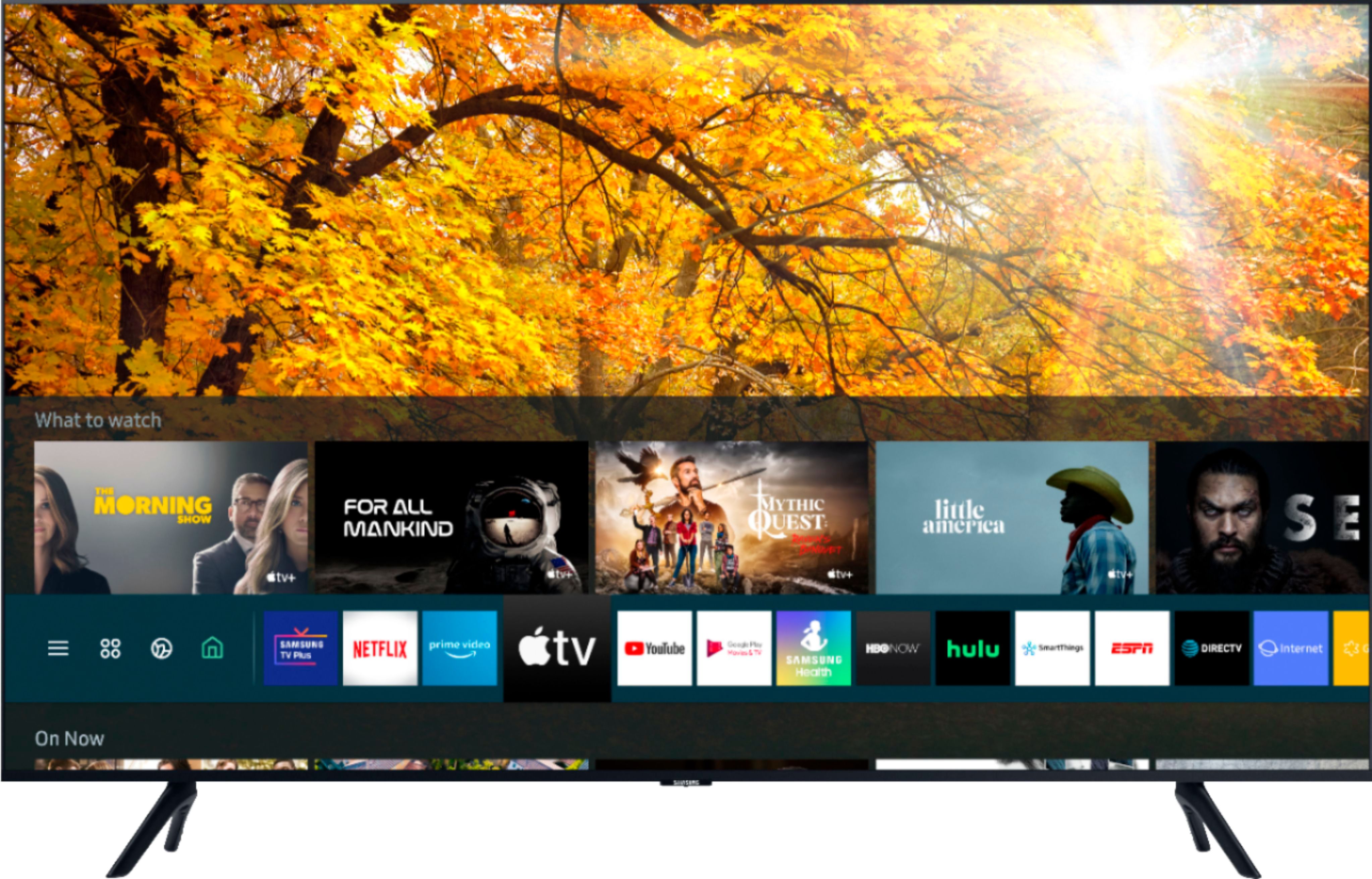
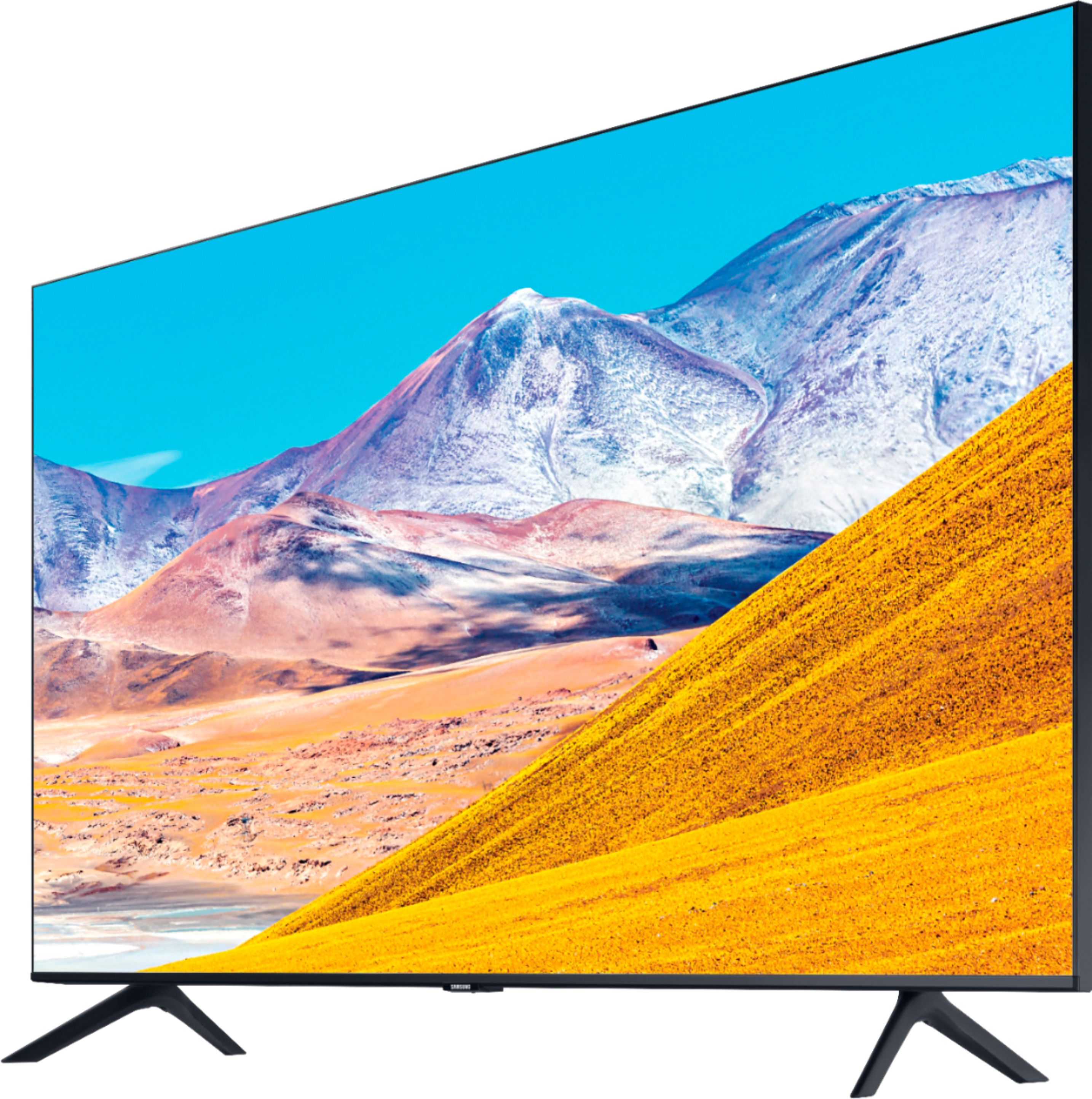
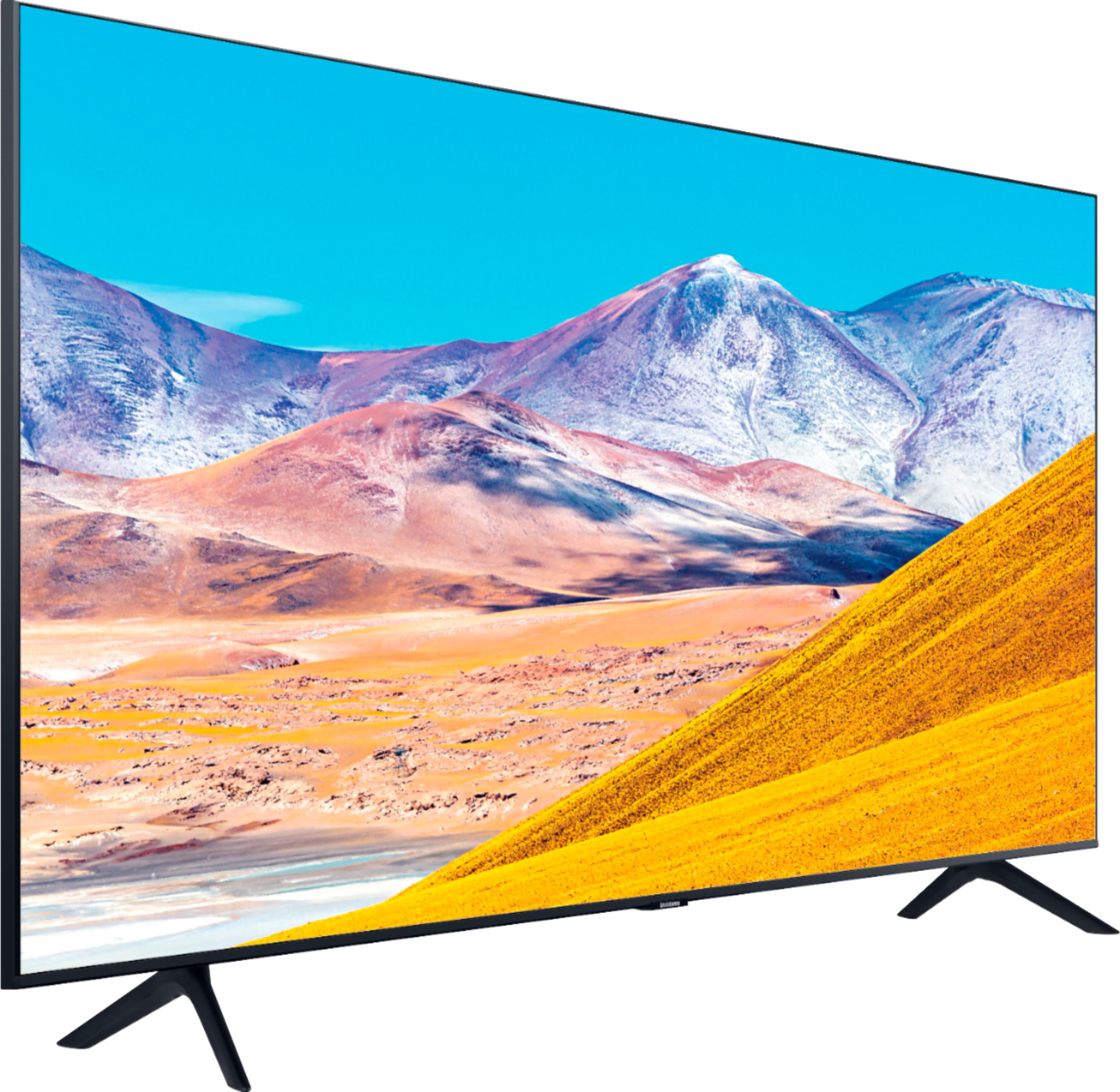
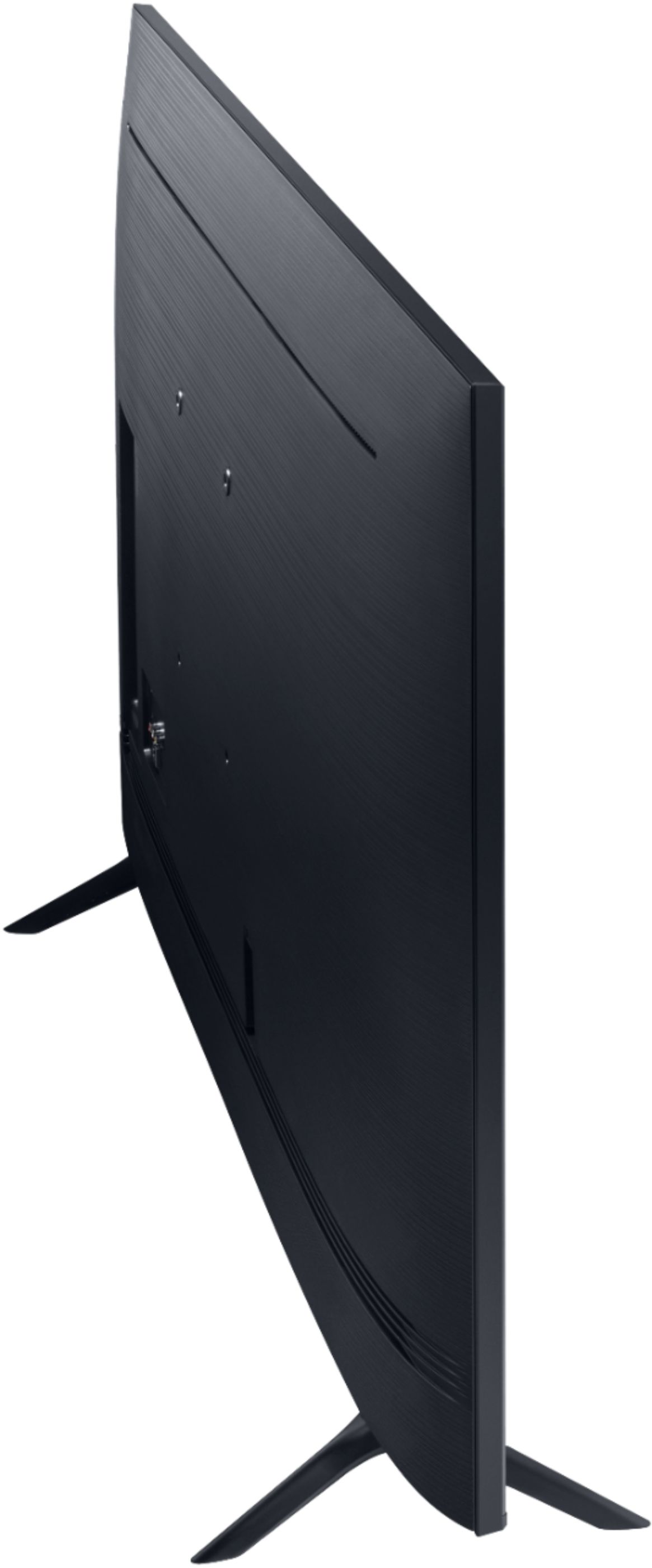
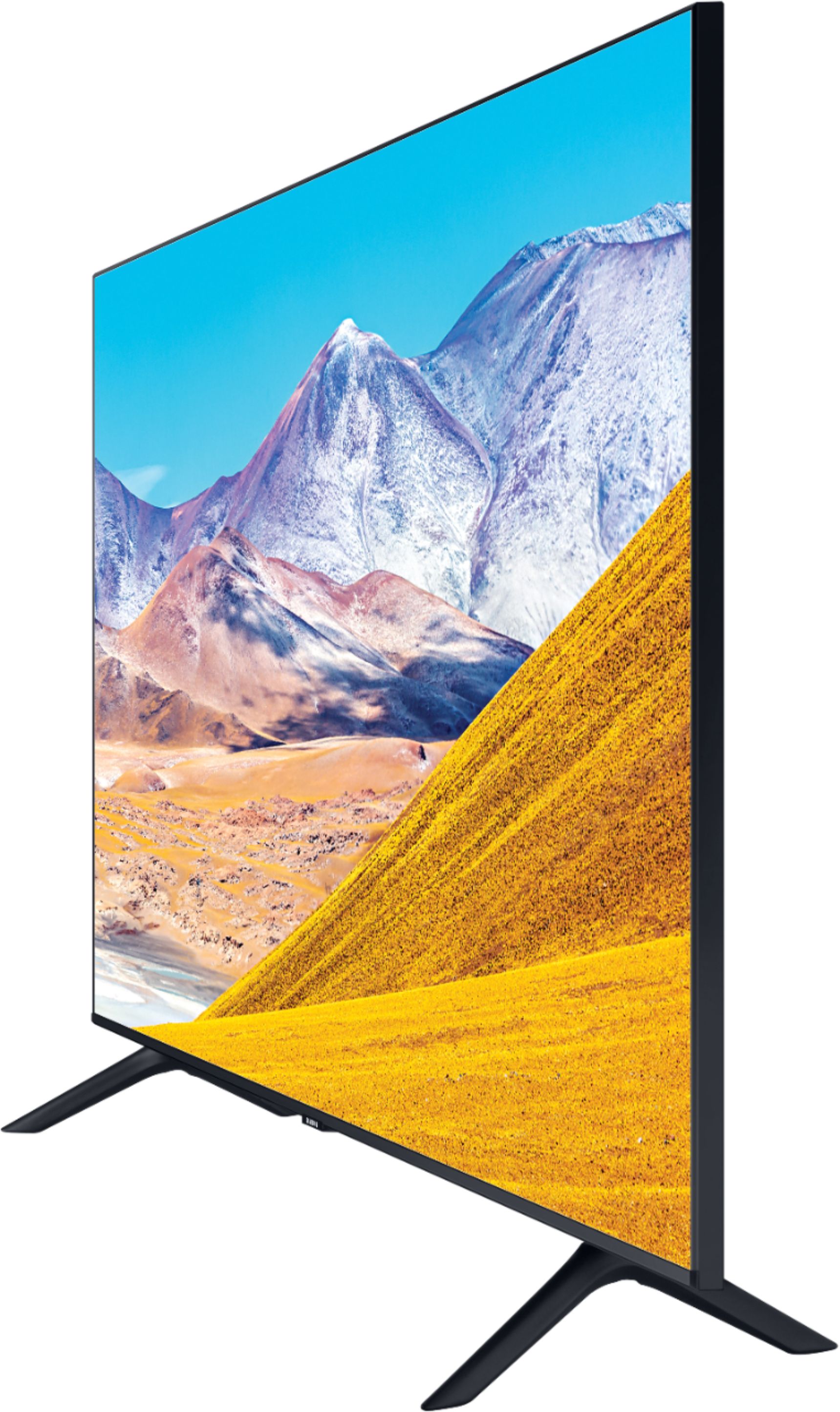
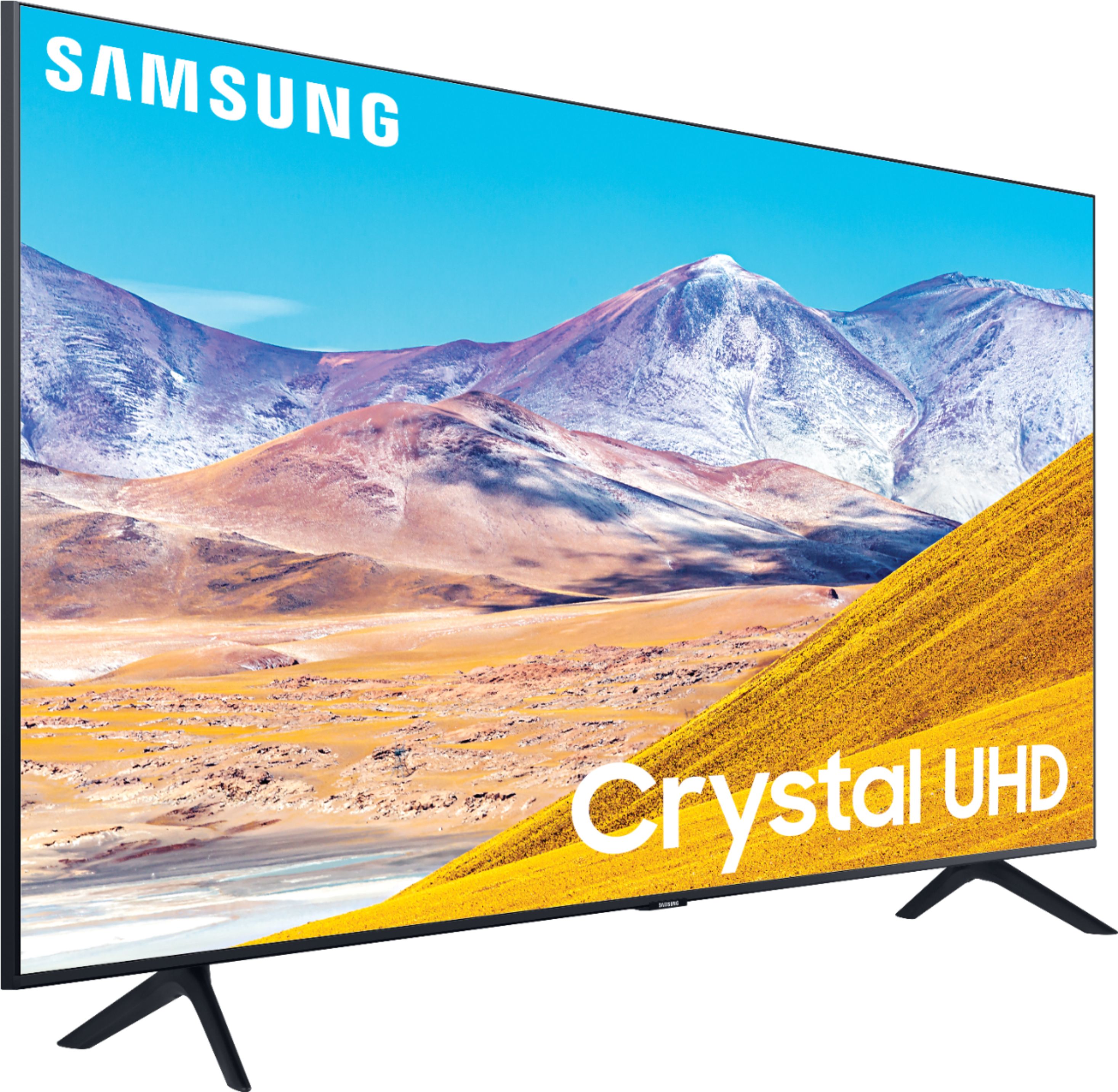
A:AnswerDWL, on the 85TU8000 there are two opening on the bottom of the TV on both sides. The feet slide directly into these openings to hold the TV. ^Celina
A:AnswerHey Bords - The 85TU8000 does not support The Q-Symphony Audio . The Q80T and above televisions can utilize Q-Symphony with Q series sound bars. ^Jason
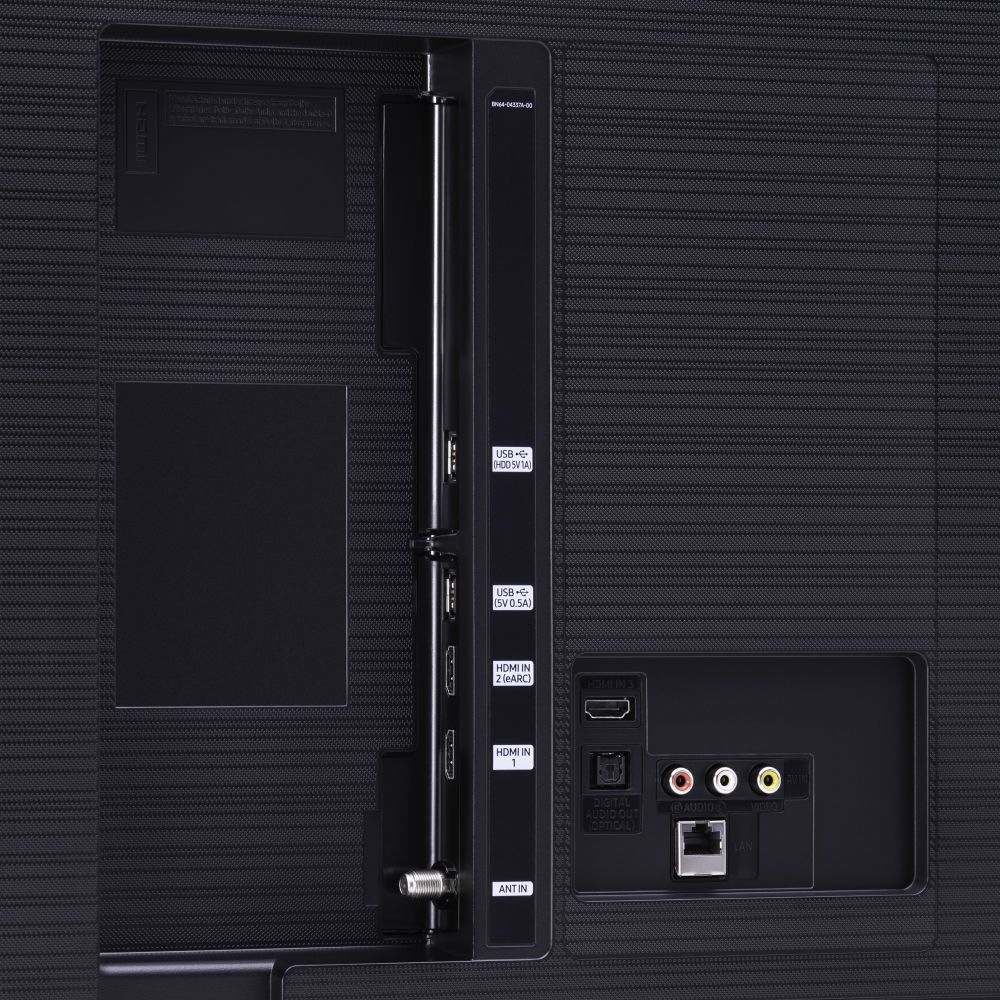
A:AnswerThis TV DOES NOT support Atmos. The answers provided by Samsung are not correct as they are indicating it is supported through HDMI from a different source (using eARC). All older TVs will do that, but few are supported by the TV set itself.
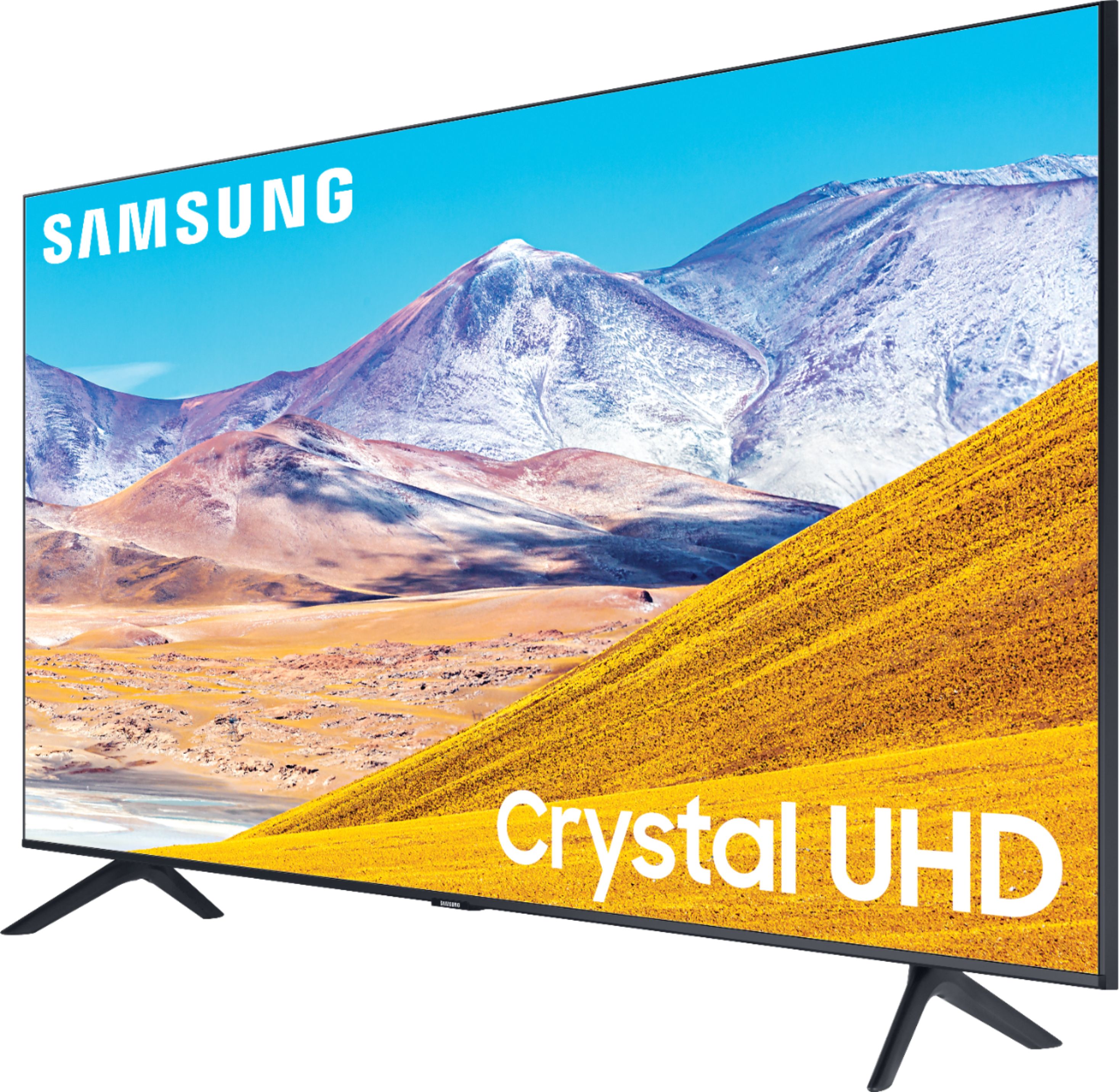
A:AnswerNWbest - UHD gives you 4K Resolution. Crystal UHD lets you experience crystal-clear colors that are fine-tuned to deliver a naturally crisp and vivid picture. QLED gives 100% Color Volume with over one billion shades of pure accurate color. With detail at any level of luminance, Quantum Dots are durable and scalable to deliver the same amazing picture across various models. ^Gina
A:AnswerTo answer this for anyone Googling, newer Samsung TVs have renamed the Backlight setting under Expert Settings to regular Brightness, at the top with Contrast as it was previously. The old Brightness setting was simply an image enhancement and generally to be avoided, this is now renamed to Shadow Detail near the bottom. The logic still applies, you want Brightness to be max or adjusted to preference as this is Backlight, Shadow Detail should remain at the default 0. Source: My Samsung RU7100 works this way.