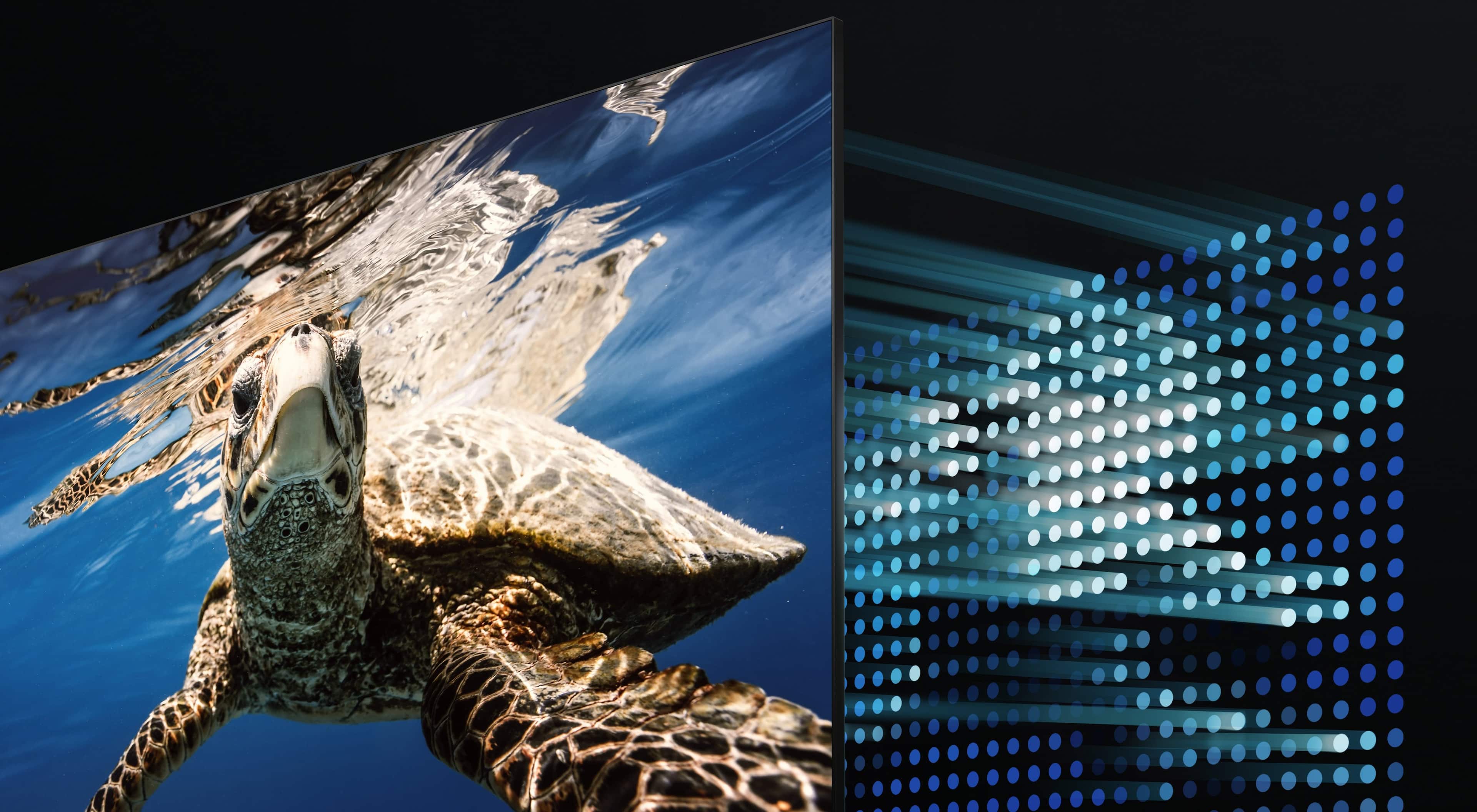
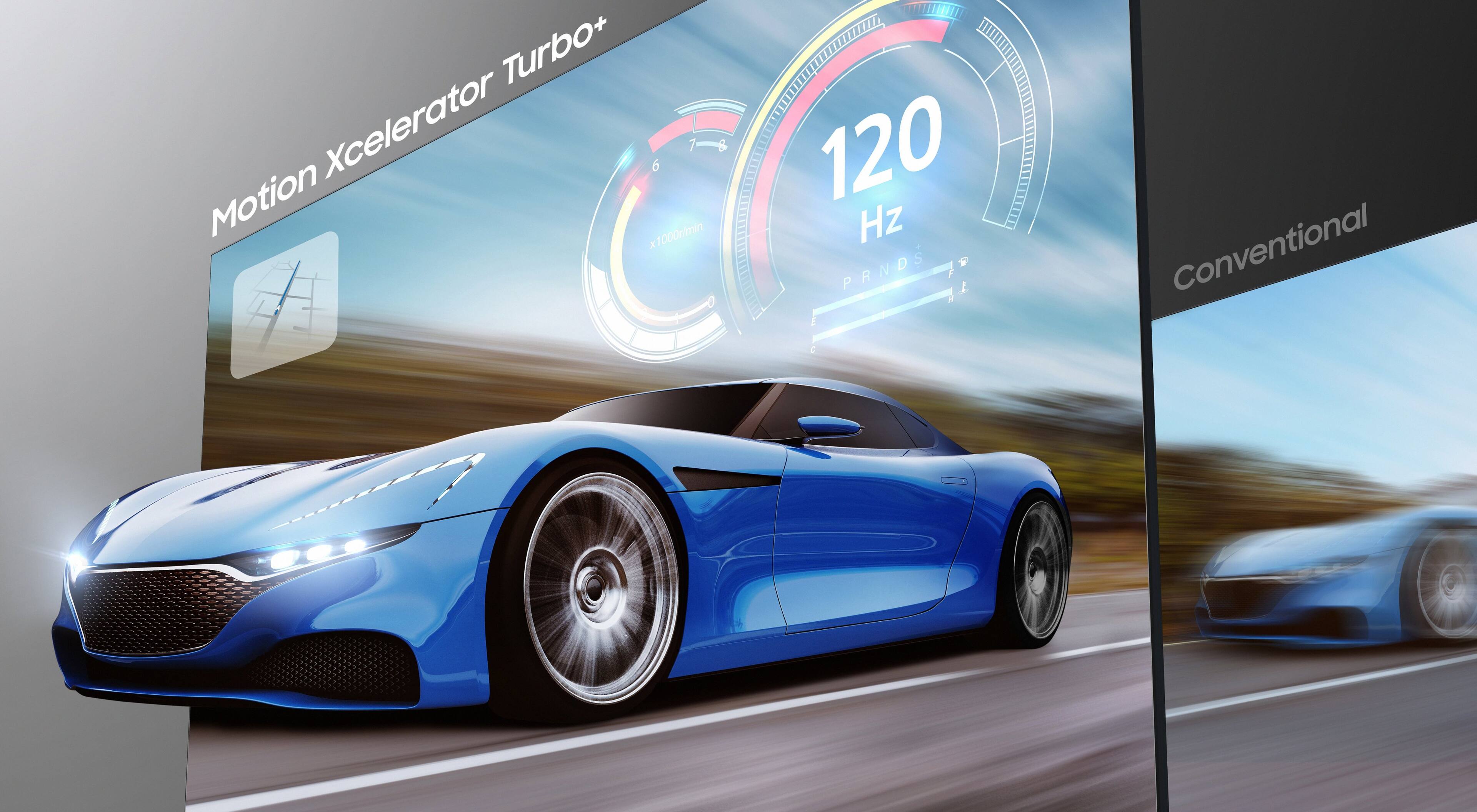
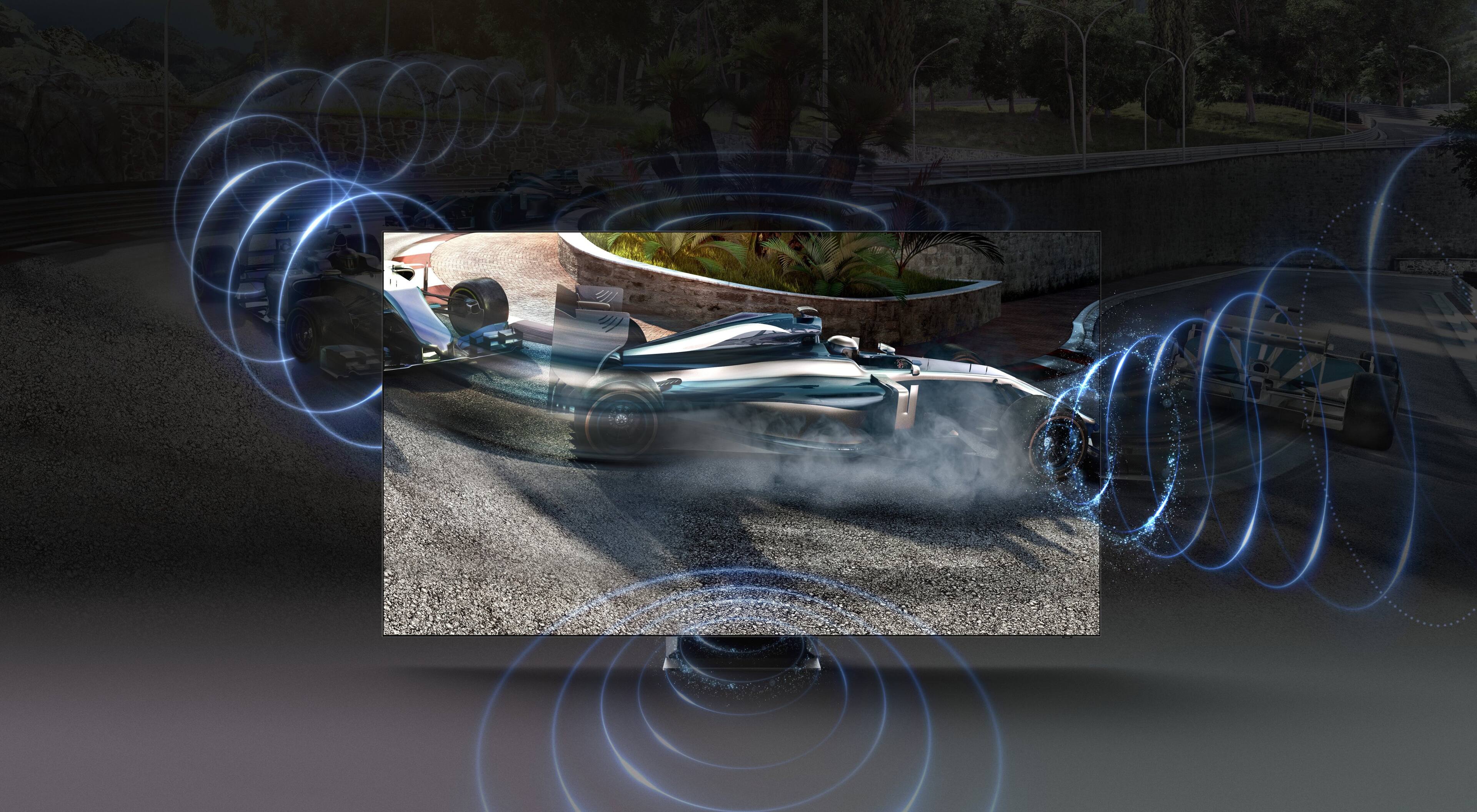
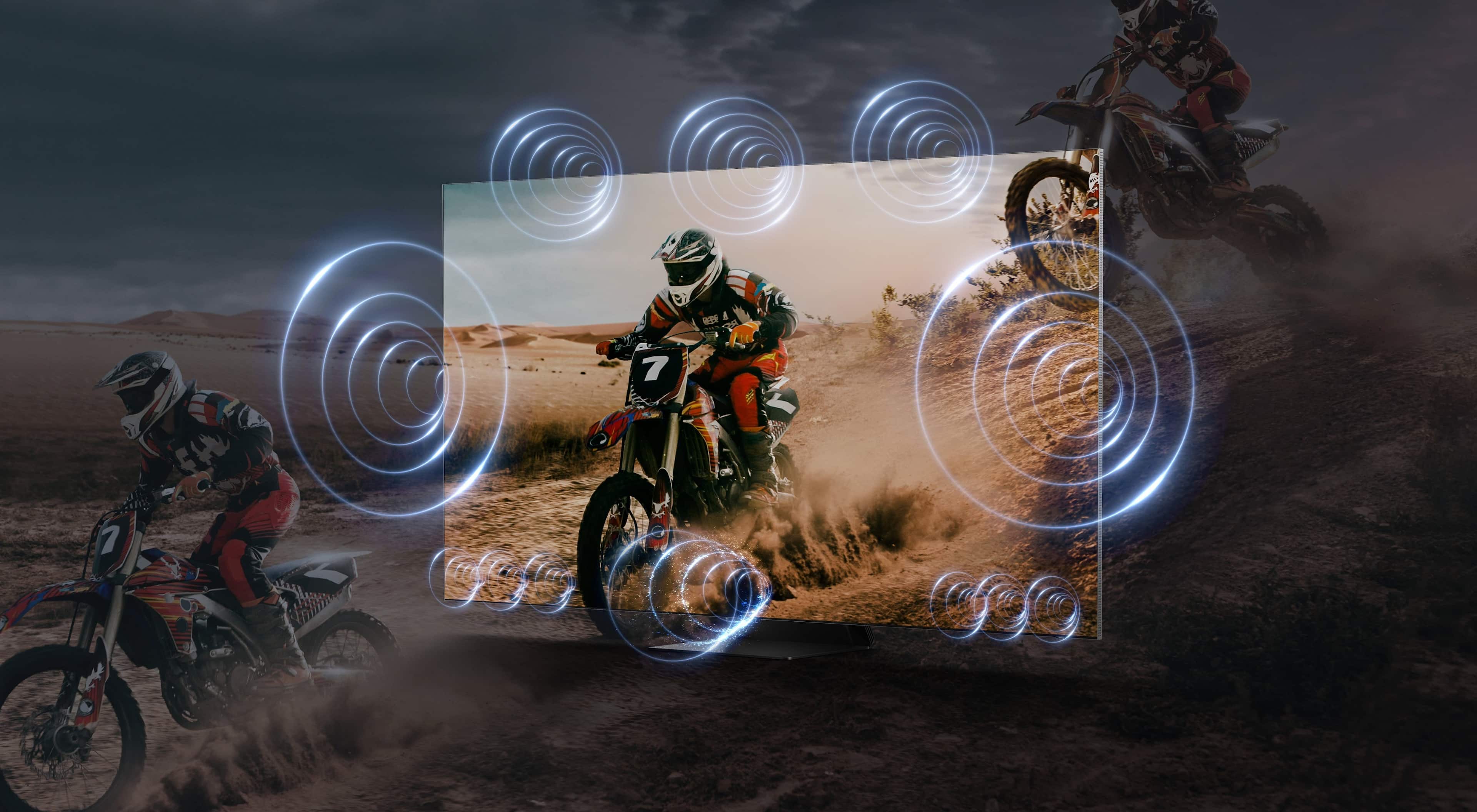
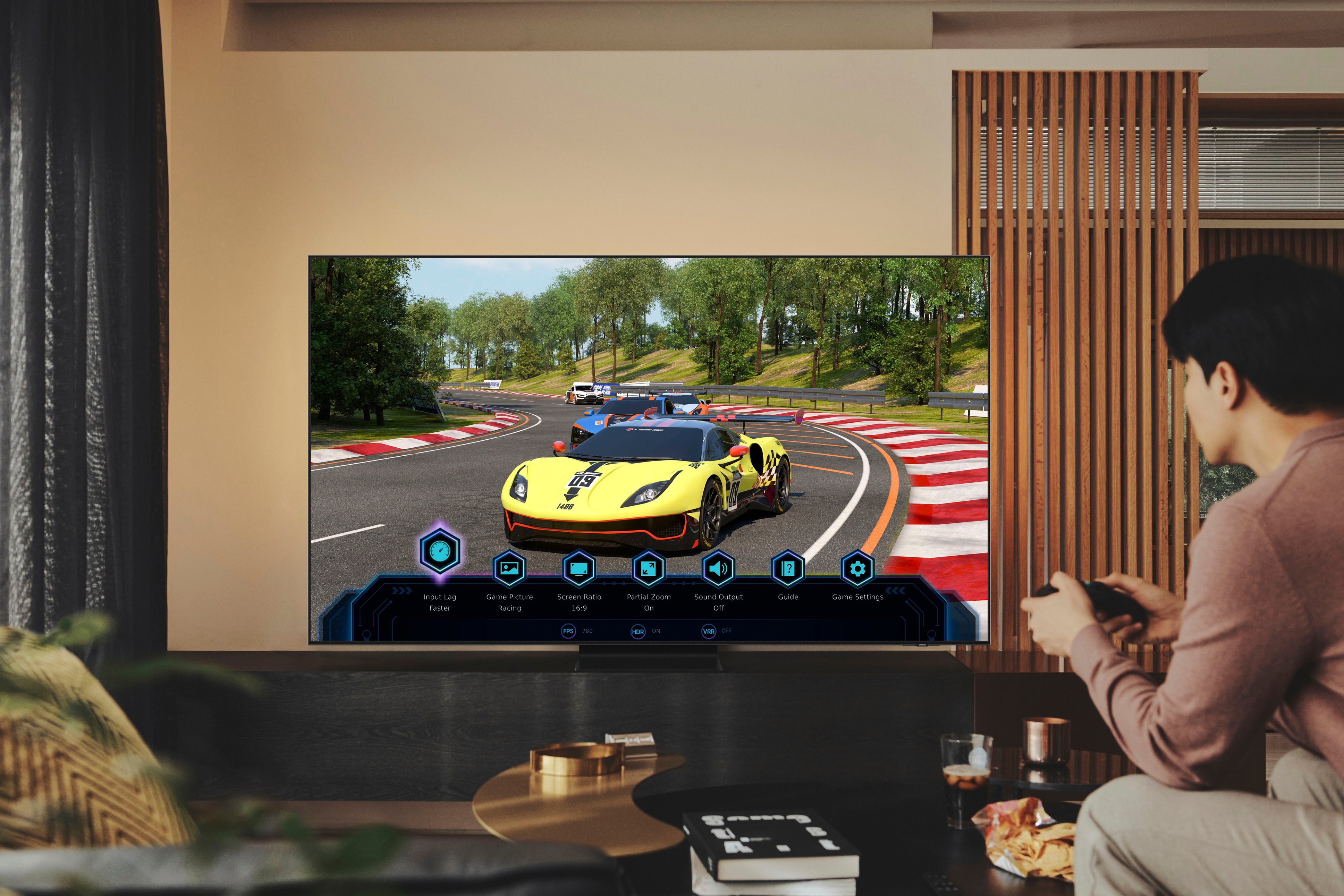
A:AnswerBax33 - The QN90B TV features Motion Xcelerator Turbo+ which minimizes blur and improves motion clarity, making action movies, sports and games look smooth and fluid, with the added bonus of next-gen gaming capabilities that include HDMI 2.1, Game Motion Plus and 4K at 120Hz. For optimal motion image performance, you can further adjust the picture clarity setting by going to: Menu > Settings > All Settings > Picture > Expert Settings > Picture Clarity Settings. ^Gina
A:AnswerMark - On the 85" QN90B TV, the distance from the top VESA mounting holes to the top of the TV is 8.7". The distance from the bottom mounting holes to the bottom of the TV is 18.2”.
~ Samsung Specialist
A:AnswerHi Rick! PiP (Picture in Picture) capability is available by using our Multi View feature. With Multi View, you can view media from different sources, such as an app, Blu-ray player, or game console, on the main screen while also mirroring your phone to the smaller screen. When using PiP, you can select the position of the smaller screen when it’s displayed on the main screen. You can also choose the top left and top right corners or the bottom left and bottom right corners for the smaller screen. If you don’t like where you placed the smaller screen, you can always change it later. Content from multiple HDMI inputs cannot be viewed at the same time. Hope this helps!
~ Samsung Specialist
A:AnswerMy experience was that you have to have a "Digital" identified antenna for it to work. I have tried 3 different antennas and non of them work. A friend of mine is operational on an outside digital antenna, so it does work.
I have no need anymore for an antenna so I have stopped shopping for one.
A:AnswerWe're a member of Total Tech. nd they sat it up. I highly recommend buying "Total Tech." as they will help you with anything you need including your computer, IPad, Phones. They will even come to your home if they can't help you over the phone.