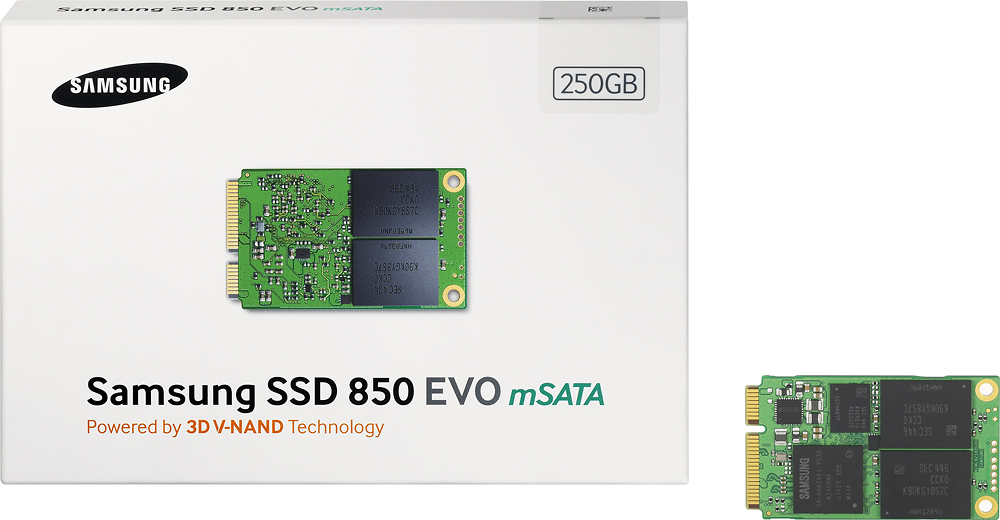
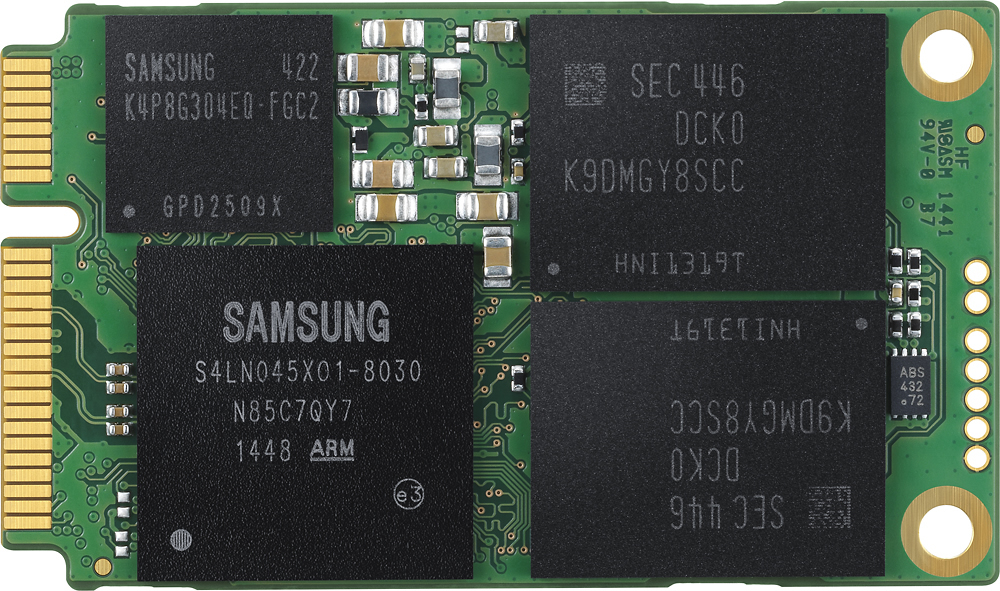
A:Answer I put mine in an ACER Aspire R7-571. I am a novice at this type of work. Turns out there was a small MSata drive already in the laptop. Not sure what it was originally used for - maybe a backup copy of the settings or windows - it was about 25gb? Anyway, I left the original hard drive in place, installed this MSata in place of the small one, installed a clean version of Windows 10 and am very happy with the speed. I had to do find a few obscure settings to keep the original hard drive from spinning up at boot time even when I was booting from the MSata. Lots of help on YouTube.