A:AnswerSadly YES.
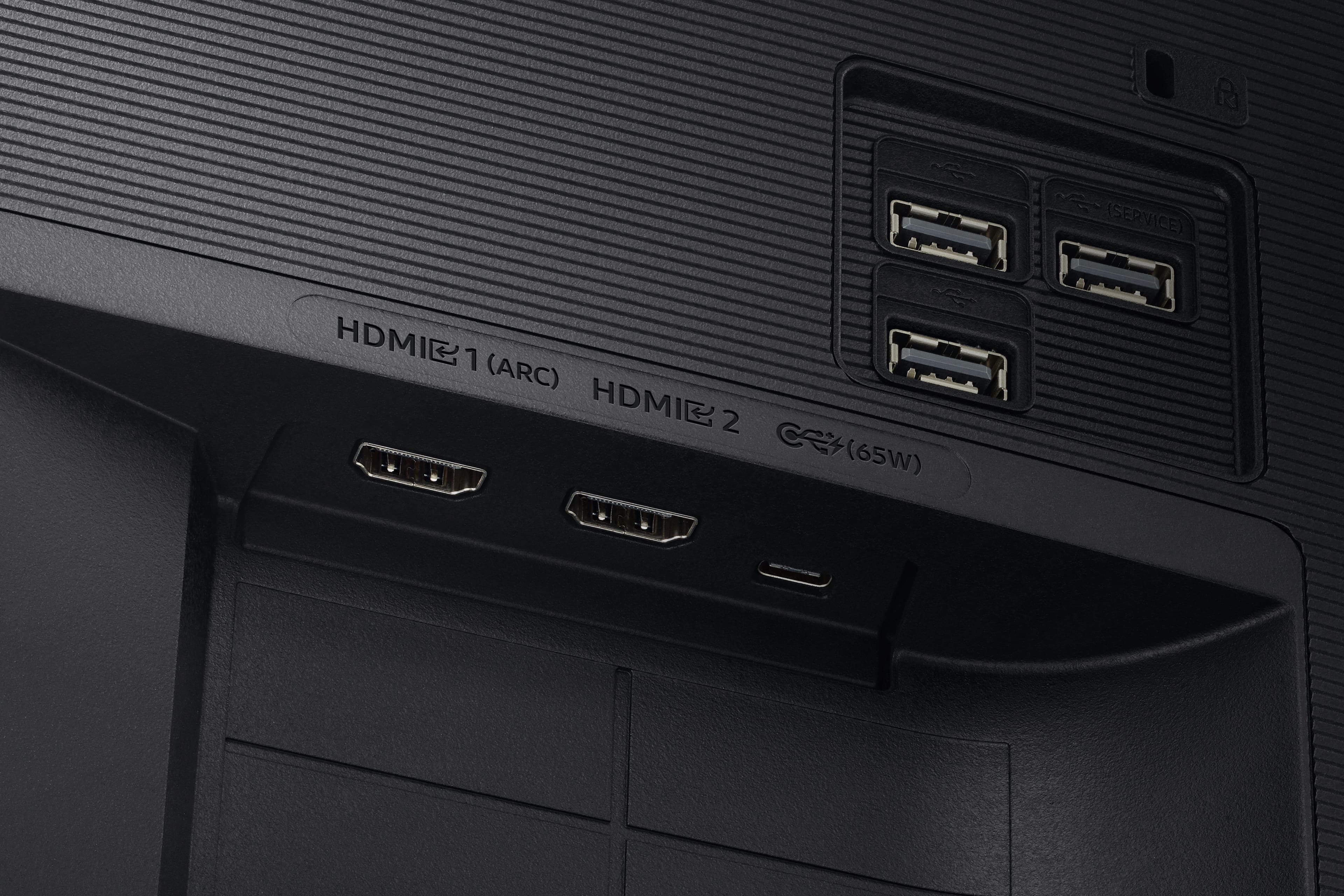
Samsung made sure that the monitor is obsolete at a very start. Also, to have a screen saver you need to use a third party device on one of the HDMI's in order
to preserve the screen. That is how cheap Samsung is. There is no high quality anything on this TV/Monitor.
A:AnswerYou can connect wirelessly but I would only recommend that if you are mirroring an image. Otherwise you’ll notice the wireless lag. For example your mouse motion will drive you nuts if you are trying to control the screen only from the monitor.
A:AnswerIt can be if you have the auto dimming on but after disabling it i feel like the brightness is adequate. Bang for the buck I think it’s a very good monitor.
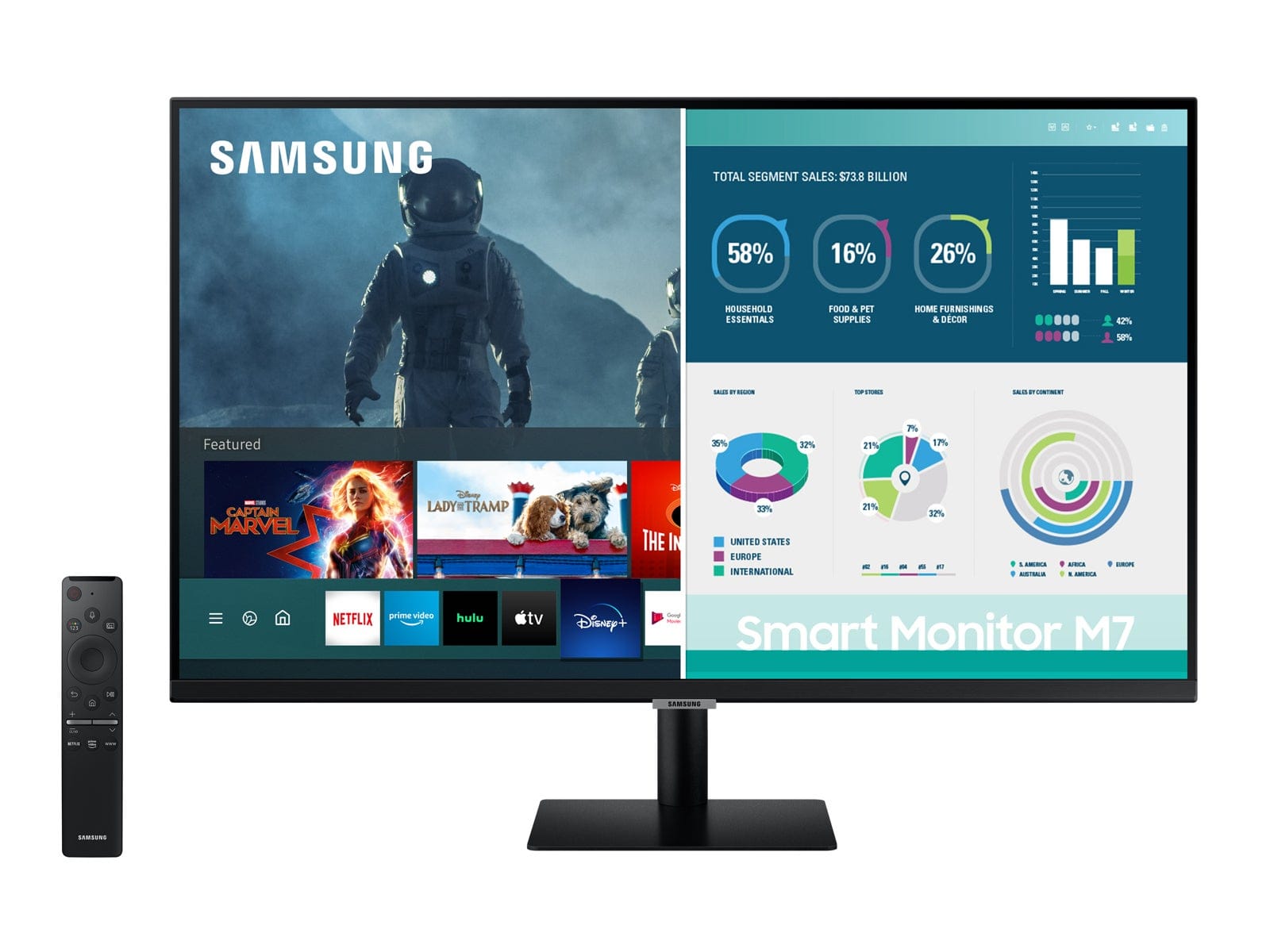
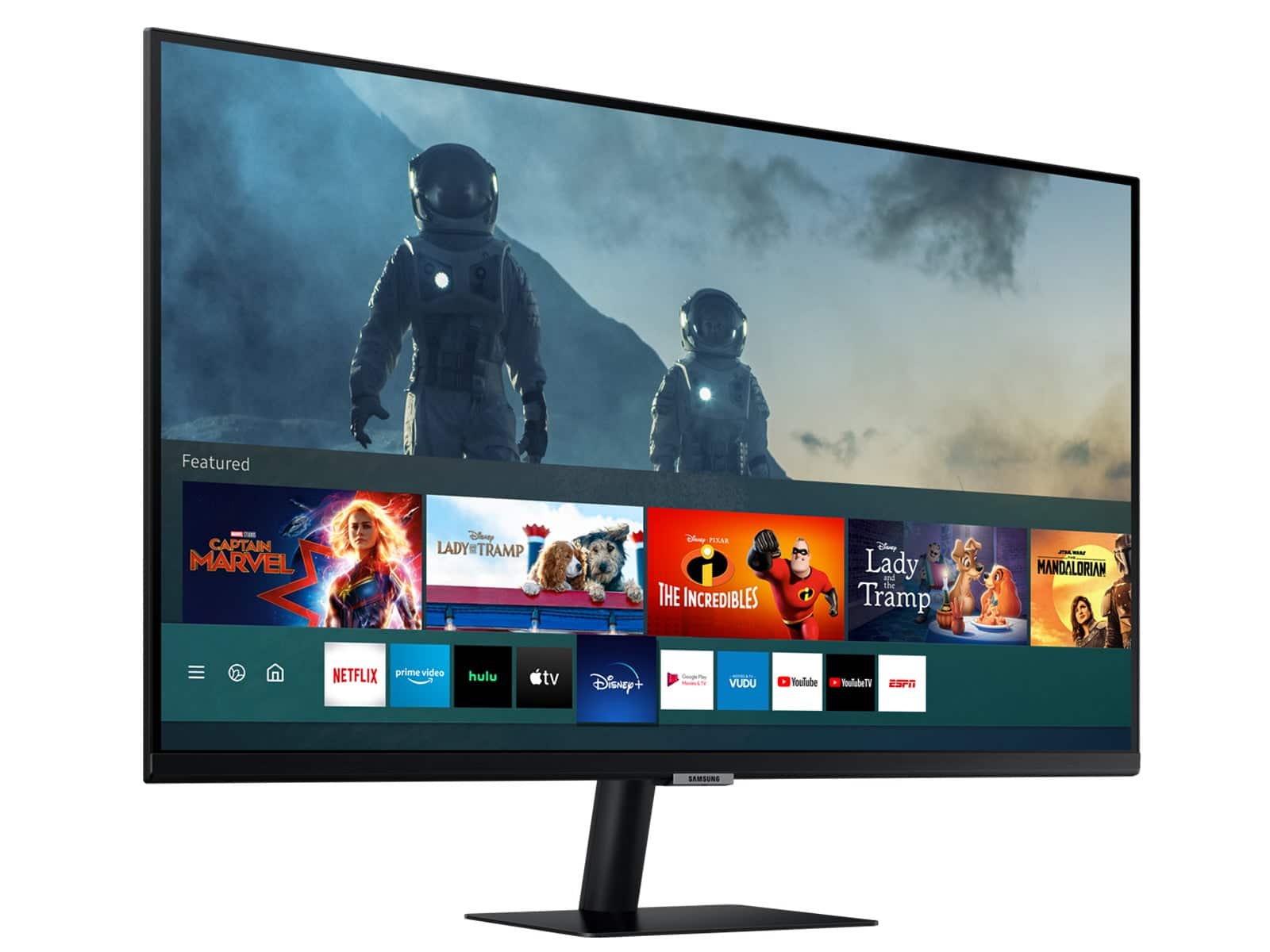
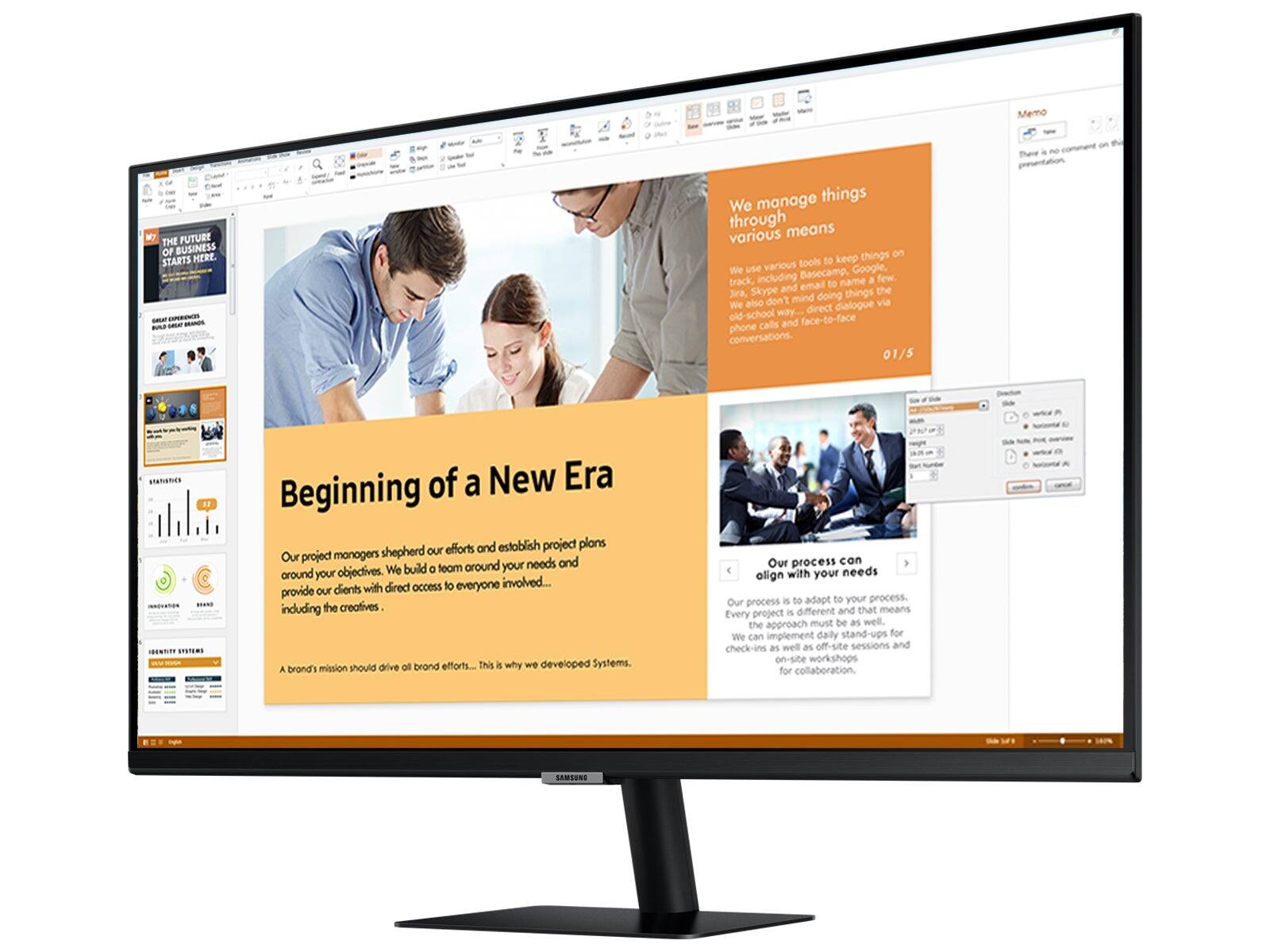
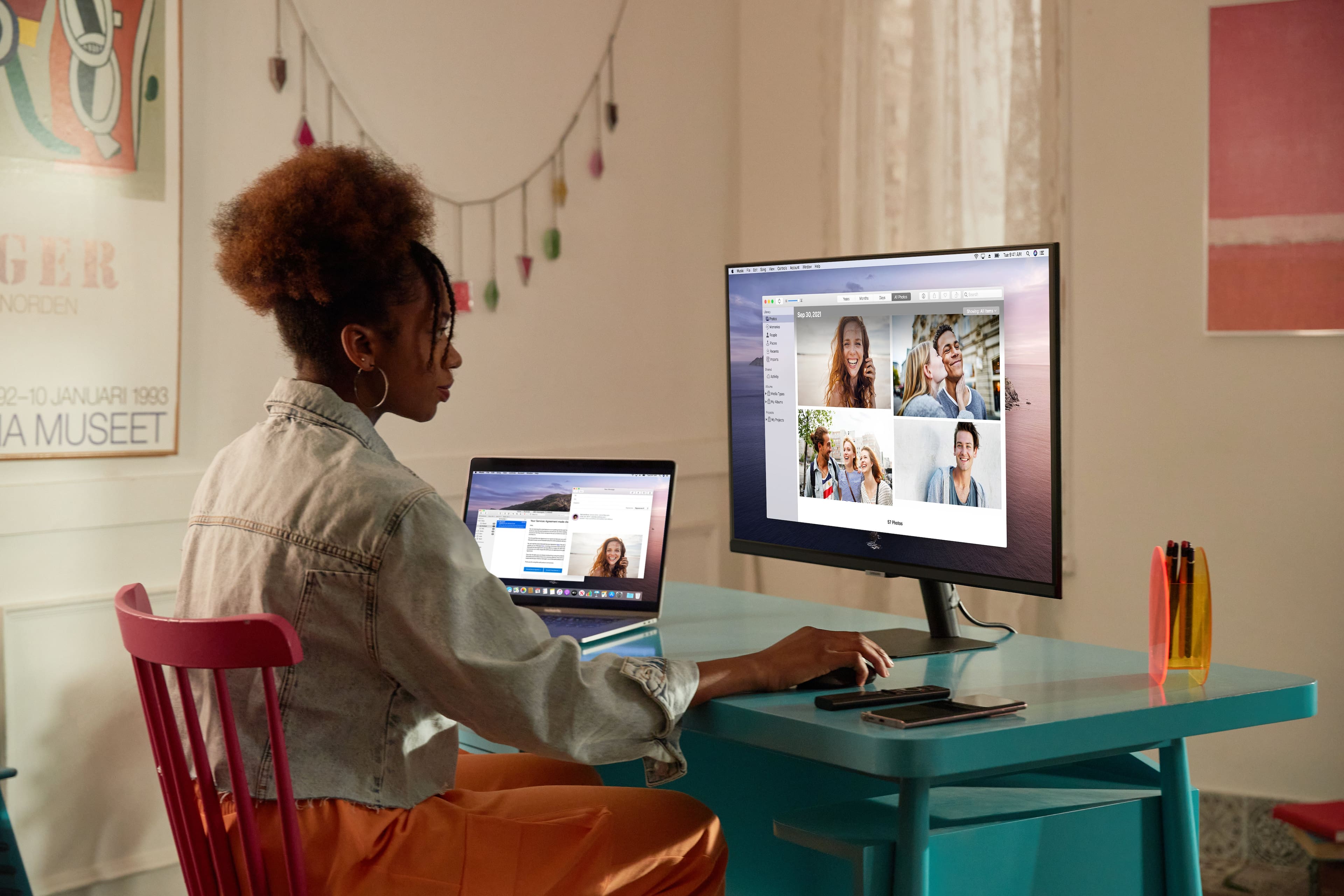
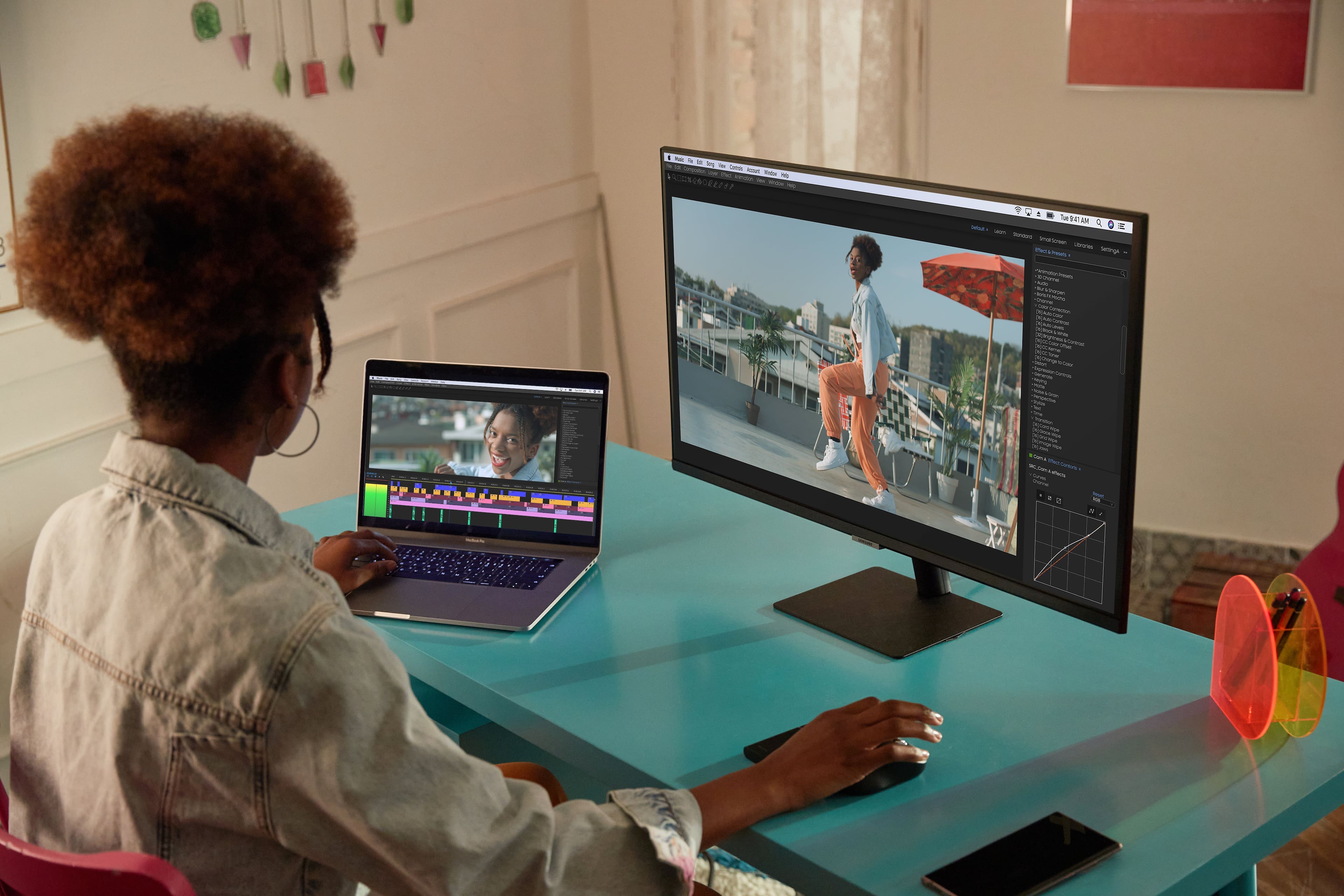
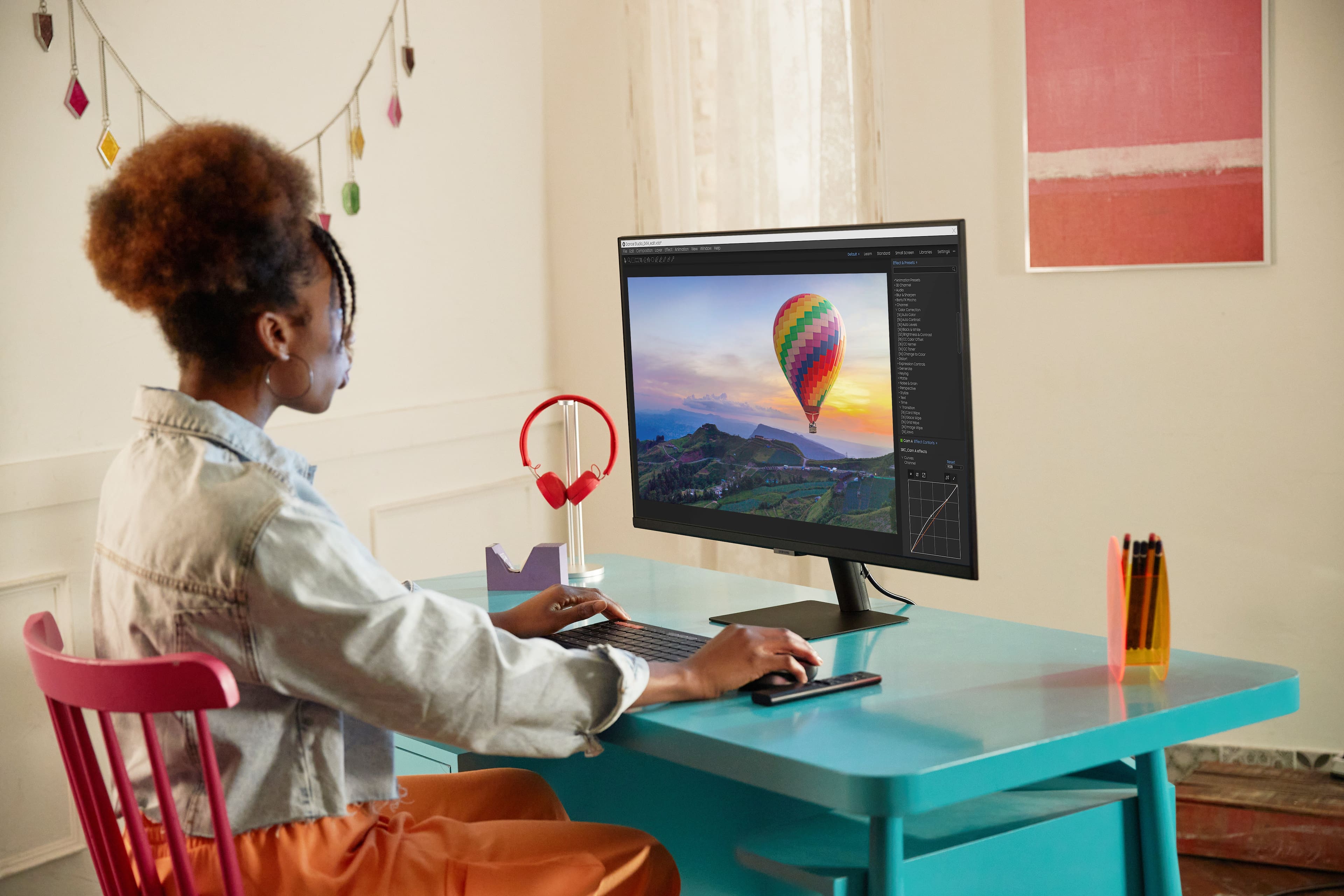
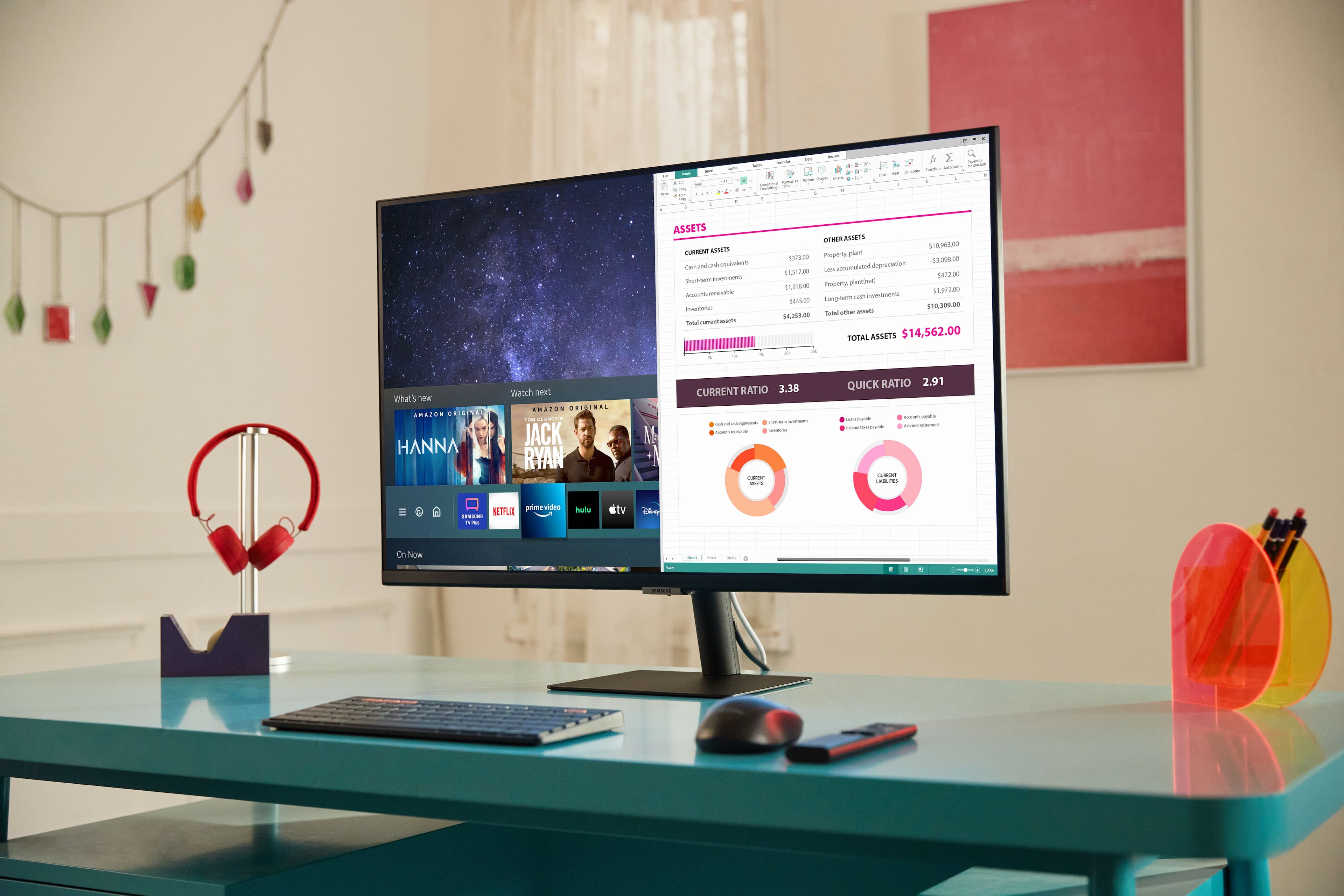
A:AnswerIt can! It has a built-in web browser that seems to work alright, and you can connect Bluetooth or USB mice/keyboards to it to make the browser more usable. In this way it behaves quite similar to a Samsung TV running Tizen. If you have certain Samsung smartphones you can use DeX as well which presents a desktop-like environment but from your phone. It also has some native support for Office 365 if you subscribe to that.