A:AnswerI have a Brother DCP-L2540DW and we use cloud print with the Chromebook. I think any printer that is cloud ready should work. You have to make the printer public or share the printer with the google accounts of the users that you want to be able to print.
A:Answerl+Try control + switch window and it should save the full screenshot to your downloads. Use control+ shift+switch window and drag the square to cover the section you want to capture.
A:AnswerNo the laptop has has a slow processor and doesn’t have a dedicated graphics card. The laptop is for surfing the web and doing work like excel and word.
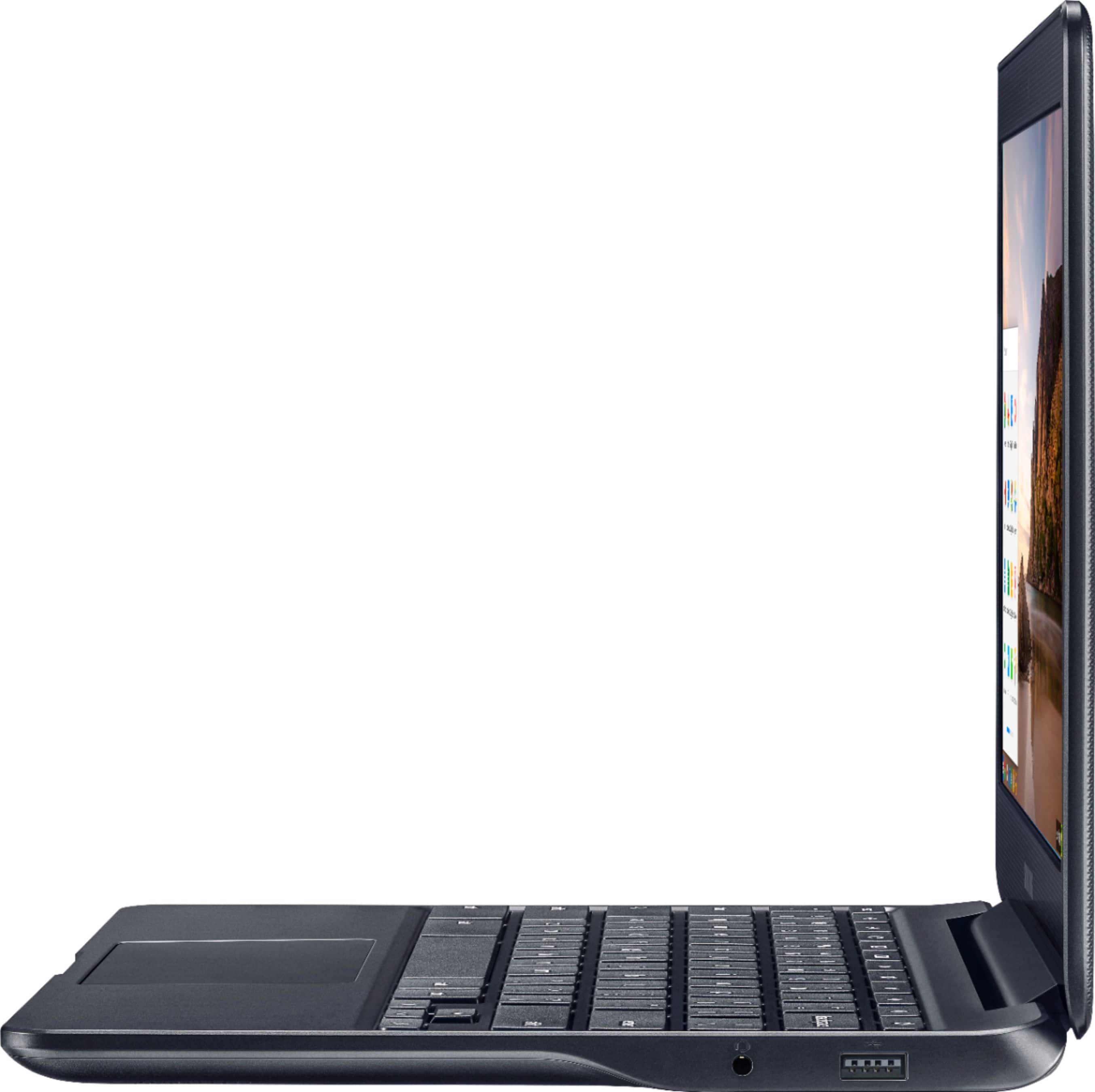
A:AnswerYou can connect a printer through the usb port or use it wireless. Just make sure your printer is recognized and downloaded into the device.
It will depend on your printer setup.
A:AnswerIt comes with a trial of Office 365, and you can purchase a subscription, or you can buy one of the previous versions of the Office suites online (which I did) for relatively cheap.