A:AnswerYes, definitely. Force stop / disable parts of the app under settings / apps. The Bixby screen to the left of home screen turn off by holding down on home screen to get to edit mode then turn off switch on top right off Bixby screen. Hope that helps.
A:AnswerYes you can, and you don't have to go out to the store, you just take the zing car from the one you using and put it in there. Following the instructions.
A:AnswerYes, it works with Verizon but has no protection from butt dialing when in your pocket. If you don't want to butt dial anyone then turn it off before putting it in your pocket!
Bat Pup
A:AnswerDon't quite get all the negative remarks on the A50. Love the phone so far, The battery is still at 70% at end of day, As far as durability, I use an oitter box case and screen protector for all my phones. For the price Samsung has the best phones around. Good deal
A:AnswerHello Bubba, that's a really great question! Please follow this link (https://www.samsung.com/us/mobile/phones/unlocked-by-samsung/) to learn more about Unlocked by Samsung. ^Elizabeth
A:AnswerDon't know which version is that, it printed "made in Vietnam", I also bought the same model like a month ago as gift for my uncle, I checked the box which also made in Vietnam with same model number, but it do have the setting for "wireless calling" feature on it. Hope this help you to choose the phone.
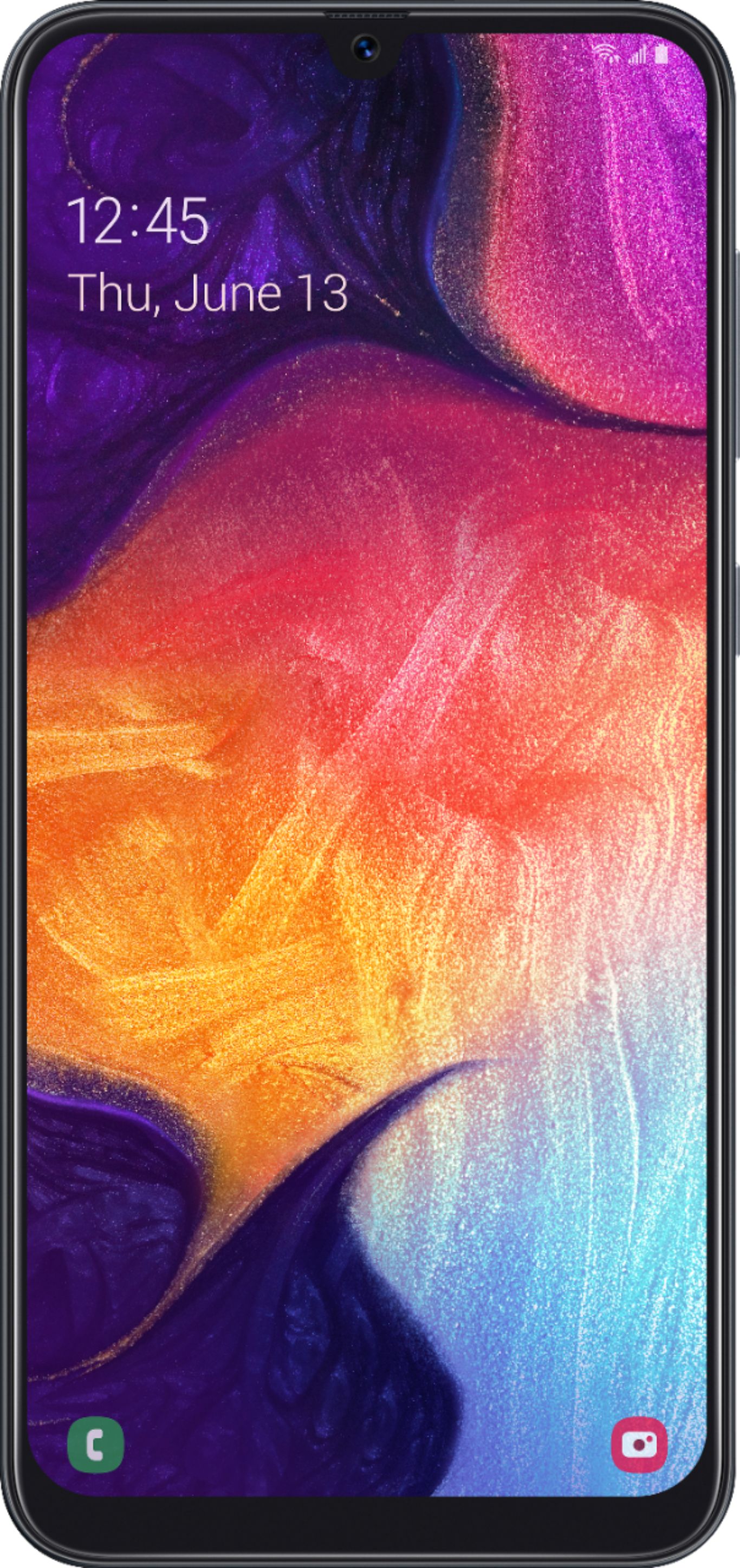
A:AnswerHello Cautioushopper, thanks for reaching out! Please follow this link (https://www.samsung.com/us/support/answer/ANS00078955/) to learn more about the different screen locks available on this phone. ^Elizabeth